
The Conversation (0)
Sign Up
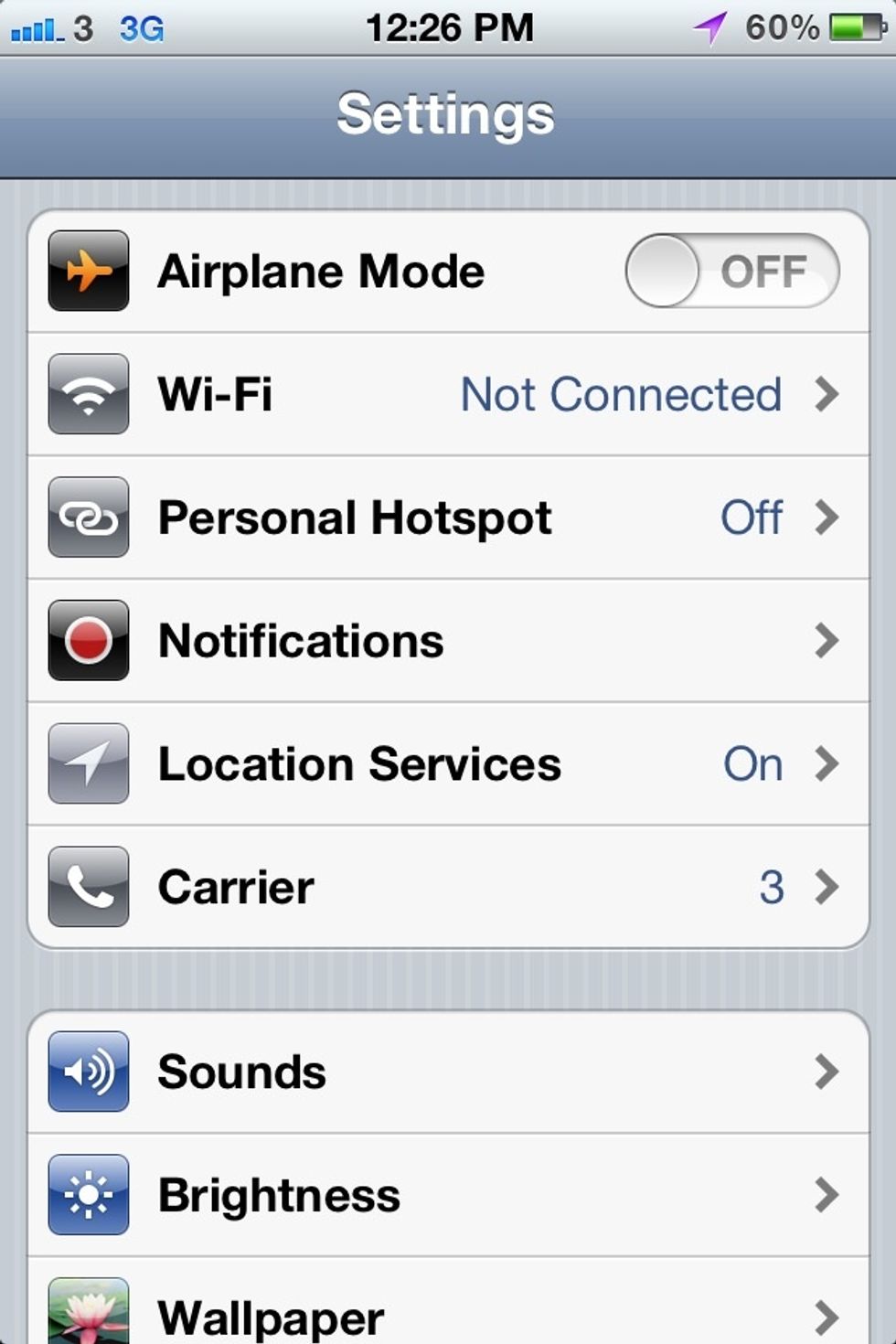
Open up setting app

Tap twitter icon
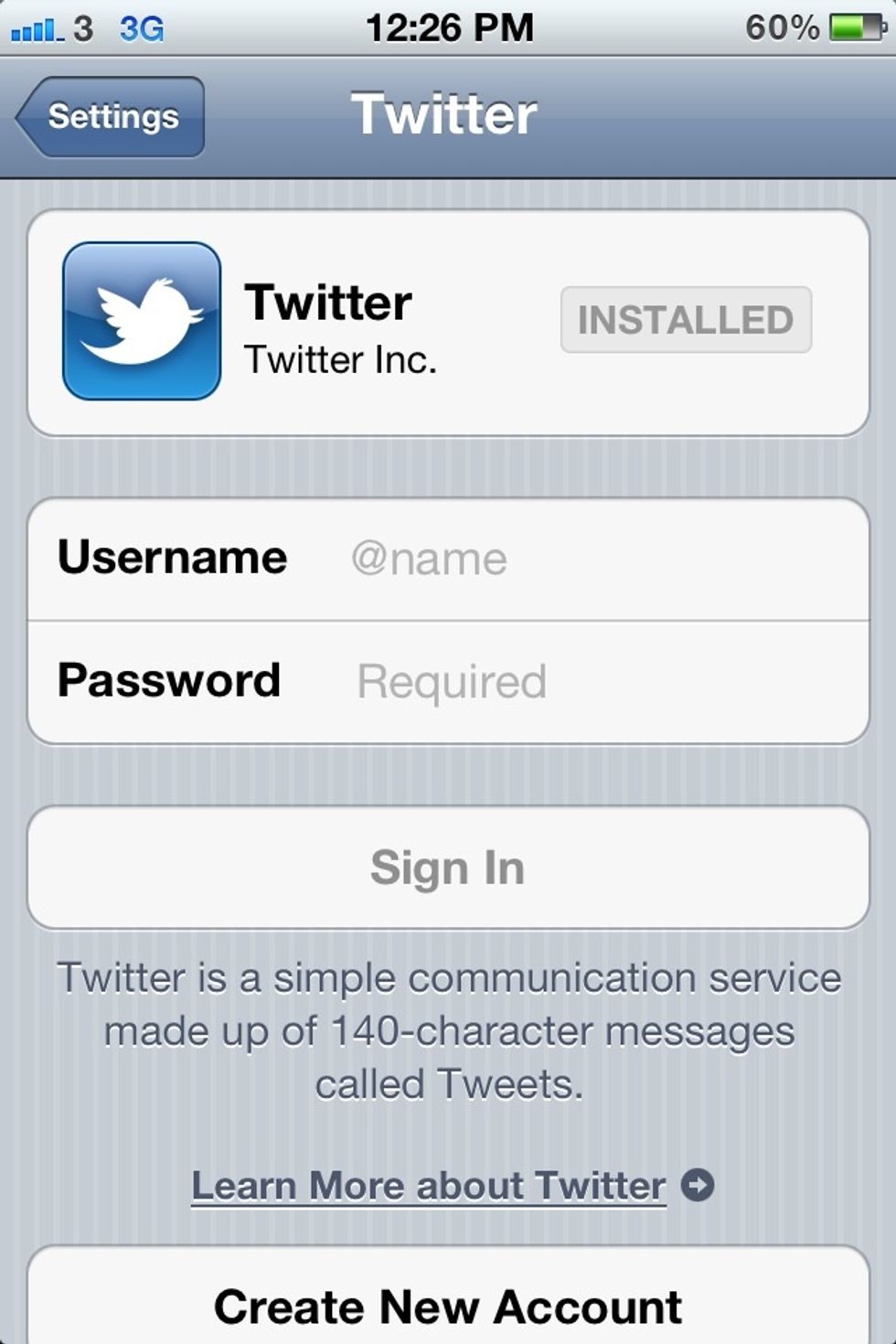
Enter your user name and password, then tap sign in. If you don't have an account you carte one. If you don't install twitter app, you are able to install it here by taping install.
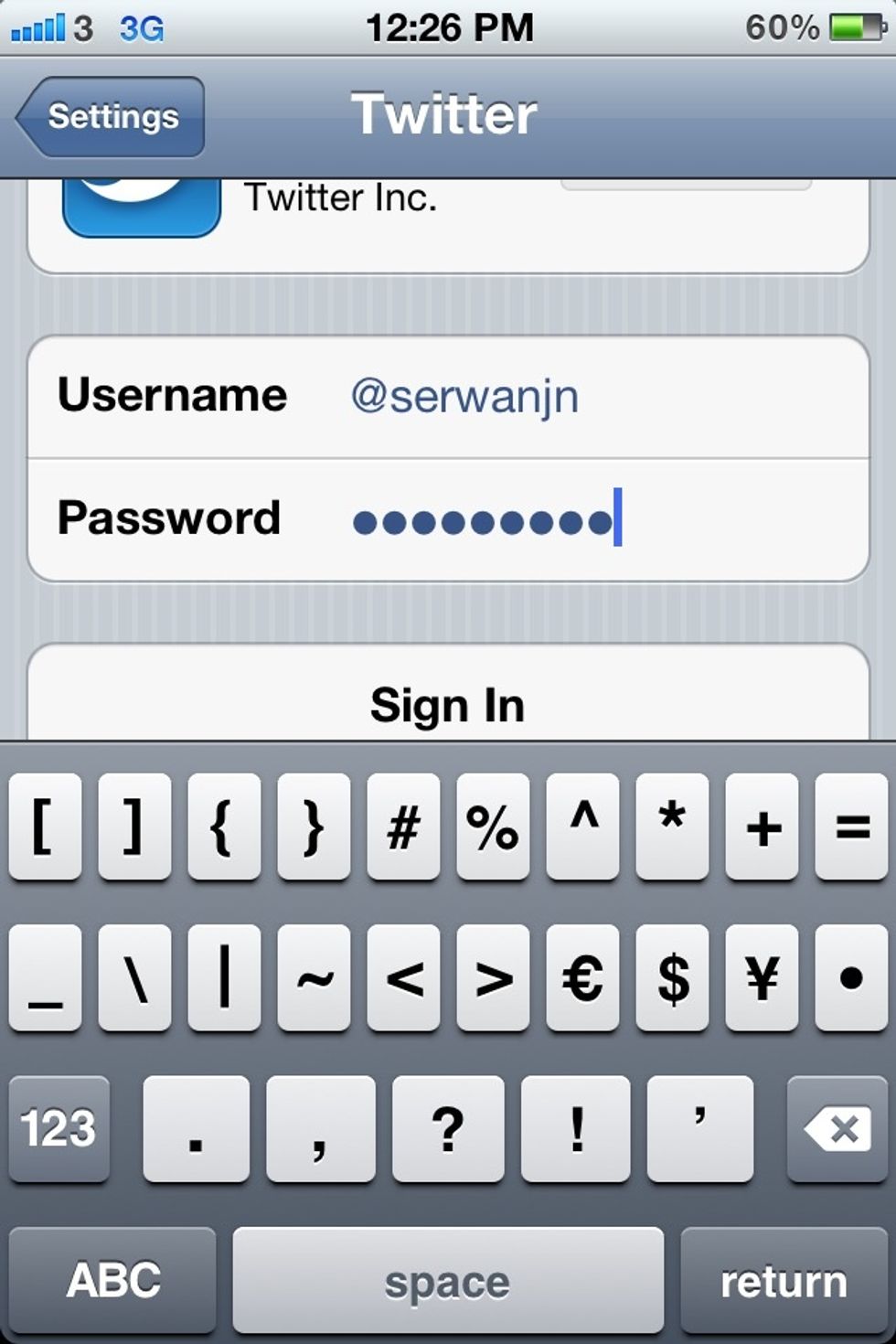
(typing user name and password)
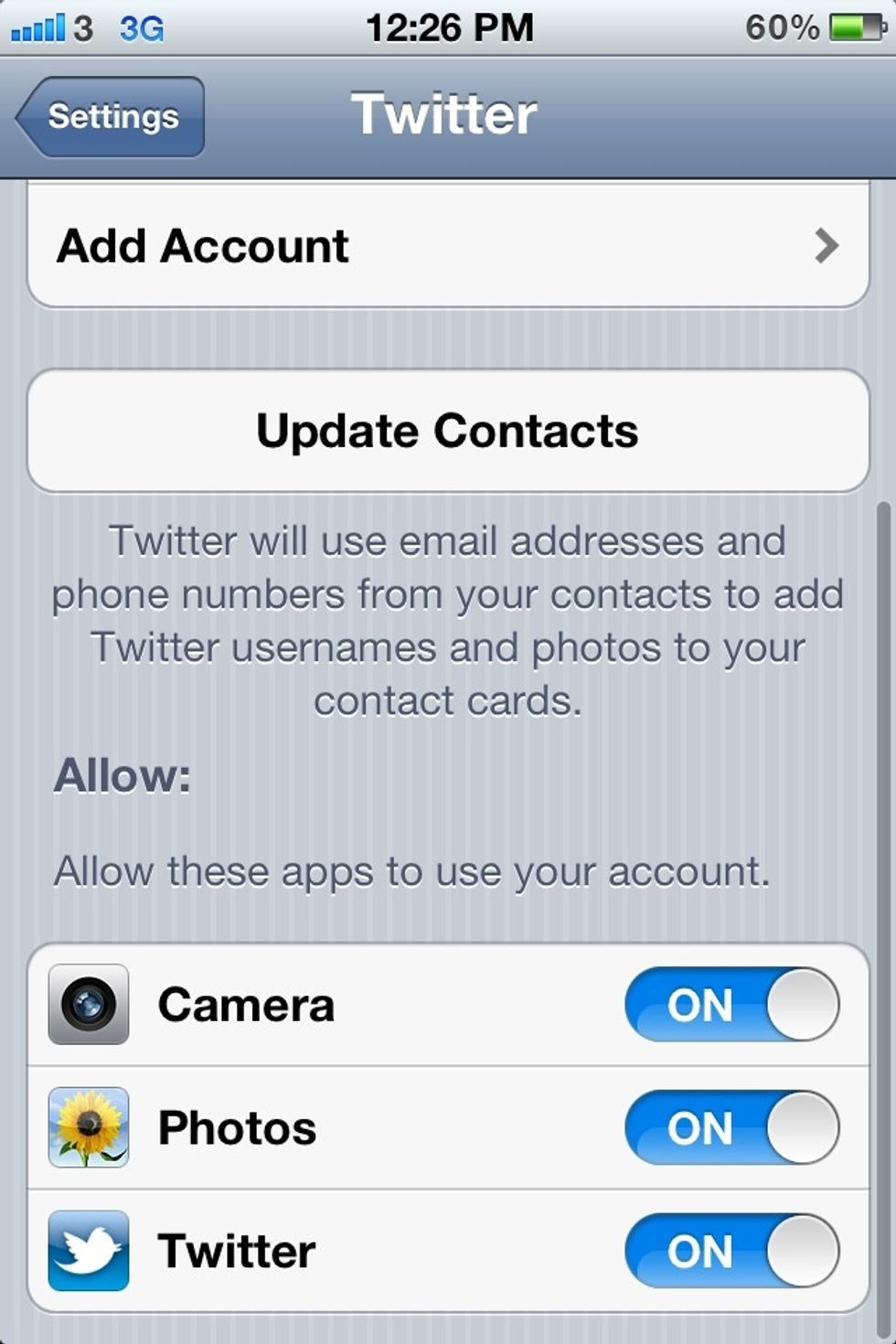
After signing in, you are able to turn on or off some application which are able to use twitter interrogation.

Let's go to tweet this sketching... Tap the arrow icon in the bottom left corner.
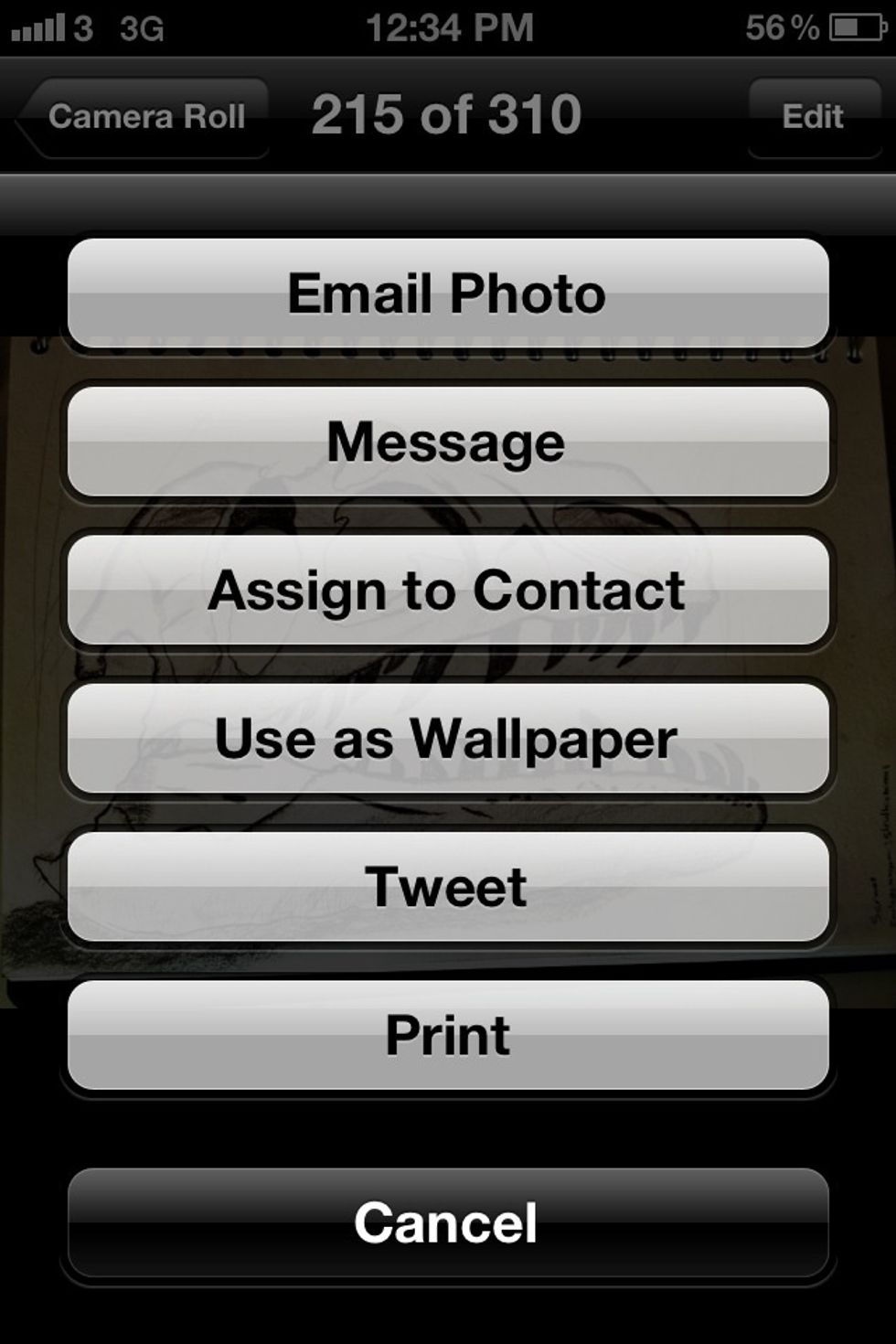
Tap Tweet
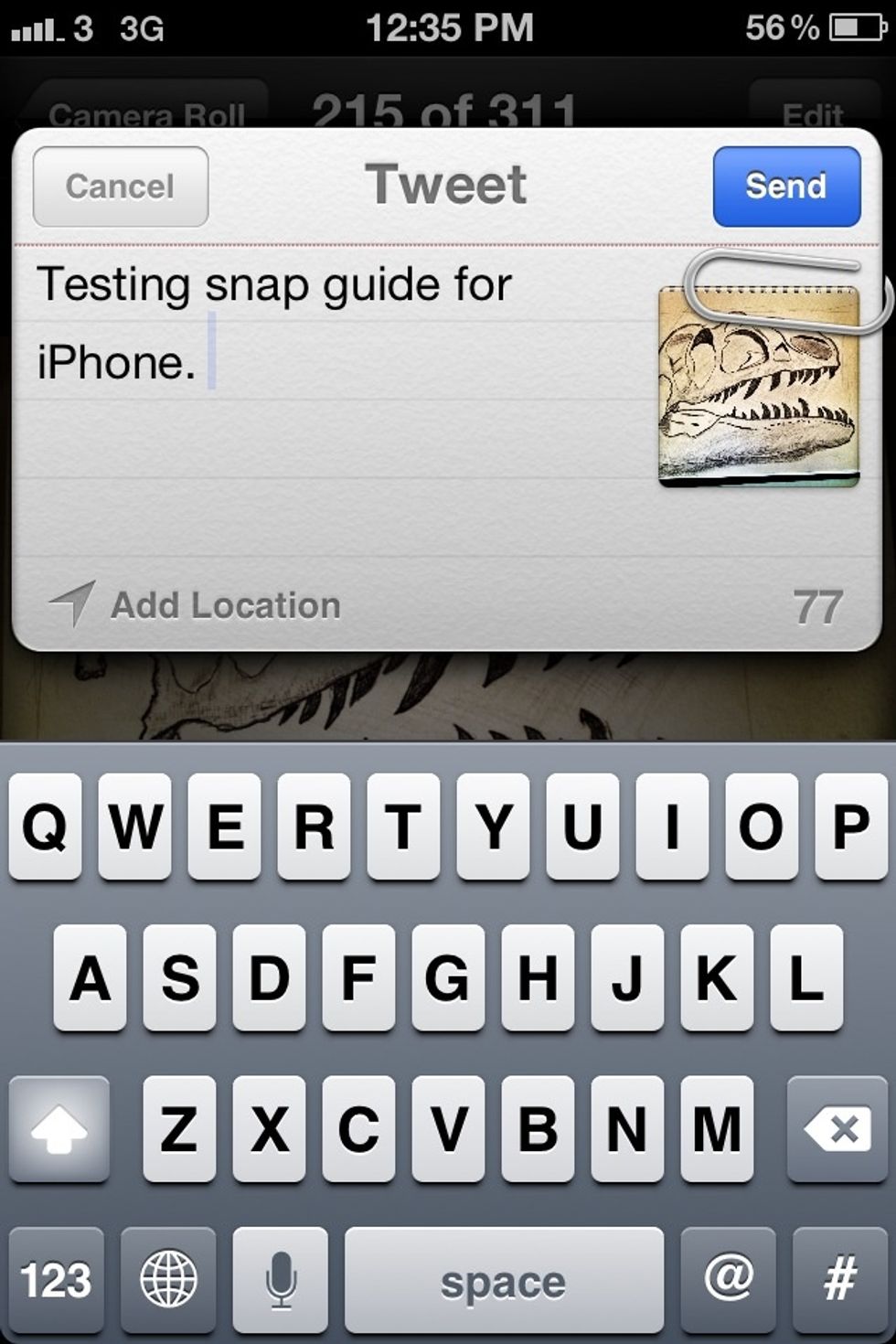
Describe your picture easily. Also you can add your location by tapping Add Location. Tap send whither you want to share, by contrast tap cancel for cancelling. You'll hear a sound of tweet.
As you see, it is very simple and easy. You can tweet Links, YouTube videos among pictures; as well as some app too.