How to use the online catalog to find a book at bvsw.

Use the Online Catalog to Find a Book at BVSW.

26
STEPS
TOOLS

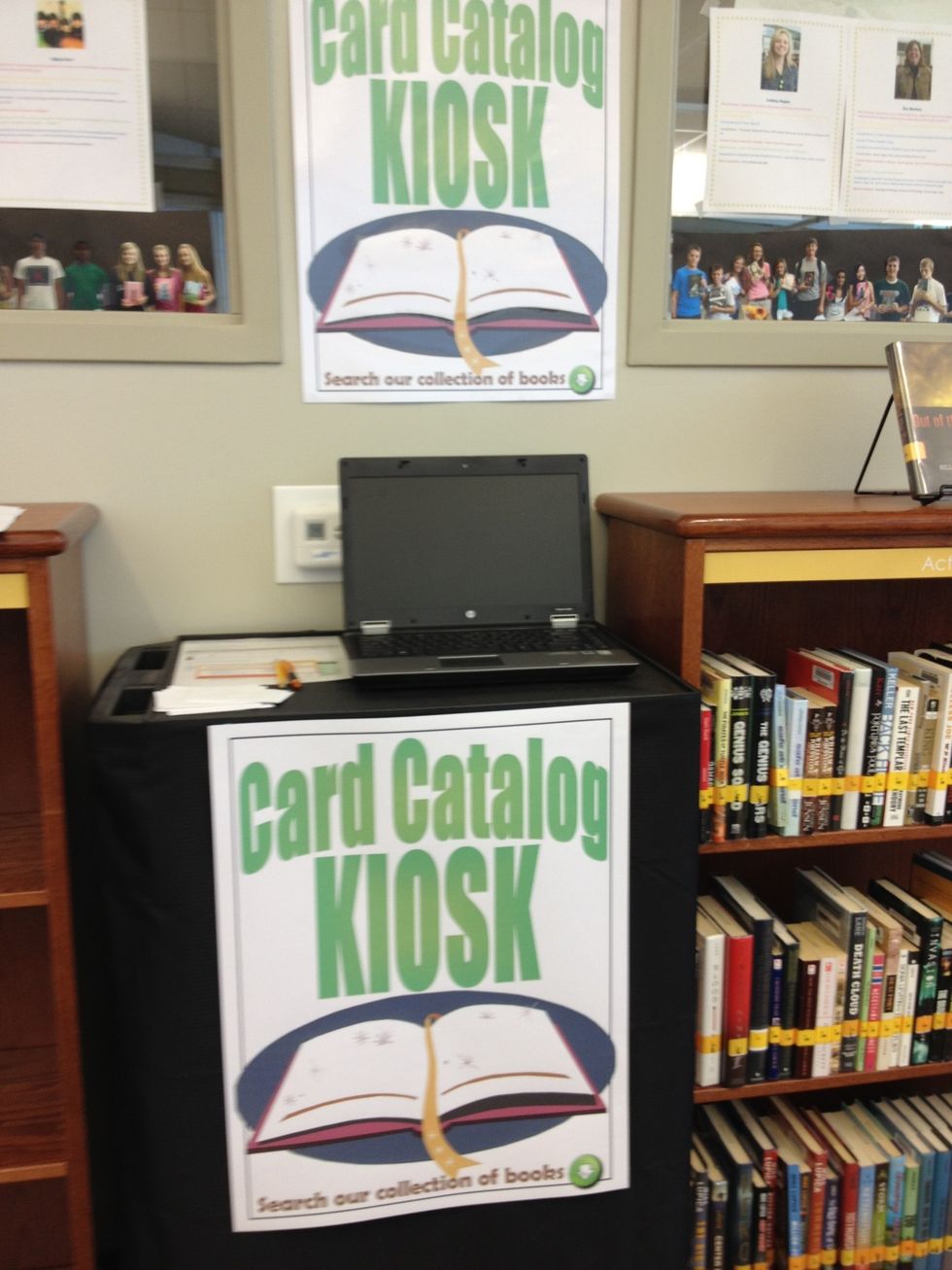
Start at the kiosk.

Start at the kiosk.

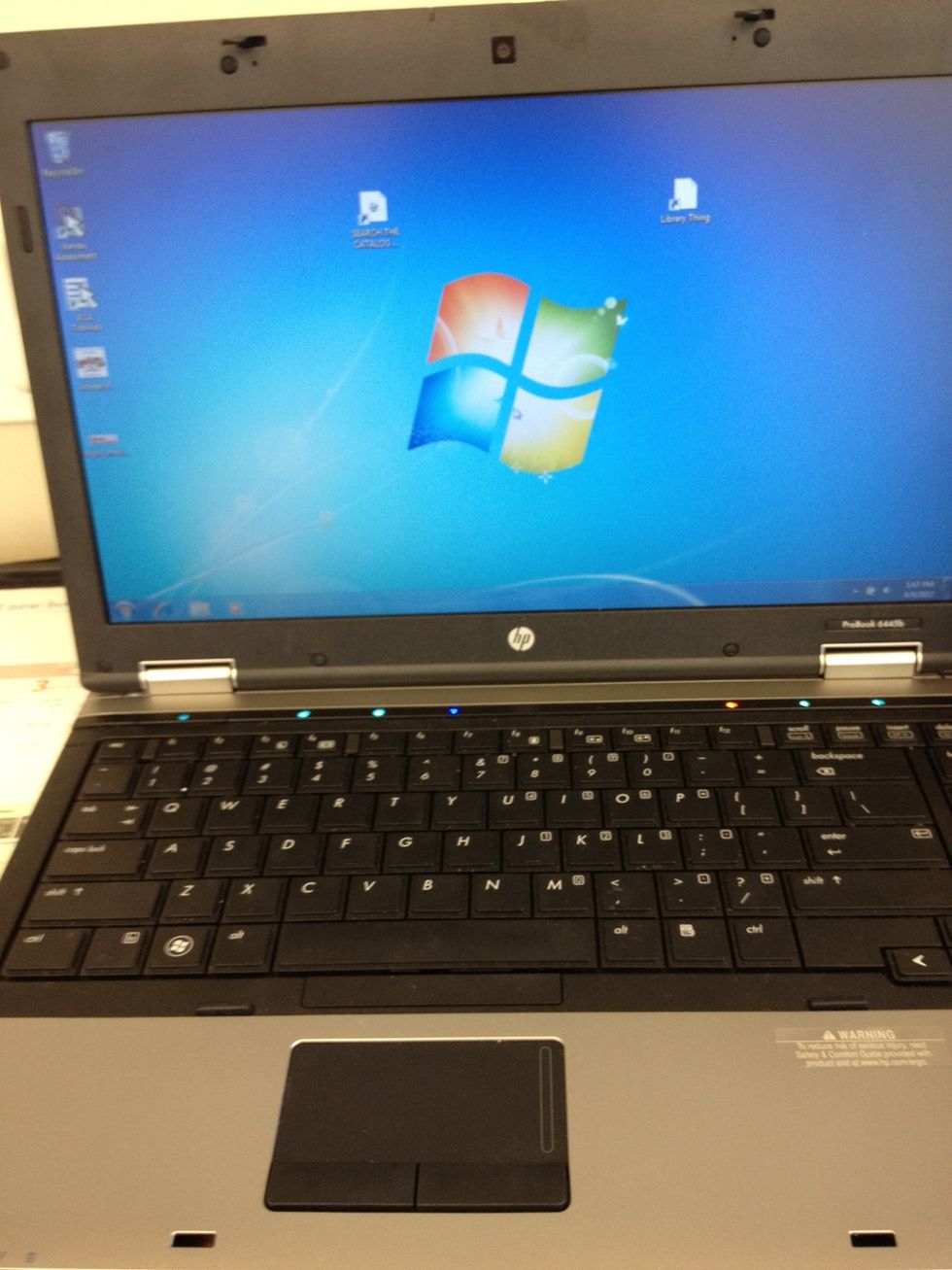
Wake up the computer.

Wake up the computer.

Click on the catalog icon.
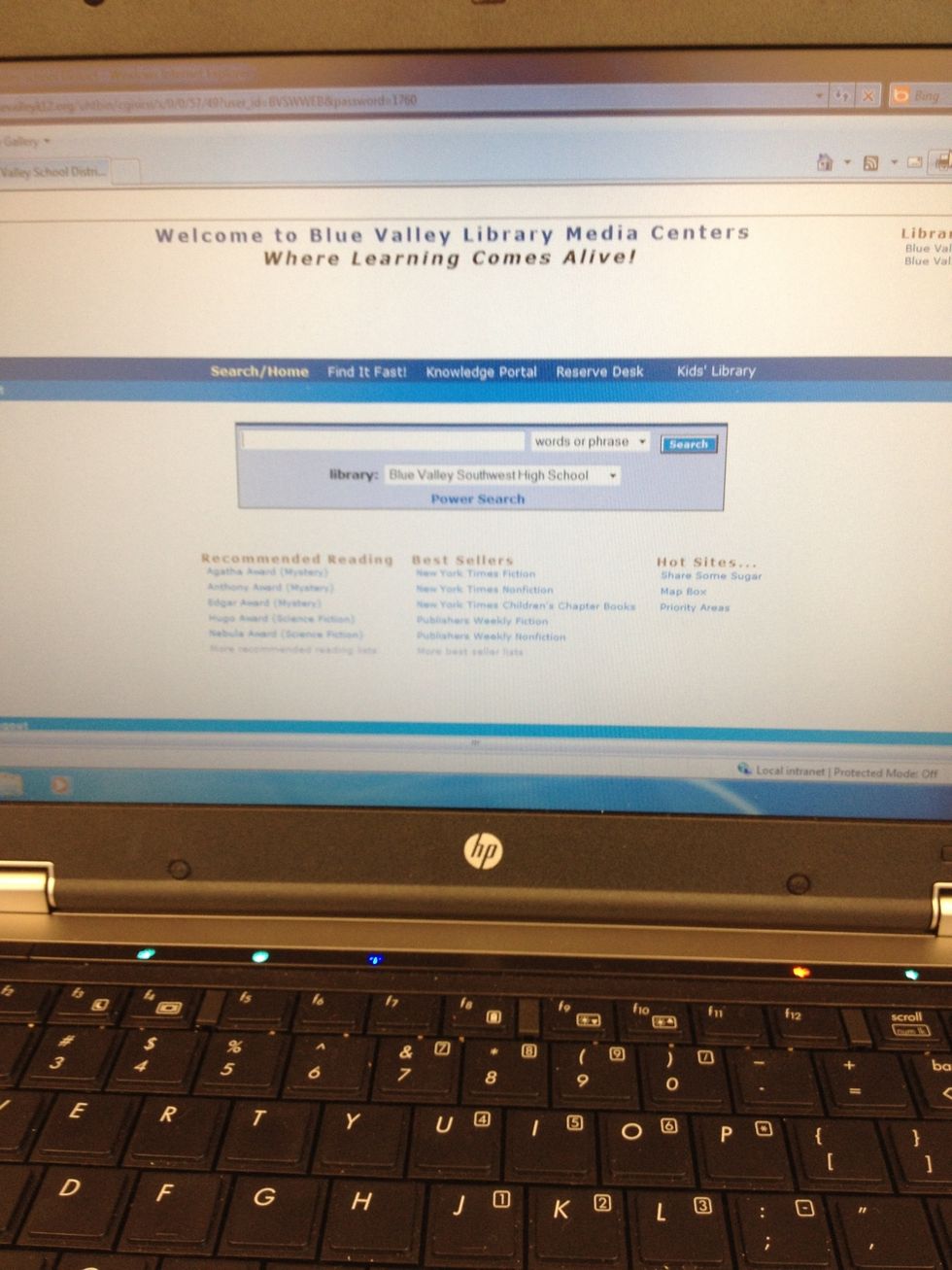
Click on the catalog icon.

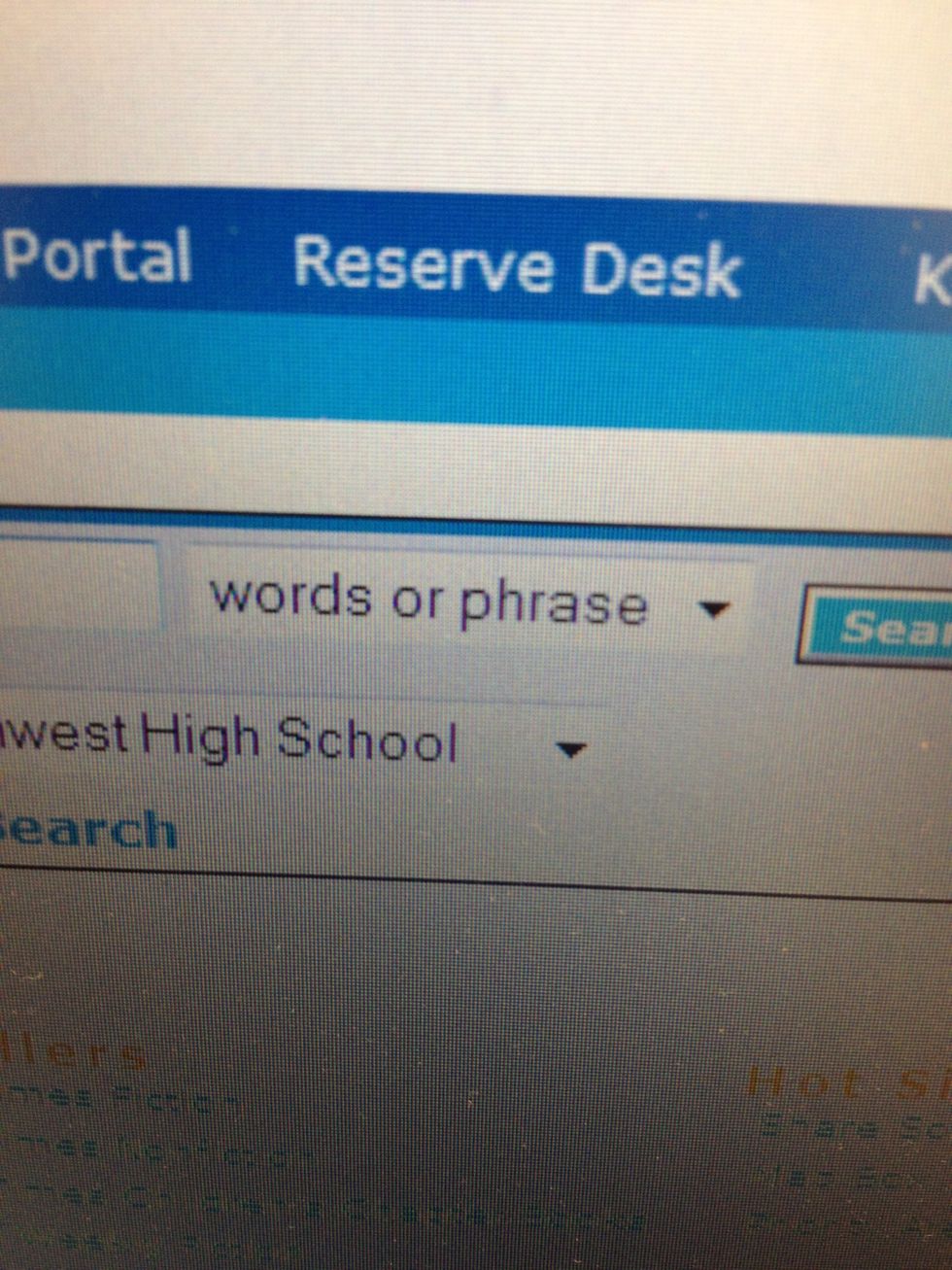
Choose your search method.
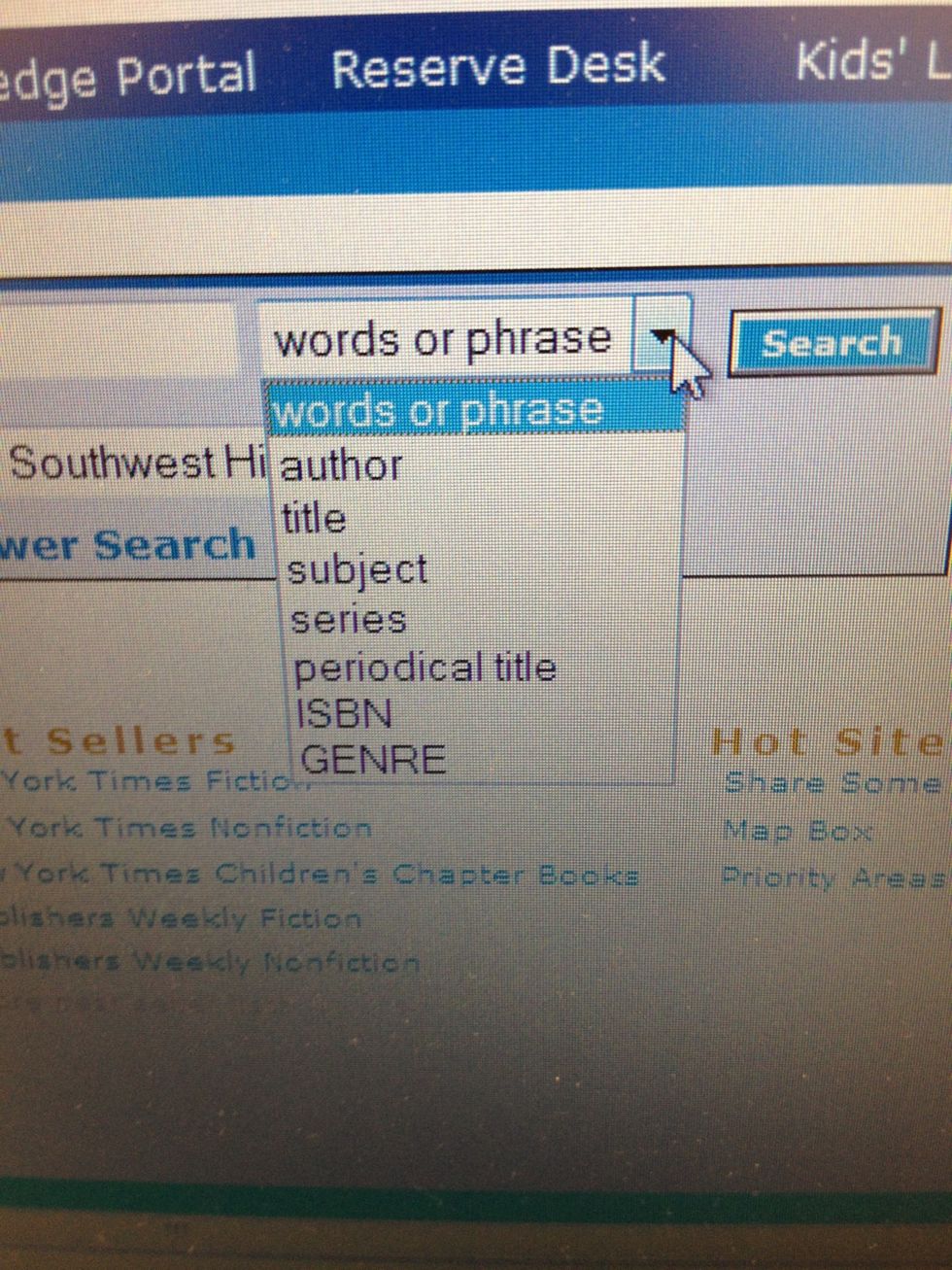
Choose your search method.

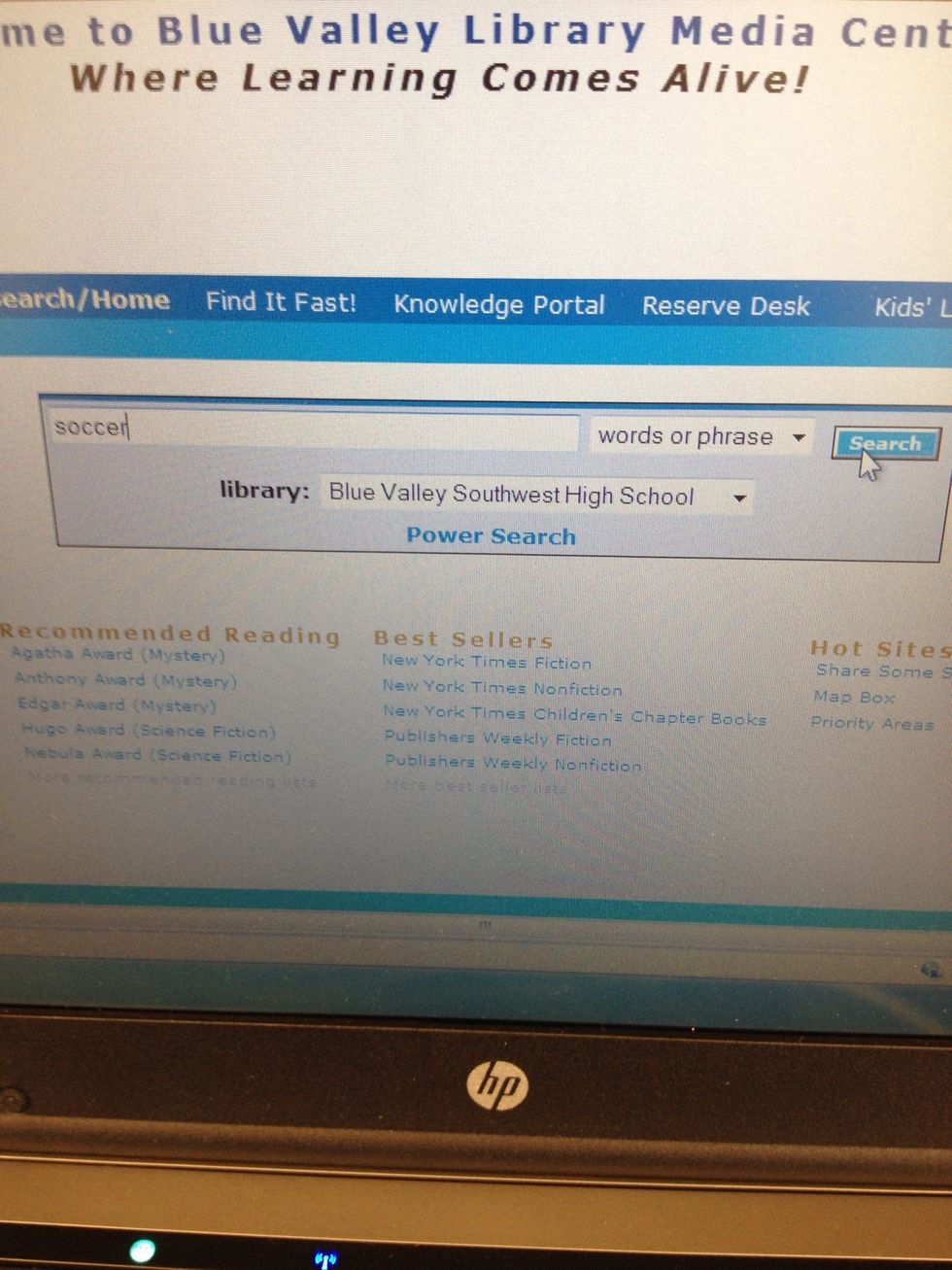
Type in your search term.
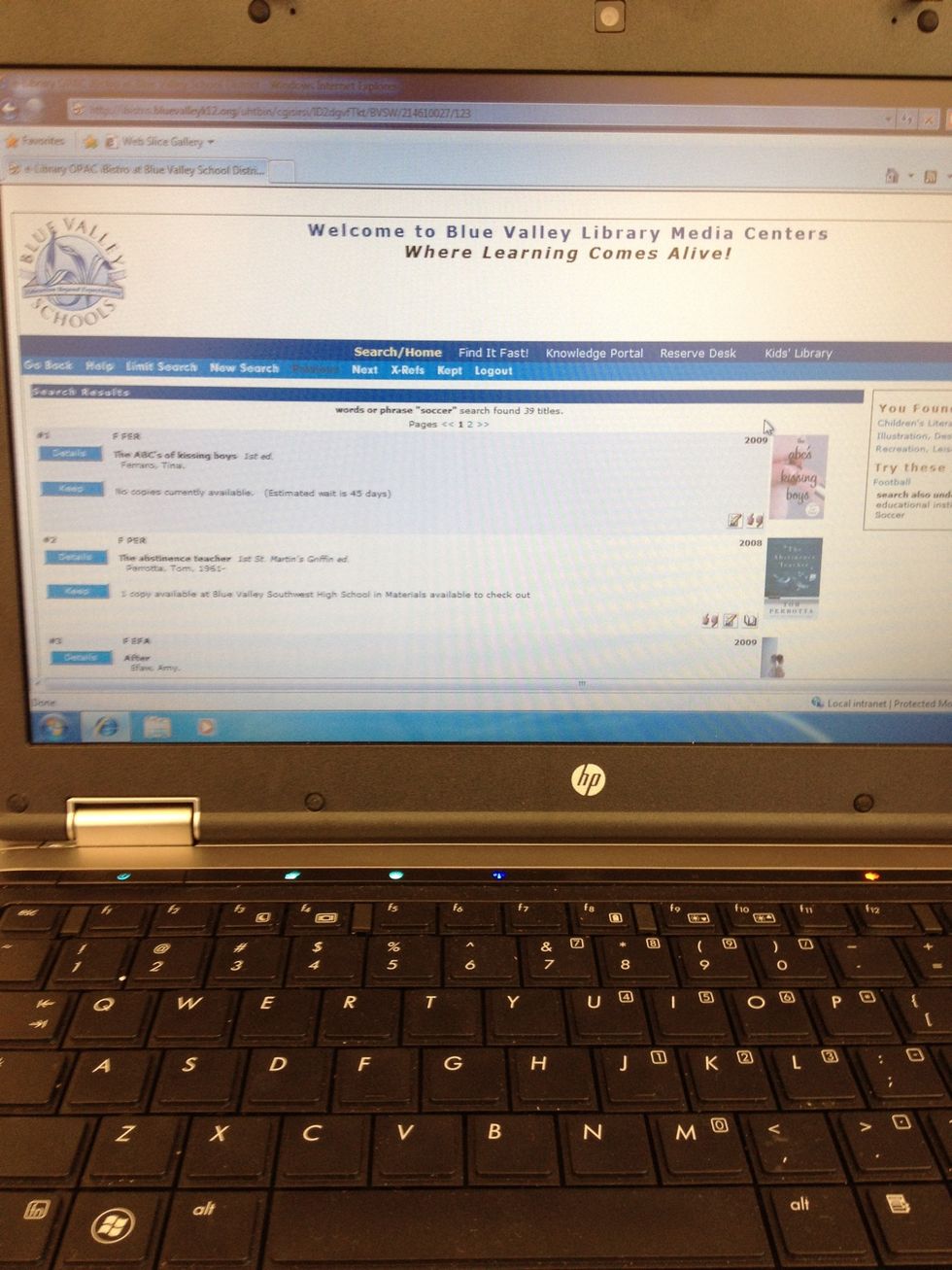
Type in your search term.

View results.
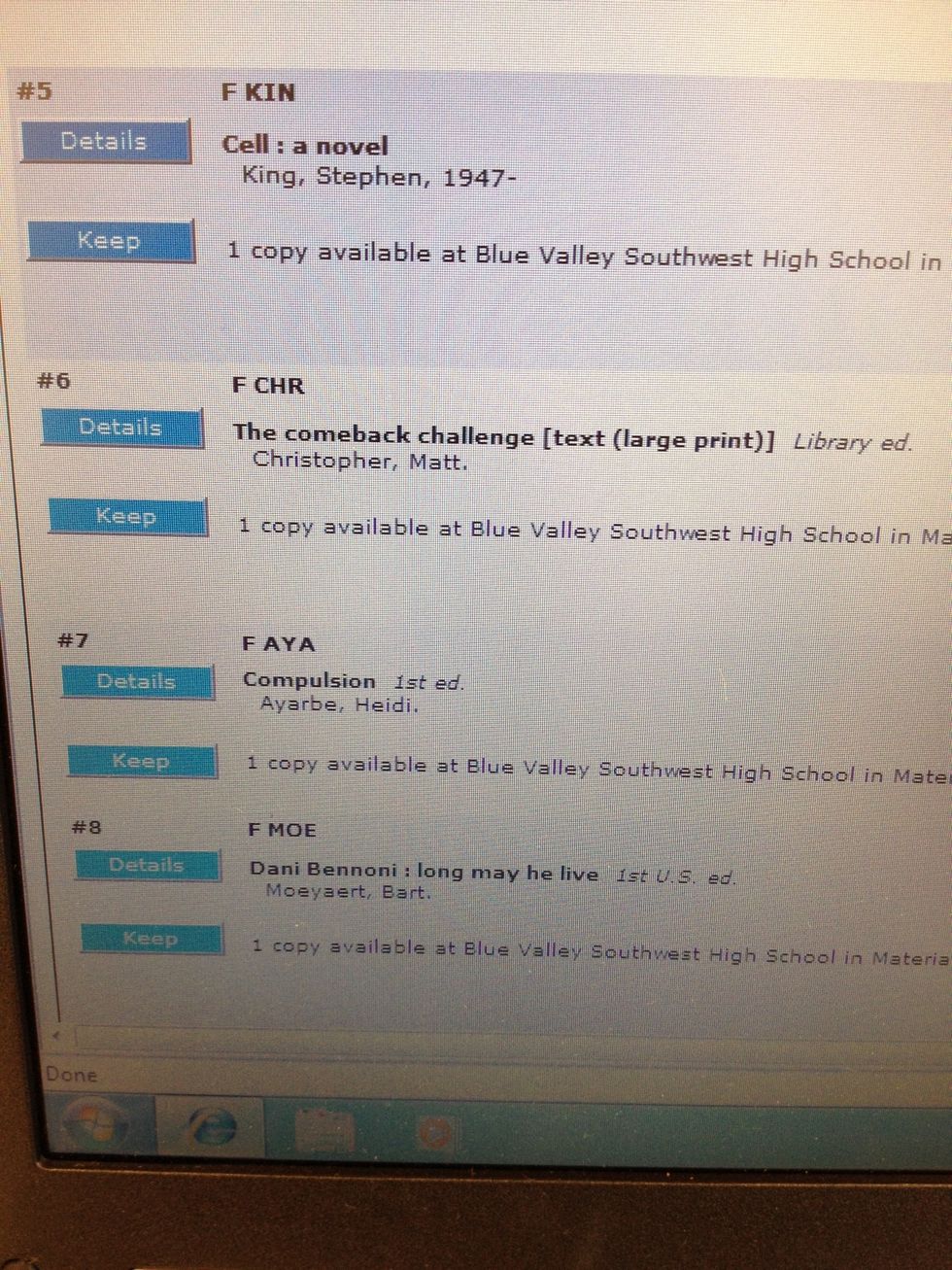
View results.

Choose a title and click on Details.
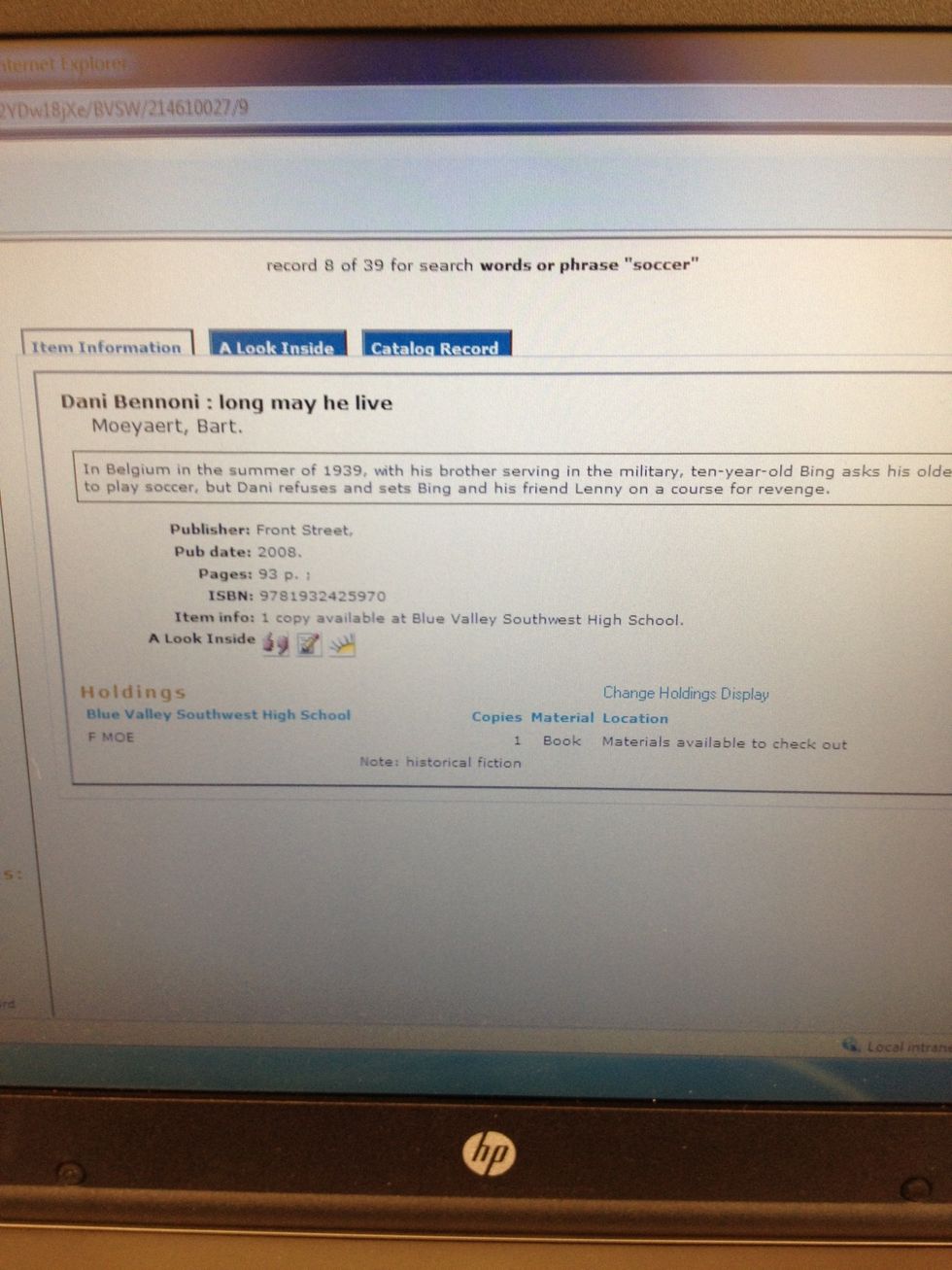
Choose a title and click on Details.

Read information about your title.
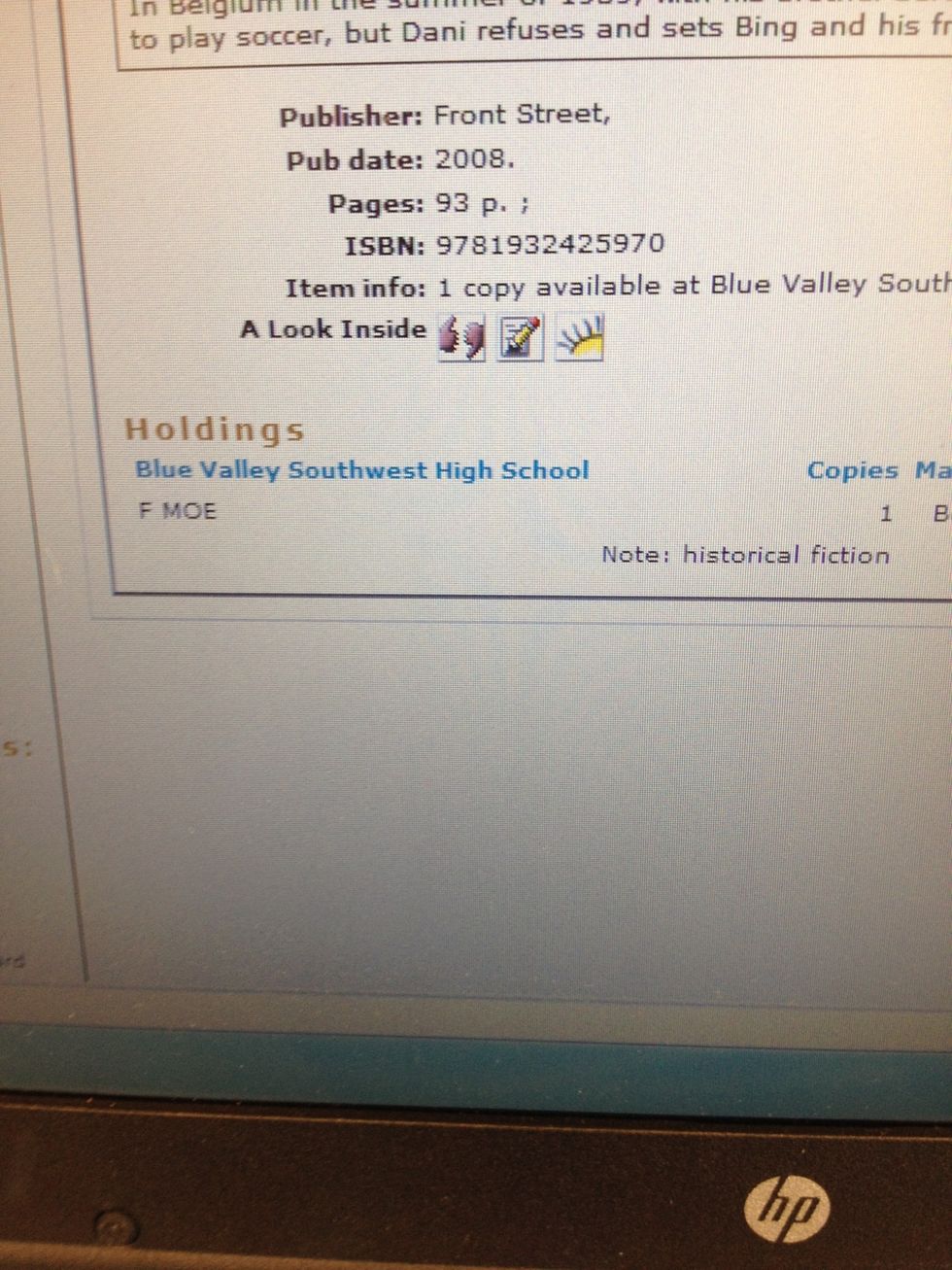
Read information about your title.

Look at the call number. It is F MOE. Look at the Genre. It is historical fiction.
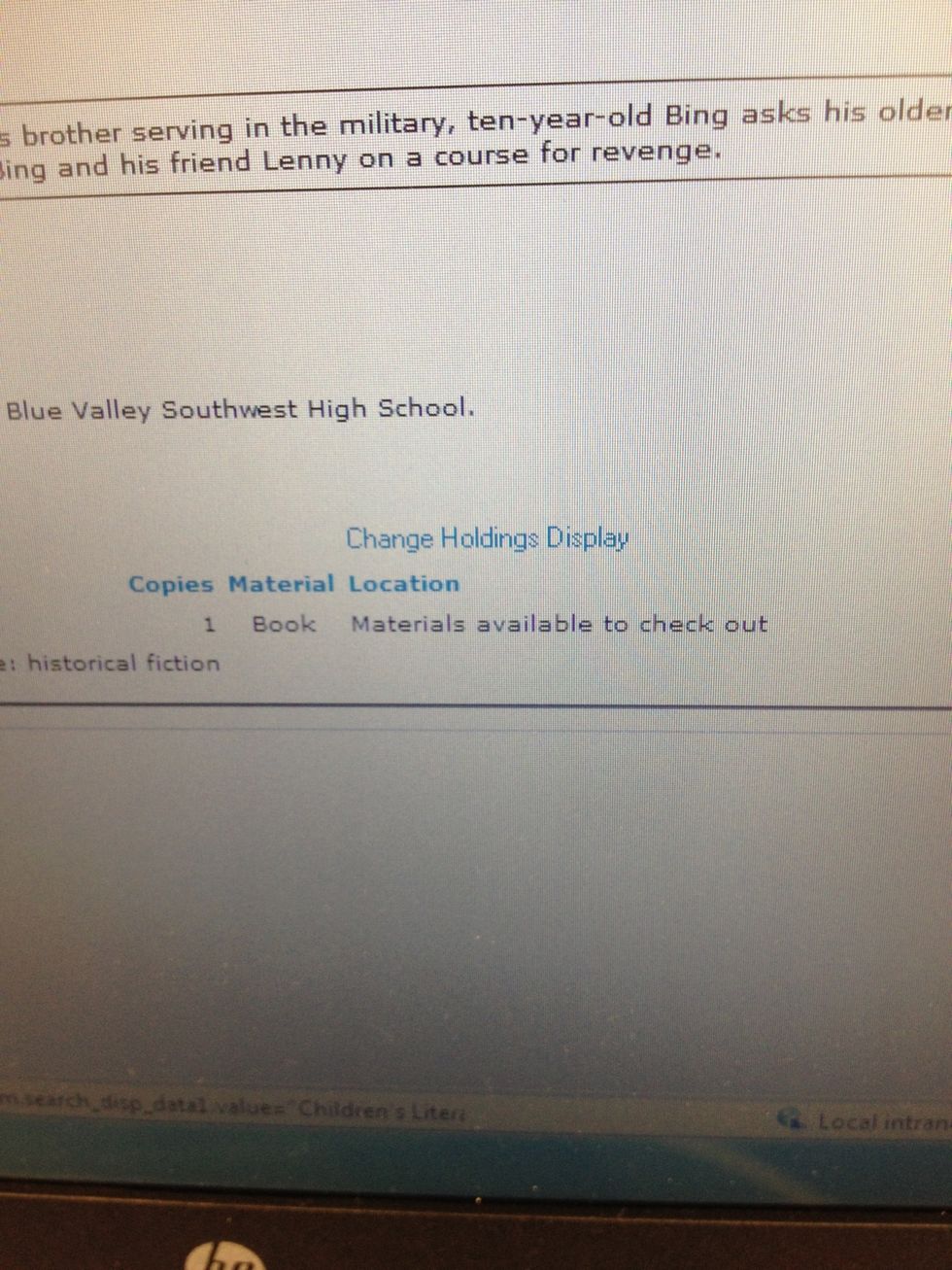
Look at the call number. It is F MOE. Look at the Genre. It is historical fiction.

Check that it is available.
Check that it is available.

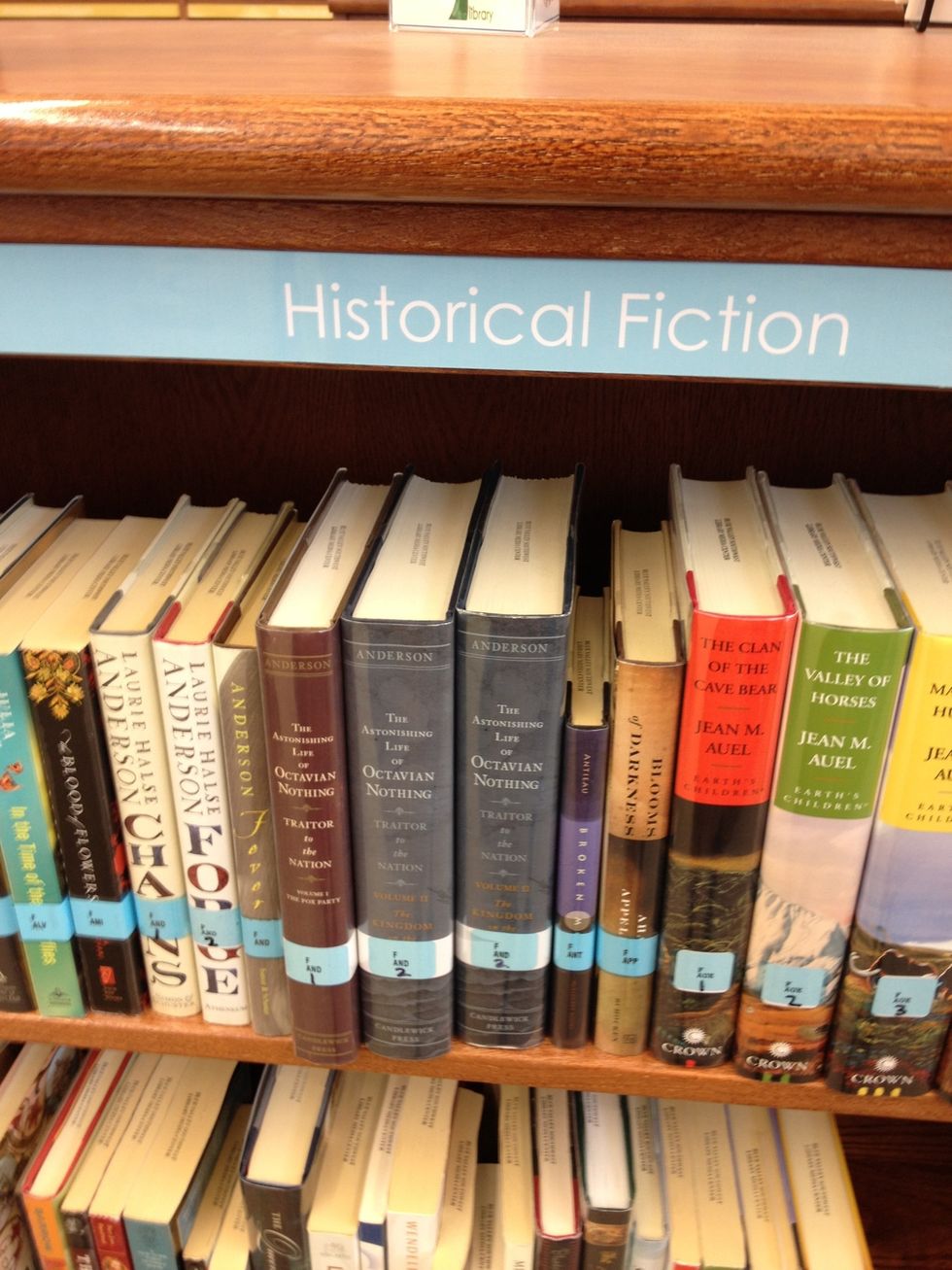
Go to the genre section.
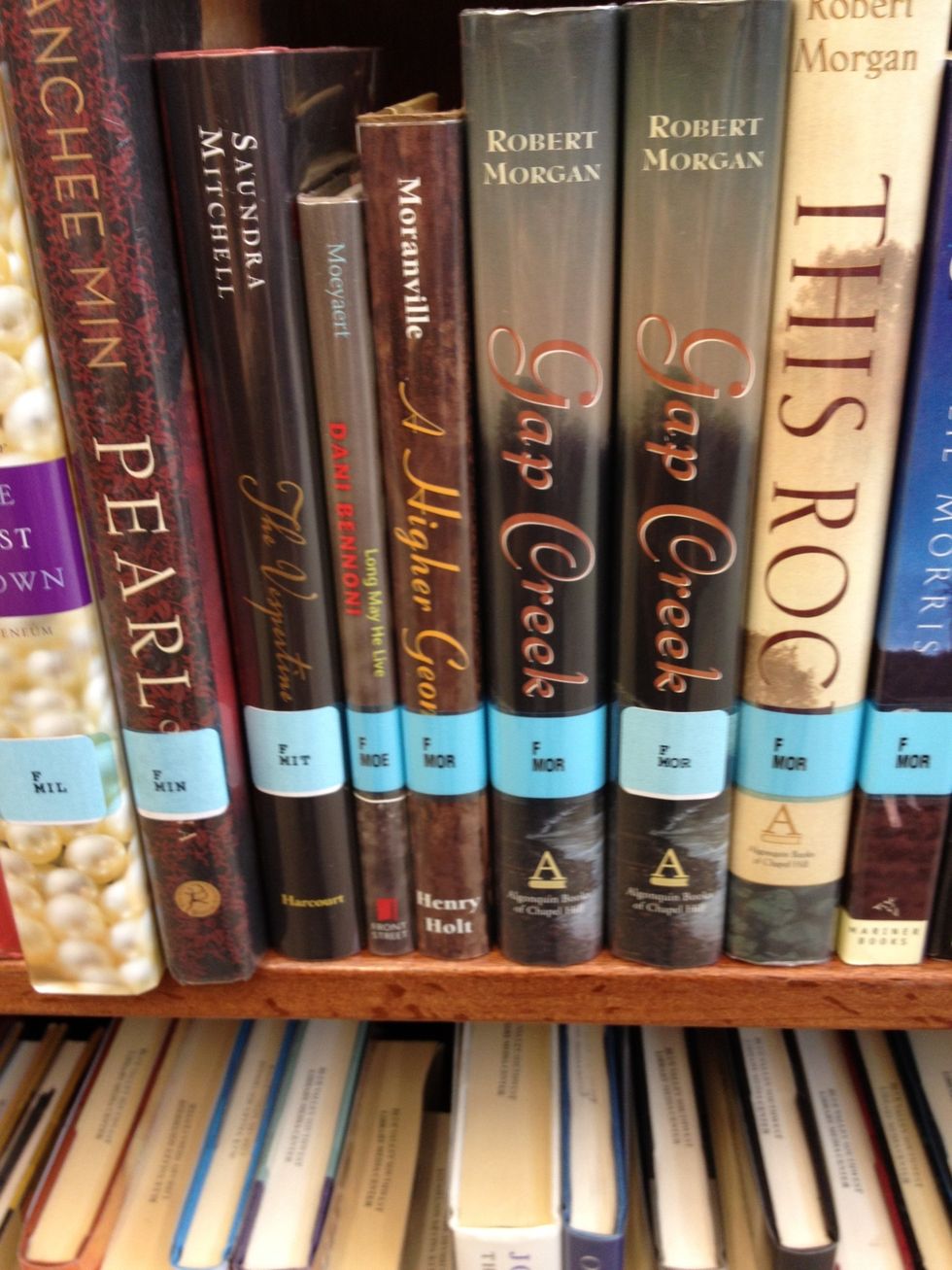
Find the call number. MOE.
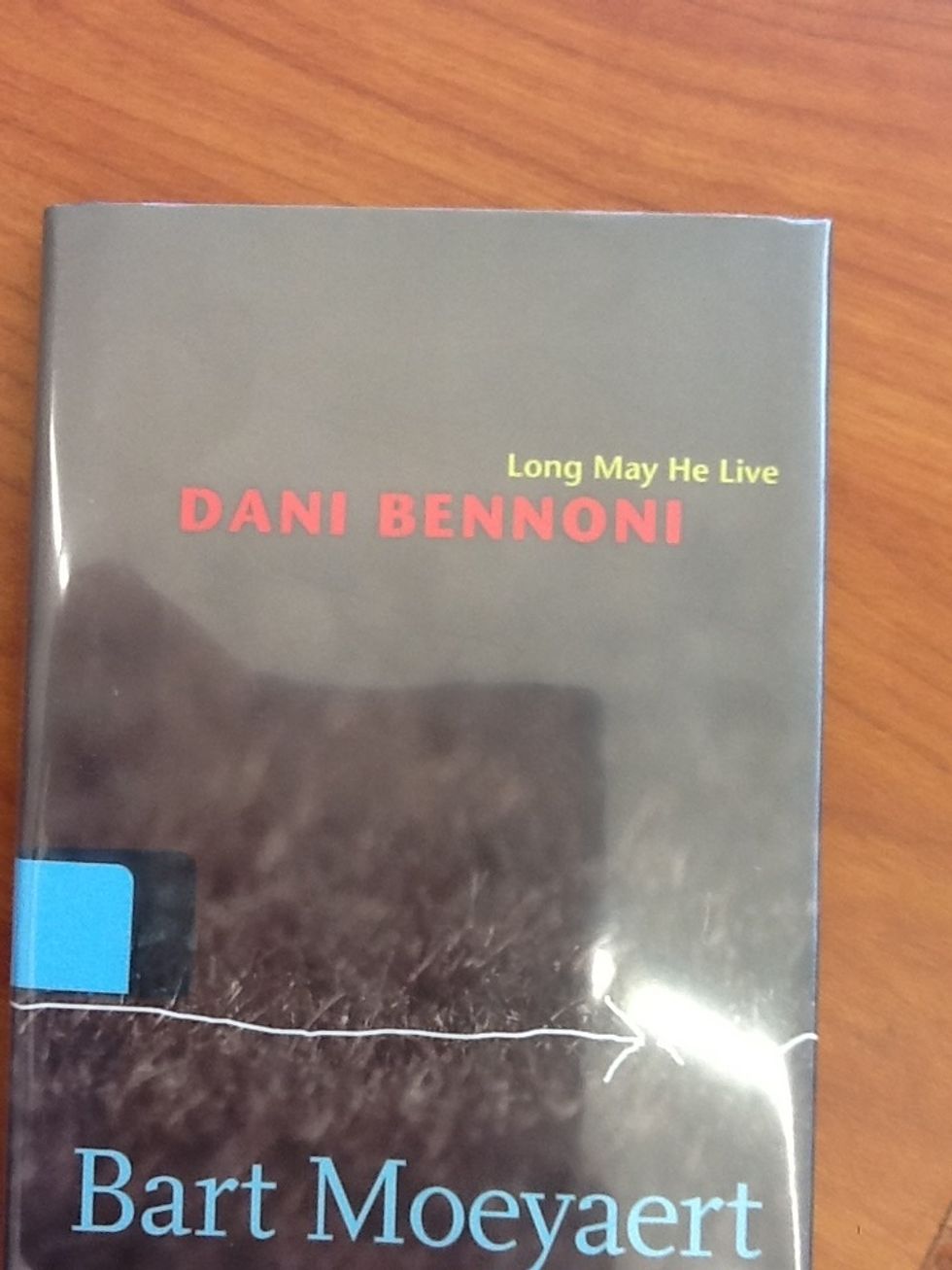
Find the call number. MOE.

Take it from the shelf.
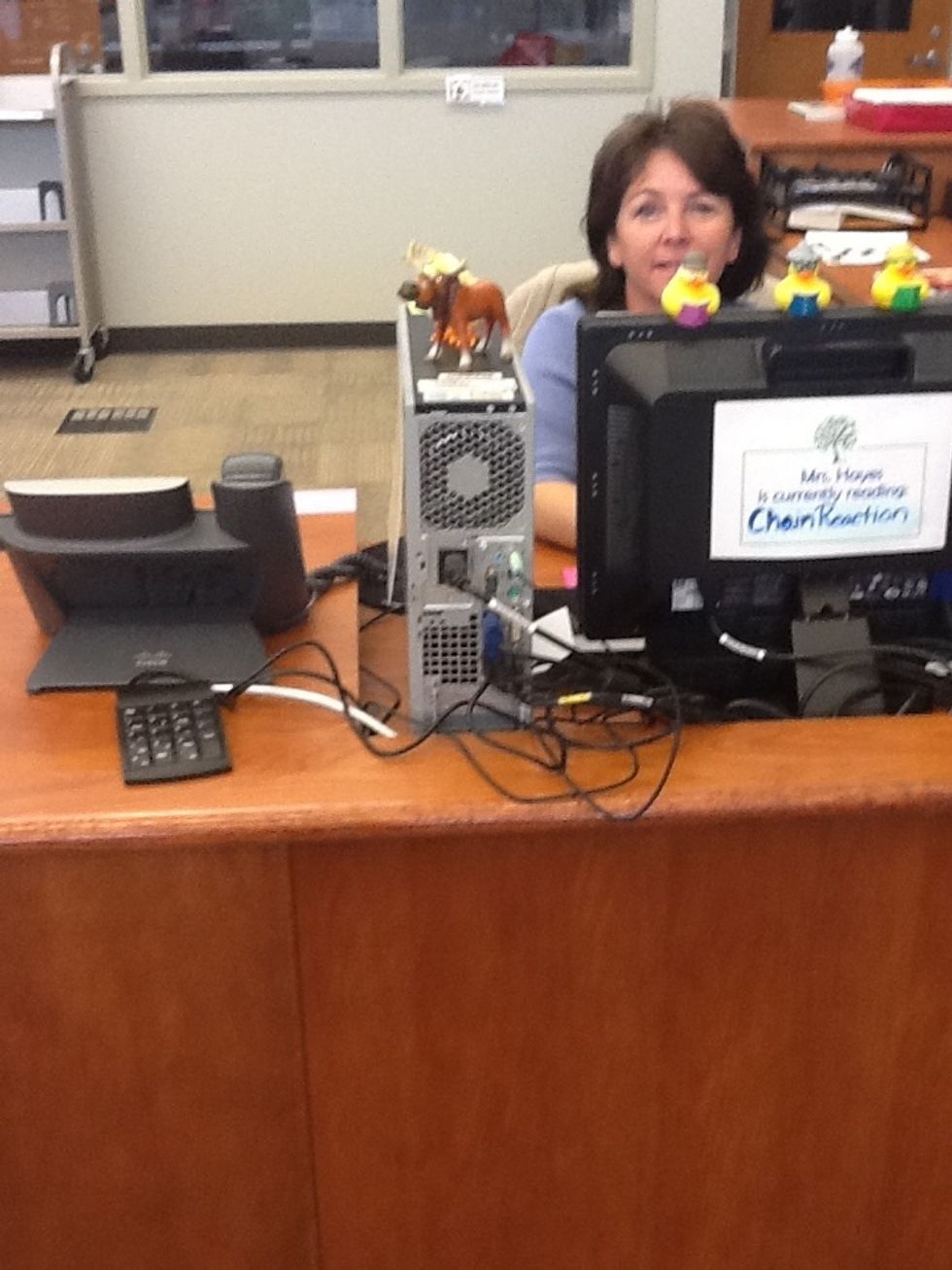
Take it from the shelf.

Go to the front desk.
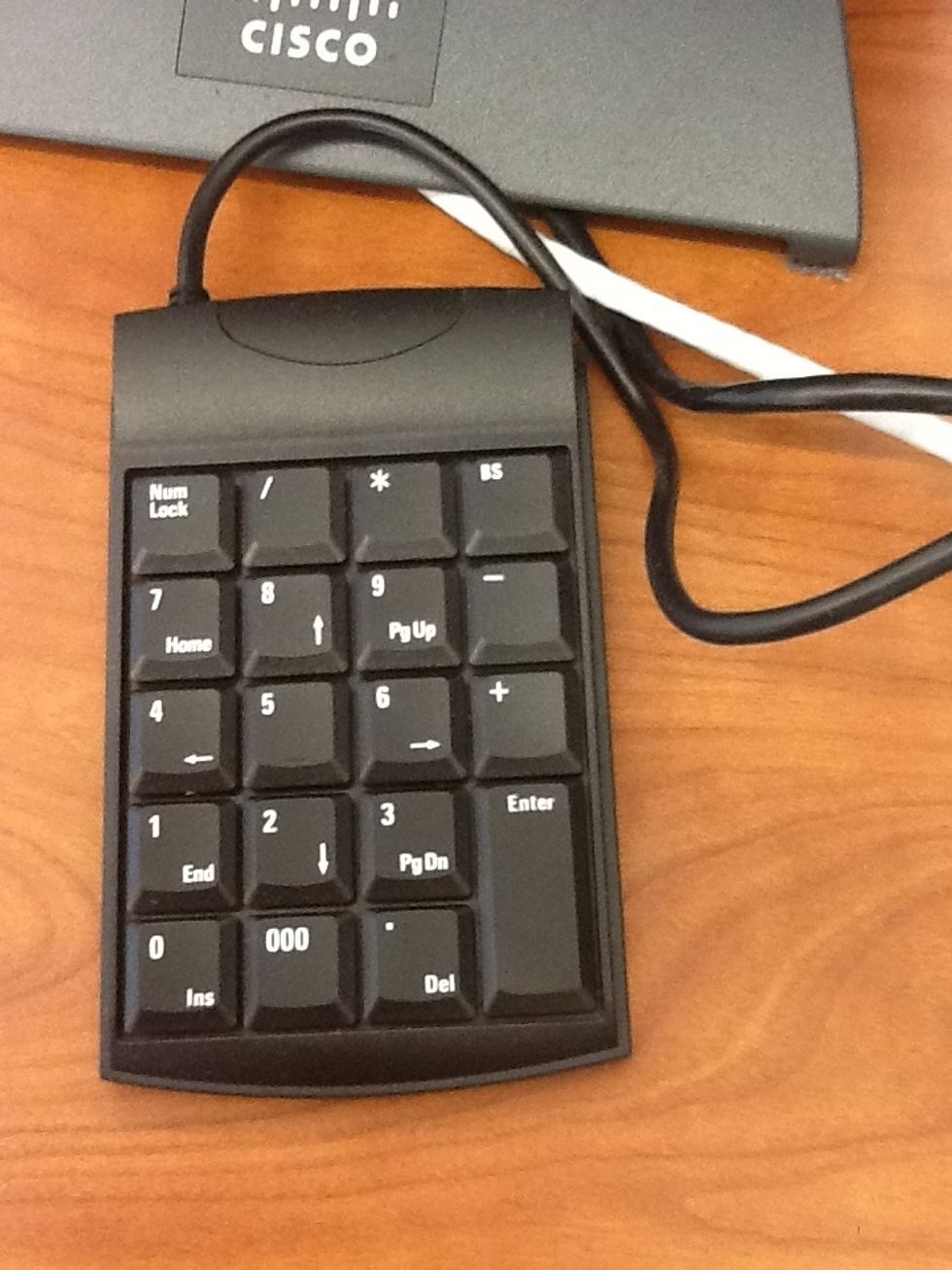
Go to the front desk.

Type in your ID number.
Type in your ID number.

Go enjoy your book!

Go enjoy your book!

  • 1 student
  • Internet access
  • Computer