
The Conversation (0)
Sign Up
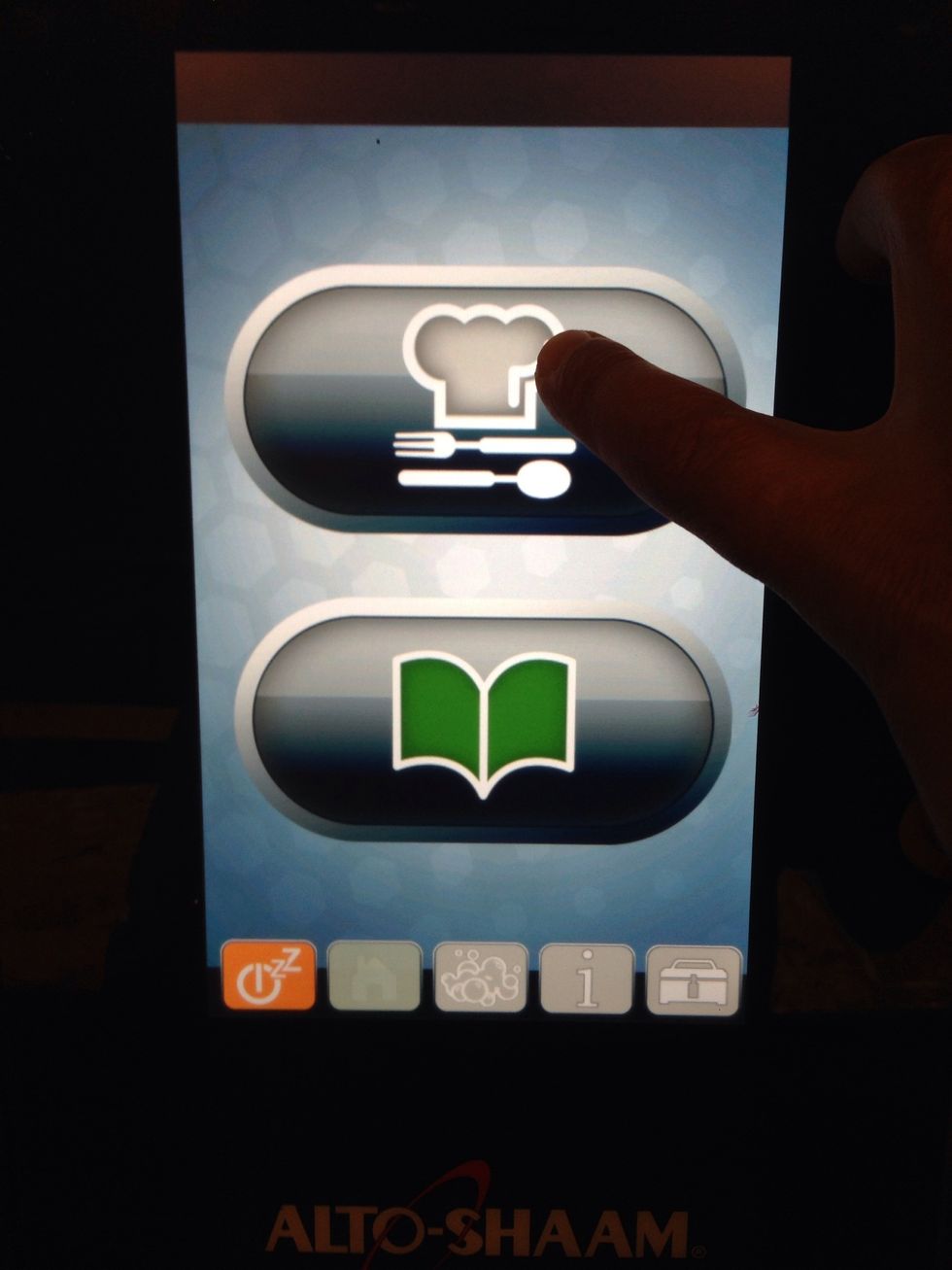
From the home screen, enter the professional cooking mode.

Press this icon here to bring up your dehydrate function.
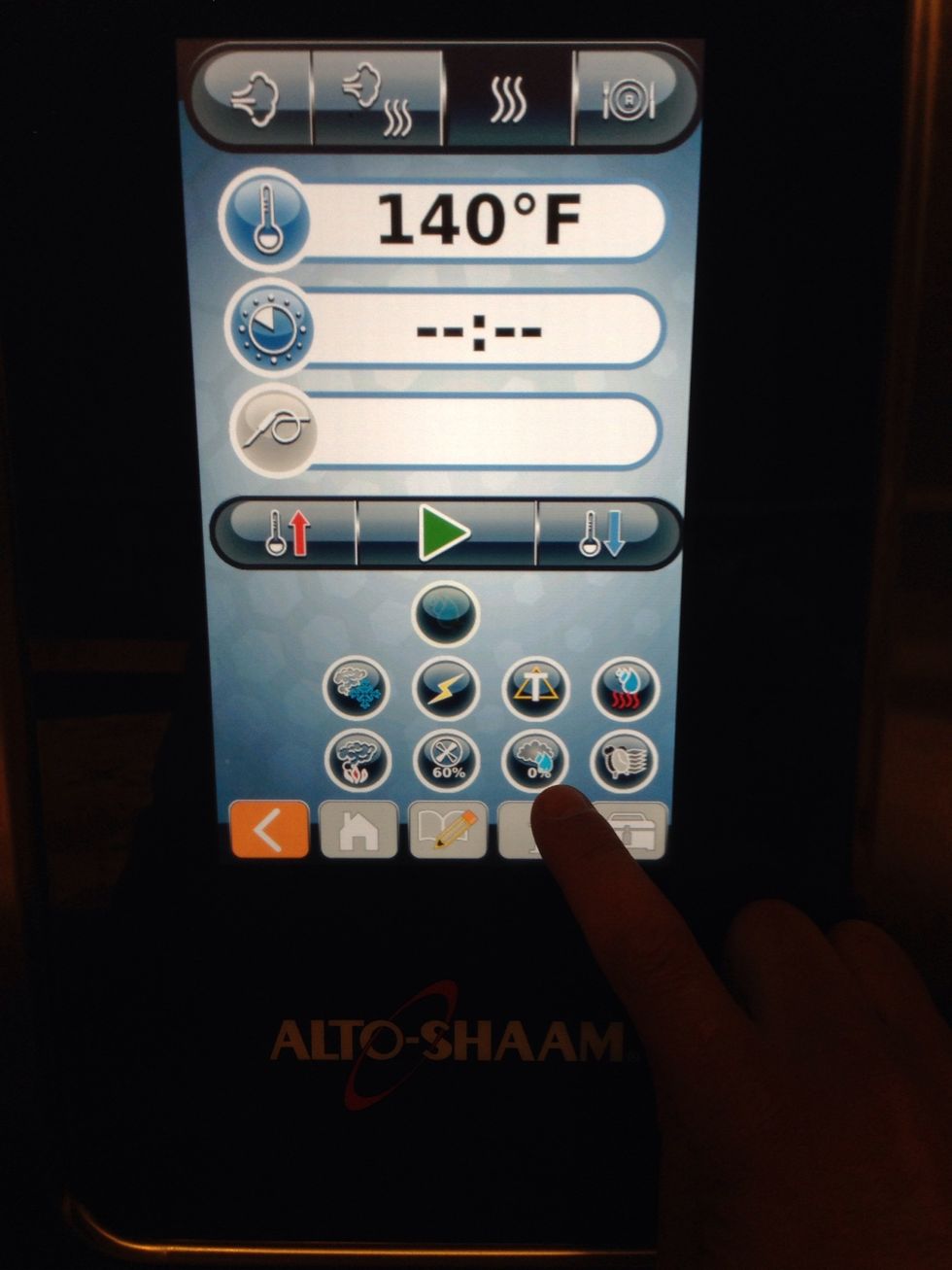
The most important element of the dehydrate function is that it sets the Absolute Humidity Control to 0%.
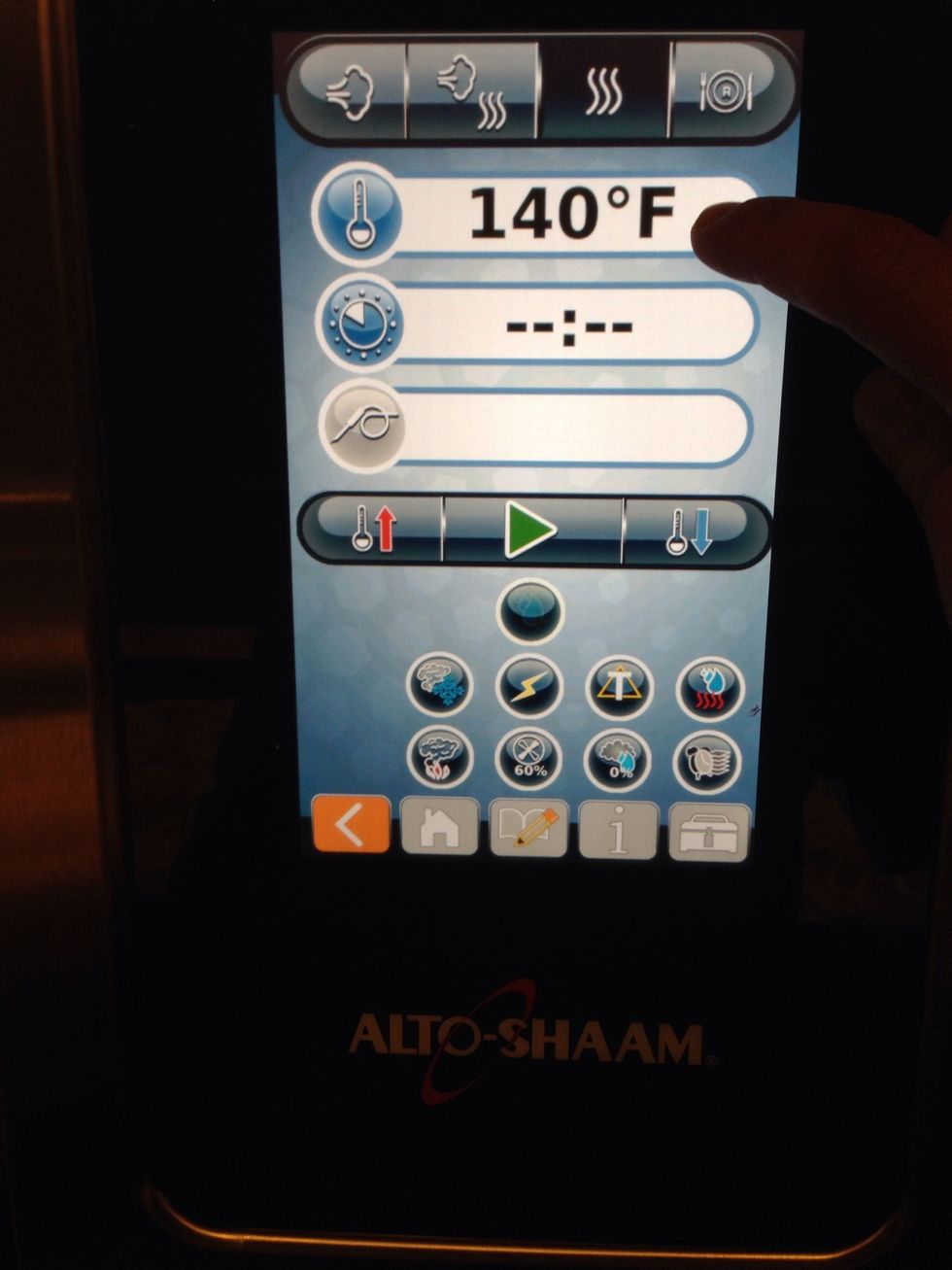
You may choose to raise or lower the temperature.
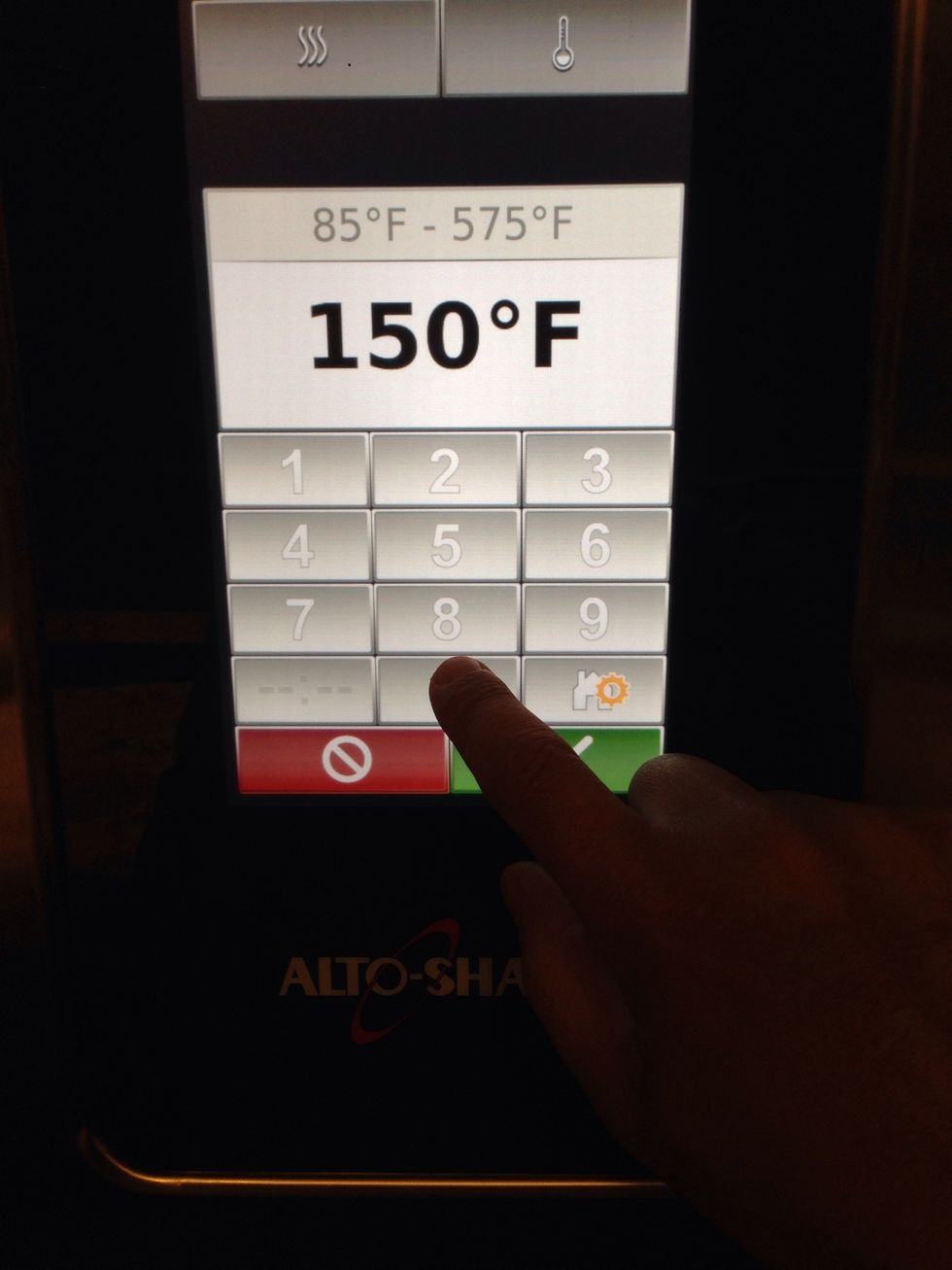
Here I am raising the temperature to 150f.
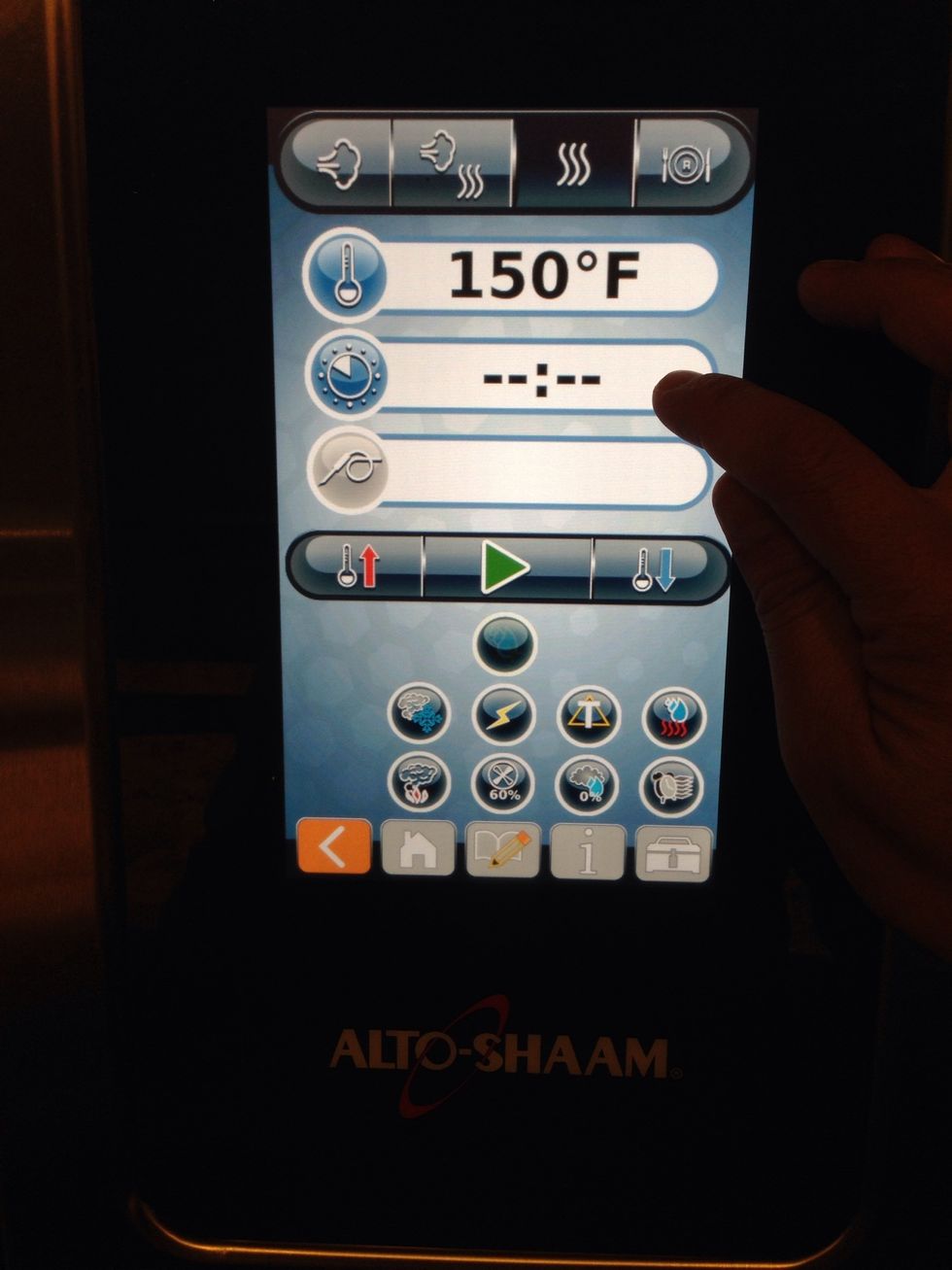
The default is to dehydrate continuously, but we can choose to set a timer if desired.
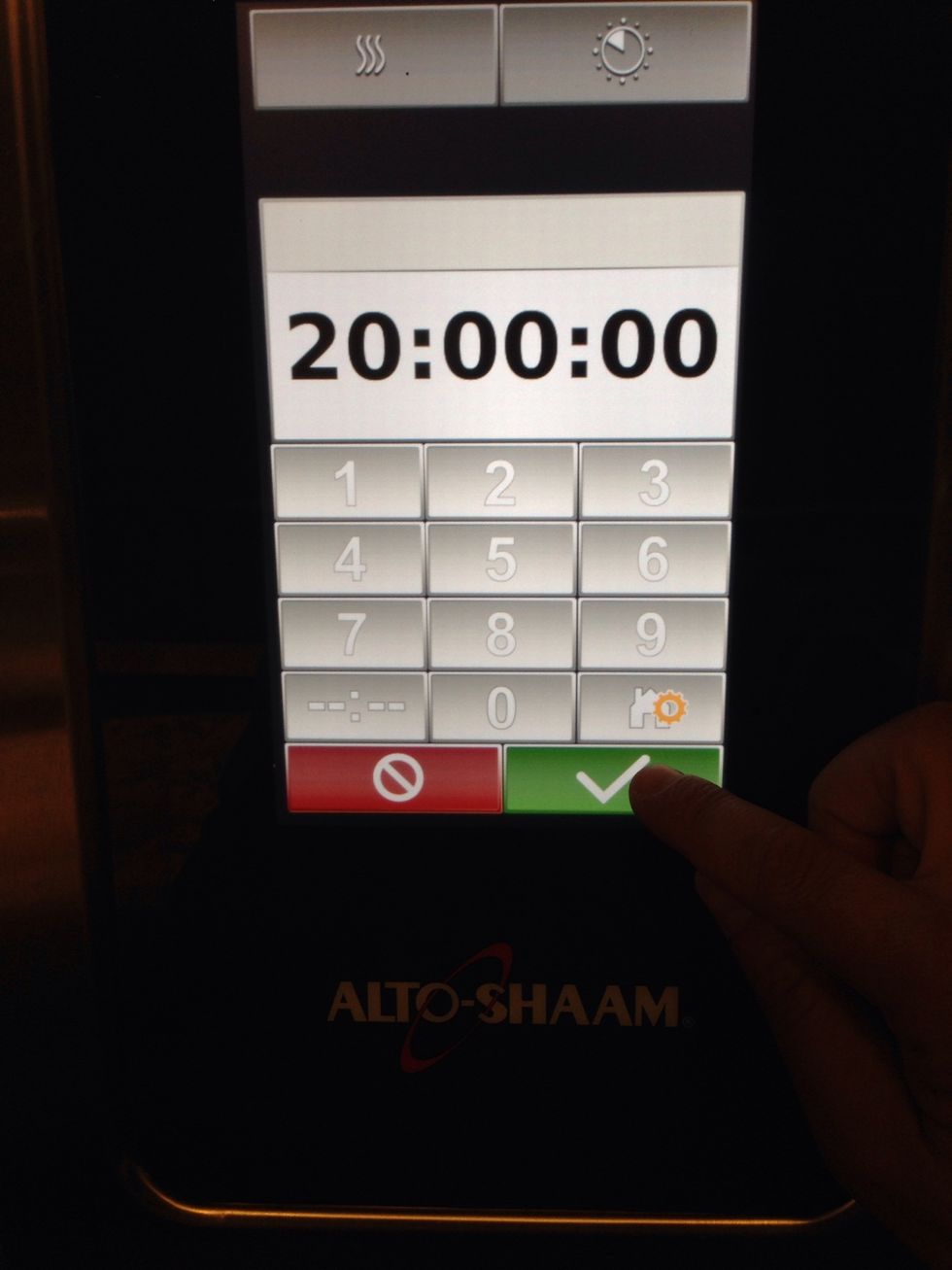
Here I am setting the oven to dehydrate for 20 hours.
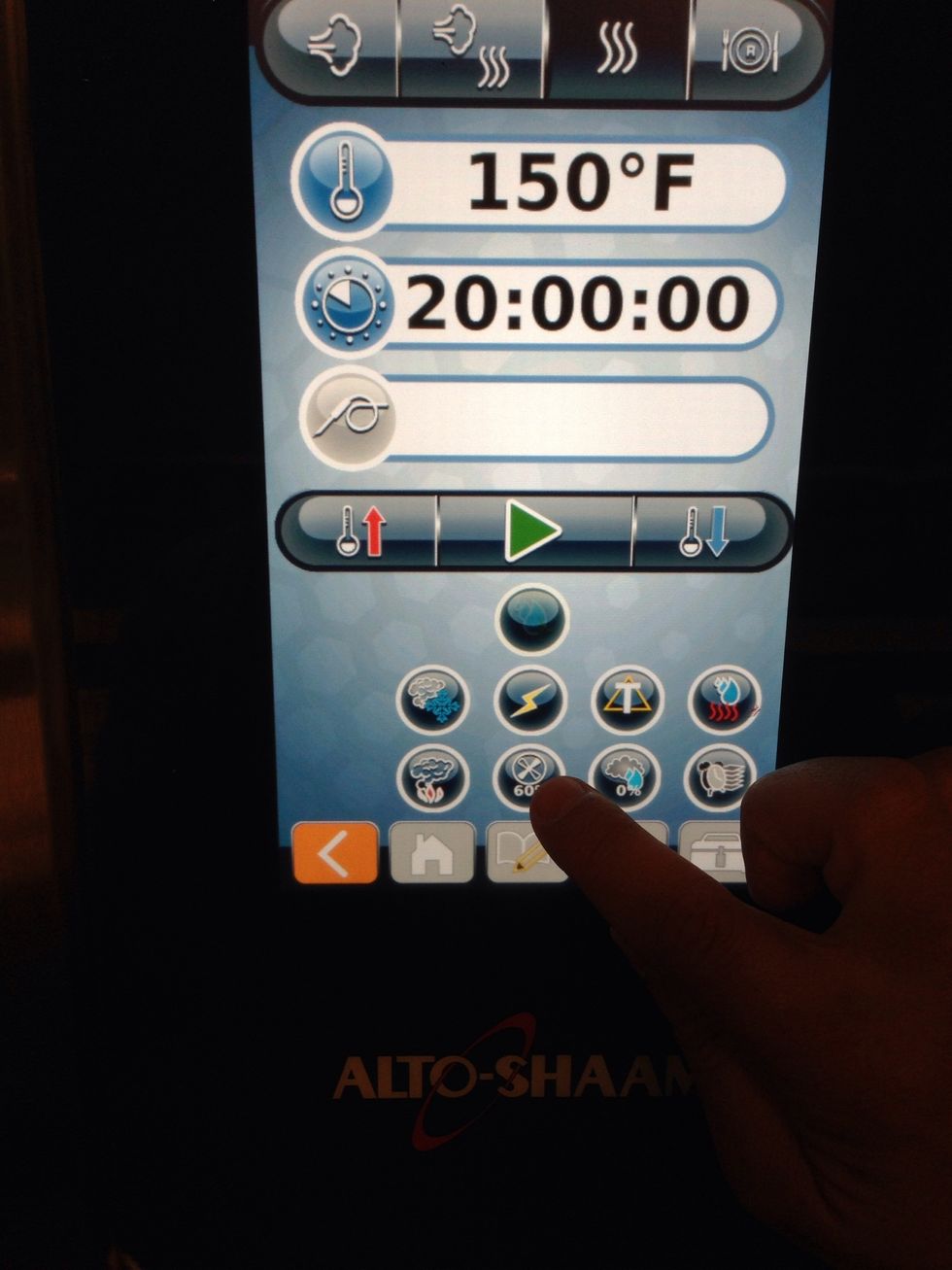
The default is to set the fan speed to 60%. If desired, we can adjust up or down. Remember that the two lowest fan speeds are only available im while operating at the Reduced power level.