How to use the best wallpapers for ur iphone

Use the Best Wallpapers for Ur iPhone

13
STEPS
TOOLS

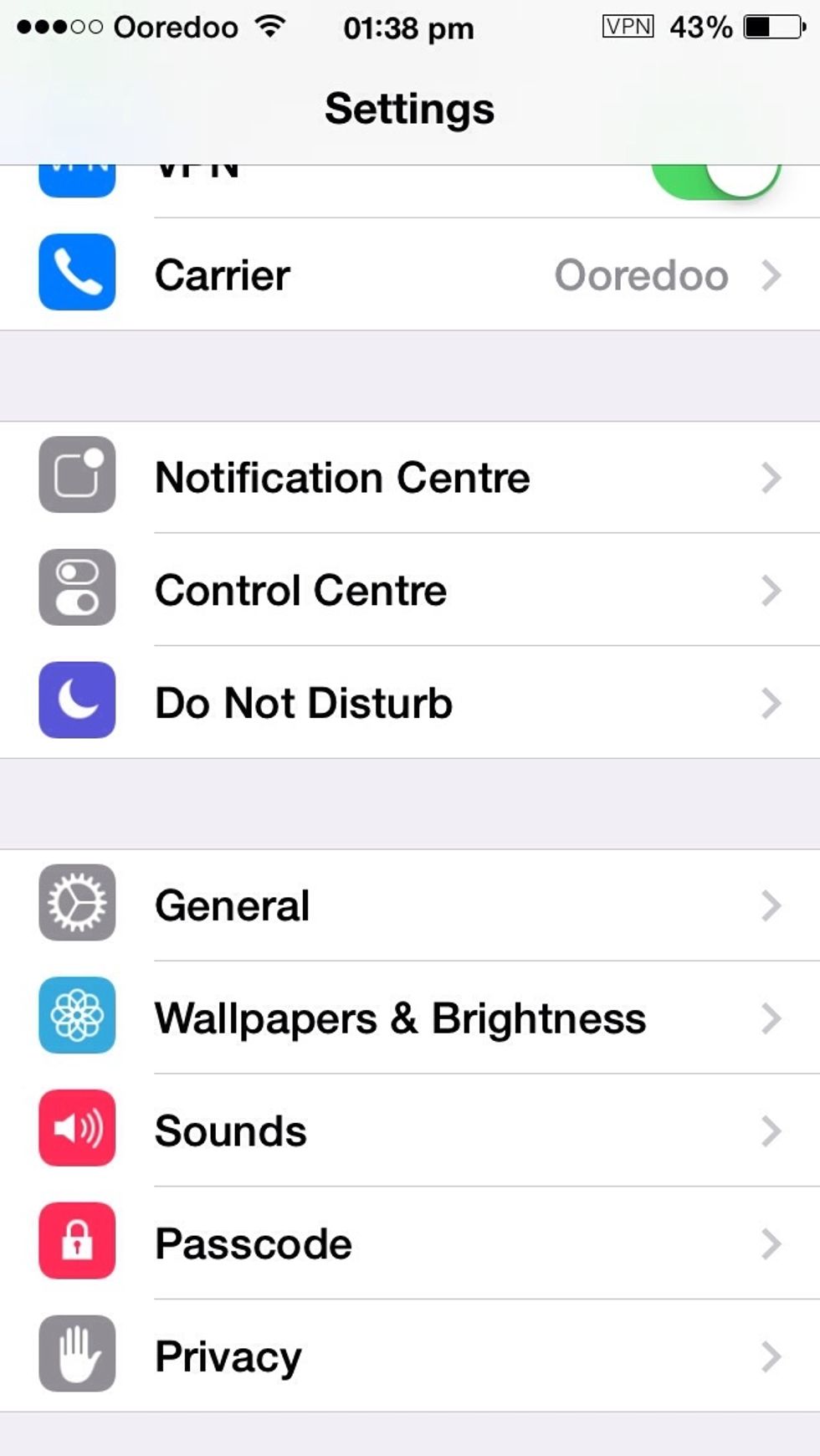
Go to settings Scroll down and u'll see wallpaper and brightness
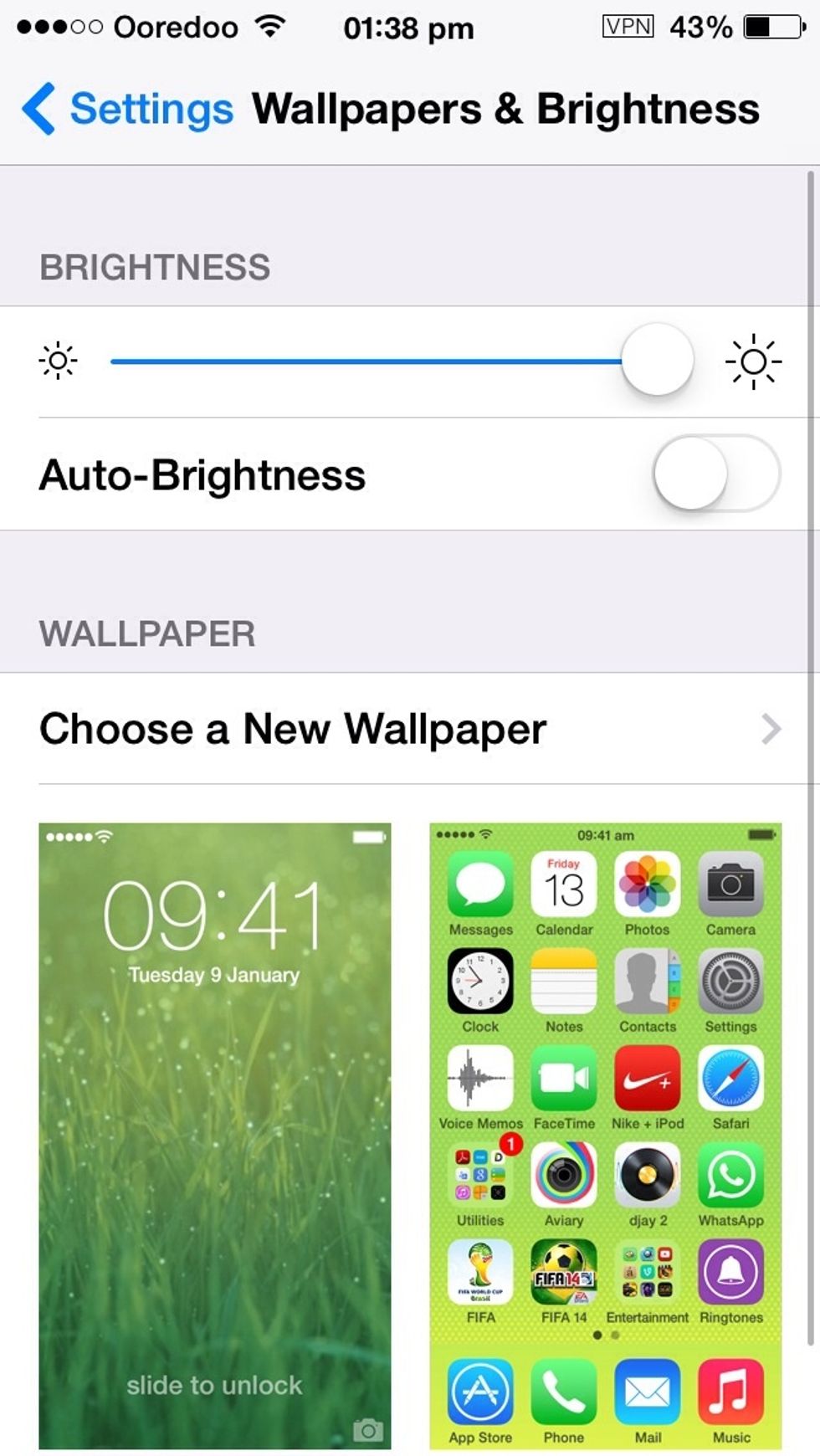
Go to settings Scroll down and u'll see wallpaper and brightness

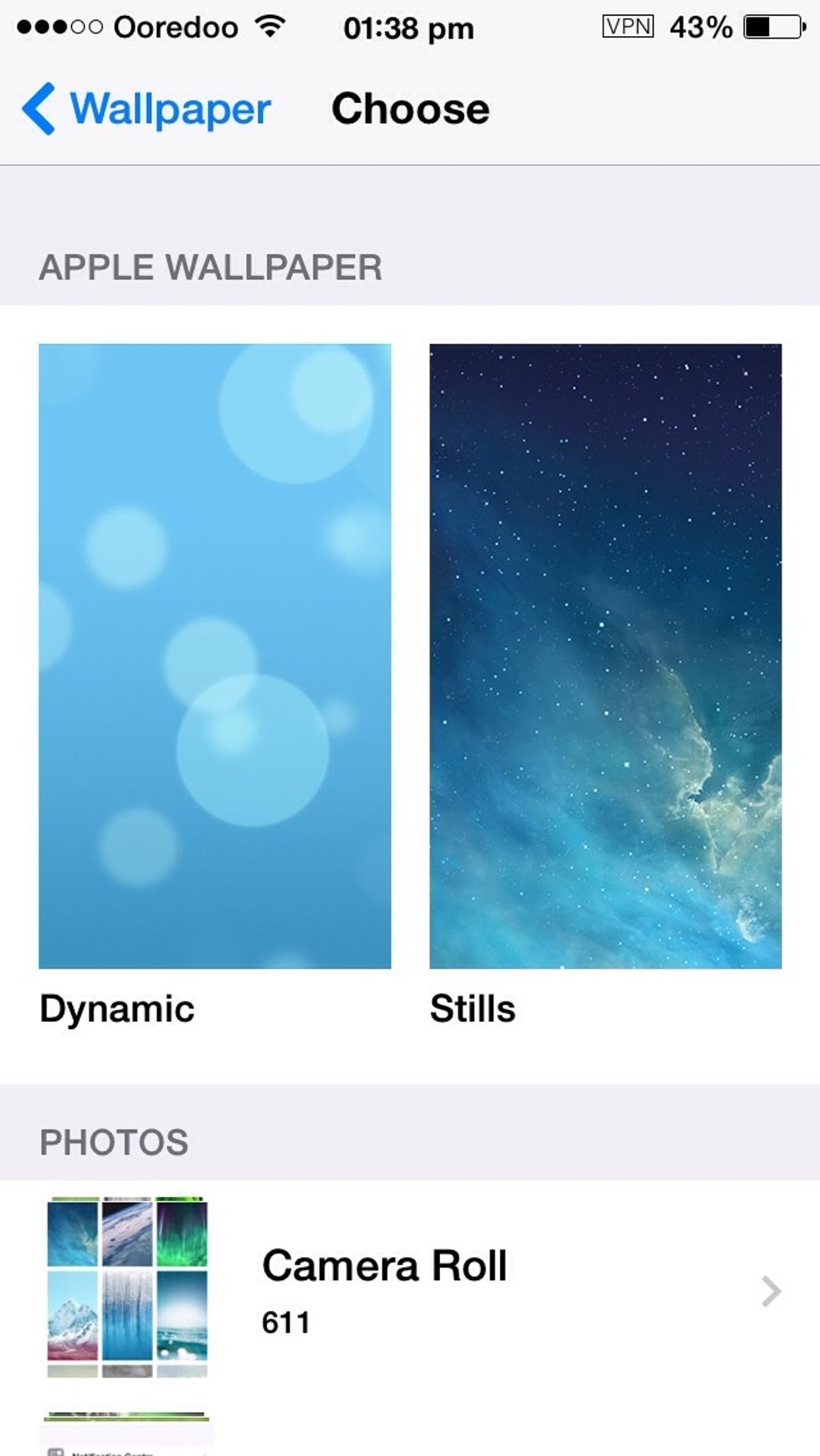
Click, choose a new wallpaper
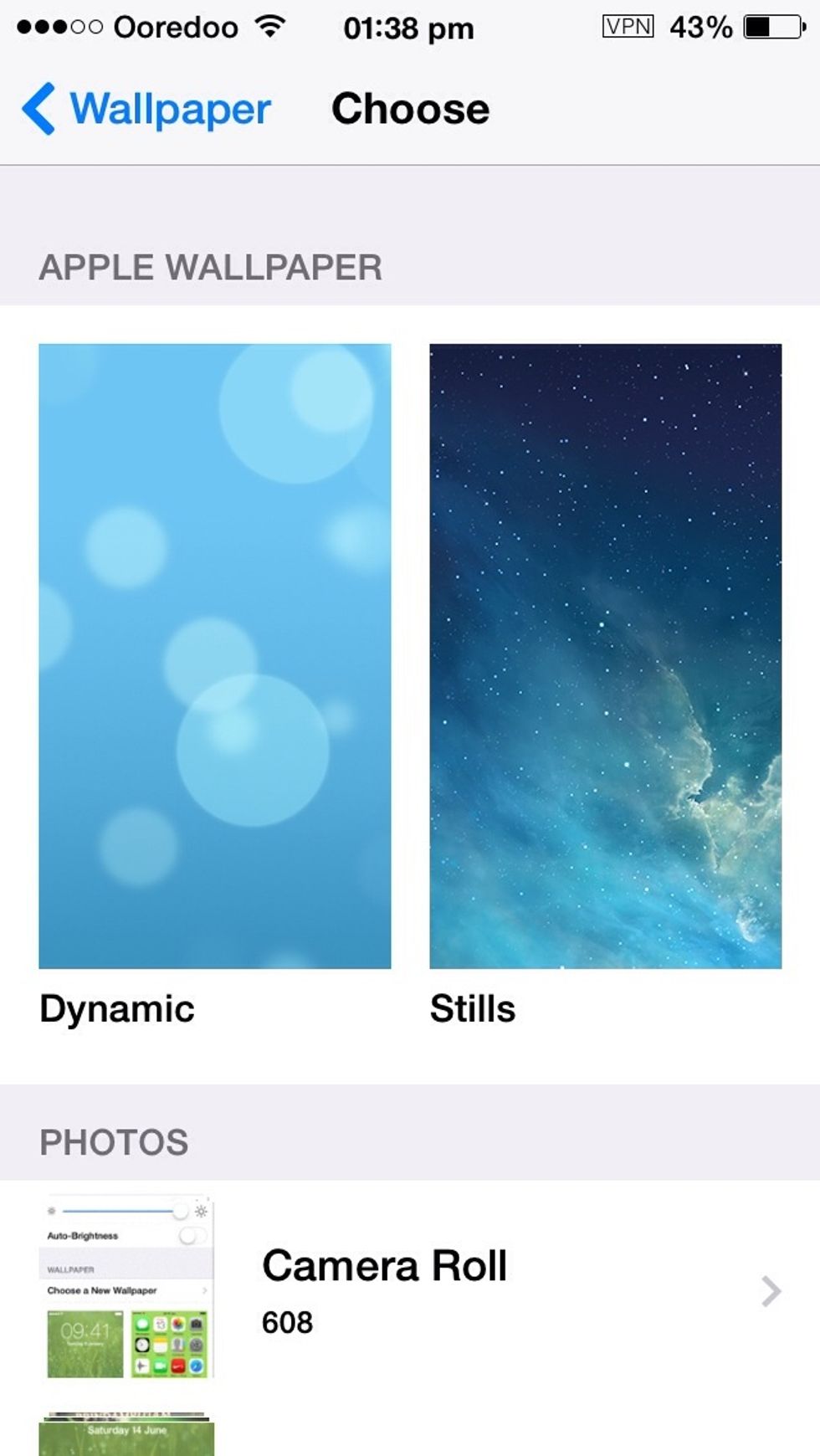
Click, choose a new wallpaper

Select stills
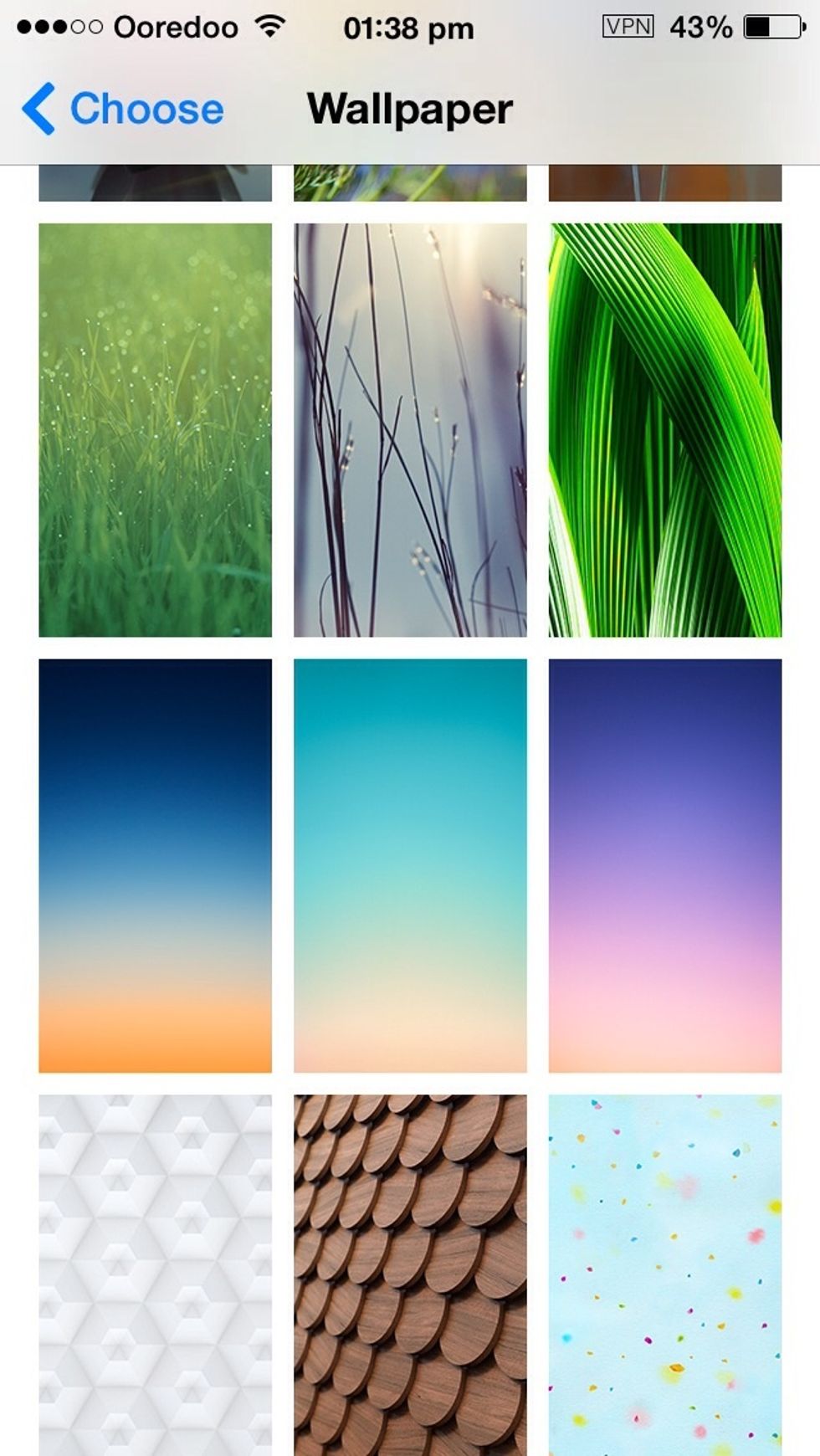
Select stills

And choose any wallpaper u want :)
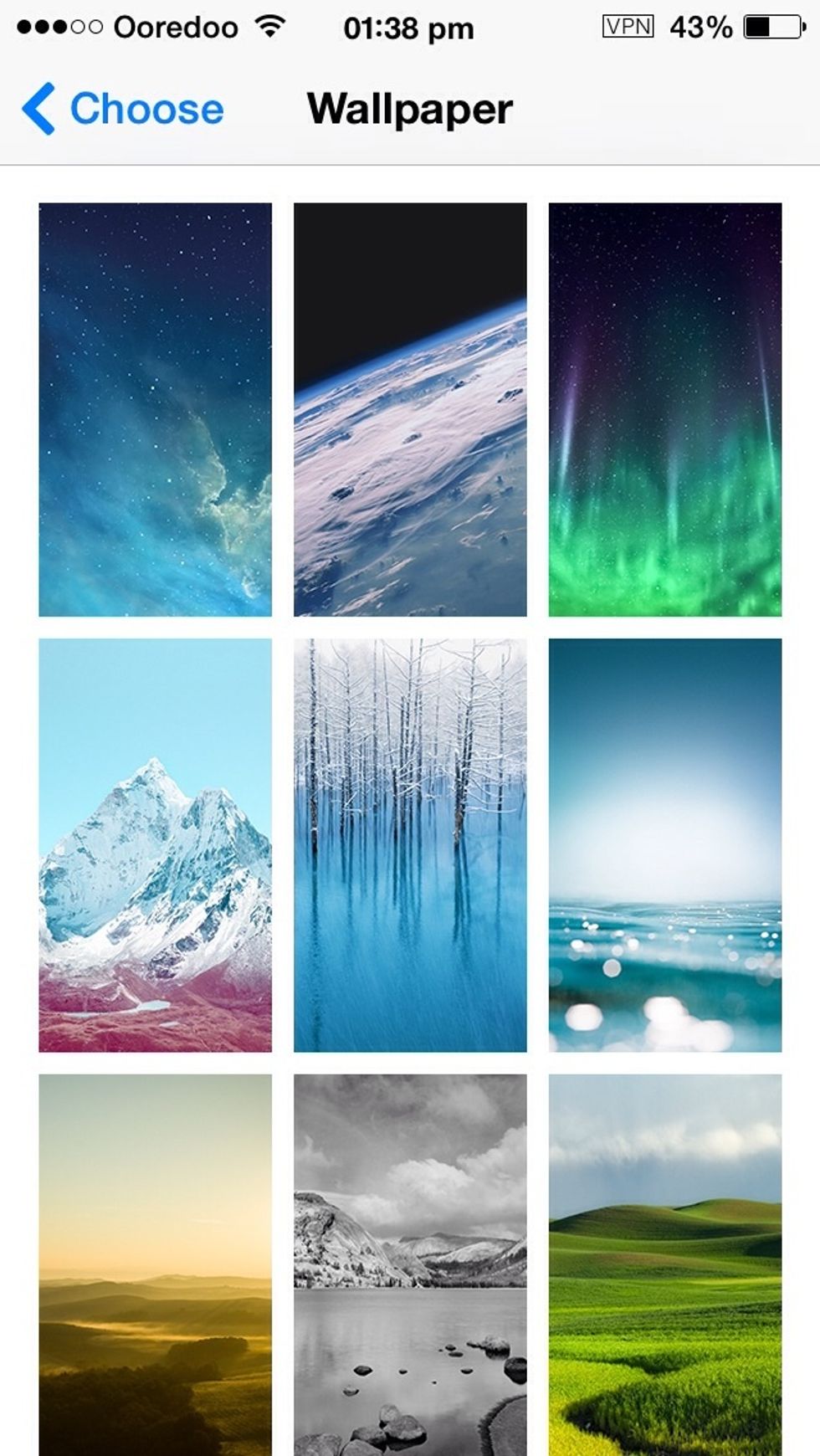
And choose any wallpaper u want :)

U can also use animated wallpapers like Dynamic
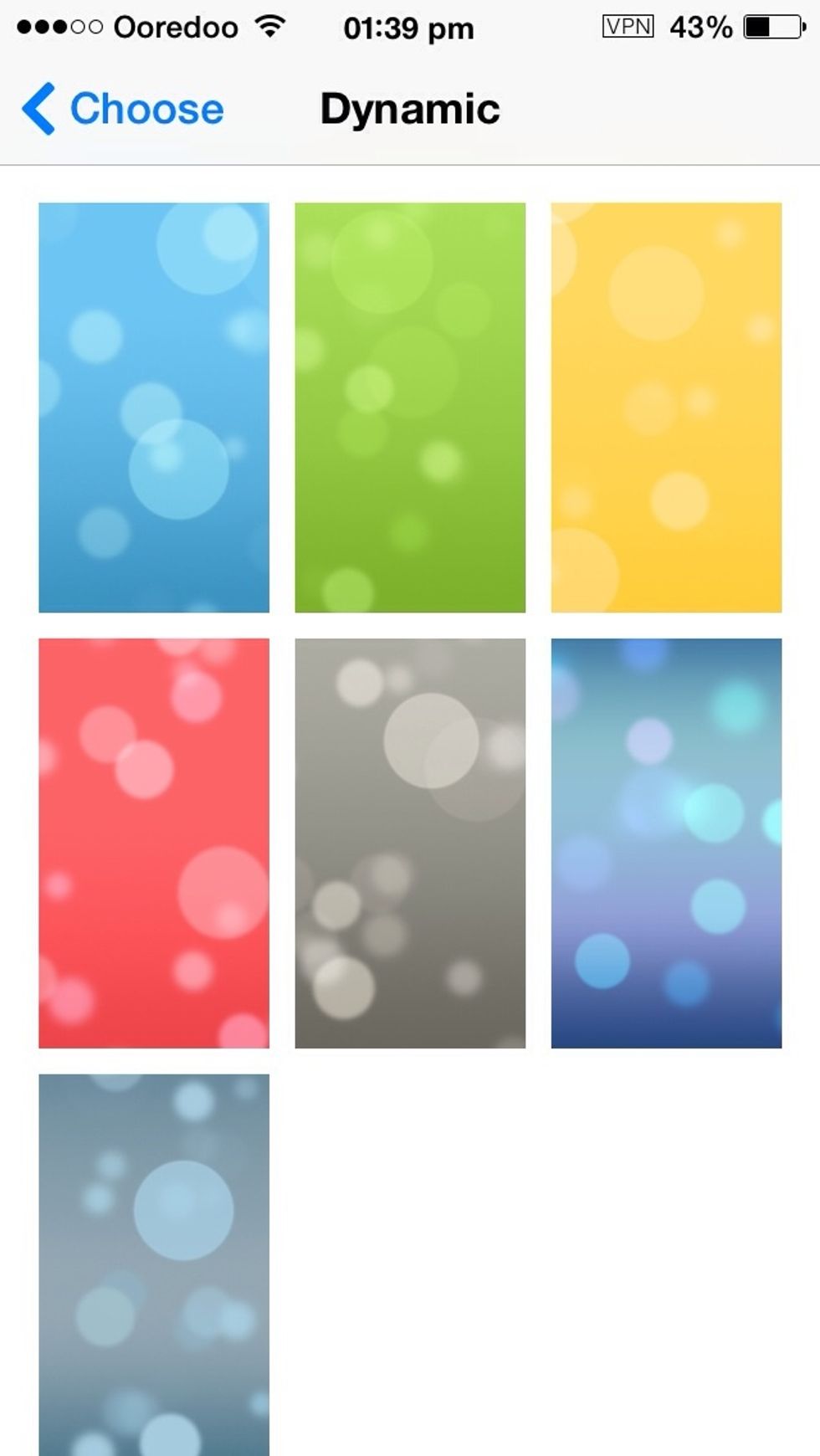
U can also use animated wallpapers like Dynamic

The bubbles actually moves .... ( only for iphone5 ipod5 iphone5/5S)
The bubbles actually moves .... ( only for iphone5 ipod5 iphone5/5S)

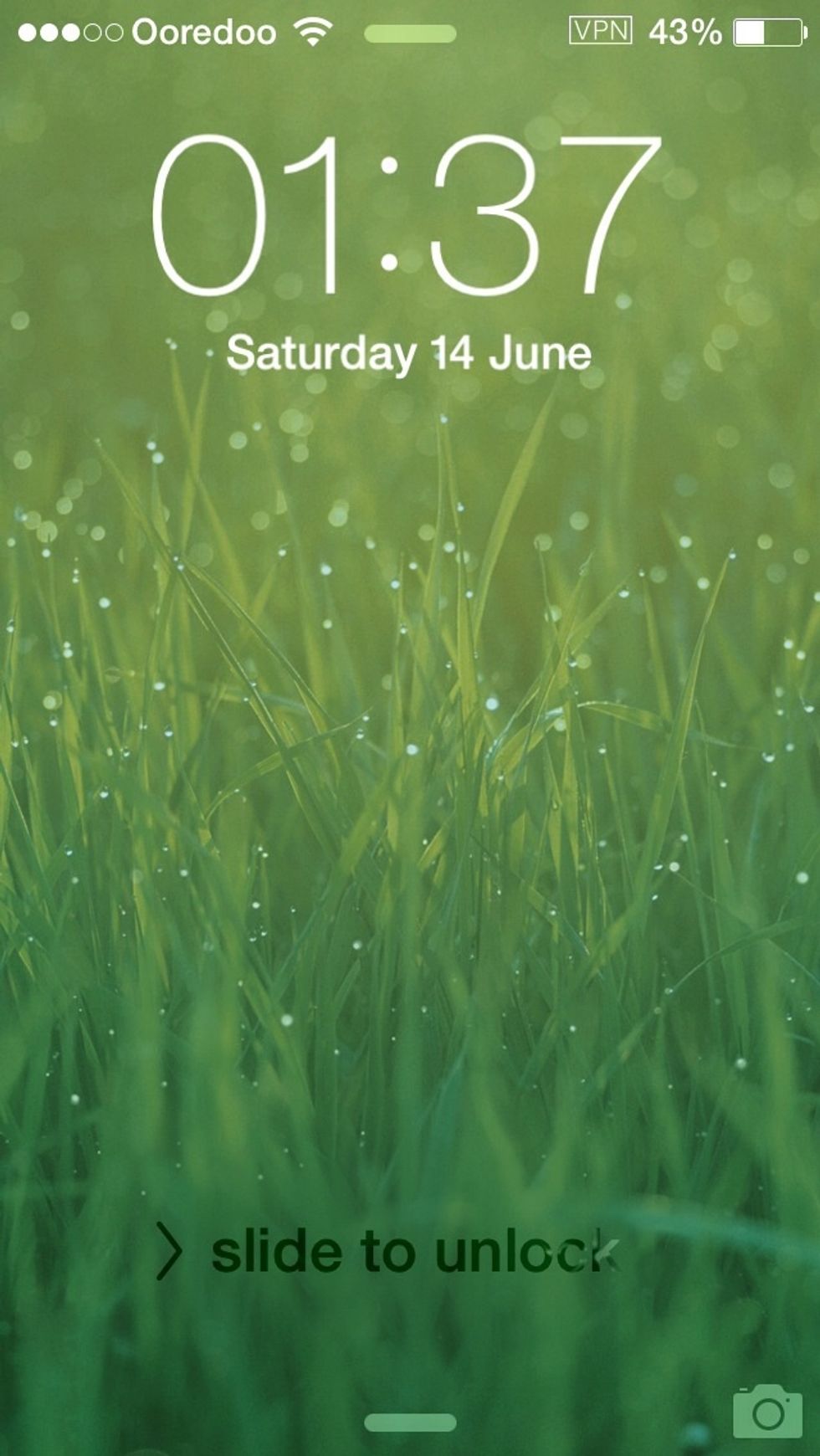
This is my wallpaper

This is my wallpaper

Thank you... Hope this is useful for u guys!!! Dont forget to like this guide ;)

The creator of this guide has not included tools