
The Conversation (0)
Sign Up

Plug the Activhub into the USB port on your computer (or USB port on Promethean board if you have one). This is how the slate communicates with your computer.

Open the ActivInspire software navigate to the view menu and select "browsers"
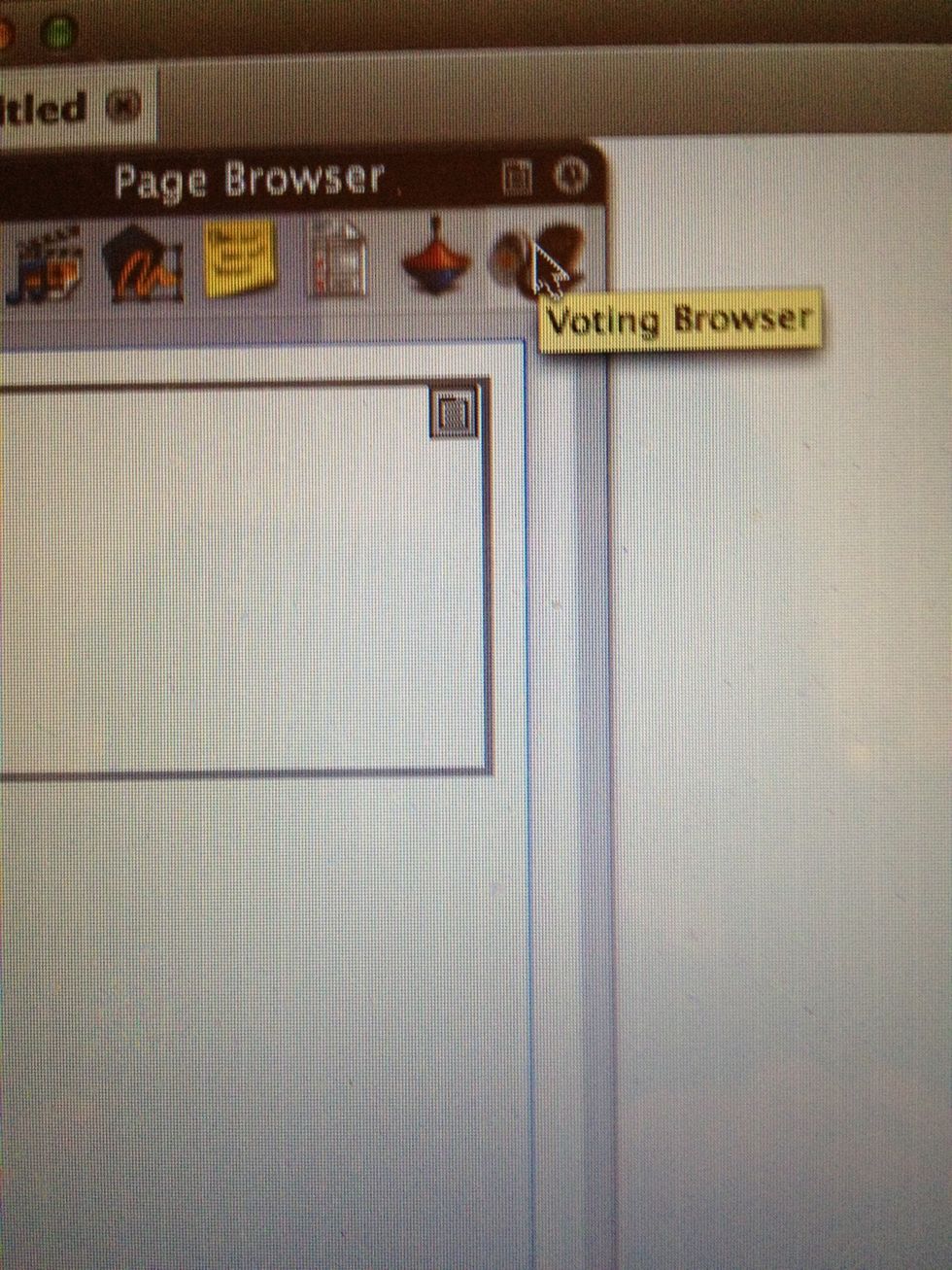
Select the voting browser icon

Select the "device registration" (clipboard) icon to register the ActivSlate to your ActivHub
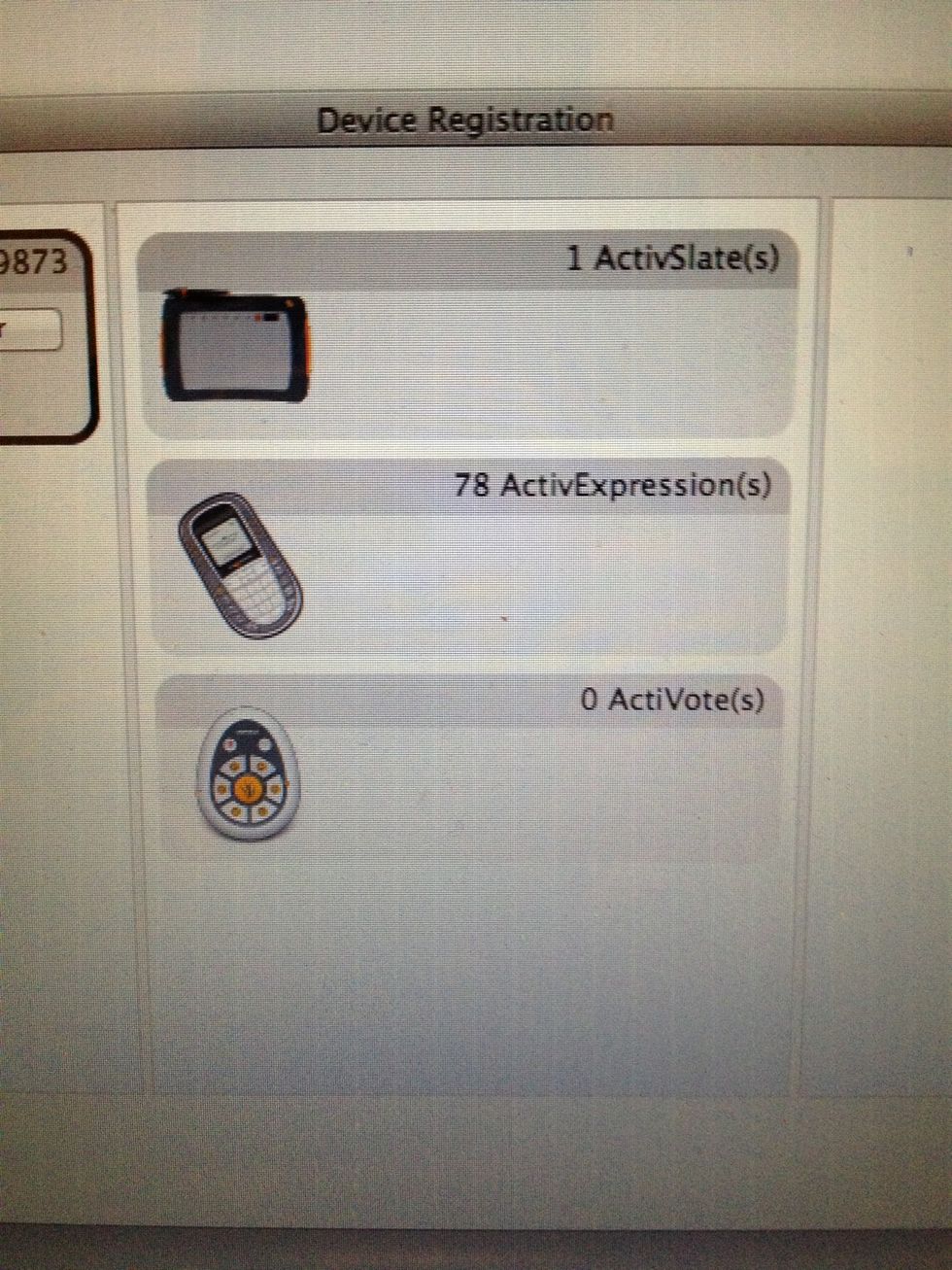
This registration screen will appear, showing all devices registered to the ActivHub
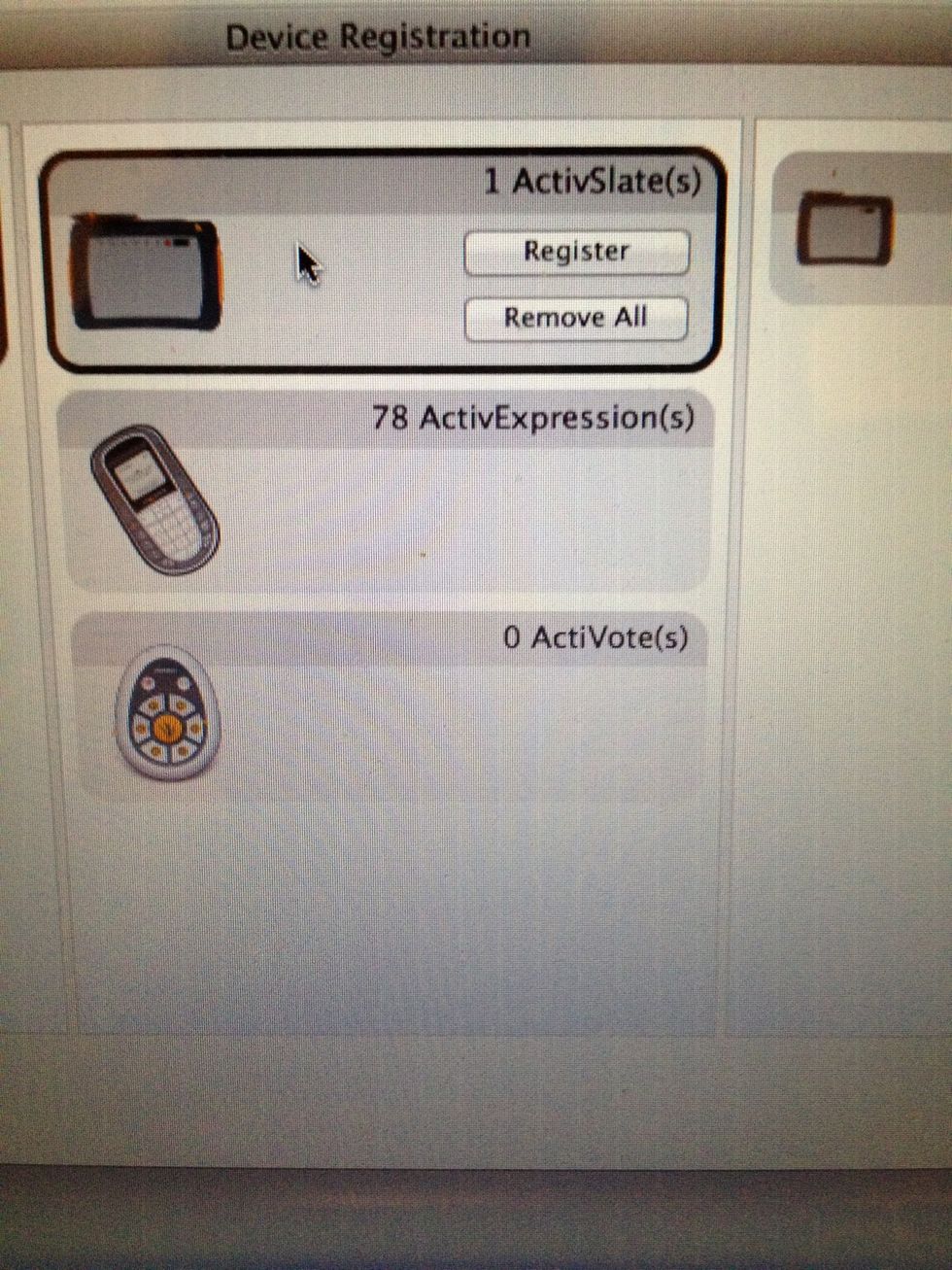
Select register (if your device is not already registered)
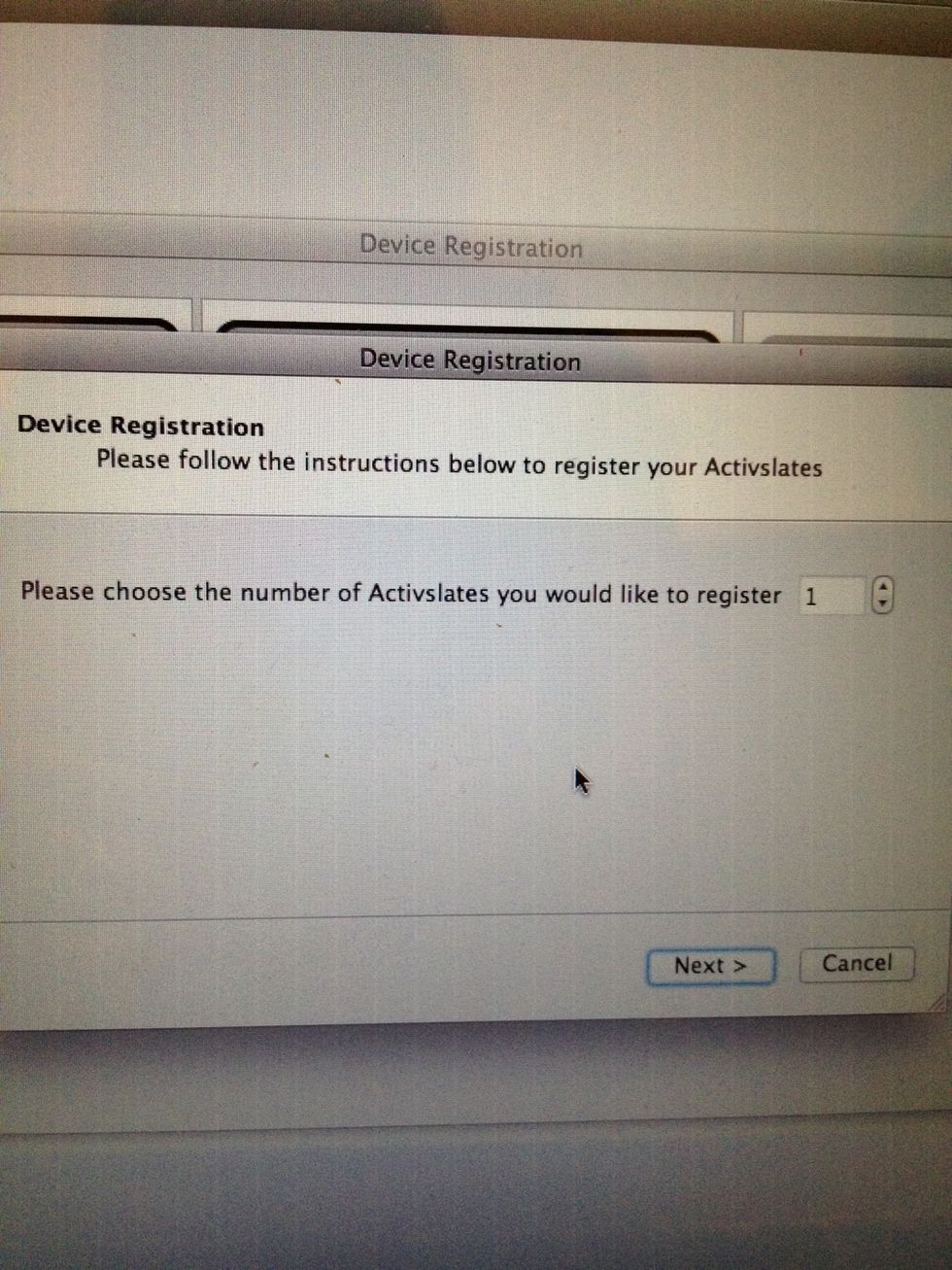
Select the number of devices to register and select next

Registration instructions will appear on your screen including a registration code
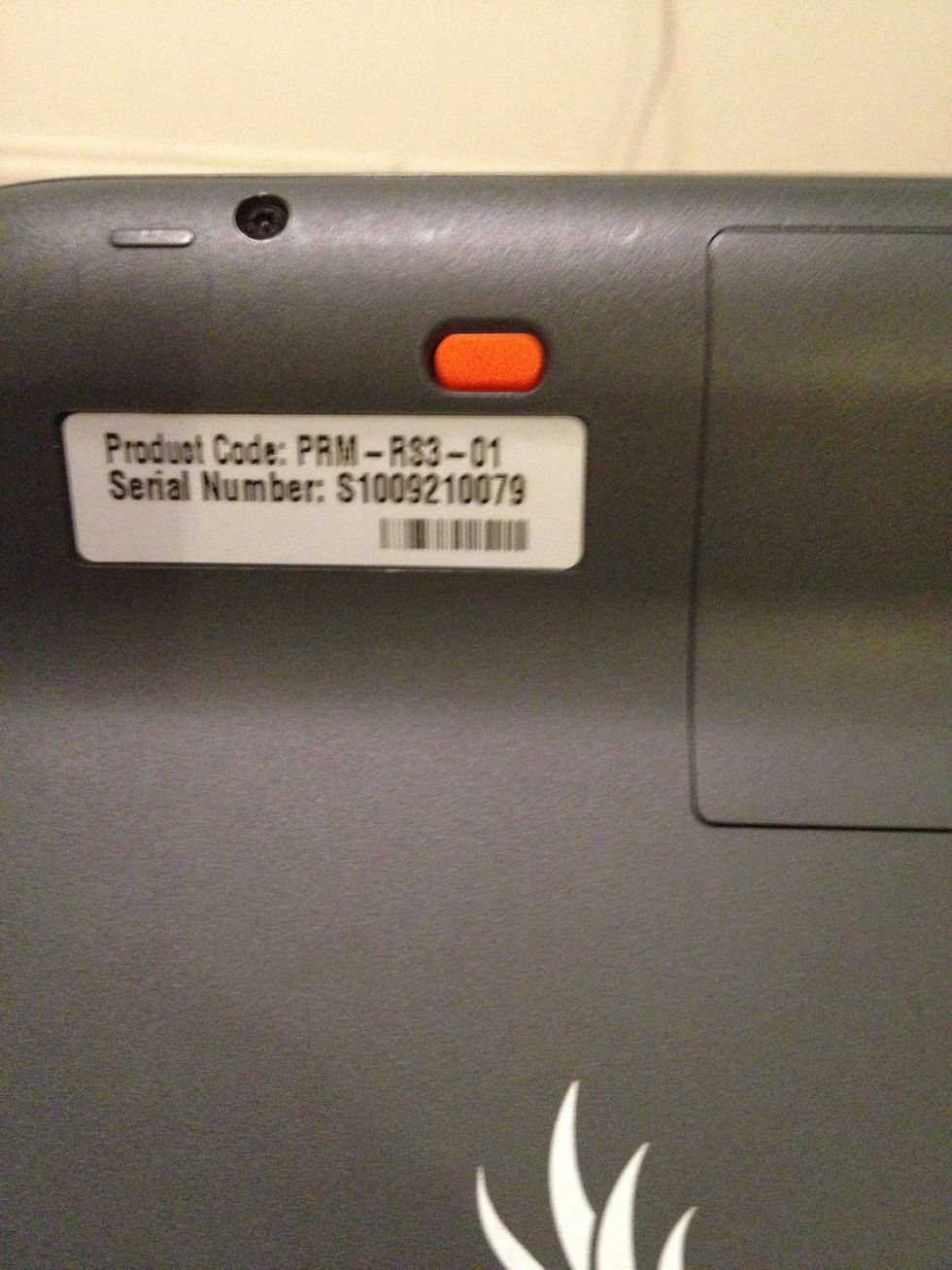
1. Turn on ActivSlate (orange button)
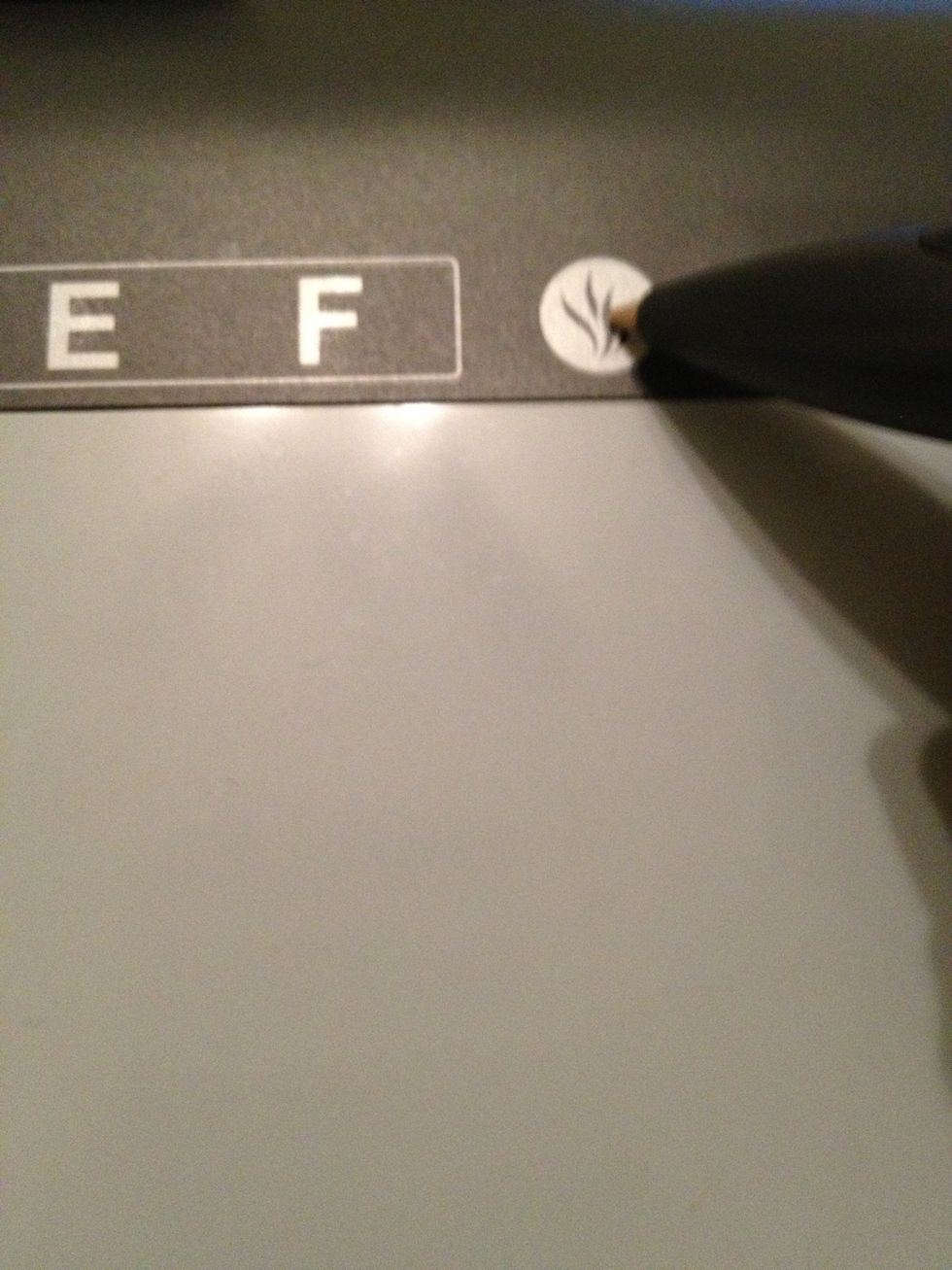
2. Press the register button (the flame) with the ActivPen

You will be prompted for the registration pin
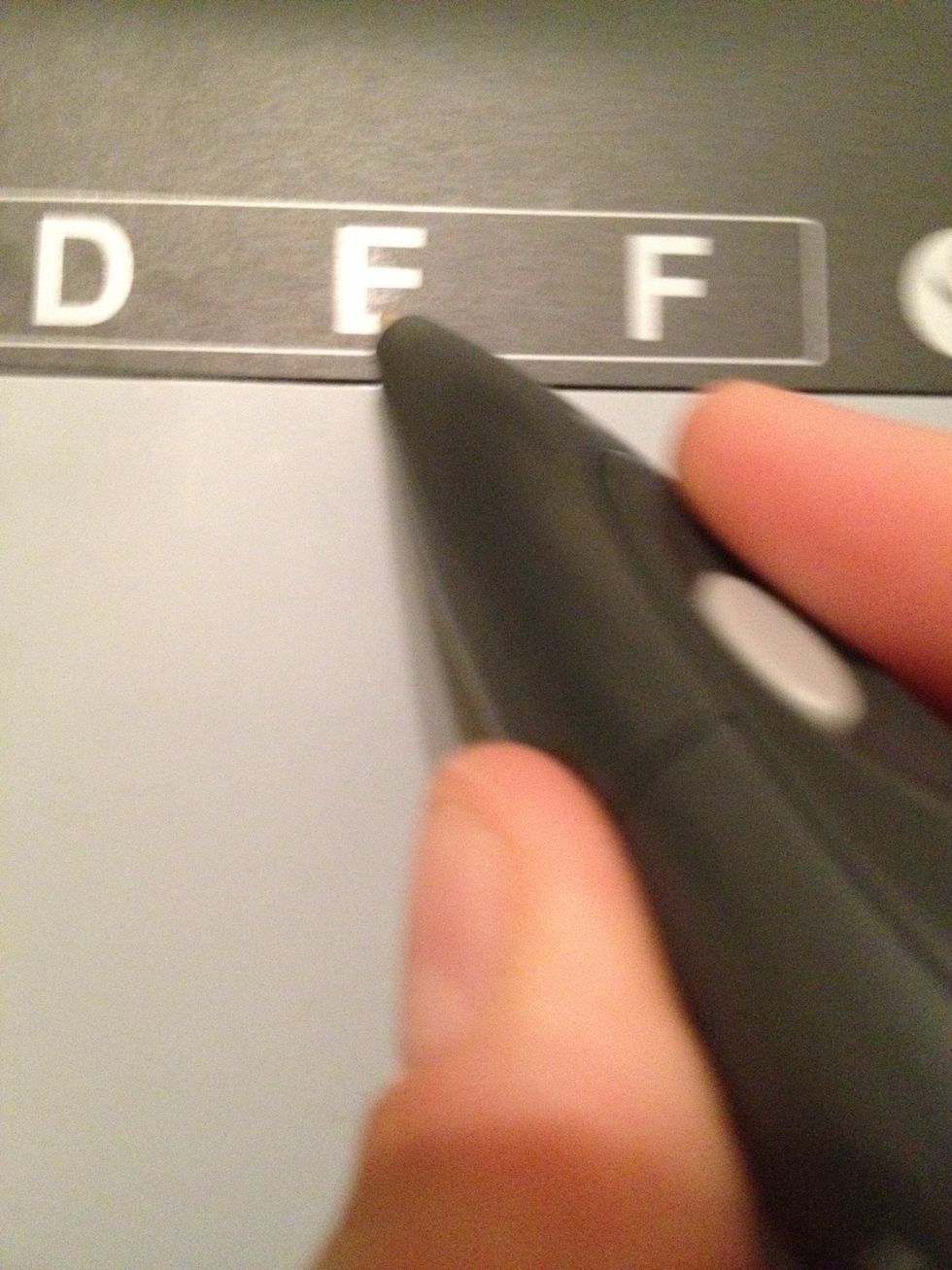
Select each letter of the registration pin, one at a time ( I like to pretend like I am coloring each letter- seems to work well). Device should say registered when complete.

Press finish on the main screen after device is registered
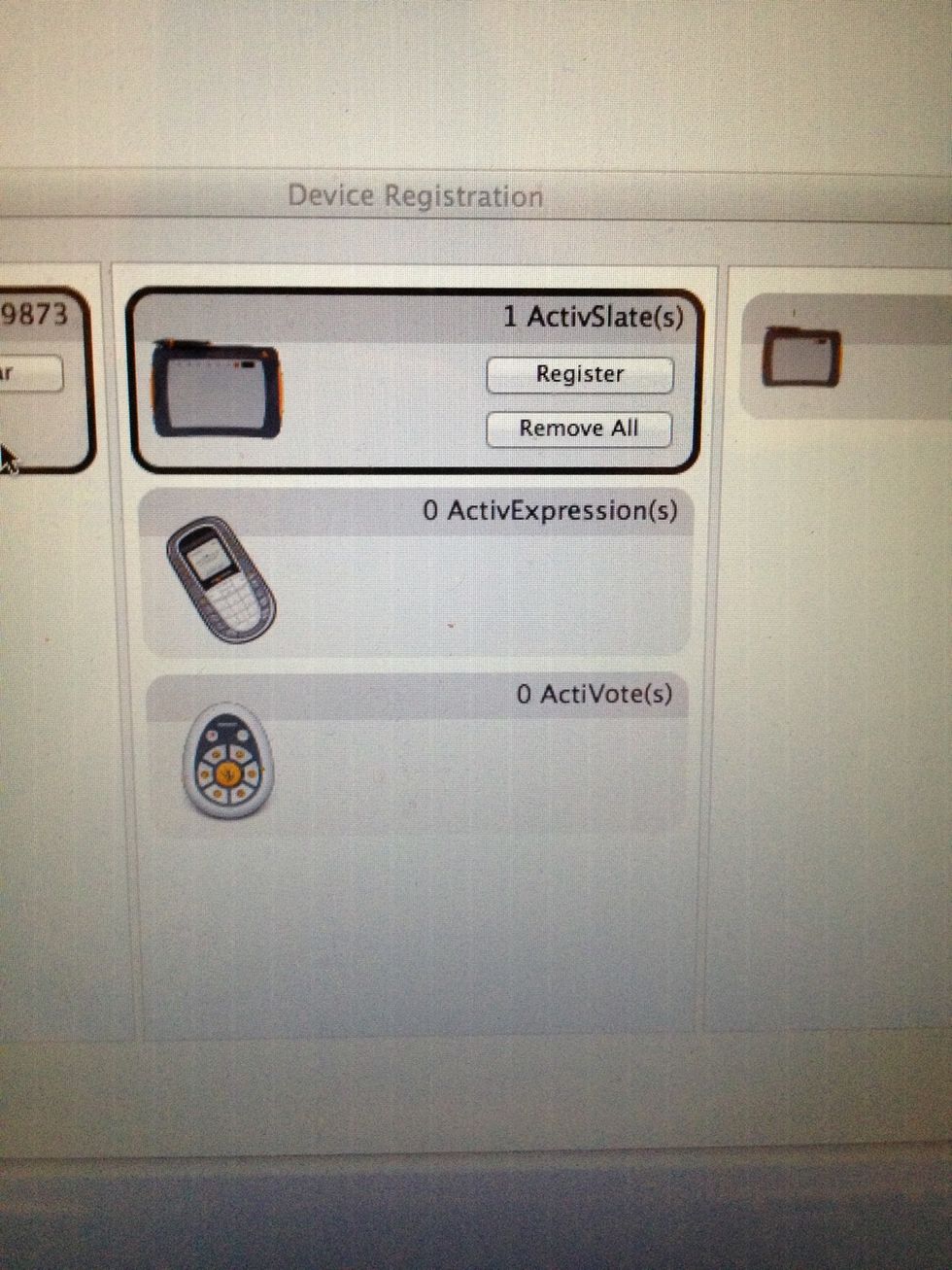
Your registration menu should now show 1 ActivSlate registered
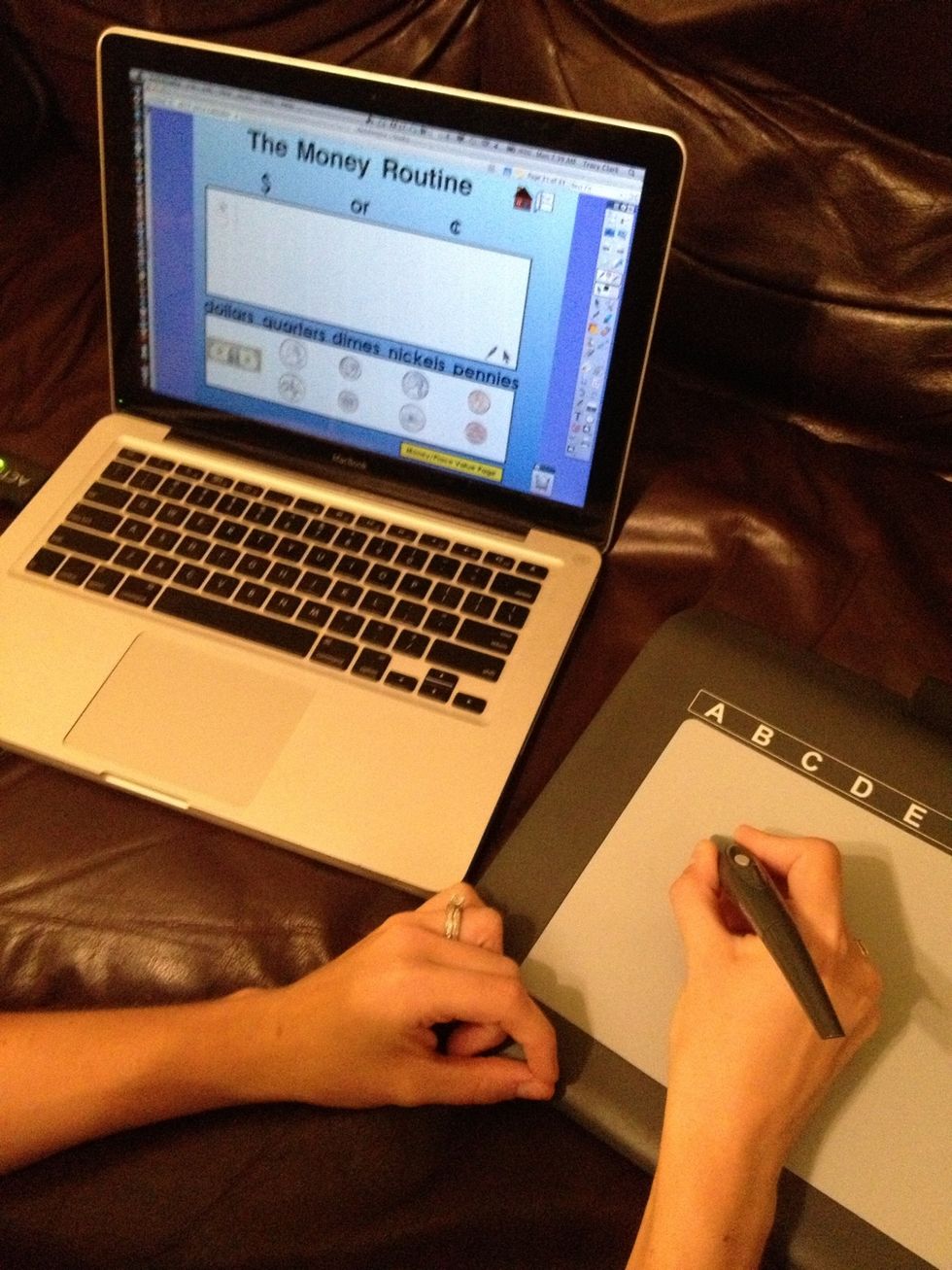
Now you are able to control your computer from the ActivSlate. Interacting just as if you were at the computer with your mouse.
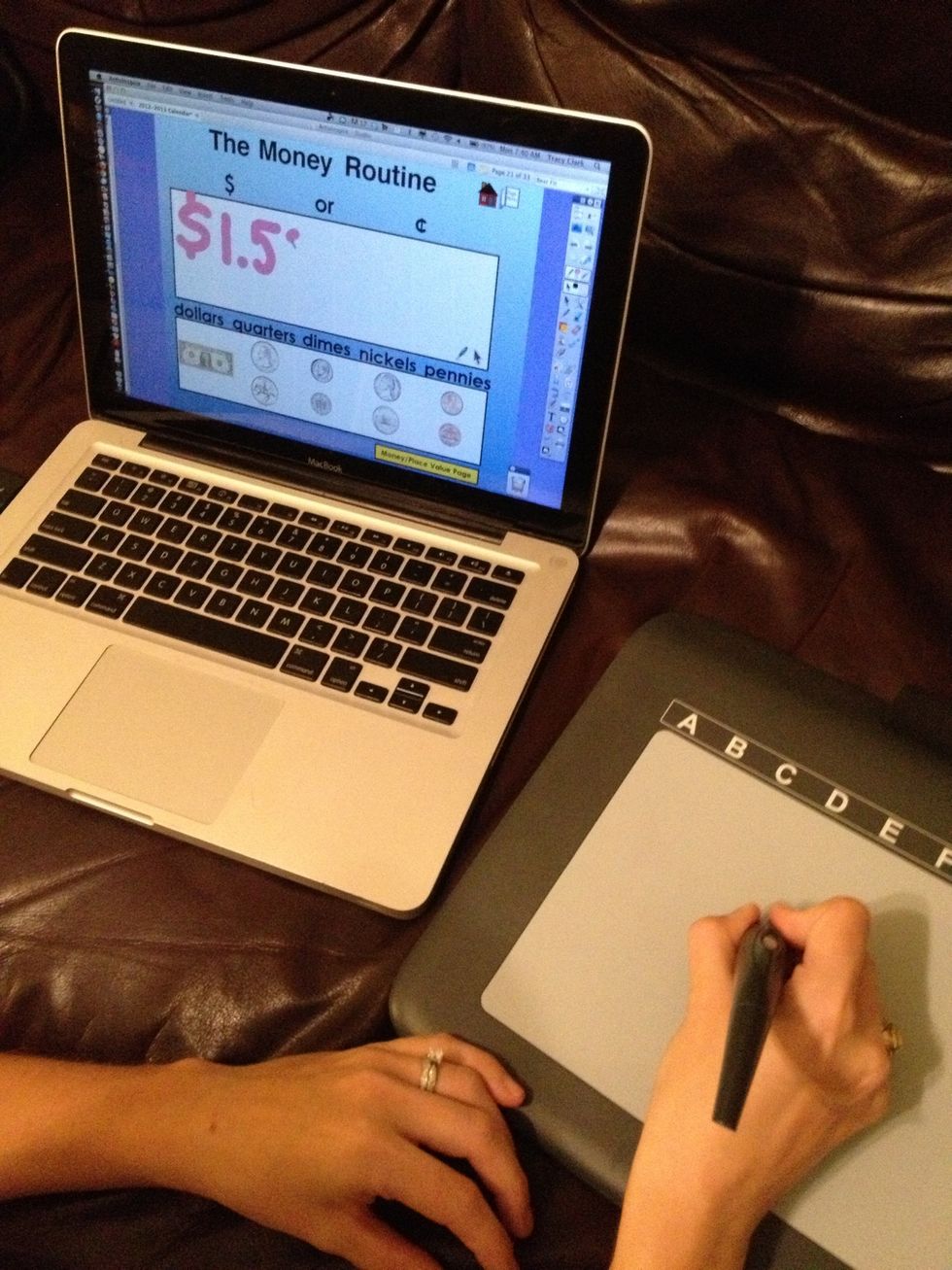
Students can interact with your flipcharts from anywhere in the room
This Math Calendar flipchart was found on Promethean Planet and created by Deanna Harrison. You can find many more great resources on promethanplanet.com.
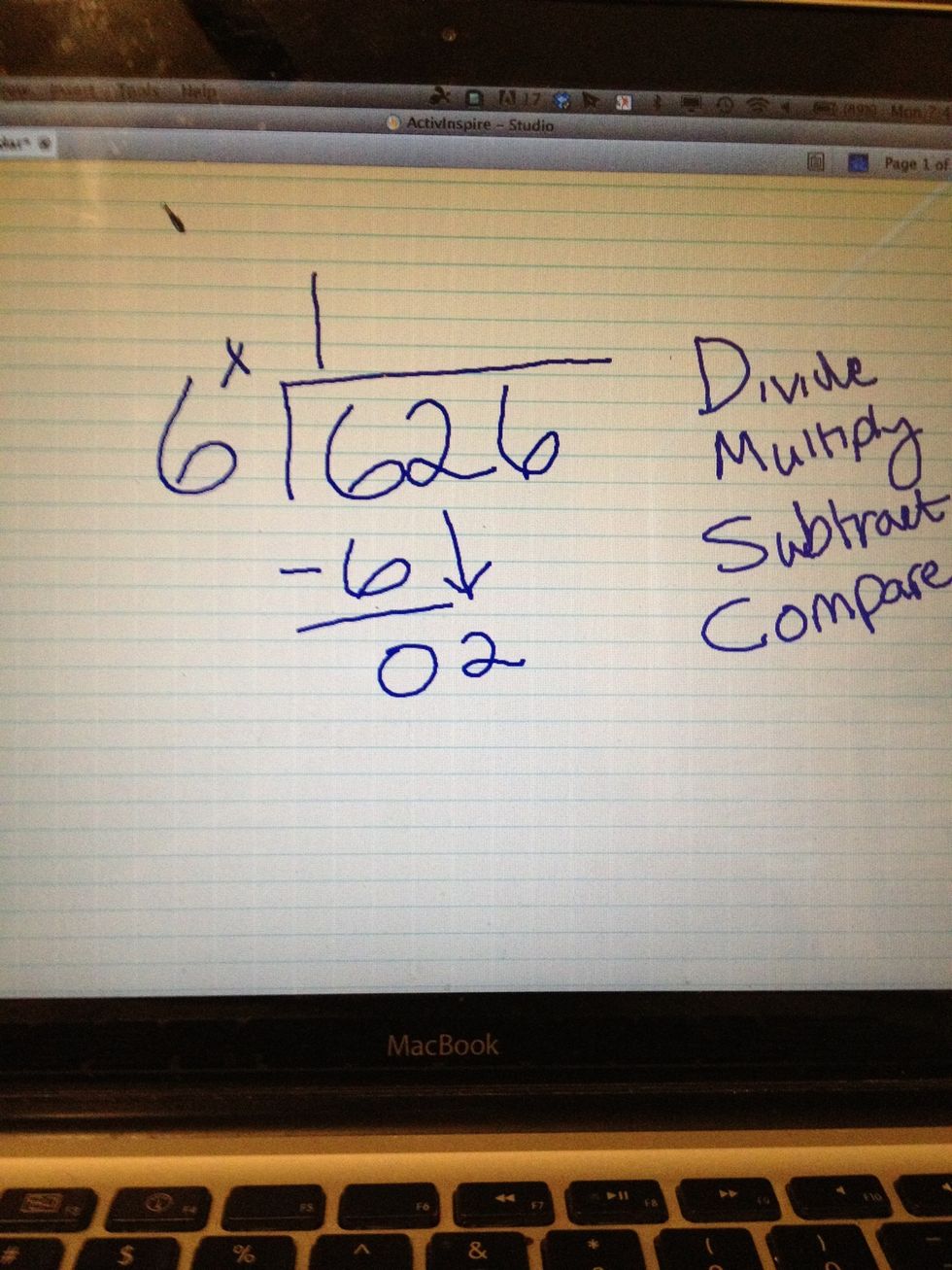
Use ActivSlate to help students make thinking visible as they work out problems.
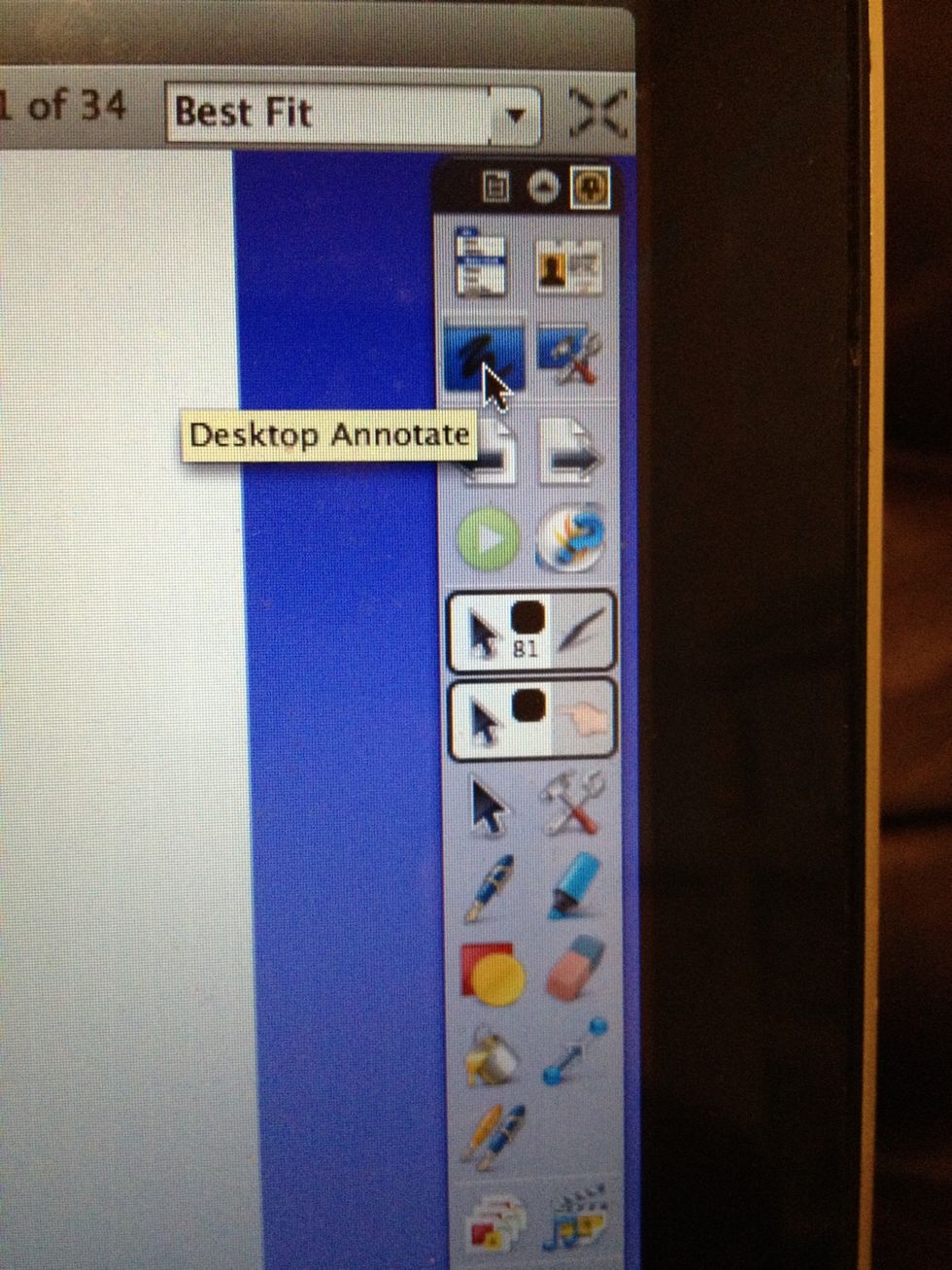
The ActivSlate could be used out on your desktop by selecting the "desktop annotate" button on the toolbar.

Students can highlight words they didn't understand from a reading passage and discover their meaning as they think through the context and clue words. *passage retrieved from www.pearsononlongman.com
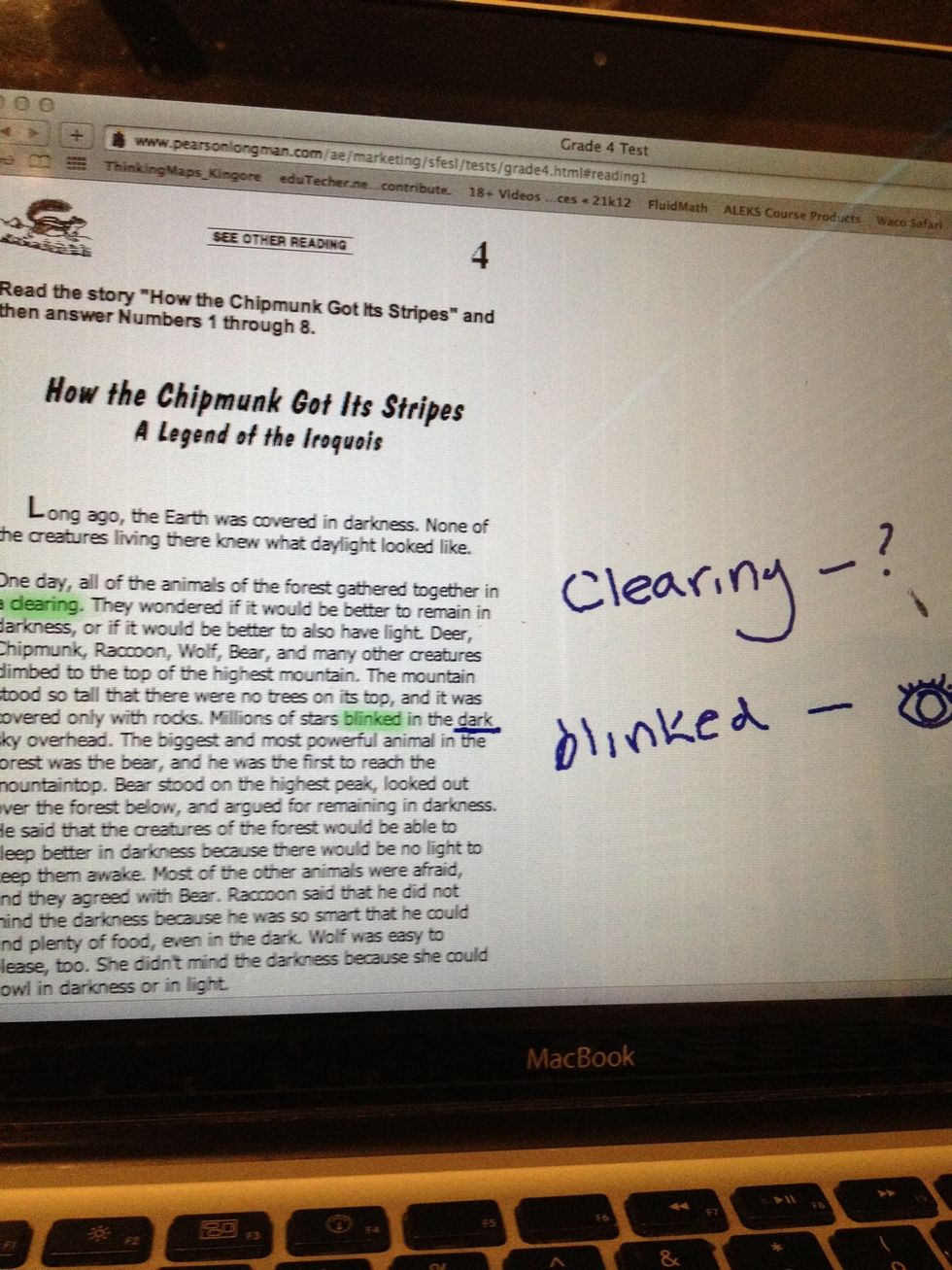
Student annotations with ActivSlate
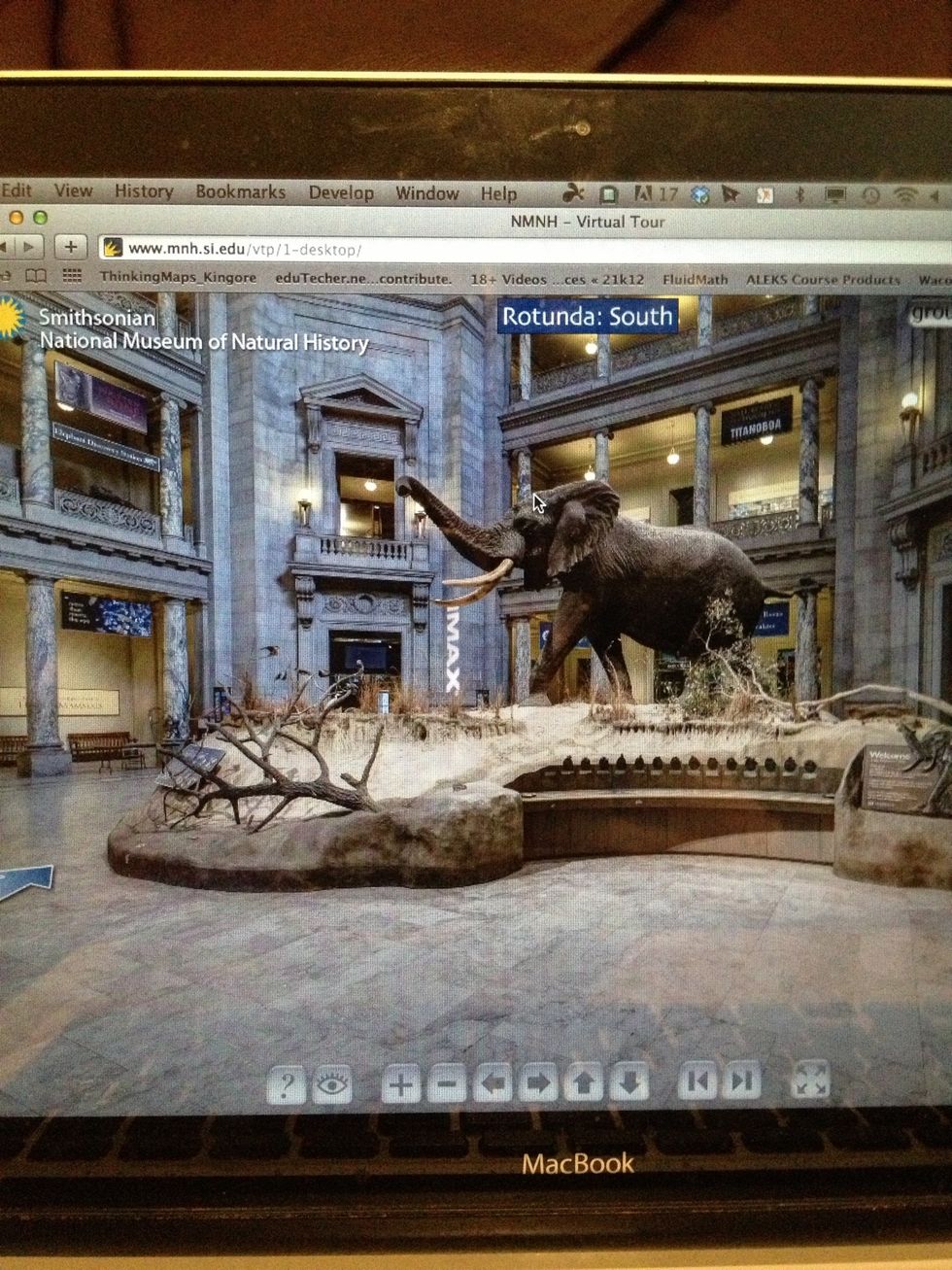
Let students be the guides on a virtual fieldtrip *Screenshot from Smithsonian virtual tour www.mnh.si.edu/panoramas/
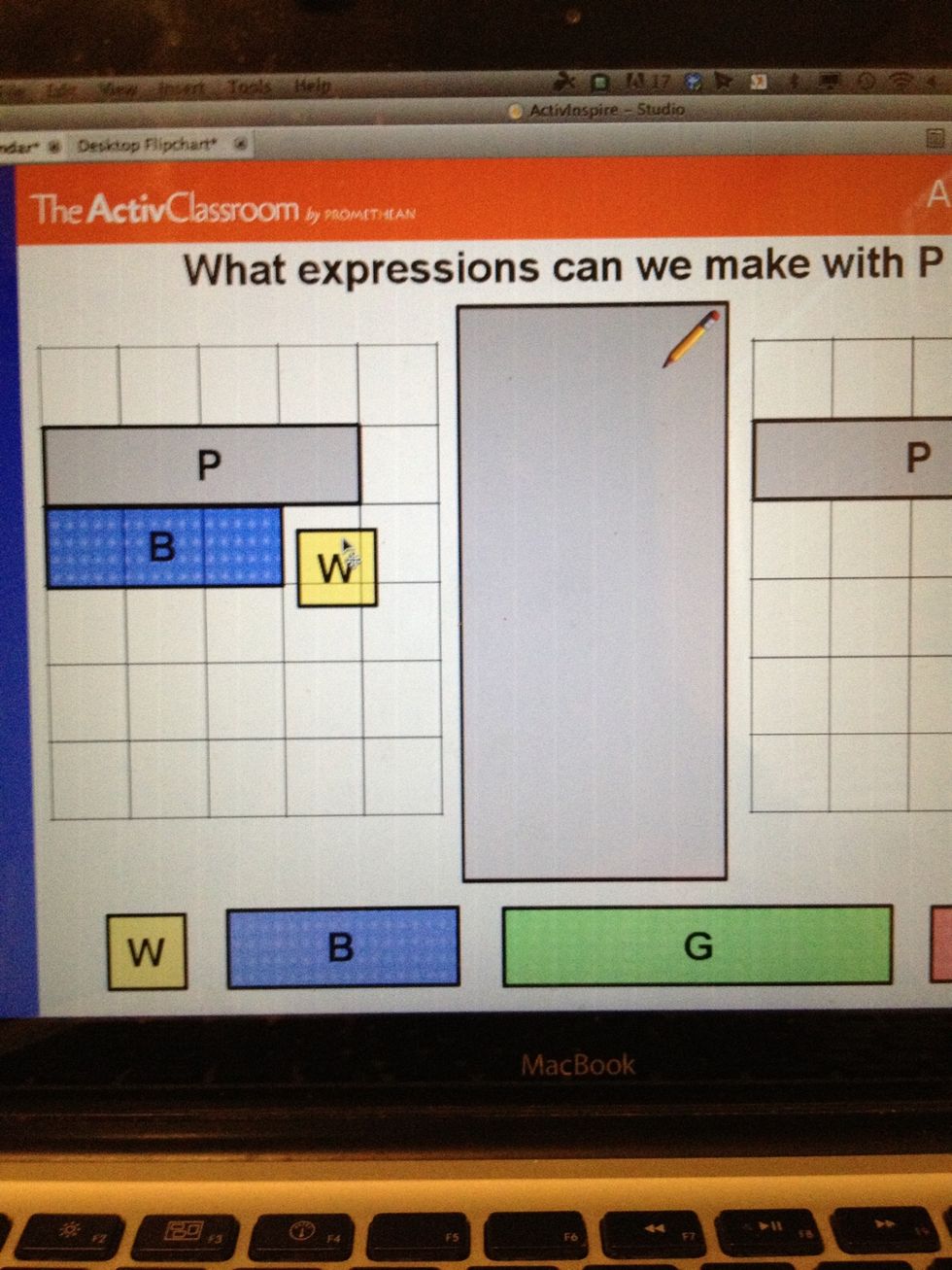
Basically this simple technology can be used just like your mouse at the computer...so the way you integrate it is up to you!
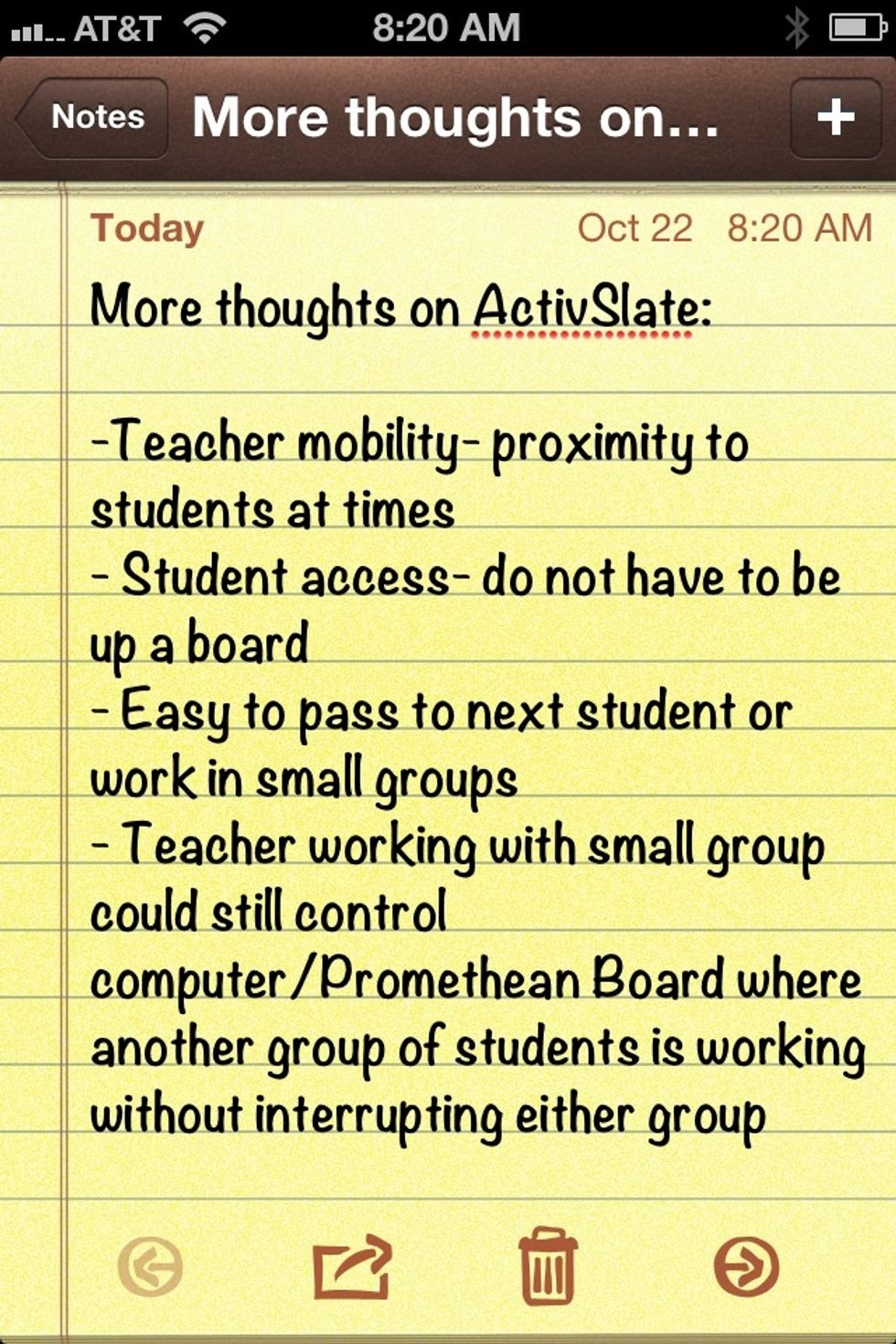
A few more thoughts from my time in the classroom...