How to use speech to read text on your mobile device

Use Speech to Read Text on Your Mobile Device

24
STEPS
TOOLS

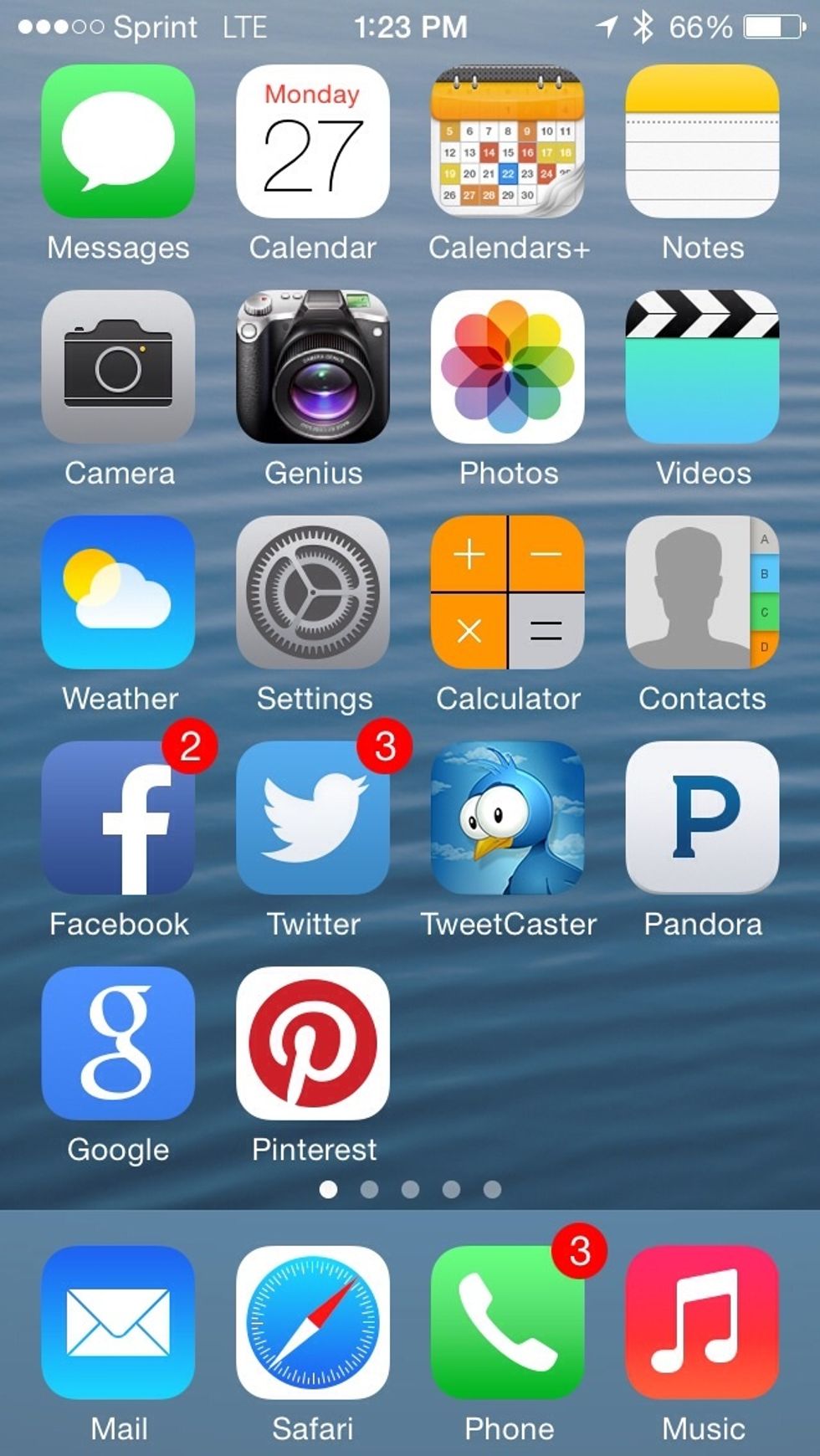
Start from the home screen of your device.

Start from the home screen of your device.

Click on the Settings icon
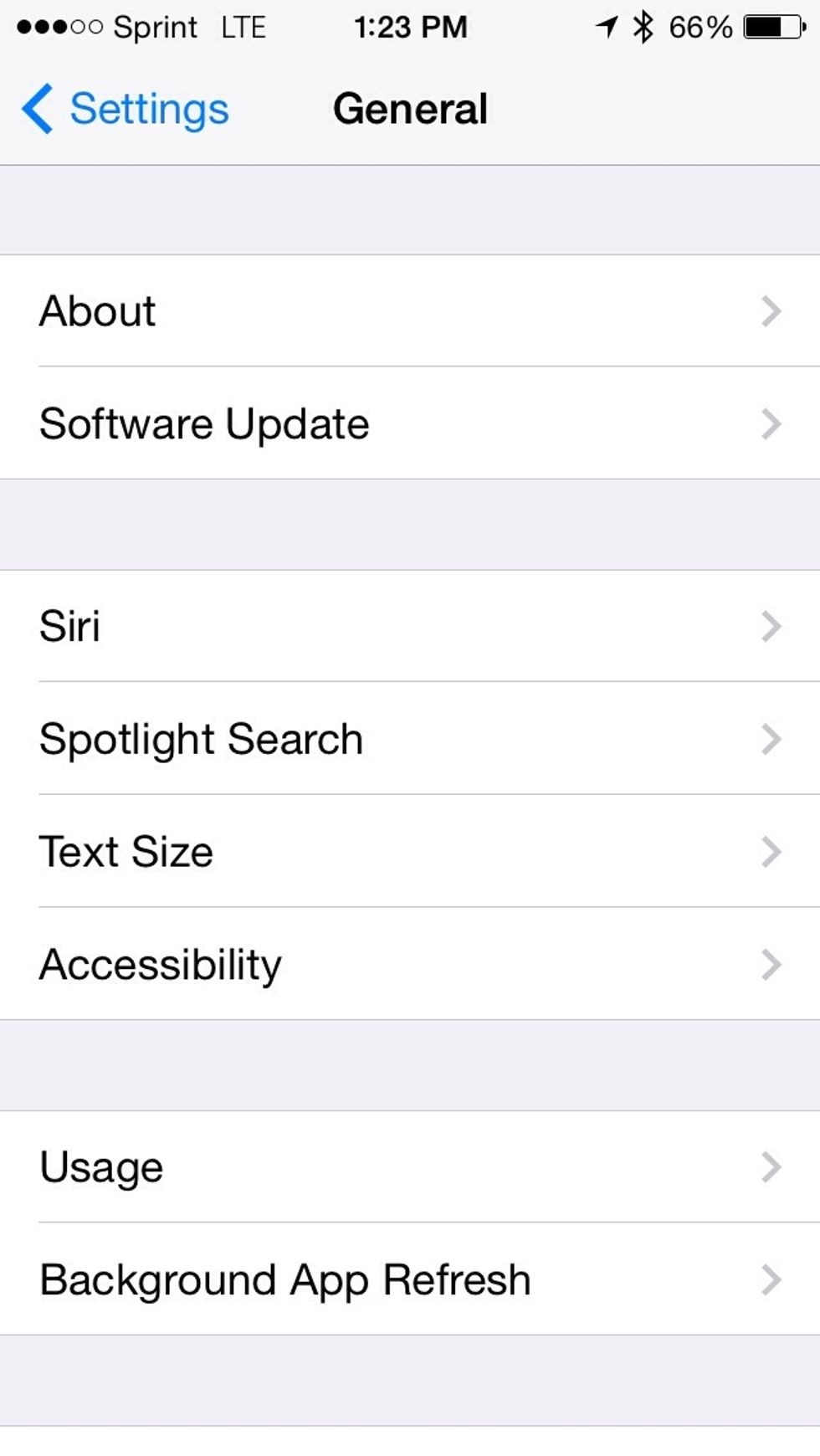
Click on the Settings icon

Click on accessibility
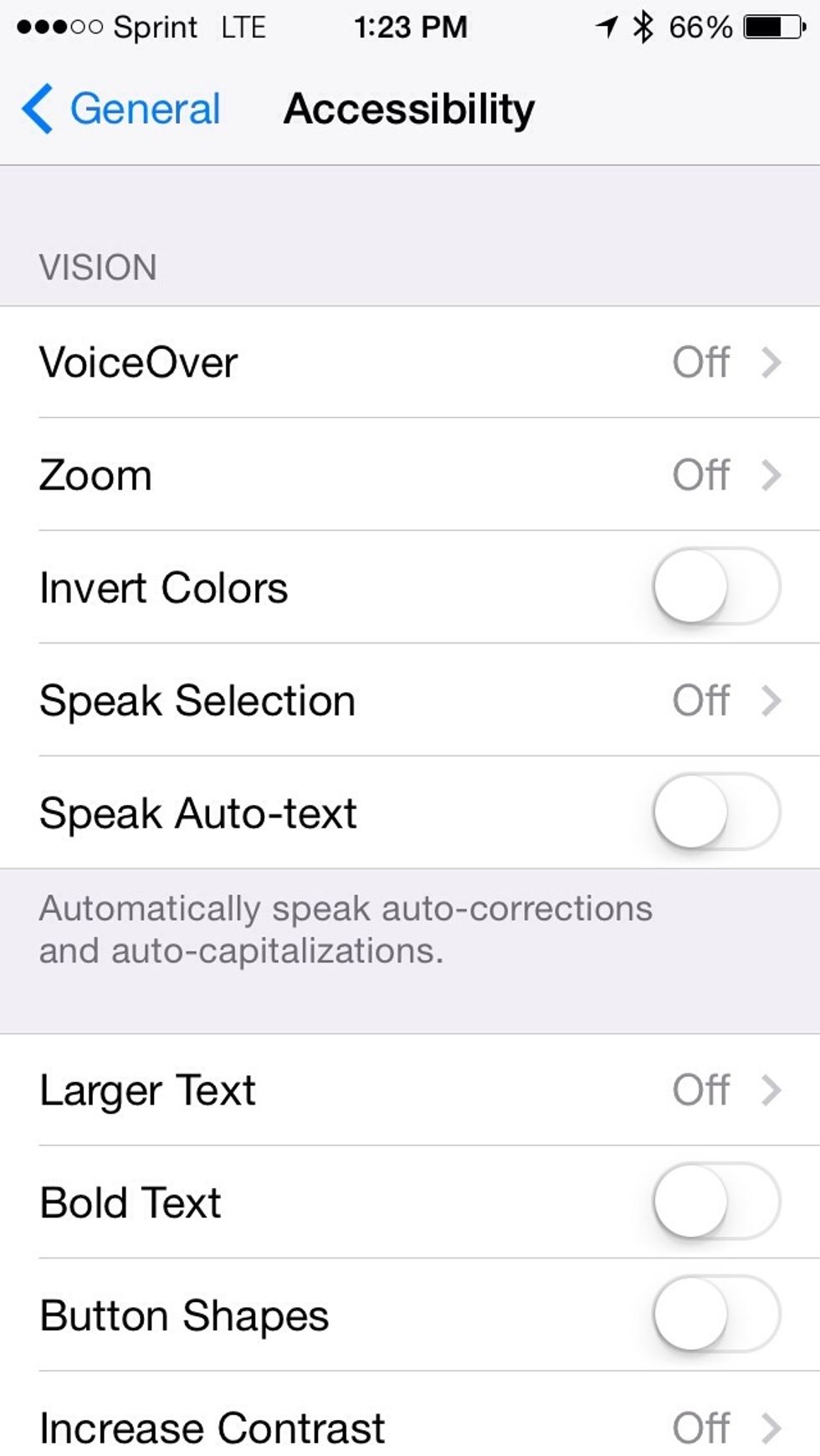
Click on accessibility

Go to Speech Selection
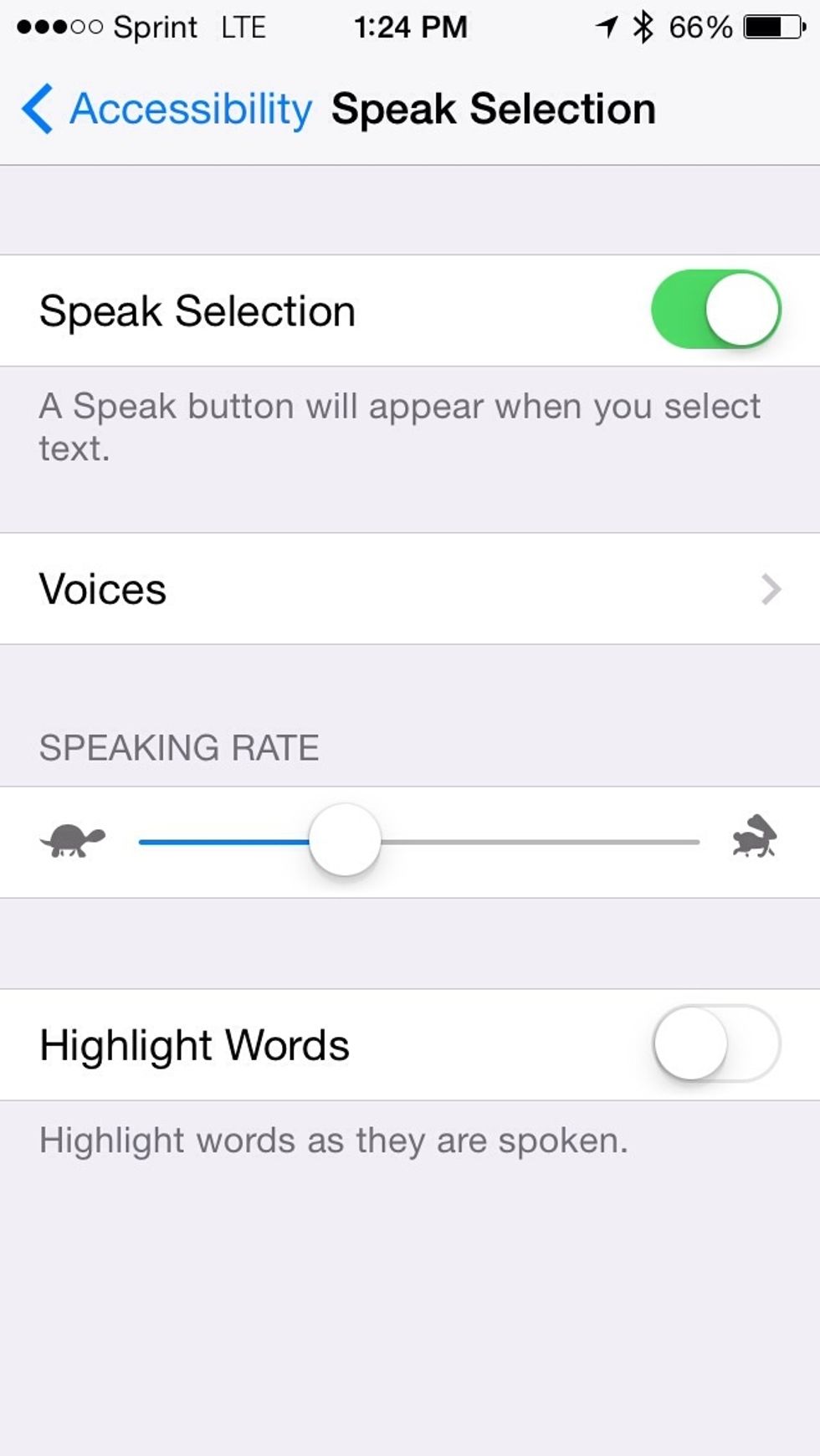
Go to Speech Selection

Move switch to On position and adjust the speaking rate and language preference

Move switch to On position and adjust the speaking rate and language preference

Highlight and select text, then tap speech to have the text read to you.

The creator of this guide has not included tools