
The Conversation (0)
Sign Up
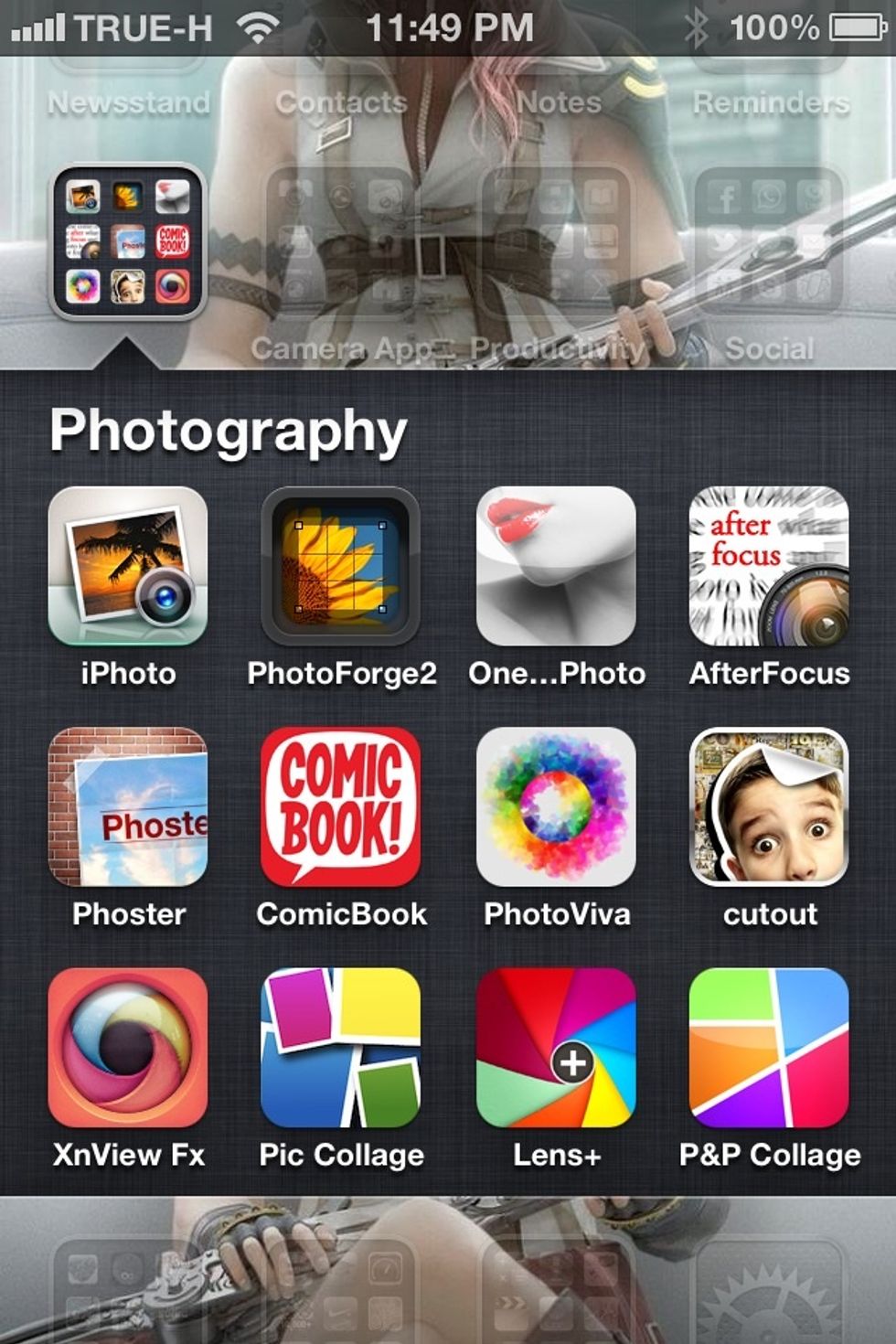
Opening iPhoto app.

Going to journal tab and creating your own journal.

Creating and editing your own journal as your appreciate.

Tab share icon and select share with iCloud.
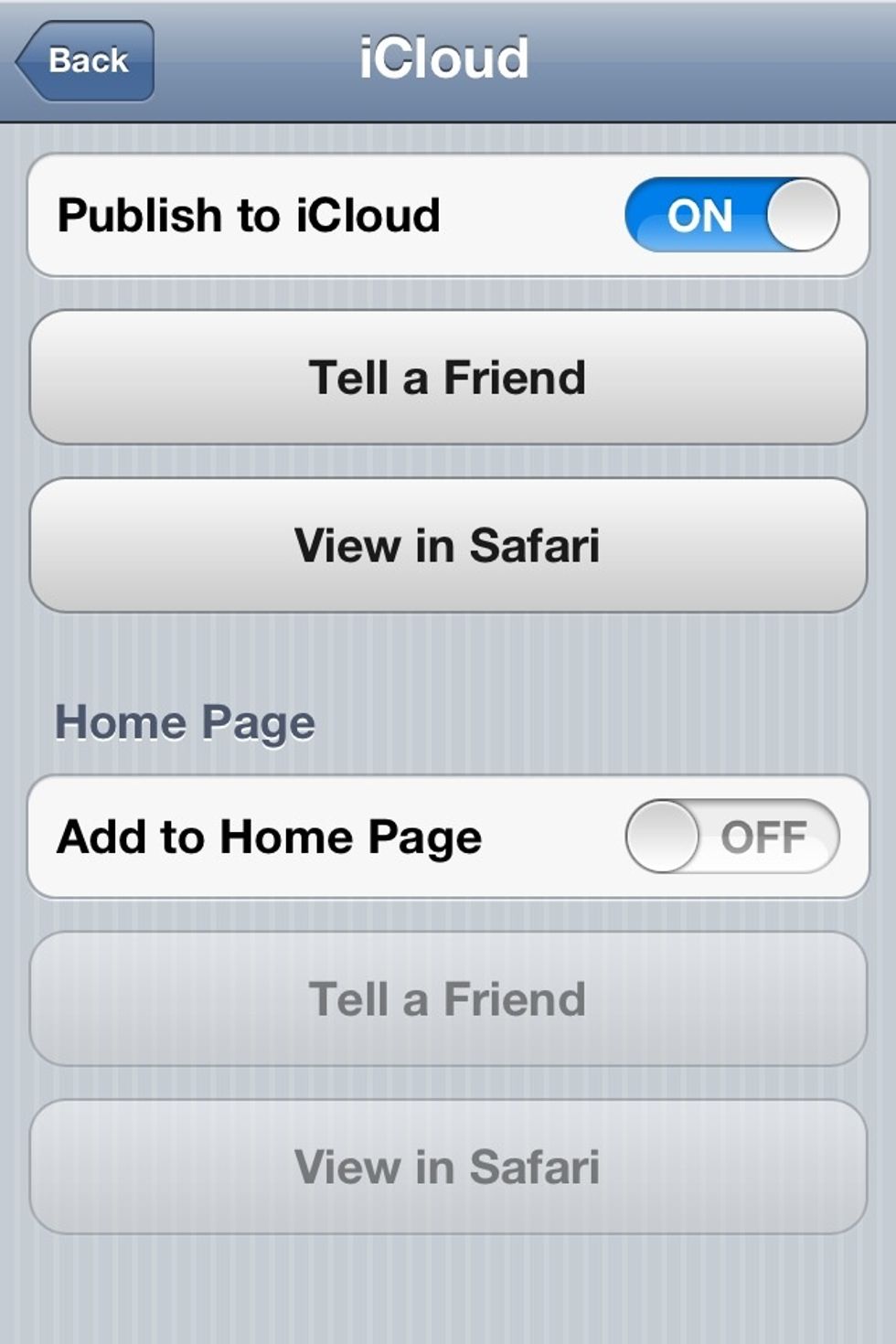
Tab publish to iCloud to switch on and wait for journal upload to iCloud, then you can view it on safarie or show your friend by sending your journal link to them.

Your journal now perfectly show in browser and can easily share with other people. Have fun!!