
The Conversation (0)
Sign Up

Go to the Settings
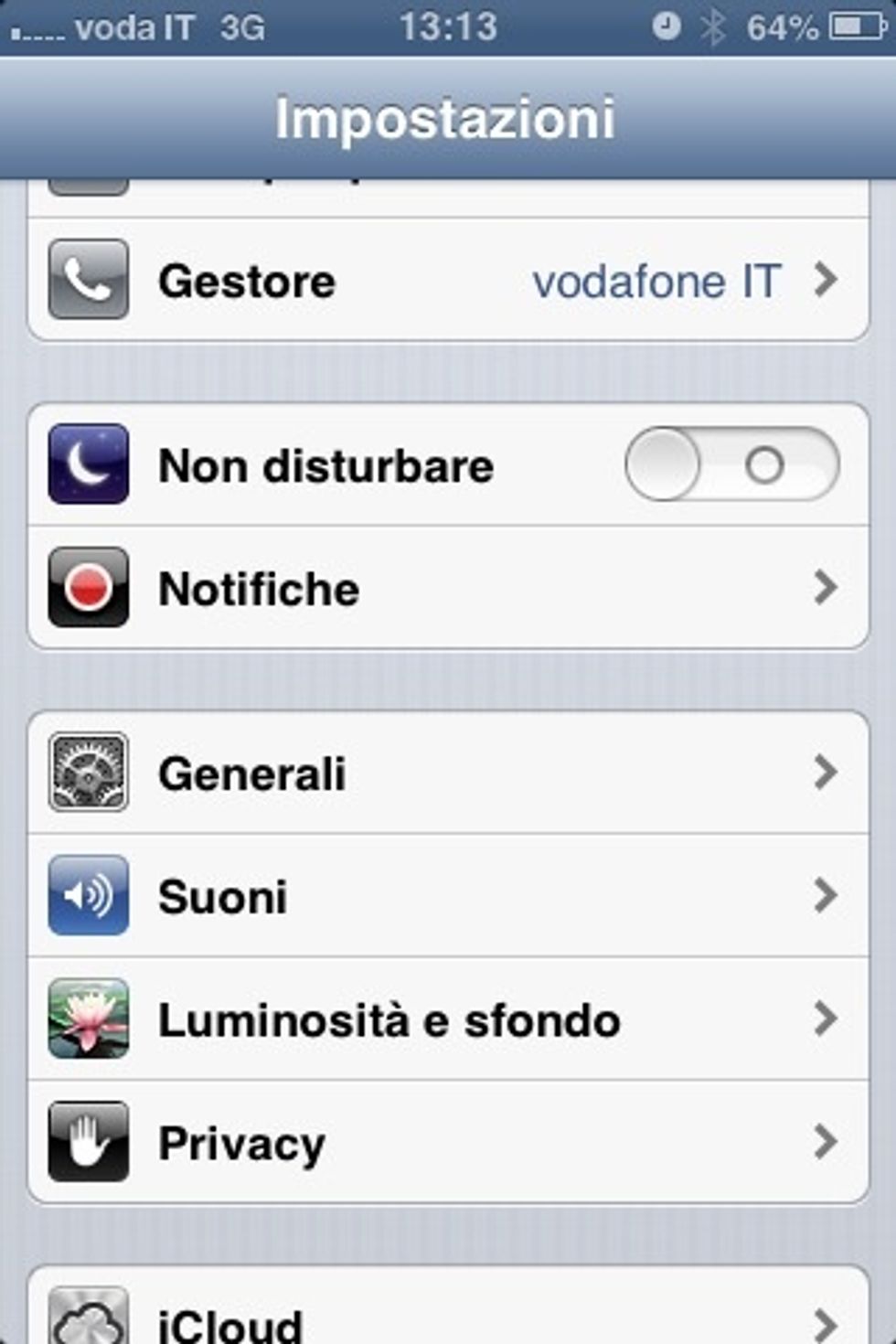
Then General
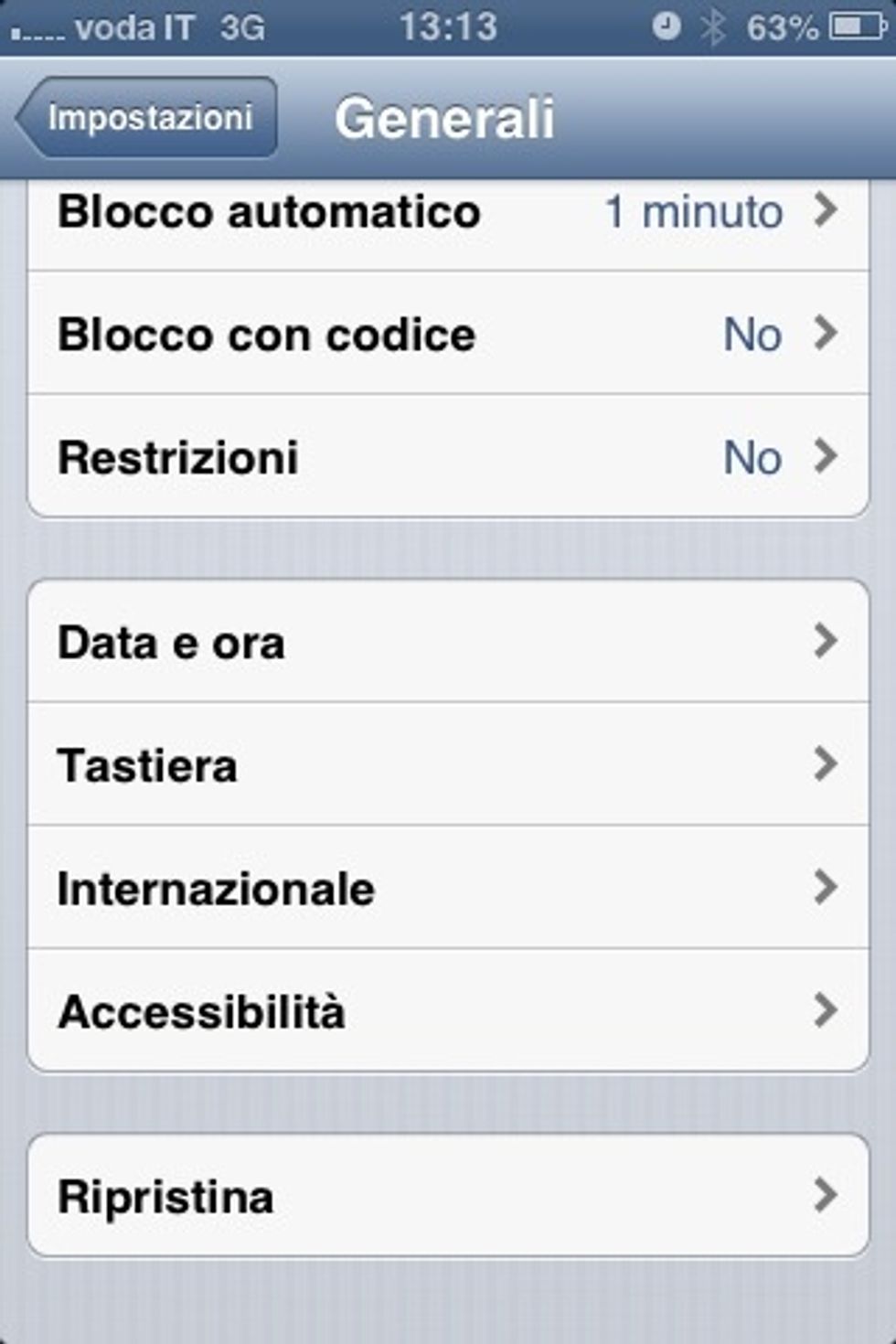
Scroll down until you find Accessibility
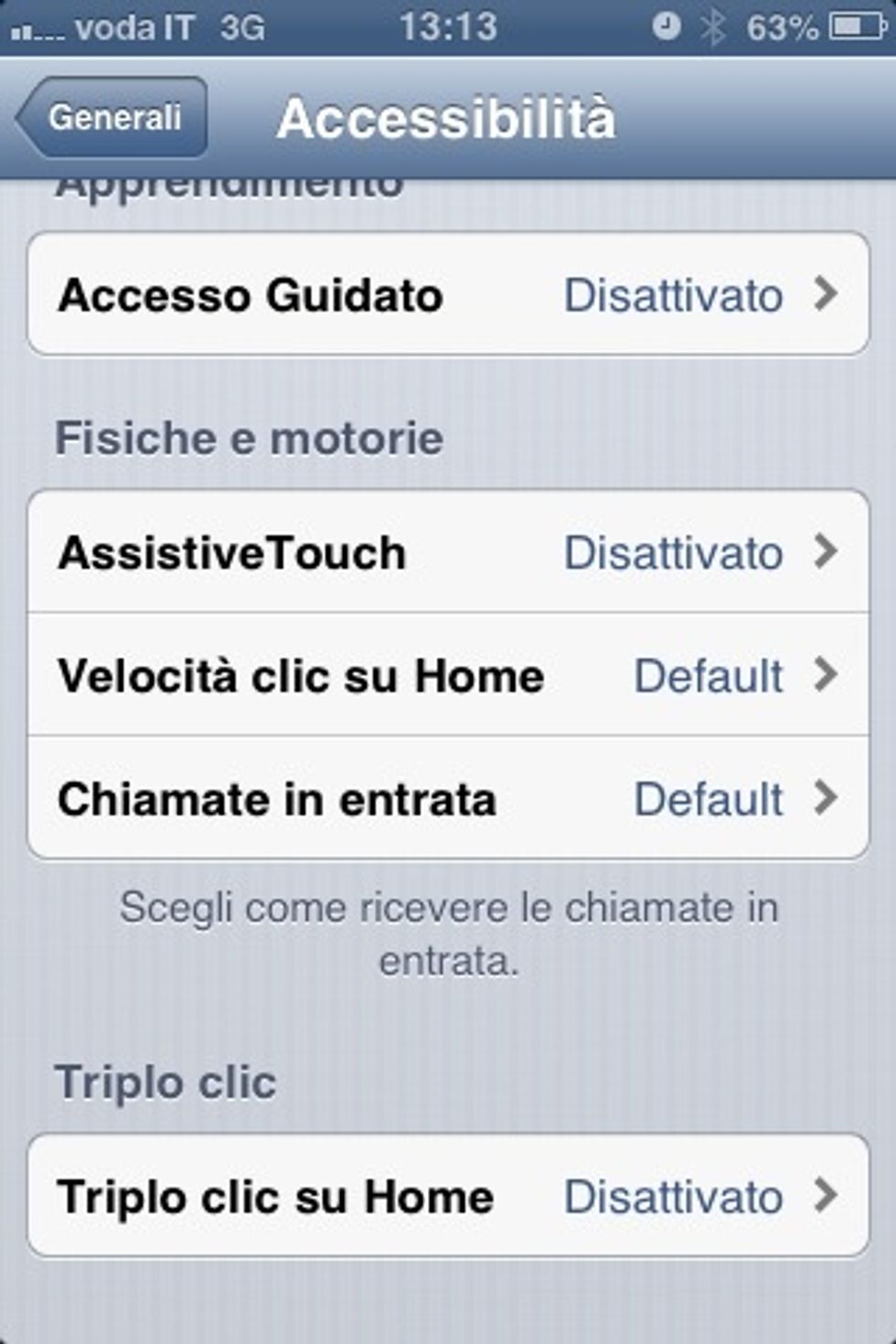
Scroll down until you find AssistiveTouch
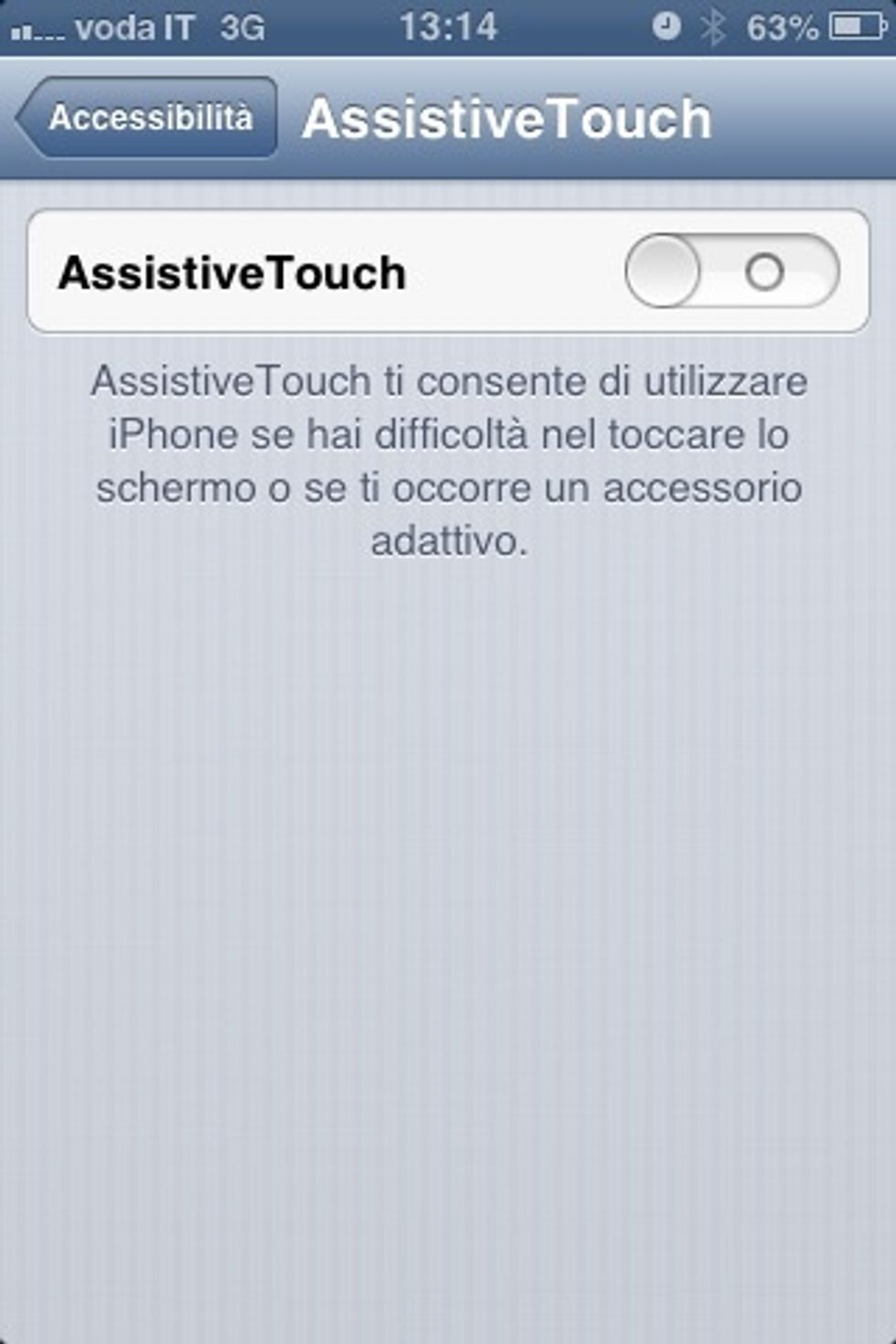
Activate AssistiveTouch
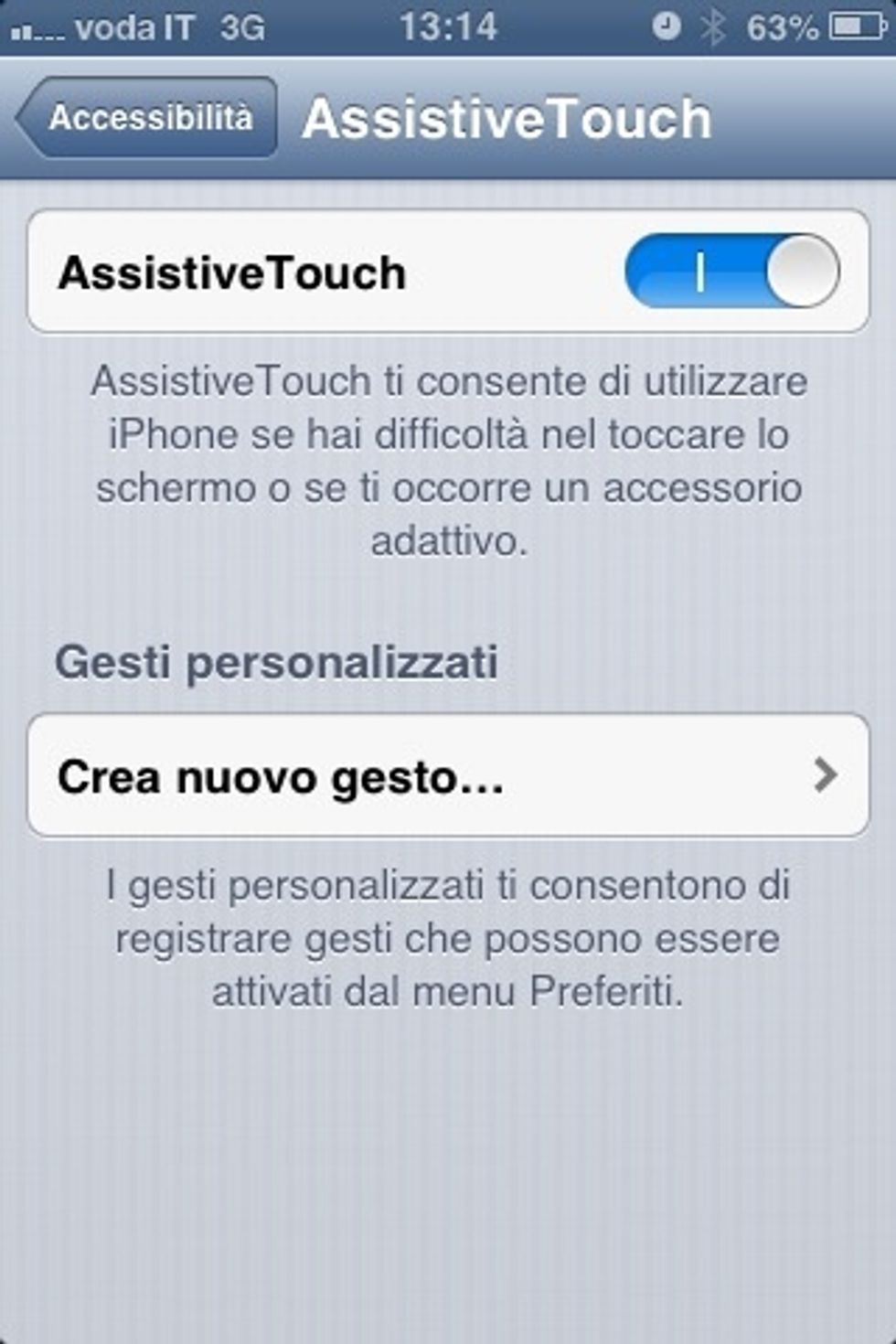
You can create new gestures if you want, but I left everything as it was by default
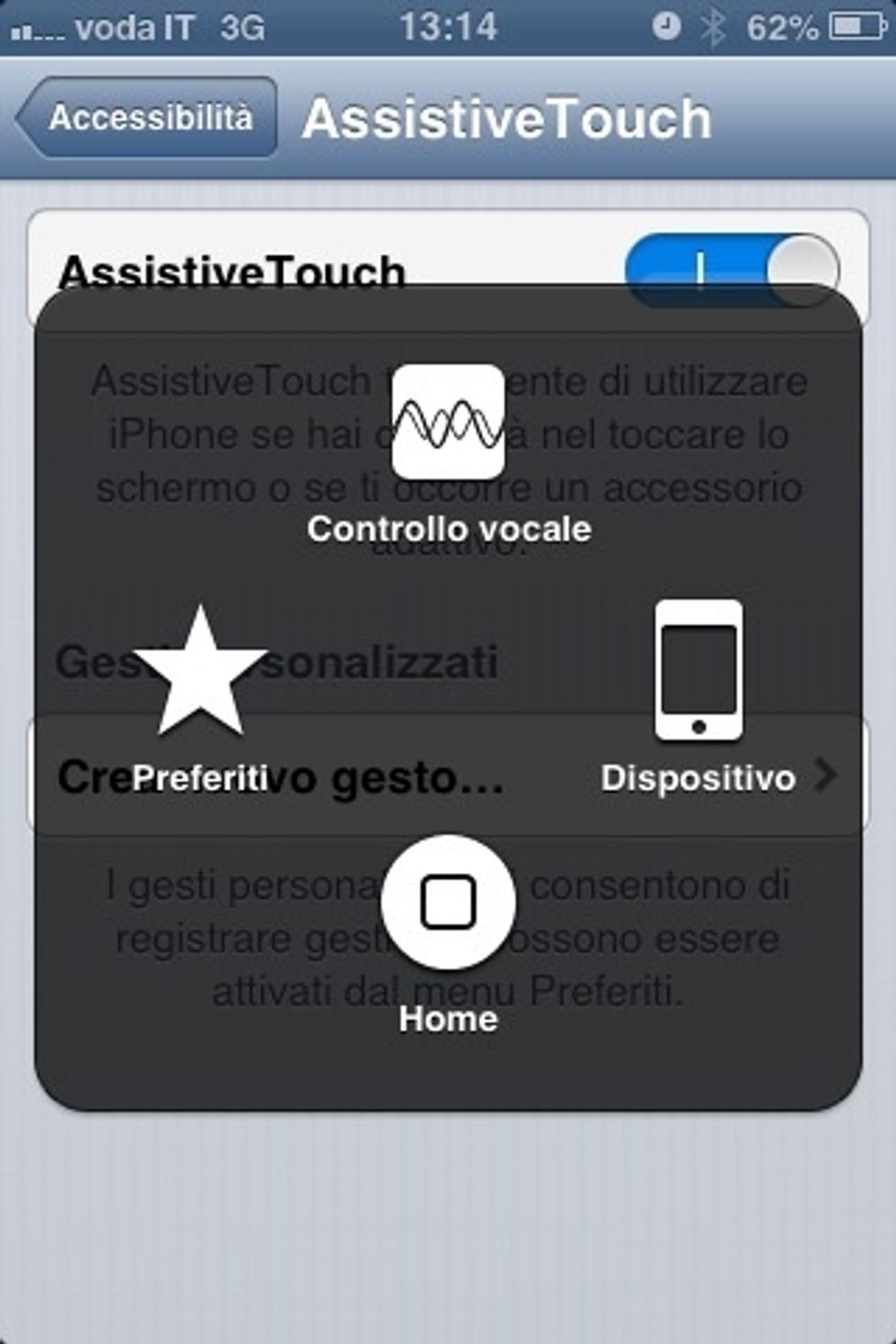
A new virtual button appears on the screen which you can push and similar menu appears, where you can notice the Home button: it works exactly like the physical button on your iPhone

You can place your virtual button wherever you prefer on your home screen