How to use active education

The active education app is a great tool use for physical education teachers to incorporate activities into their class along with staying current on P.E. news around the globe.

23
STEPS
TOOLS

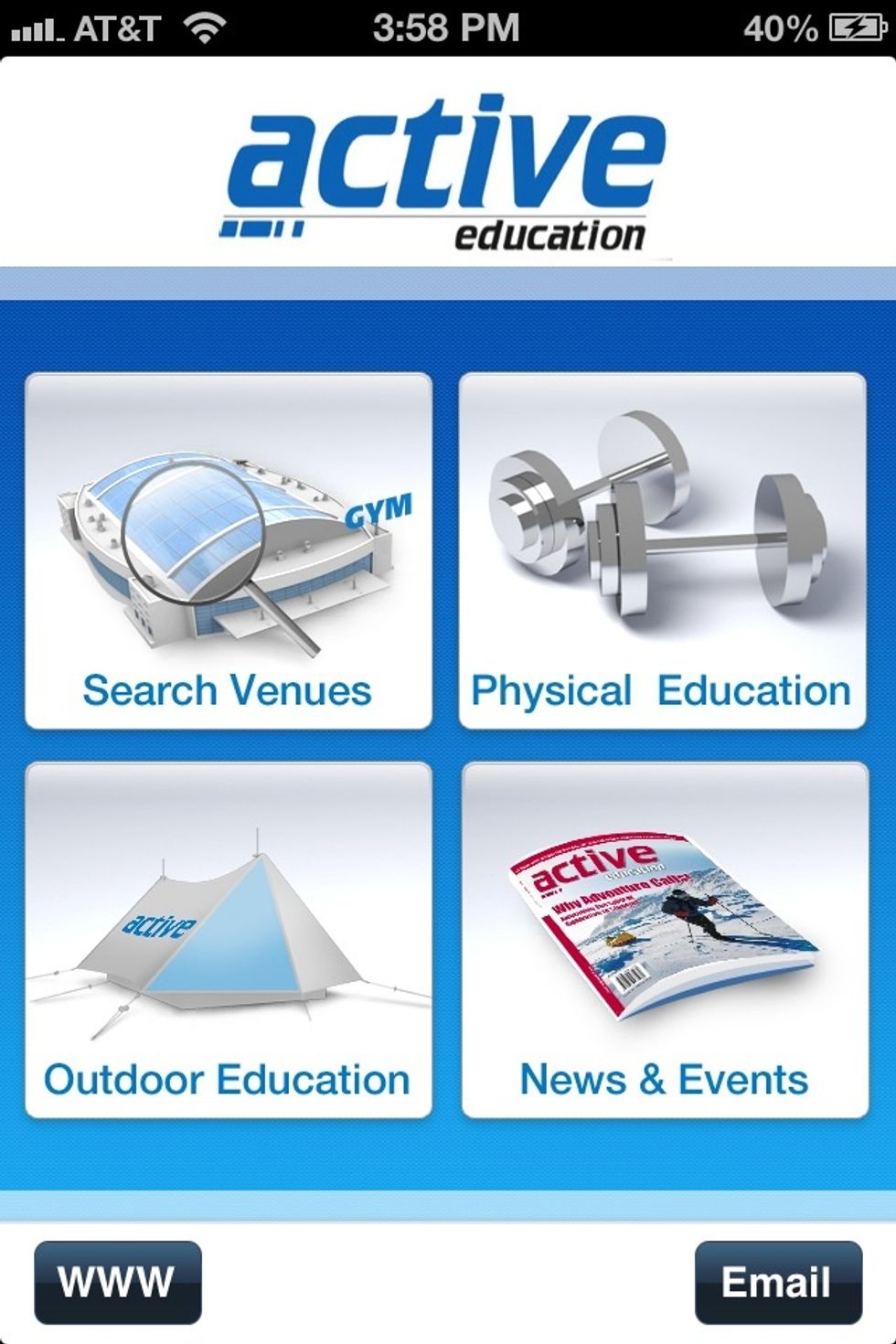
Home page: You can choose from these four options to navigate throughout the active education app.
Home page: You can choose from these four options to navigate throughout the active education app.

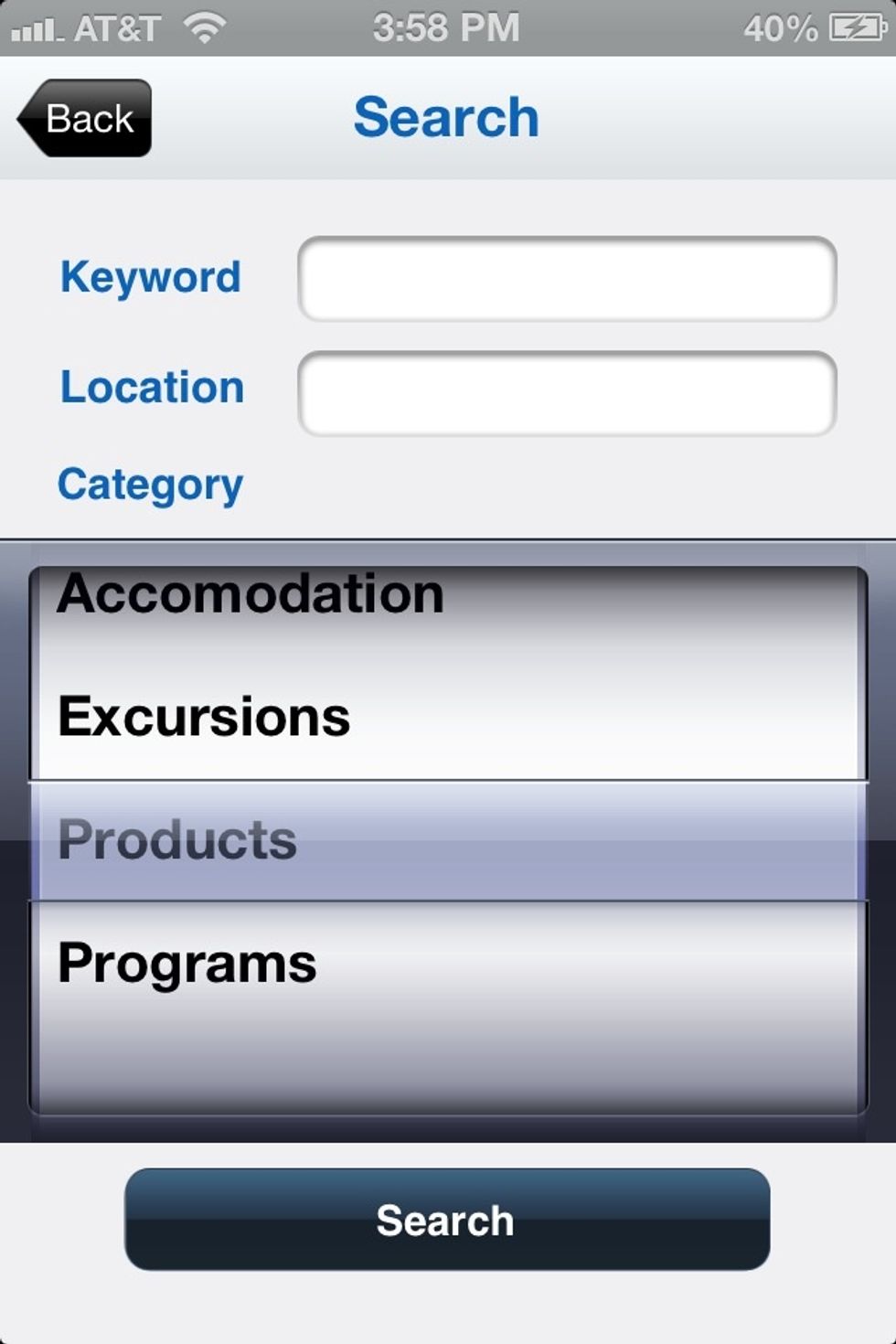
Option 1: You can search for activities and locations for events that are close to you.
Option 1: You can search for activities and locations for events that are close to you.

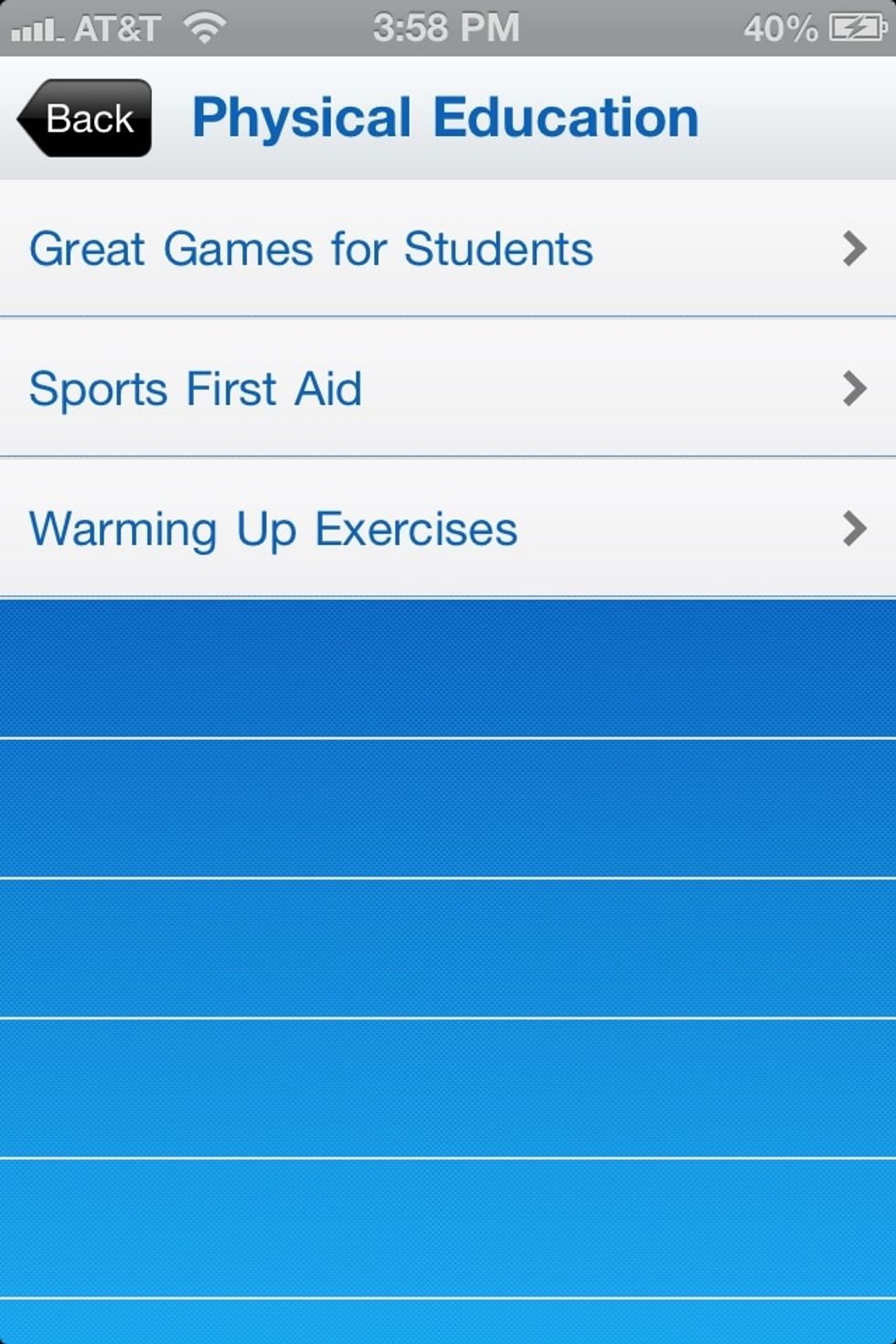
Option 2: Physical education activities you can choose. They are different activities you can perform in your class. Once you click on one of the options, you will be able to see all of the choices.
Option 2: Physical education activities you can choose. They are different activities you can perform in your class. Once you click on one of the options, you will be able to see all of the choices.

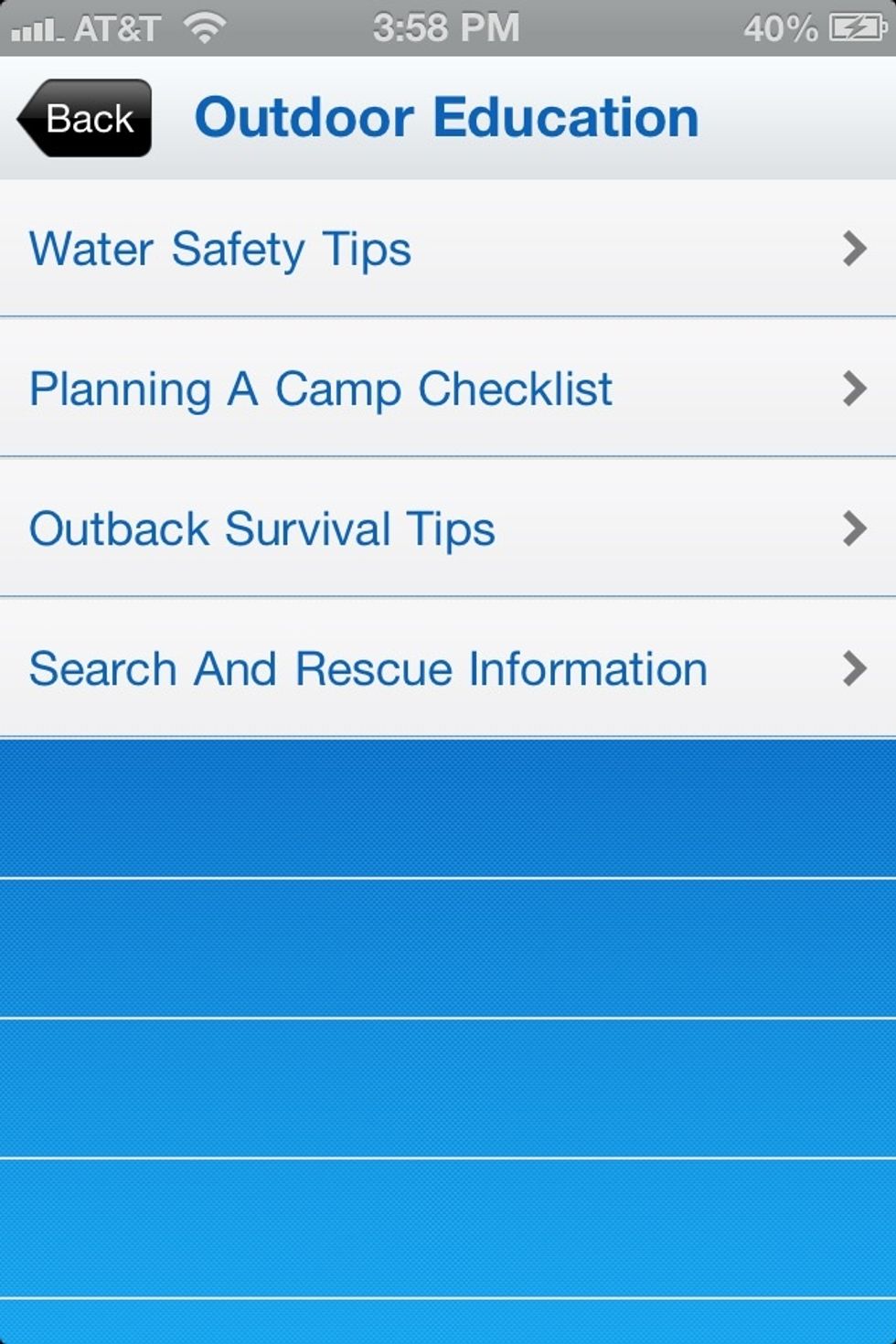
Option 3: this section allows you to explore alternative forms of physical education, primarily for outdoor education.
Option 3: this section allows you to explore alternative forms of physical education, primarily for outdoor education.

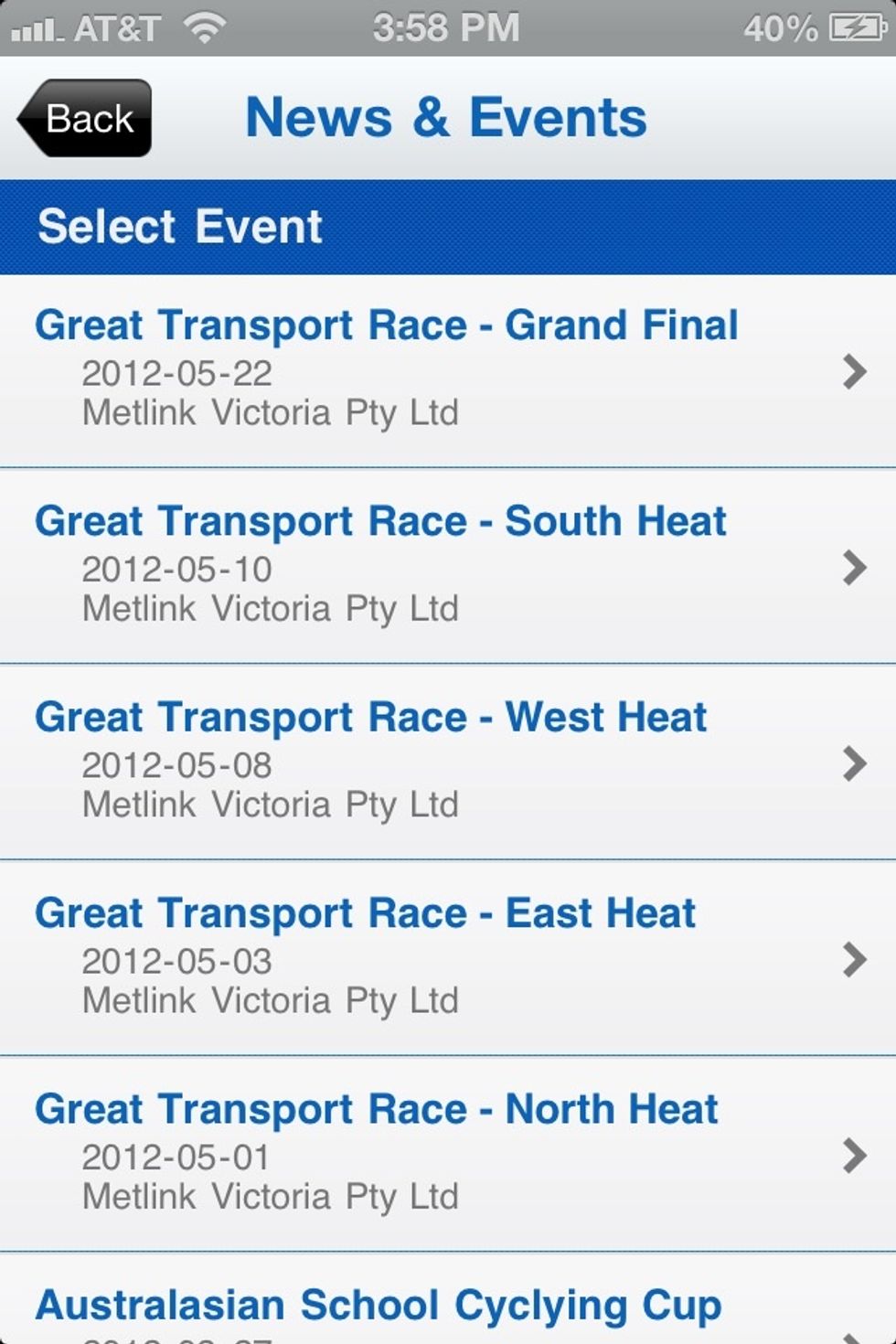
Option 4: This section deals will current news in physical education. This is a great way to keep current on information occurring around the world in the physical education circle.
Option 4: This section deals will current news in physical education. This is a great way to keep current on information occurring around the world in the physical education circle.

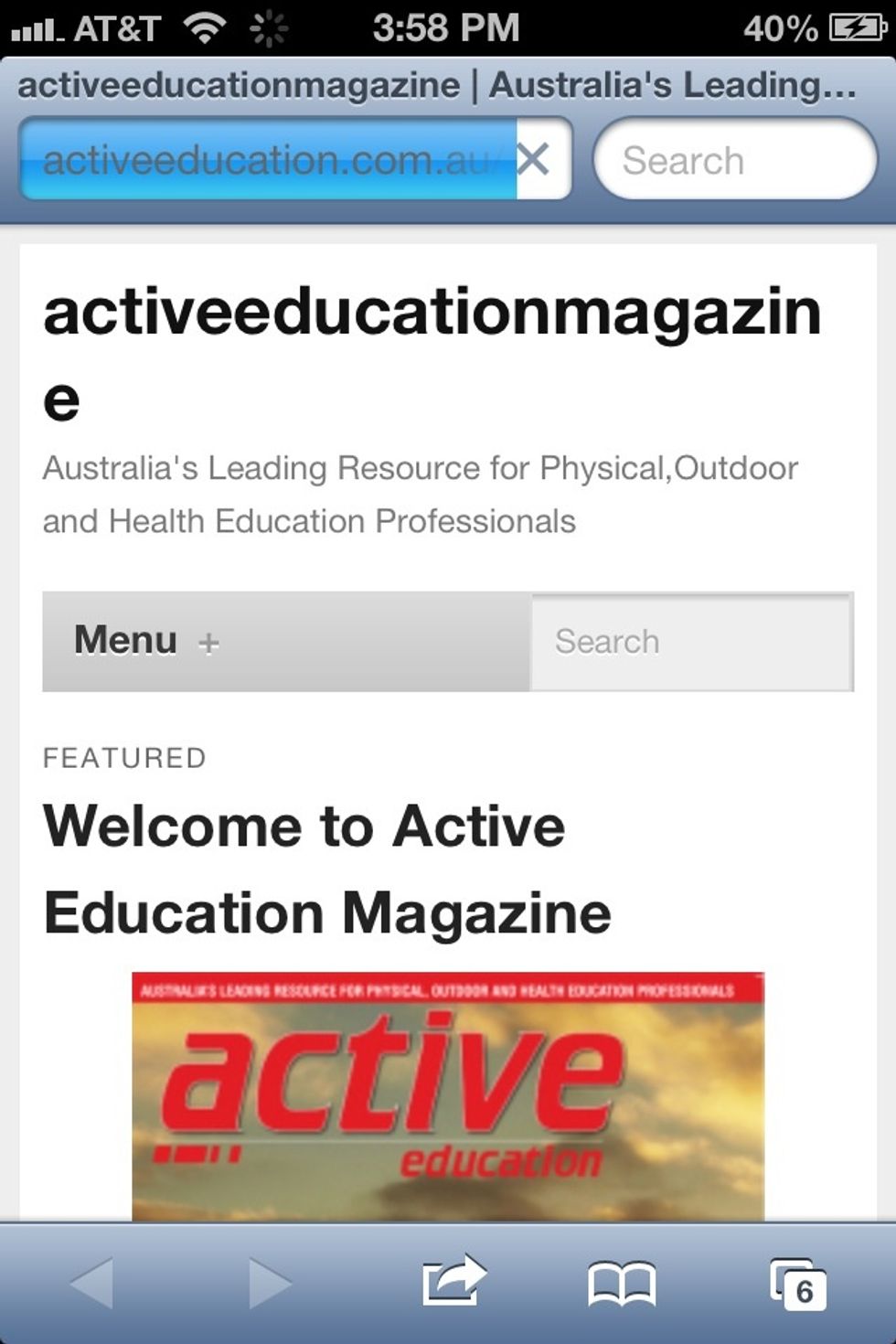
On the bottom of the link there is a www button which takes you right to the active education website. This allows you to explore many other possibilities dealing with physical education.
On the bottom of the link there is a www button which takes you right to the active education website. This allows you to explore many other possibilities dealing with physical education.

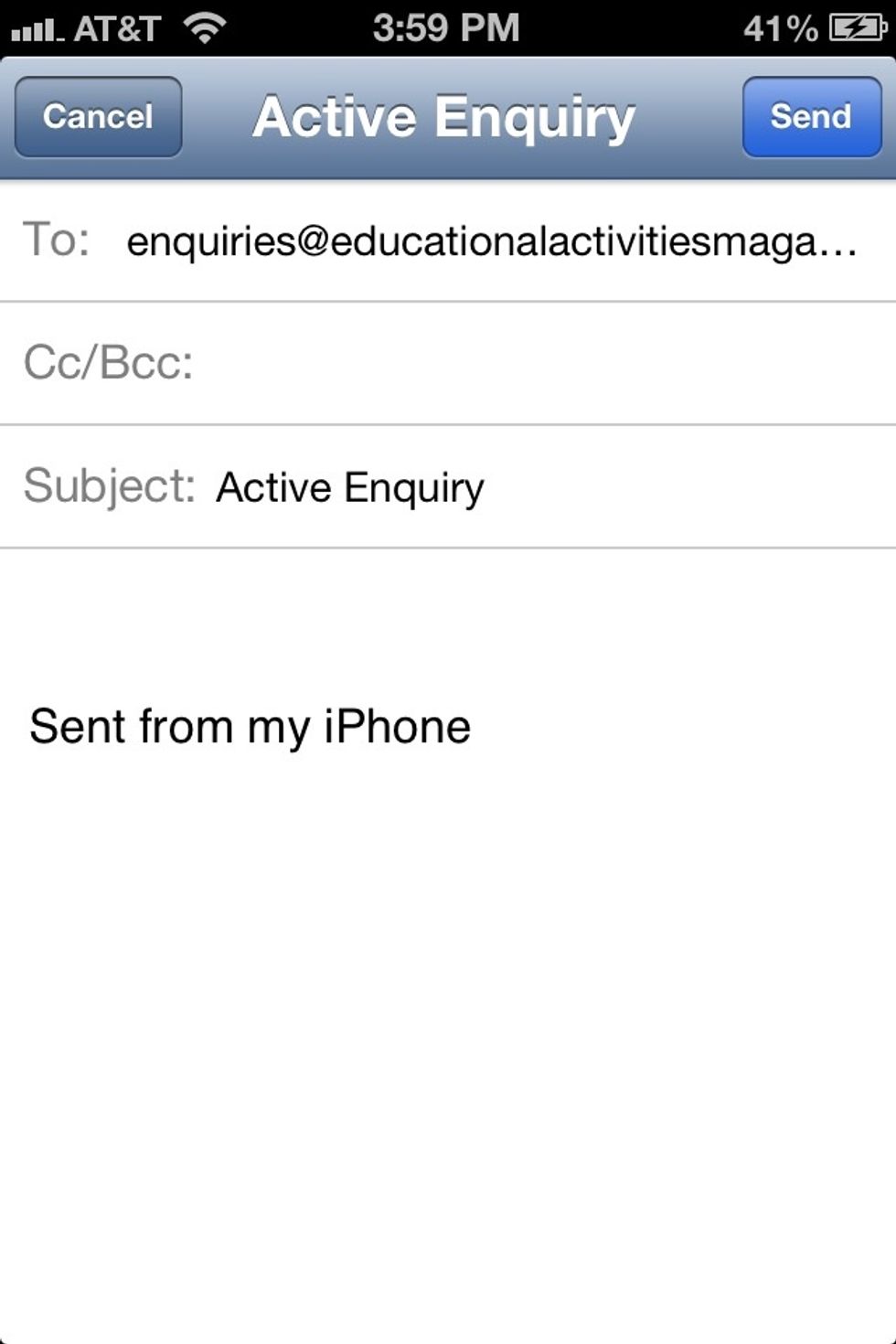
Parallel to the www button, is an email button in which you can click and send an email with any questions or concerns to the active education family. This is a great way to communicate back and forth

Parallel to the www button, is an email button in which you can click and send an email with any questions or concerns to the active education family. This is a great way to communicate back and forth

  • IPhone
  • Active Education App