
The Conversation (0)
Sign Up
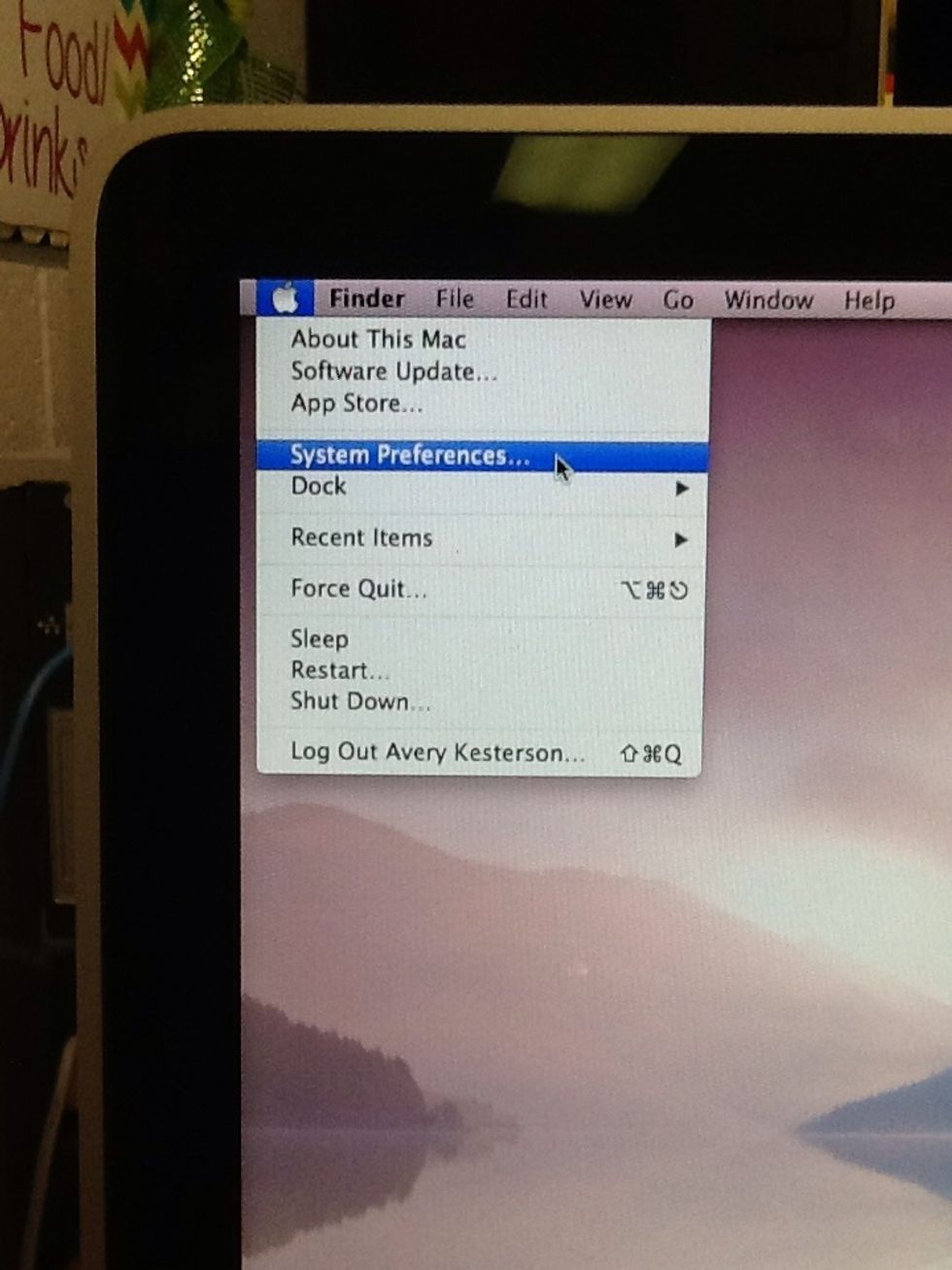
Click the apple in the top left-hand corner and then "System Preferences"
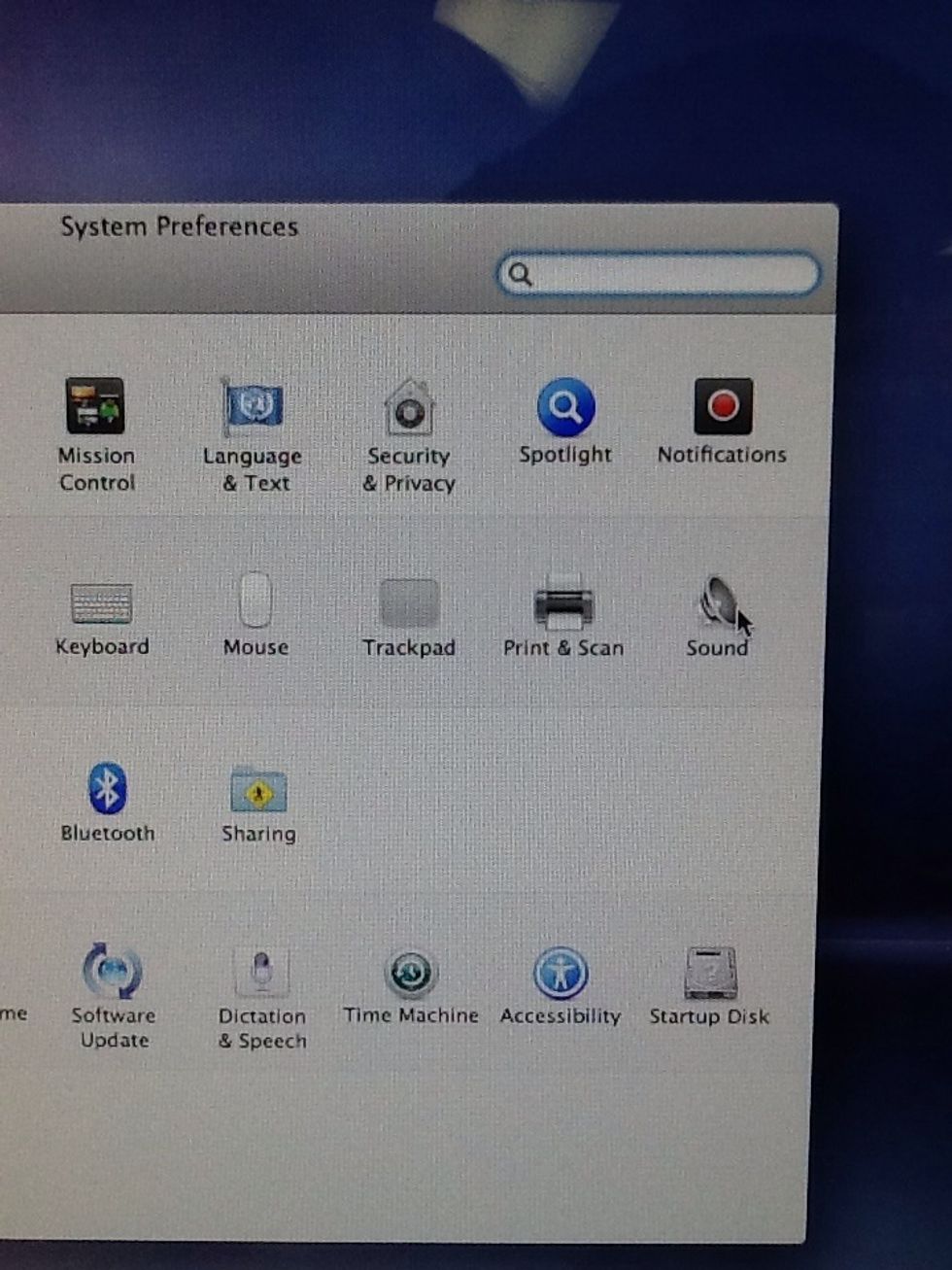
Click "Sound"
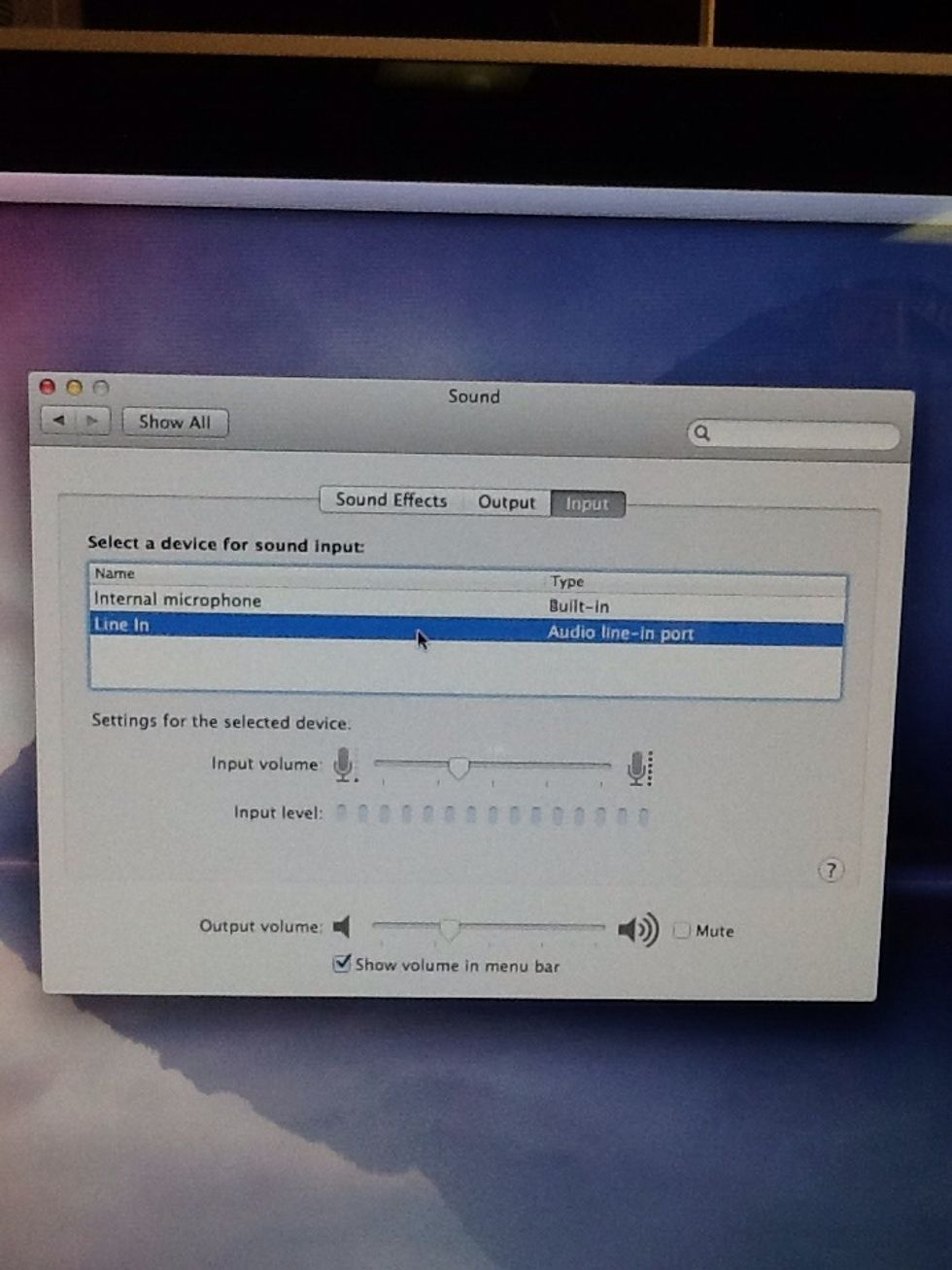
Highlight "Line In" and then close the window
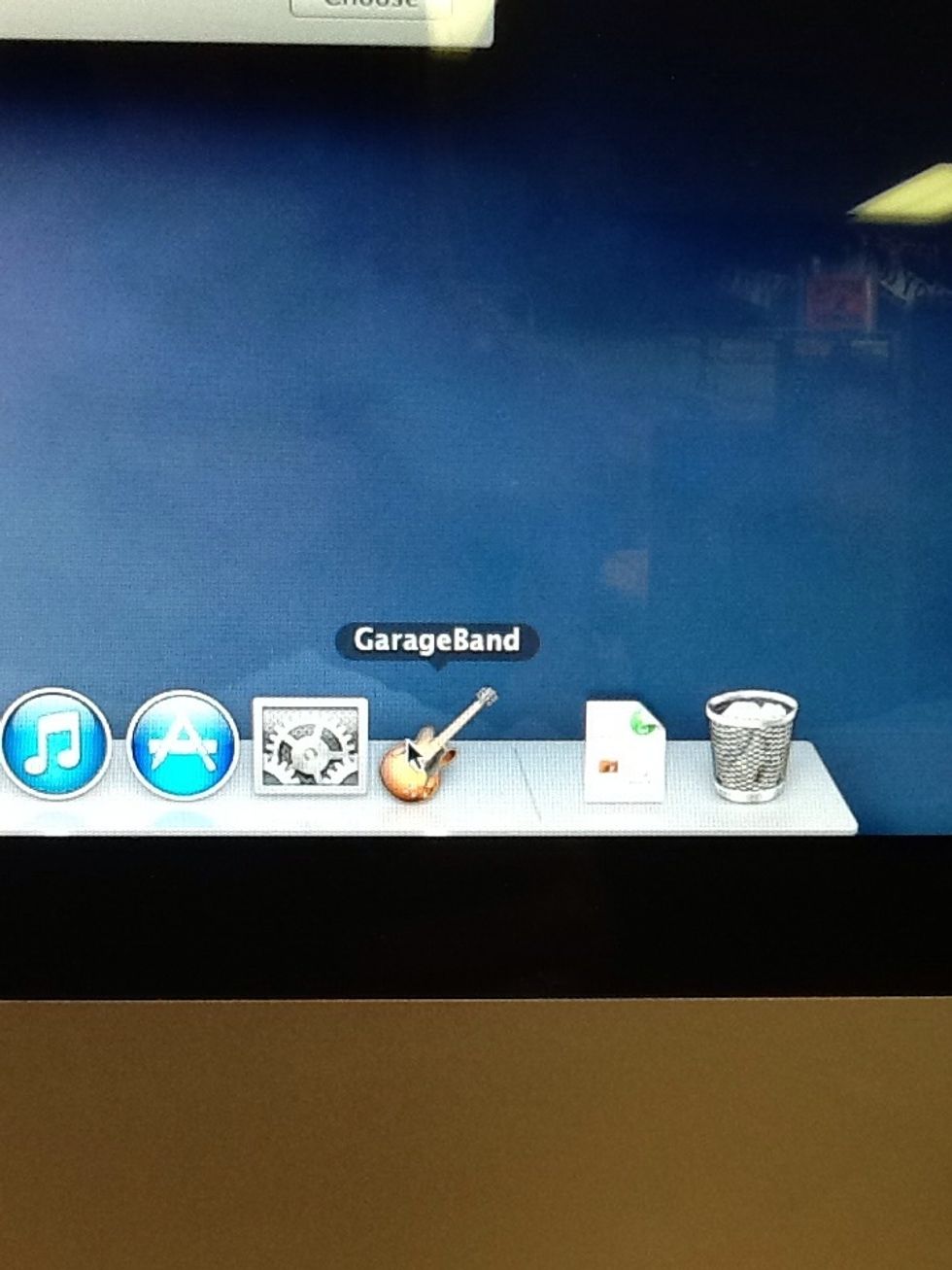
Open "GarageBand"
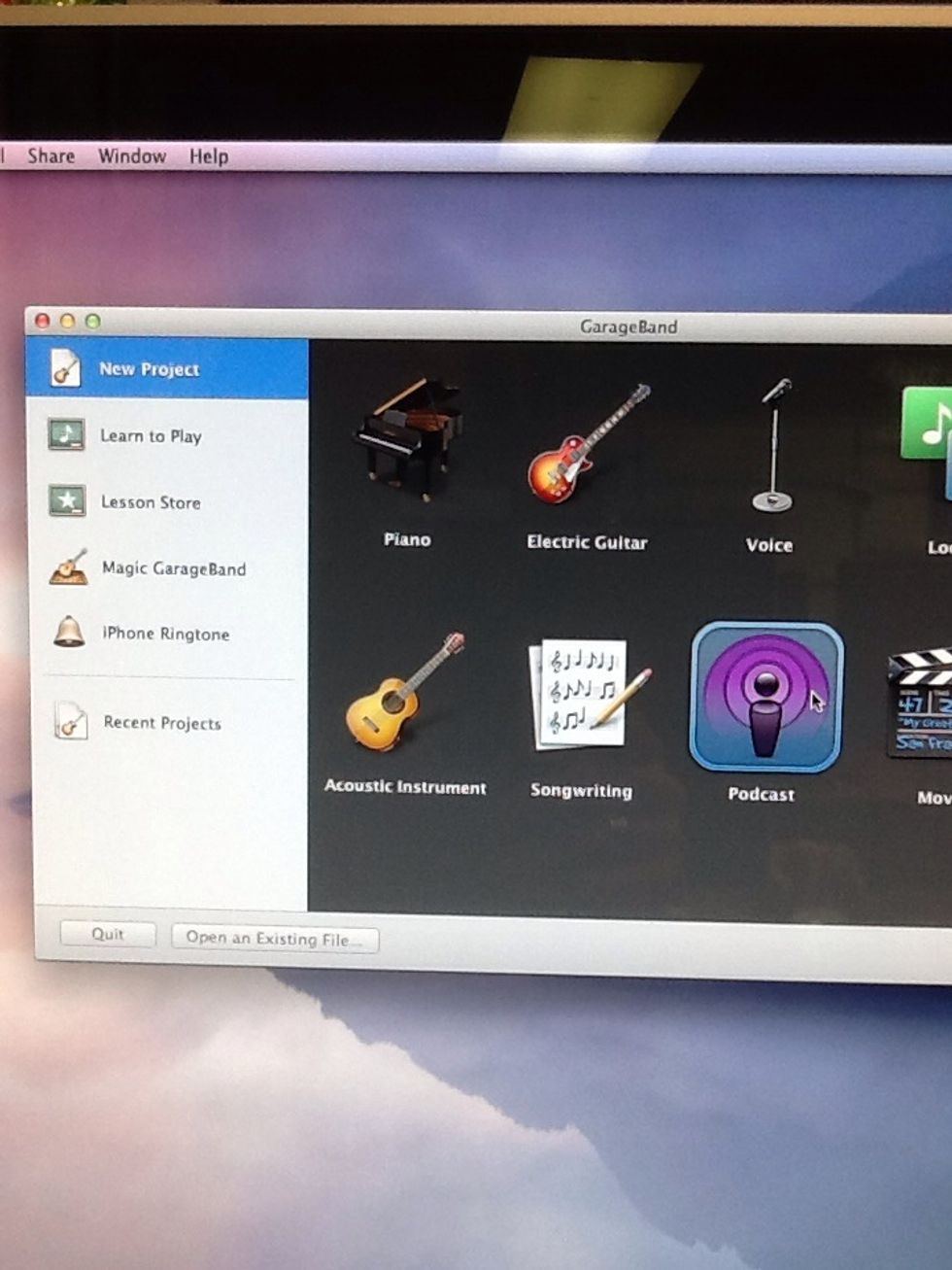
Click "New Project" and then "Podcast"
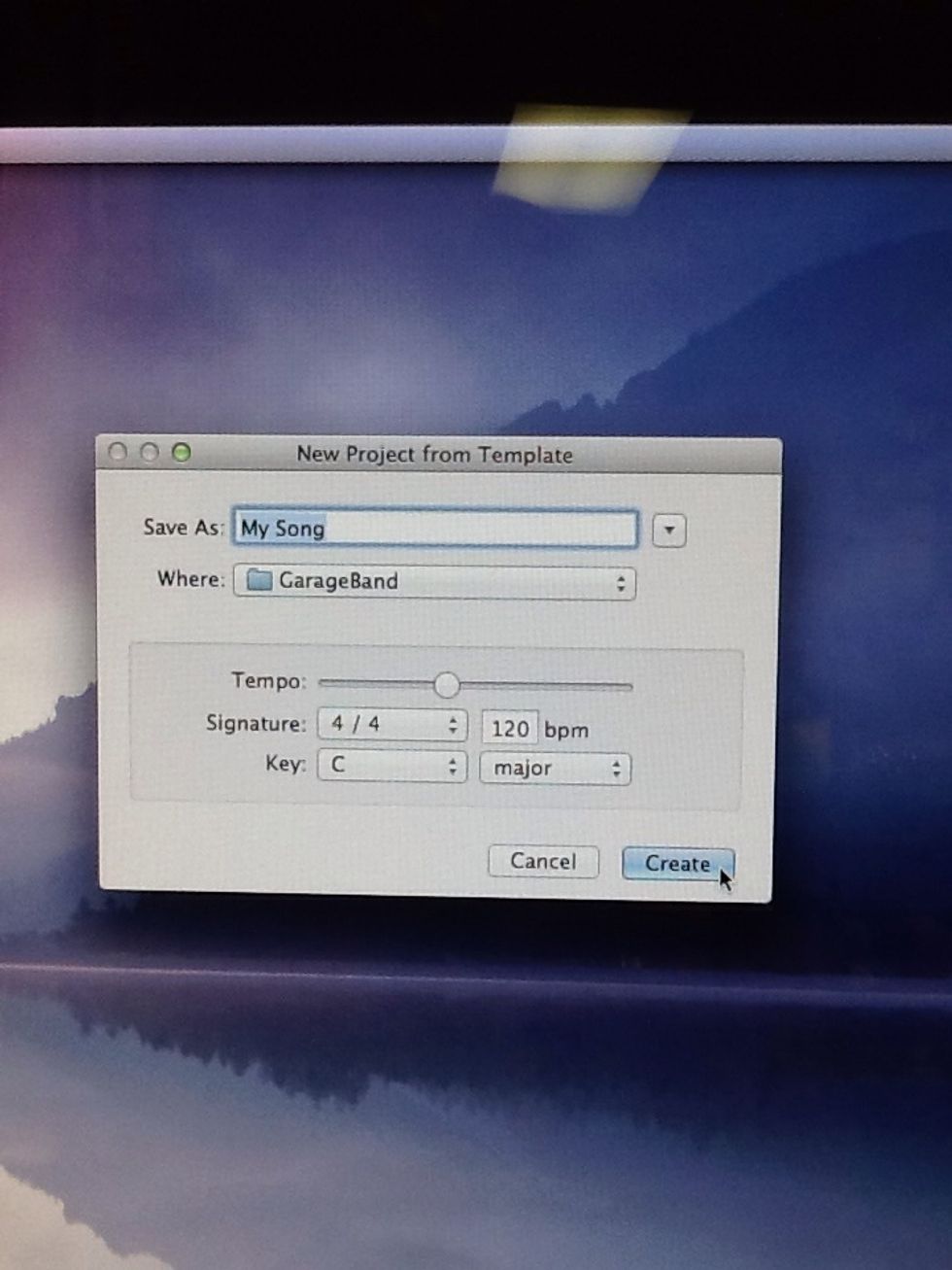
Click "Create"
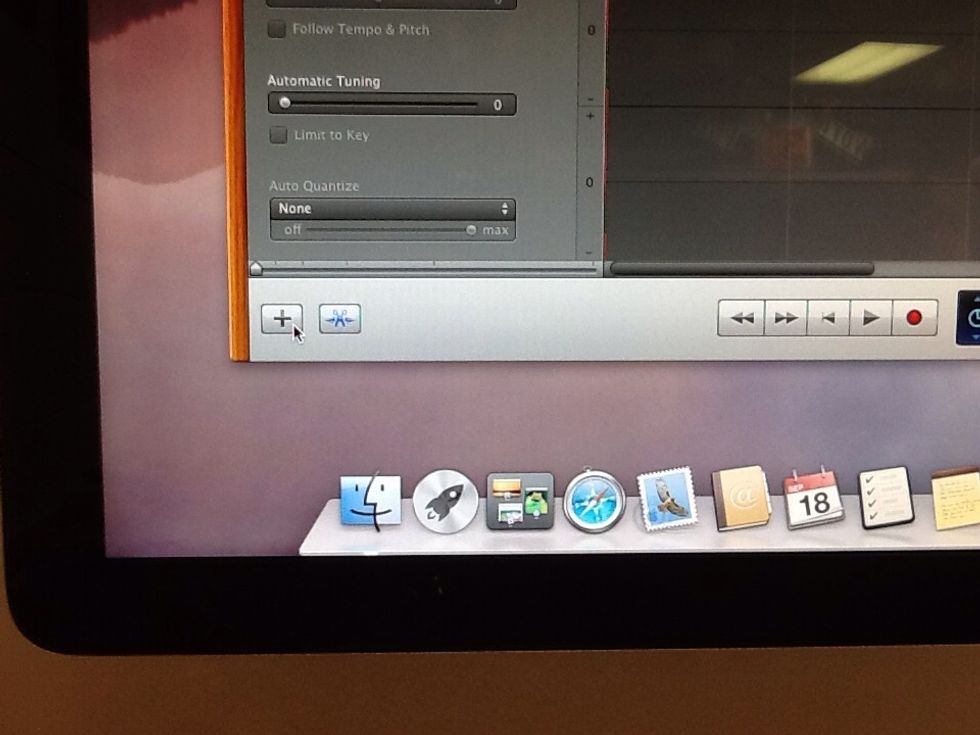
Click the "+" button in the bottom left-hand corner
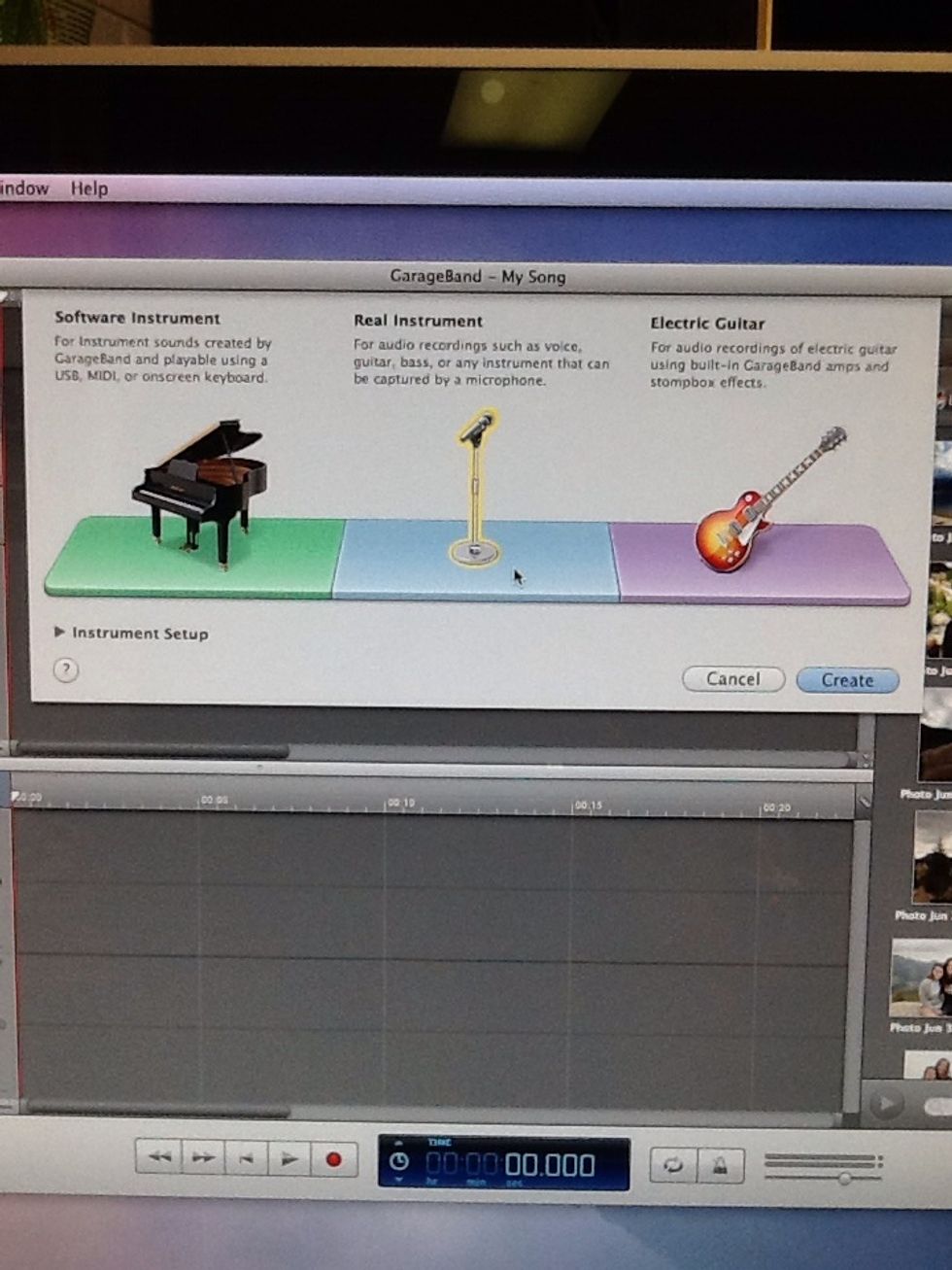
Click "Real Instrument" and then "Create"
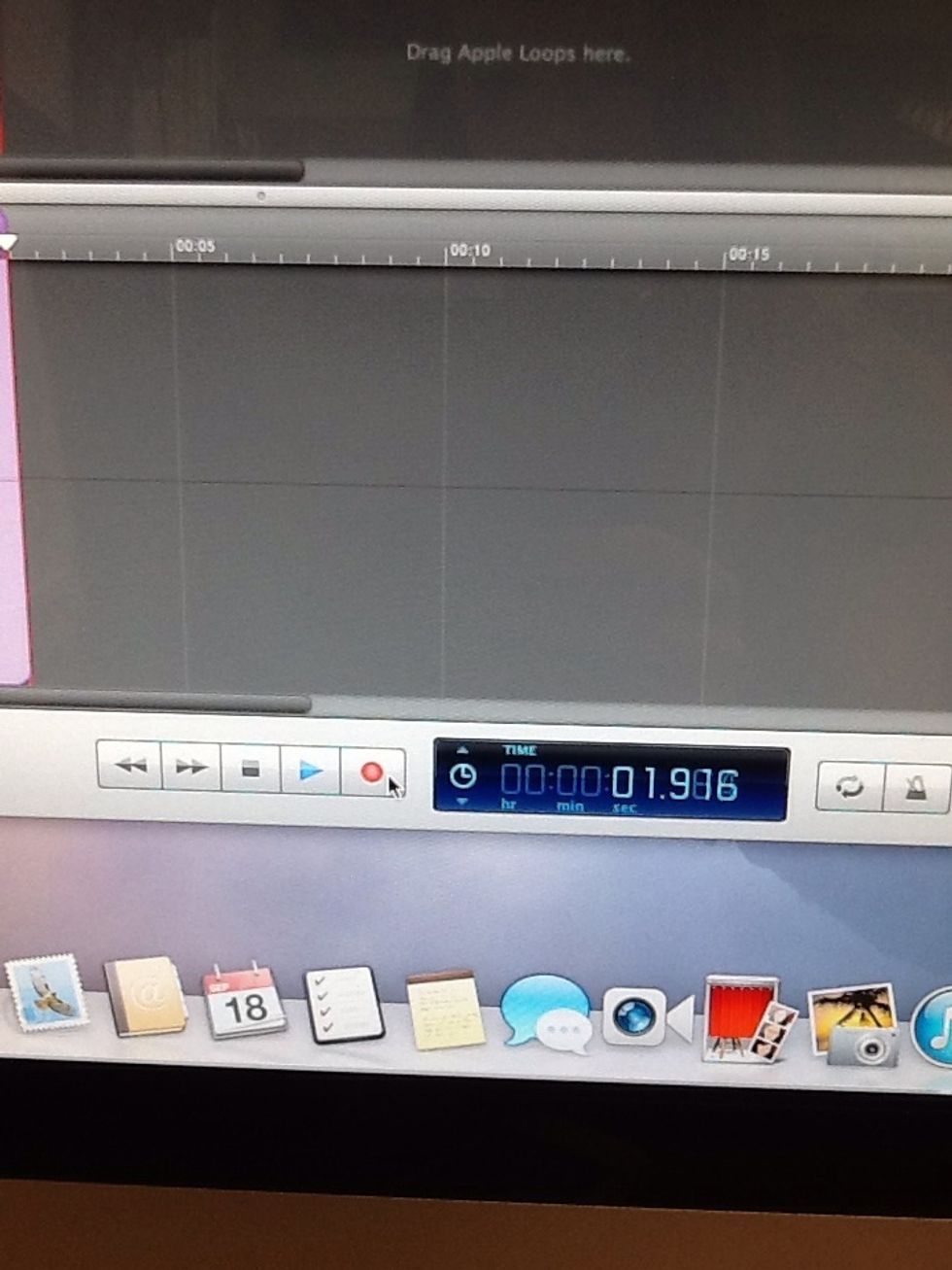
Begin recording
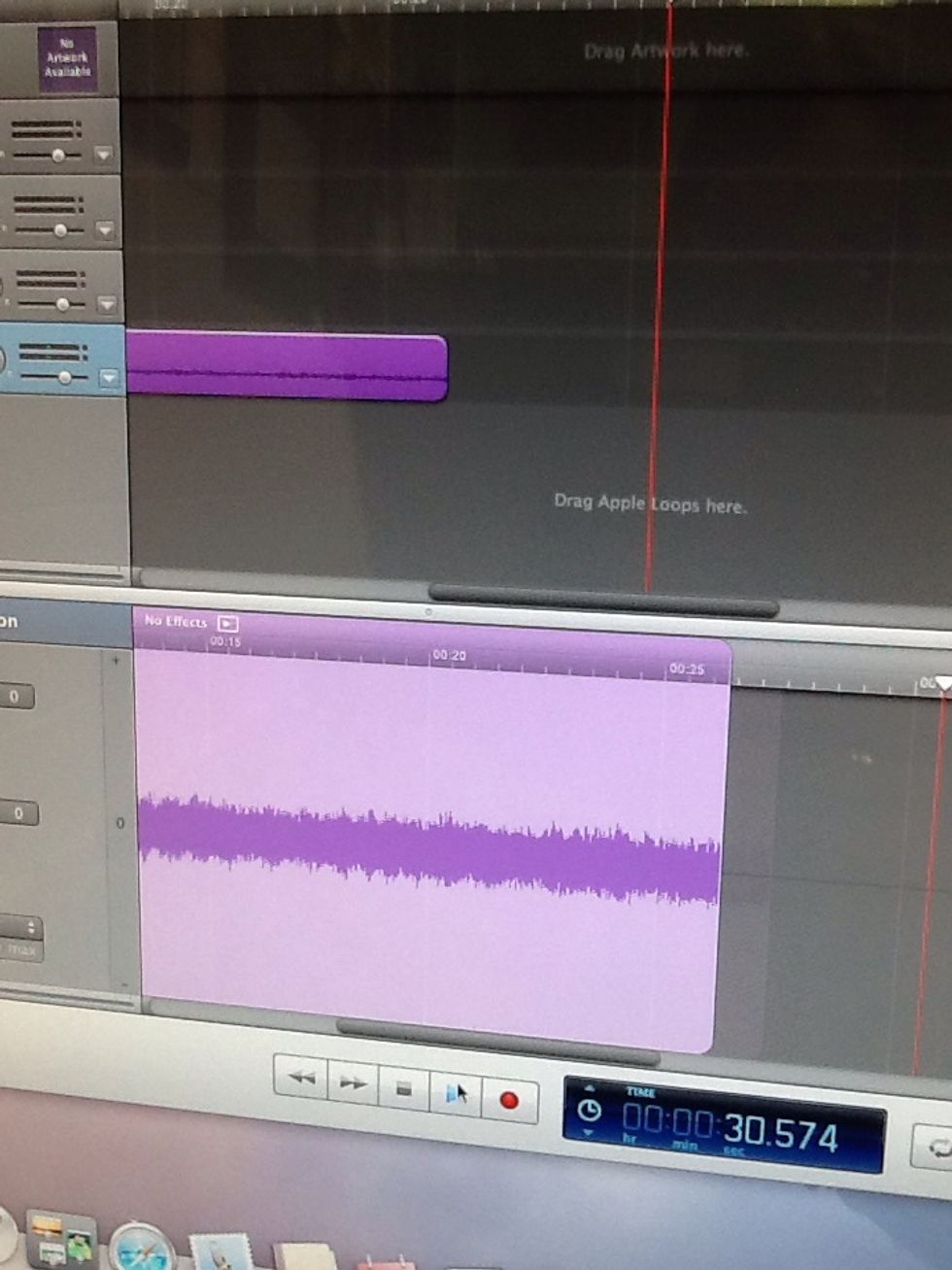
Play music from phone and sound waves will begin to appear
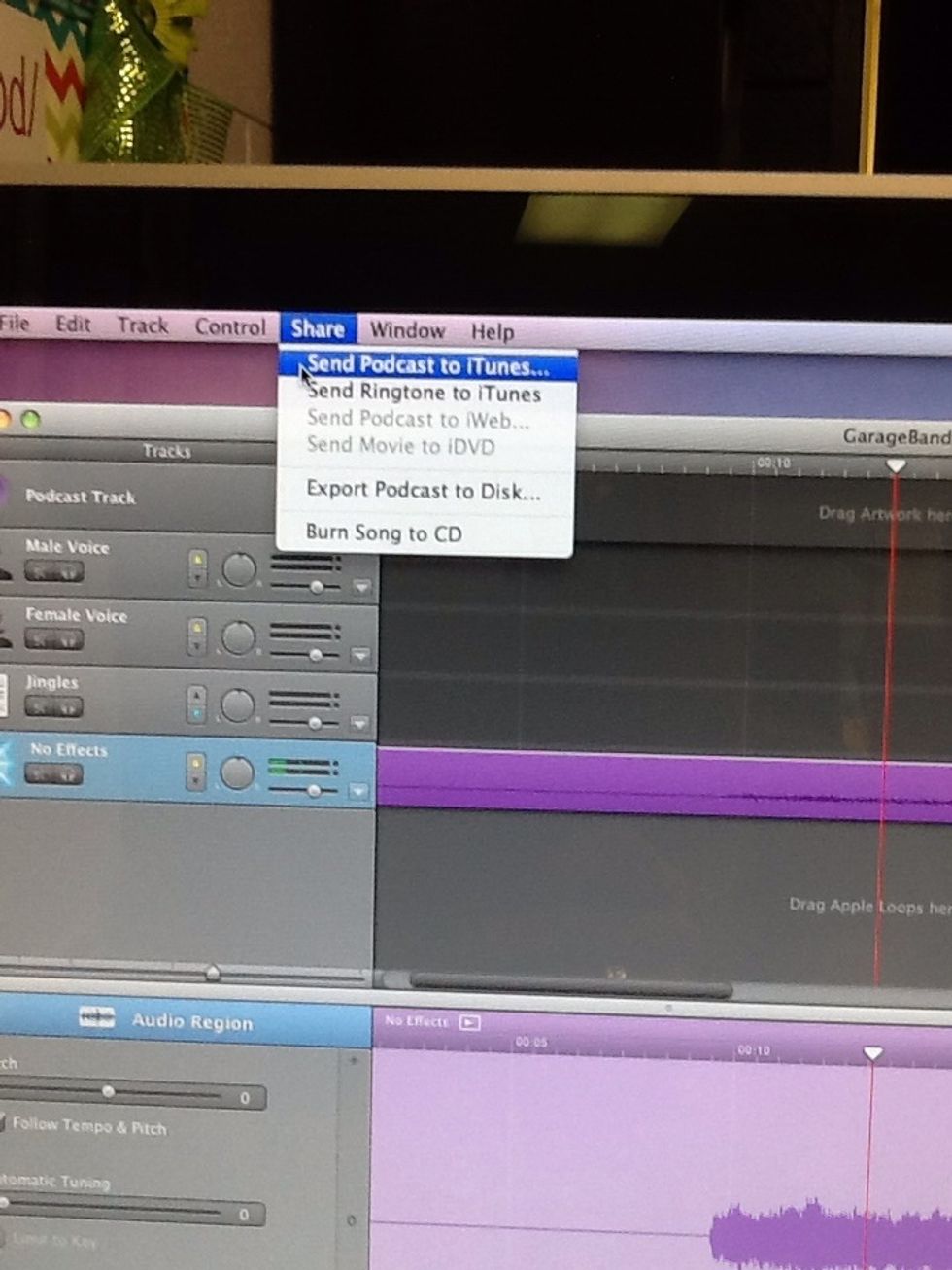
When finished editing, Click "Share" and then "Send Podcast to iTunes"
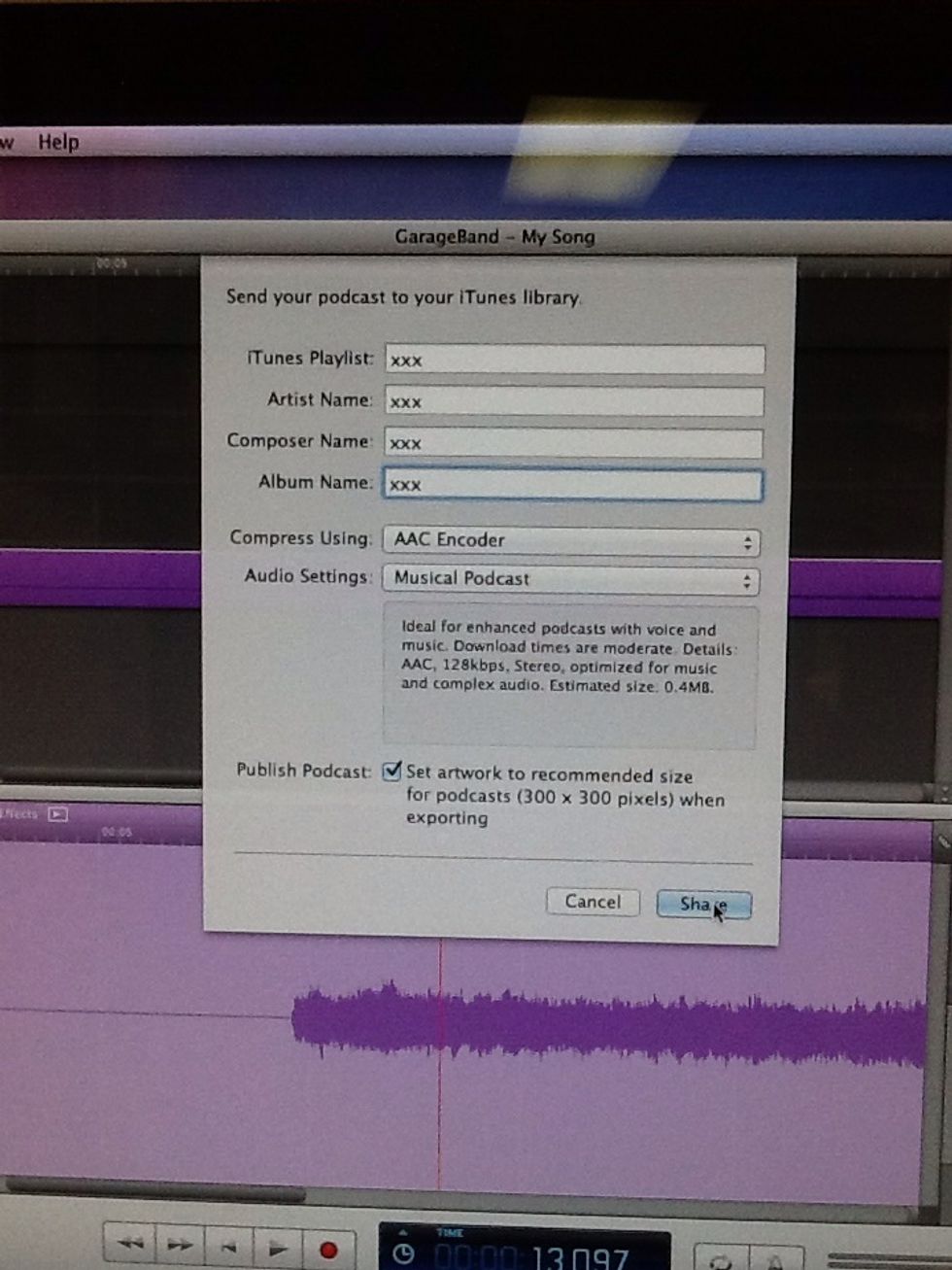
Click "Share" and then the song should appear in your iTunes Library
I hope this is helpful!