
The Conversation (0)
Sign Up
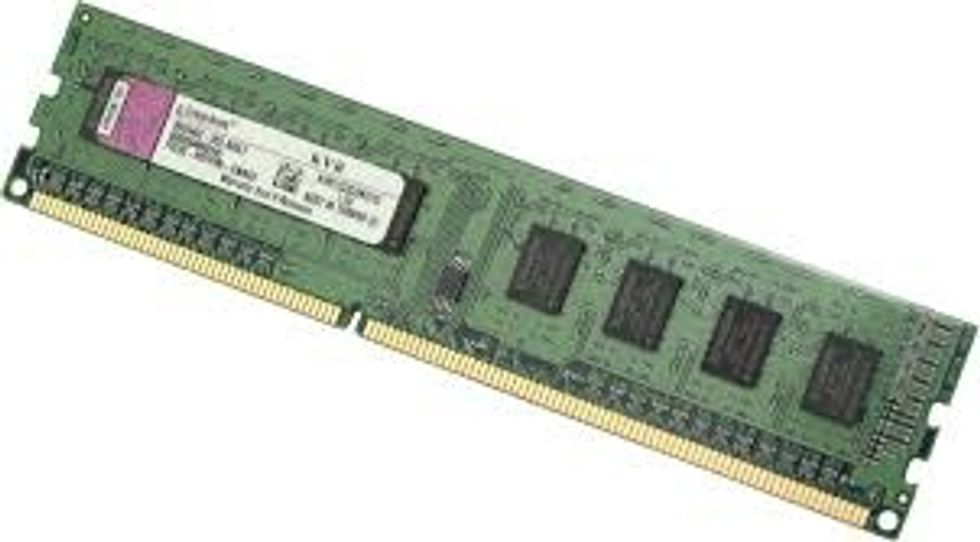
This is ram, or random access memory, is a form of memory, it is short term so that information can be accessed faster. It is volatile and so if your computer shuts down, information is lost.
RAM 2, ram is measured in GB normally. If the ram over fills, then the information will become virtual.
RAM 3: If you open a website, close it and open it again, the second time it will load faster. This is because the information will be saved in the RAM. All computers need RAM to function.
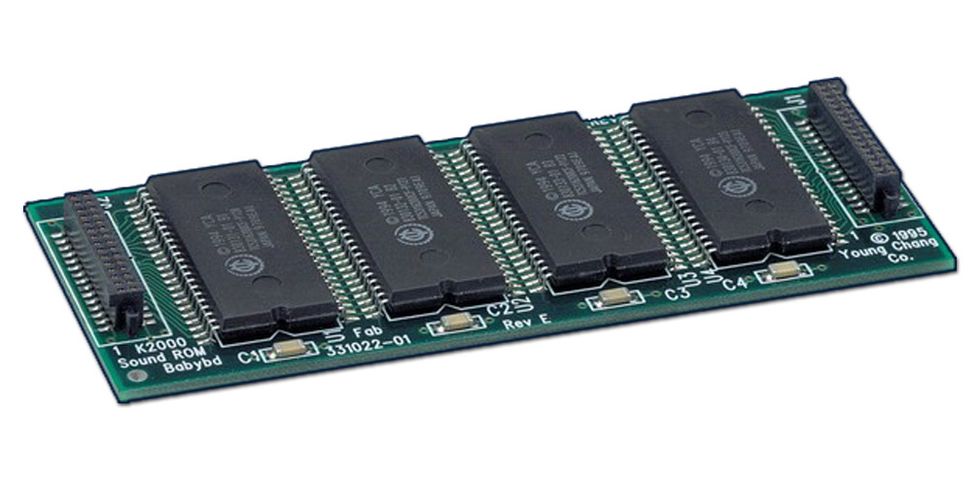
ROM is essentially the opposite of RAM, you cannot change it and it is read only. It contains the bootstrap and when you shut down the computer it remains active, ready for when you turn it on.
ROM 2. When a computer is turned on, the bootstrap runs, this causes the BIOS to start the operations. The information in the ROM cannot be changed and is always ready to run.
ROM 3: All computers need ROM as without it, you wouldn't be able to turn the computer on.
Virtual Memory. Virtual Memory is when the computer is running many processes at once. To stop the computer crashing, it effectively makes some of the ROM pretend it is RAM.
Virtual 2: The ROM carries out all the functions a piece of ram would normally do. This is a sort of last resort for the computer before crashes. Virtual memory is volatile and can be edited easily.
Virtual 3:Swapping is when the OS moves data to and from the RAM and virtual memory. Processes that are not immediately needed are stored in virtual memory.
When the data is needed it goes back to the RAM and is carried out normally.