
The Conversation (0)
Sign Up
The AssistiveTouch option allows you to add gestures, favourites, and access key features such as home.
Let's get started...
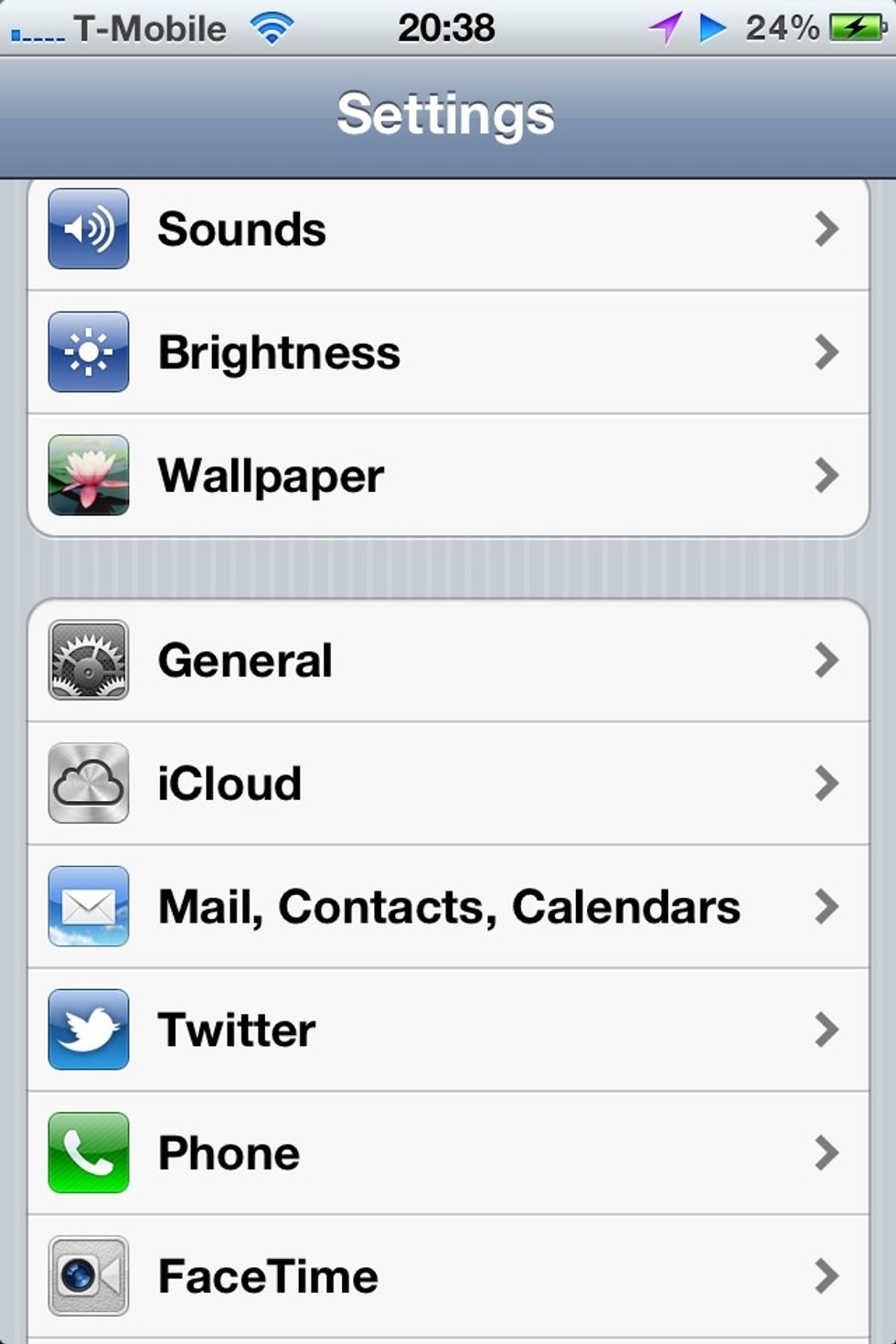
Click settings>general
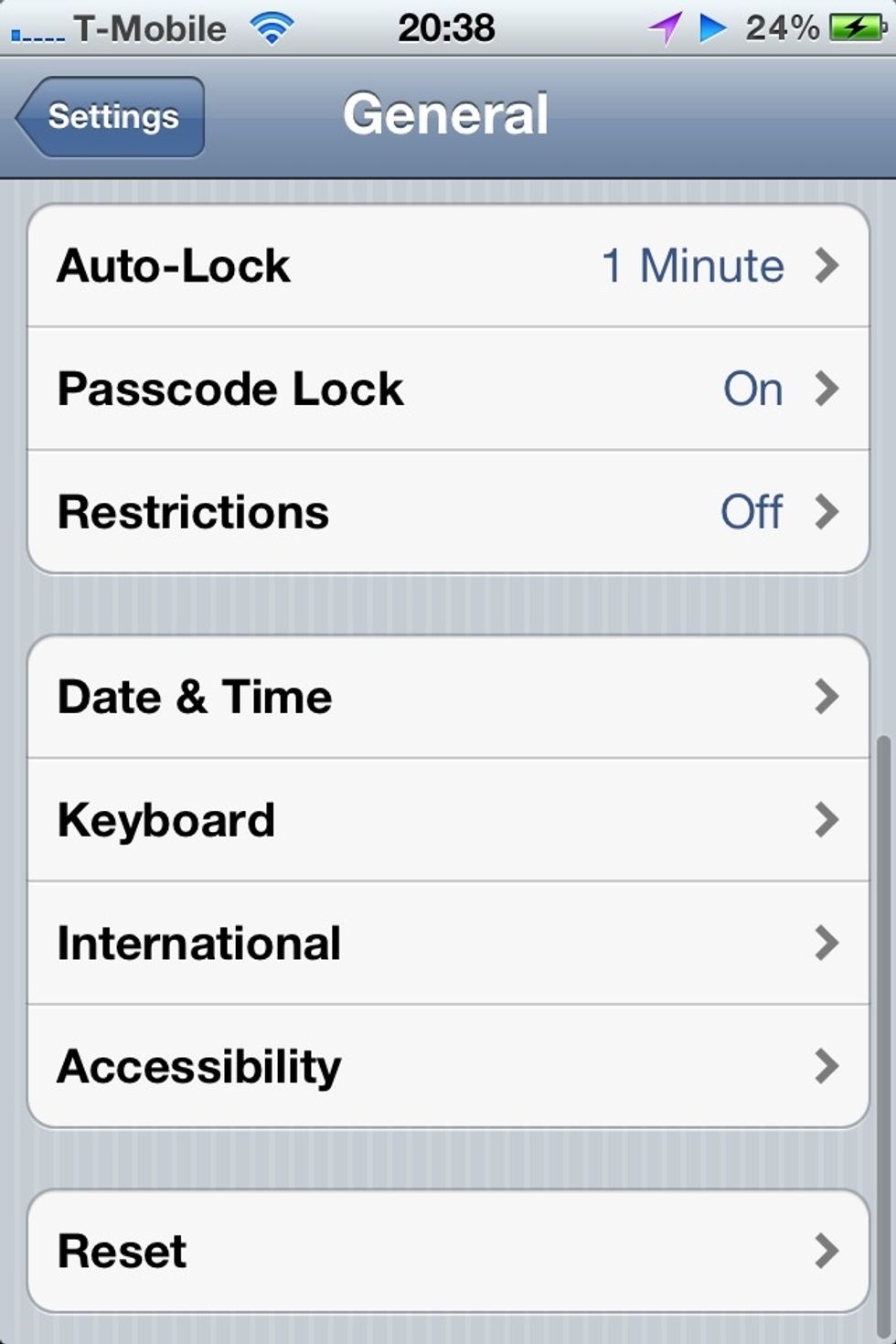
From general click accessibility.
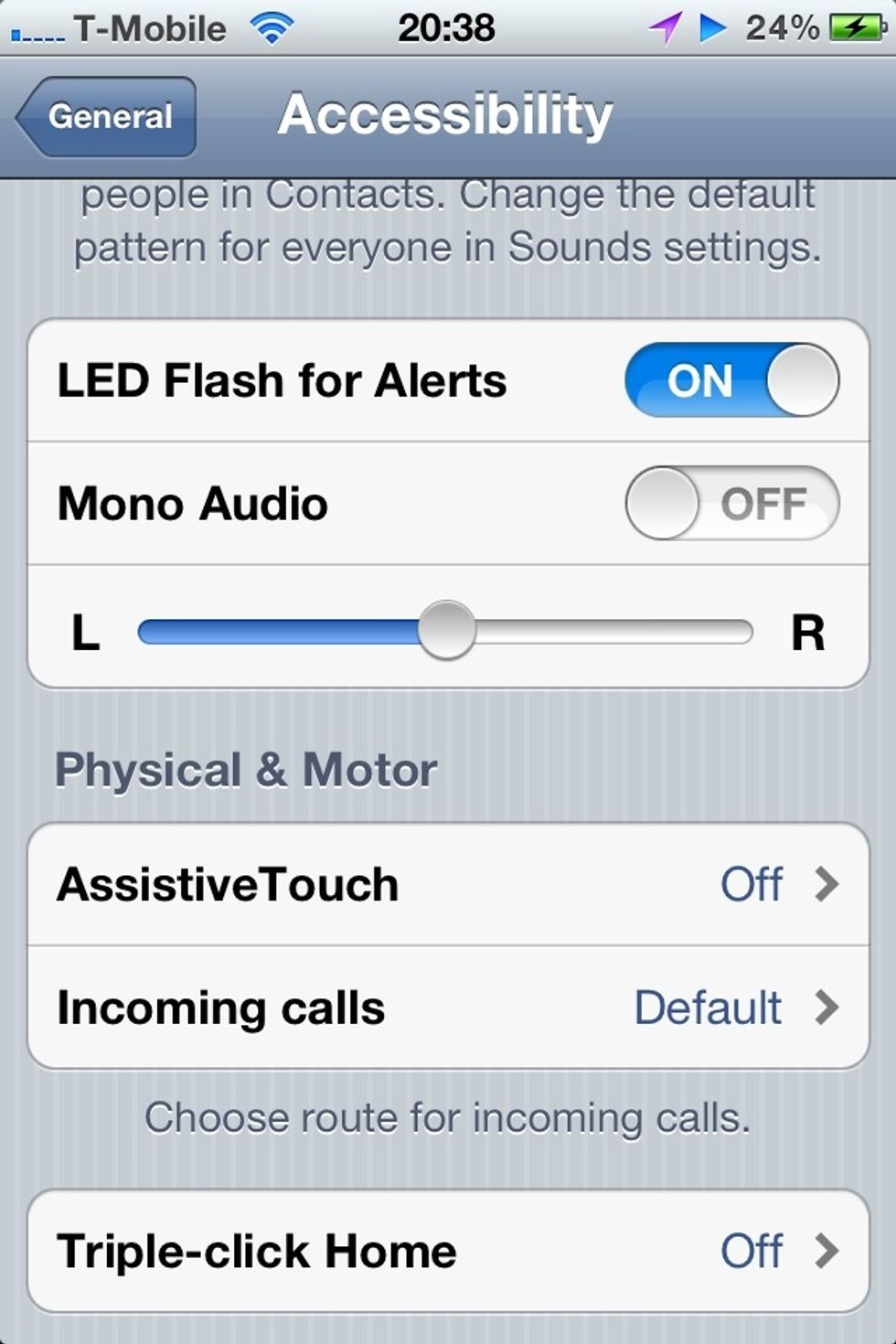
Scroll down and click AssistiveTouch touch under the physical & motor section.
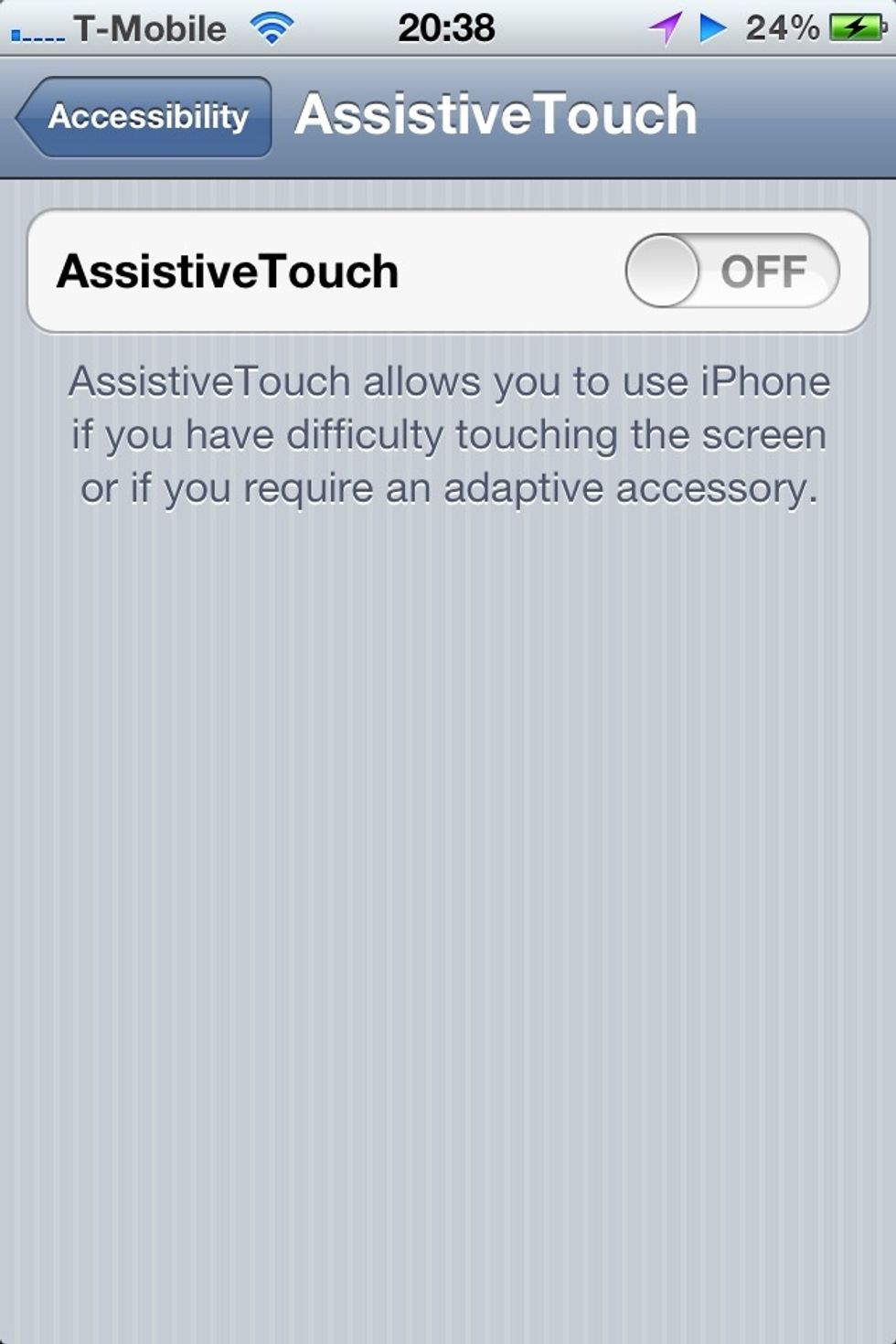
Turn on AssistiveTouch option.
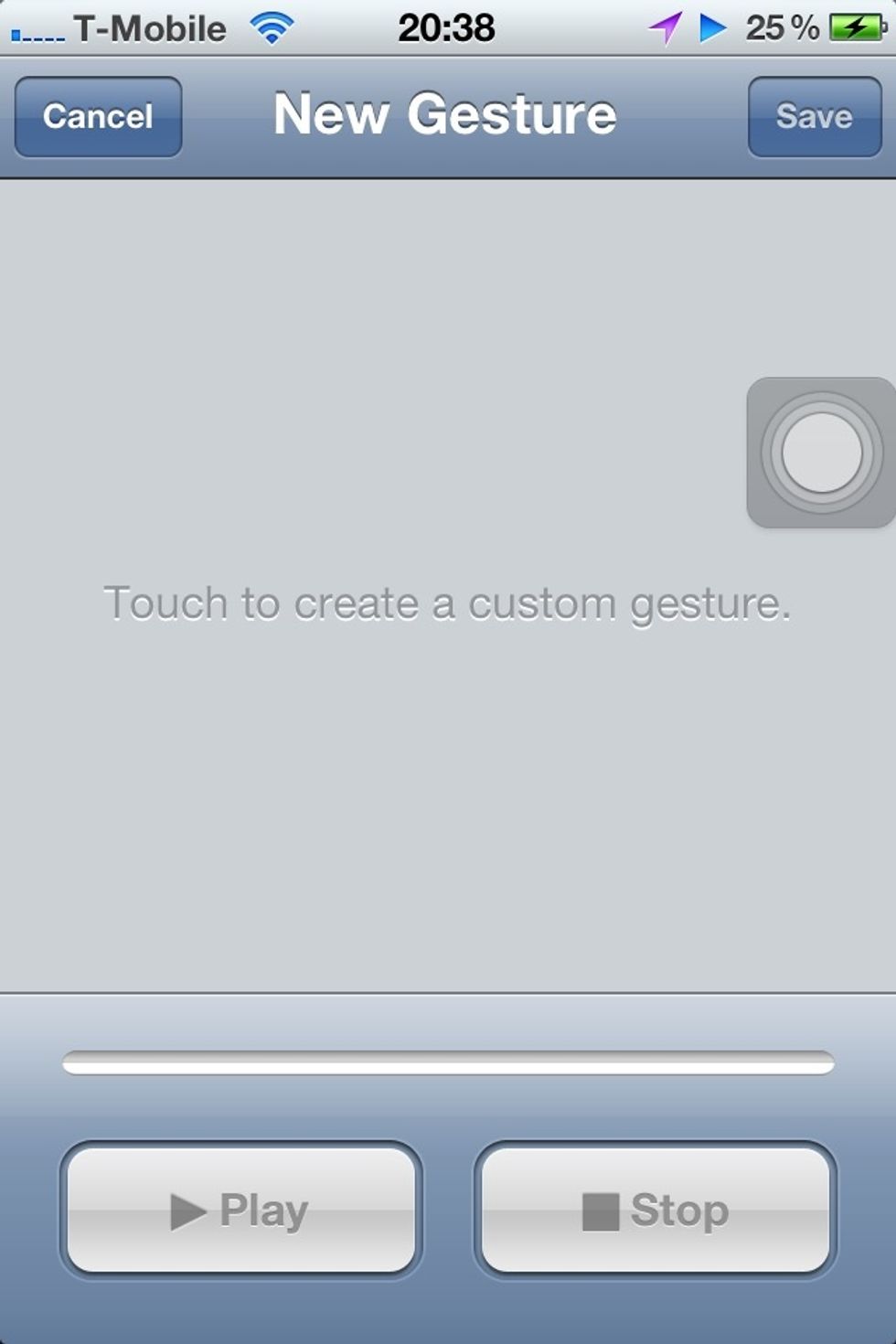
As you can see the button is there...
You can move the button my holding and dragging it to where you want it. To open it up simply click the button and you can access the features mentioned in step 1!
Mission complete...