
The Conversation (0)
Sign Up
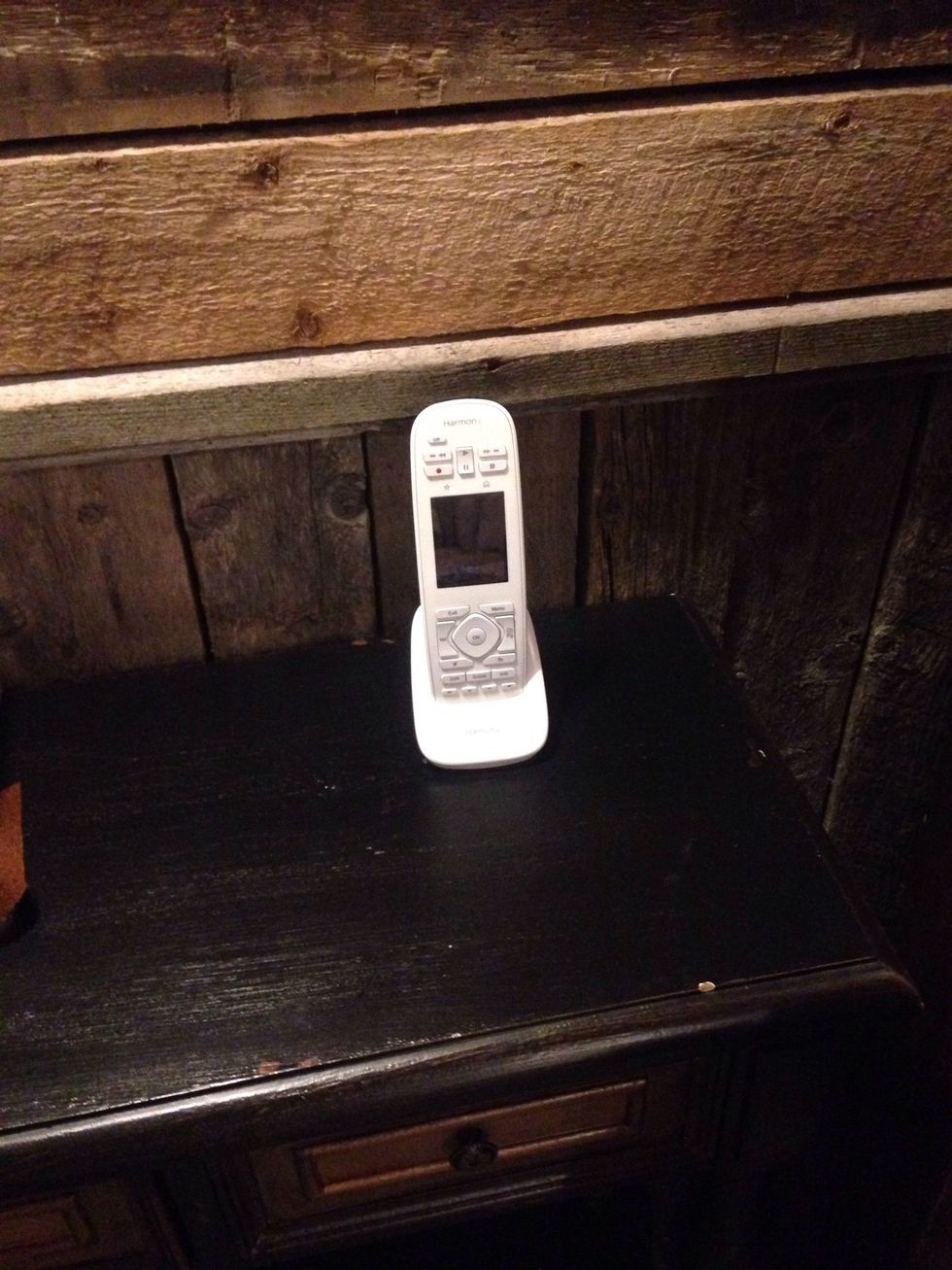
The remote
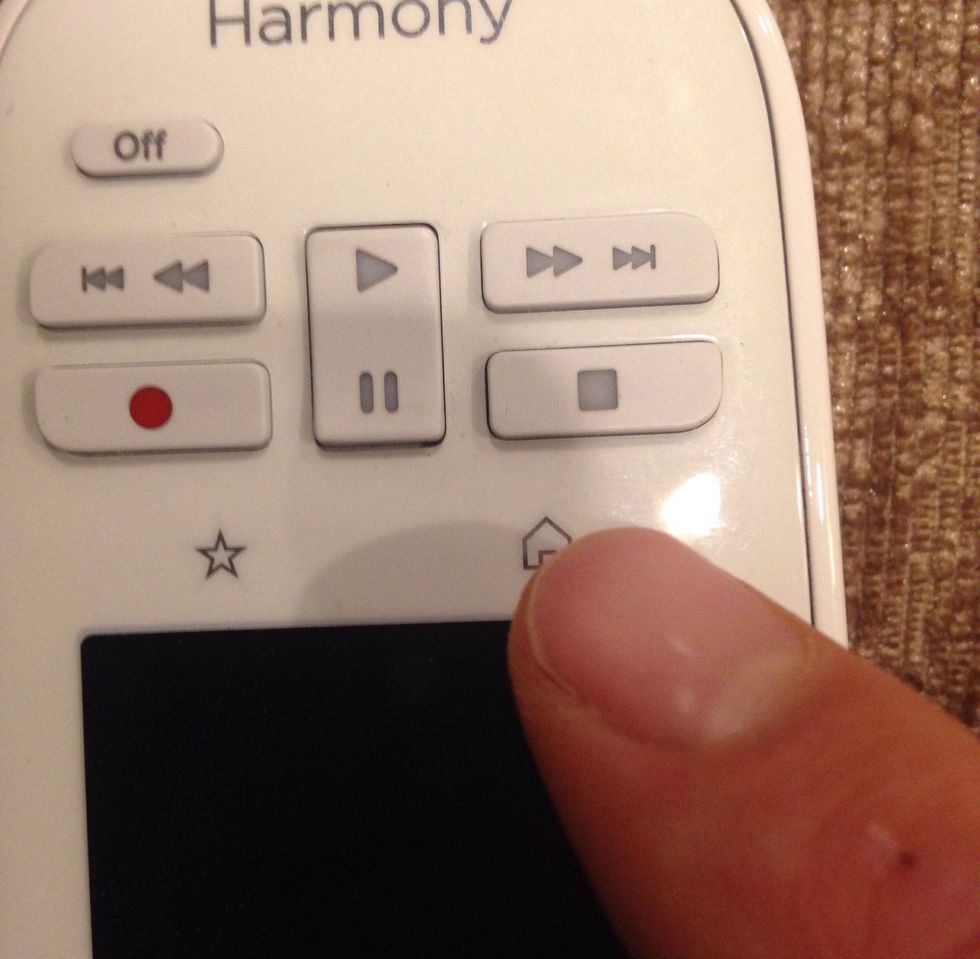
If you do not see "Watch Apple TV", then press the 'house' image
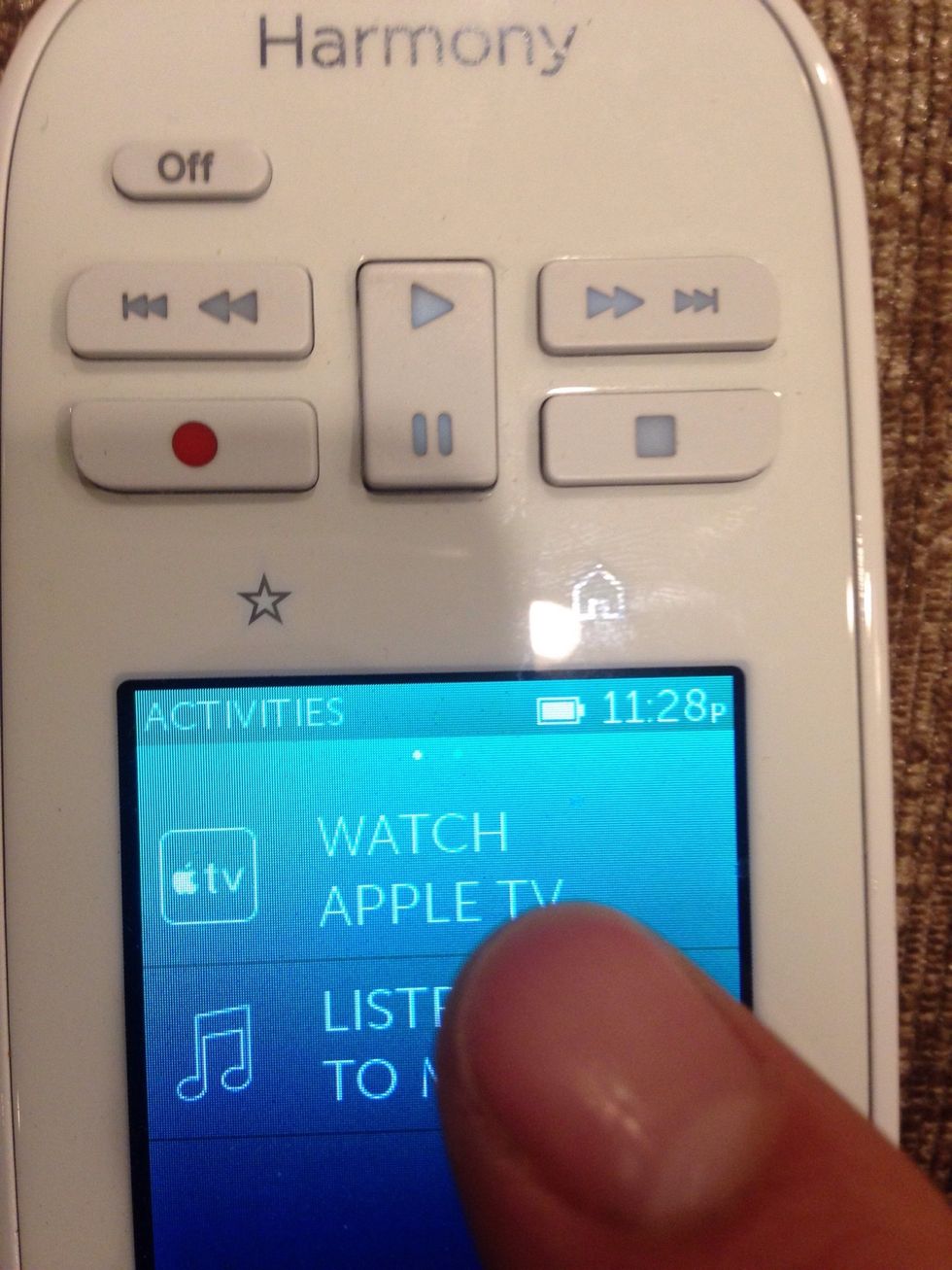
Press 'Watch Apple TV'
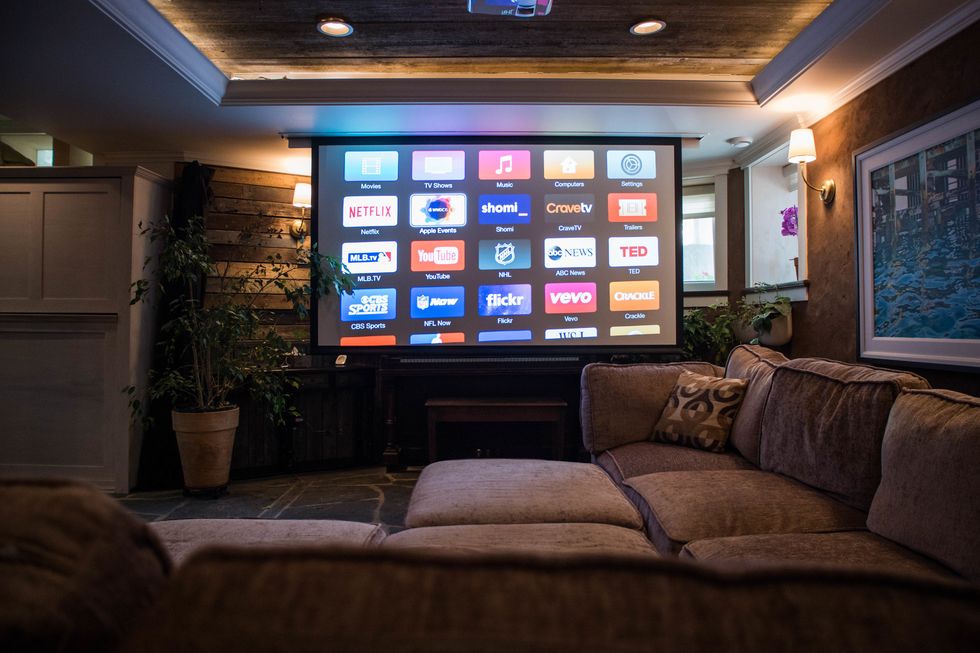
The screen, projector, Apple TV and BOSE sound system should automatically turn on and should be ready for use
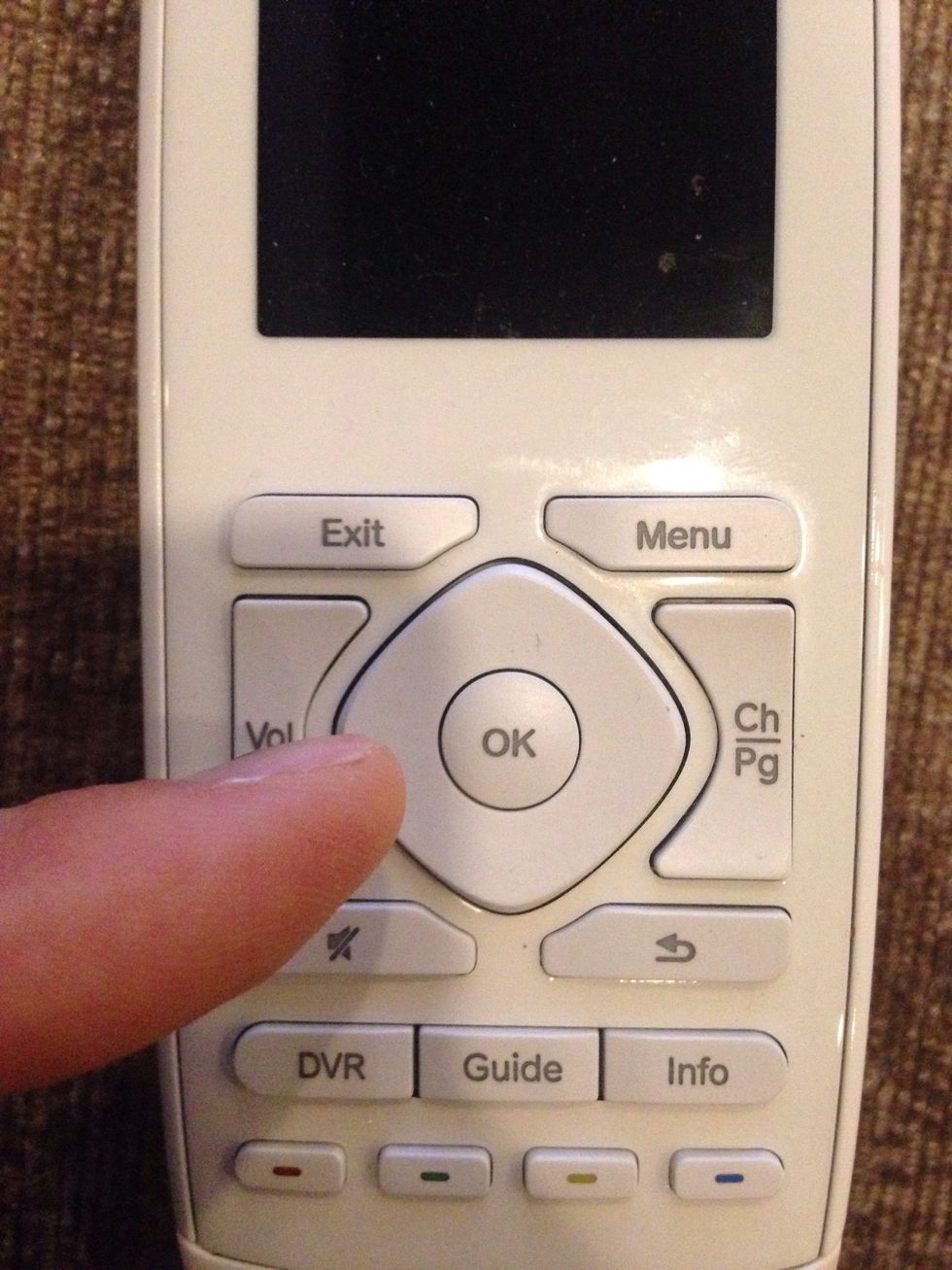
(To navigate use these buttons in the centre)
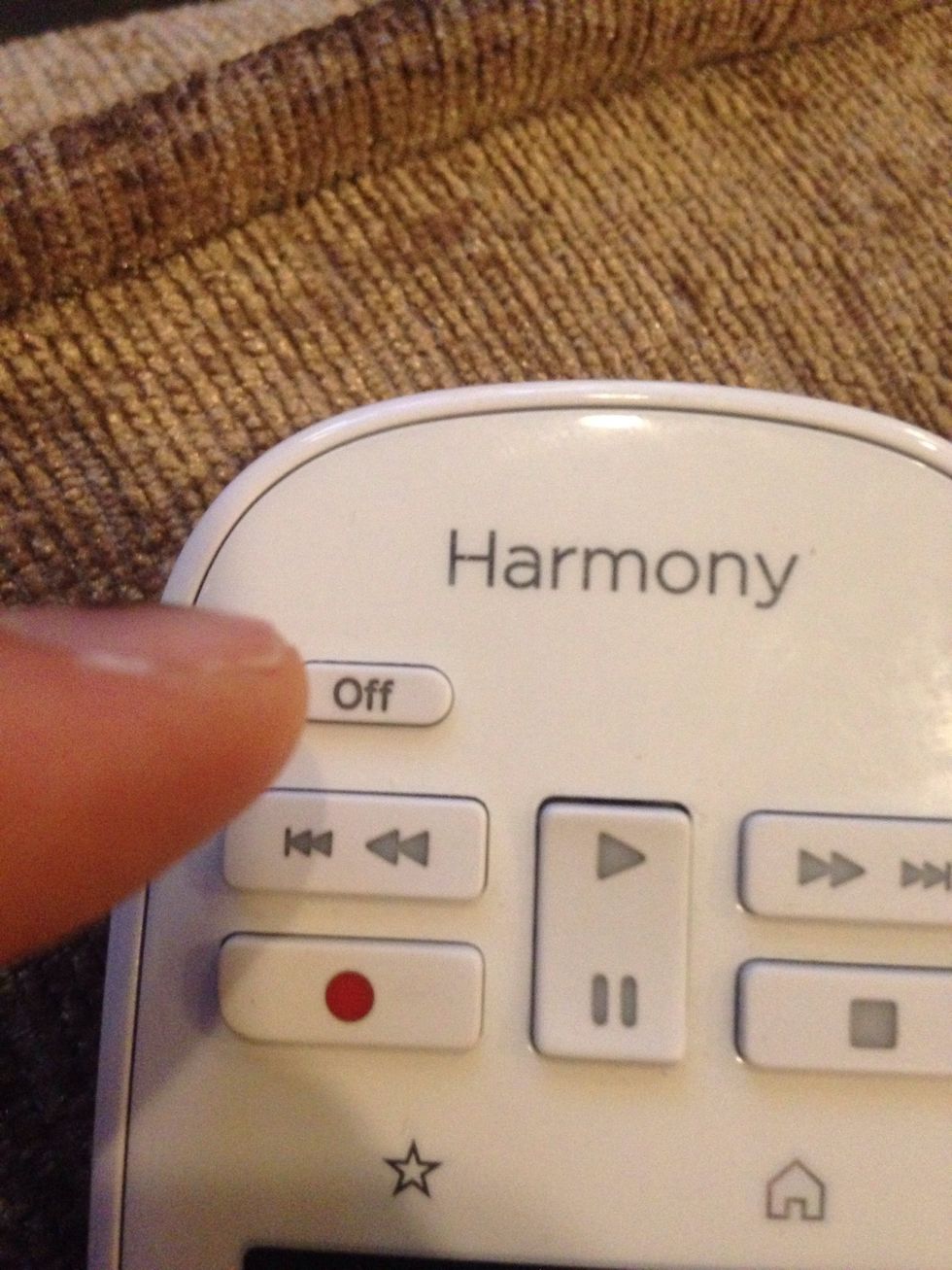
When done, press 'Off' and everything should turn itself off
Troubleshooting - If sound is coming from the projector rather than the BOSE speaker in the corner, then do the remaining steps...
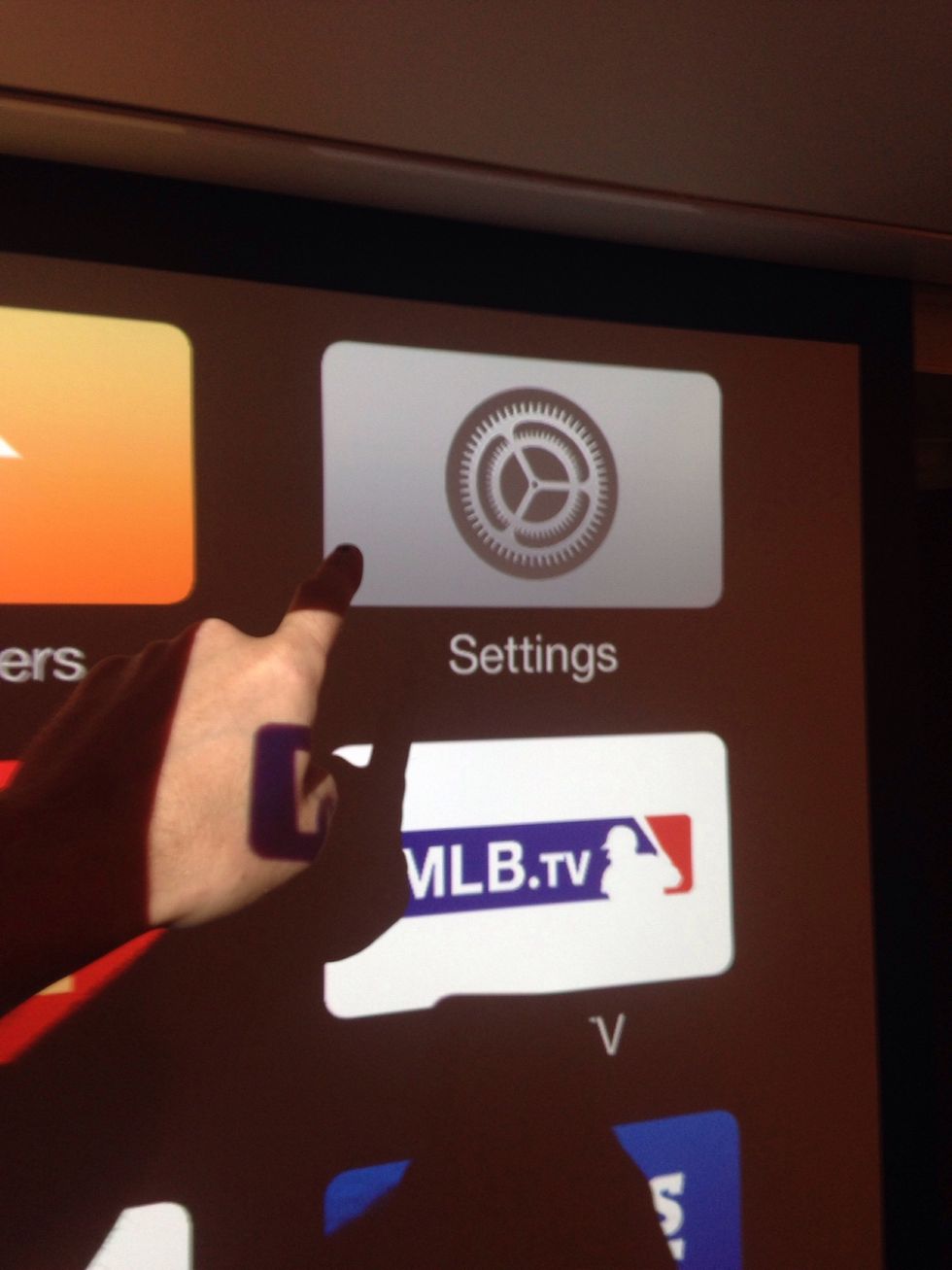
Click 'Settings'
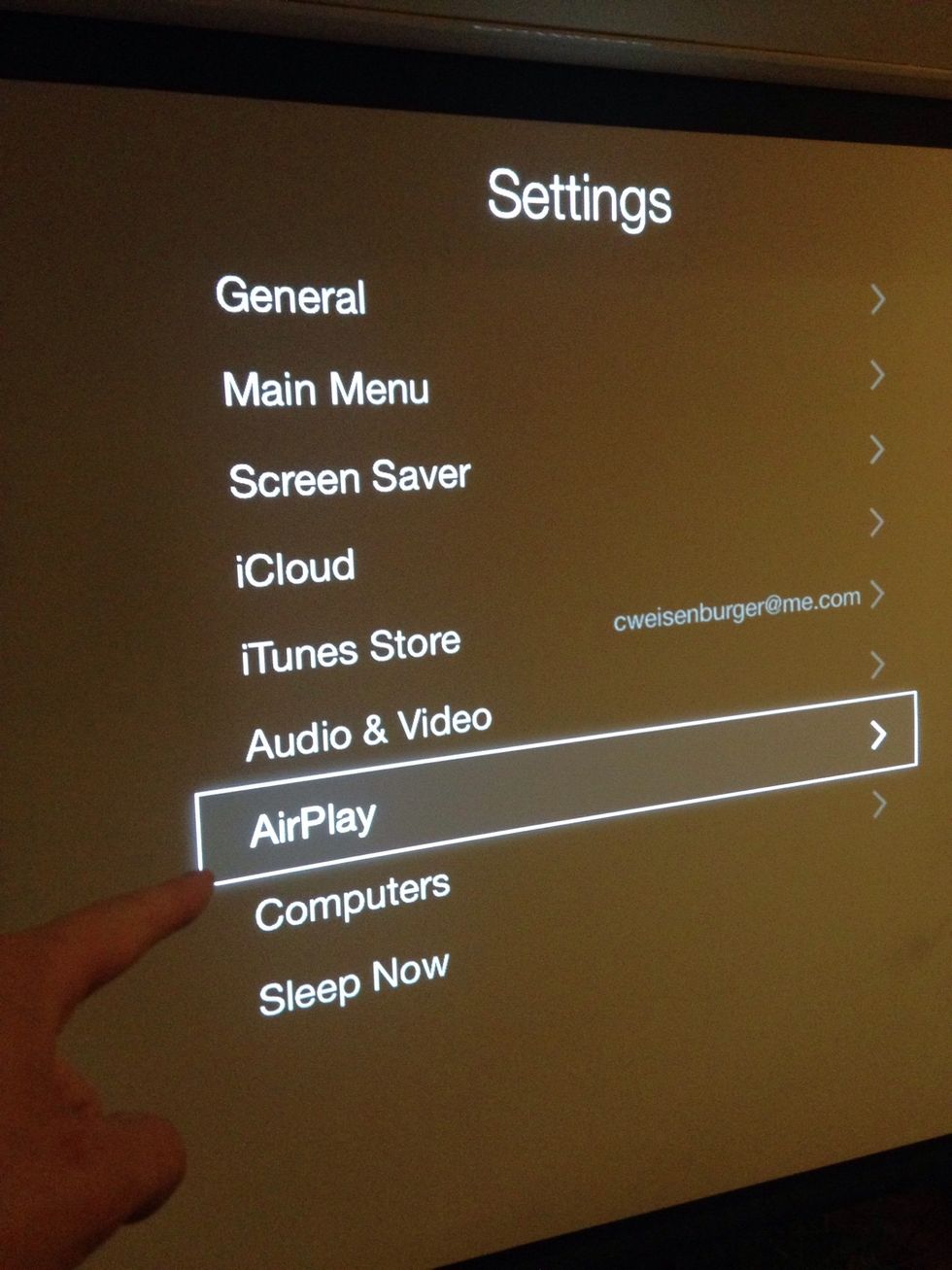
Select "Use this speaker for hideaway speaker"
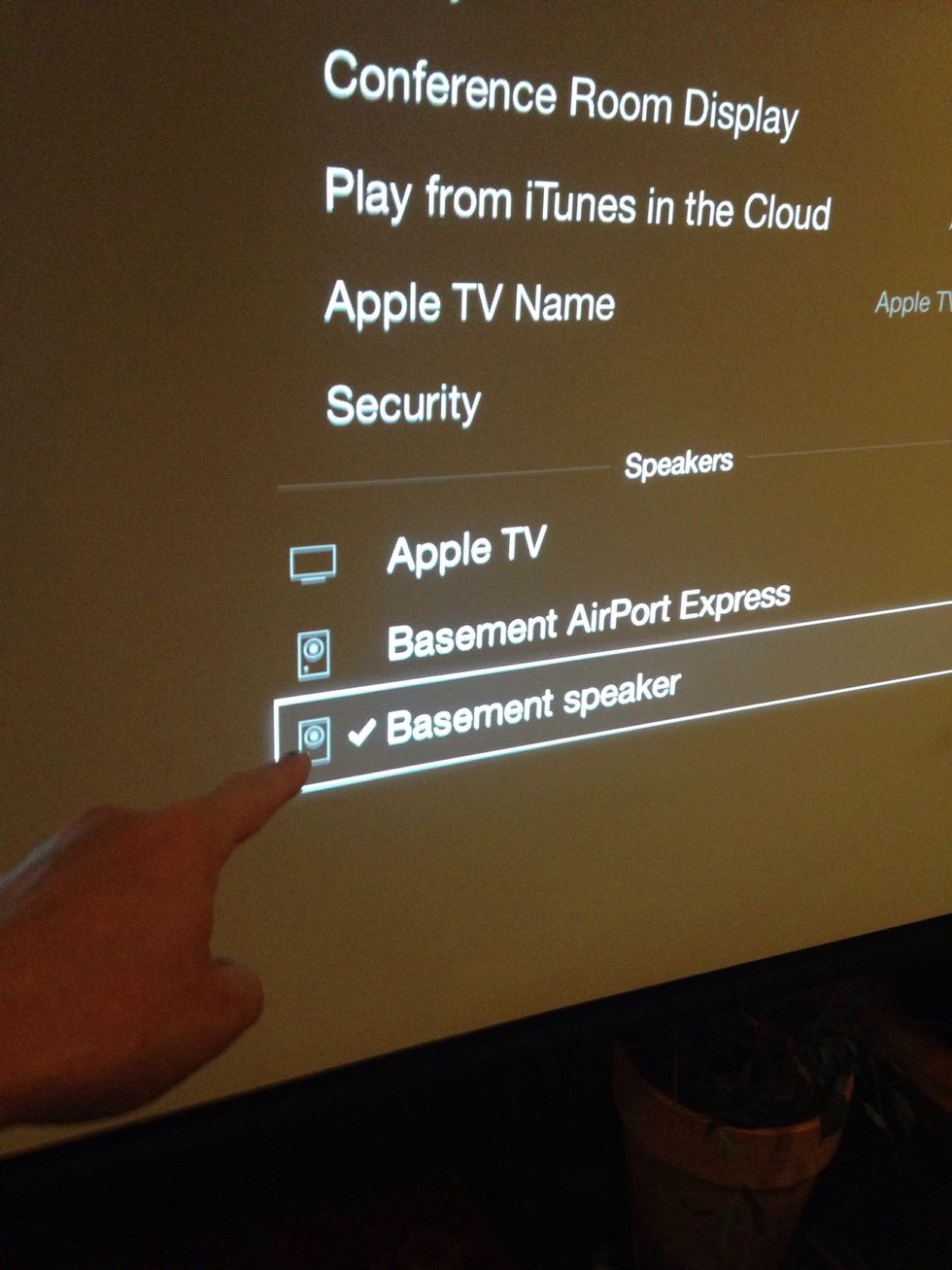
Select "Use this speaker for hideaway speaker" (it used to be called basement speaker)
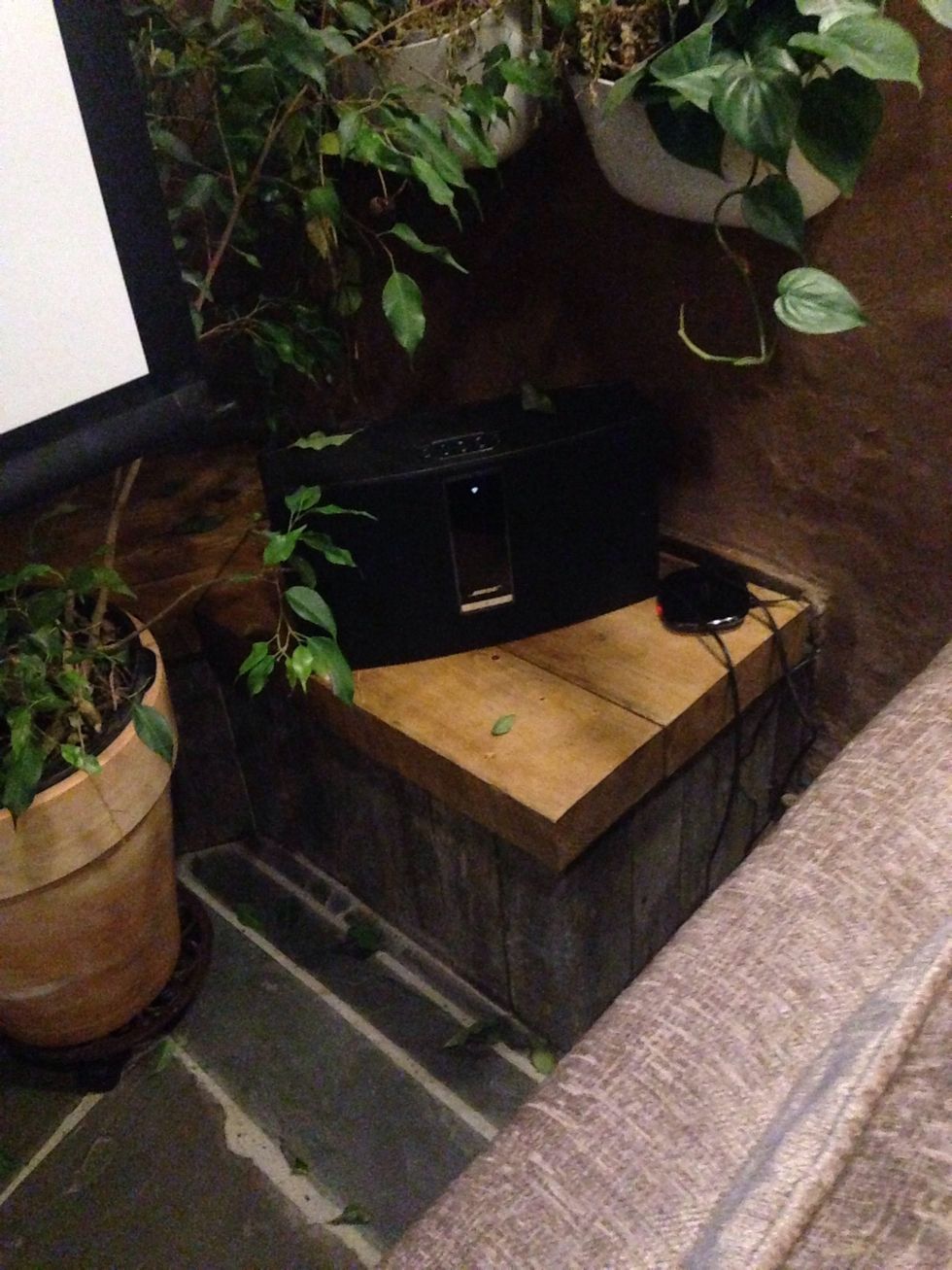
Make sure that the BOSE speaker is turned on
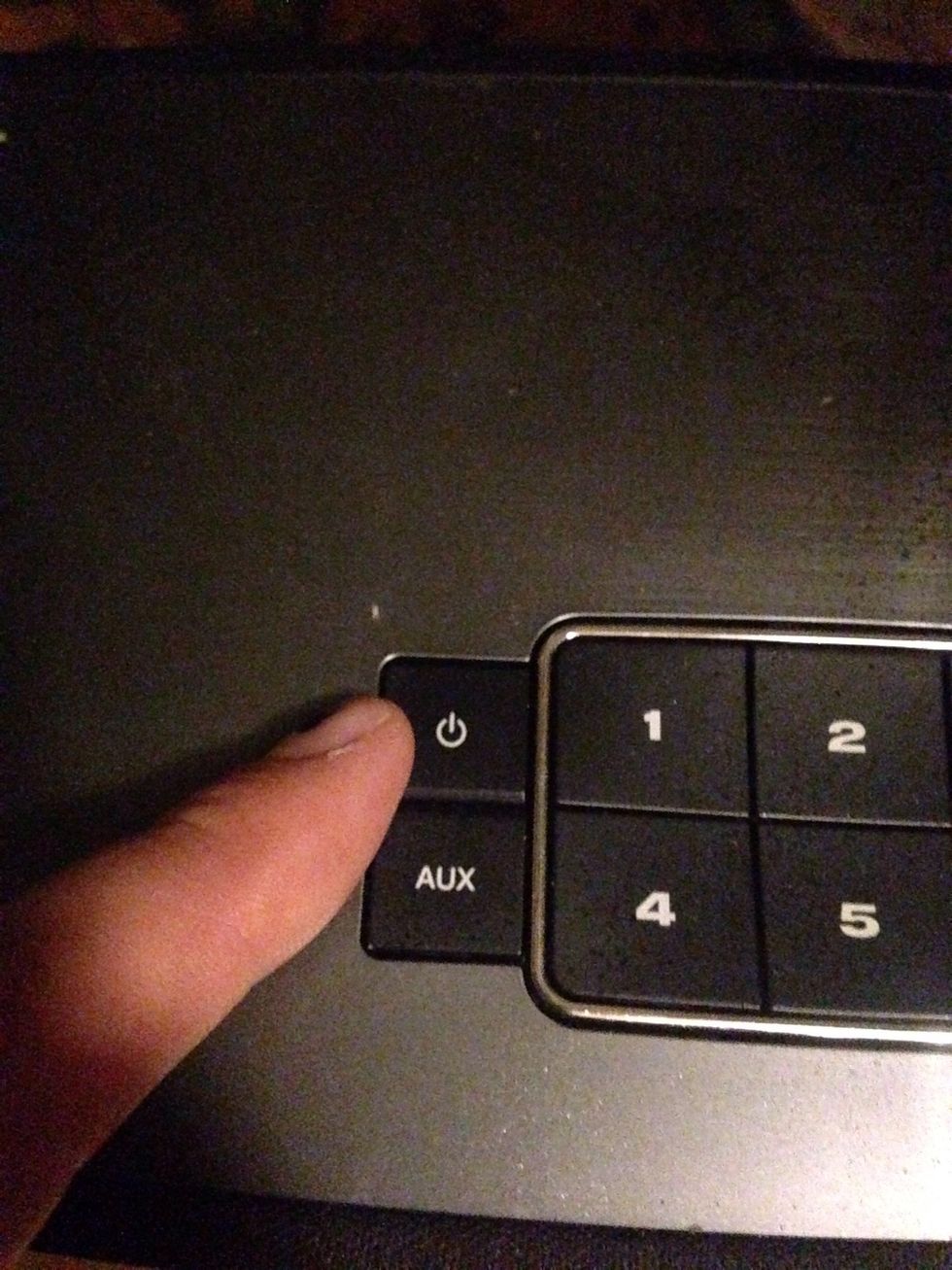
This is the "On" and "Off" button for the BOSE speaker
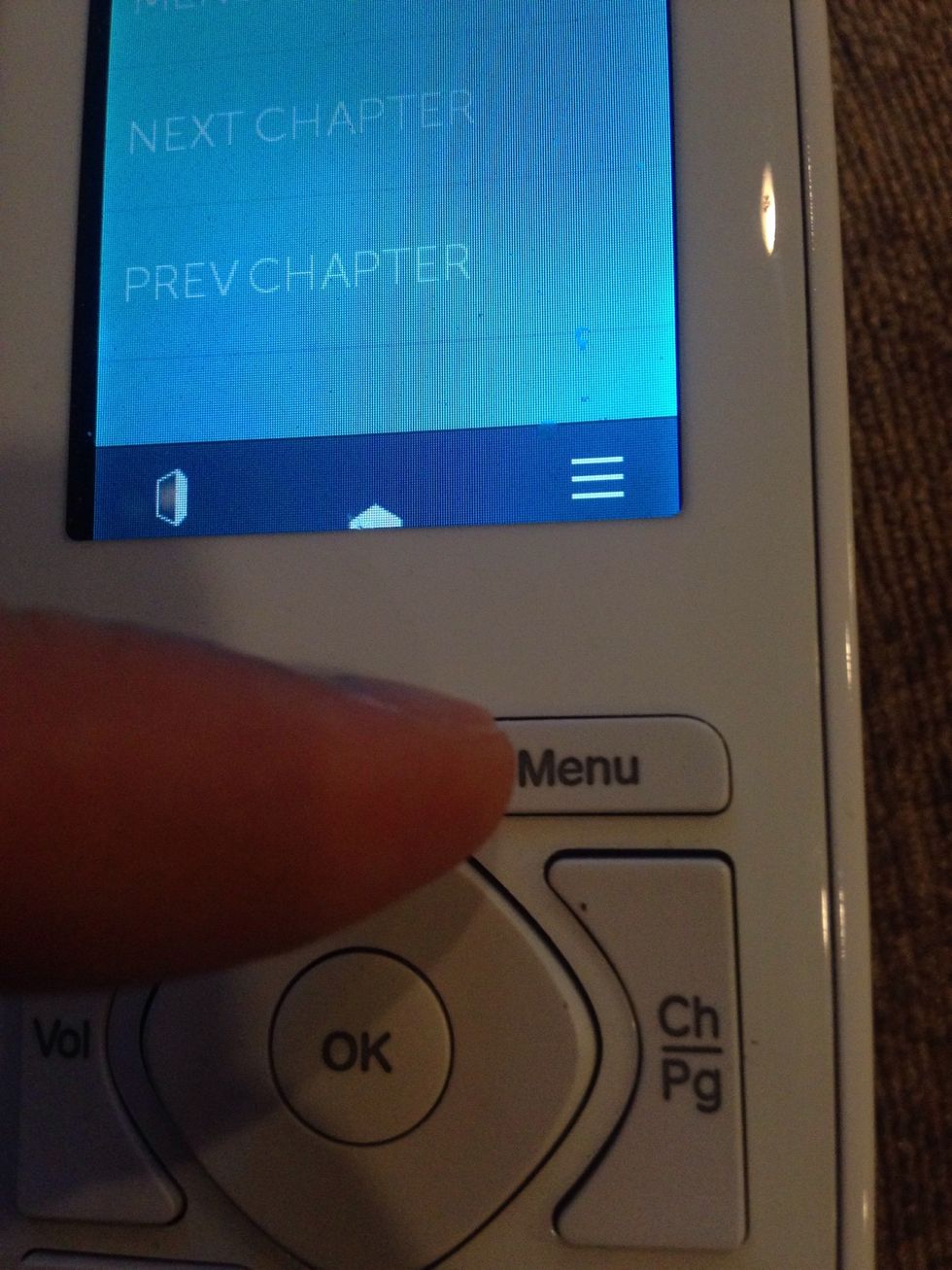
To return to the main menu on the apple TV (e.g. where you can select netflicks) click menu twice