
The Conversation (0)
Sign Up
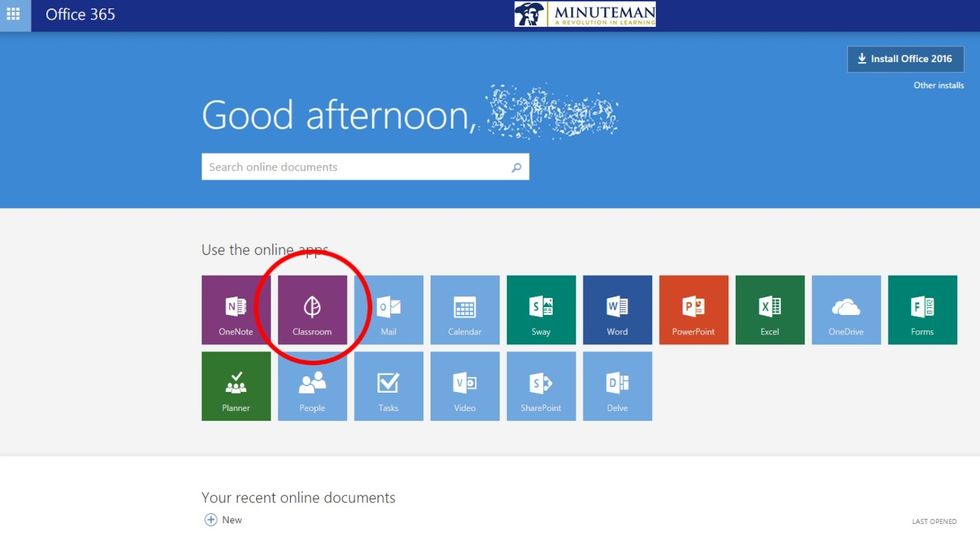
In Office 365, click on Classroom

Click on the assignment that you are turning in. If the assignment is overdue, click Past and find the assignment there.
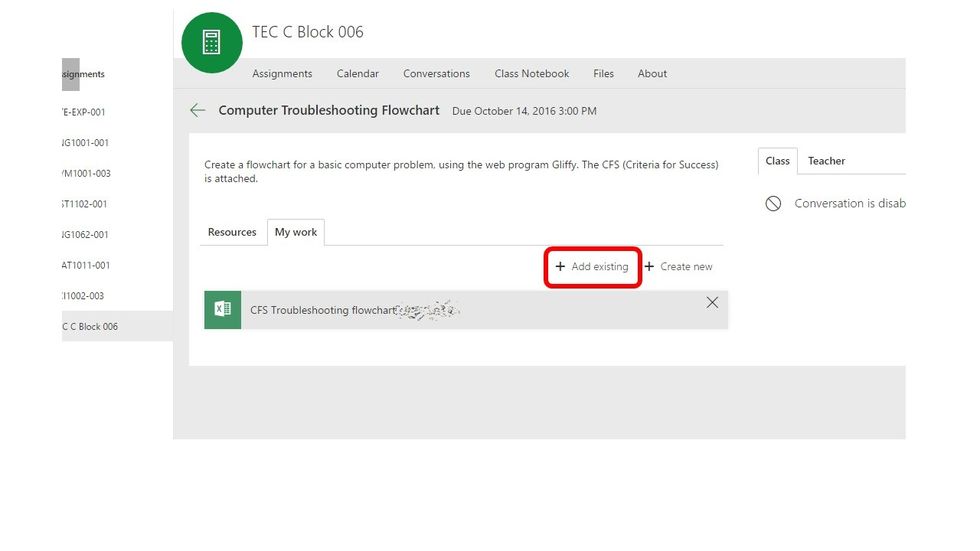
Click Add existing
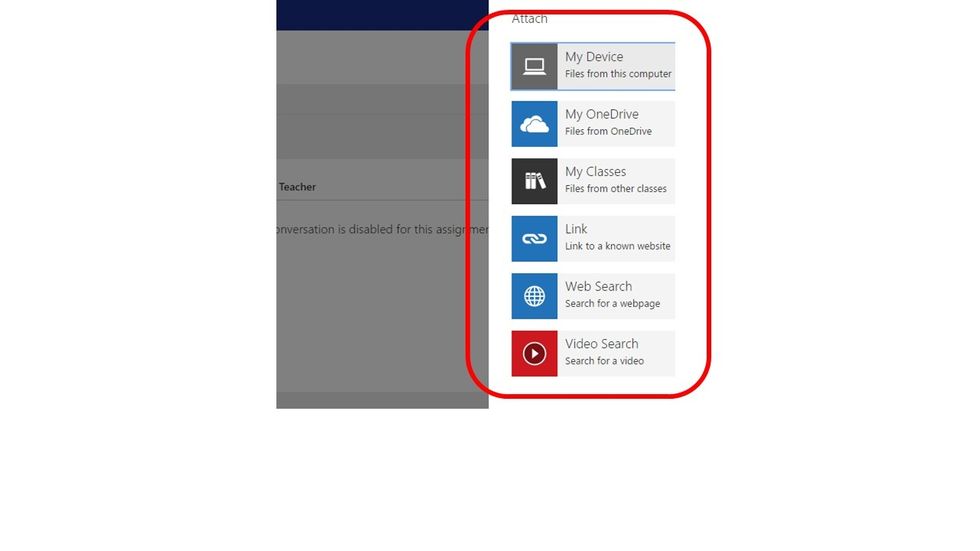
Choose what kind of file you are submitting. If it is saved in your OneDrive, choose My OneDrive. If you have a link to your assignment, choose Link, etc.
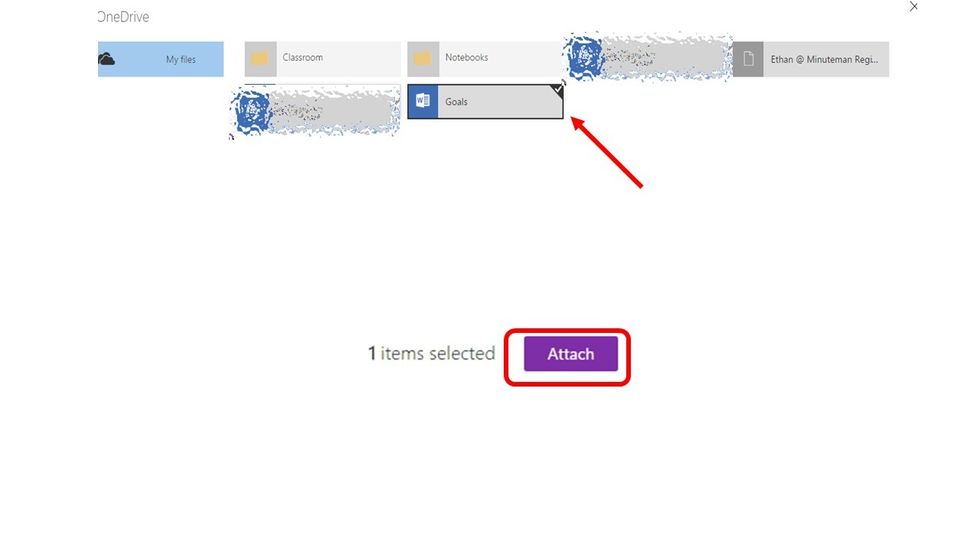
Choose the item(s) that you want to turn in, and click Attach.
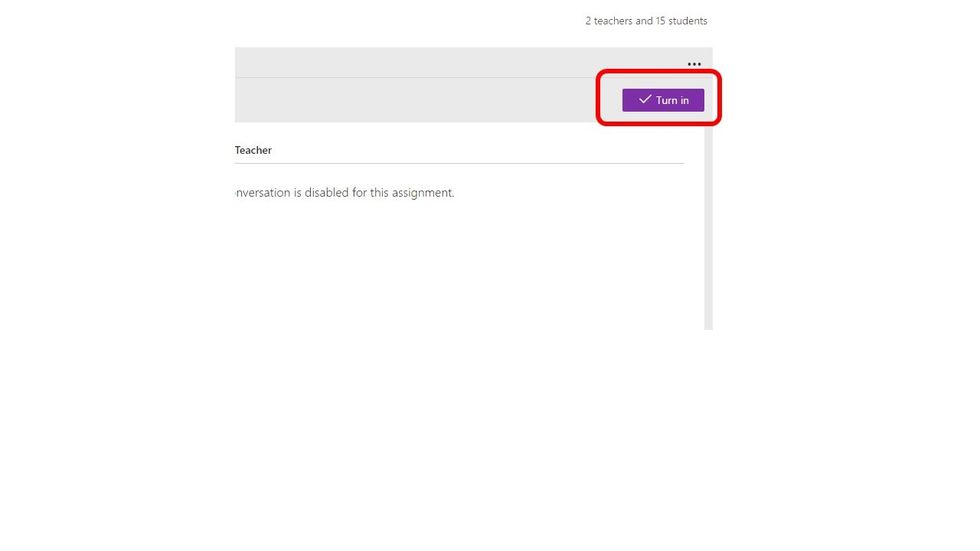
Click turn in

Click OK to confirm, and your assignment is submitted!