How to take better photos on your iphone: 5 tips & tricks

Take Better Photos on Your iPhone: 5 Tips & Tricks

27
STEPS
TOOLS

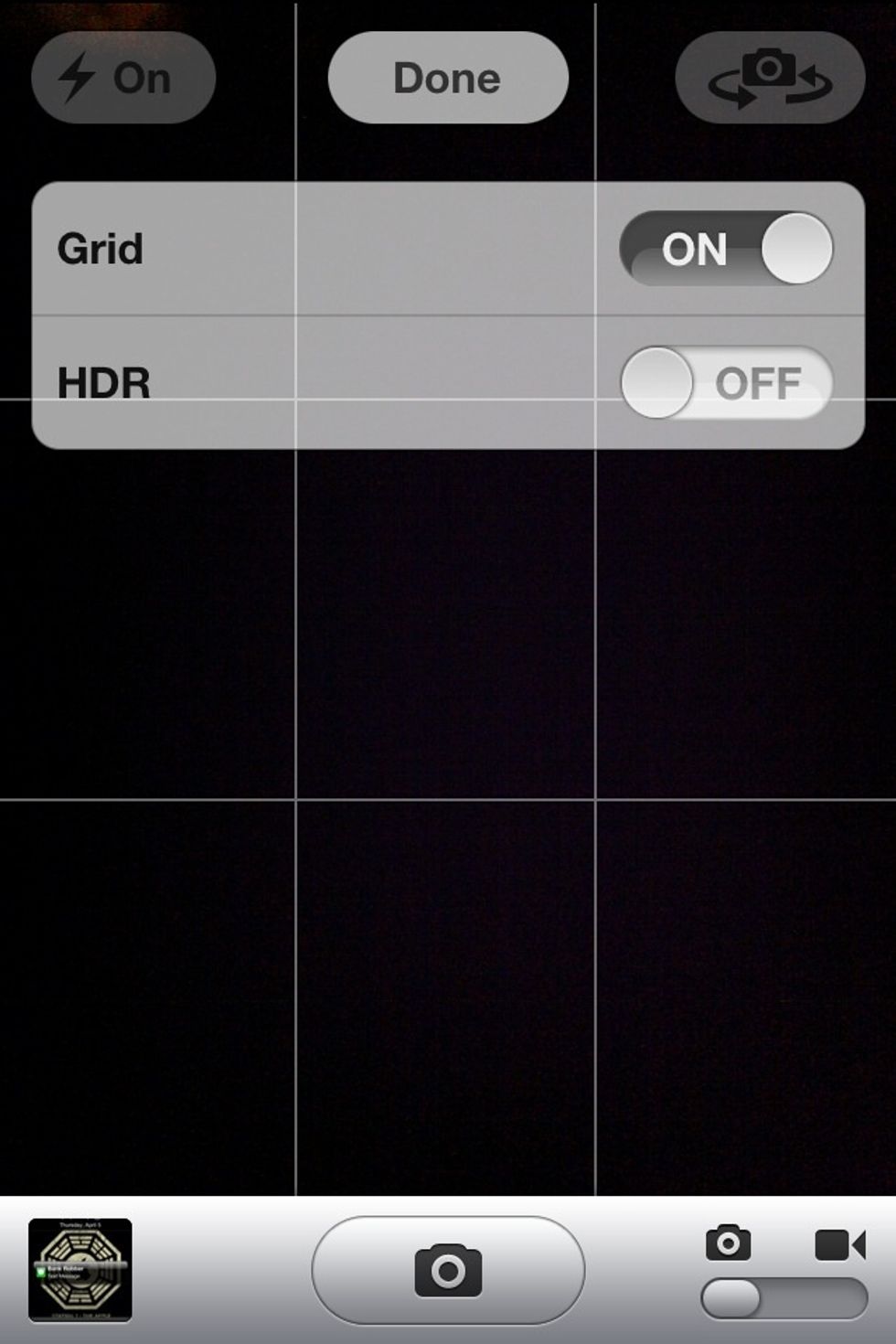
Tip 1) Keep your photos more in-line by hitting  "Options" and turning on the Grid option.

Tip 1) Keep your photos more in-line by hitting "Options" and turning on the Grid option.

Trick 1) Switch over to the video part of your phone and in the top right corner click the "Auto" button and click on "On." Now you have a quickly accessible flashlight!
Trick 1) Switch over to the video part of your phone and in the top right corner click the "Auto" button and click on "On." Now you have a quickly accessible flashlight!

Tip 2) Now go into your camera roll and click on the button on the top right corner of the photos and click on "Edit." from there you can fix red-eye and crop your photos and more!
Tip 2) Now go into your camera roll and click on the button on the top right corner of the photos and click on "Edit." from there you can fix red-eye and crop your photos and more!

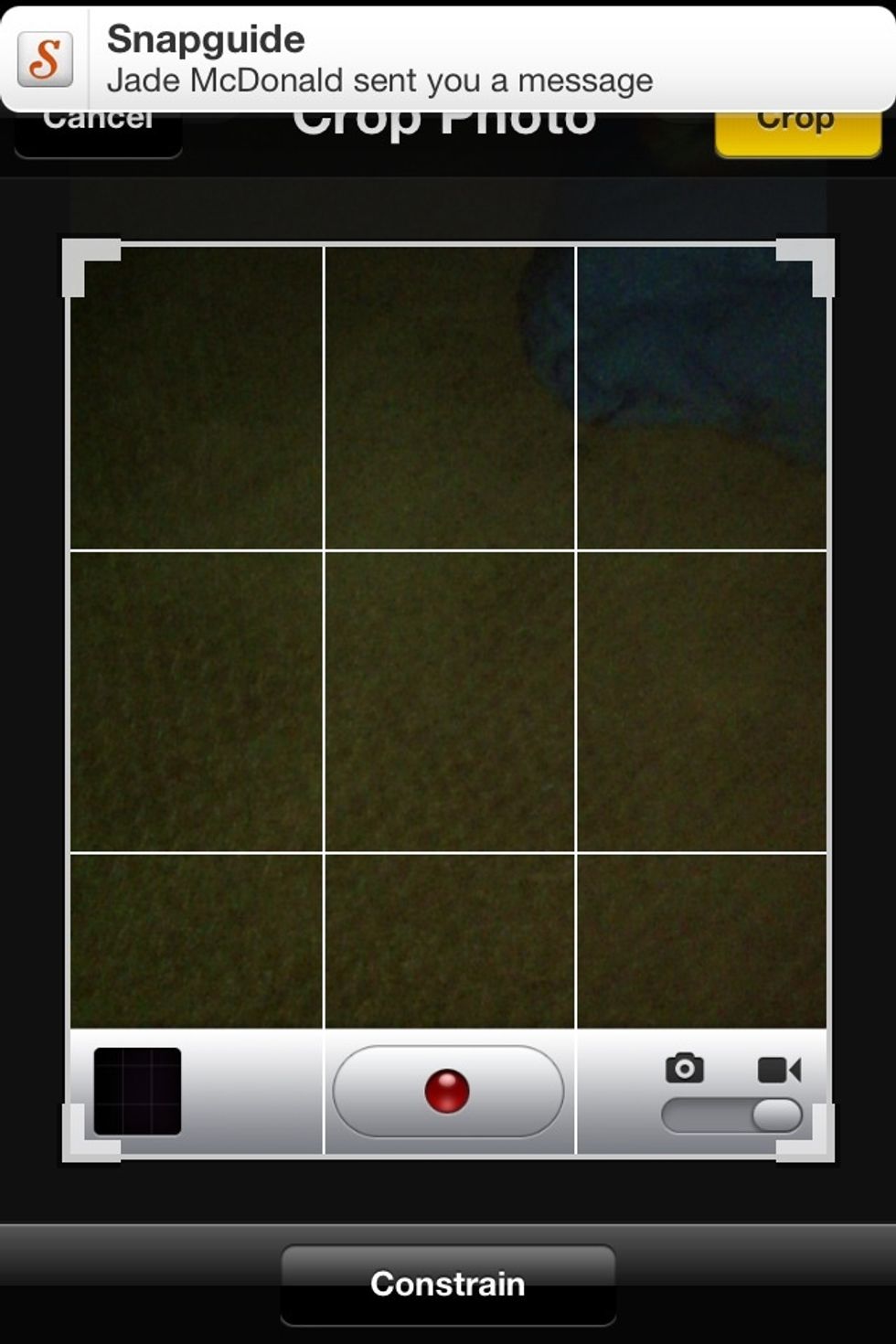
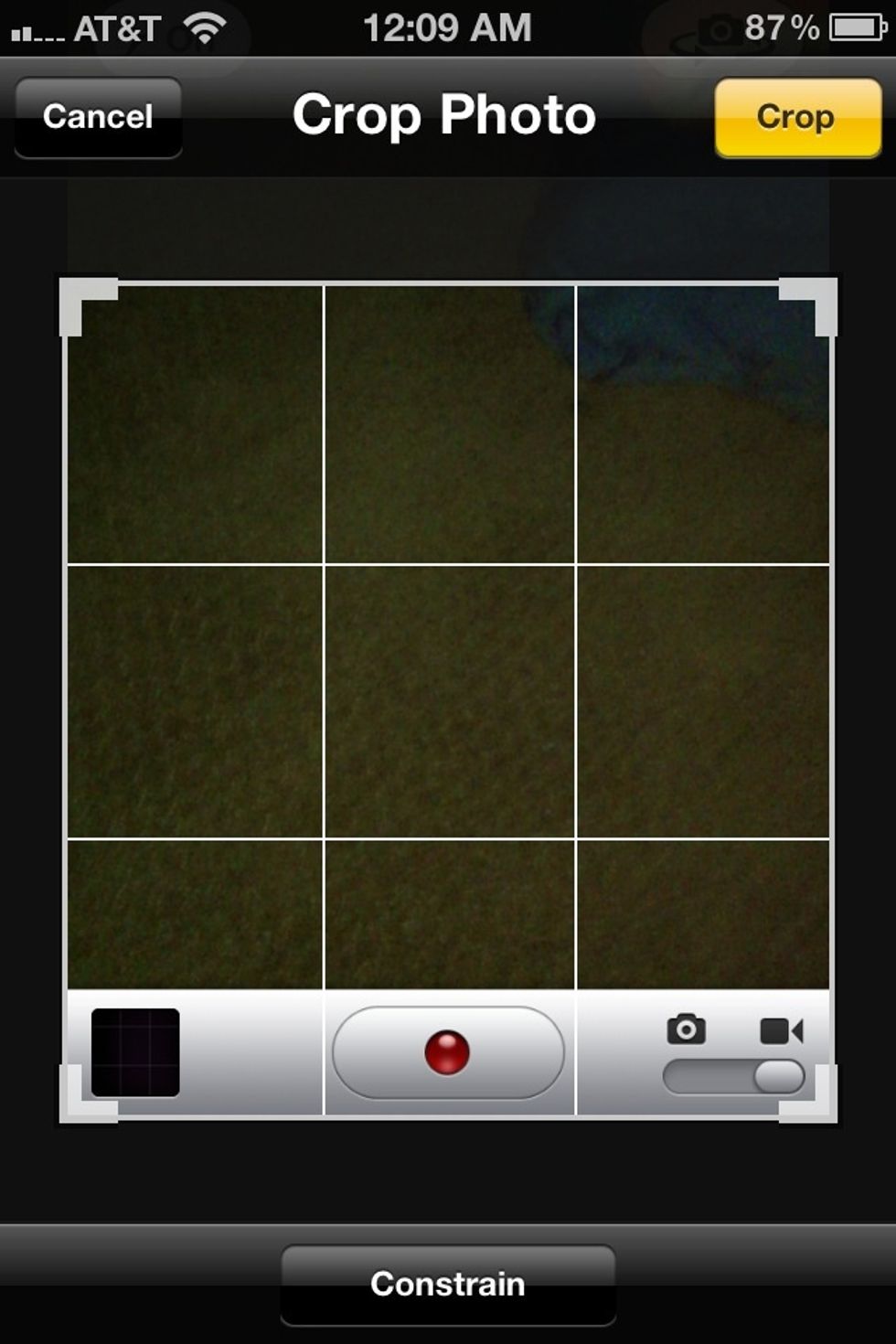
Screenshot of cropping a photo.
Screenshot of cropping a photo.

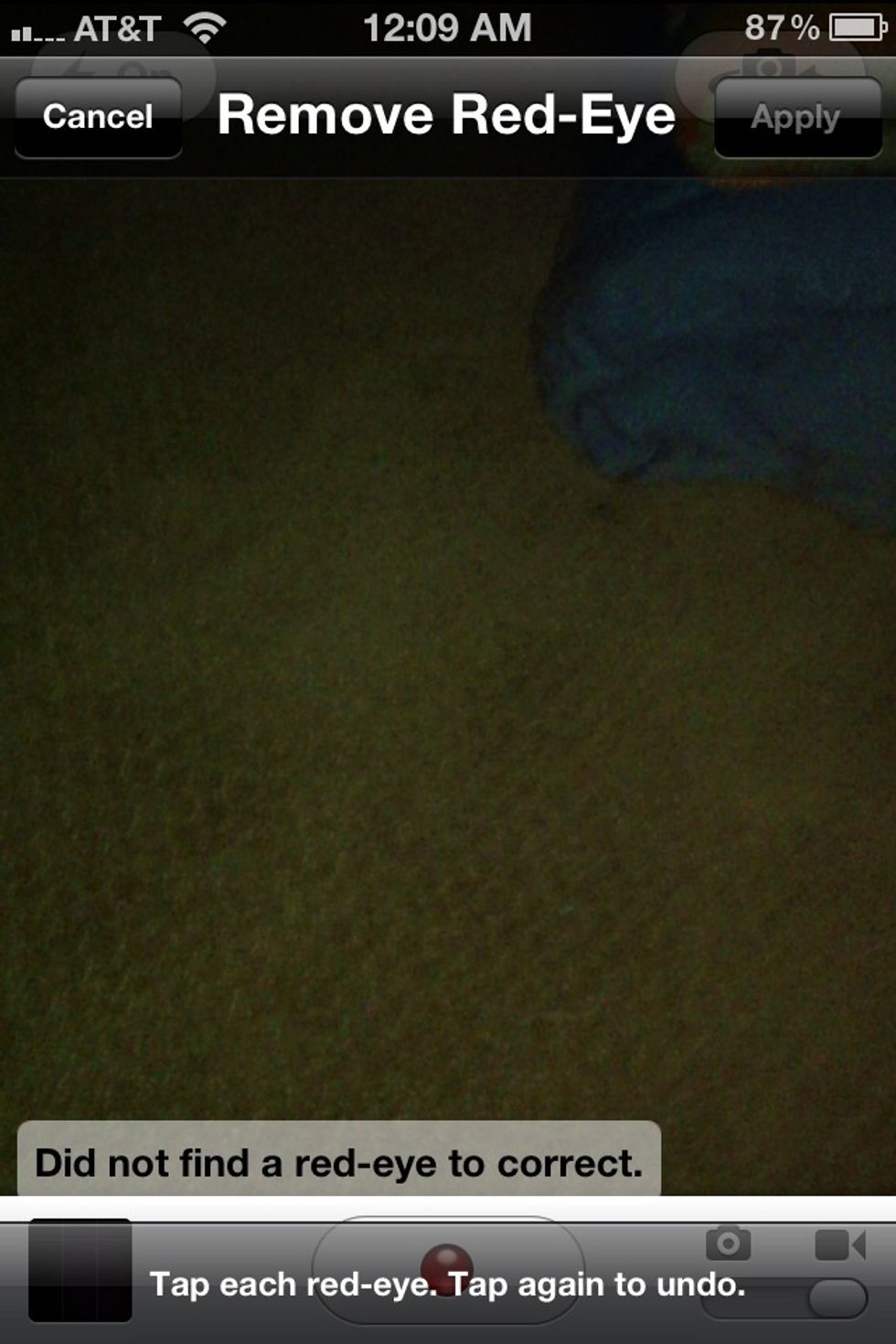
Screen shot of using red-eye!
Screen shot of using red-eye!

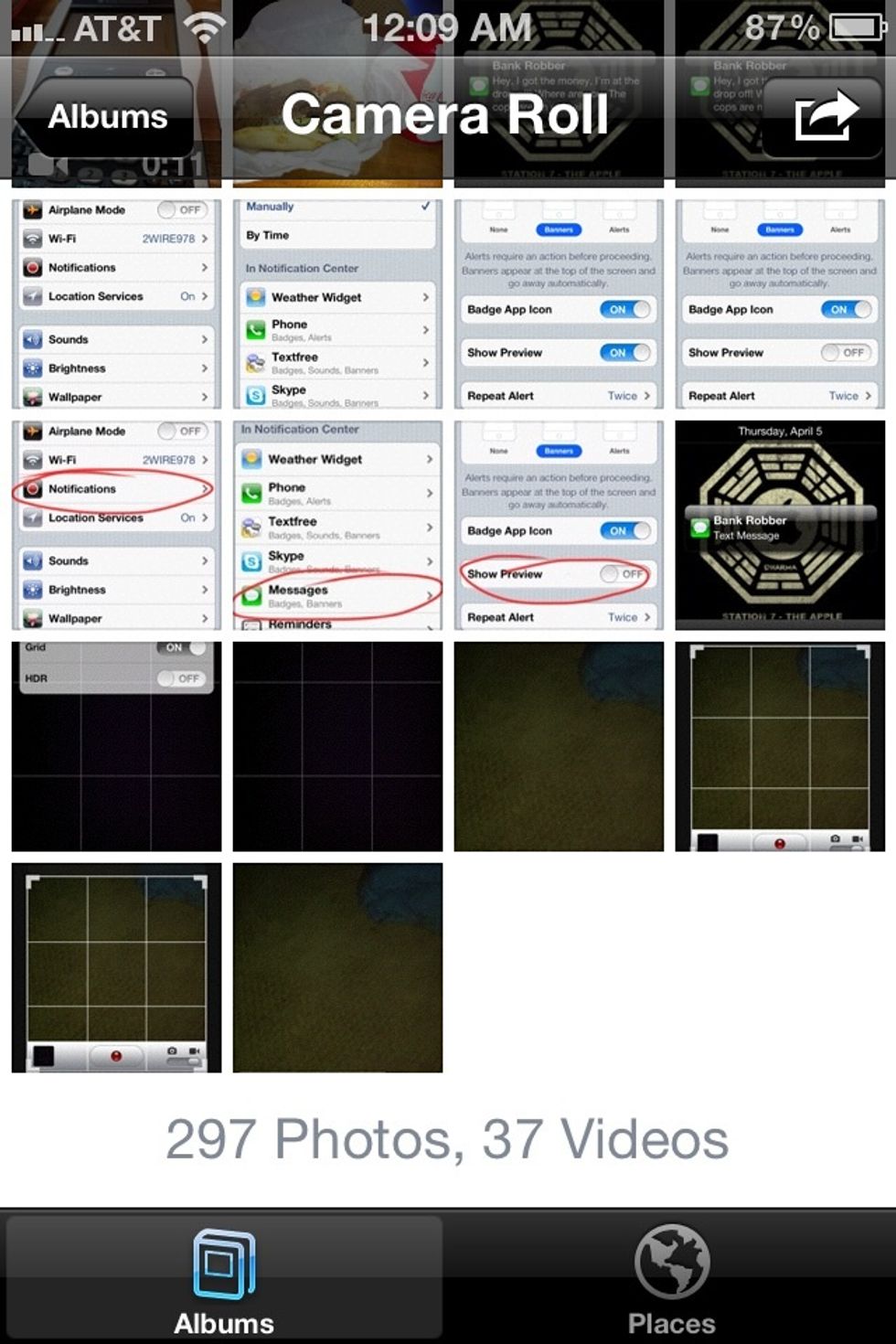
Trick 2) Delete many photos at once & share them by clicking the box and arrow on the top right corner and select the photos you want to send or delete!
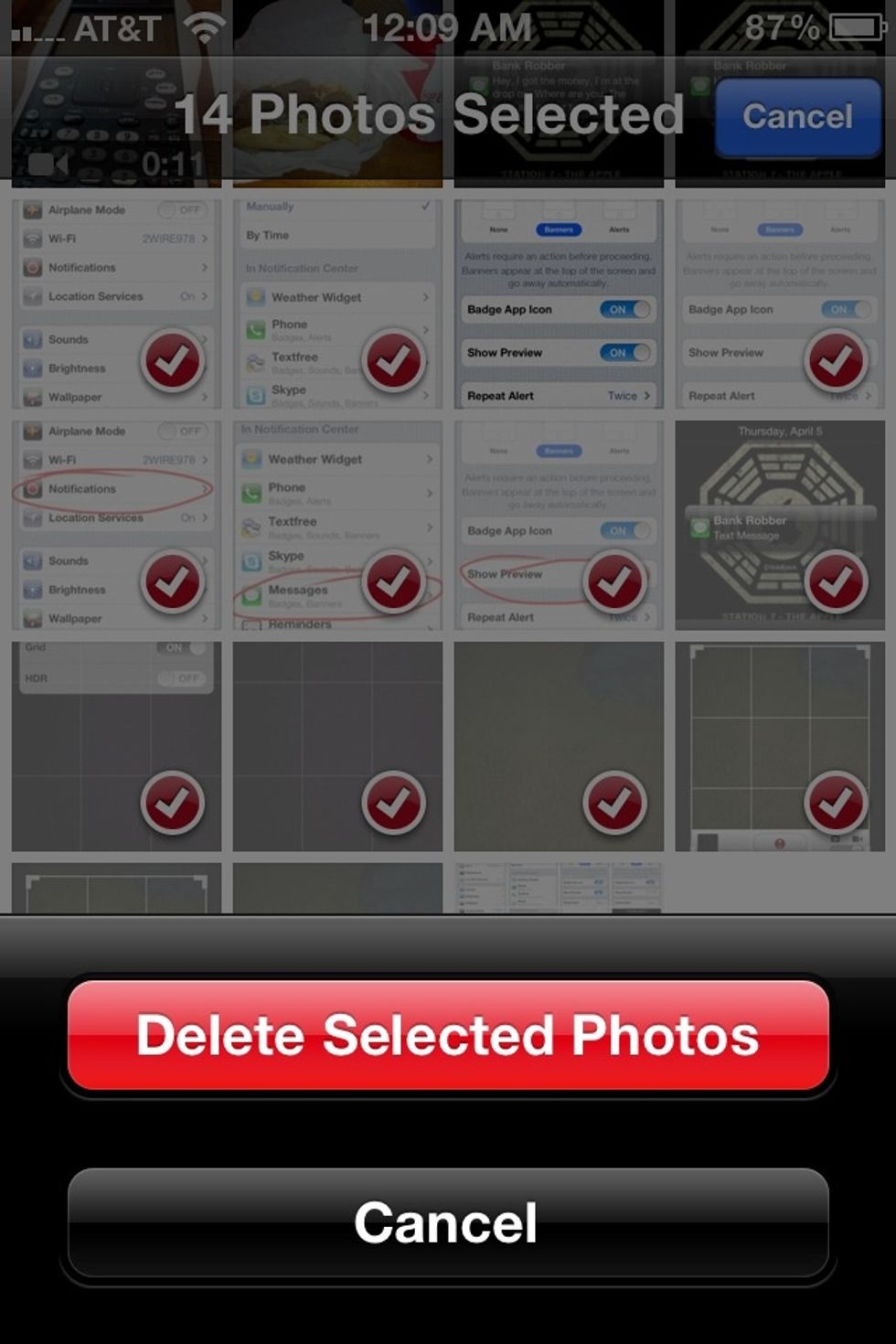
Trick 2) Delete many photos at once & share them by clicking the box and arrow on the top right corner and select the photos you want to send or delete!

Screen shot of deleting photos!
Screen shot of deleting photos!

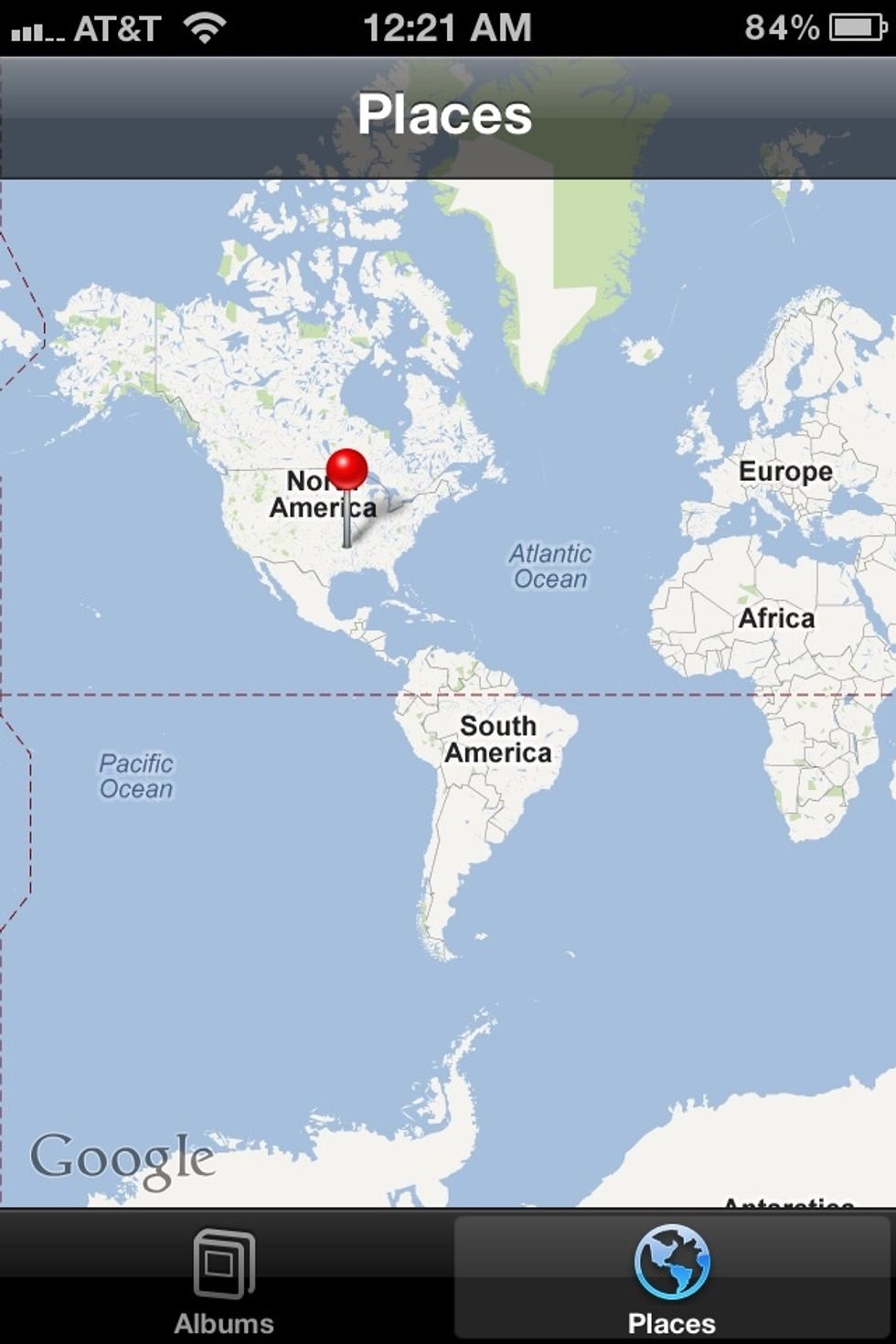
Trick 3) Click on the "Places" tab in the Photos app to see where you have taken your photos and which one you took where.

Trick 3) Click on the "Places" tab in the Photos app to see where you have taken your photos and which one you took where.

Thanks for reading my guide and I hope it helps you! DM me if you have any how to ideas!

The creator of this guide has not included tools