
The Conversation (0)
Sign Up
Whatever you want to save or capture on your iPhone screen like some important page, or picture or anything that is protected and can't be saved to your iPhone directly from the internet.
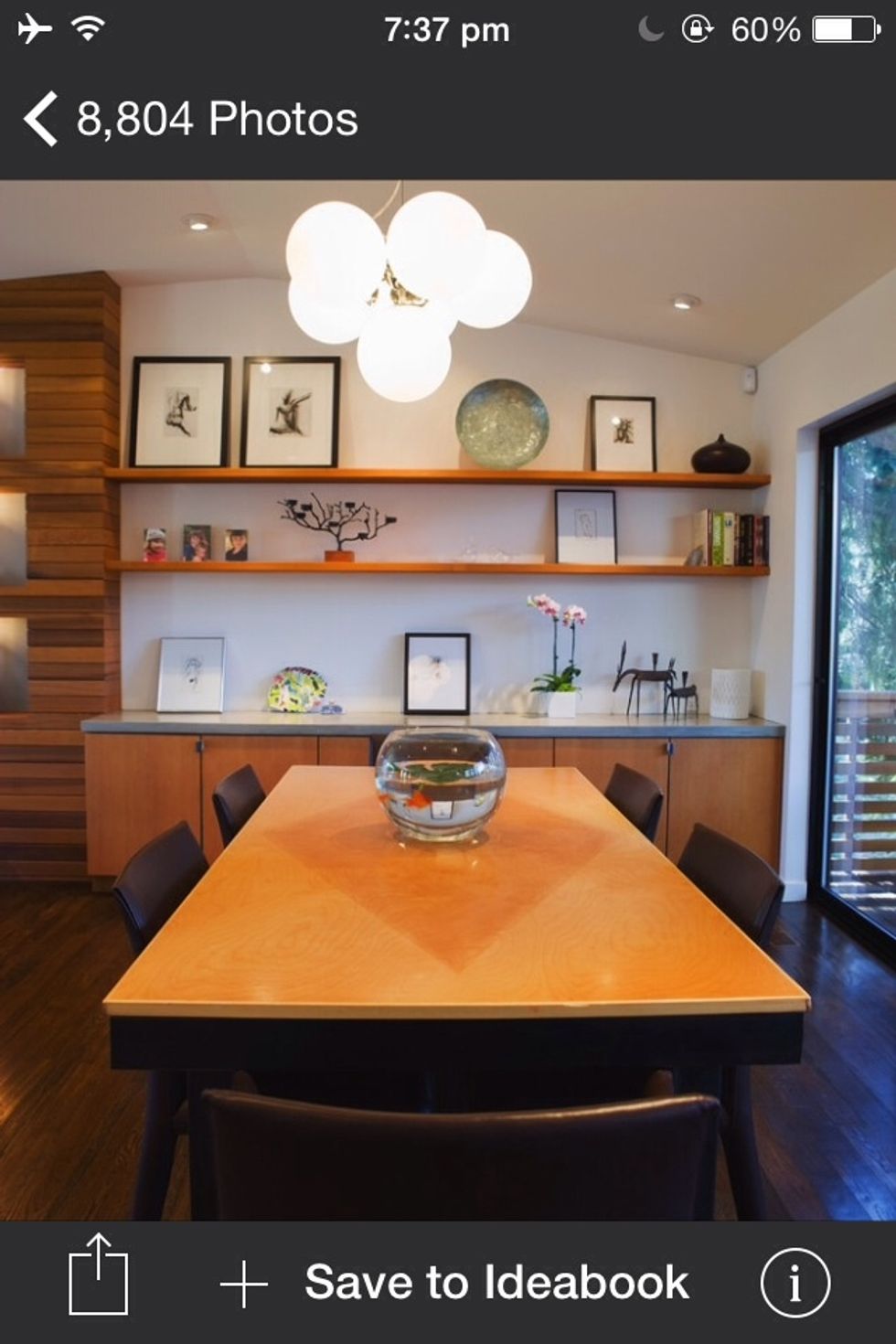
Like this photo I found on the app 'houzz' but it wouldn't let me save it to my camera roll. So I took a screenshot of it. Next step will demonstrate how
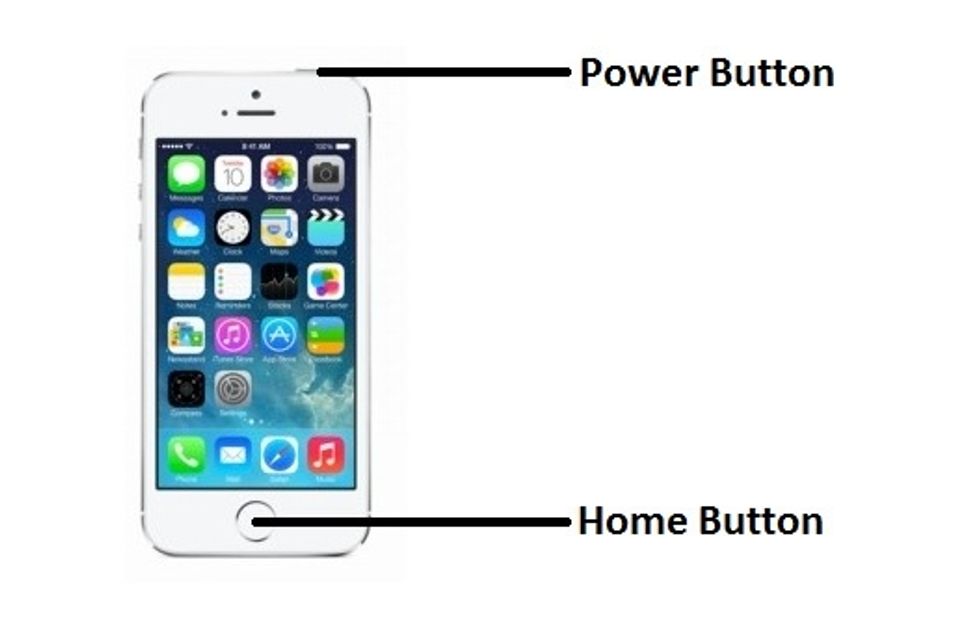
When you want to take a screenshot of anything on your iPhone Hold the sleep/wake button and the home button of your iPhone for a second and release them.
There will be a flash on your iPhone screen which shows you just took a screenshot.
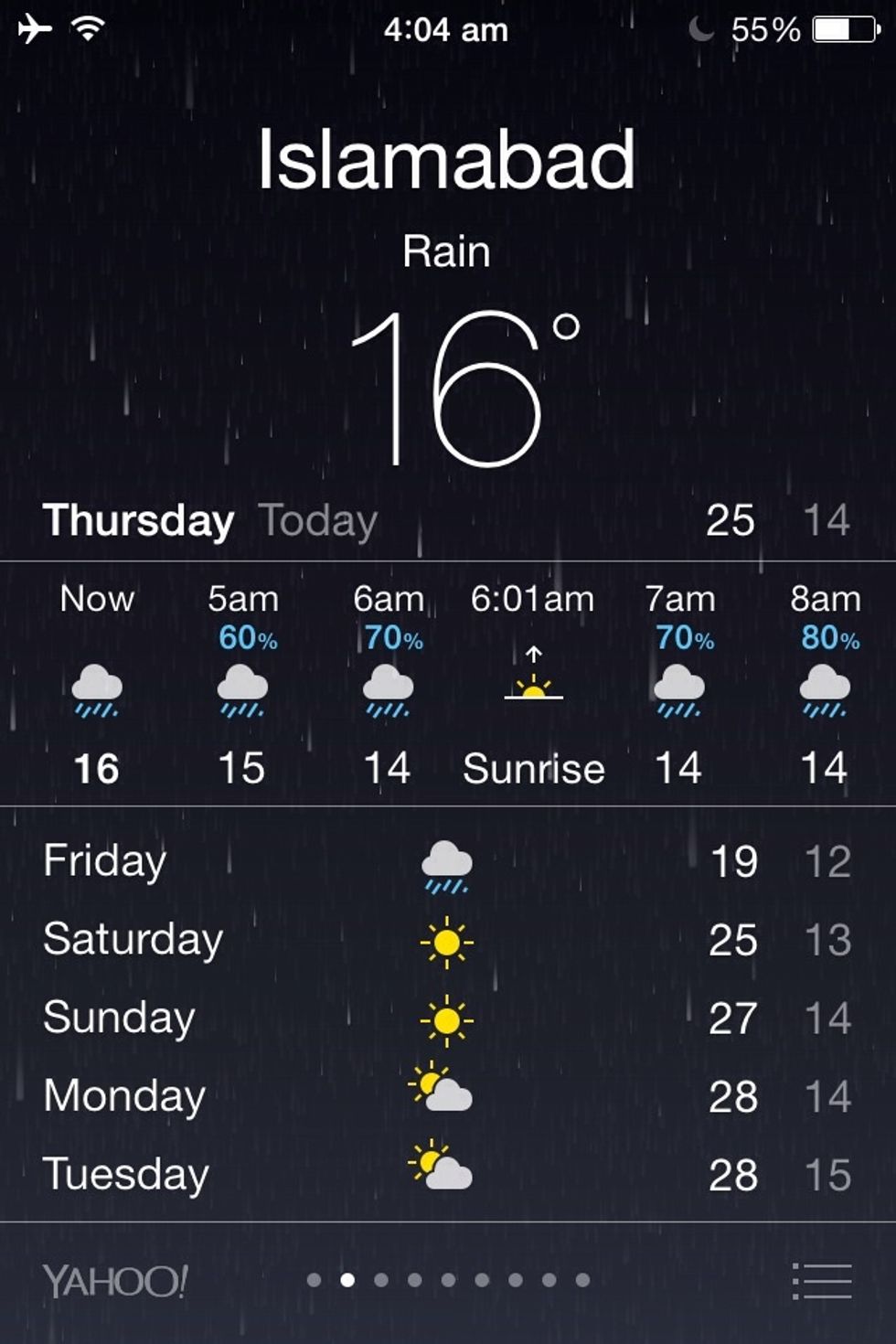
Don't forget to check your camera roll to see if your required screen capture's been saved. If not, repeat the step. It's a no-brainer.
I'm sure many of you know this already but incase someone doesn't this guide could help. Peace out !