
The Conversation (0)
Sign Up
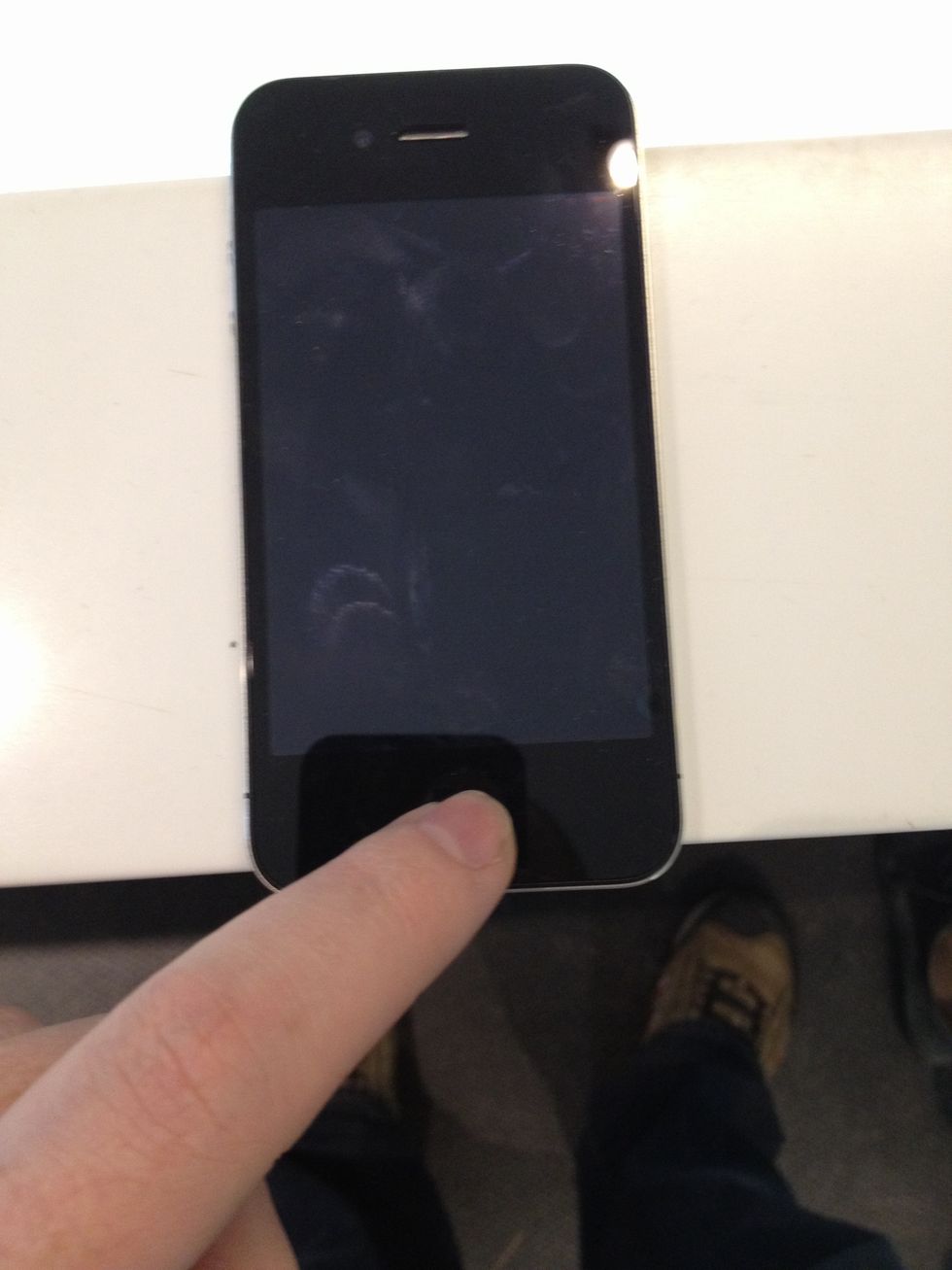
Press and hold the home button.
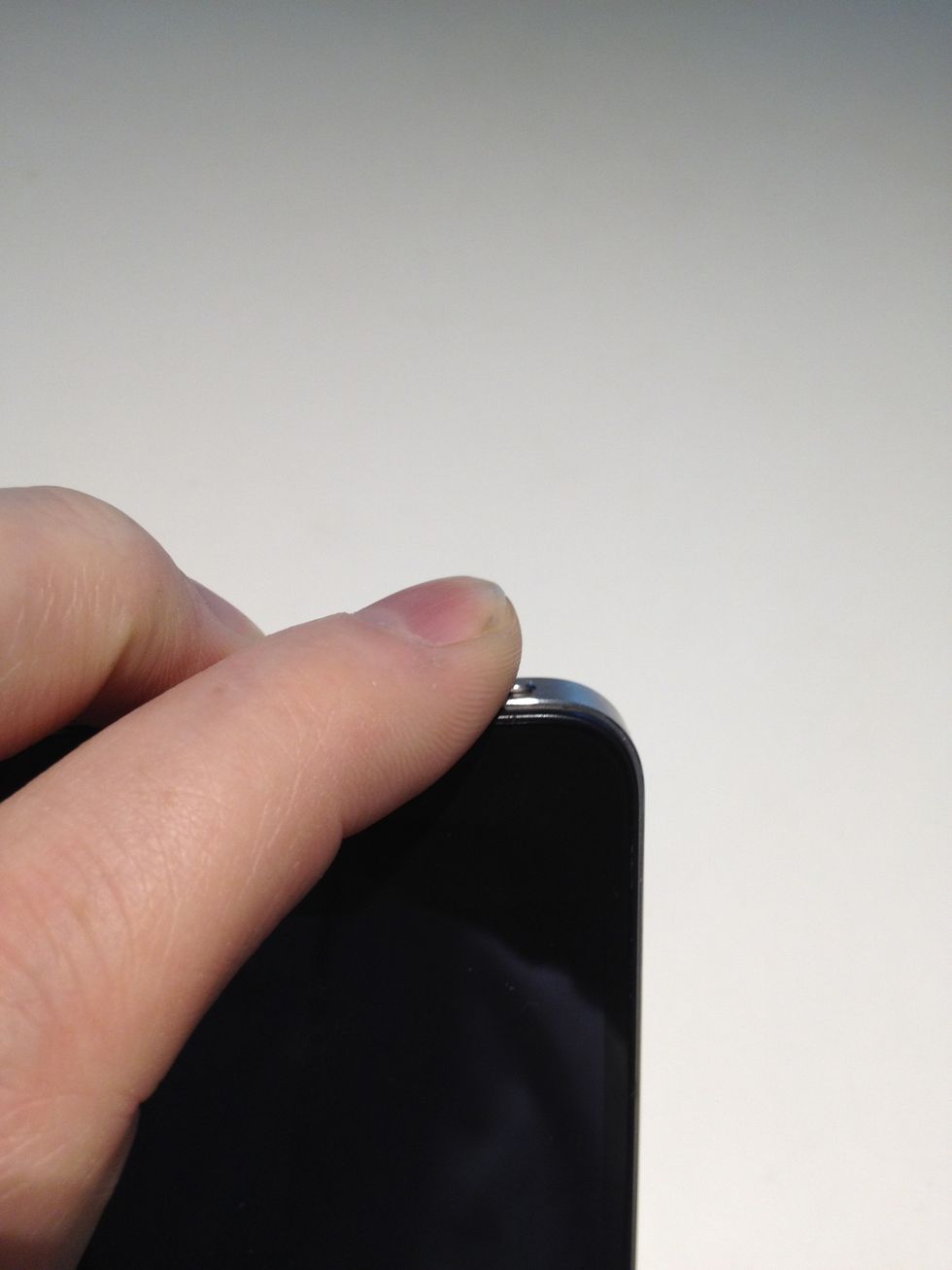
Very quickly, press the power button. On a phone with Siri, if there's more than approximately half a second delay, she'll kick in and ruin the screen capture.
The screen will flash white, an you'll hear the sound of a picture being taken. Your screen will now be saved in the camera roll!