How to set email from unusual email engine on ios

Set email on iOS from other email engine

24
STEPS
TOOLS

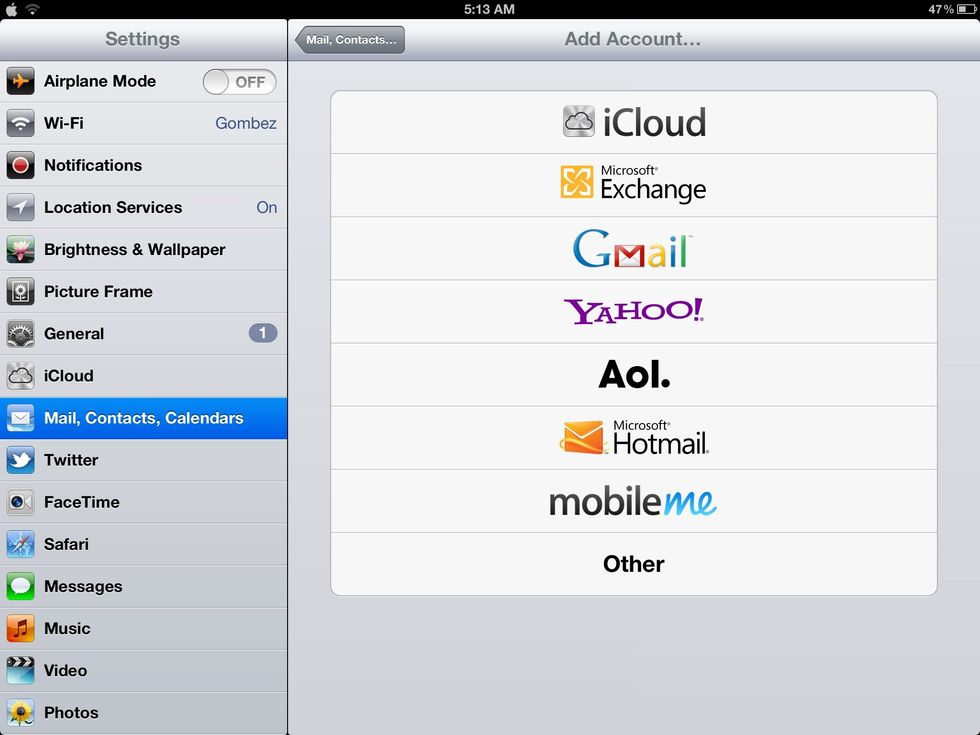
Go to "Setting", choose menu "Mail, Contacts, Calendars", choose "other"
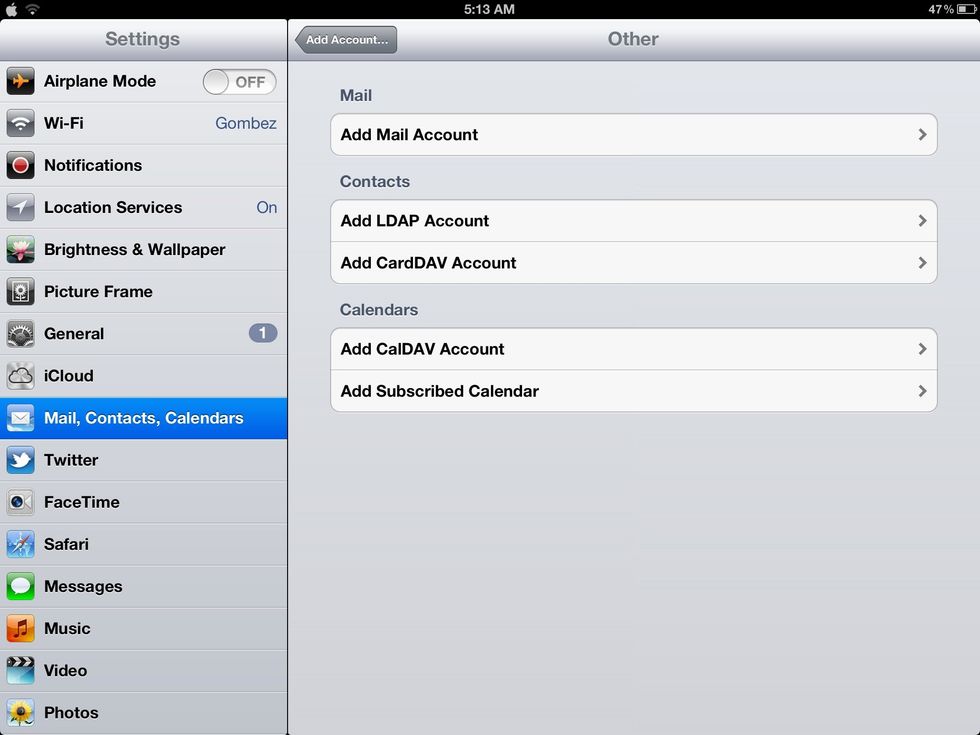
Choose "Add Mail Account"
Choose "Add Mail Account"

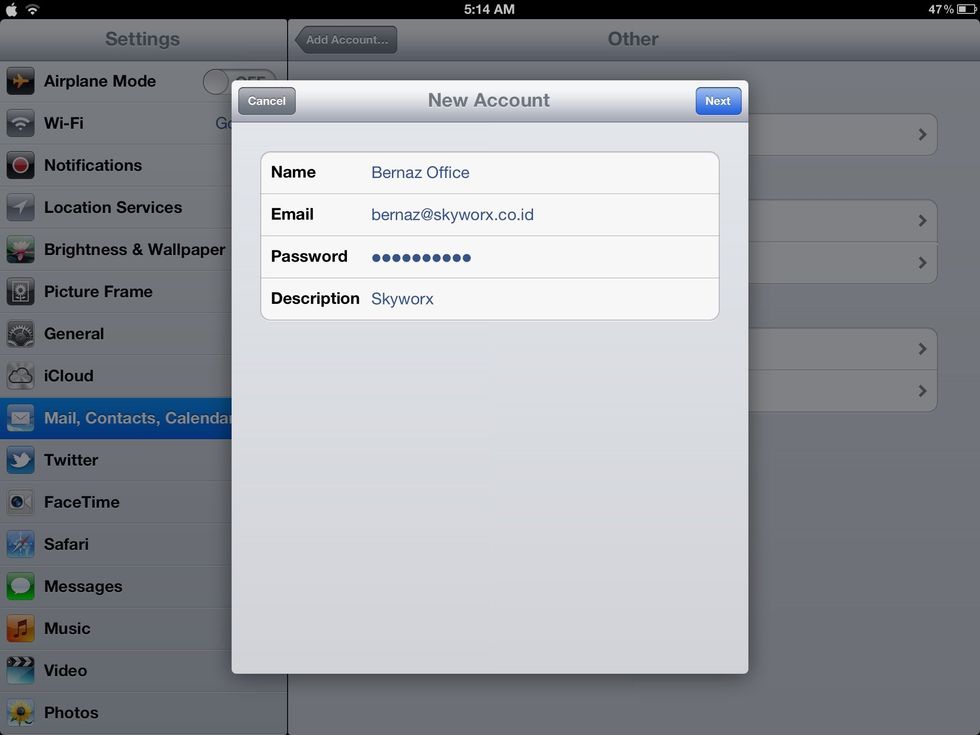
Fill required fields, then tap "Next" button
Fill required fields, then tap "Next" button

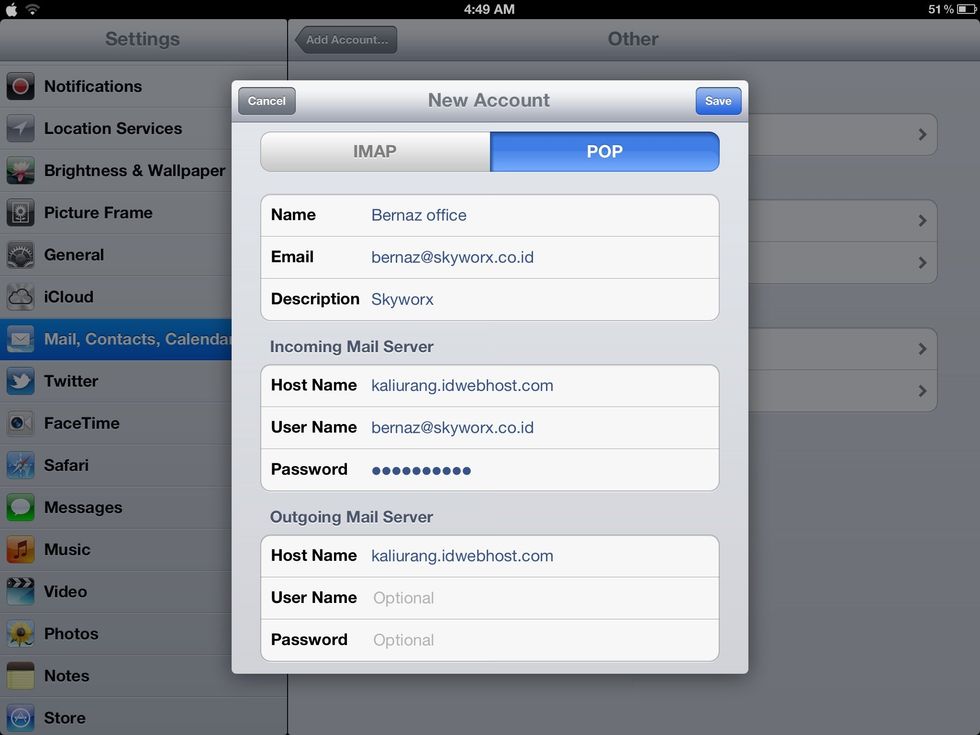
Choose pop tab, fill host name (incoming & outgoing mail server), username is your email. Then tap "Save" button
Choose pop tab, fill host name (incoming & outgoing mail server), username is your email. Then tap "Save" button

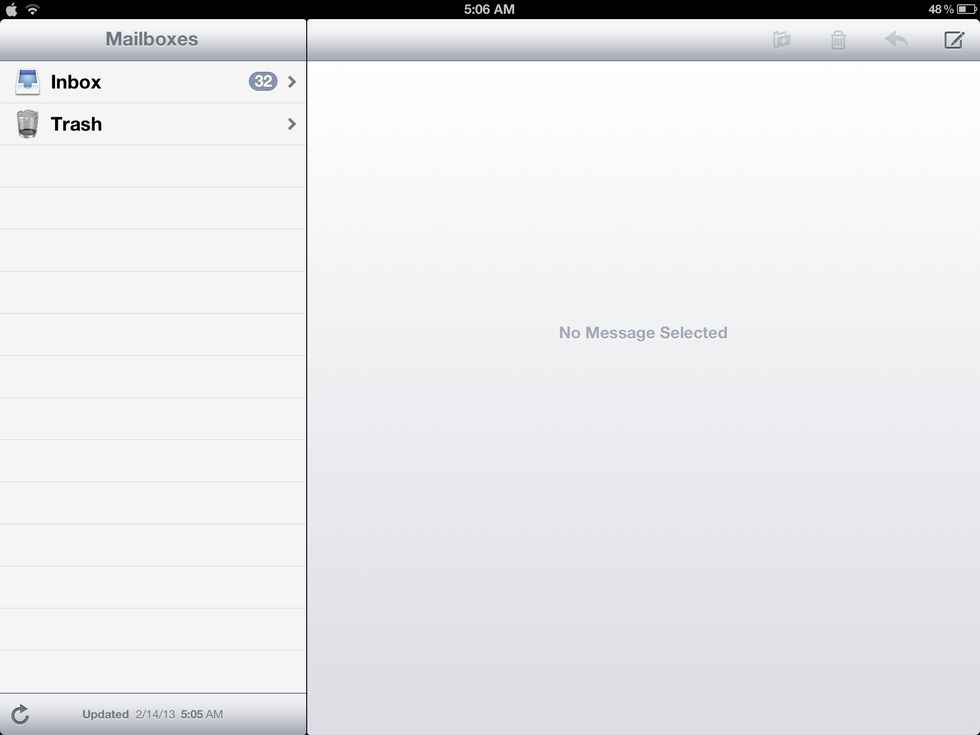
The result, initially, there is no sent item, draft, outbox option.

The result, initially, there is no sent item, draft, outbox option.

The creator of this guide has not included tools