
The Conversation (0)
Sign Up
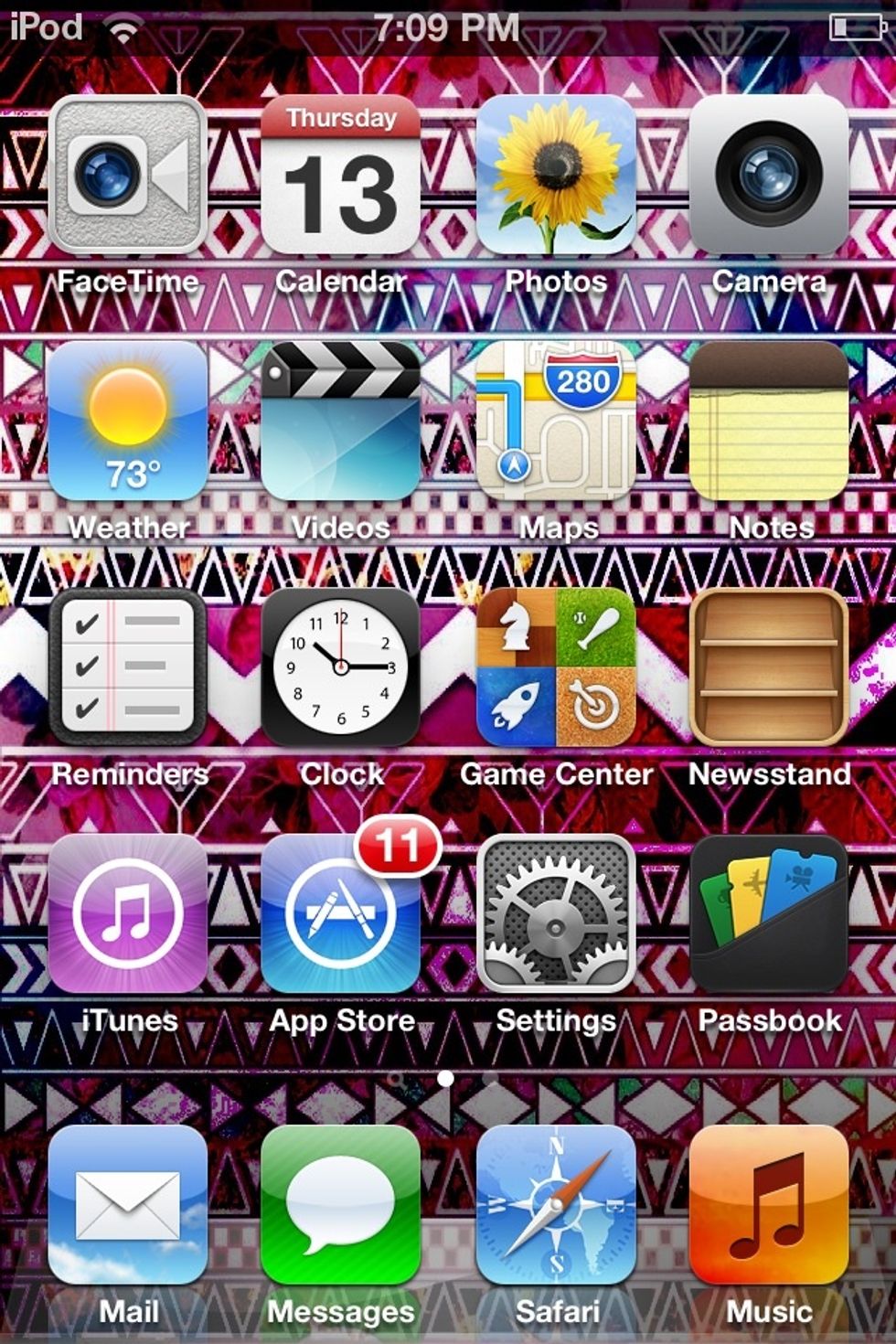
Open Photos
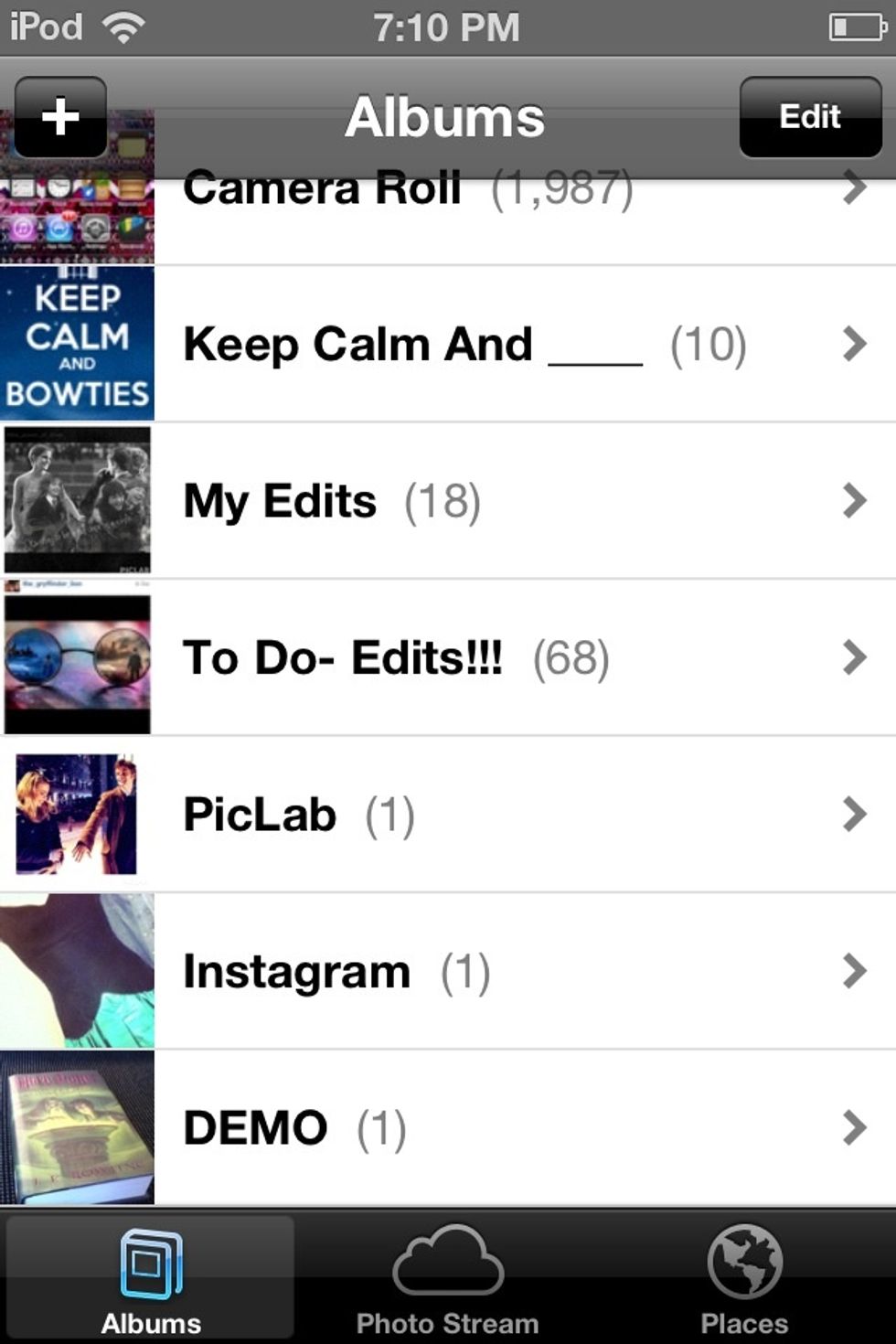
Find the video you want to share in an album
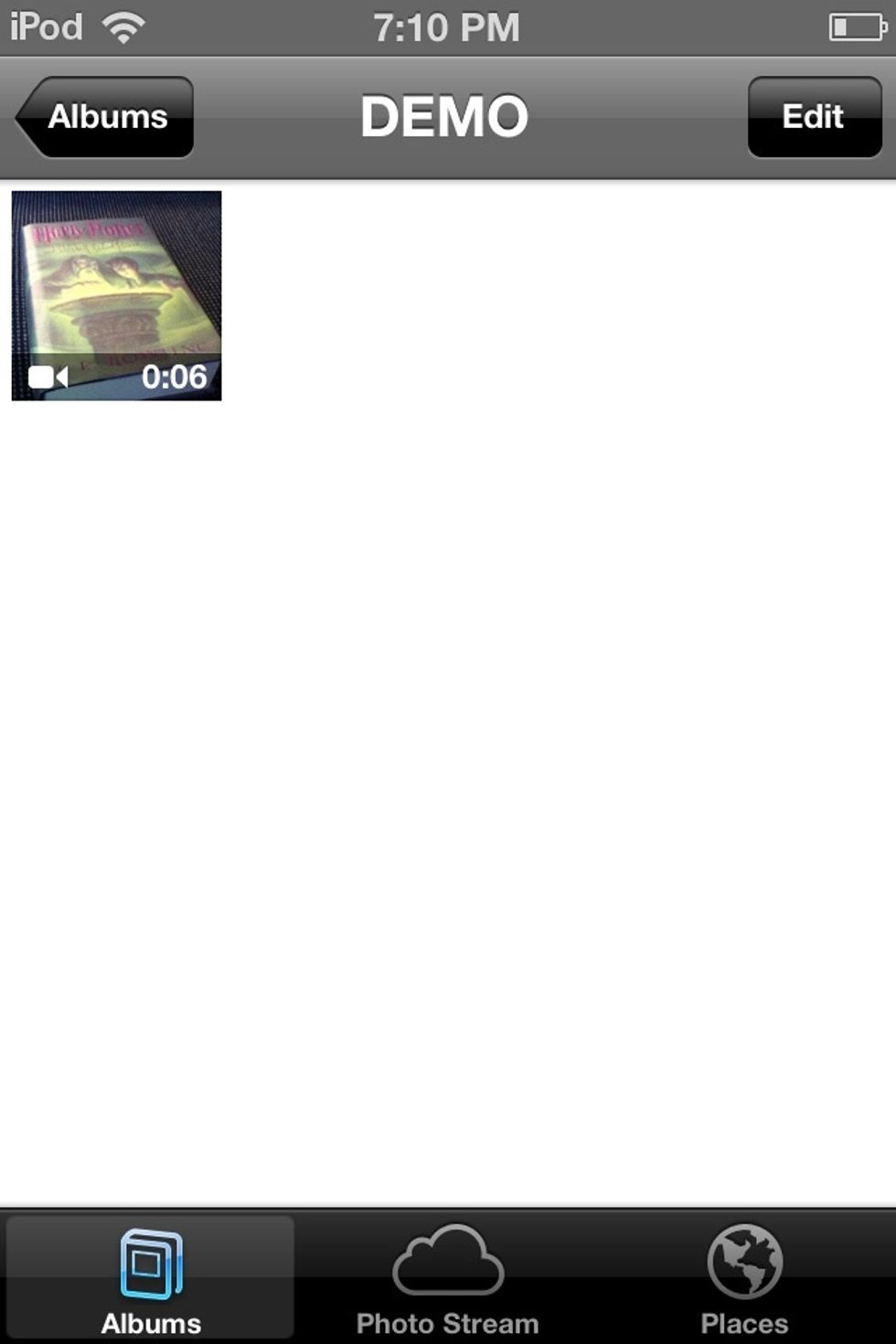
Click on the video
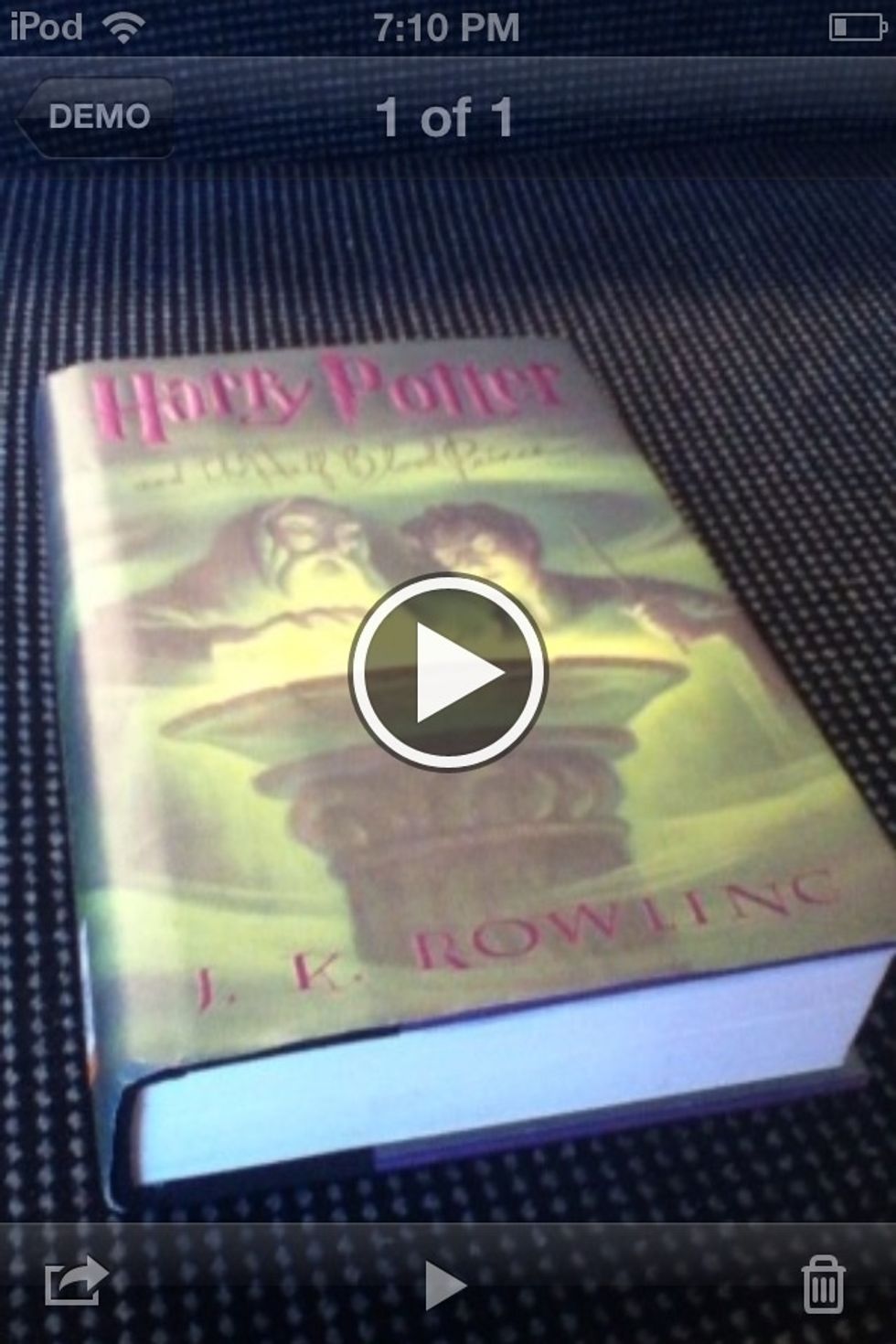
Click on the "Share" button in the bottom left hand corner on the far left
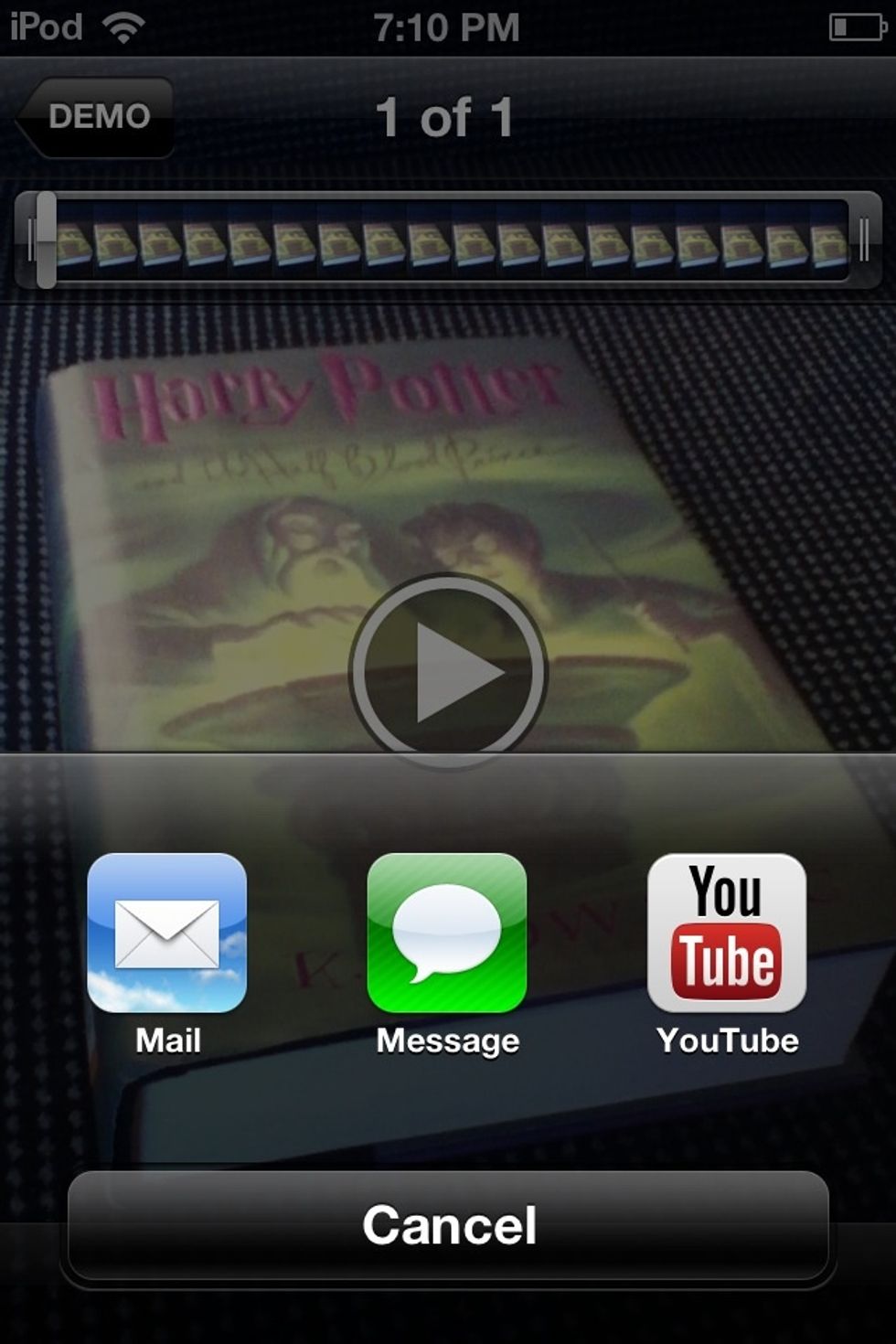
Click on "YouTube"
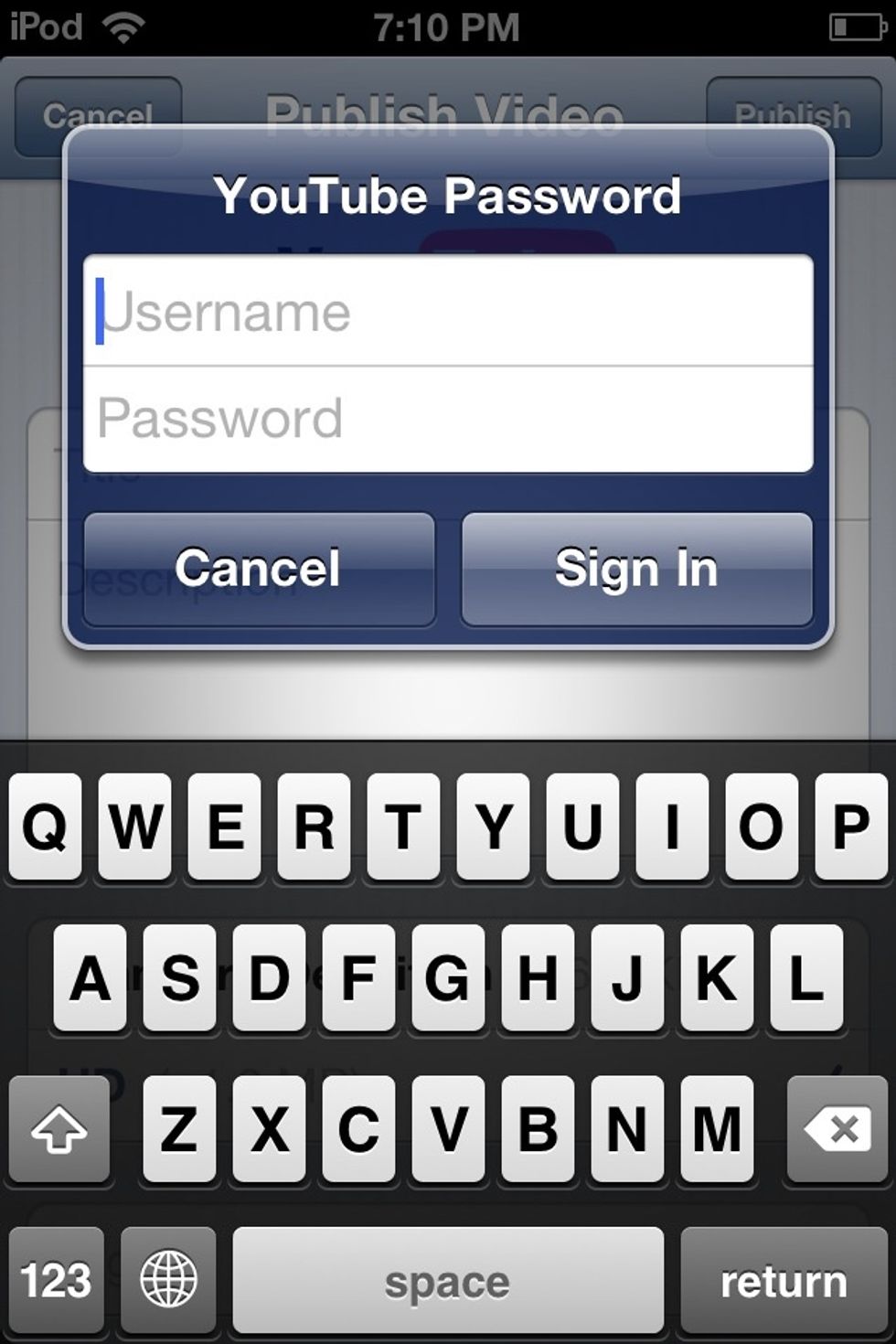
Sign In to your account if you aren't already signed in
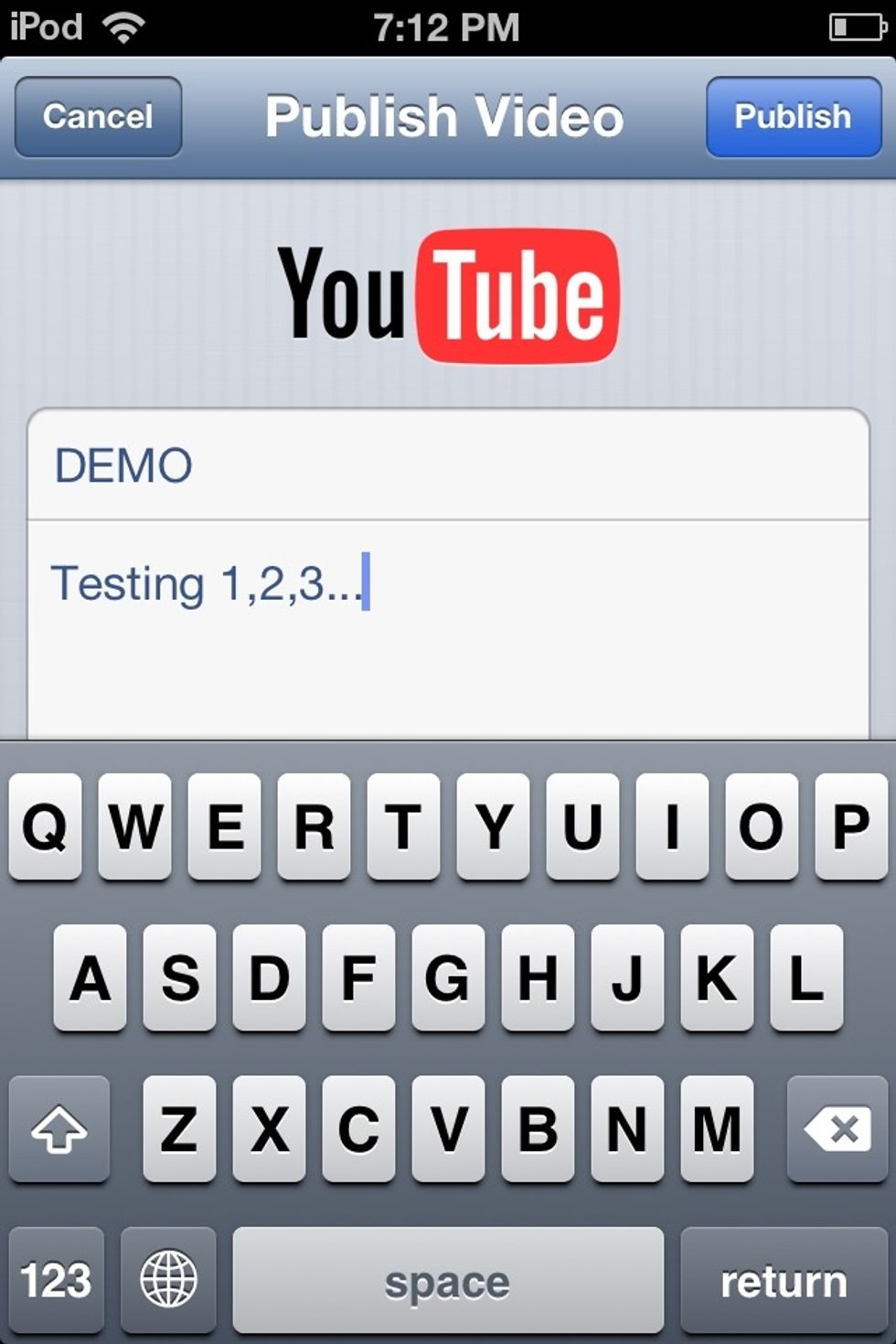
Add a Title and Description then hit "Publish" in the upper right hand corner
Wait for the video to upload to your channel!