
The Conversation (0)
Sign Up
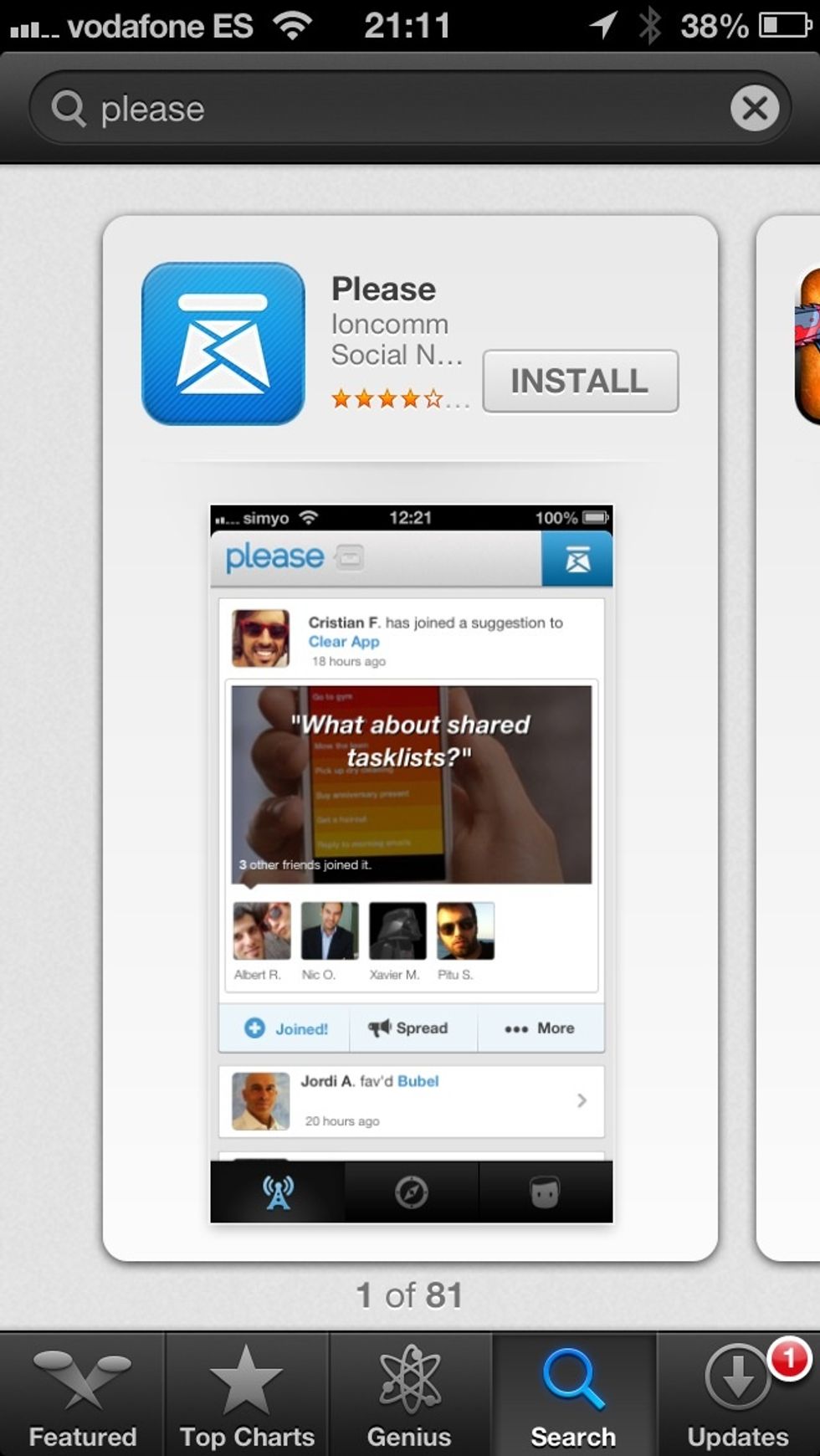
Download the "Please" app from the App Store.
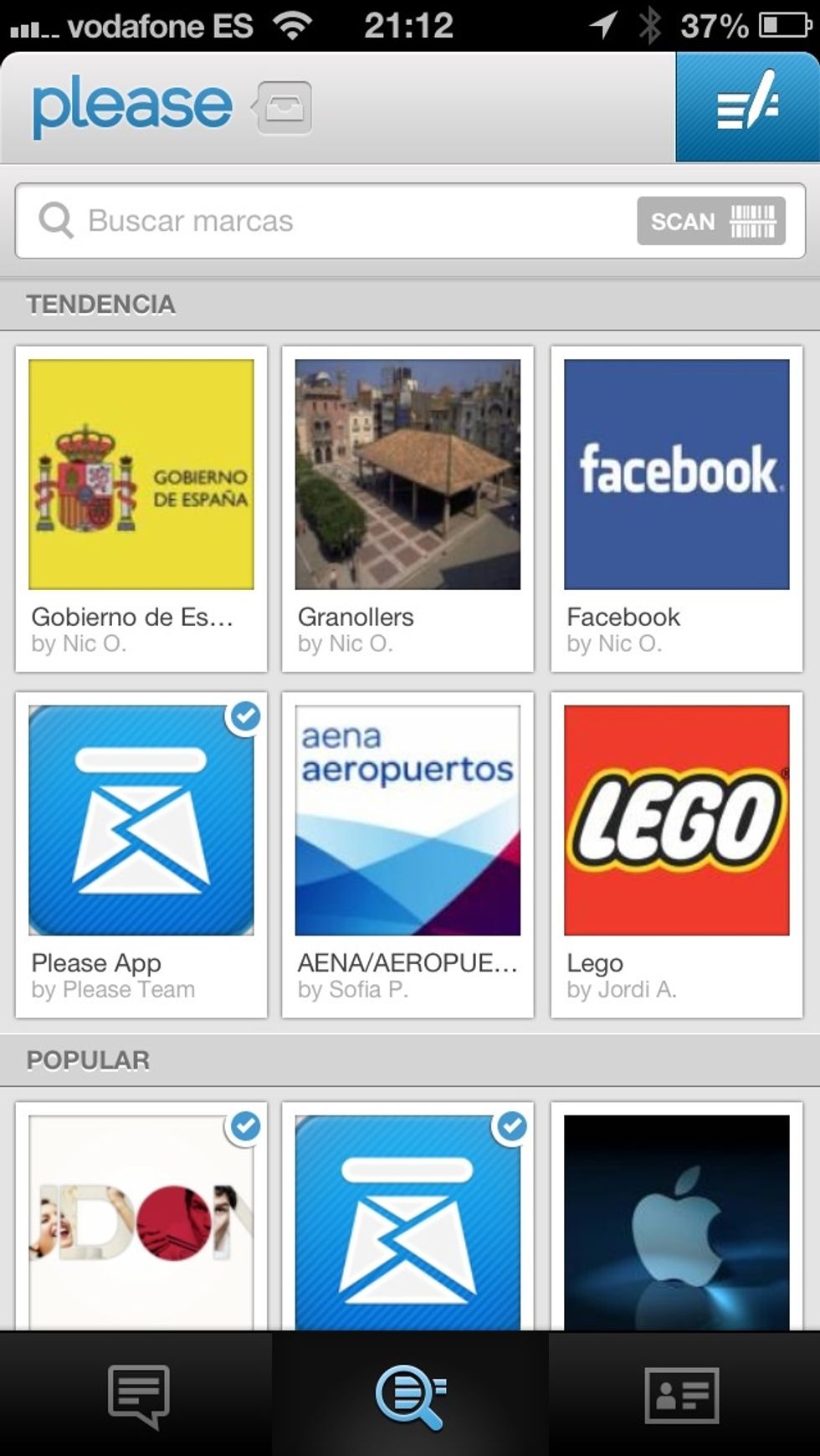
Tap the button on the right upper side (in blue).

Write the addresse's name and your idea or suggestion.
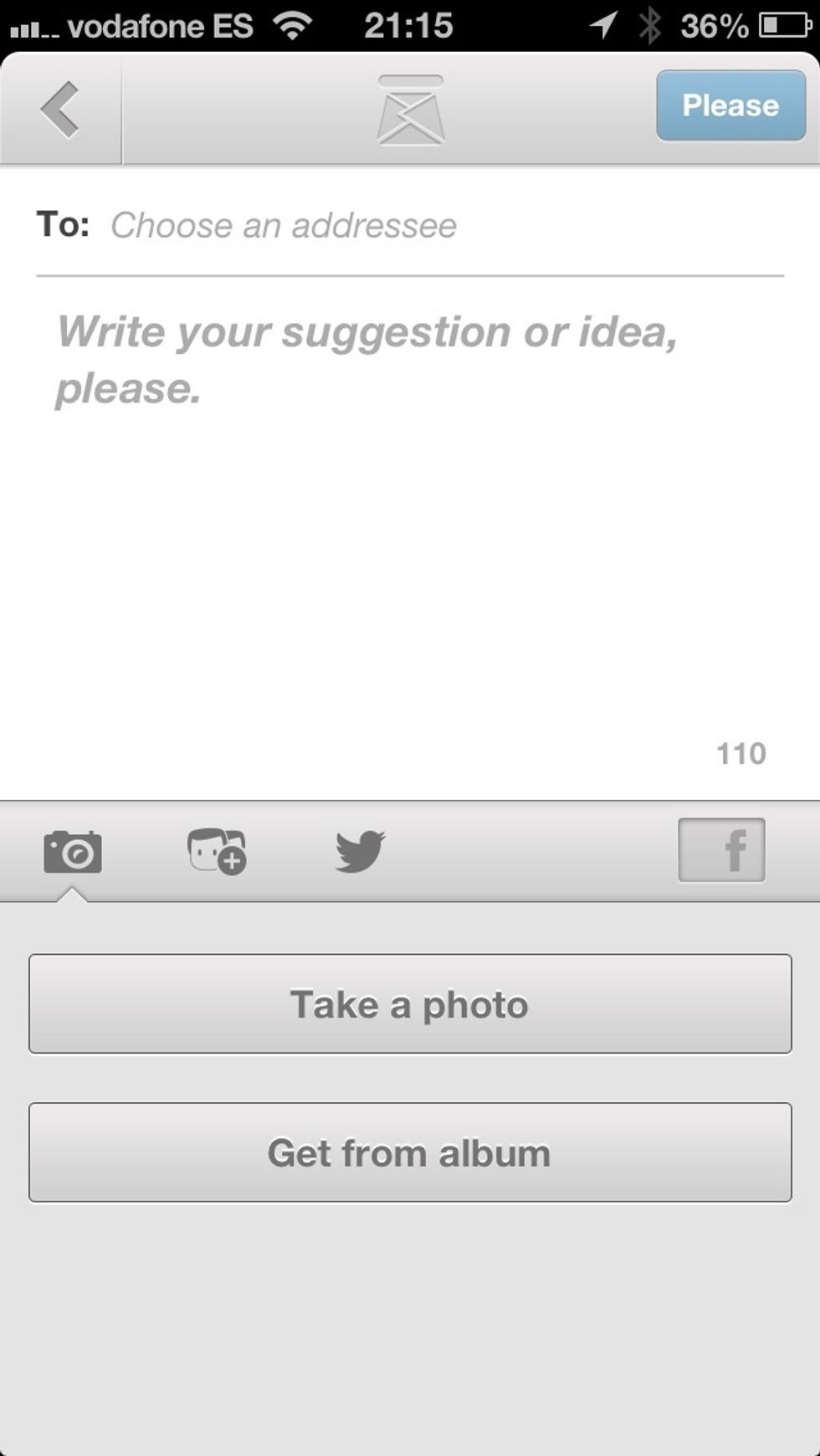
Add a picture to enhance your idea.
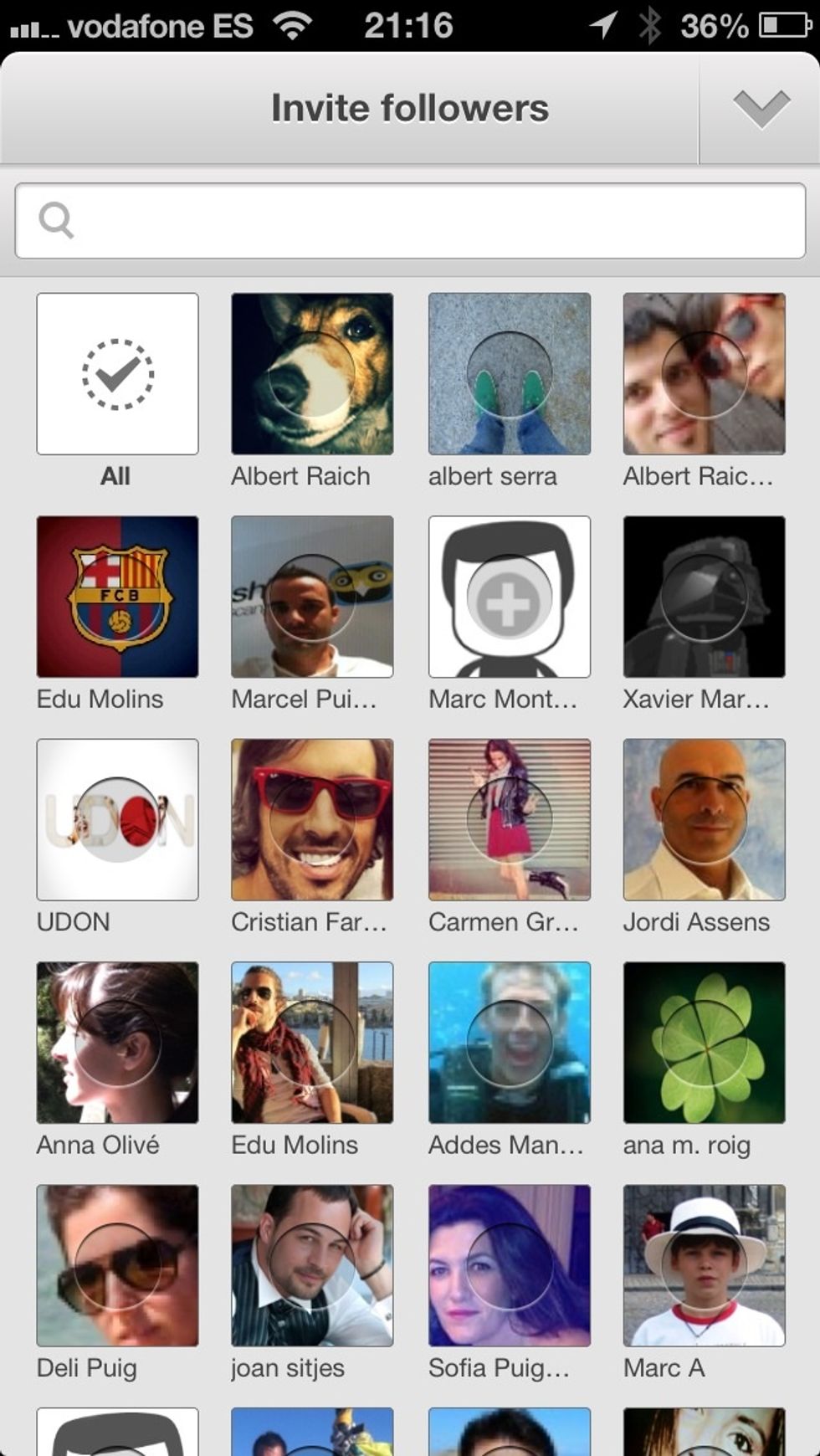
Invite your friends to join your idea.
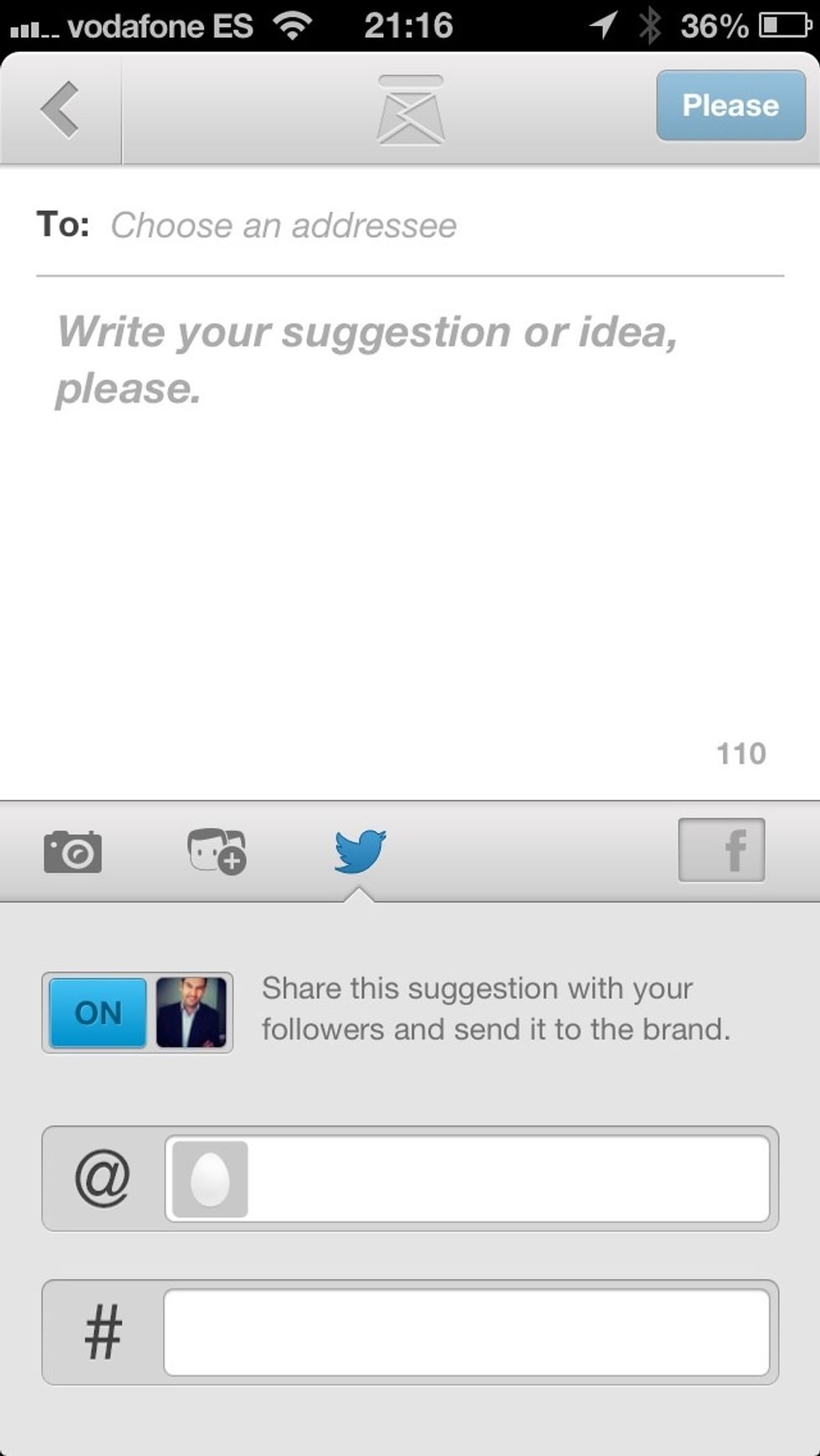
Tap the "@" button to search for the addresse's twitter profile.
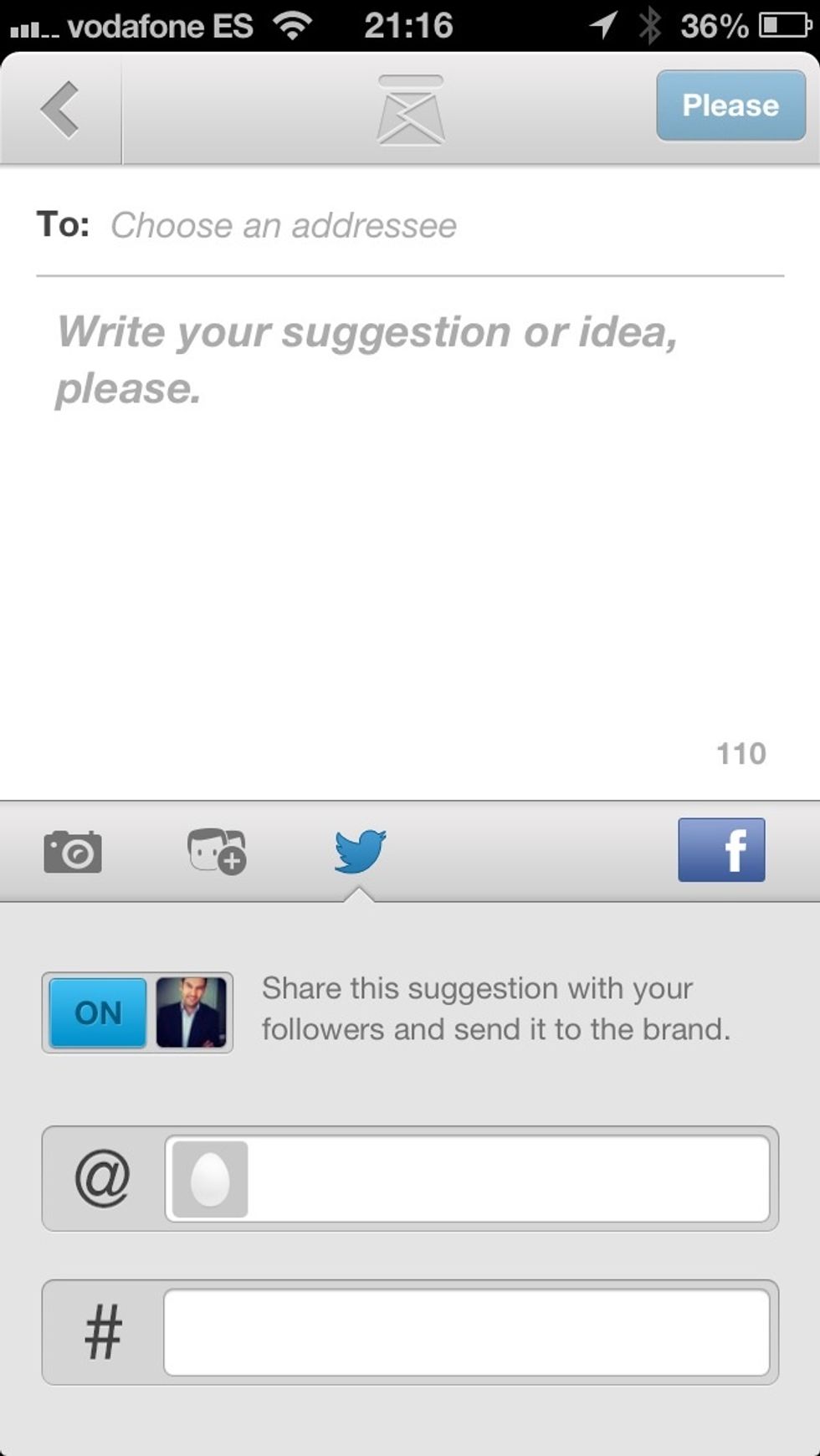
Tap the facebook button to share your idea with your friends and finally press the "Please" button to send the idea. It's that simple!