
The Conversation (0)
Sign Up
QR codes are a way to advertise or share a message through a picture (code). This snap guide will show you how you can scan the code using your Apple device.
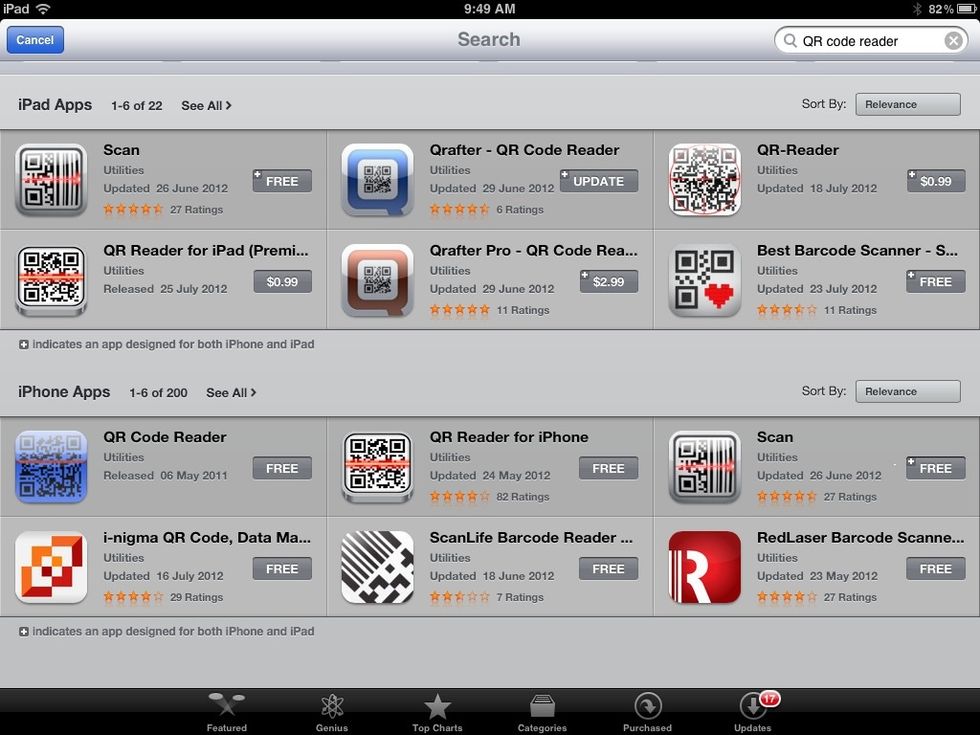
There are many free and paid apps on the app store that all scan QR codes.
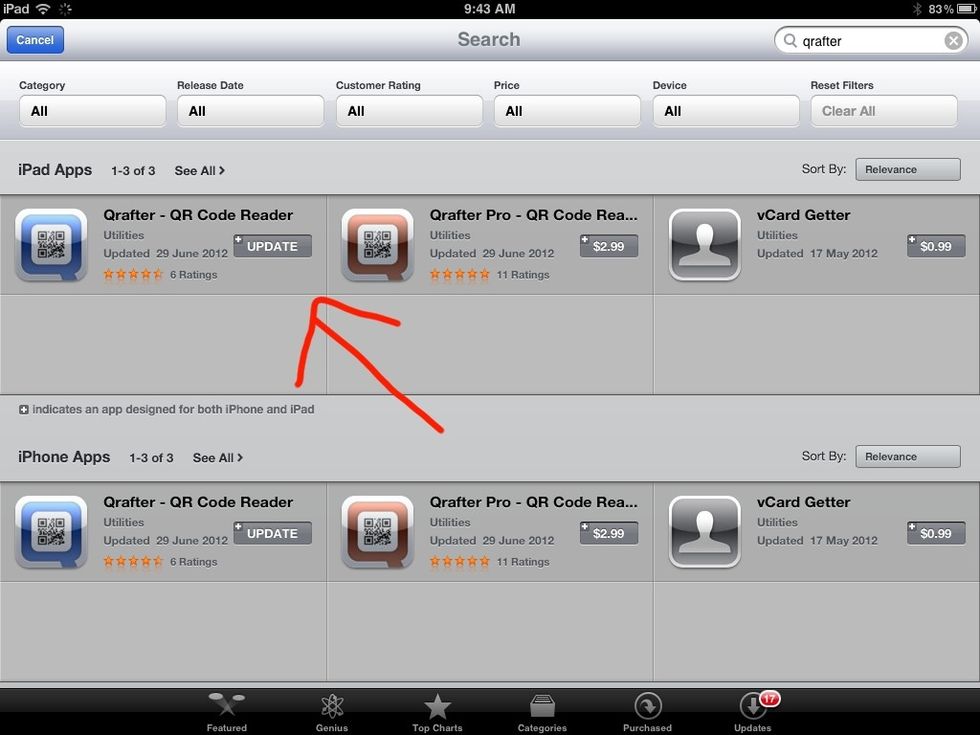
I recommend Qrafter it has a free version that works really well but the paid version offers more.
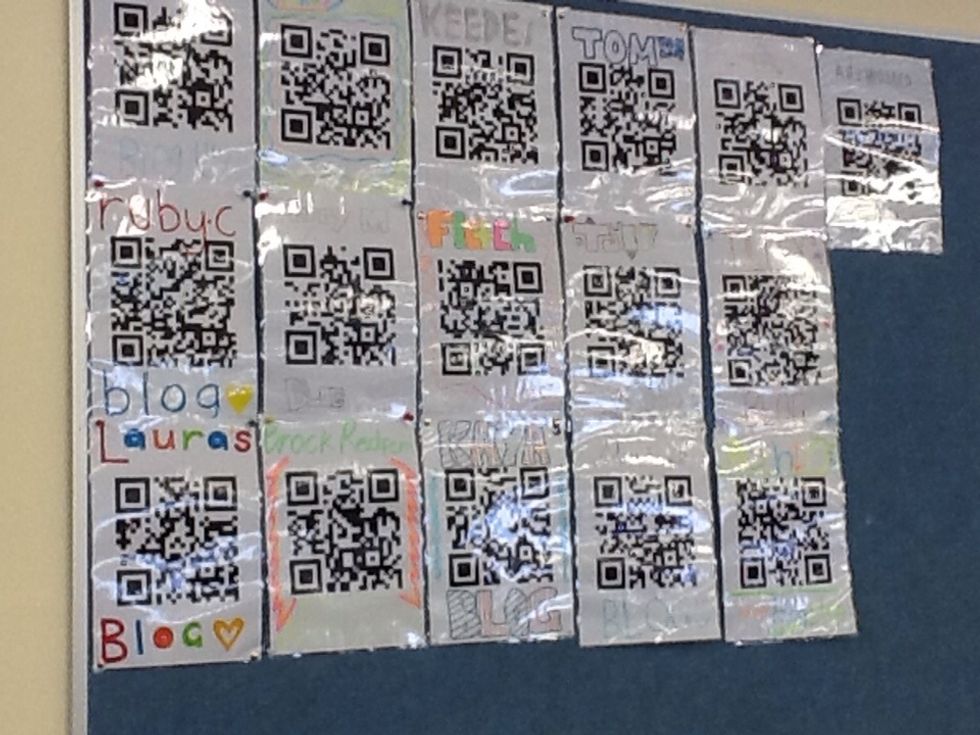
Locate the QR code you want scan.
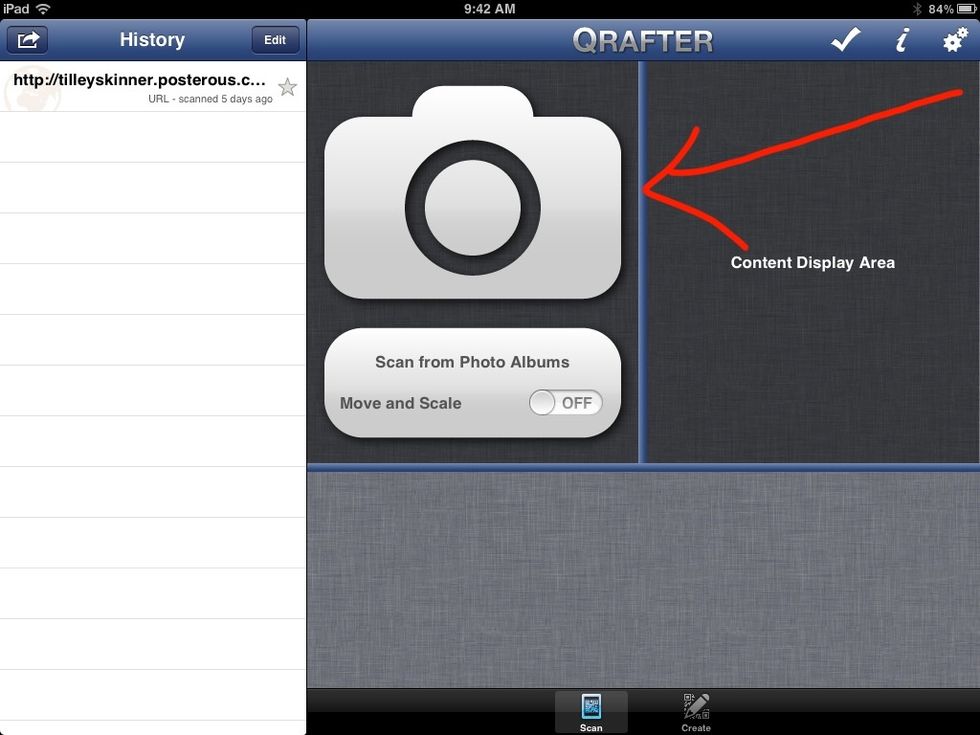
Open the app you want to scan with and press on the camera symbol. Hold the view over the code until it locates it.
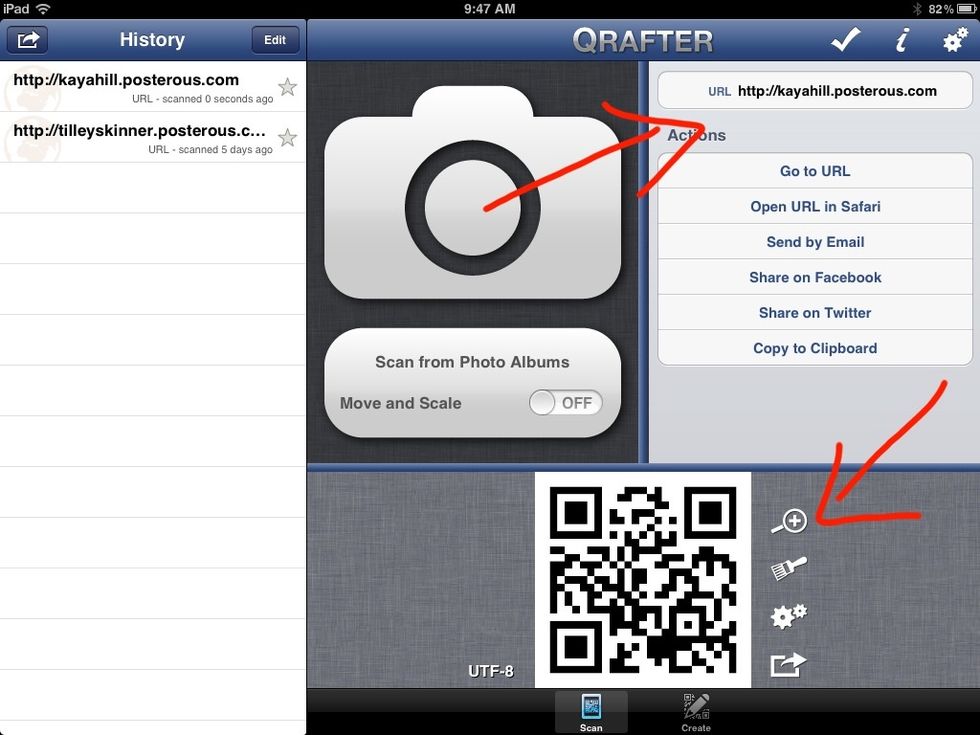
You have the choice to save the QR code and you have the option to open the URL in safari.
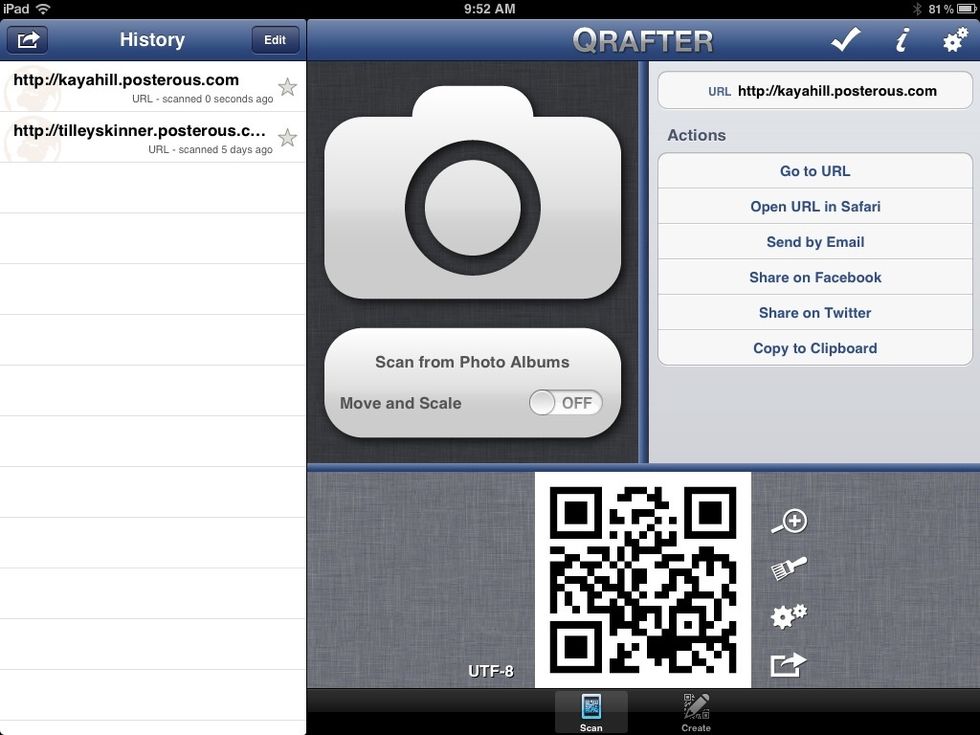
You can also choose to share the link on social networking sites or you can email the code.
Have fun scanning your QR codes!!!