
The Conversation (0)
Sign Up
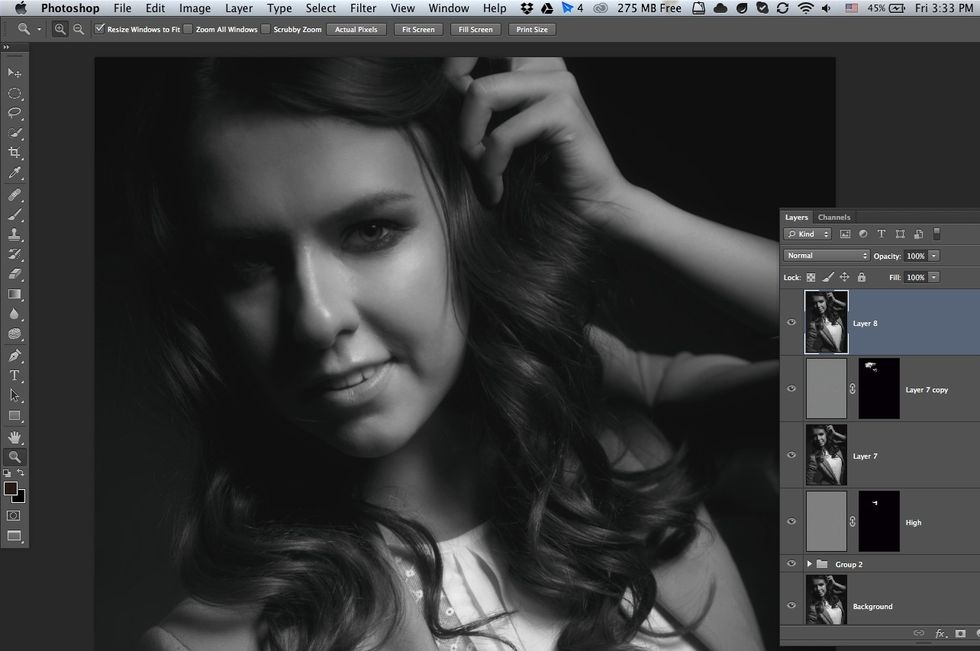
Take any photo and open in Photoshop.
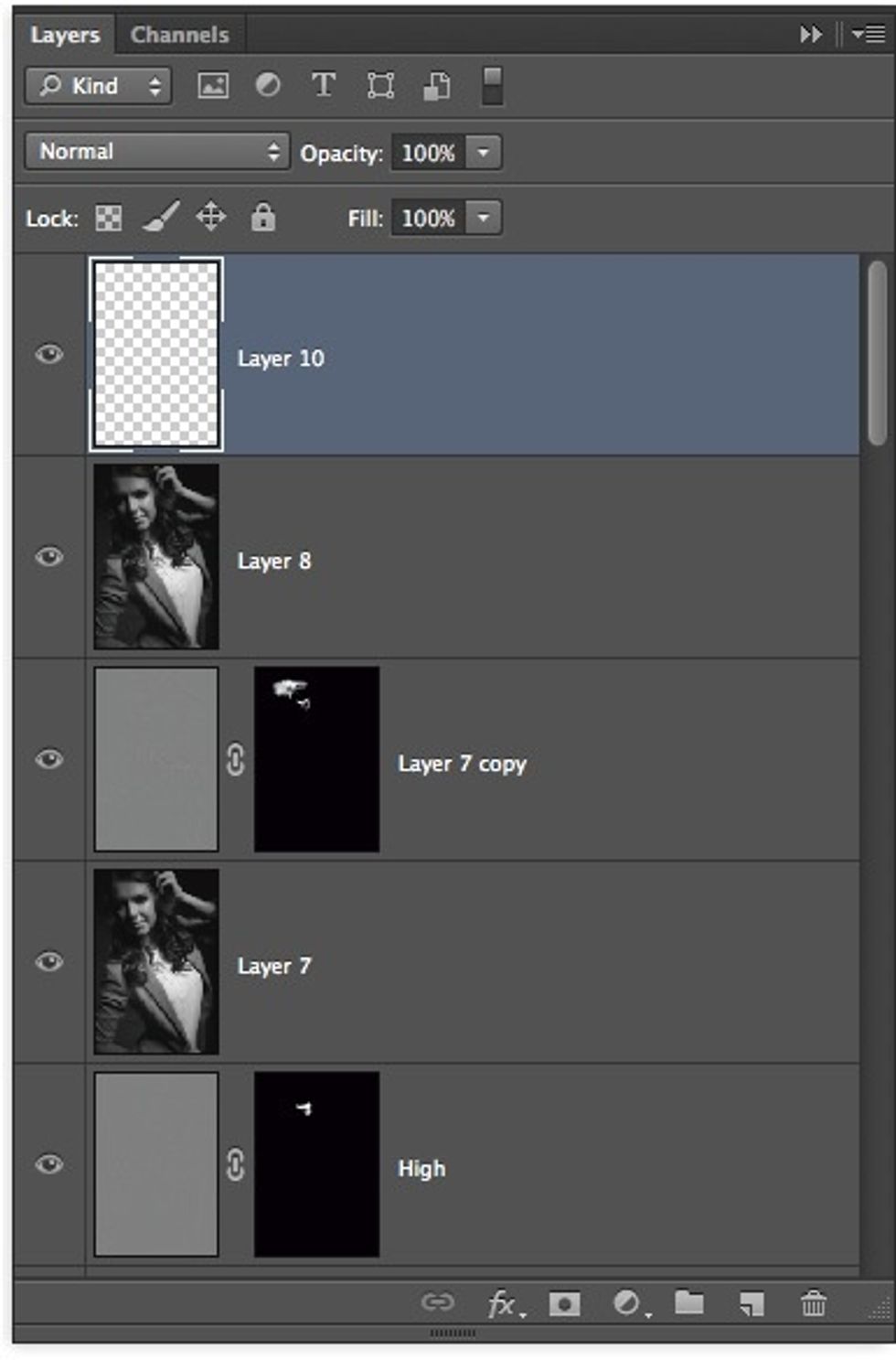
Next, you needed create new alpha layer. Shift + Command (or Control) + N.
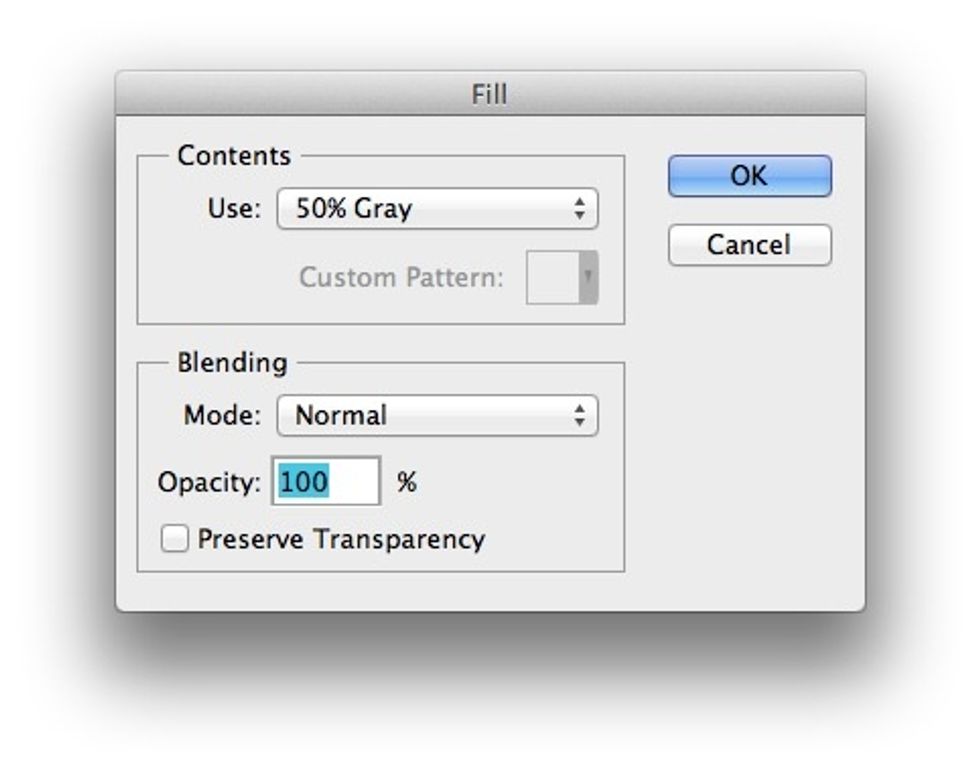
After that, fill layer 50% gray. Shift + F5.
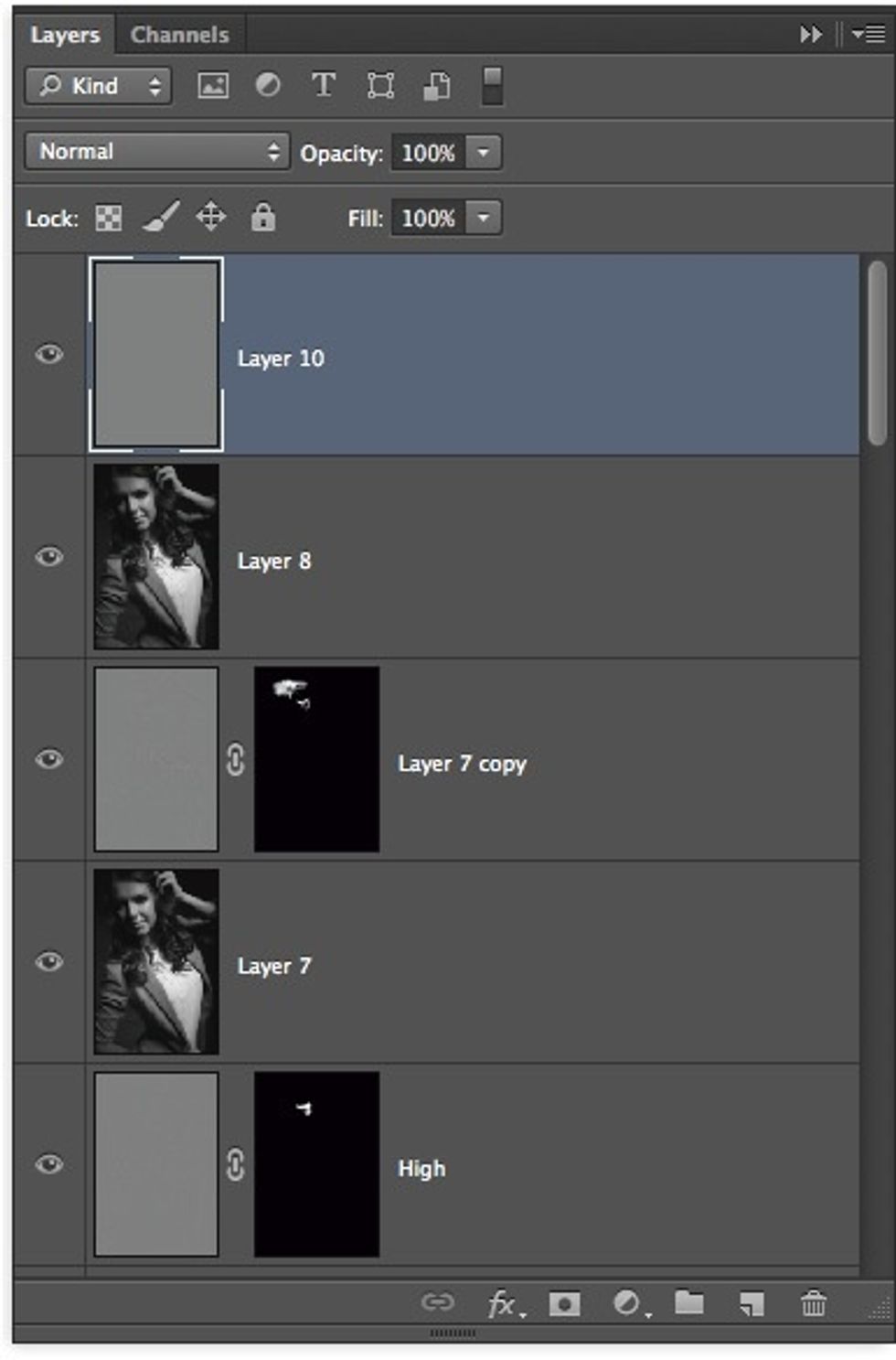
It's must look like that.
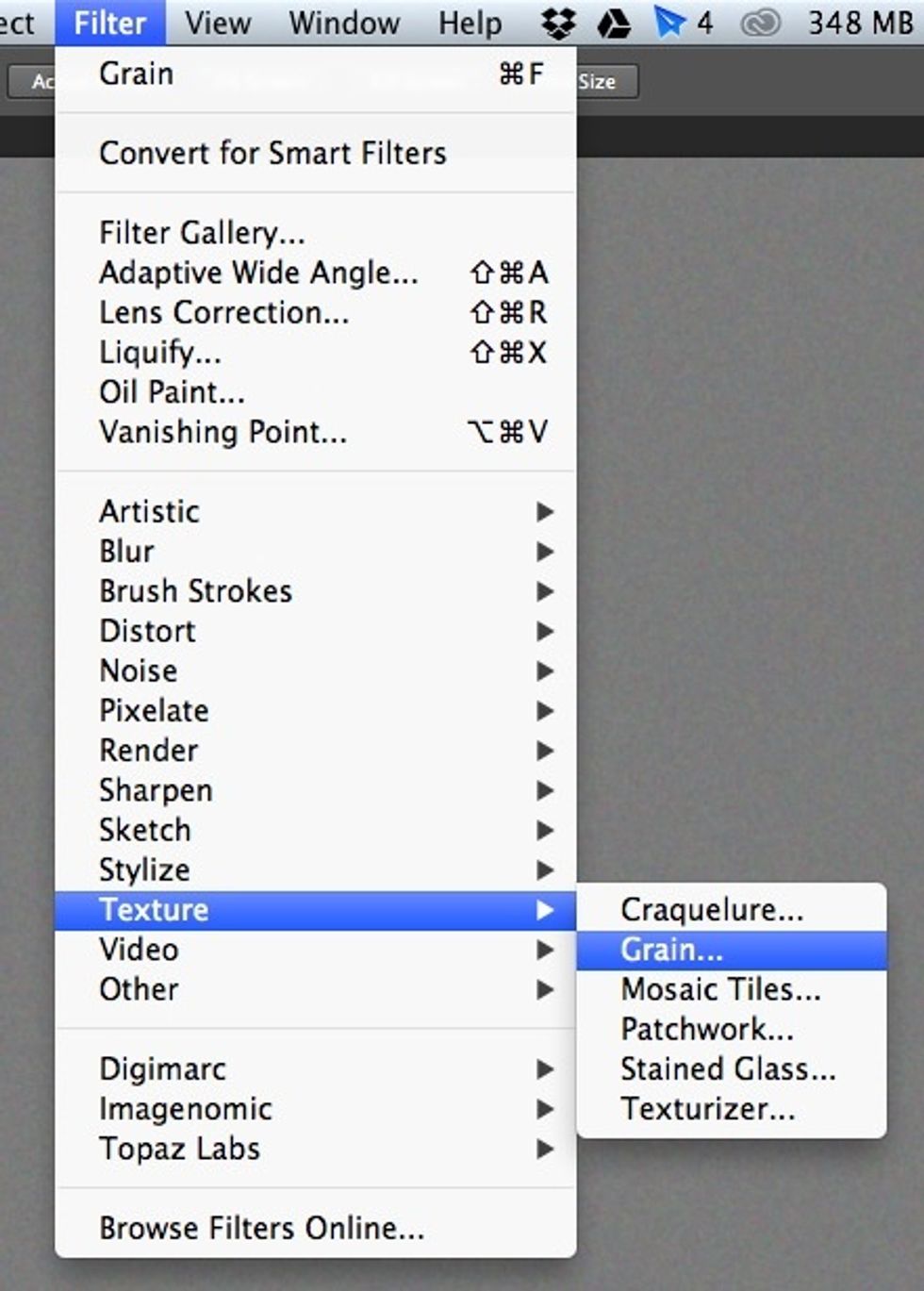
Next, go in Filters — Texture — Grain. Check what gray layer selected.
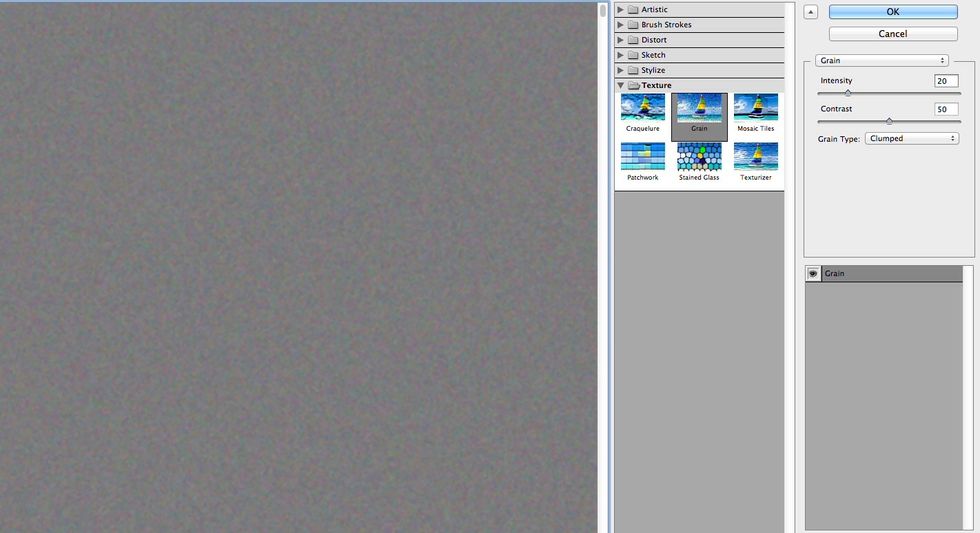
Take the same value of properties.
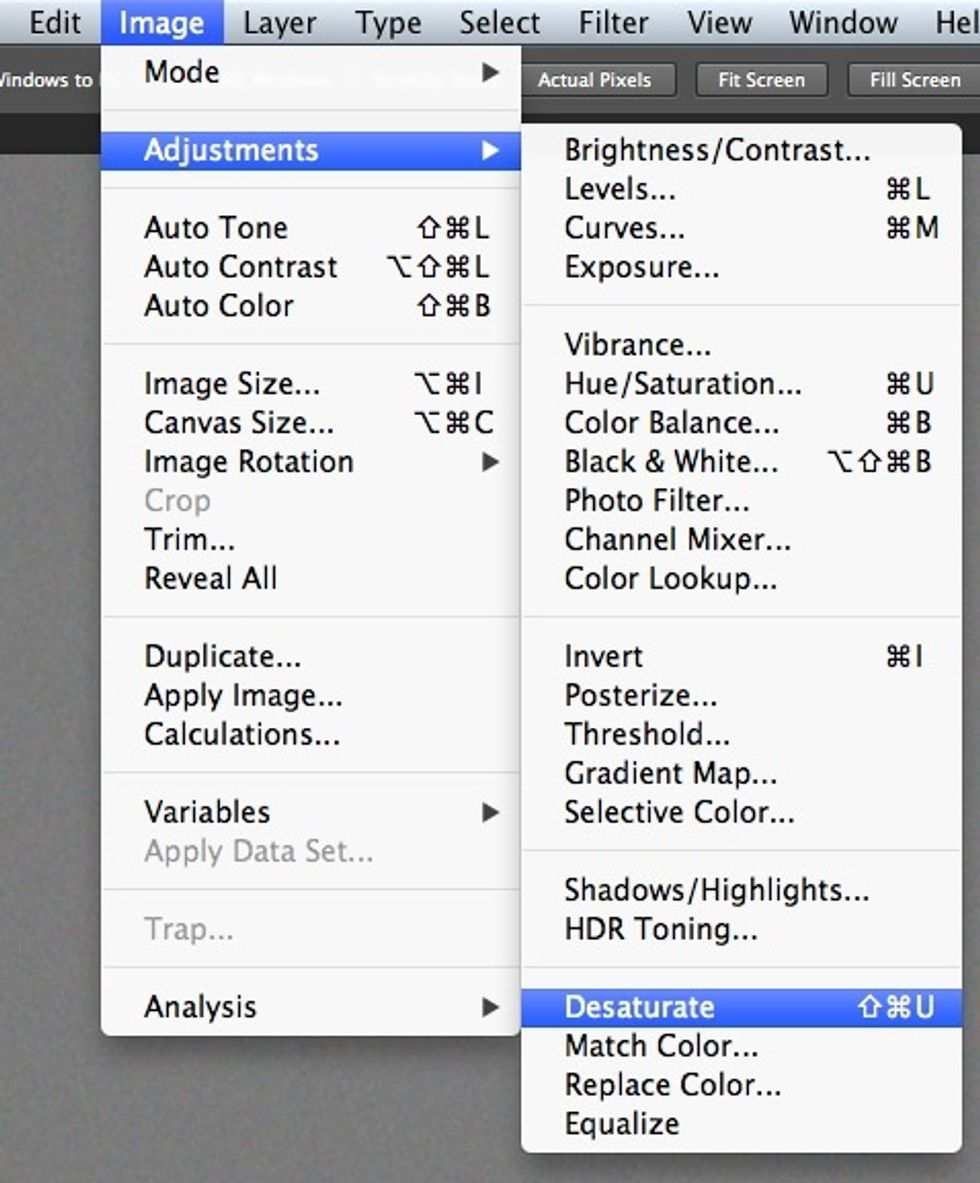
Stand by on gray layer and make monochromatic grain, go Image — Adjustments — Desaturate. Shift + Command (or Control) + U
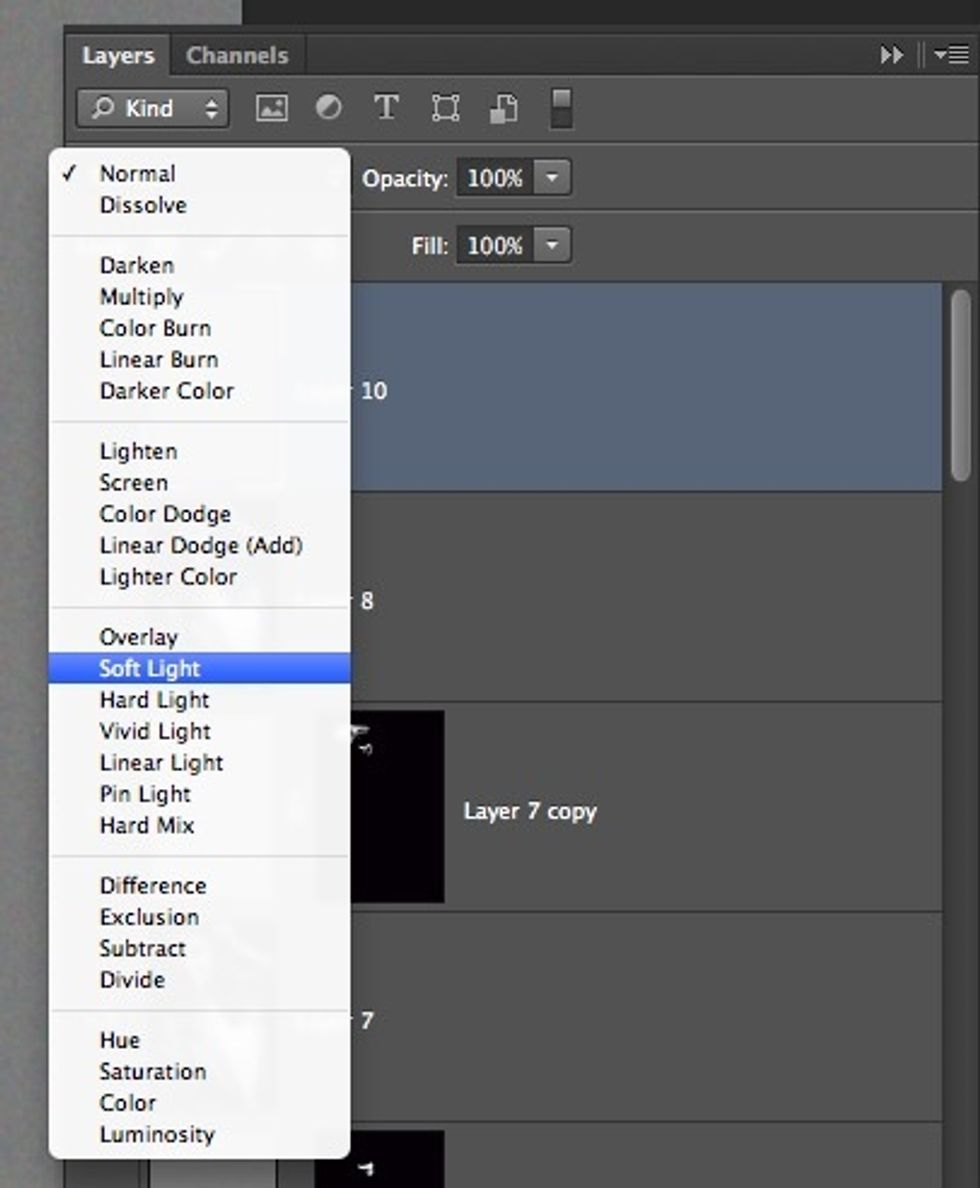
Select "Soft light" in Blending mode.
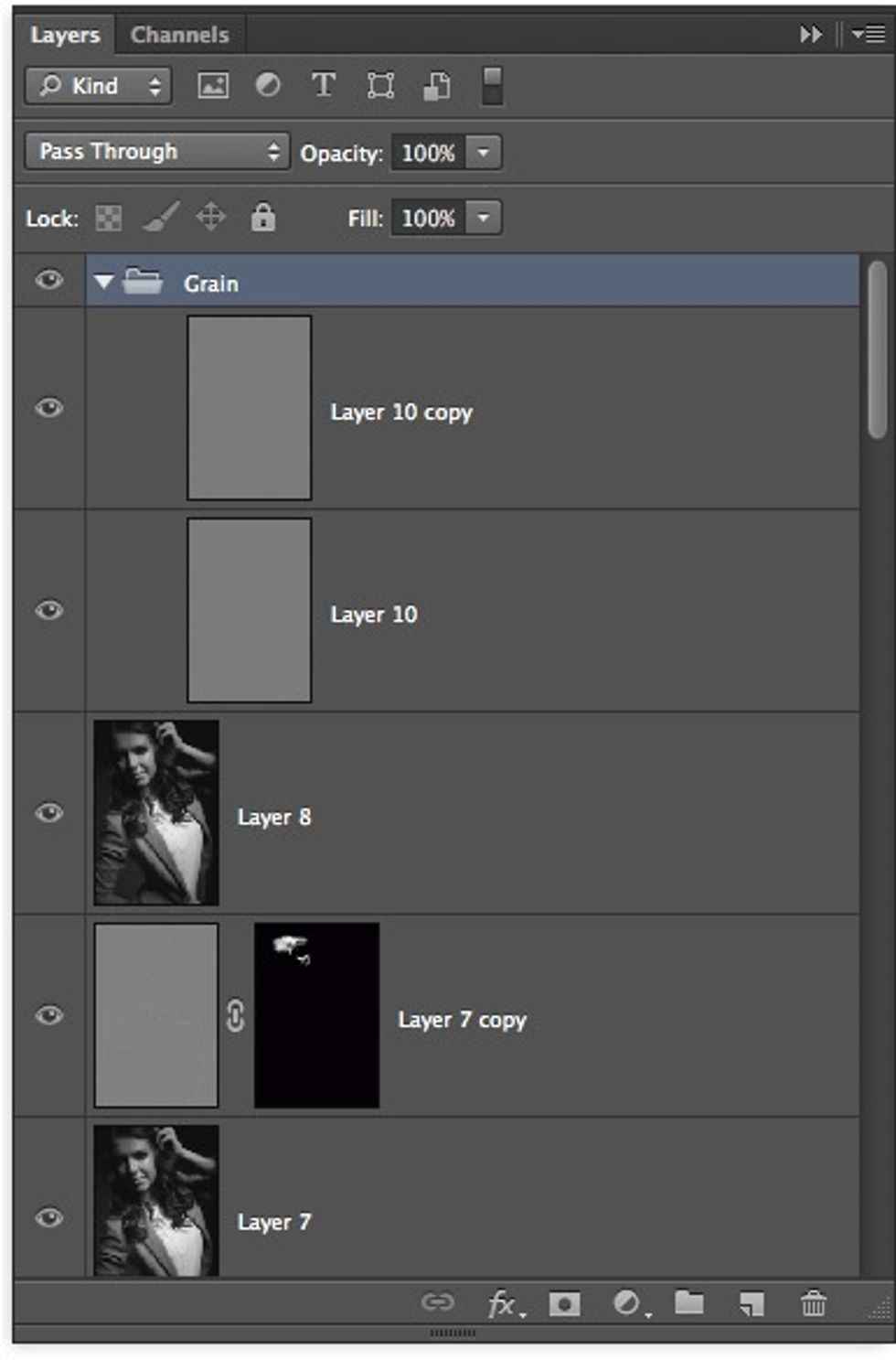
For improve result, duplicate grain layer.
Enjoy!