How to put another background on your ipod ipad iphone

Put Another Background on Your iPod iPad iPhone

10
STEPS
TOOLS

Go to your camera roll

Go to your camera roll

Choose a picture

Choose a picture

Tap the screen

Tap the screen

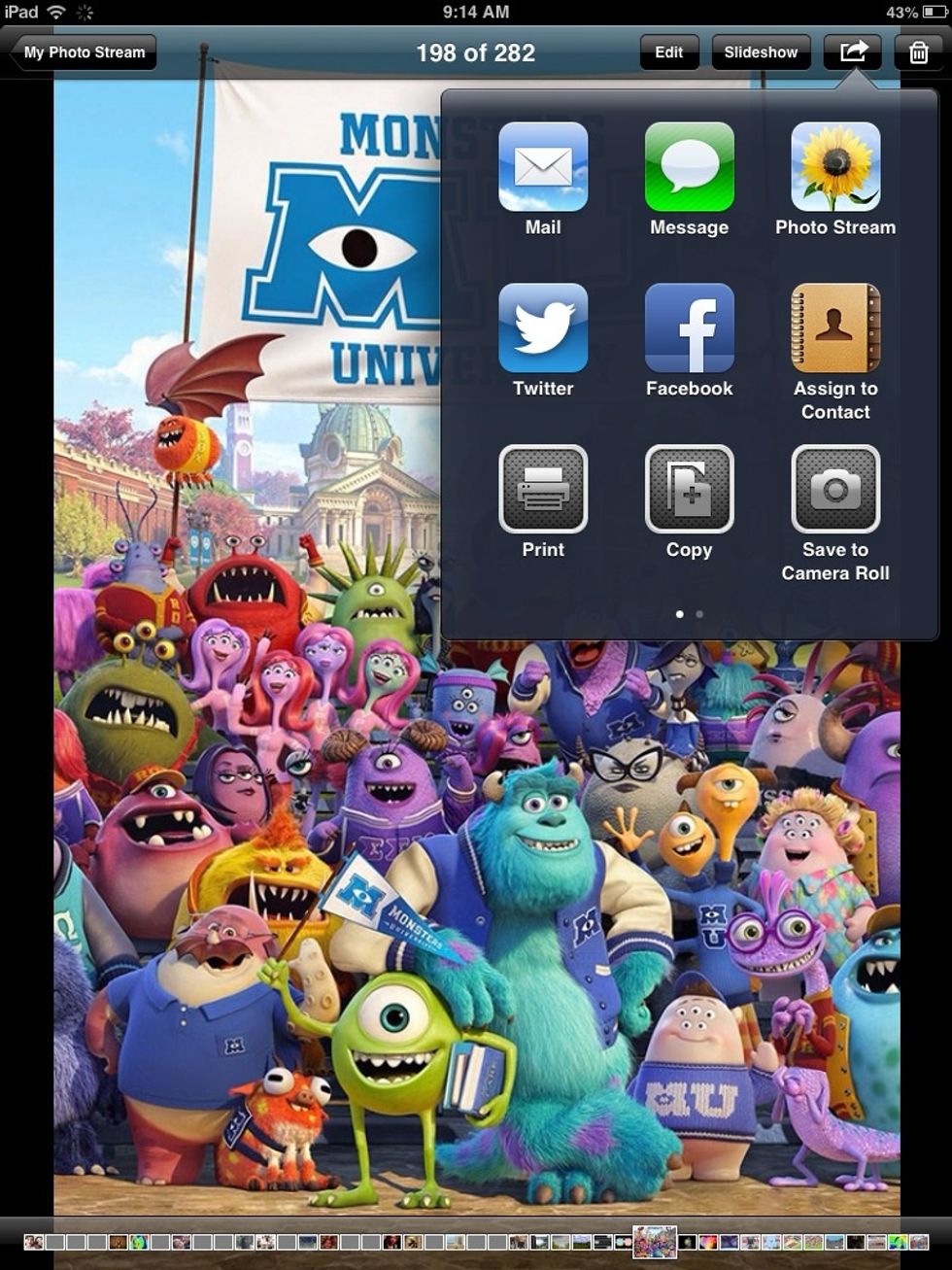
Go to the thing that looks like a box with a arrow in it then press save to camera roll

Go to the thing that looks like a box with a arrow in it then press save to camera roll

Then press the thing that looks like a box with a arrow again on camera roll not photo stream
Then press the thing that looks like a box with a arrow again on camera roll not photo stream

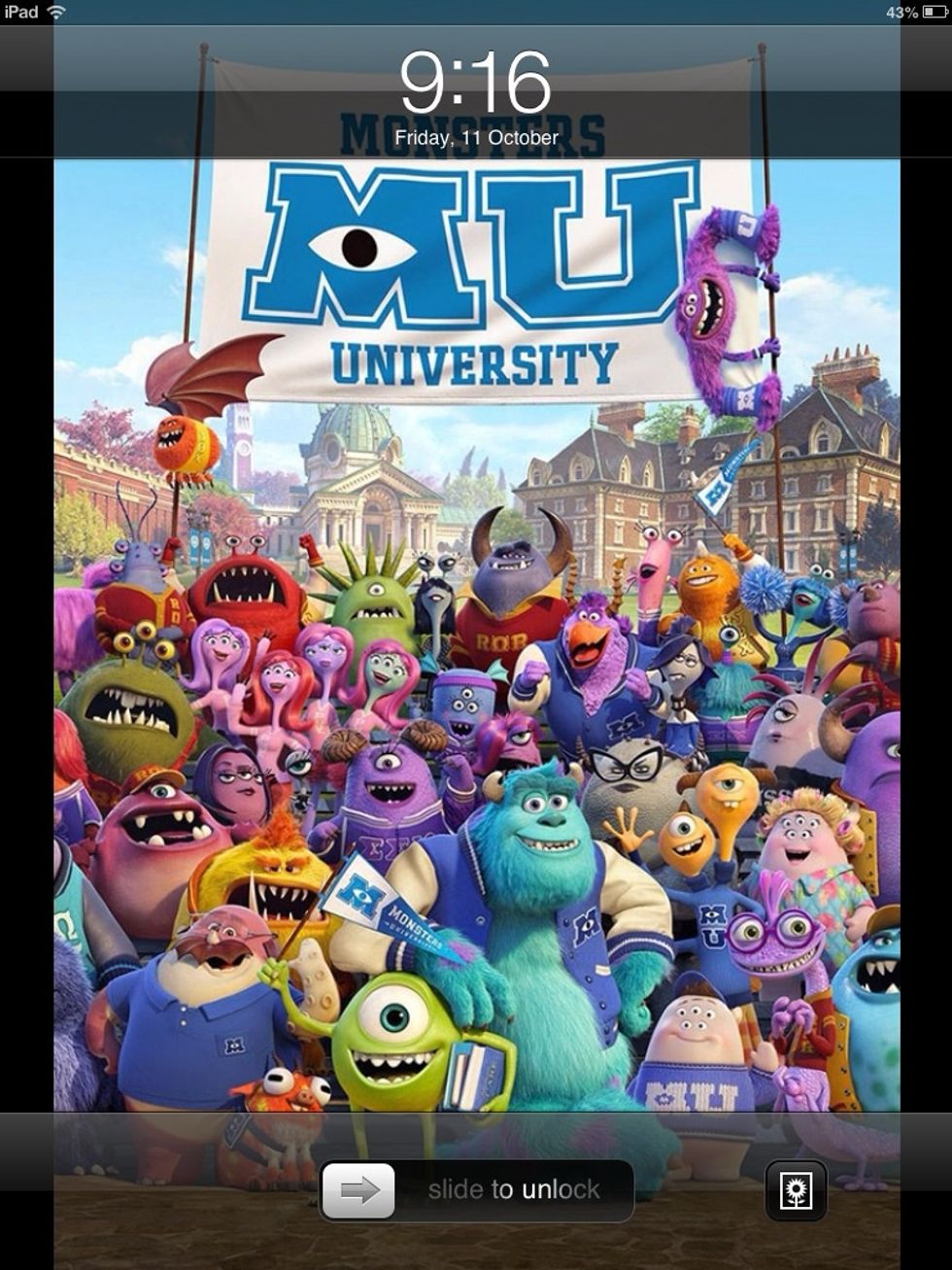
Press lock screen
Press lock screen

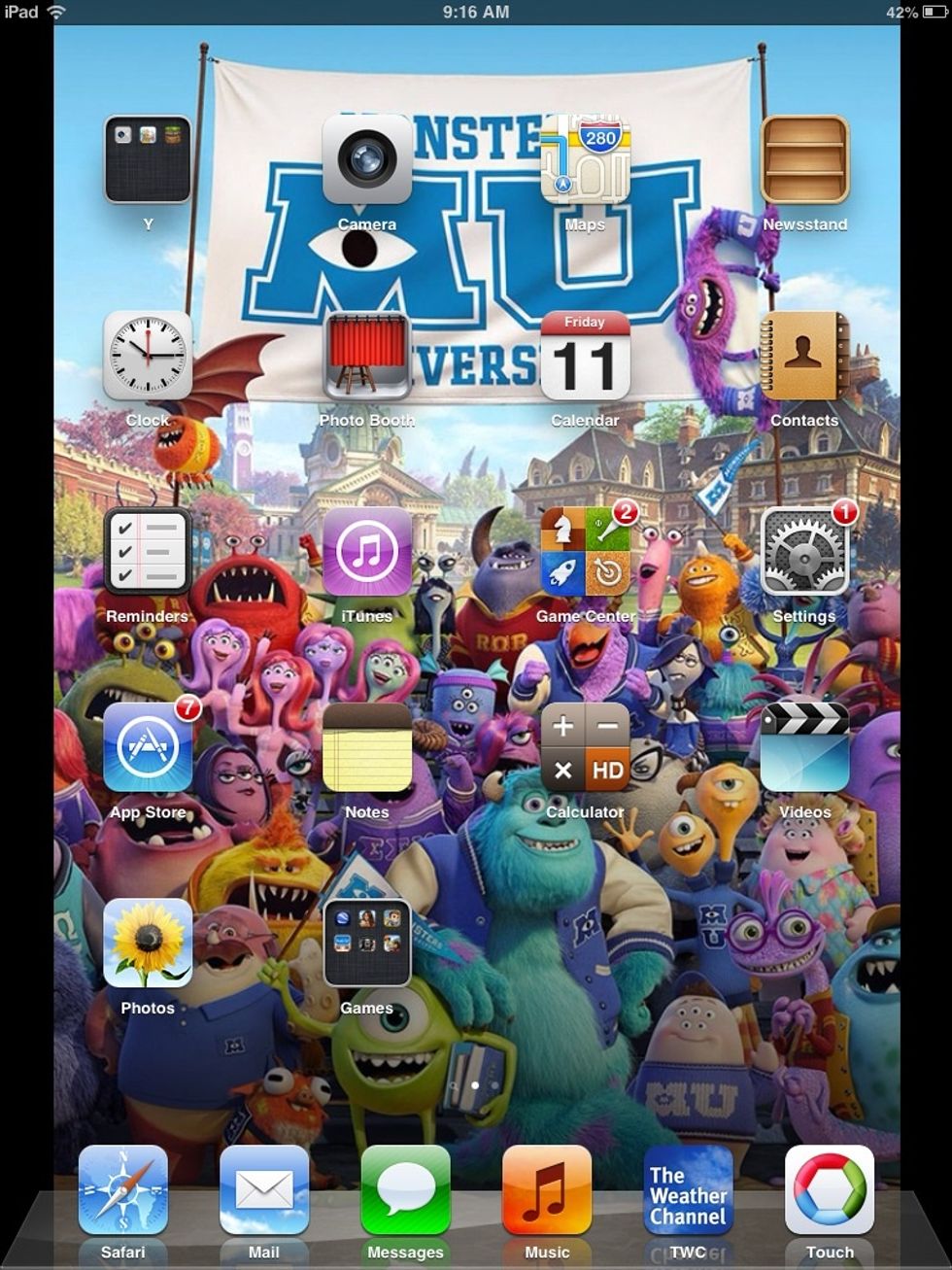
Or home screen

Or home screen

The creator of this guide has not included tools