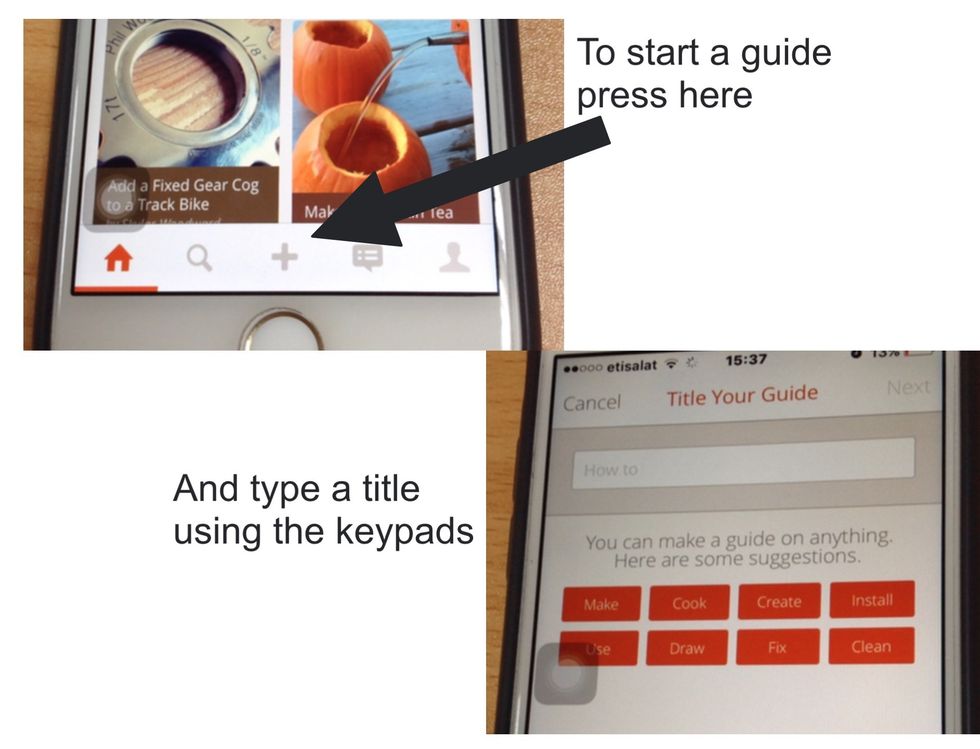
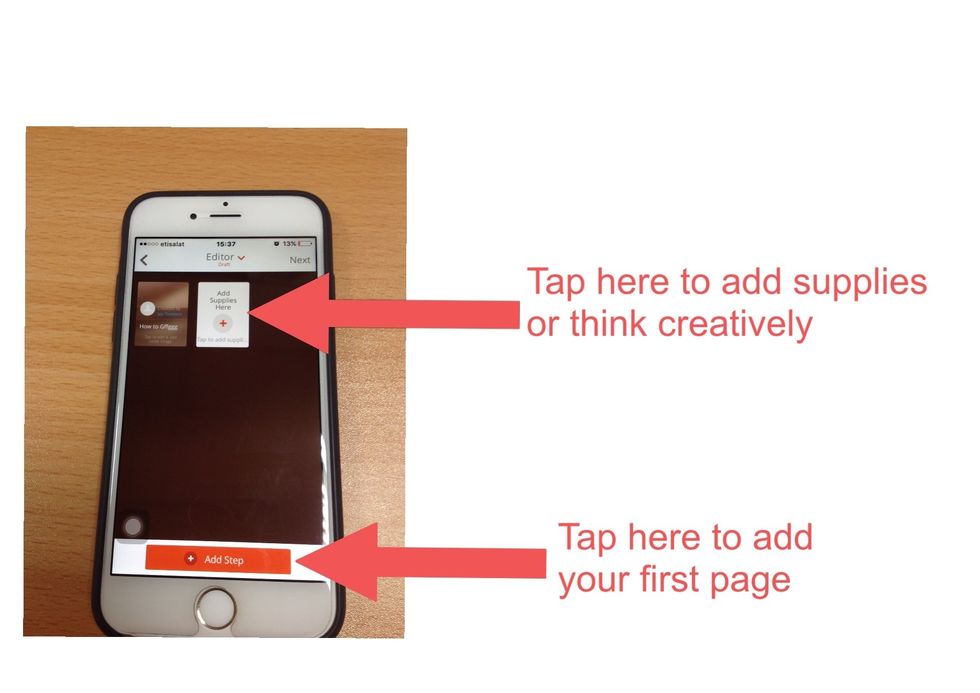
How to present, research, create & feedback on snapguide

Present, Research, Create & Feedback on Snapguide

8
STEPS
TOOLS

By the end of this presentation you will be able to:

By the end of this presentation you will be able to:

1) Use Snapguide as a research tool

1) Use Snapguide as a research tool

2) Understand how to create a guide

2) Understand how to create a guide

3) Reflect how Snapguide can be used for research, presenting, creating, communicating and collaborating.

3) Reflect how Snapguide can be used for research, presenting, creating, communicating and collaborating.

4) Communicate and feedback using Snapguide.
4) Communicate and feedback using Snapguide.

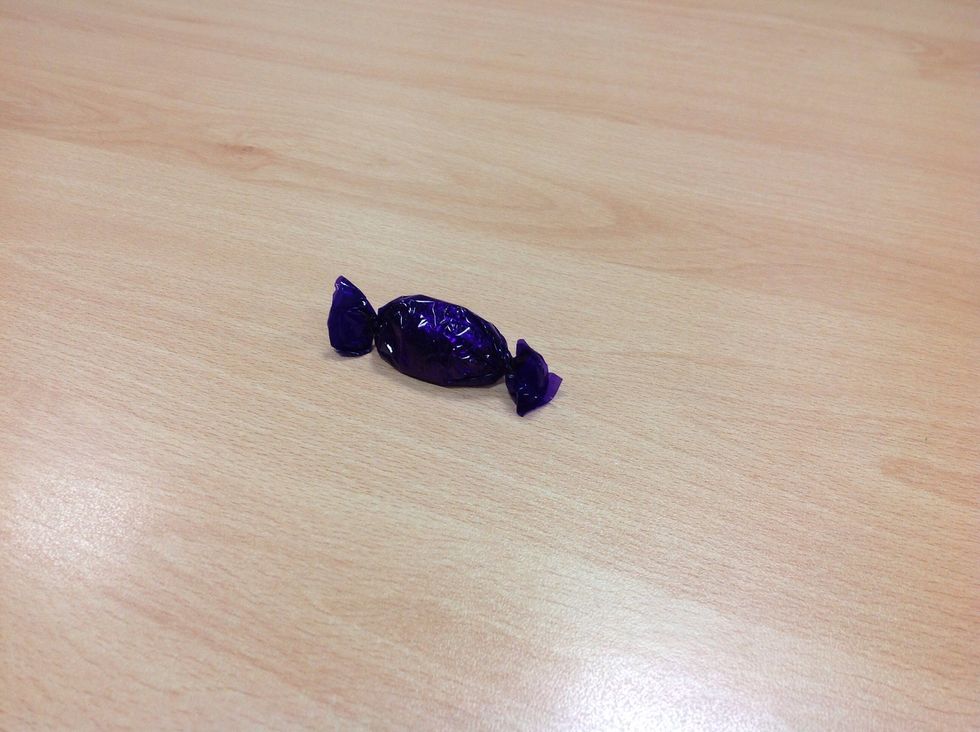
HOW TO EAT A QUALITY STREET
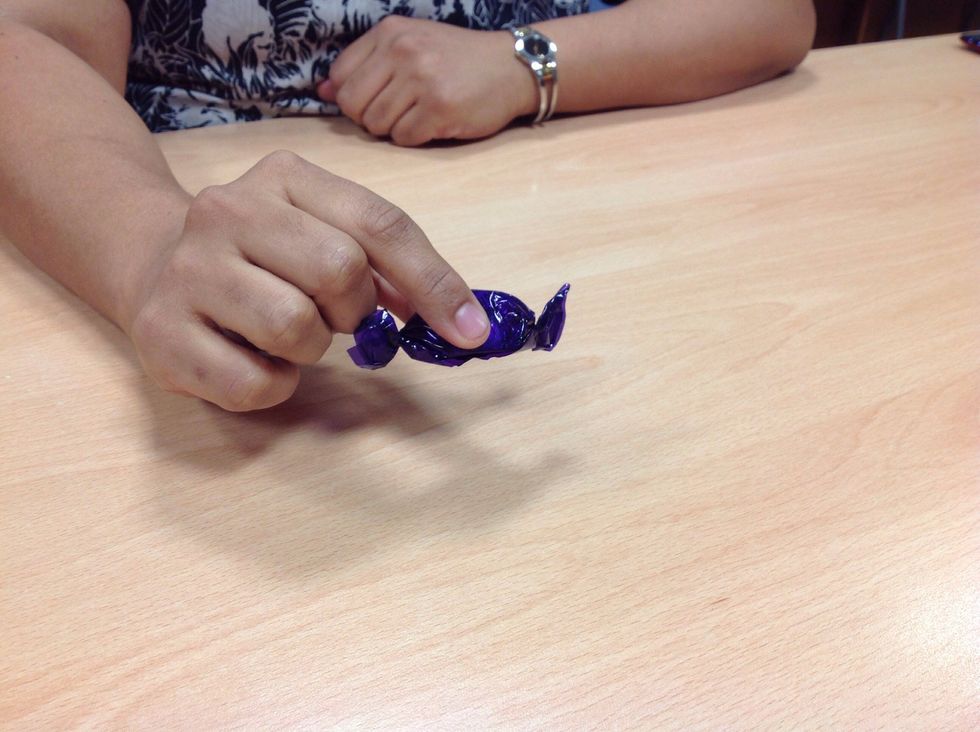
HOW TO EAT A QUALITY STREET

Pick up the chocolate
Pick up the chocolate

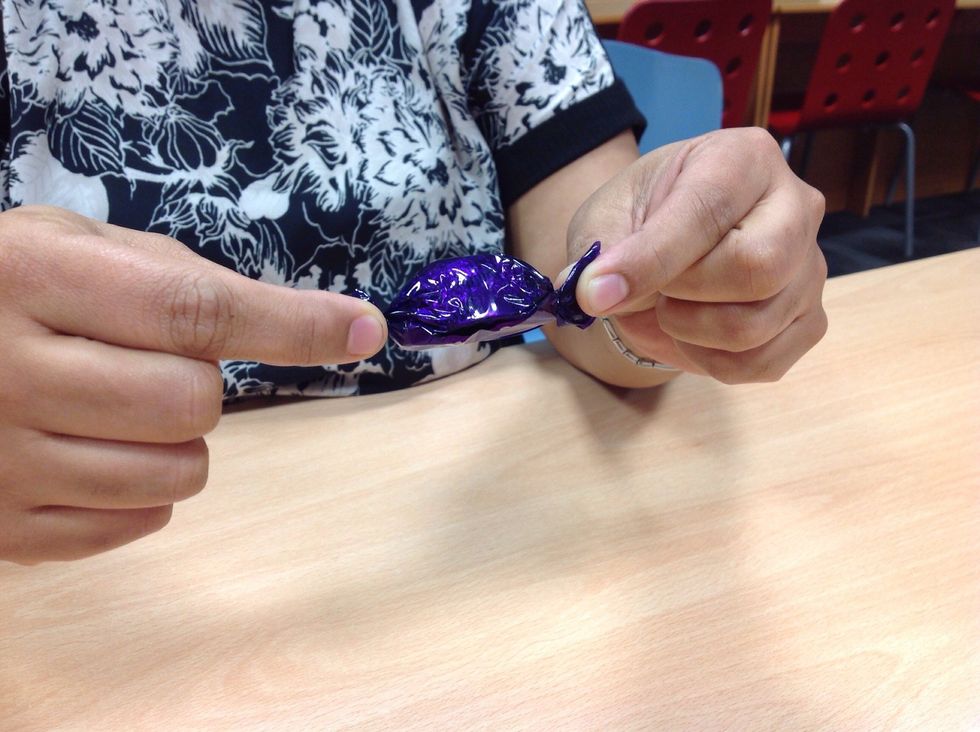
Hold the ends of the wrapper
Hold the ends of the wrapper

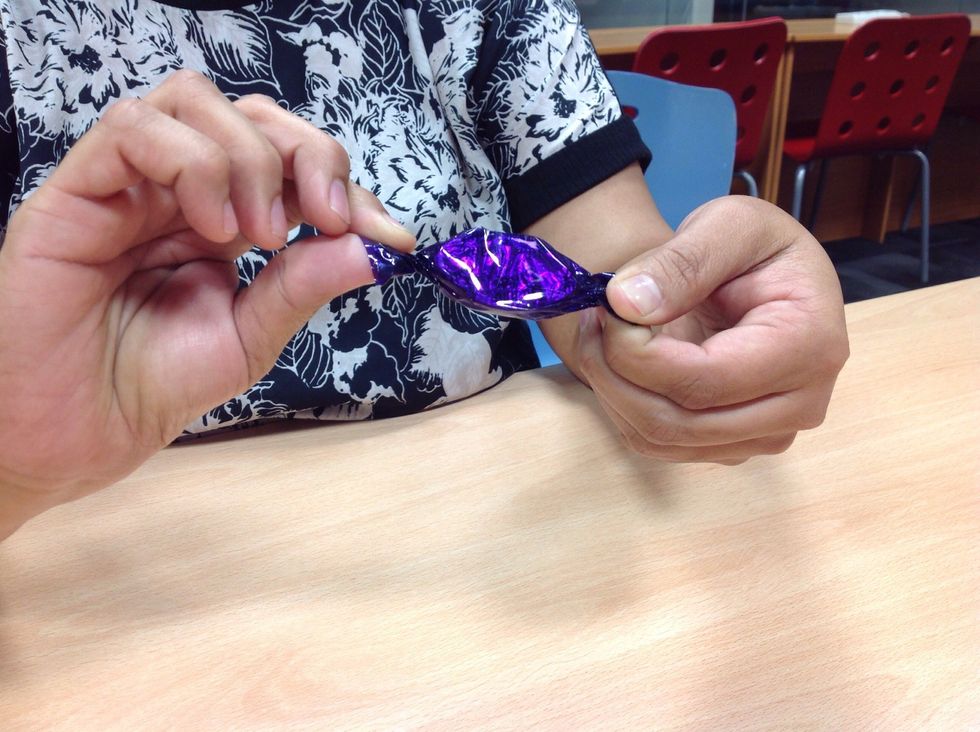
Twist one hand forward and the other hand backward
Twist one hand forward and the other hand backward

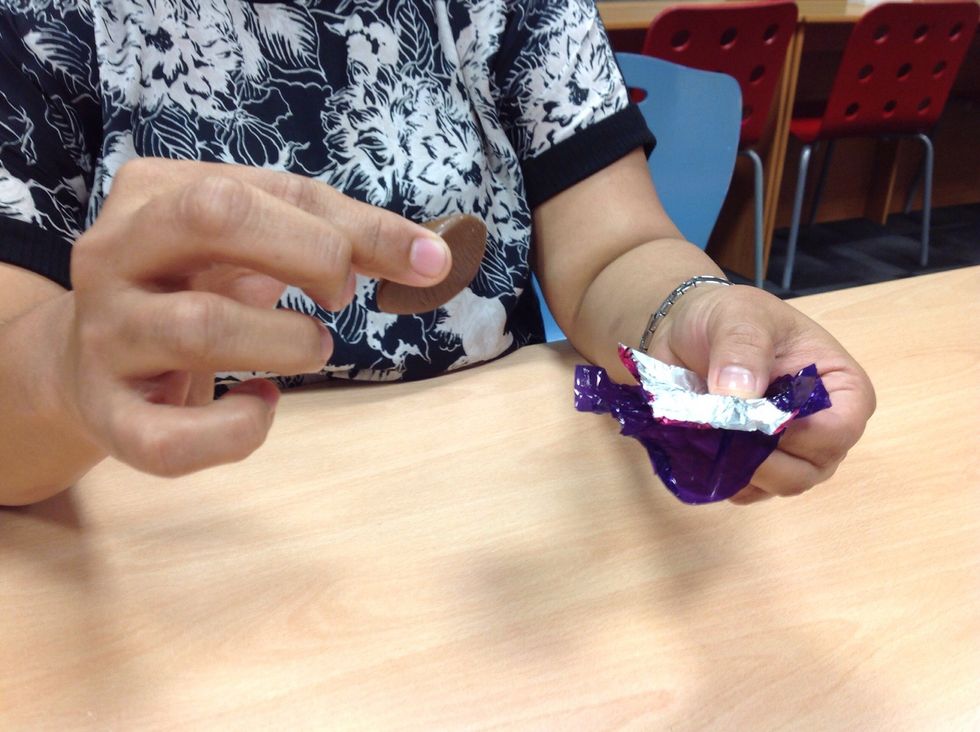
Open the wrapper and remove the chocolate

Open the wrapper and remove the chocolate

Put the wrapper in your mouth

Put the wrapper in your mouth

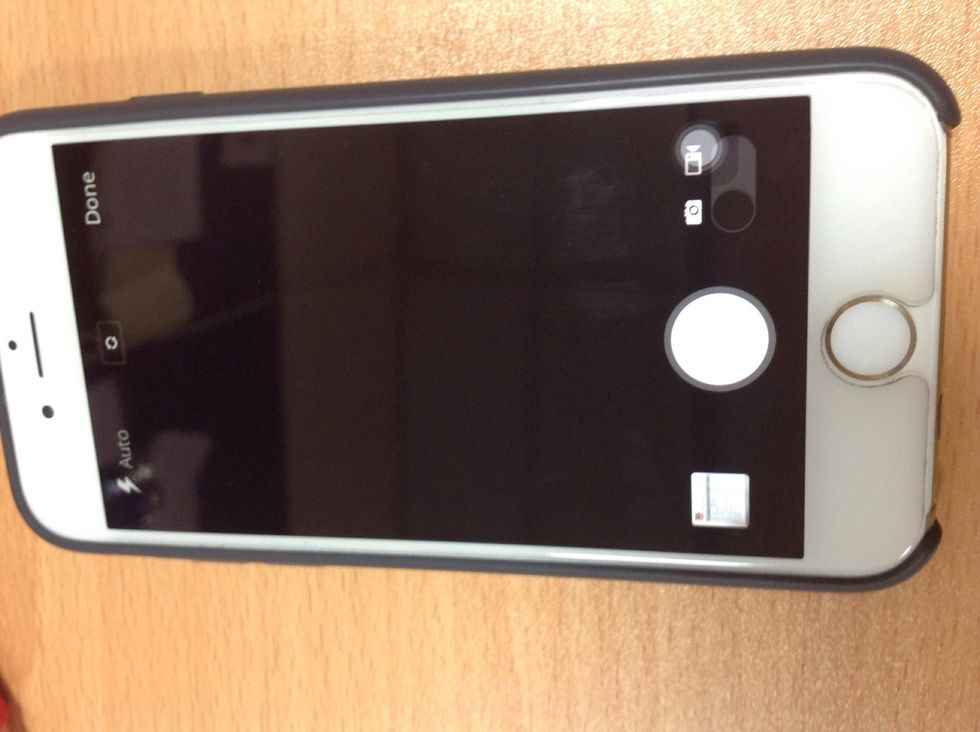
Take a photo
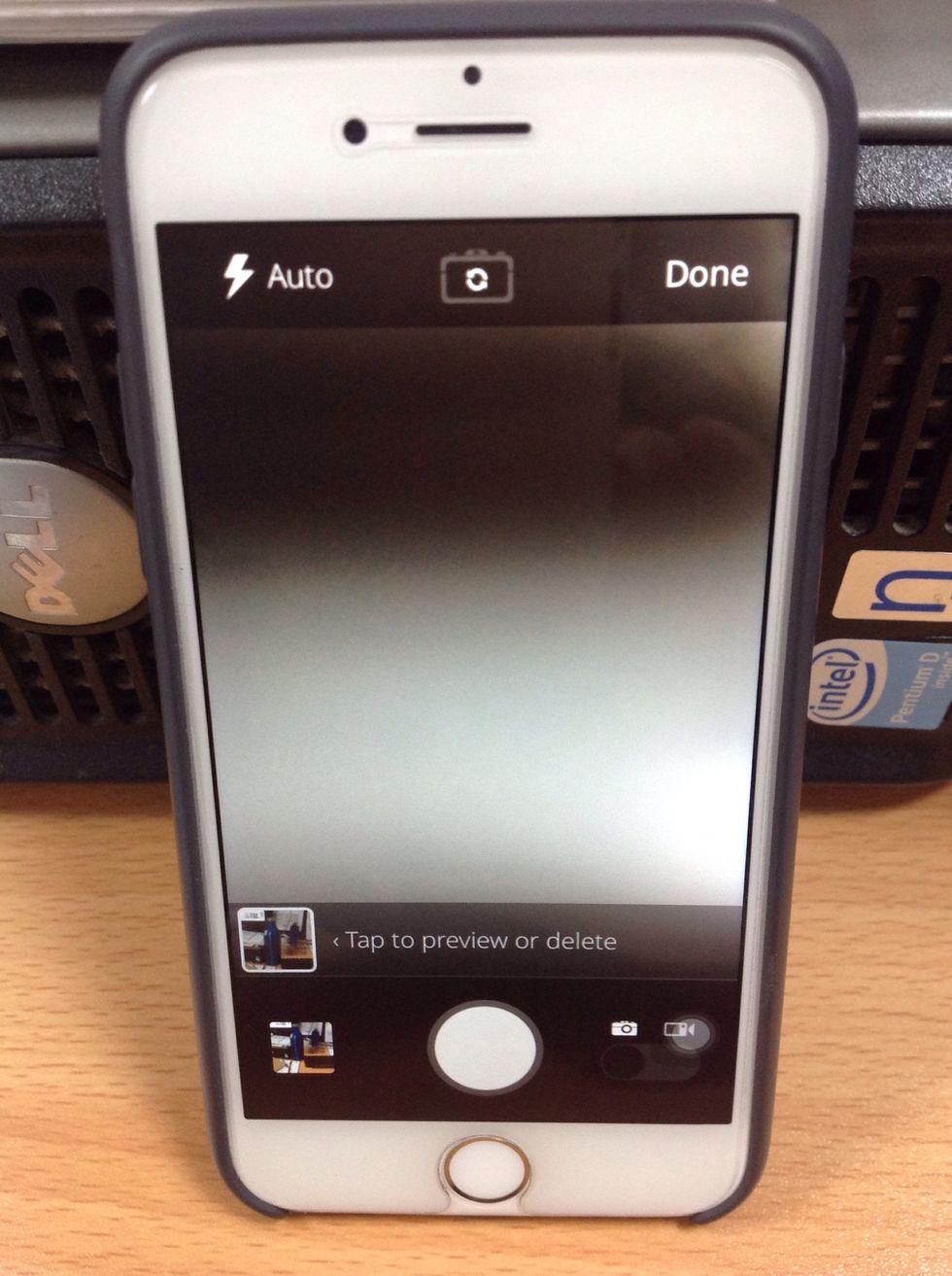
Take a photo

Add another photo or press 'done'.
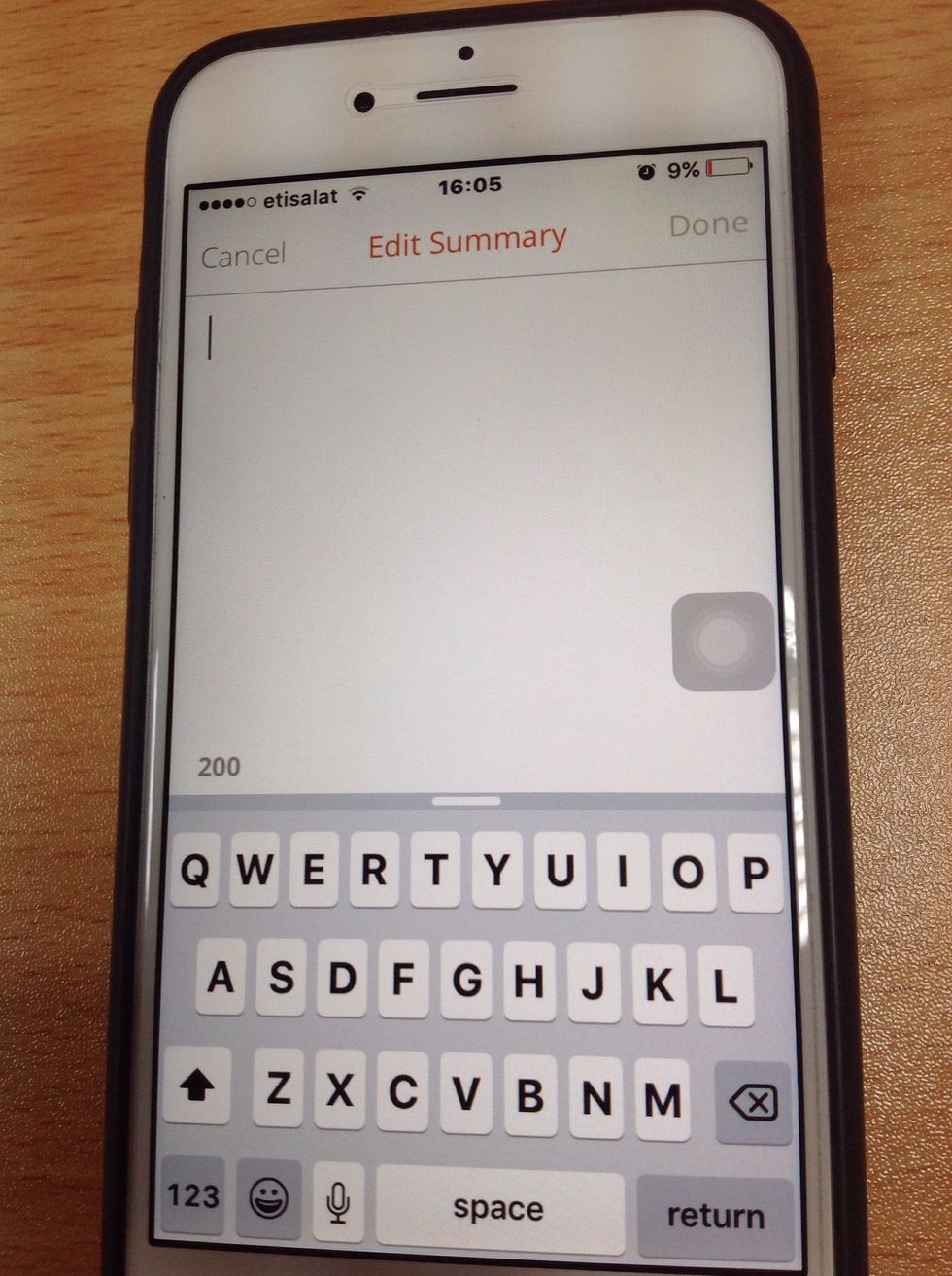
Add another photo or press 'done'.

Add a summary or message for your work.

Add a summary or message for your work.

You are now ready to publish your guide. Just choose a category for your topic.

  • IOS device
  • Creativity
  • Farin, Jay, Shalainee, Vidya