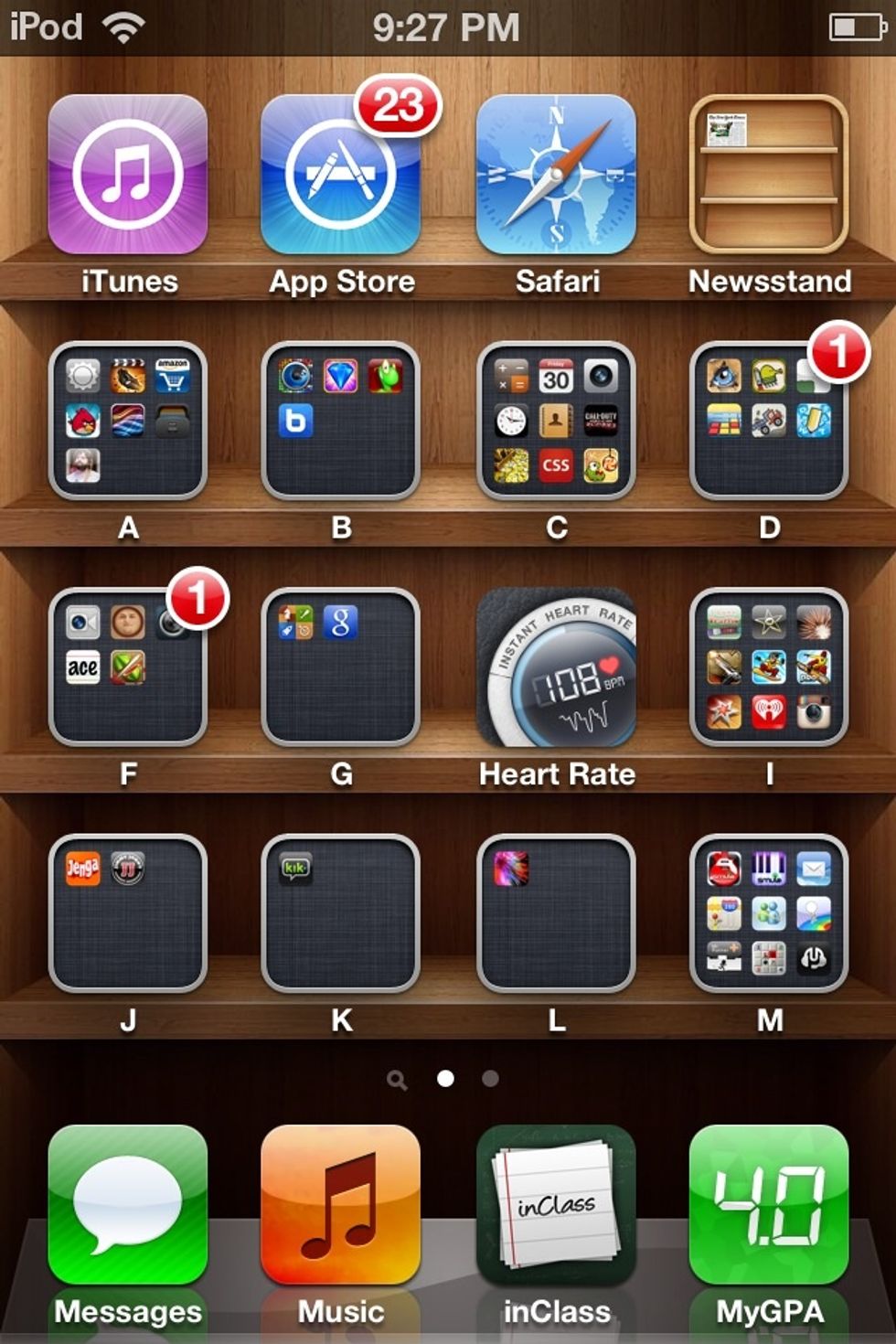
How to maximize ipod/iphone/ipad battery life.

This guide will show you how to max your iDevice so that you can make the most out of what little time batteries have to offer. This is a very simple process to perform. Good luck!

32
STEPS
TOOLS

An annoying thing that always happens with touch screen devices is that the battery dies. Applications running in the background severely feminist your battery life. Follow this guide to stop this.
An annoying thing that always happens with touch screen devices is that the battery dies. Applications running in the background severely feminist your battery life. Follow this guide to stop this.

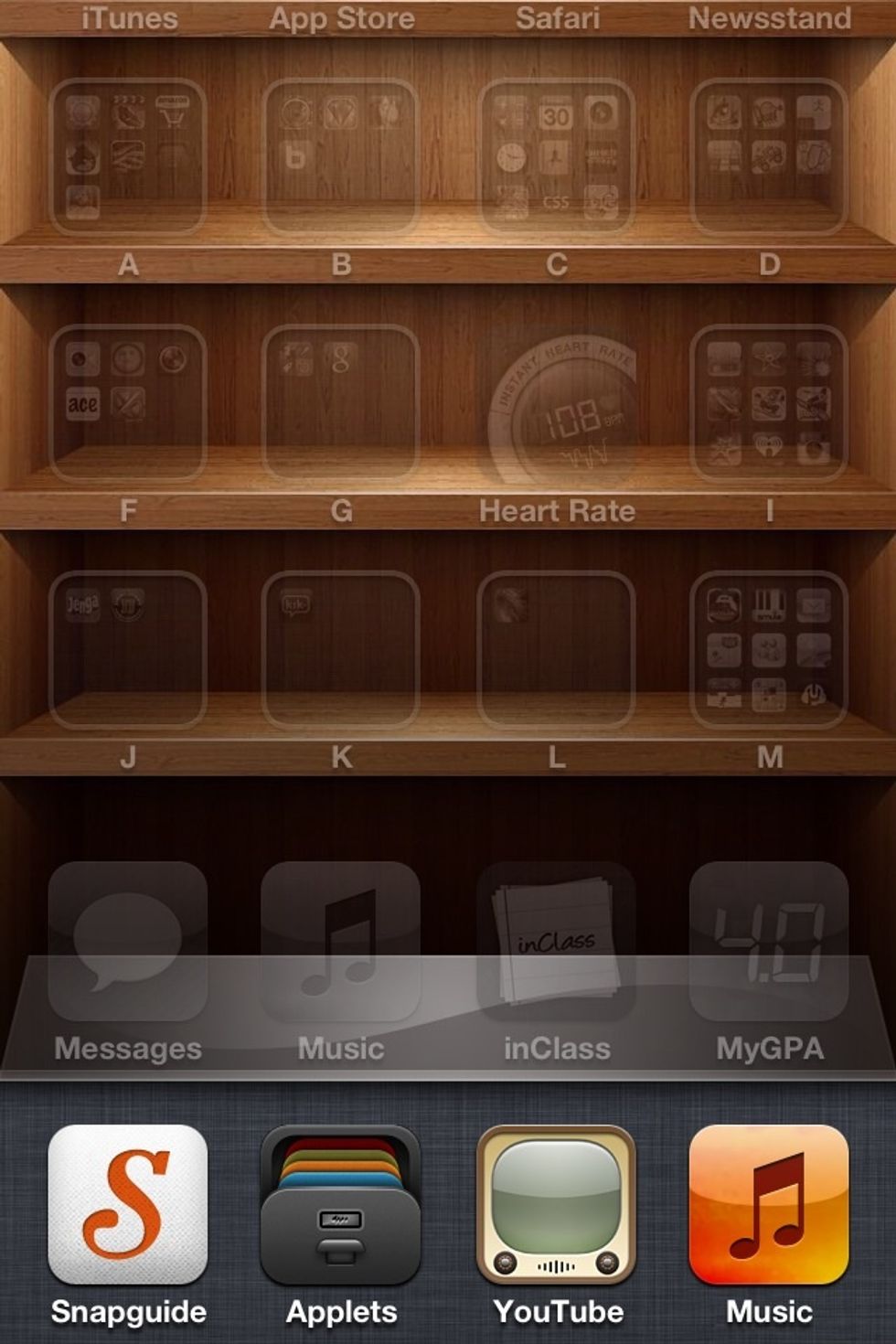
By double tapping the home button on the iPod, you should be able to bring up a small menu on the bottom 5th of your device.

Once this screen is showing, tap and hold any application icon on that menu. A smaller menu will show up, click the red button to stop the app from running. Your battery life will now last much longer

Once this screen is showing, tap and hold any application icon on that menu. A smaller menu will show up, click the red button to stop the app from running. Your battery life will now last much longer

  • 1.0 iPod or iPhone or iPad
  • iOS 4.0 or later
  • Touch screen