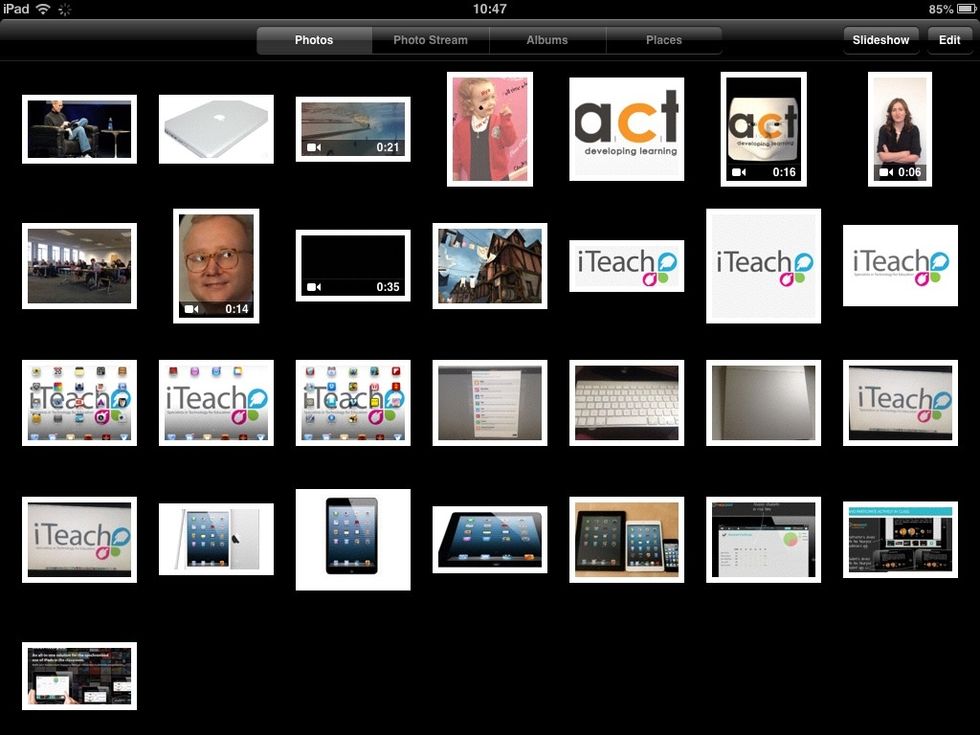
How to manage your ipad camera roll

Manage Your iPad Camera Roll

15
STEPS
TOOLS

Removing a small number of images.

Deleting images from an iPad is very straightforward.
Deleting images from an iPad is very straightforward.

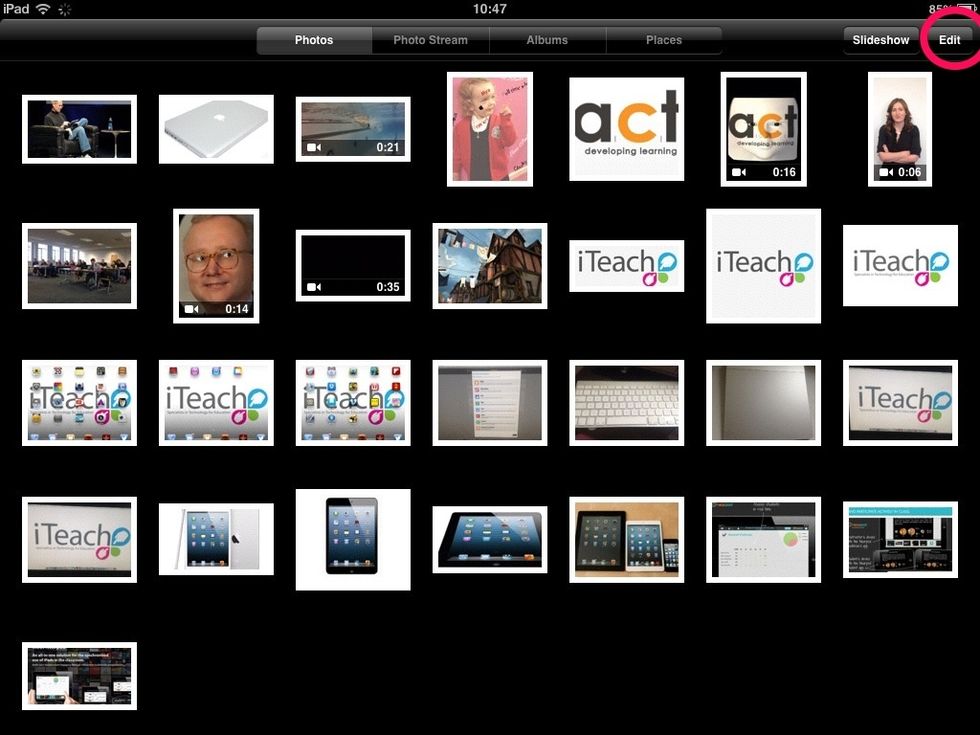
Tap edit on the top right hand side of the screen
Tap edit on the top right hand side of the screen

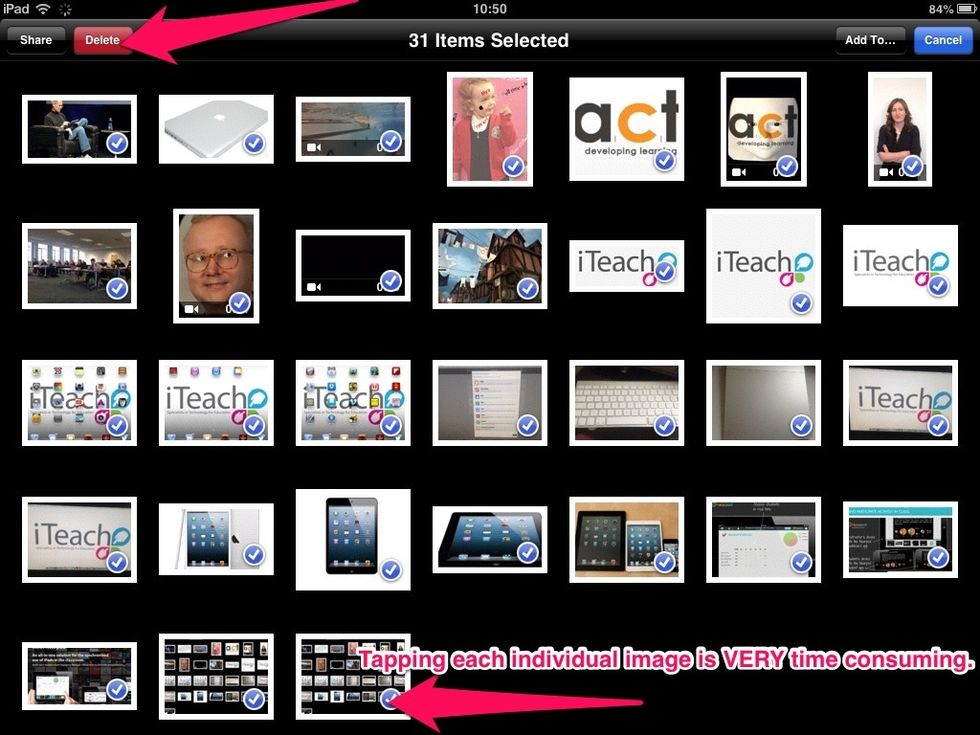
Tap each image that needs to be deleted (a blue tick appears next to a selected image). Pressing the red delete button removes all selected images.

Tap each image that needs to be deleted (a blue tick appears next to a selected image). Pressing the red delete button removes all selected images.

Using a Mac to delete hundreds of images

  • 1.0 Apple Mac computer or laptop
  • Apple iPad or iPod