
The Conversation (0)
Sign Up
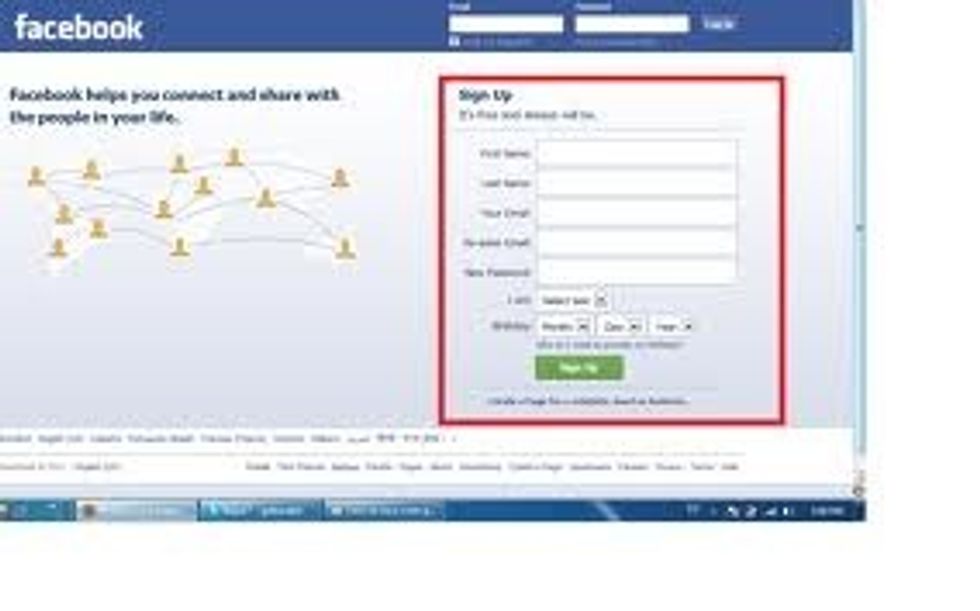
First, to have a safe account put your nickname instead of your real name. You can put your last name or another nickname. Like: First Name: Fluffy Last Name: Bunny.
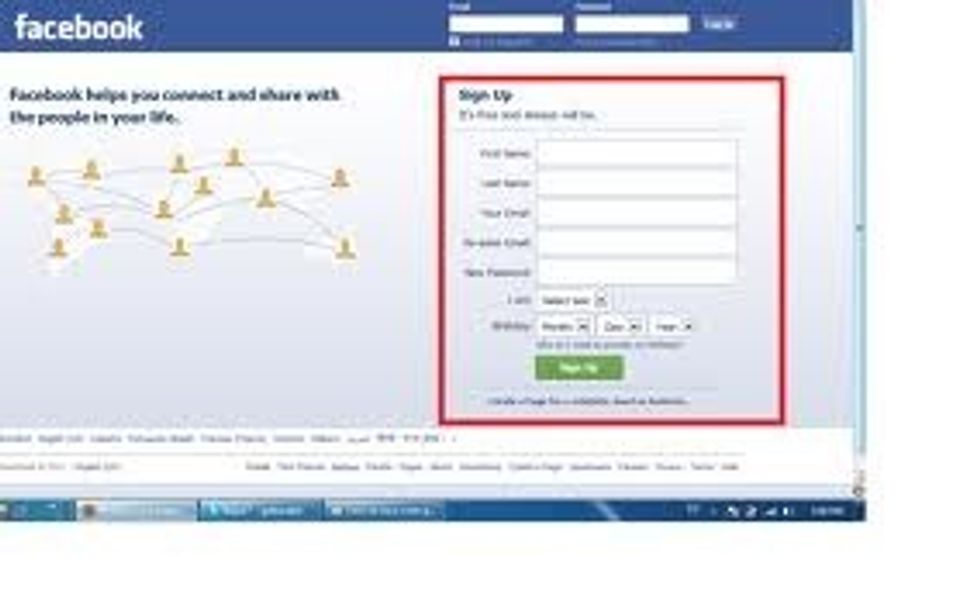
The Email does not matter that much. They ask for you email for updates but if you don´t want updates don´t put your email. Also, if you don´t have an email don´t worry just don´t put it.
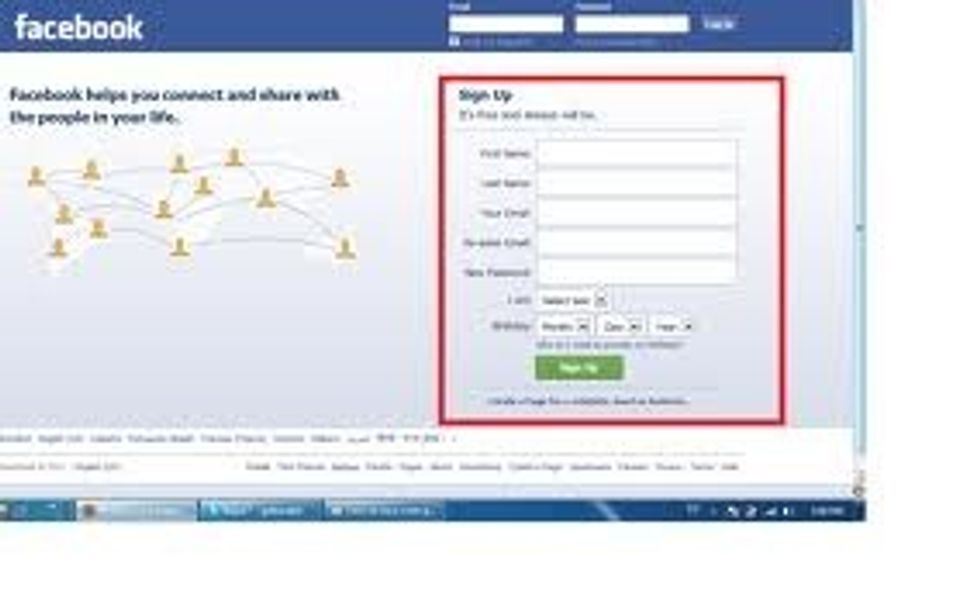
You need to put a password but a safe one. The longer the better and try and use capital letters and numbers so it is harder for someone to get in.
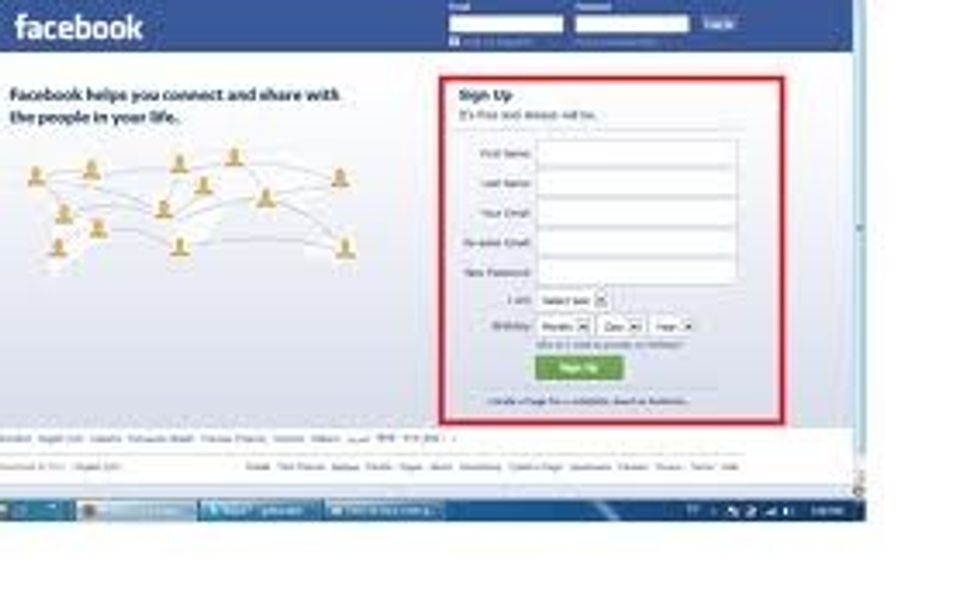
The gender does not matter you can put it or not with any problem.
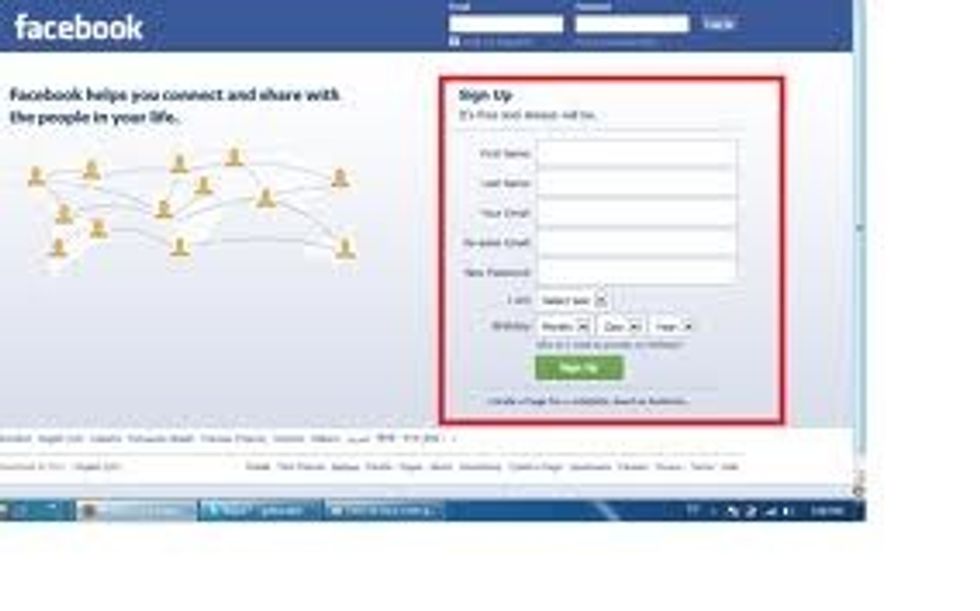
In some pages you have to put your birthday but you cant have an account if you are younger than 12 or 13 years old so you will have to lie and it is not a problem.
In most accounts they will only ask for the information in the steps but if they ask for any other just don´t put the truth. If you follow these steps you will make your account safe.