
The Conversation (0)
Sign Up
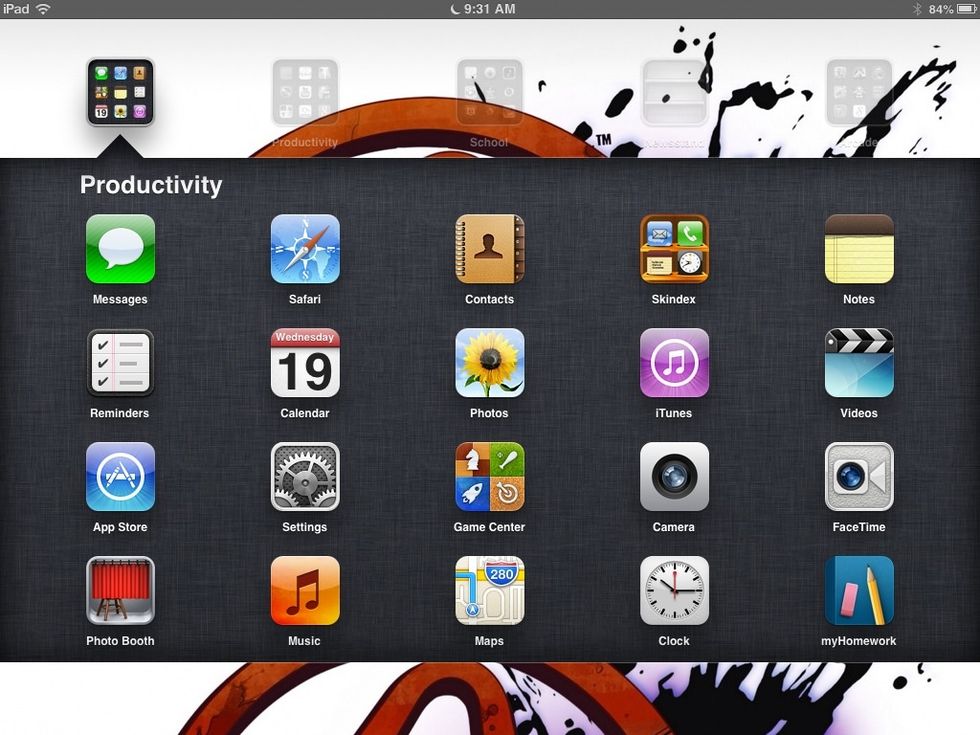
First go to settings
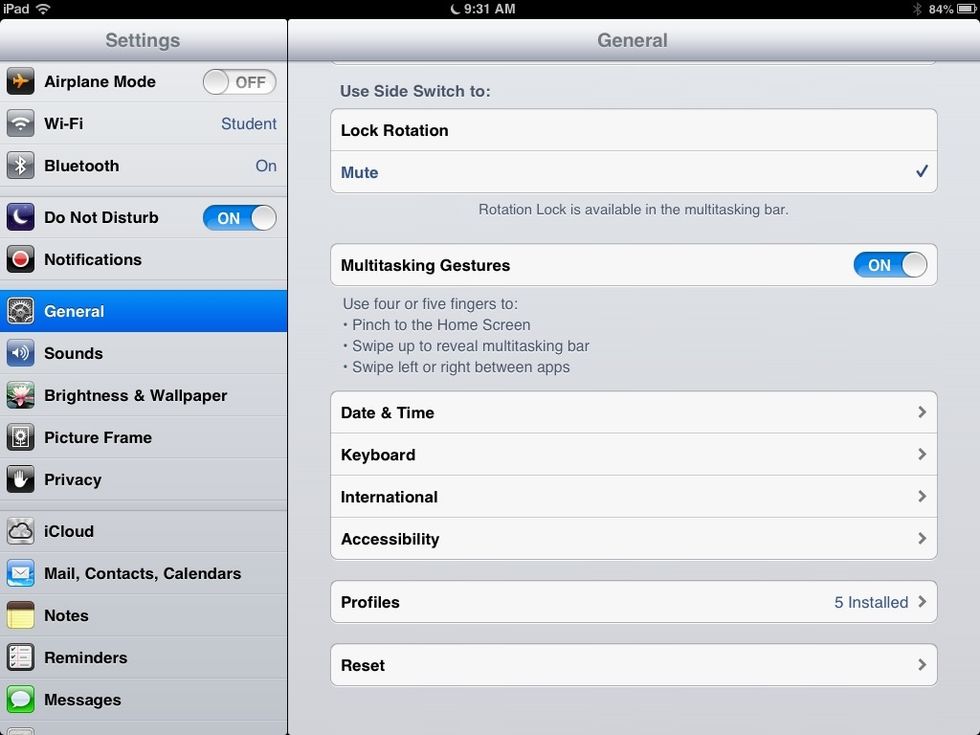
As soon as you get into settings go to accessibility.
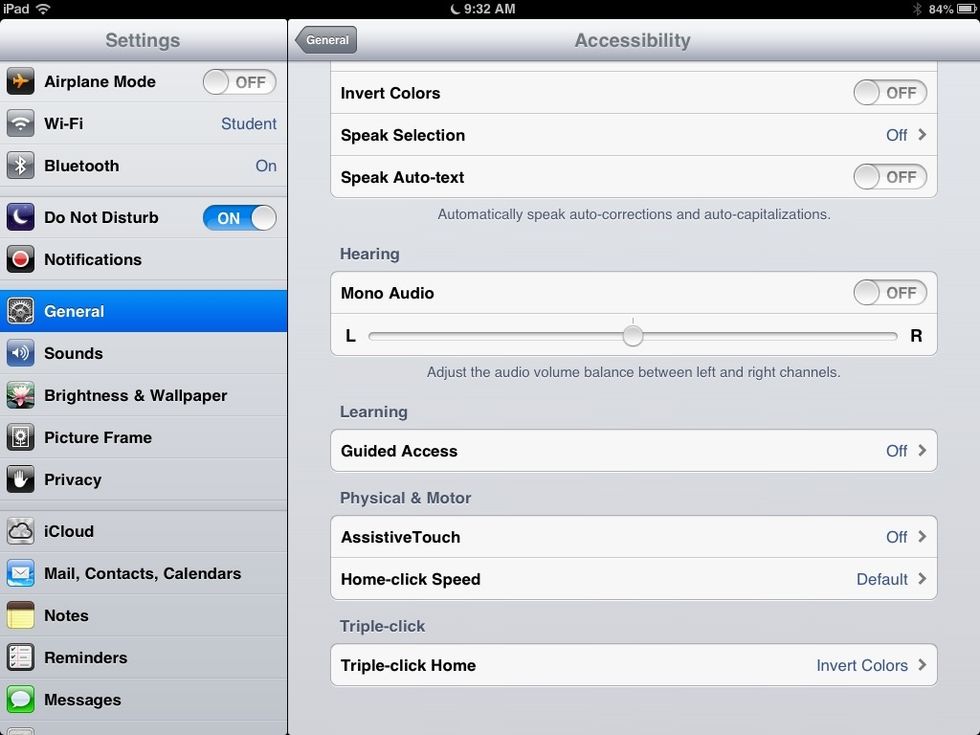
And then scroll down to triple click home
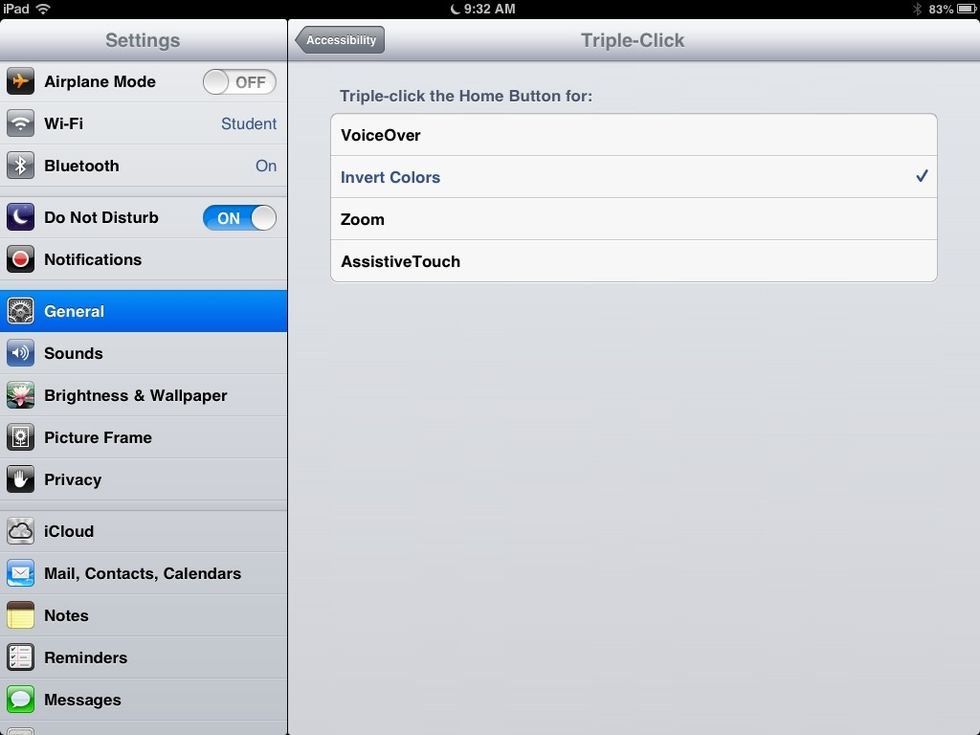
Once there tap on invert colours then a tick will appear once that has happened triple click the home button and then your screen will turn to invert colours.