The Conversation (0)
Sign Up
Hello! This is a guide on how to make your own Snapchat filters (not the ones you put on your face)!

First, obviously, take your picture.
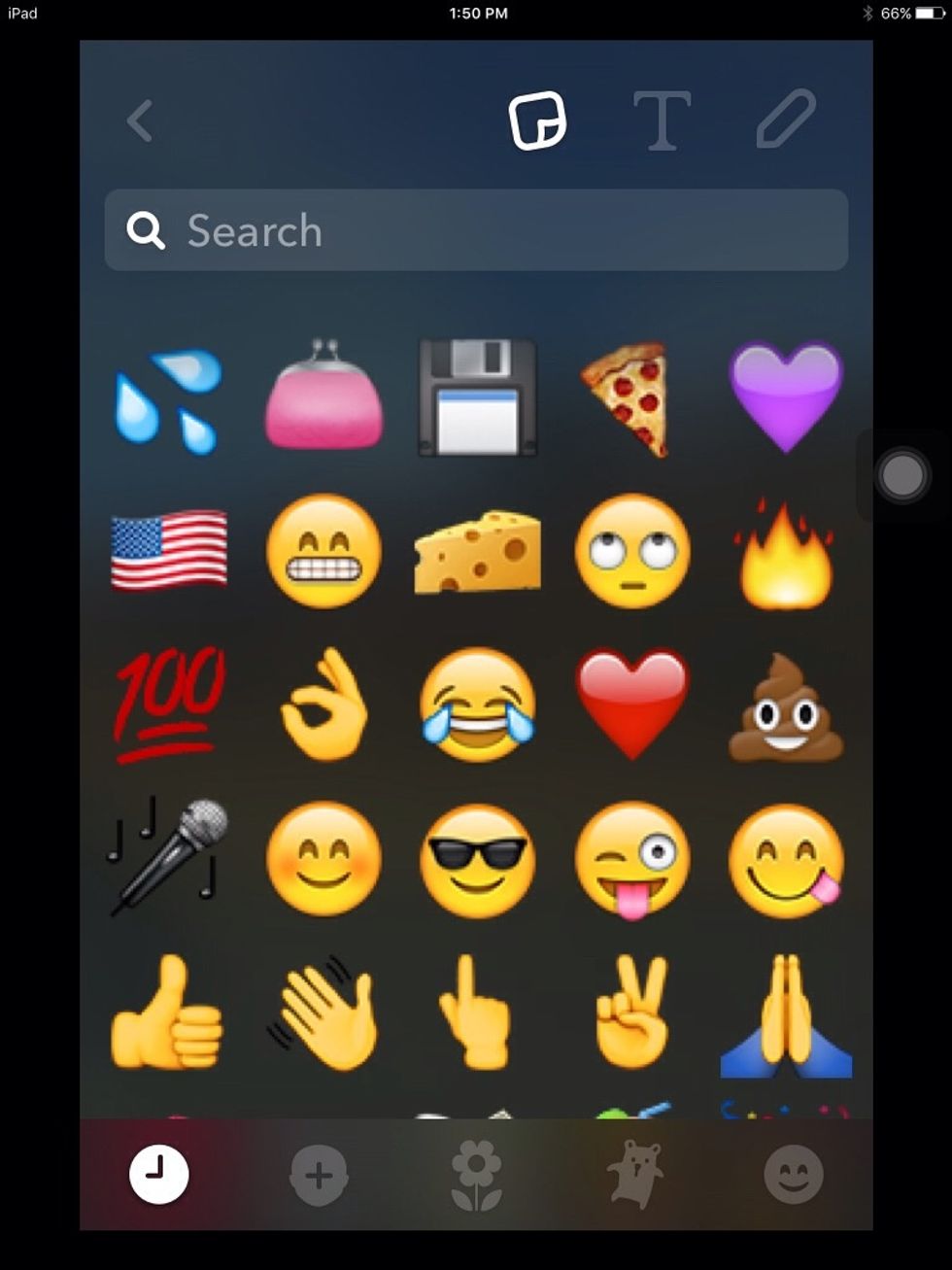
Next, pick out an Emoji with the colour you want (for example, purple heart for purple, or pink purse for pinkish red). You can pick as many Emojis as you want.
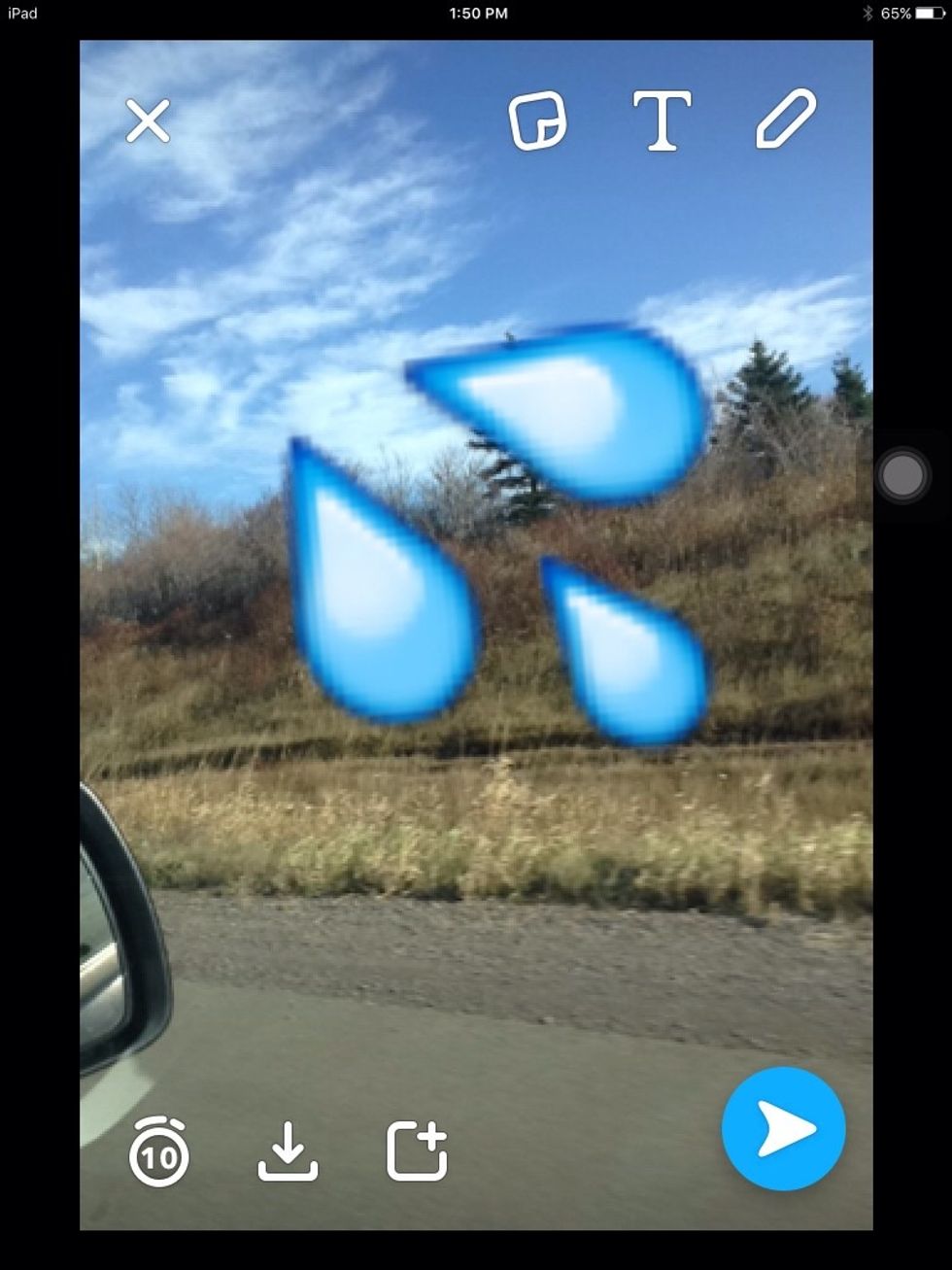
Zoom in on your Emoji. If you picked more than one, we'll get to that later.
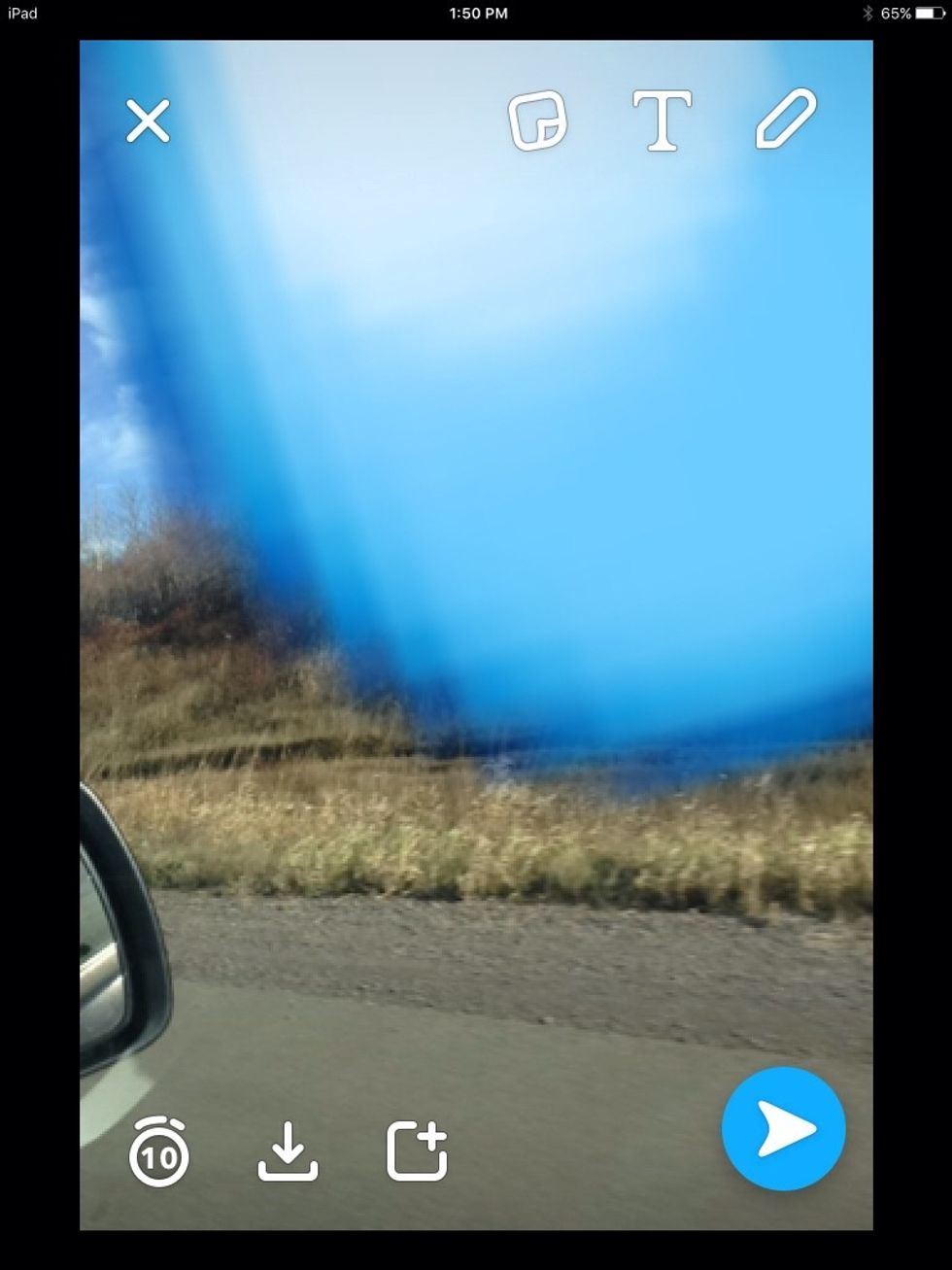
Zoom in on the edge of the Emoji.
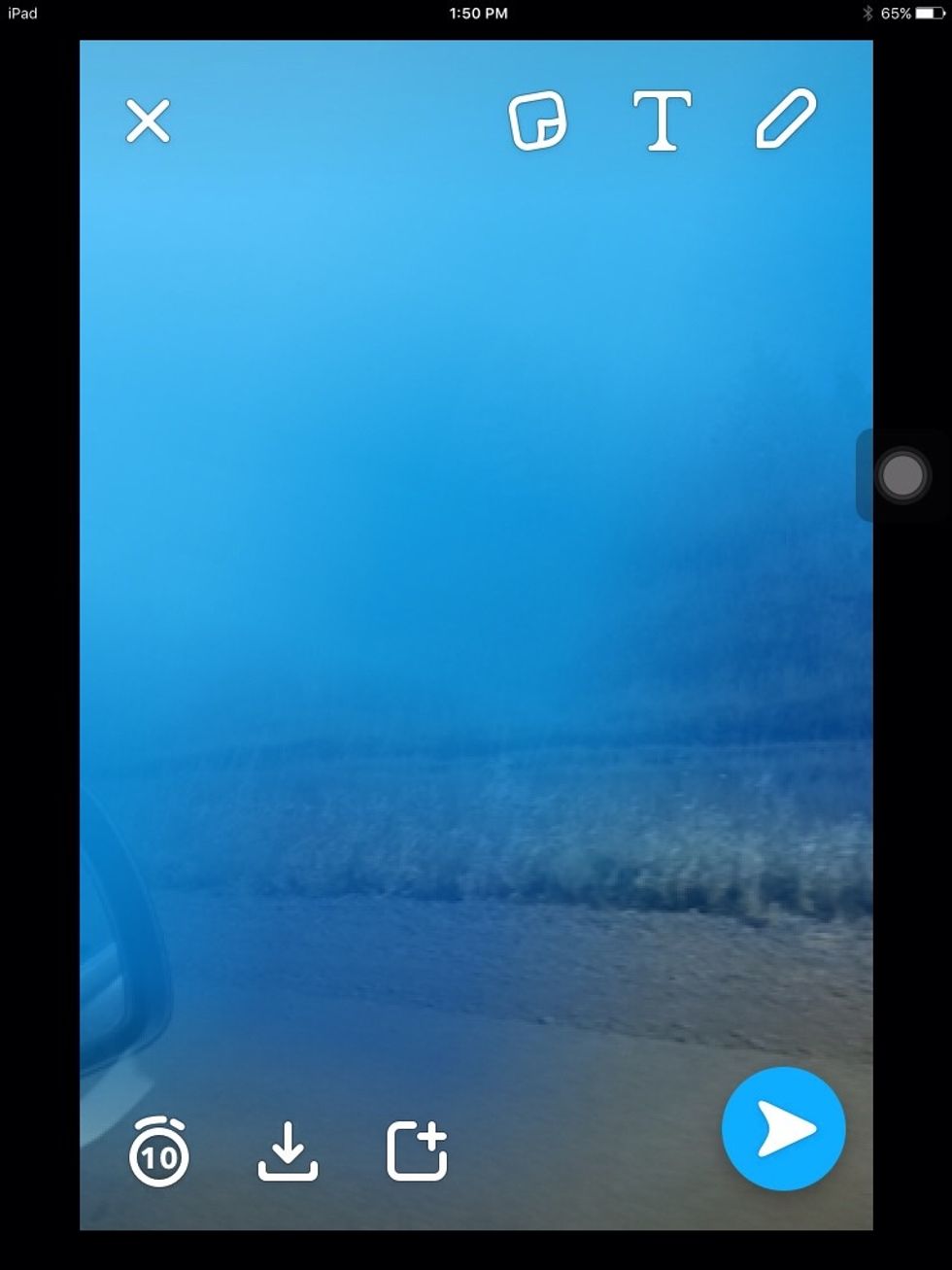
It should start to become translucent.
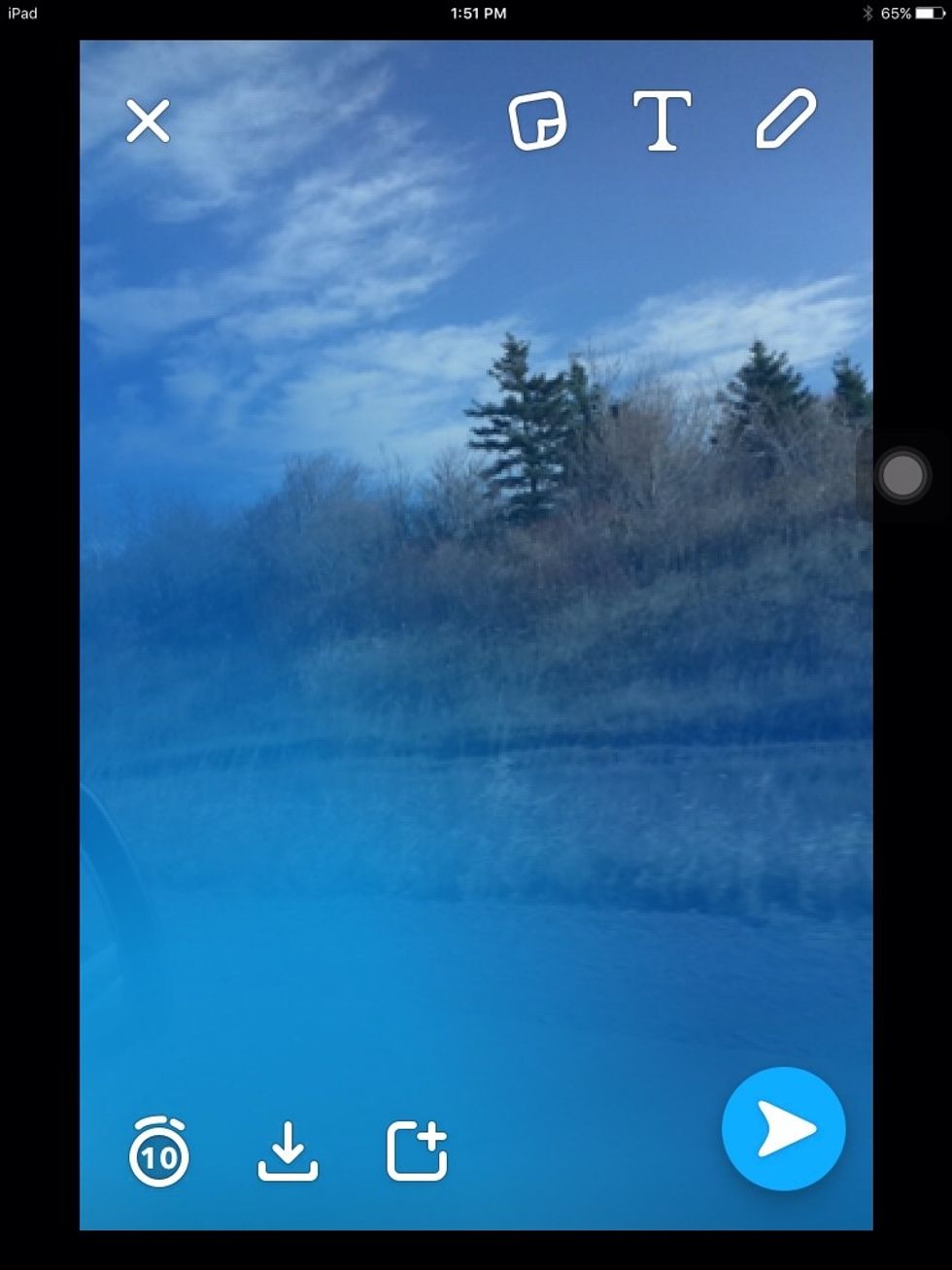
Once you have it how you like it, position it.
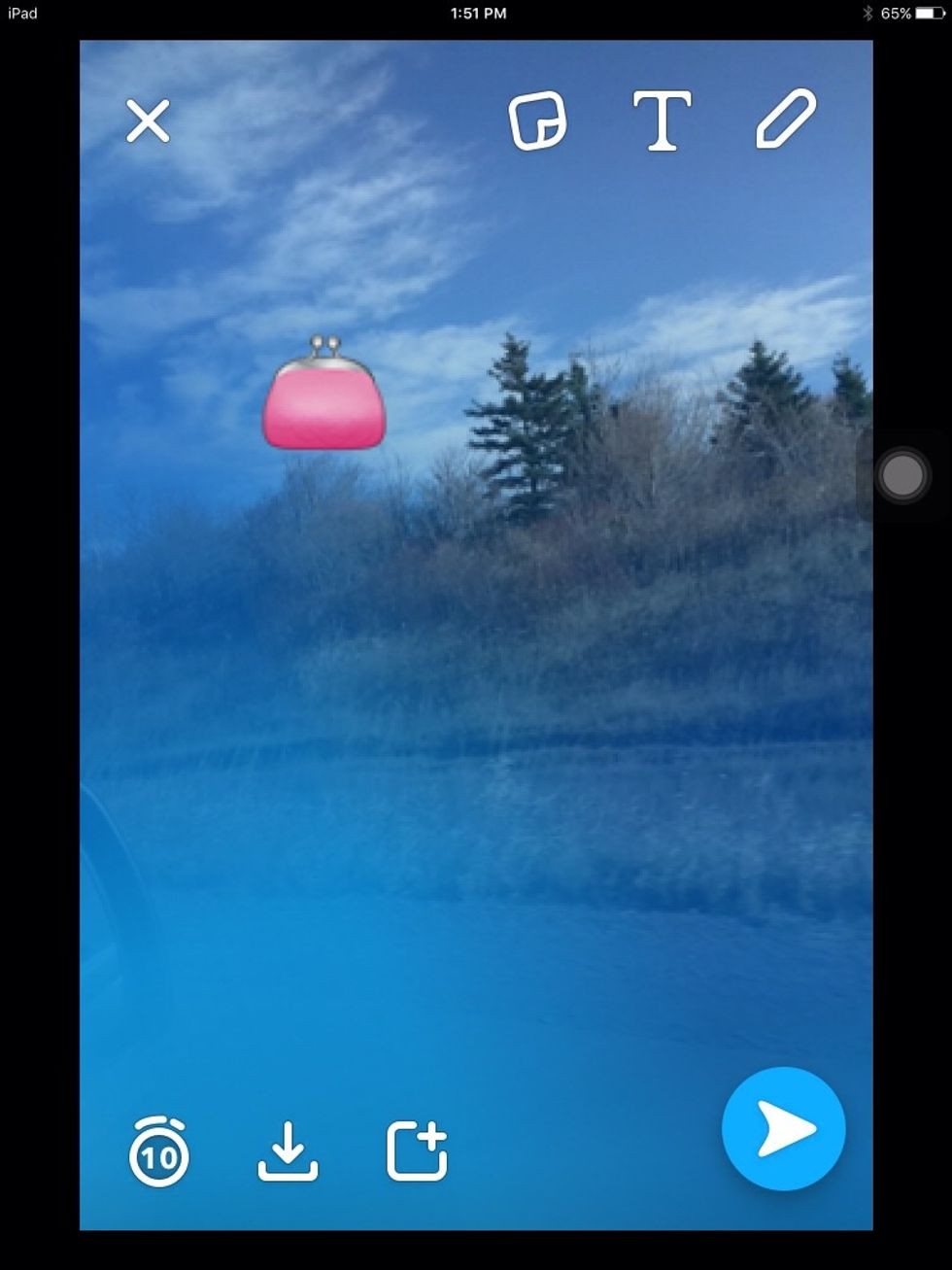
Now, if you picked more than one Emoji, repeat from step 4. You can go back and fix things if you need to.
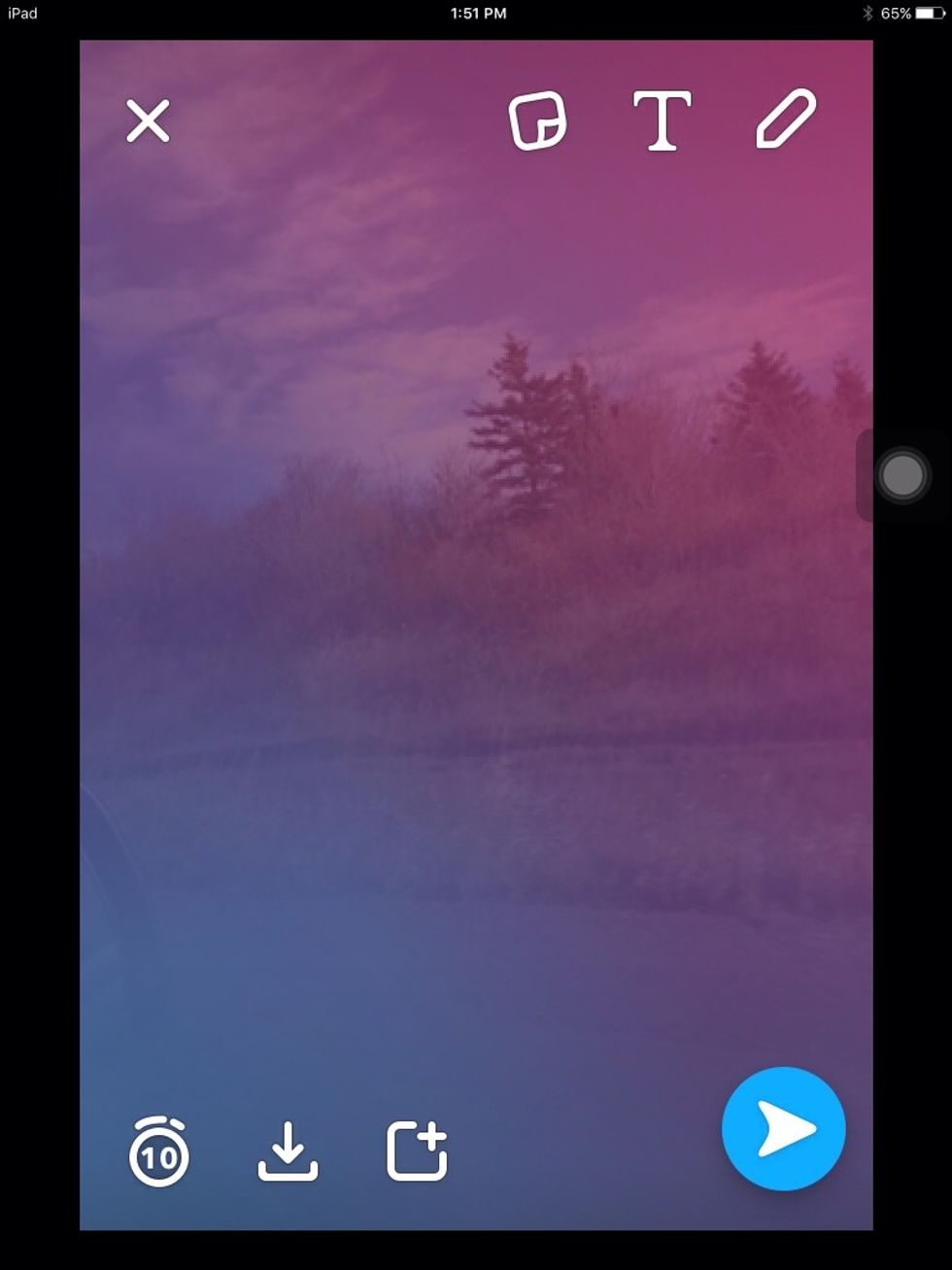
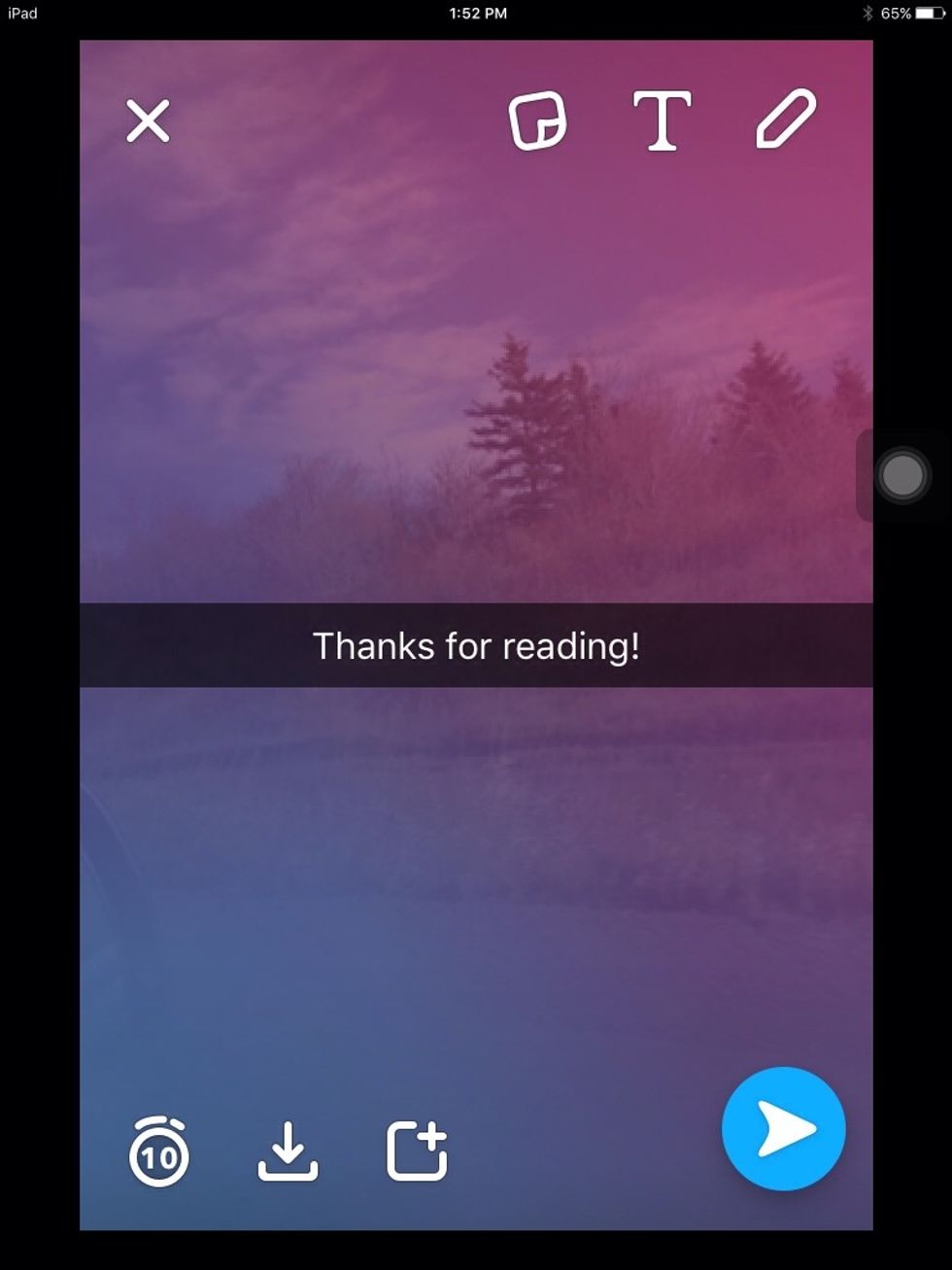
This is what I came up with. Can you do any better?