
The Conversation (0)
Sign Up
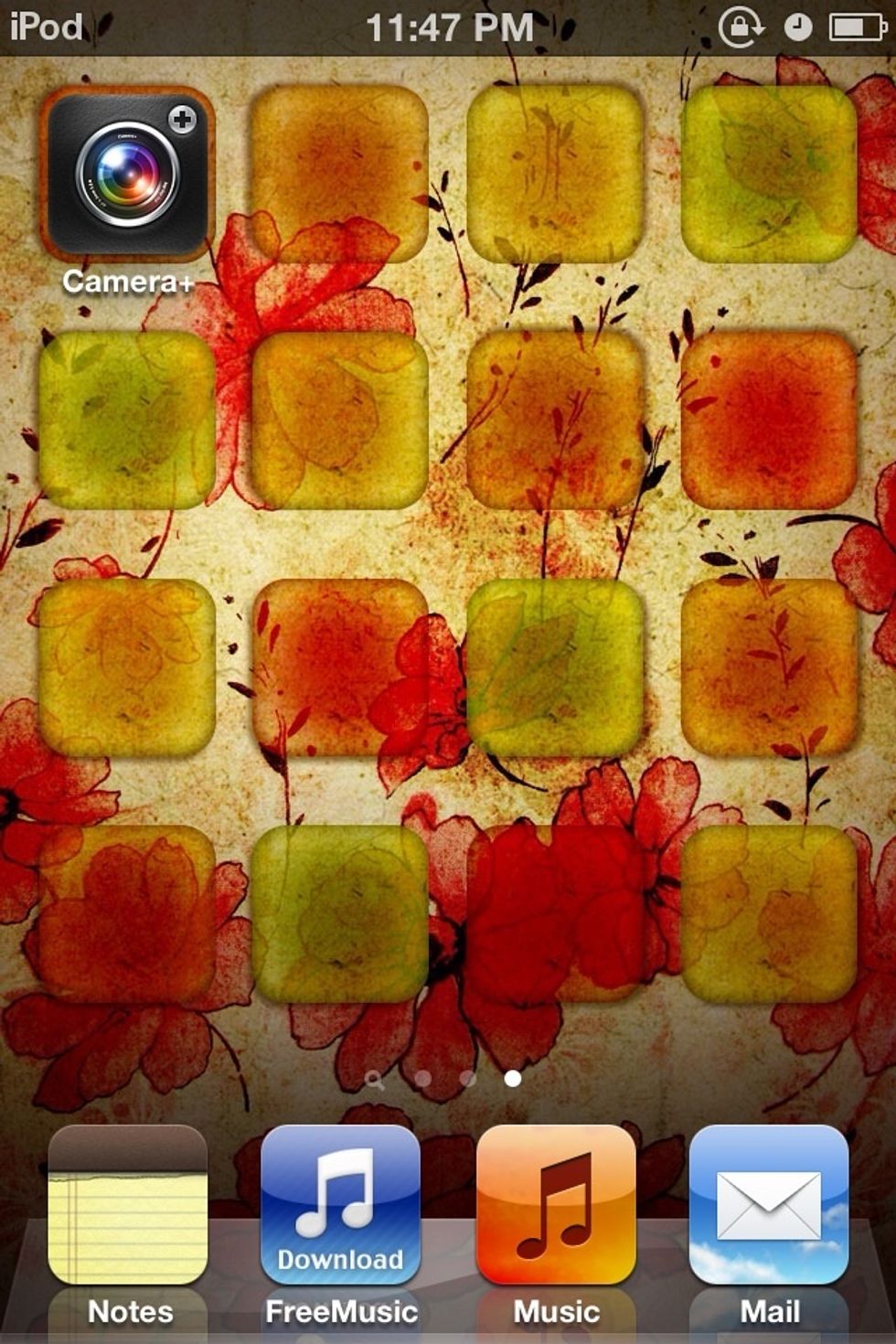
Go on the app
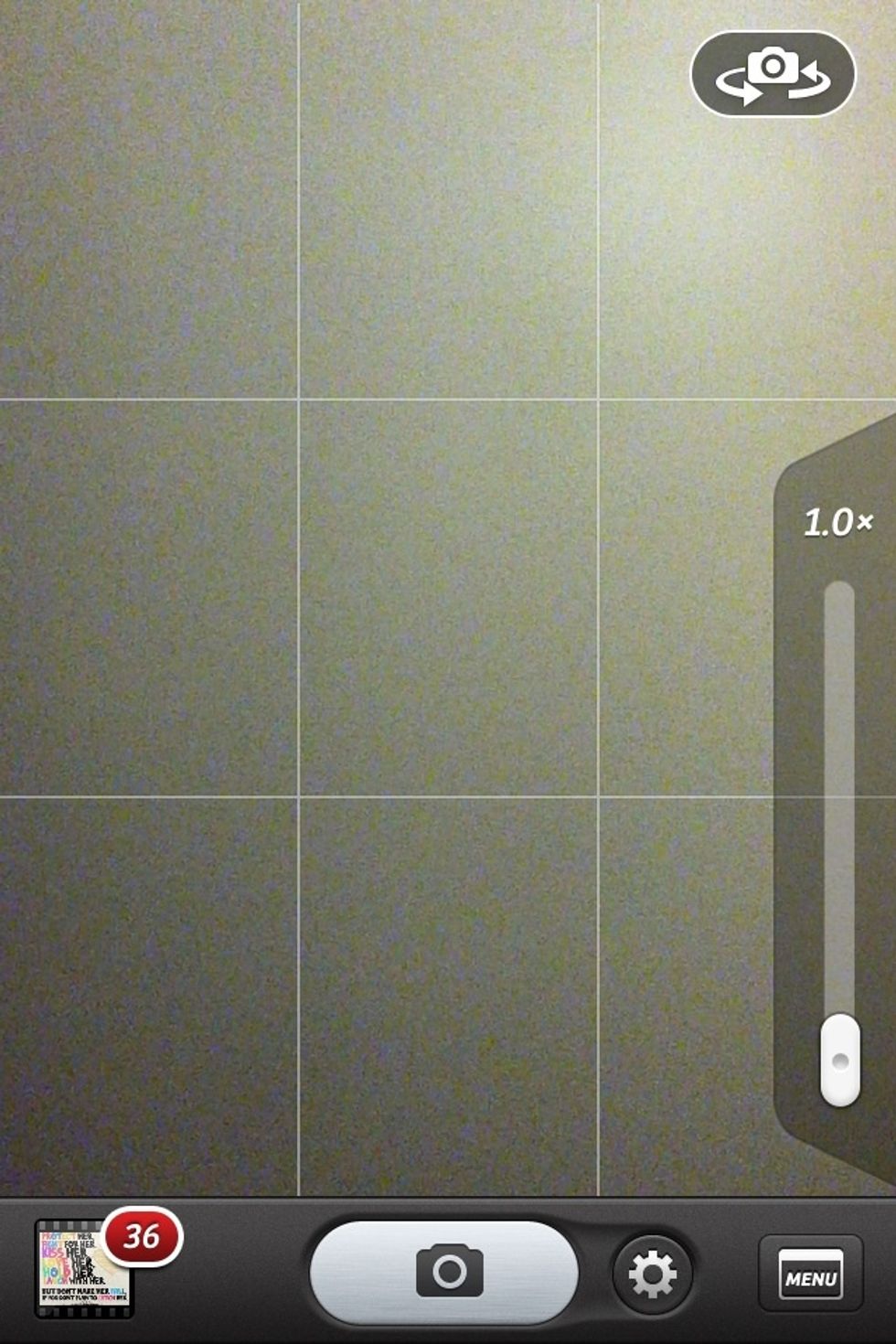
This will come up press the button on the bottom left corner
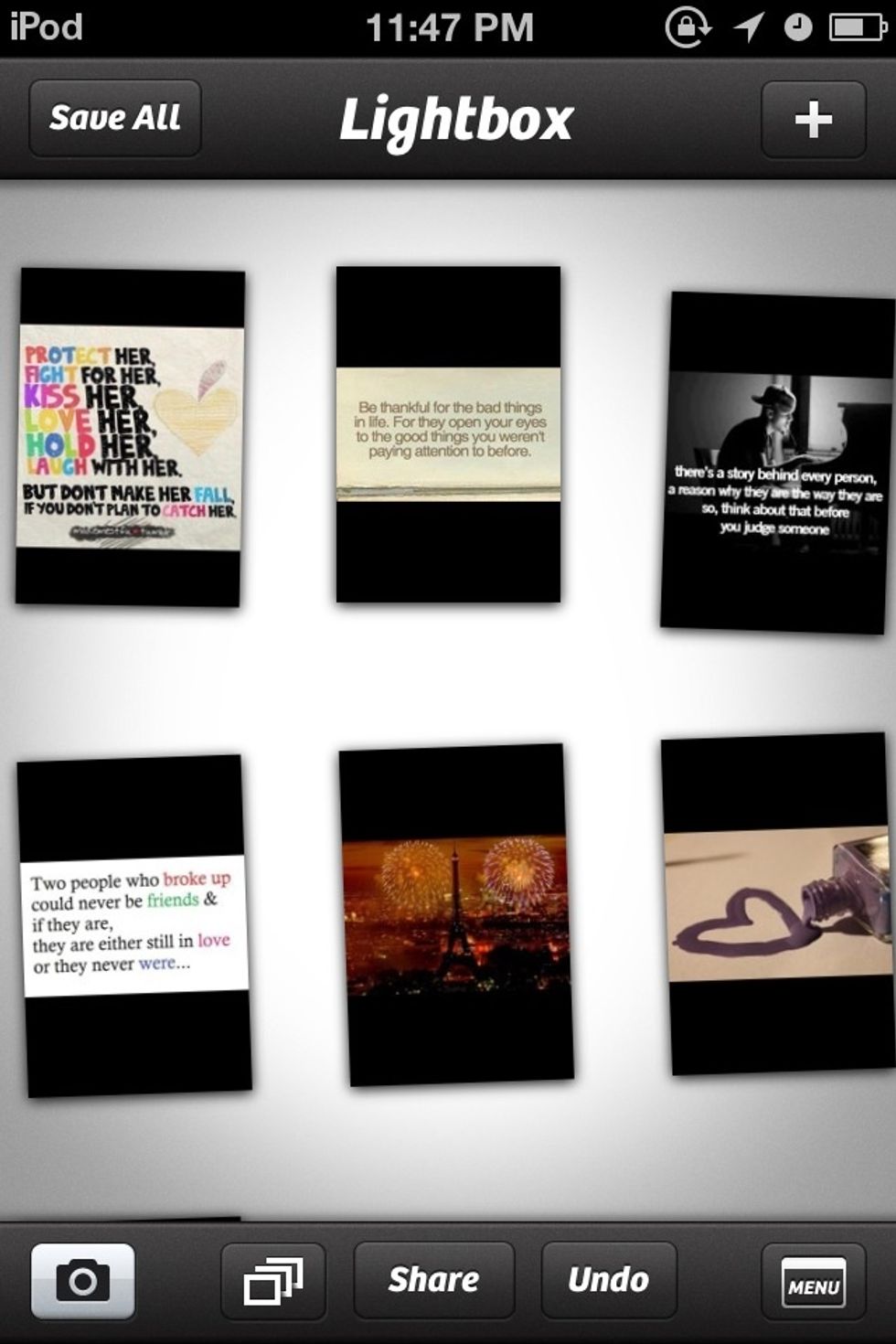
Press the plus button in the top right corner
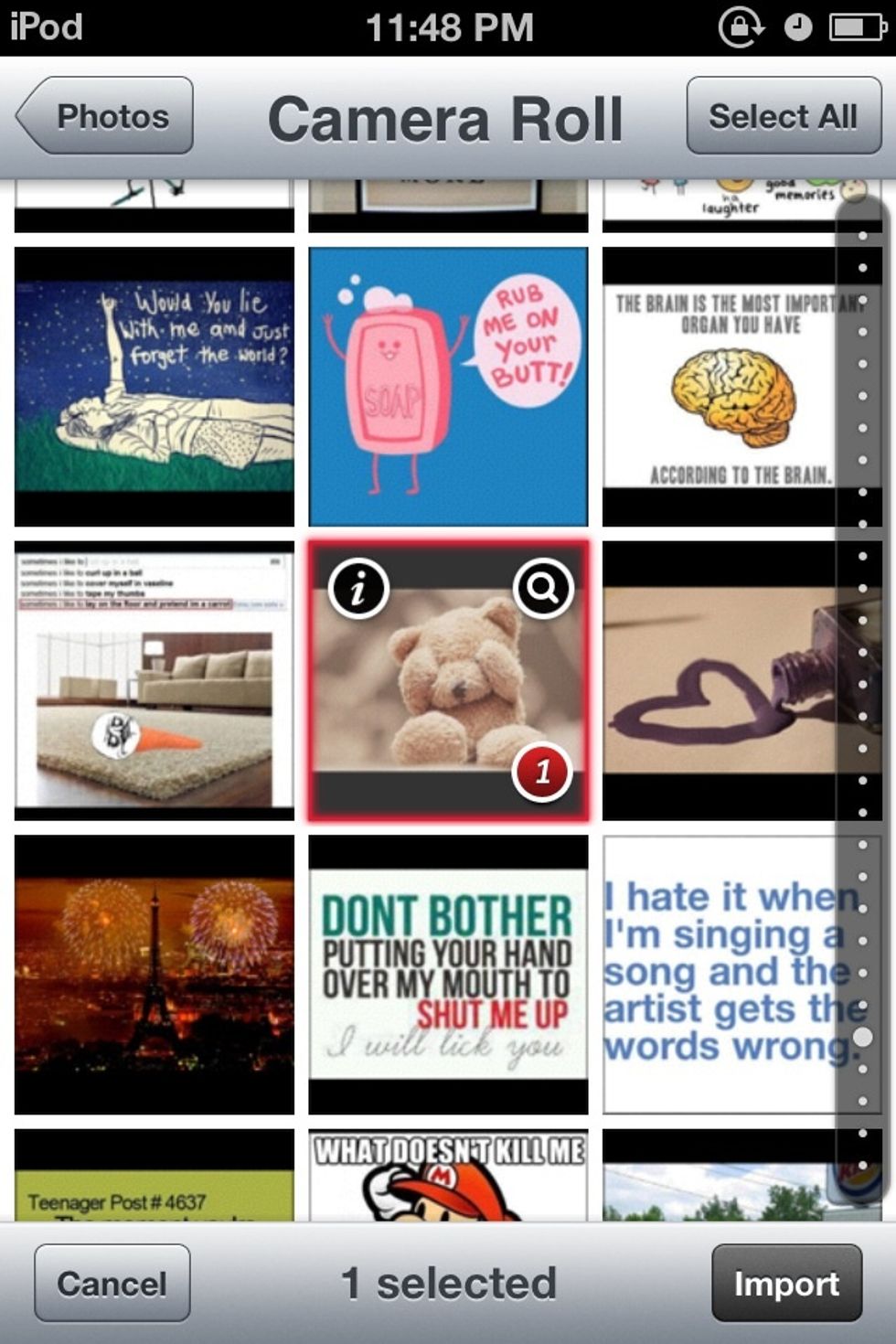
Select your picture from your photos
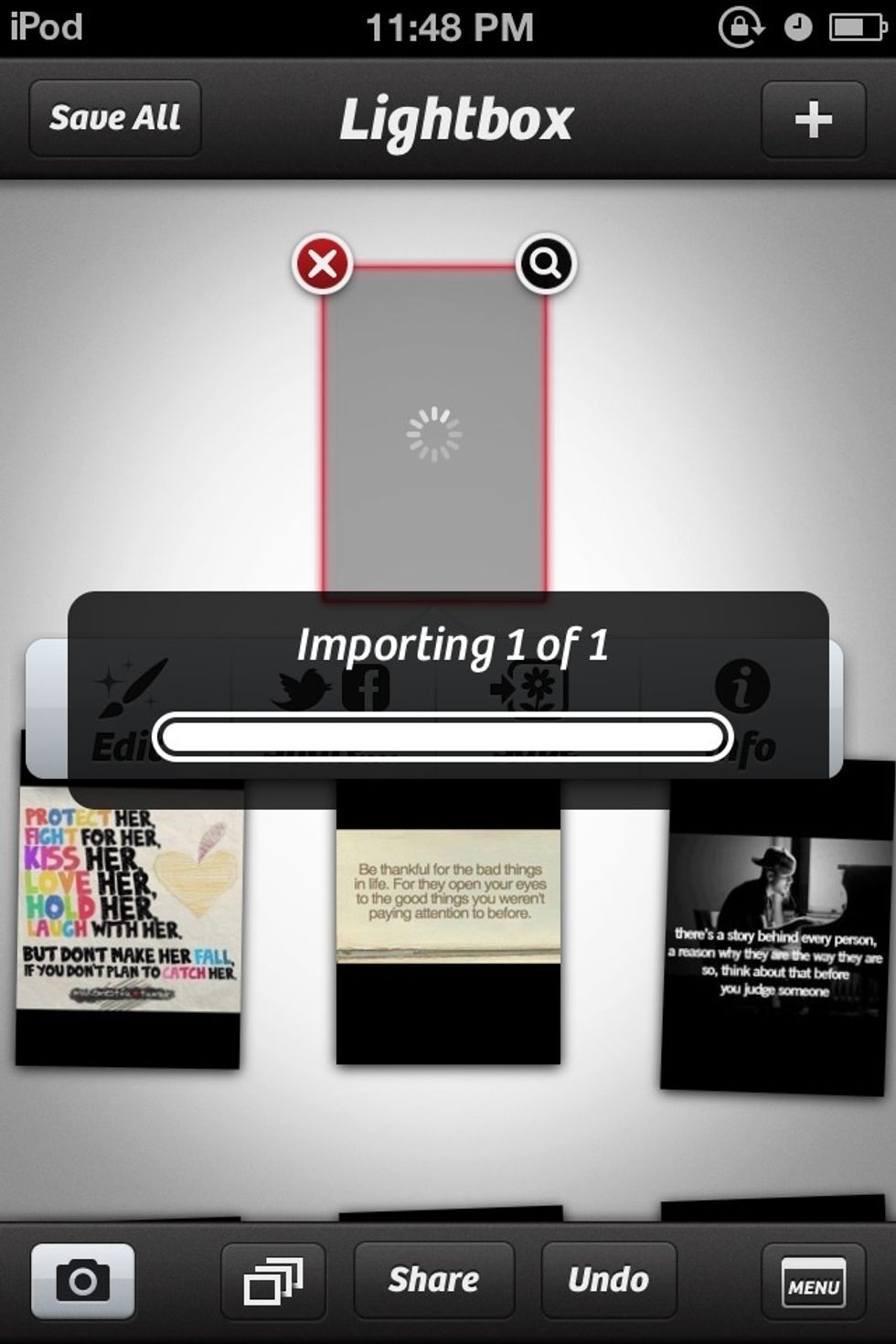
Importing
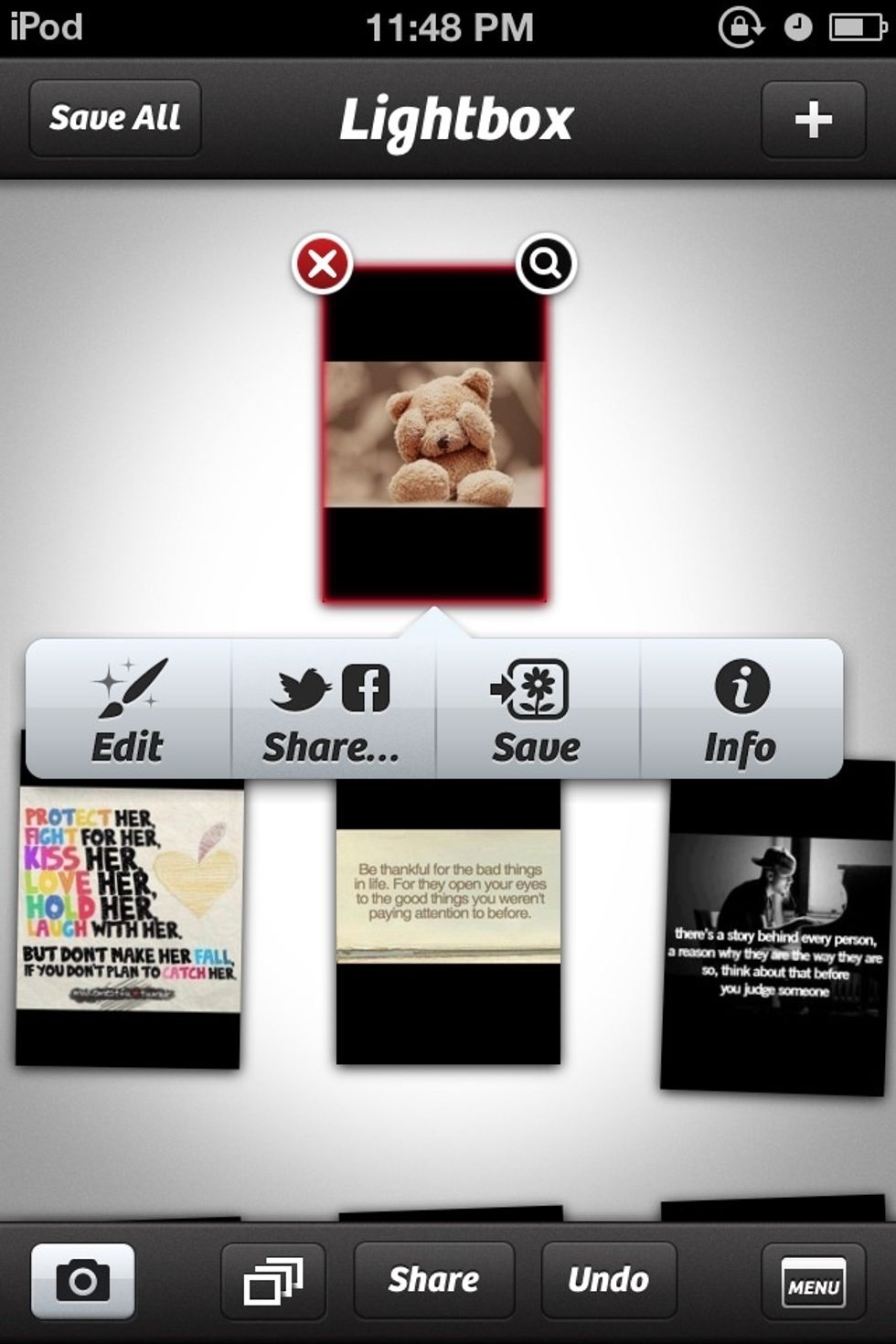
Press edit
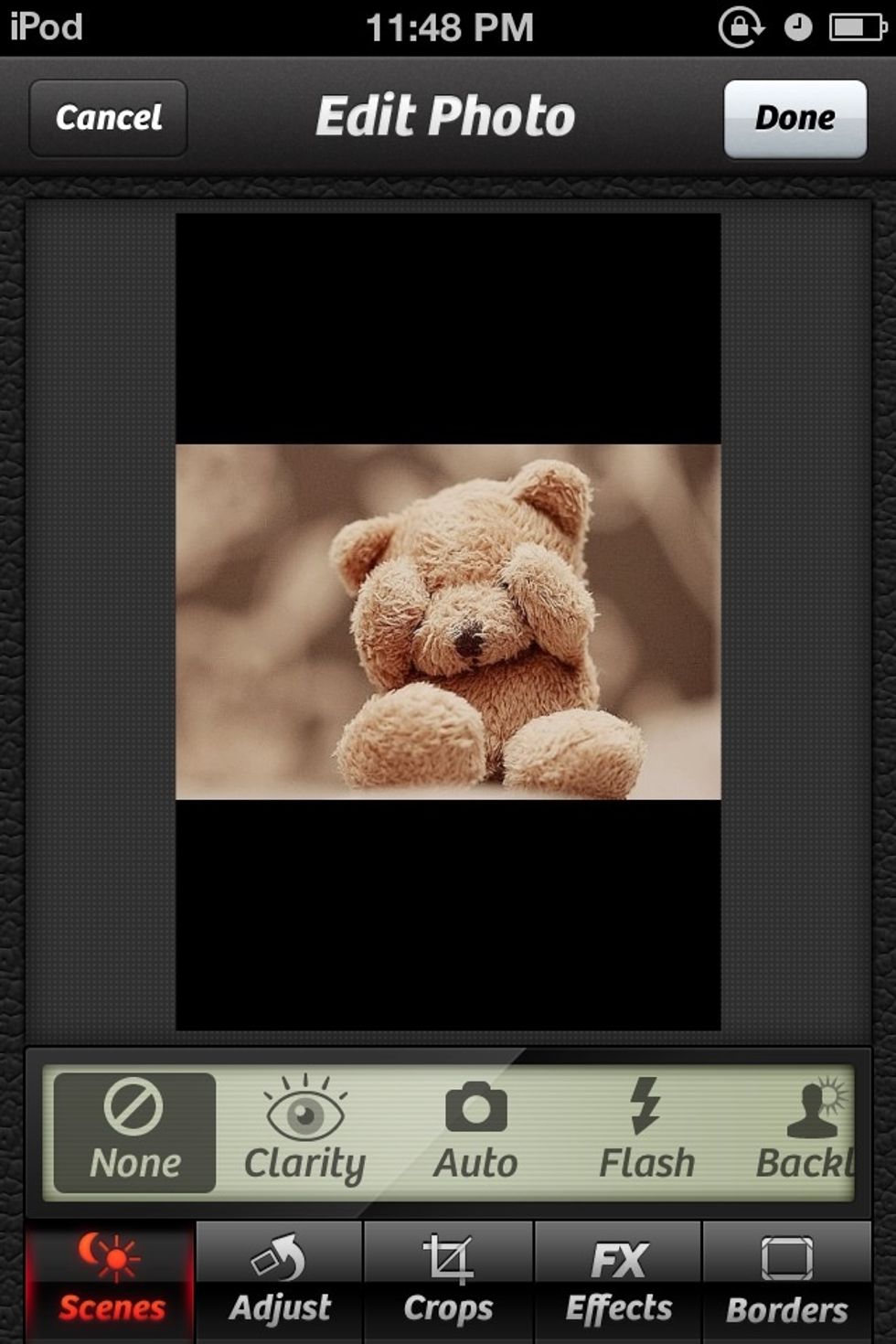
If you want a scene see what one looks goof but for this one I did not
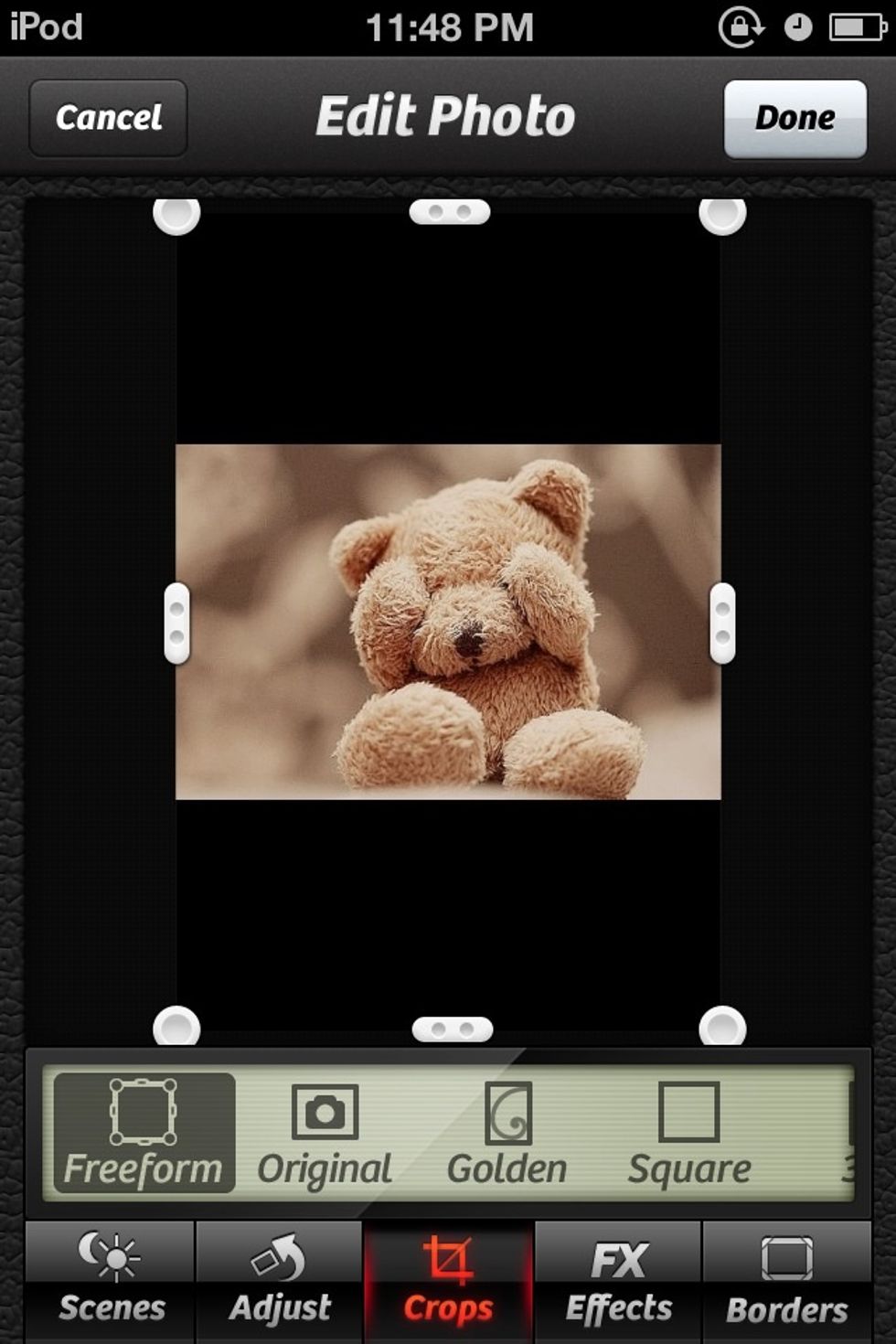
Trim if needed
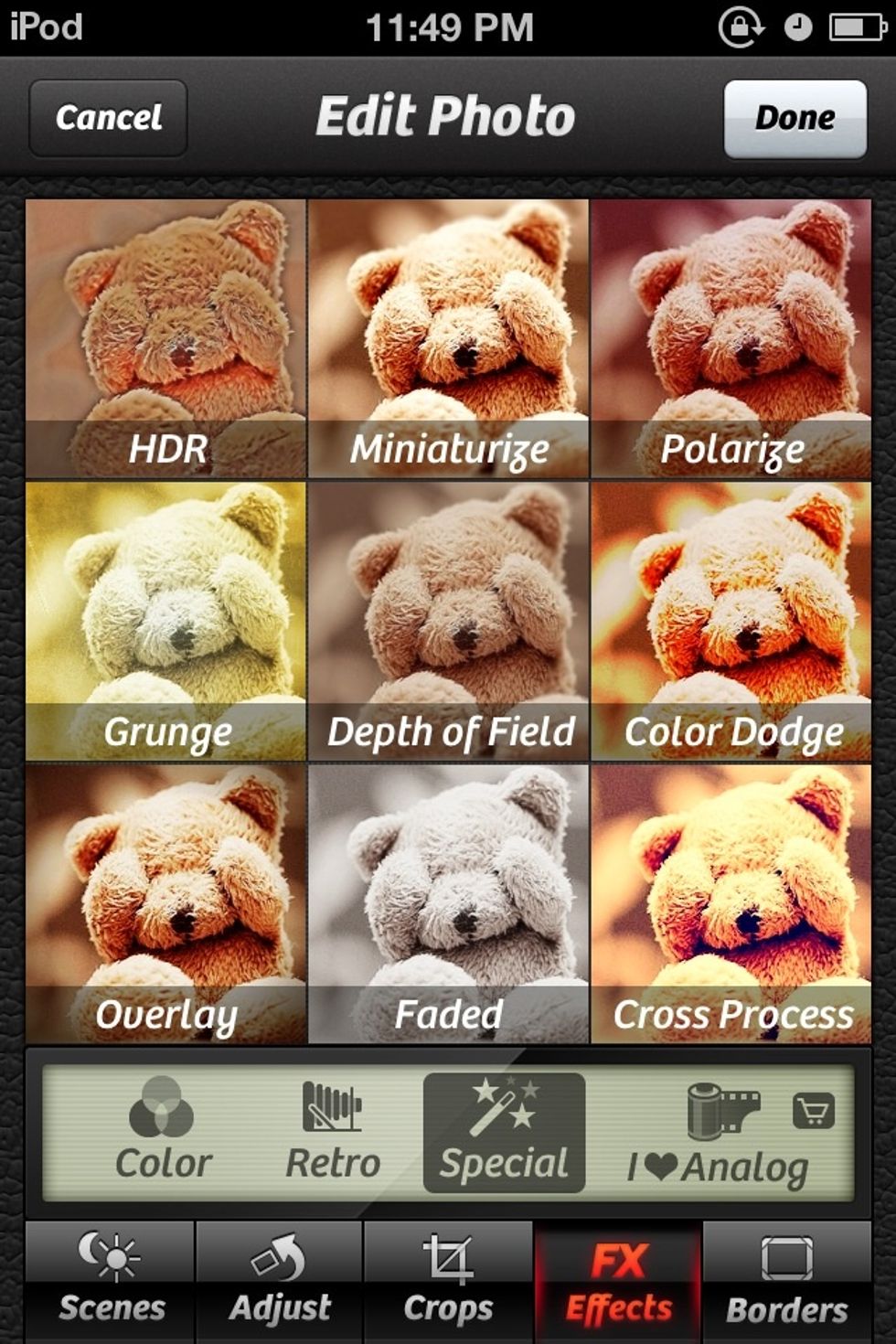
Press effects and see what one looks good for this one I used grudge

This is what it looked like
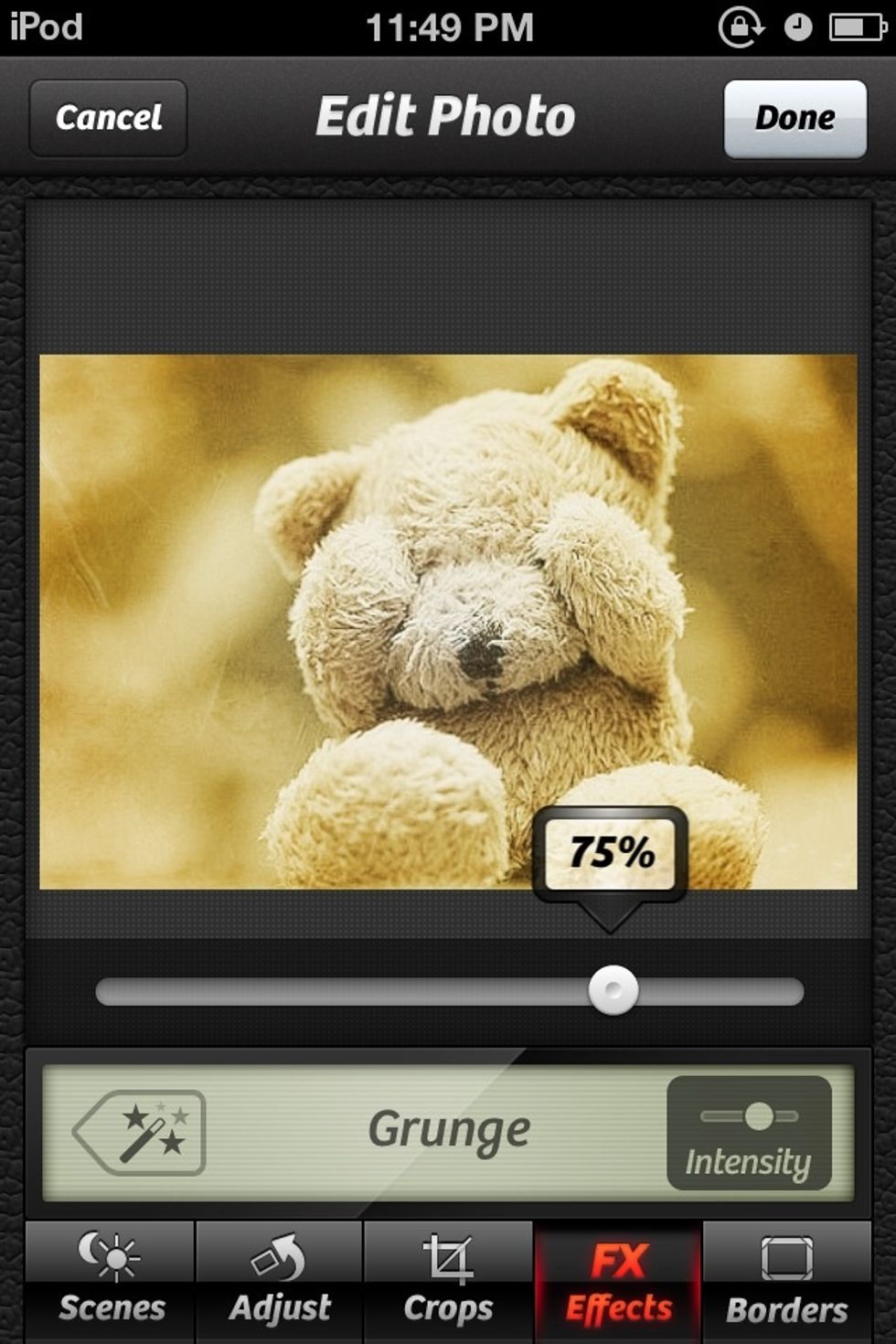
Adjust the intensity I made mine 75%

Pick a border you do not really bead one if you don't want but if you want wrighting you will bead a border
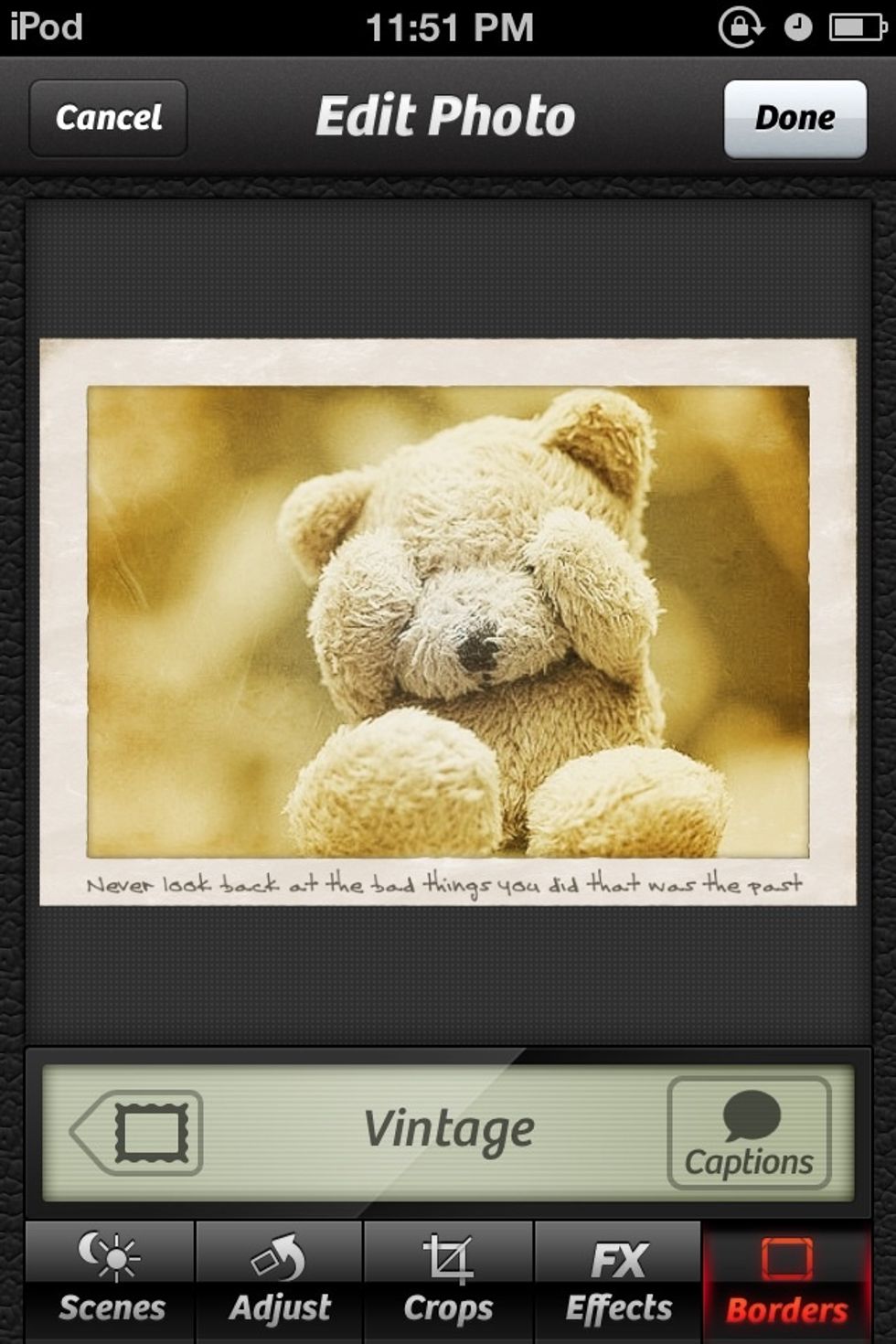
I picked the border vintage because I liked the font each border has a different font my picture says " never look back at the bad things you did that was the past" once you are done press done
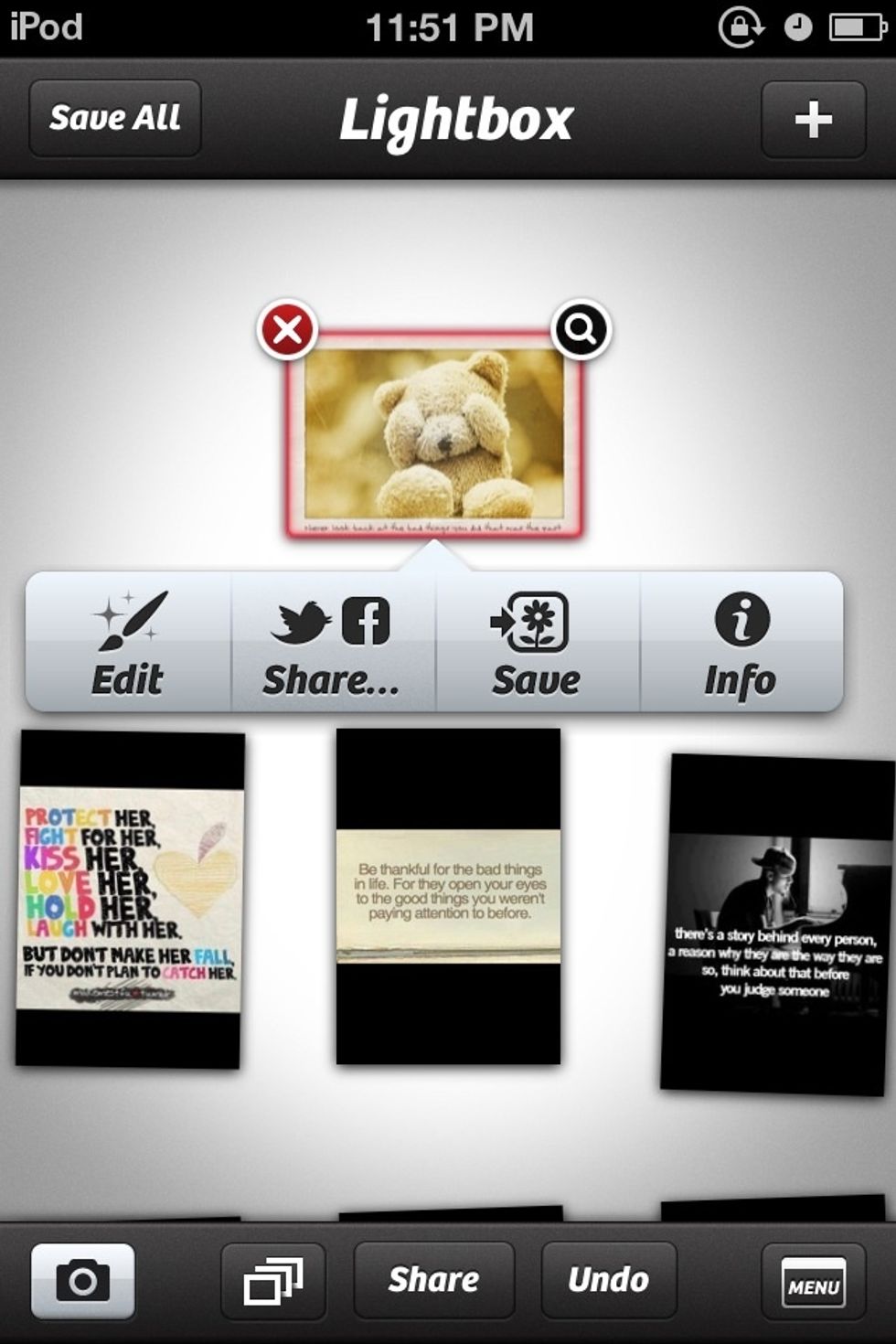
Press save if you want it in you pictures if not you do not have to
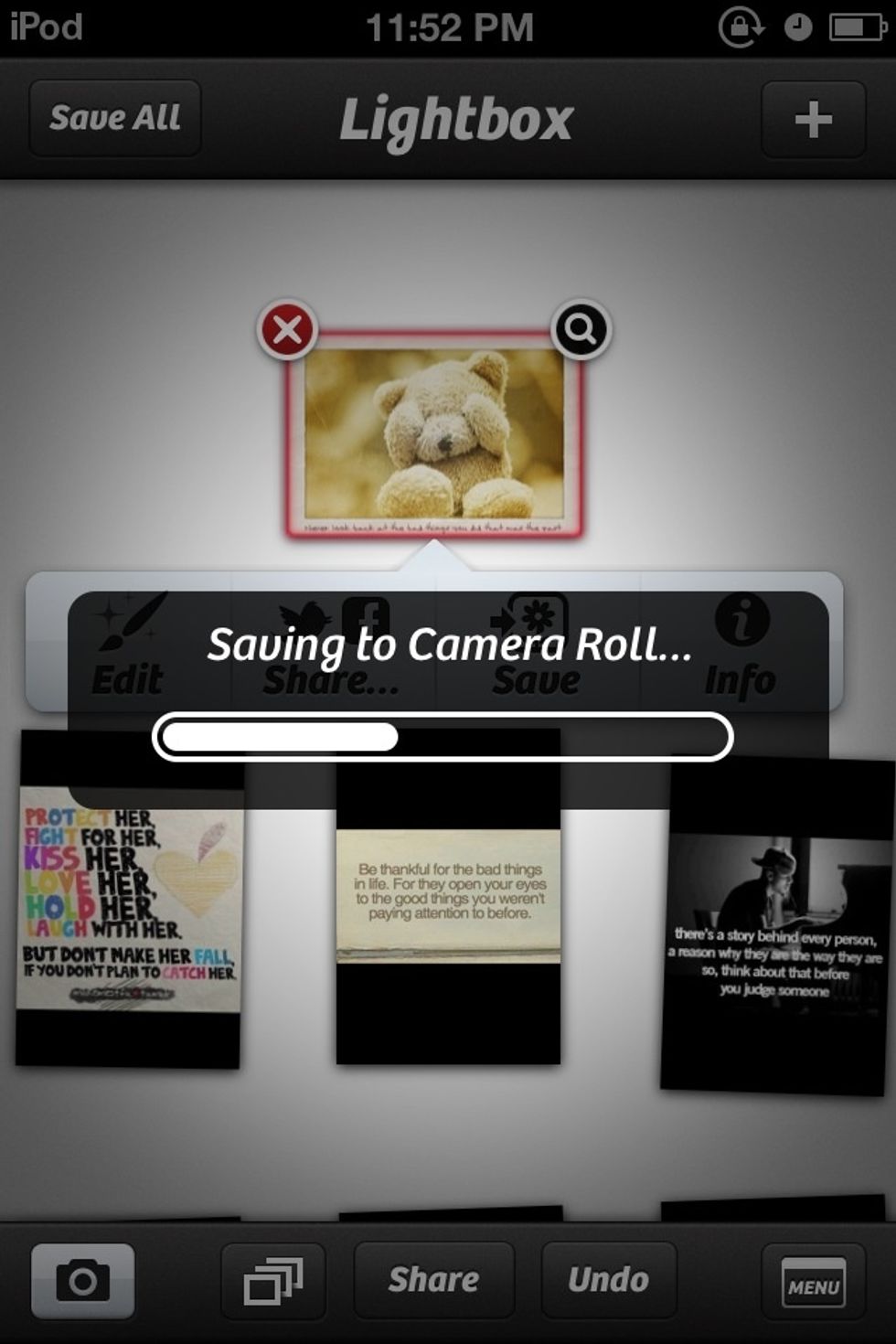
Saving
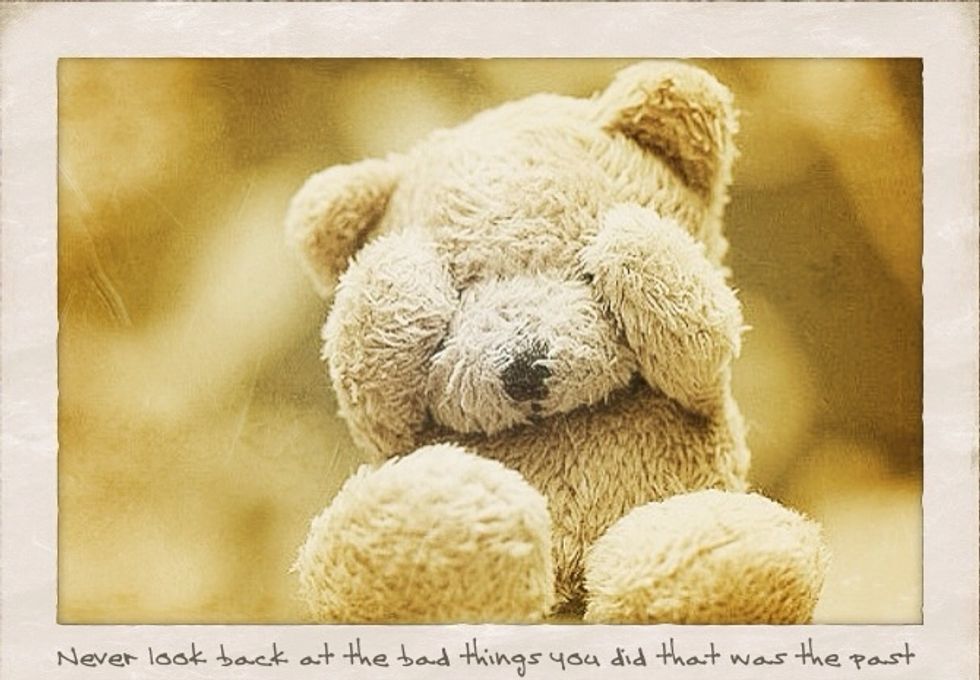
That was the final product but because I put it on here it cut it off a but

Go to pictures
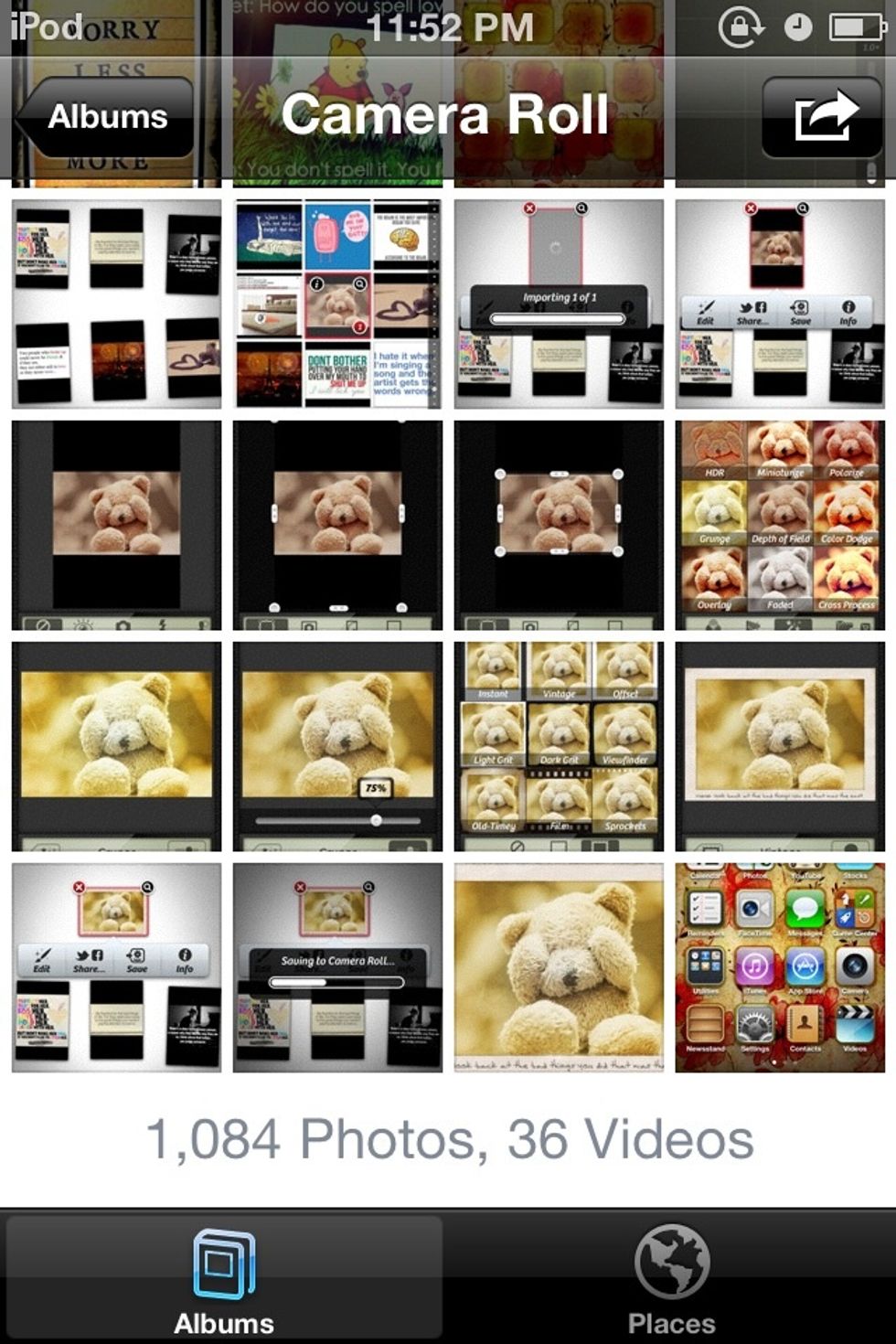
And it will be there
Here are some more i did hope you like them I will wright what the picture says at the bottom incase you can not read it !!

Nom nom
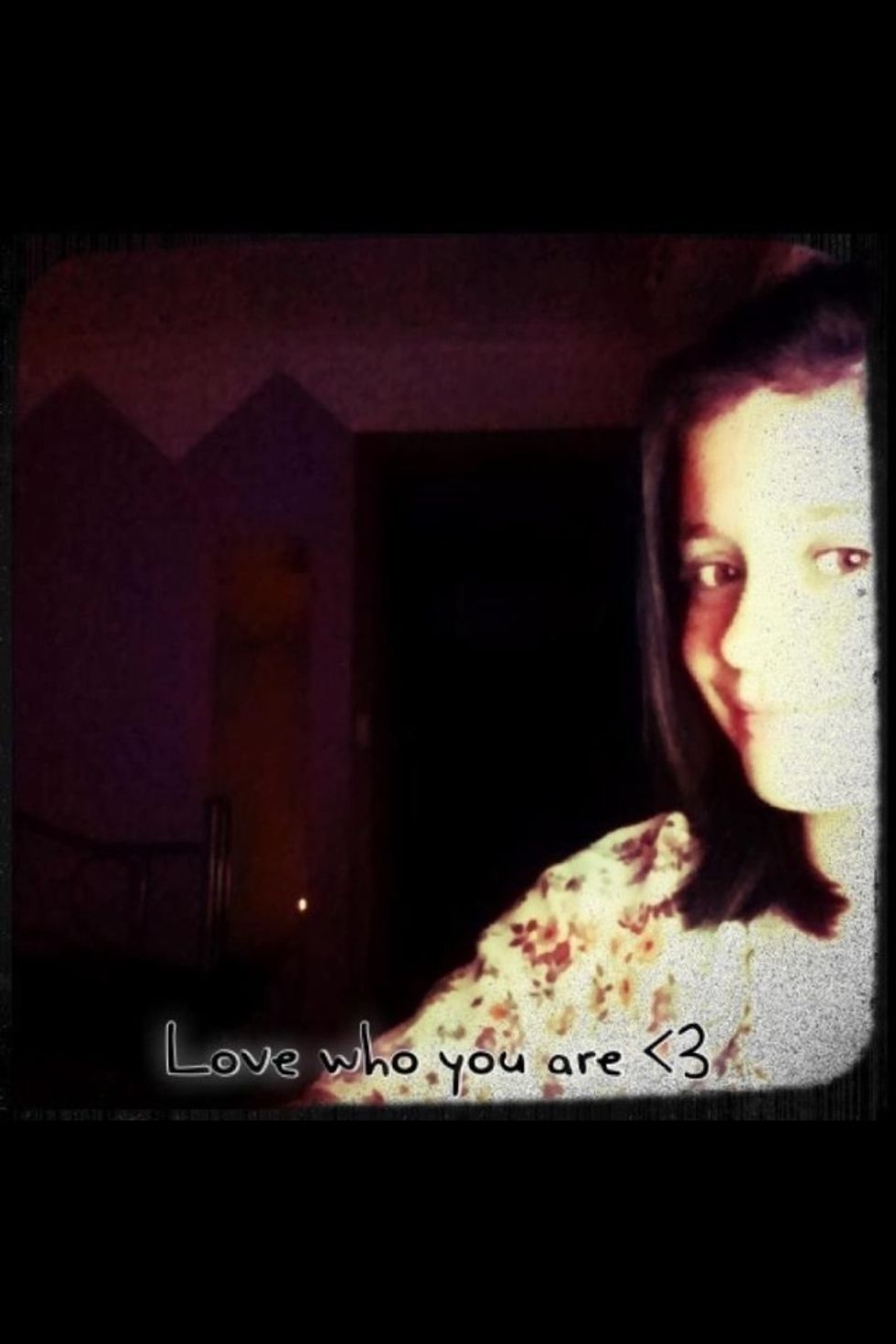
Love who you are <3
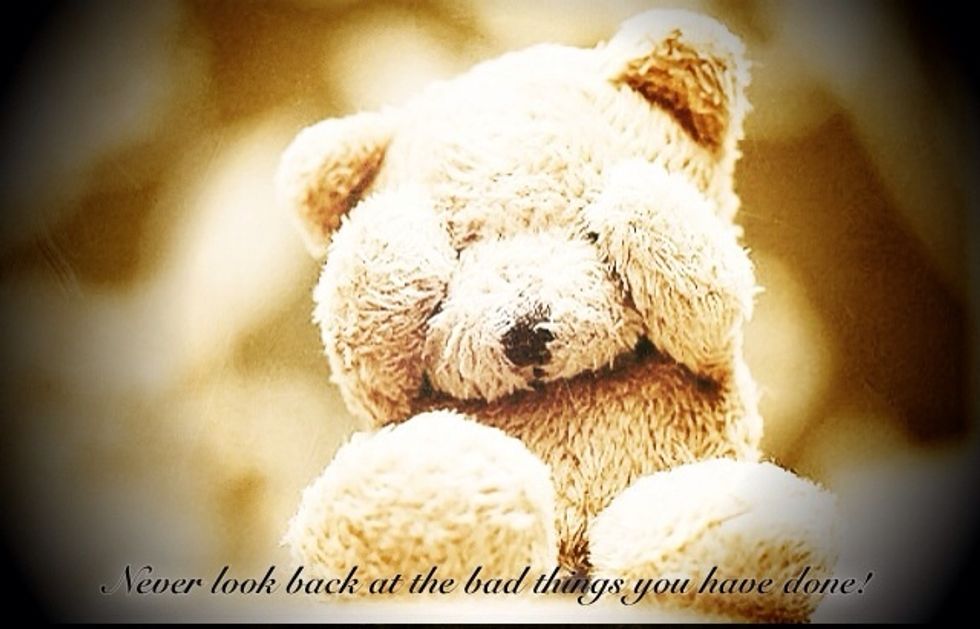
Never look bad at the bad things you have done
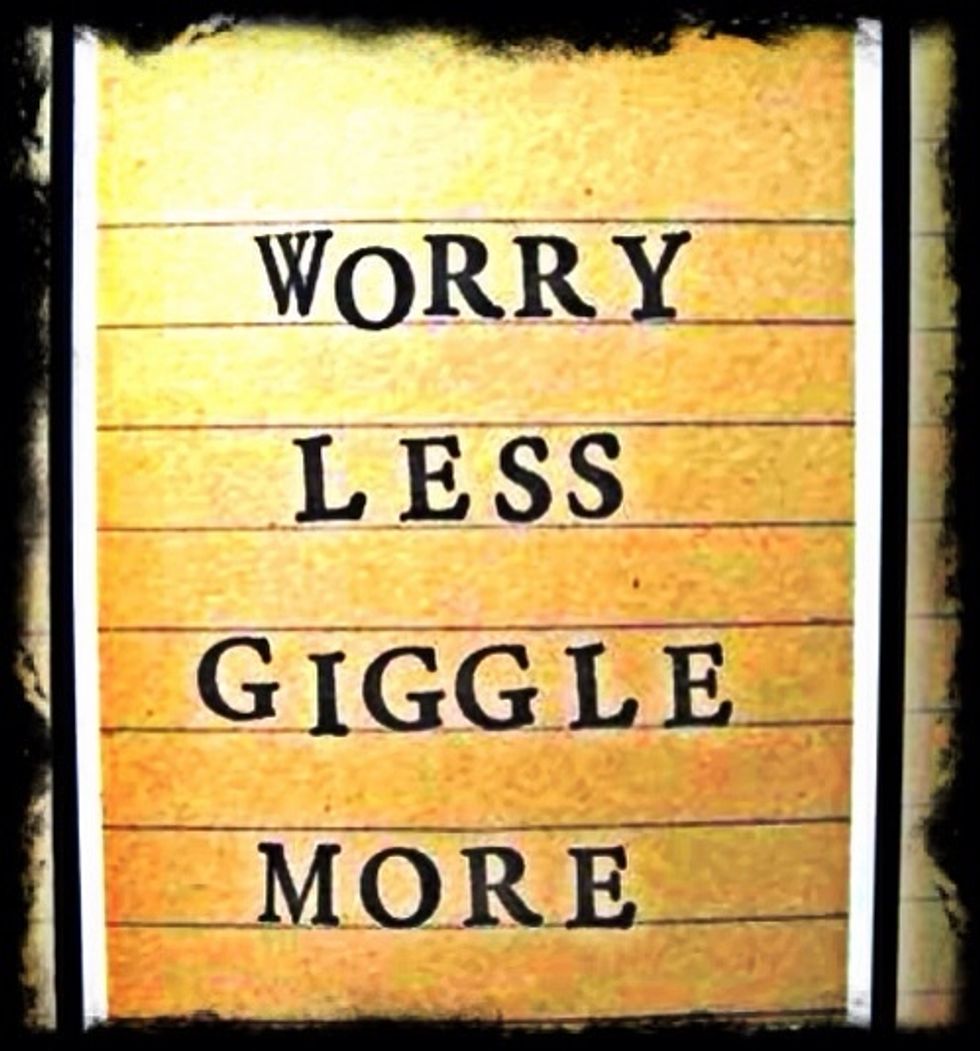
Worry less giggle more

Piglet:how do you spell love Pooh:you don't spell it. You feel it
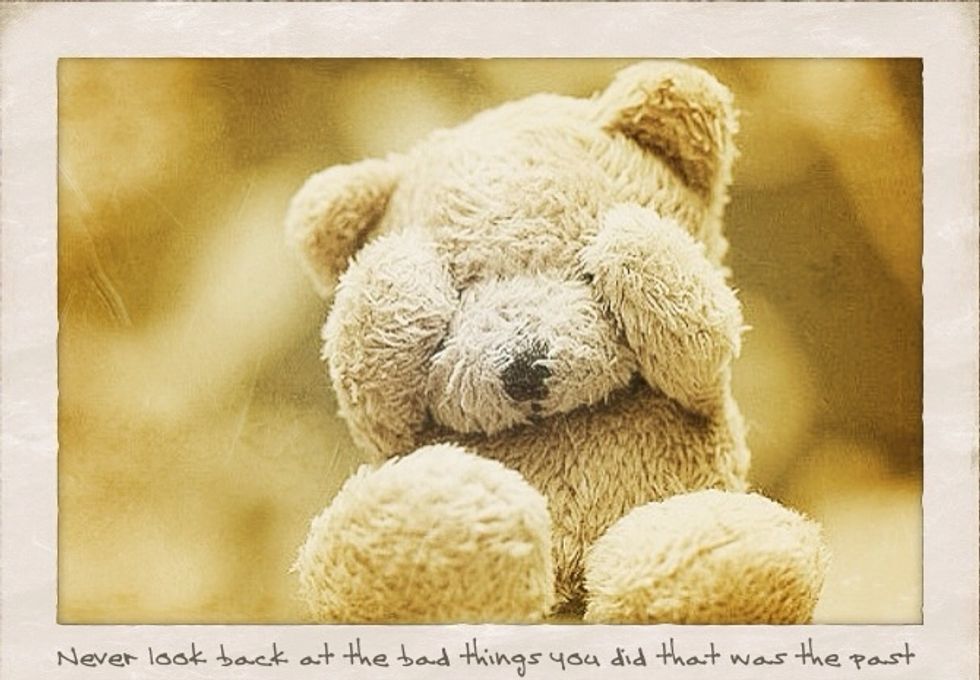
never look back at the bad things you did that was the past
Thank you for taking the time to view my snap guide and I hope you have fun making awesome pictures