
The Conversation (0)
Sign Up
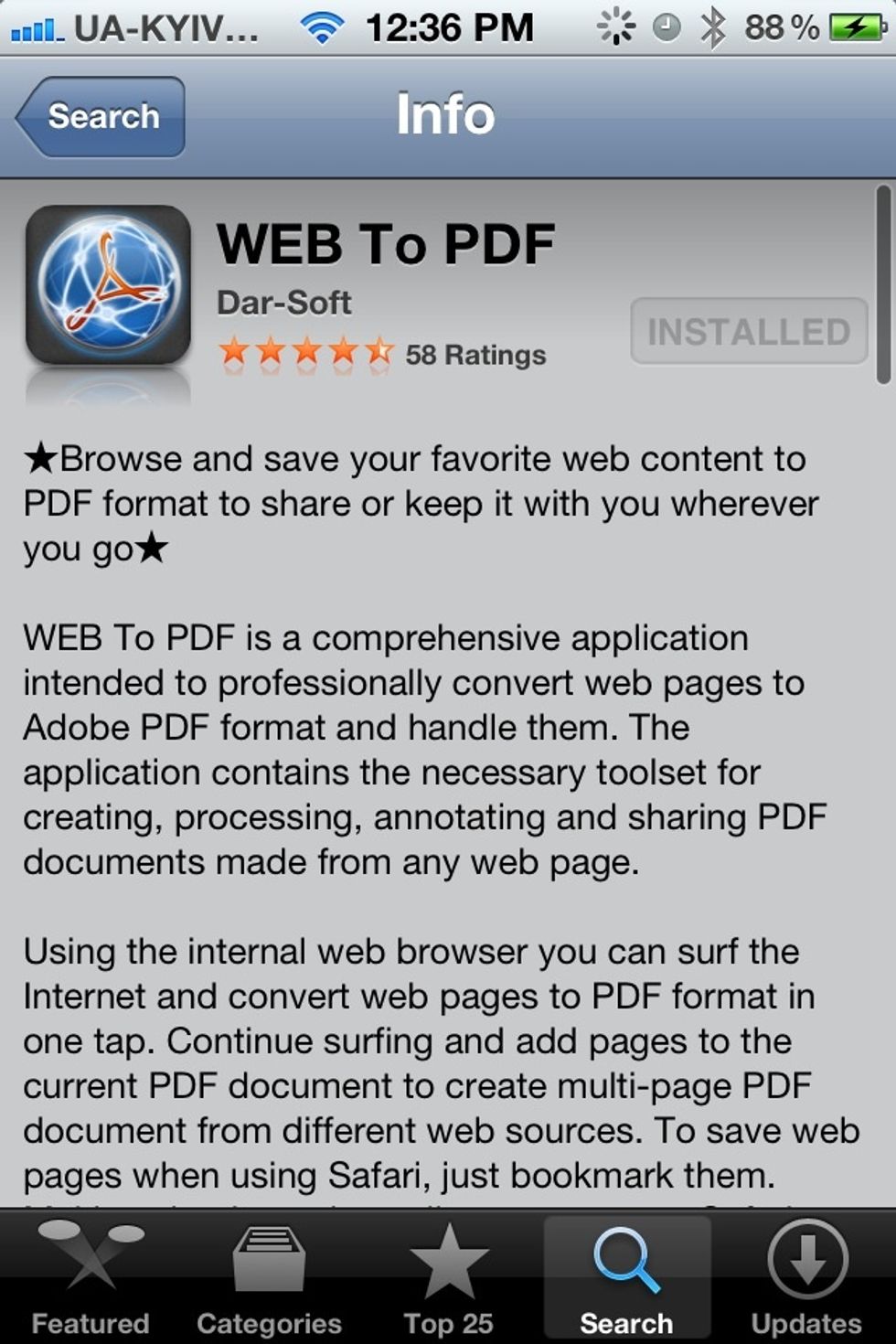
Install WEB To PDF on your iPhone
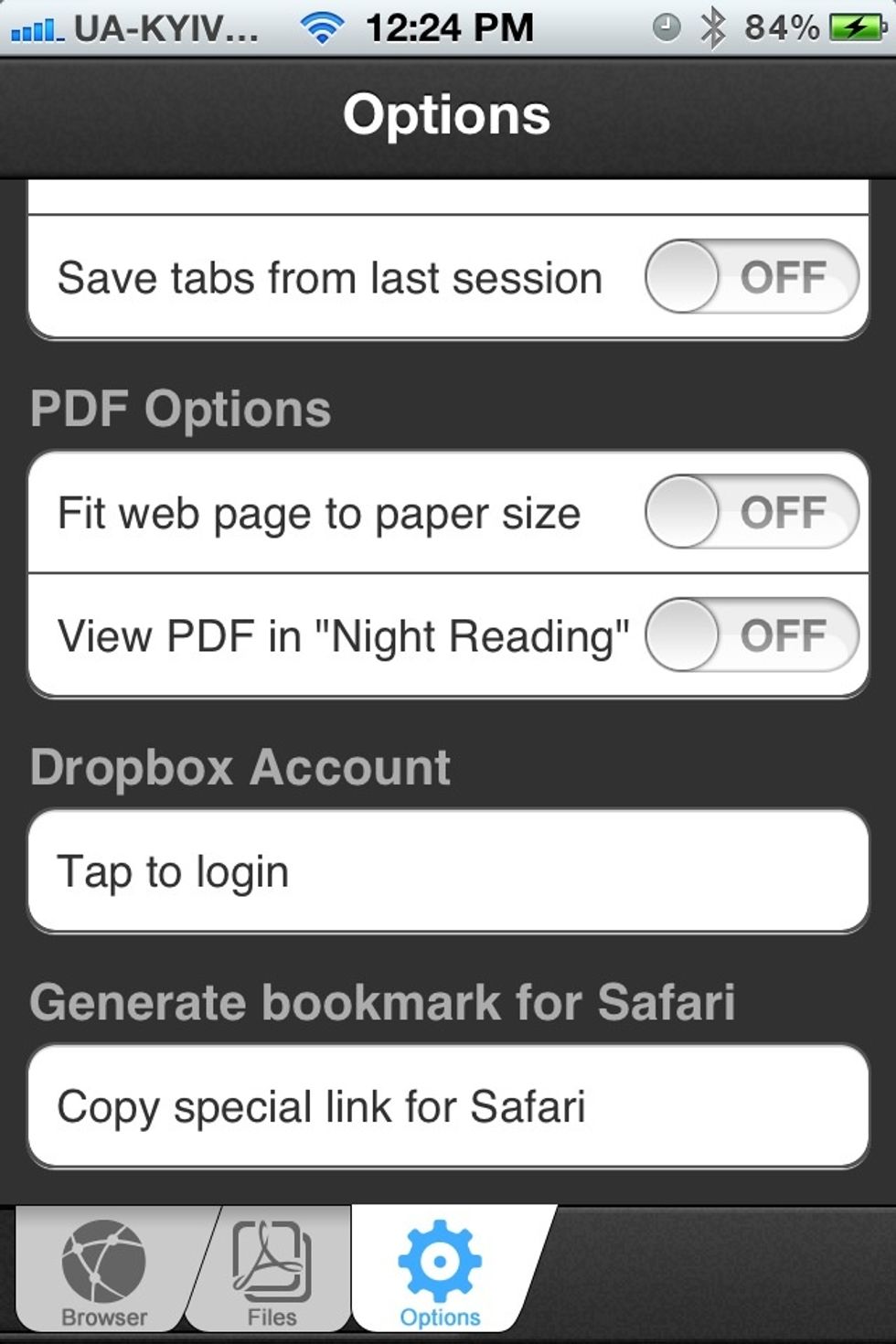
Open the Options tab and tap "Copy special link for Safari"
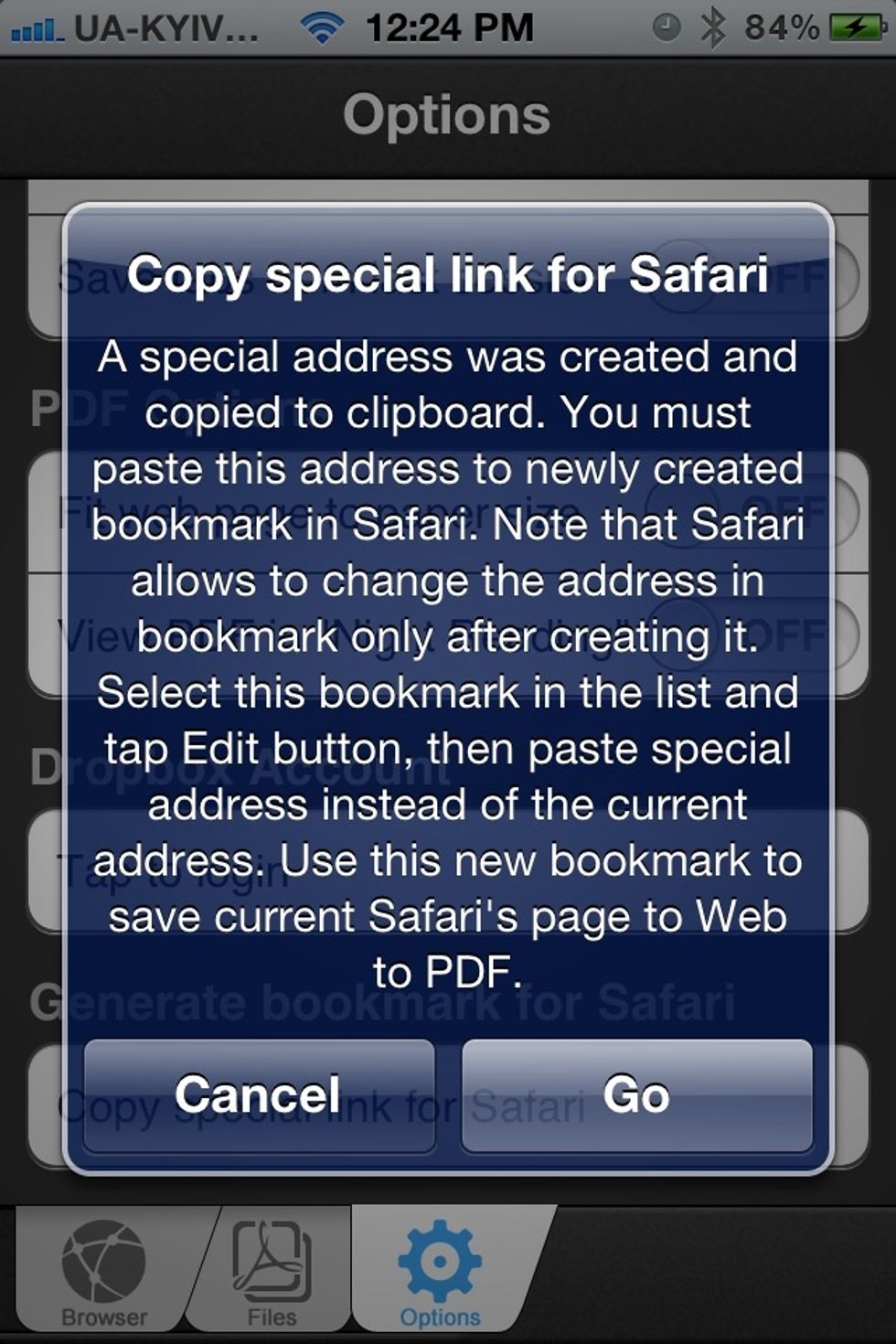
You will get a thorough instructions. Tap Go.
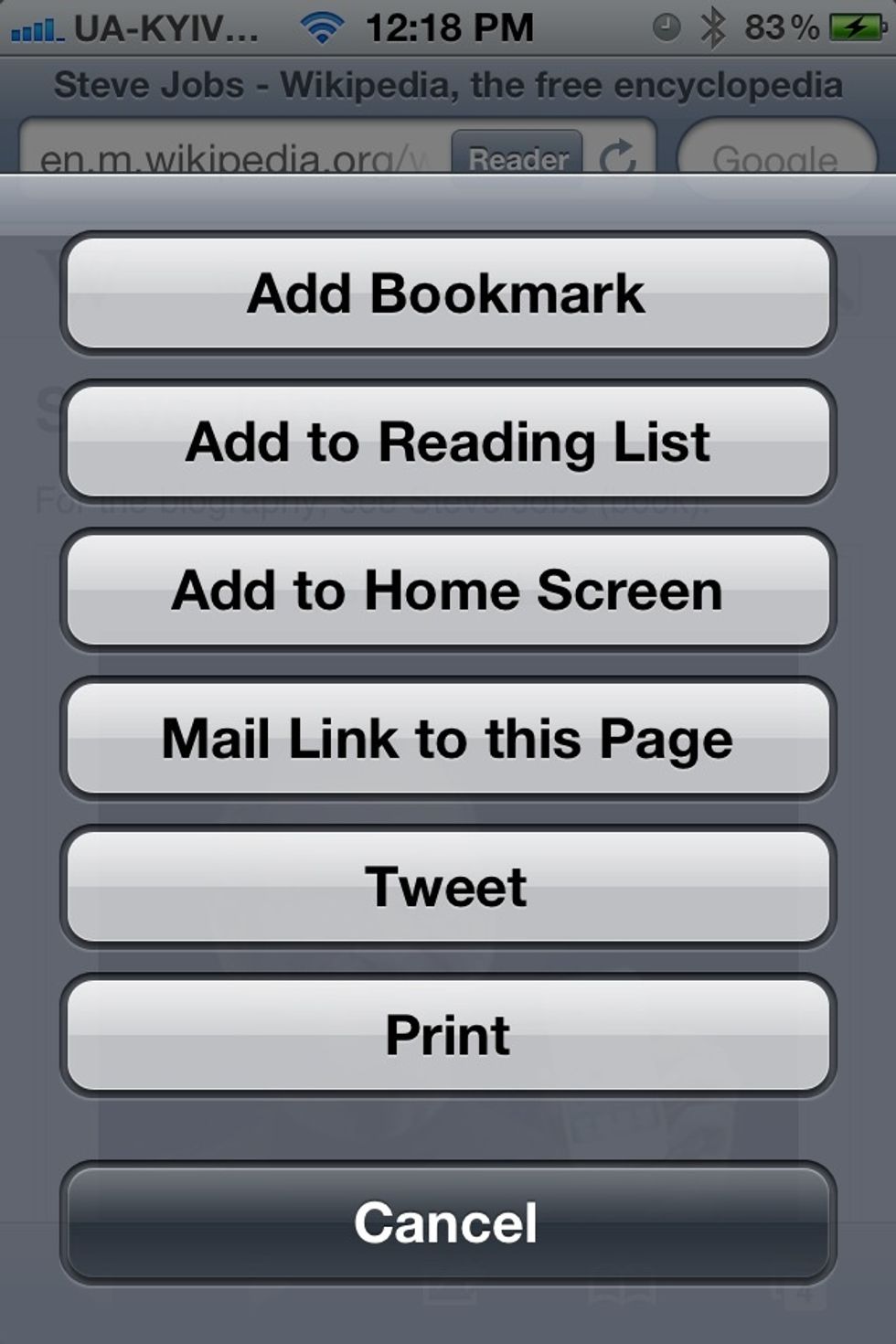
Create a new bookmark in Safari.
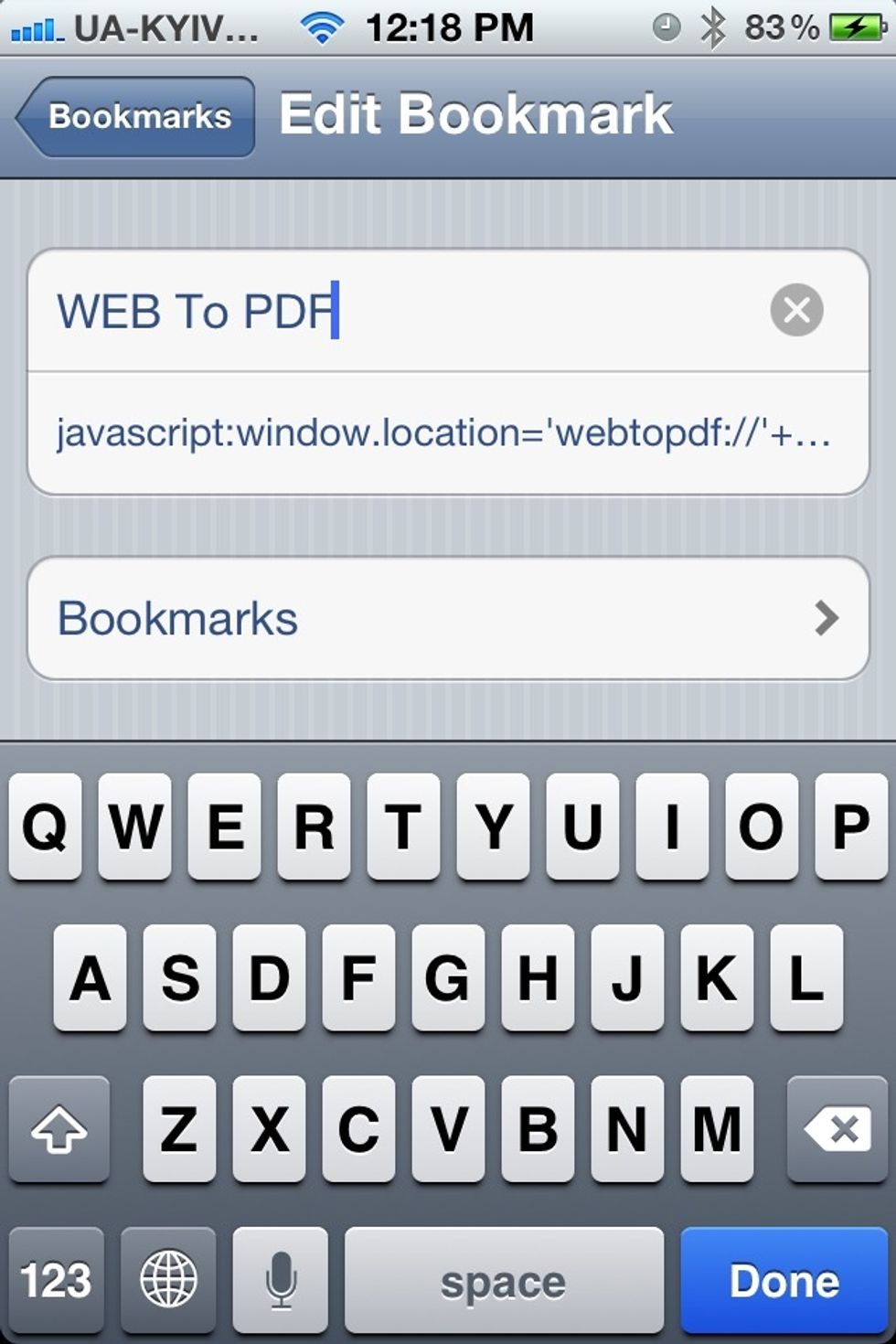
Edit created bookmark - change the name and place copied URL in the URL field

Open any web page in Safari
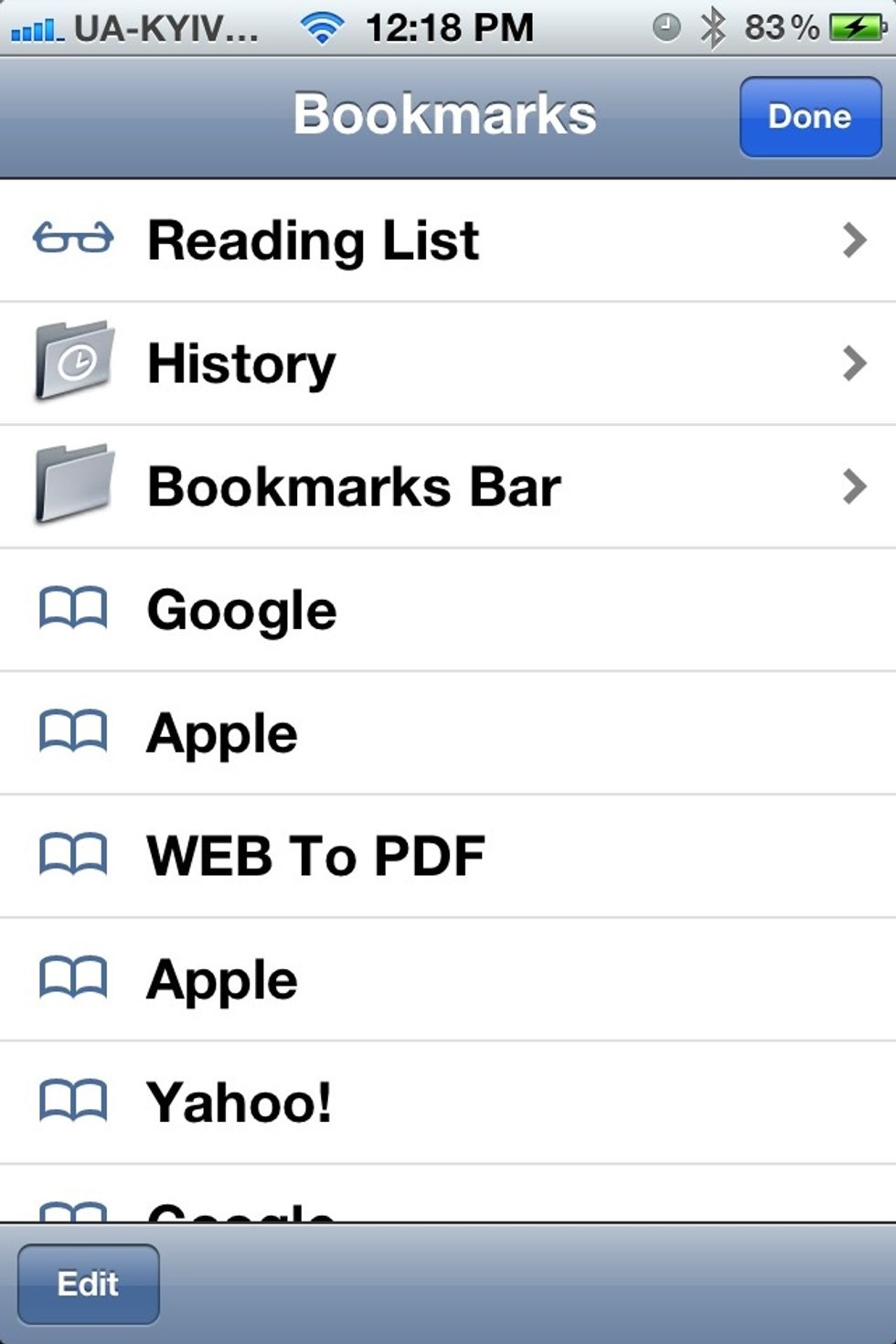
Tap created bookmark to transfer opened web page to WEB To PDF

Tap "Create PDF" in the bottom right corner
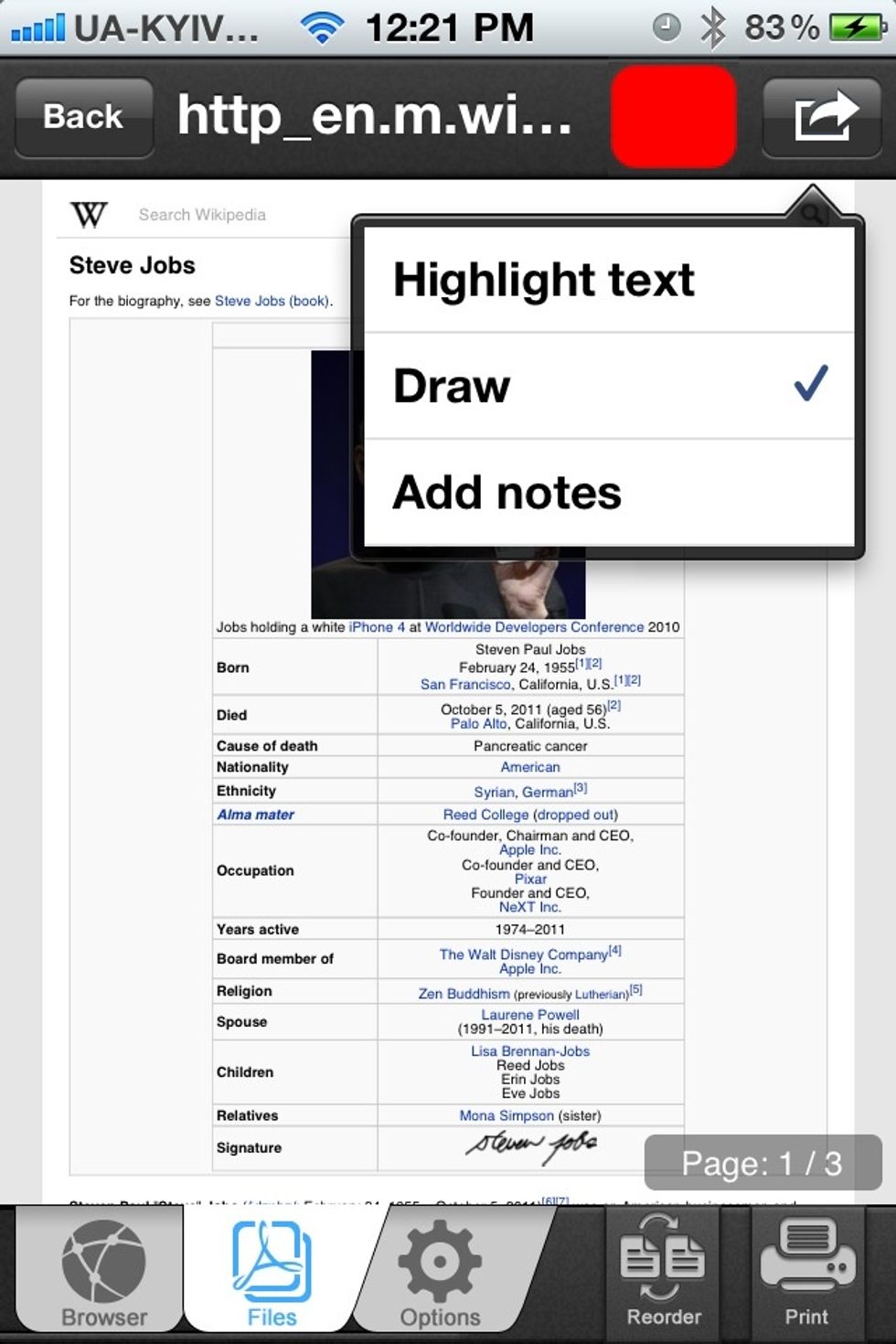
Now you have a PDF version of a Safari web page which can be annotated or shared as a regular PDF document.