
The Conversation (0)
Sign Up
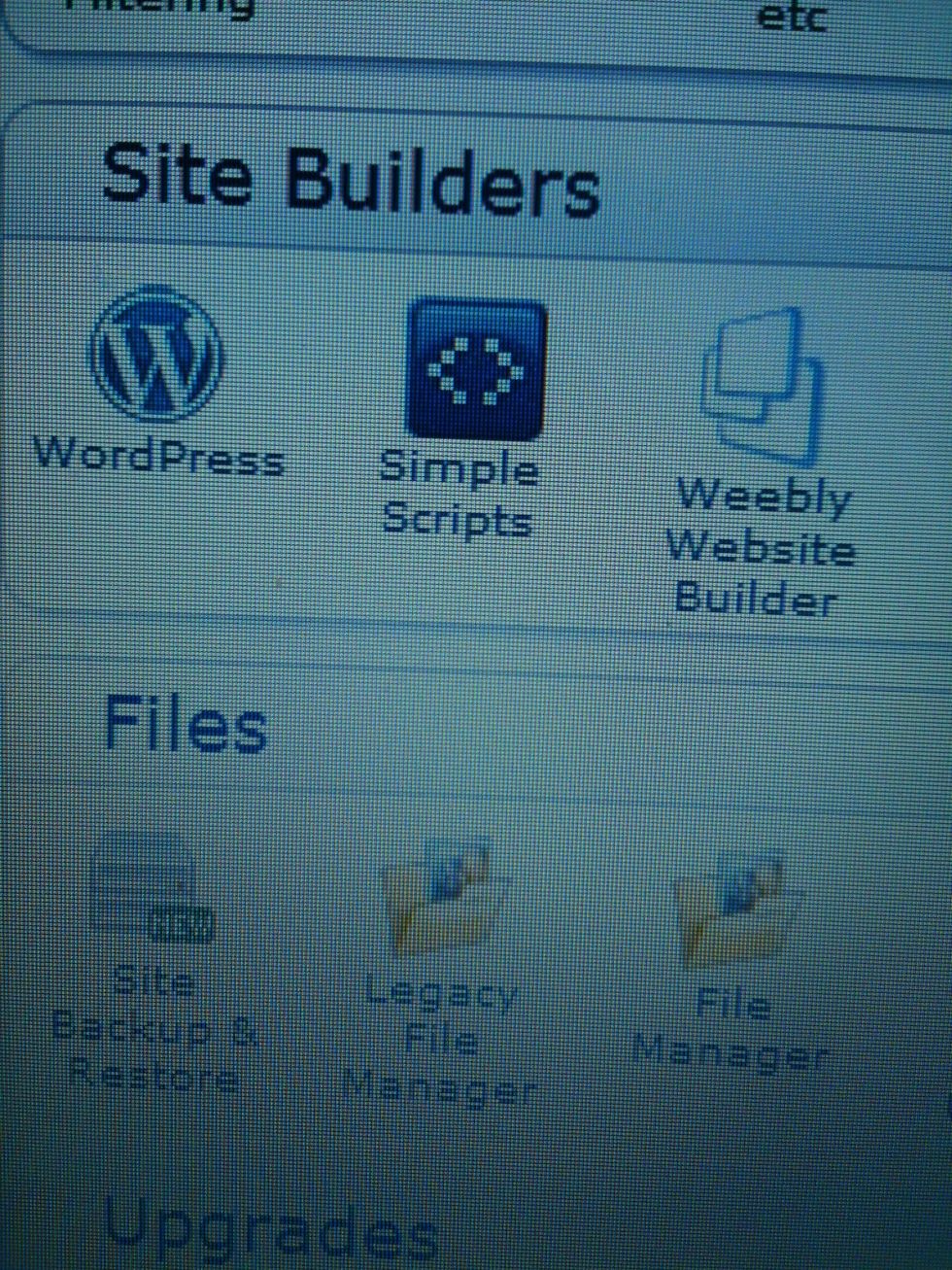
If your host allows you to have "Simple Scripts" or "Site Builders" then Wordpress should be included. Click on it and follow to the next step!
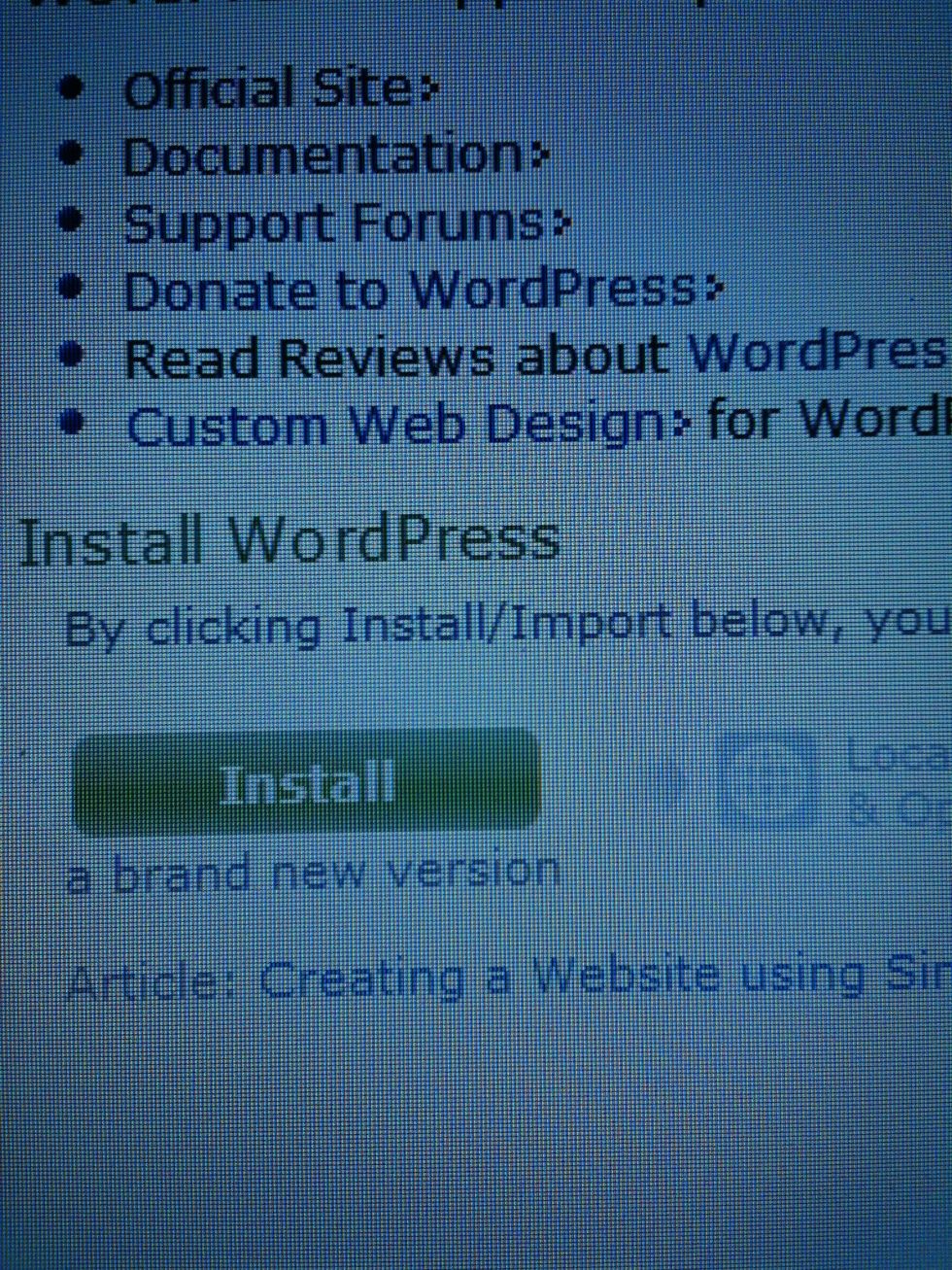
Click install a brand new version.
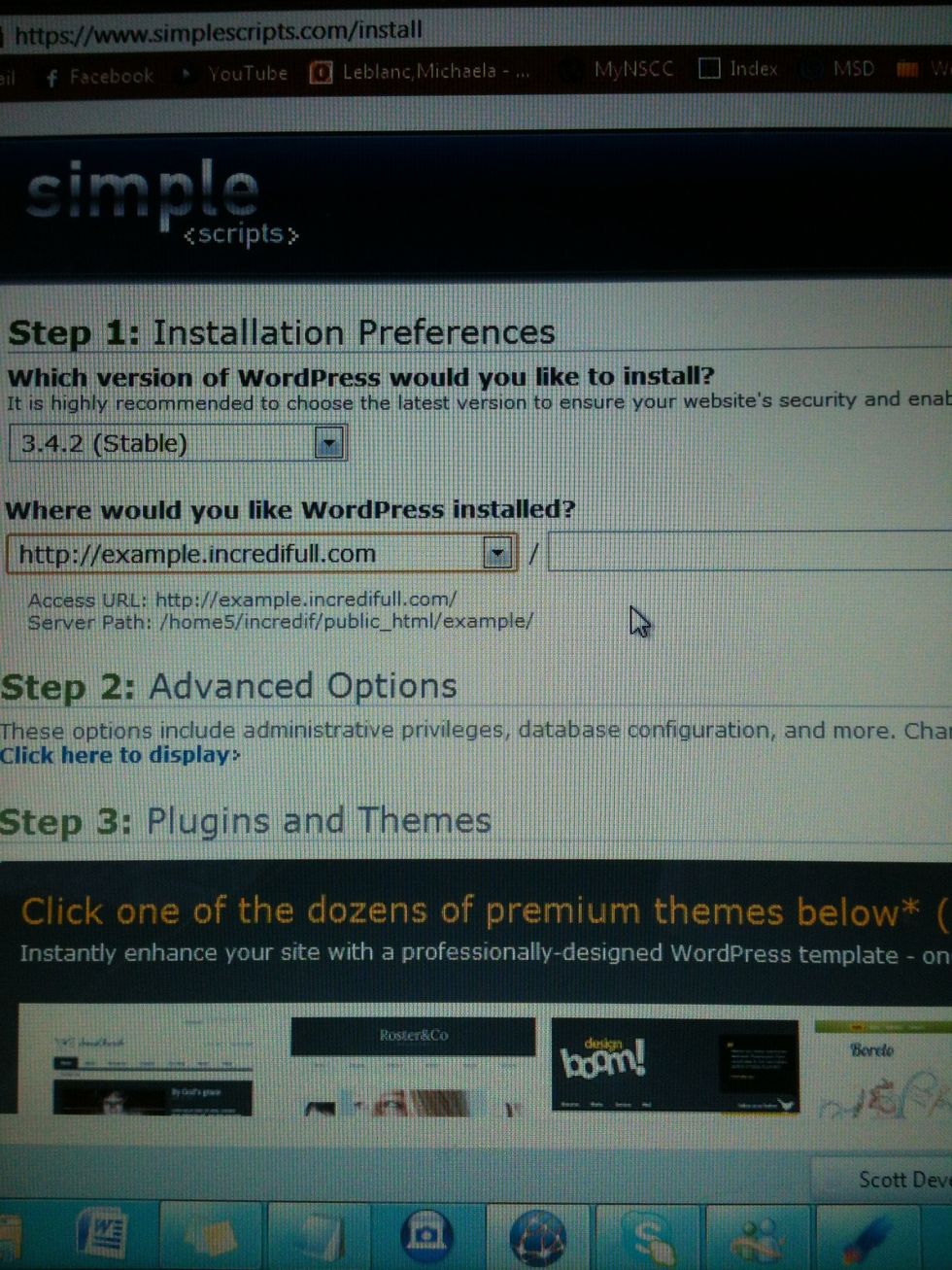
Select your website (I created a sub domain of my website incredifull.com for this tutorial) and don't place anything after the "/". This will make sure it's yoursite.com & not yoursite.com/wordpress
Down at the bottom you will see three boxes selected (UppSite, SmallBiz, Wiziapp) these are up to you to choose. I didn't.
Select that you have read the terms and continue on.
Simple scripts will then give you all of the information you need for your new Wordpress site!