
The Conversation (0)
Sign Up
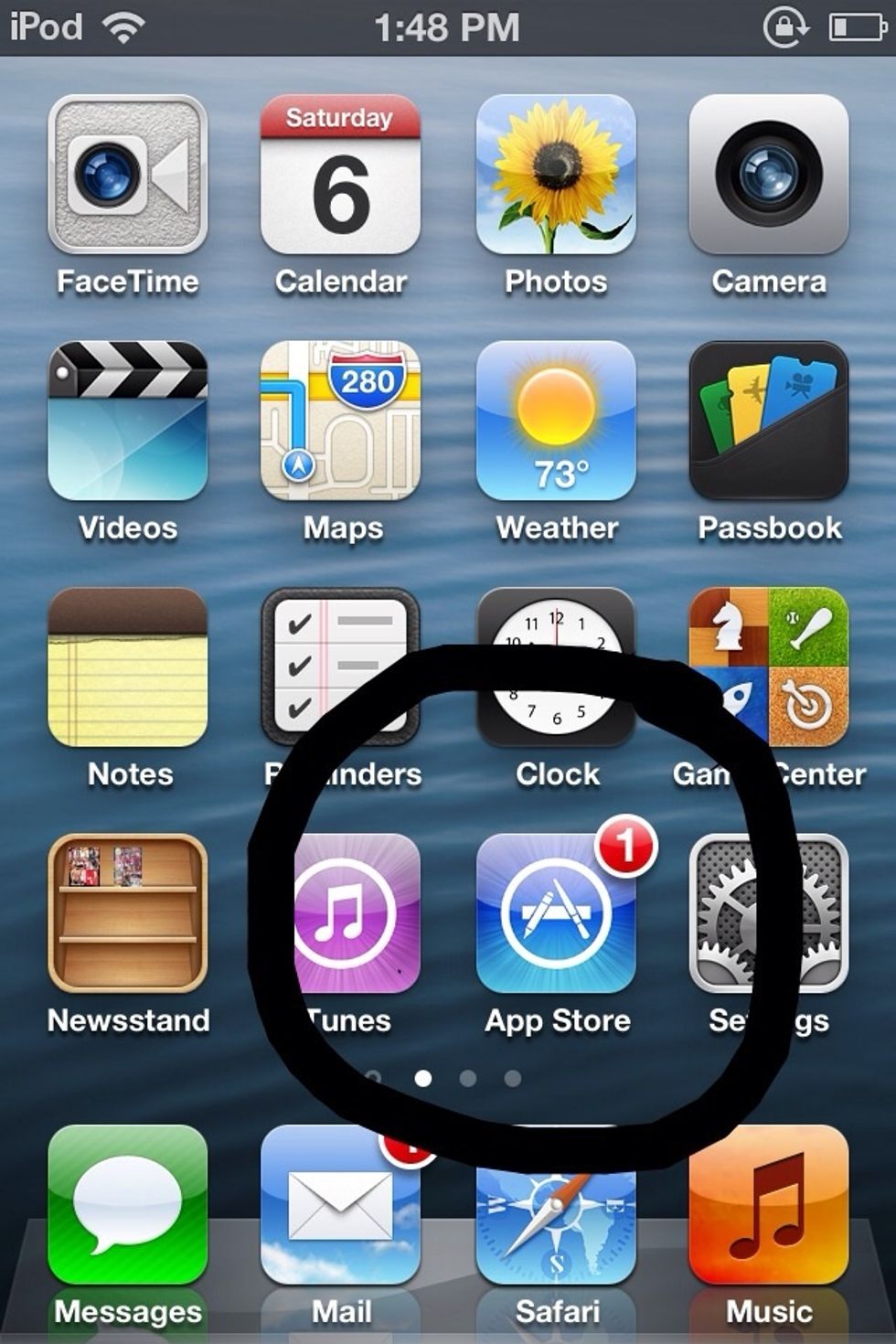
First of all you have to open (( App Store ))
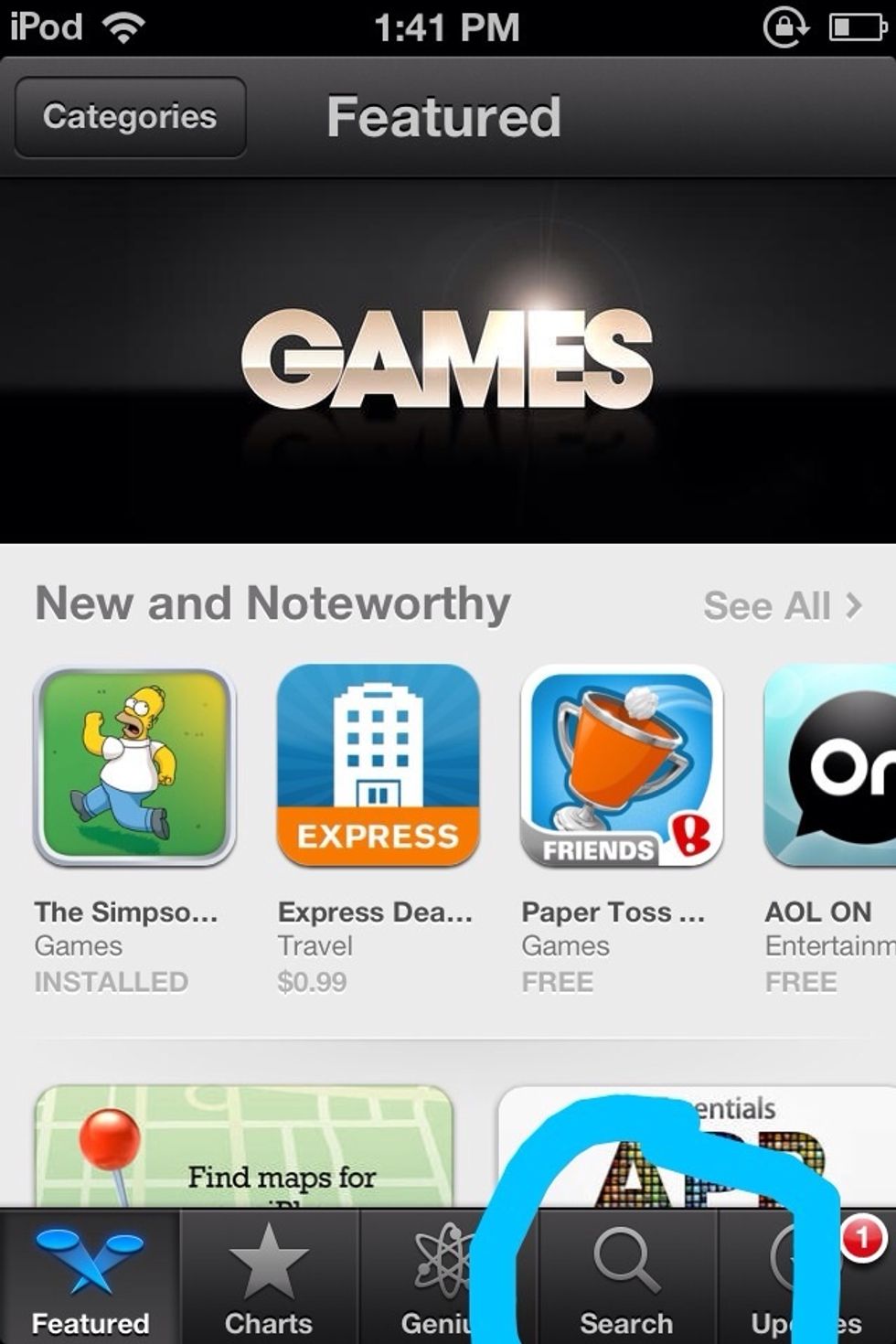
Once you opened App Store, click on (( Search ))
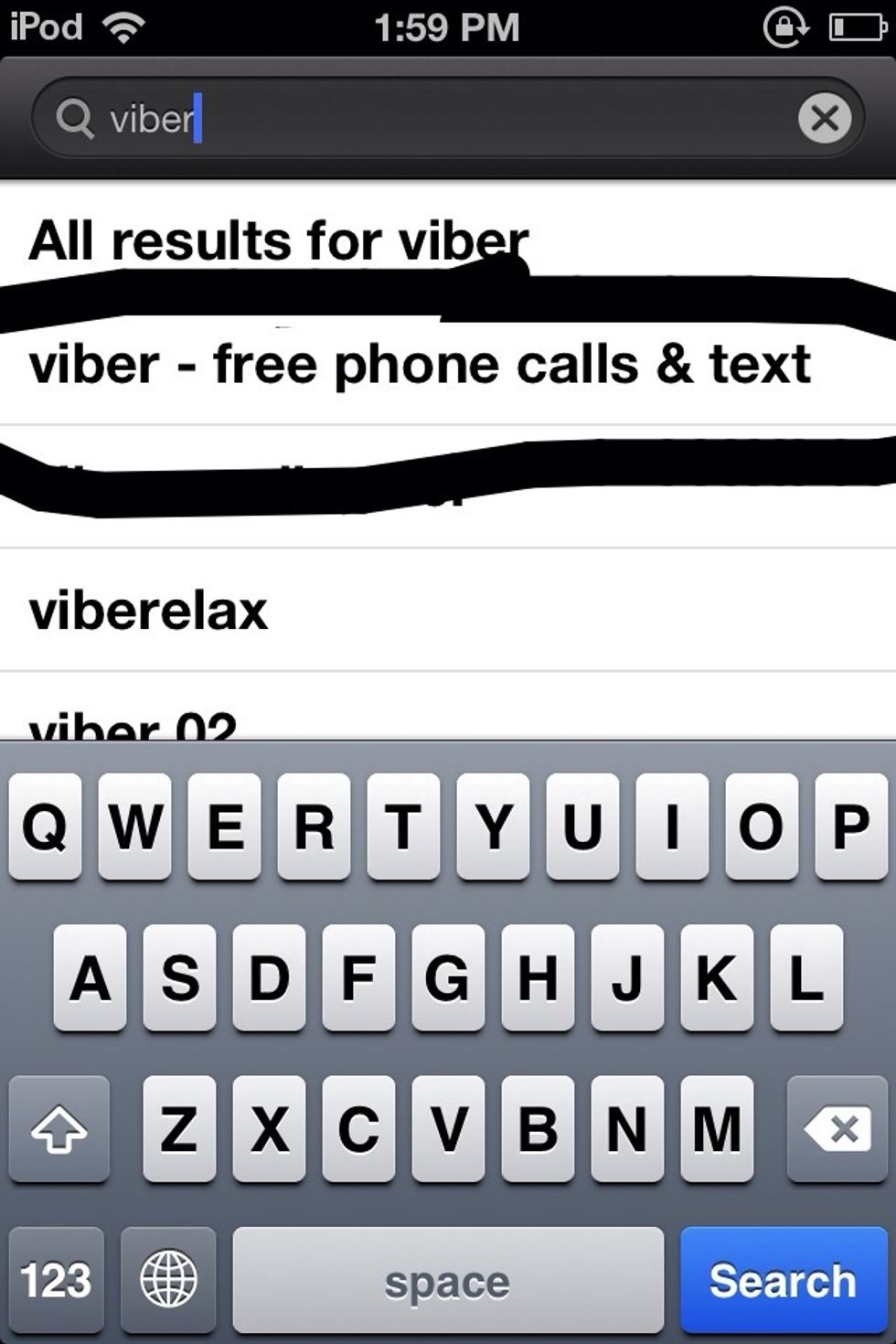
Type (( Viber )) in the search bar .. And choose (( Viber - free phone call and text ))
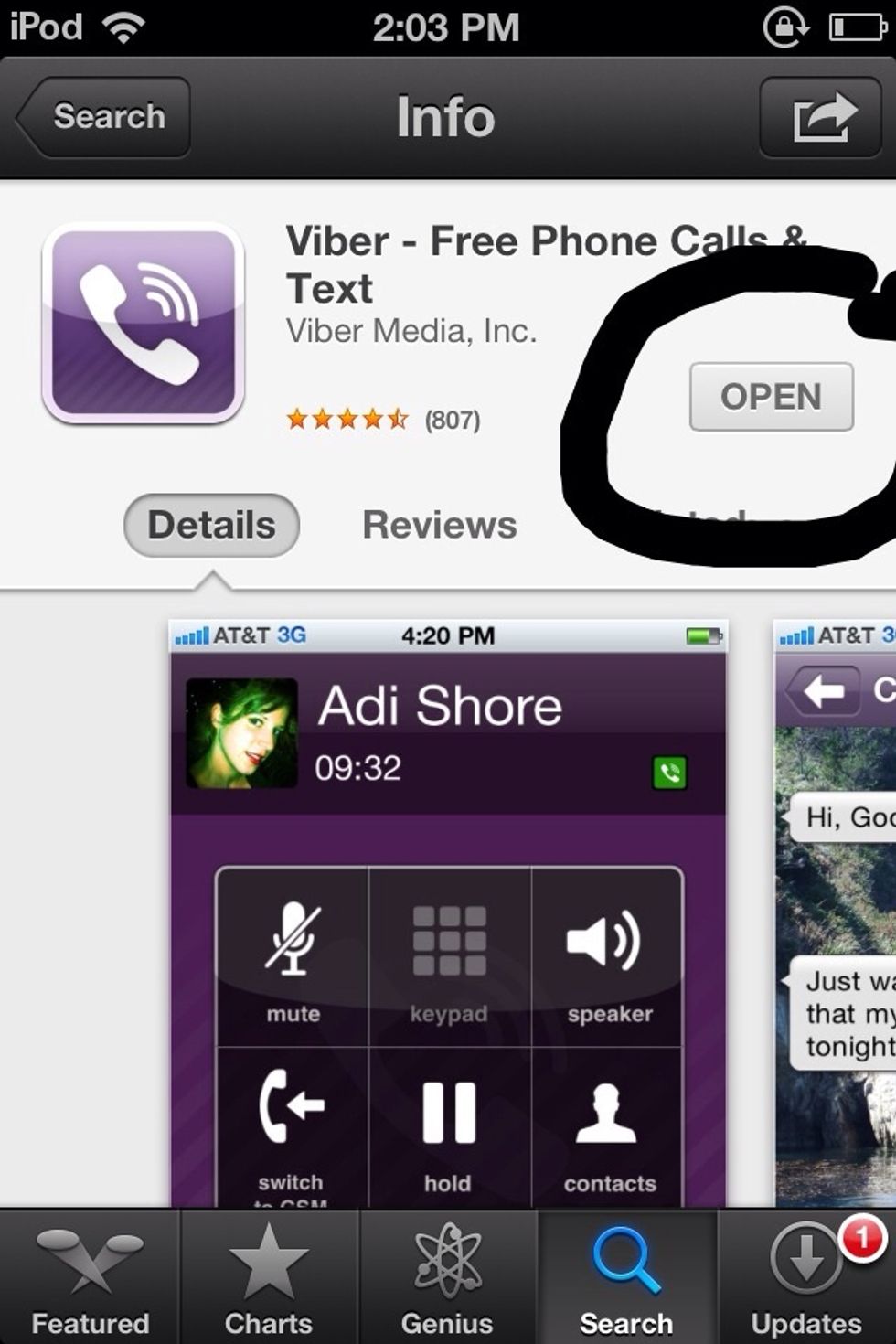
After you have chosen Viber, now tap on Install. Here in the picture i have ( Open ) because i already have it .. But you, just tap install and write down your username and password.
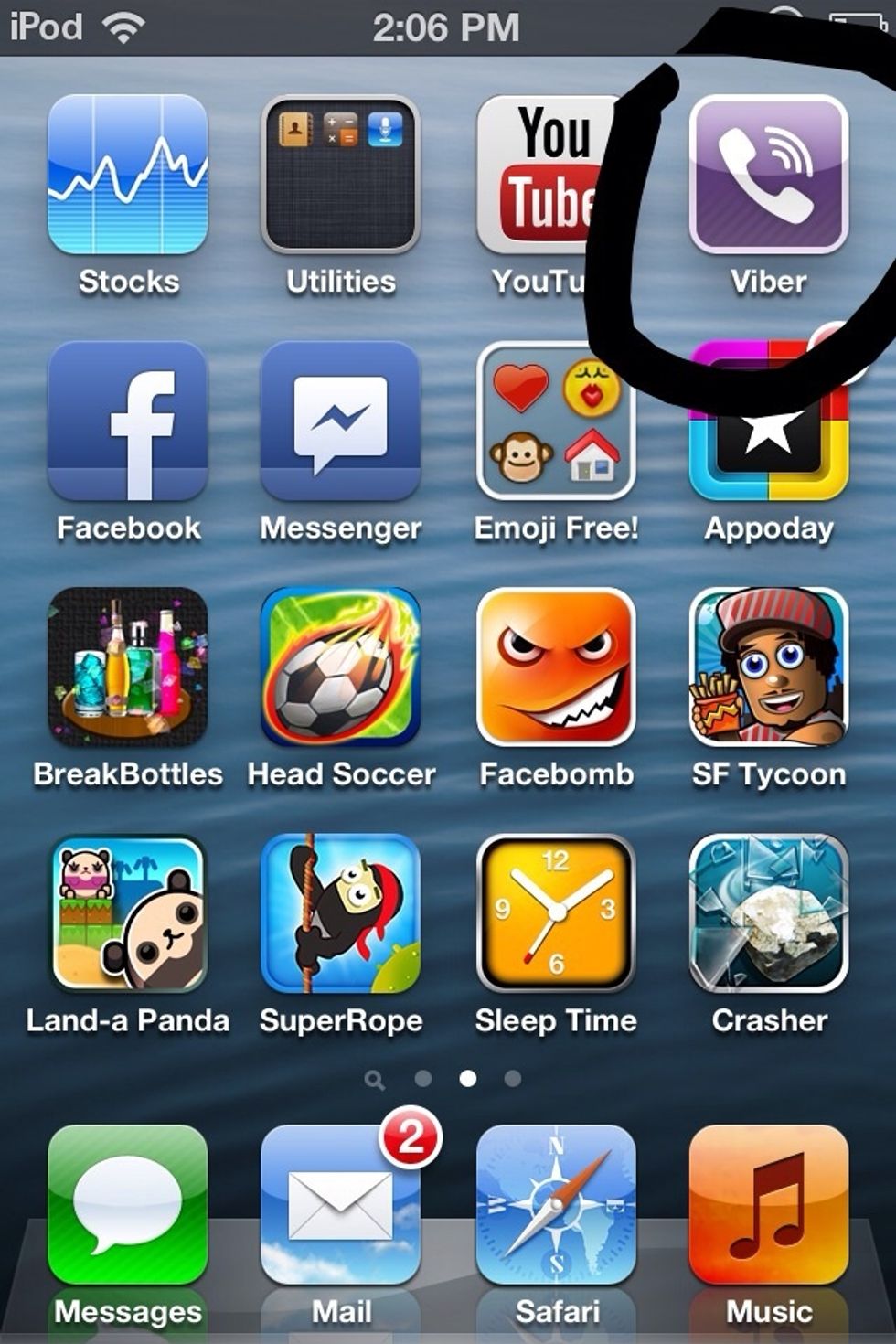
After the download is finished, it should appear like this. Enjoy it. This is a bunch of good games :)