How to install lrc mobile on an iphone or ipad

Install LRC Mobile on an iPhone or iPad

52
STEPS
TOOLS

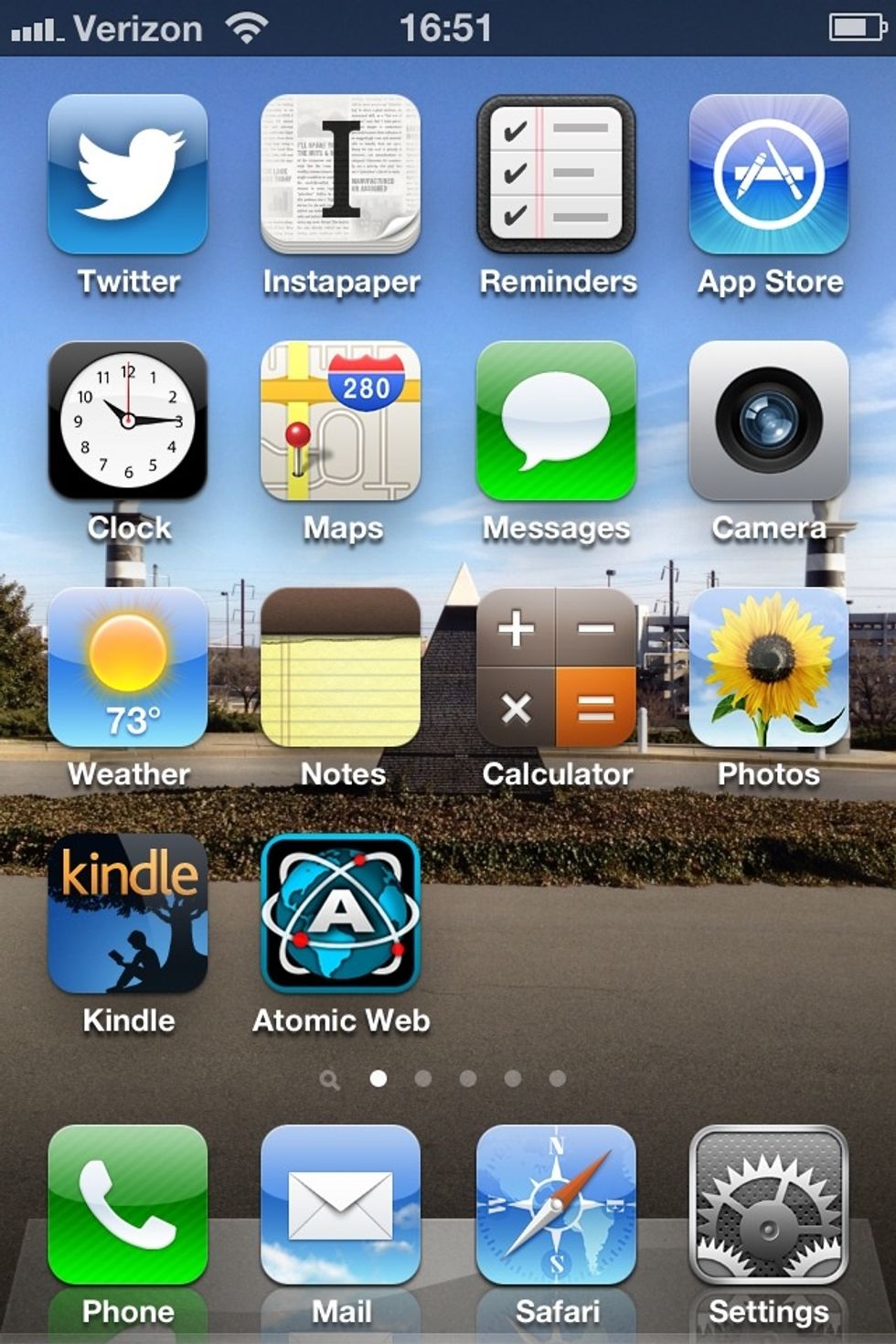
Select Mobile Safari, the default web browser for iPhone & iPad.
Select Mobile Safari, the default web browser for iPhone & iPad.

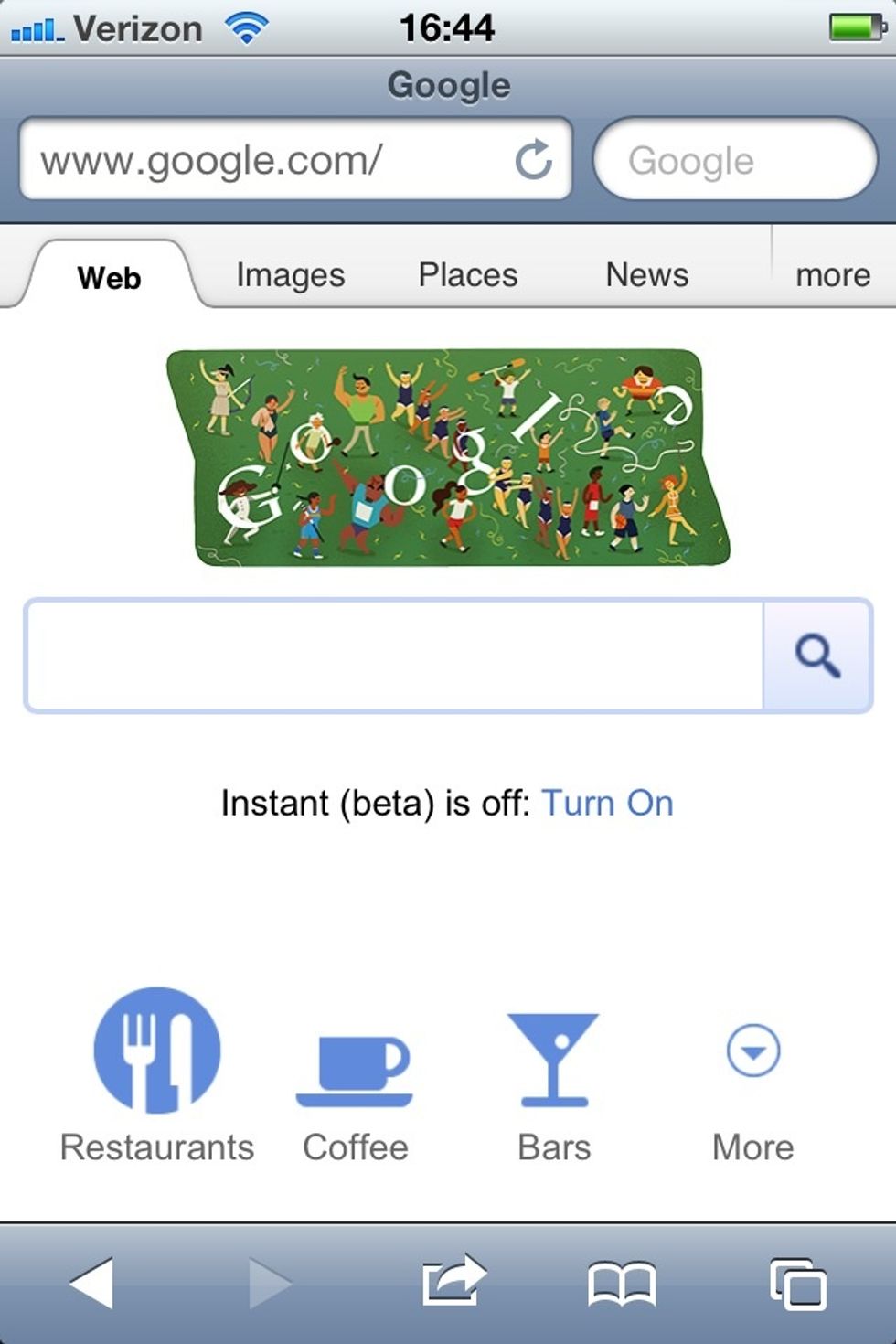
Click the search bar in the upper right.
Click the search bar in the upper right.

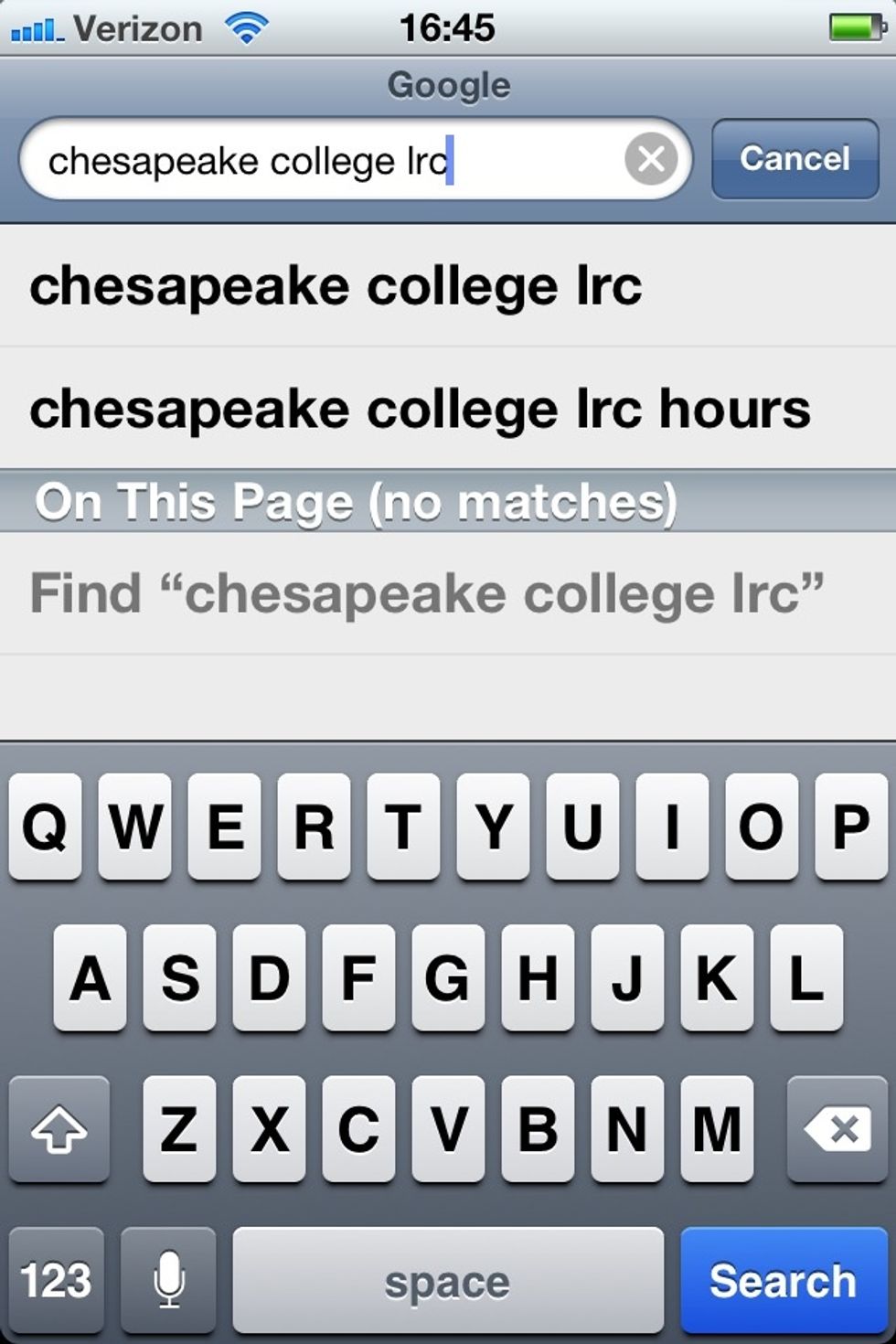
Search for "Chesapeake College LRC" or something similar.
Search for "Chesapeake College LRC" or something similar.

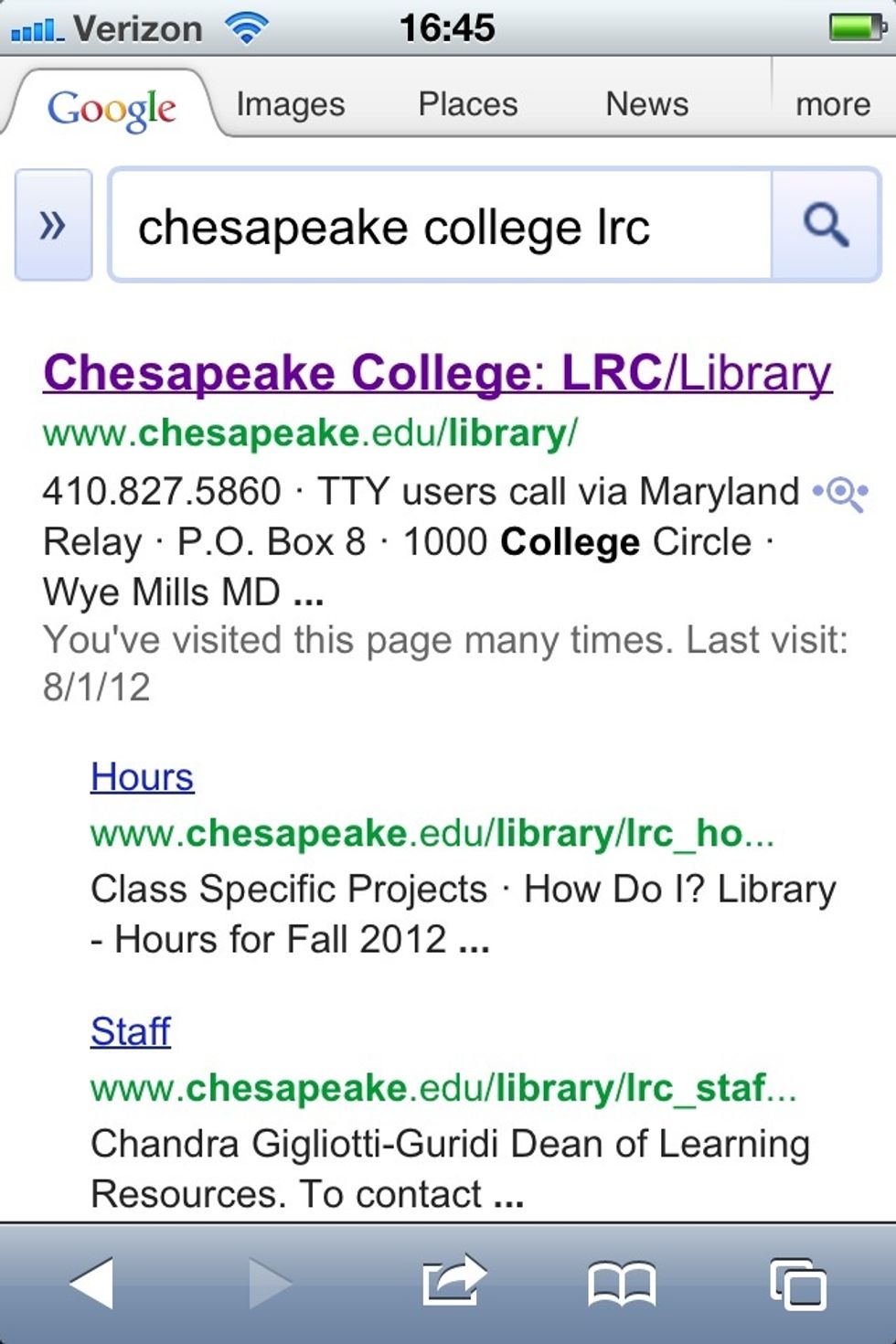
Tap the LRC search result.

Tap the LRC search result.

You're take to the LRC Mobile site. Tap the "share" icon in Mobile Safari.
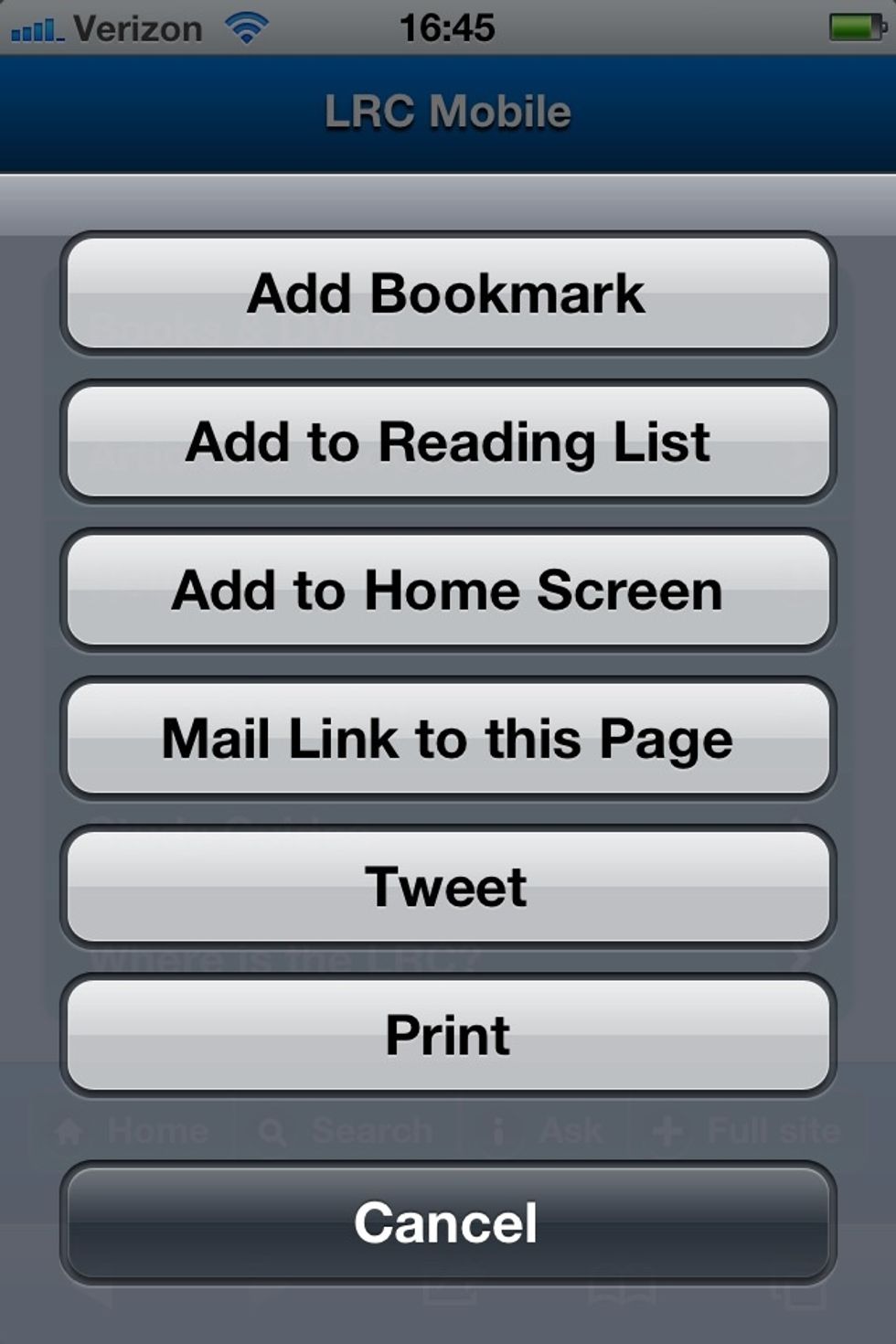
You're take to the LRC Mobile site. Tap the "share" icon in Mobile Safari.

Select "Add to Home Screen".
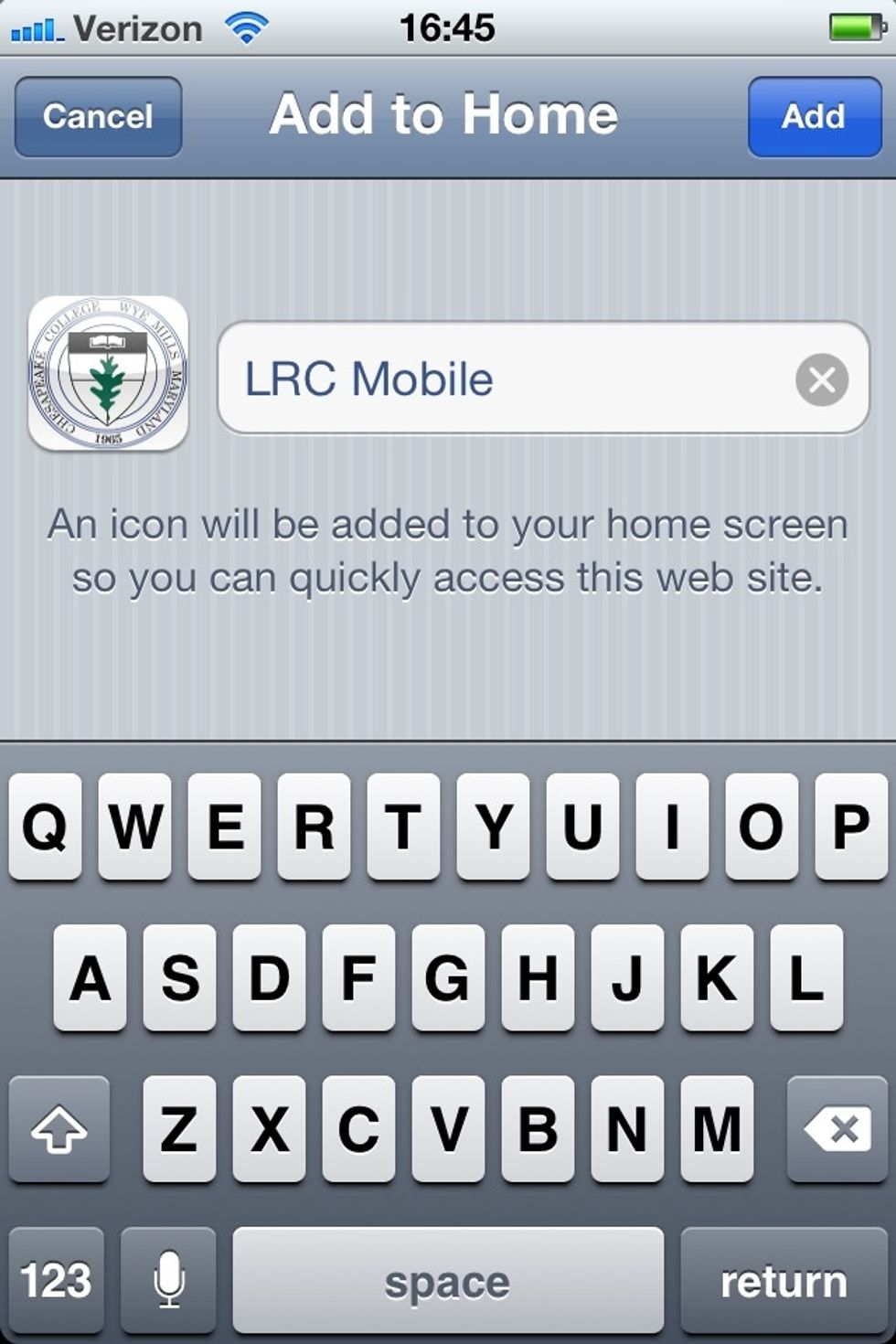
Select "Add to Home Screen".

Give LRC Mobile whatever title you like.

An icon is added alongside your other apps. Nice!

An icon is added alongside your other apps. Nice!

  • An iPhone or iPad
  • Fingers
  • An Internet connection