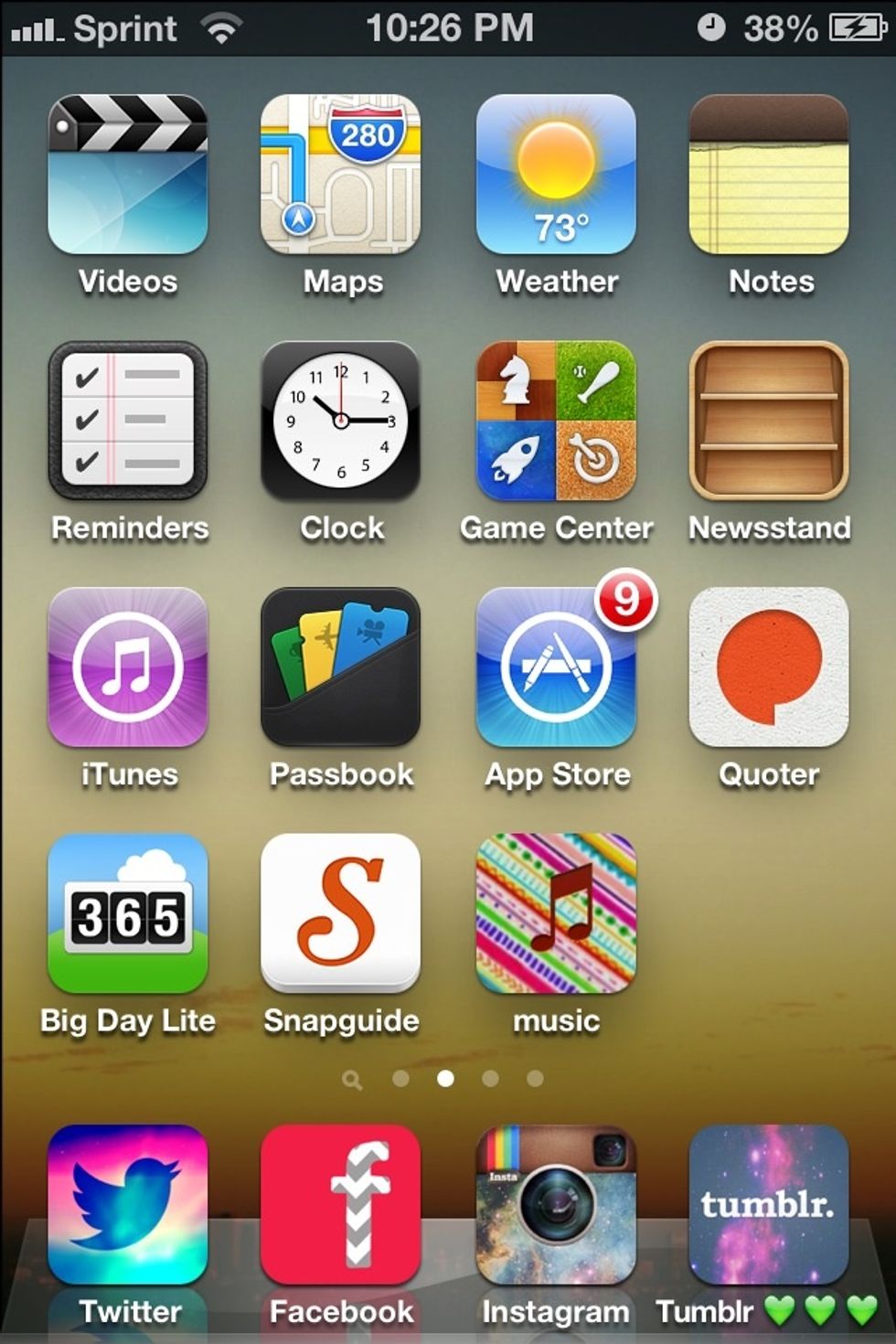
How to install a icon for music

How to install a cocoppa icon for music

42
STEPS
TOOLS

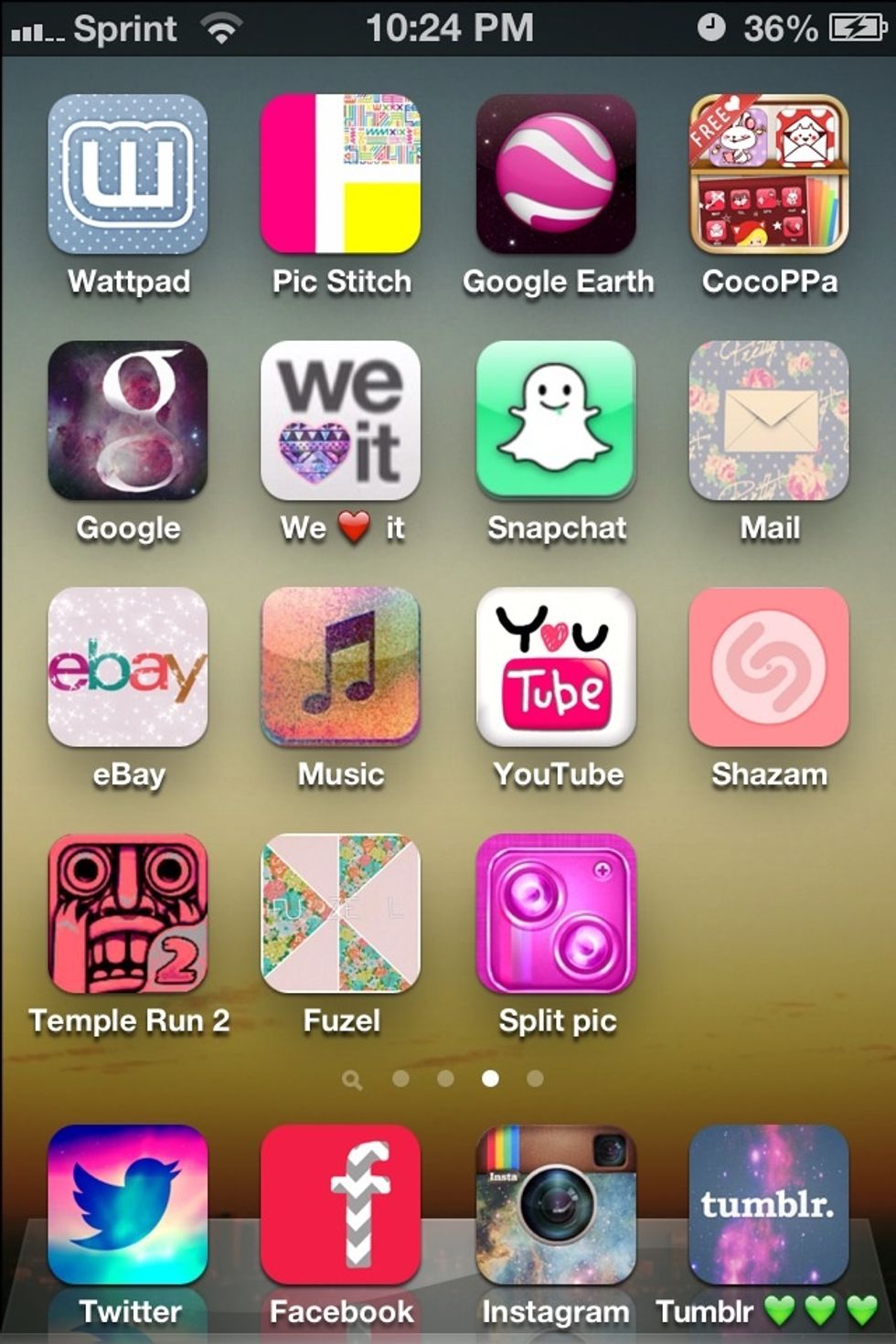
Download cocoppa (far right corner)

Download cocoppa (far right corner)

Open cocoppa
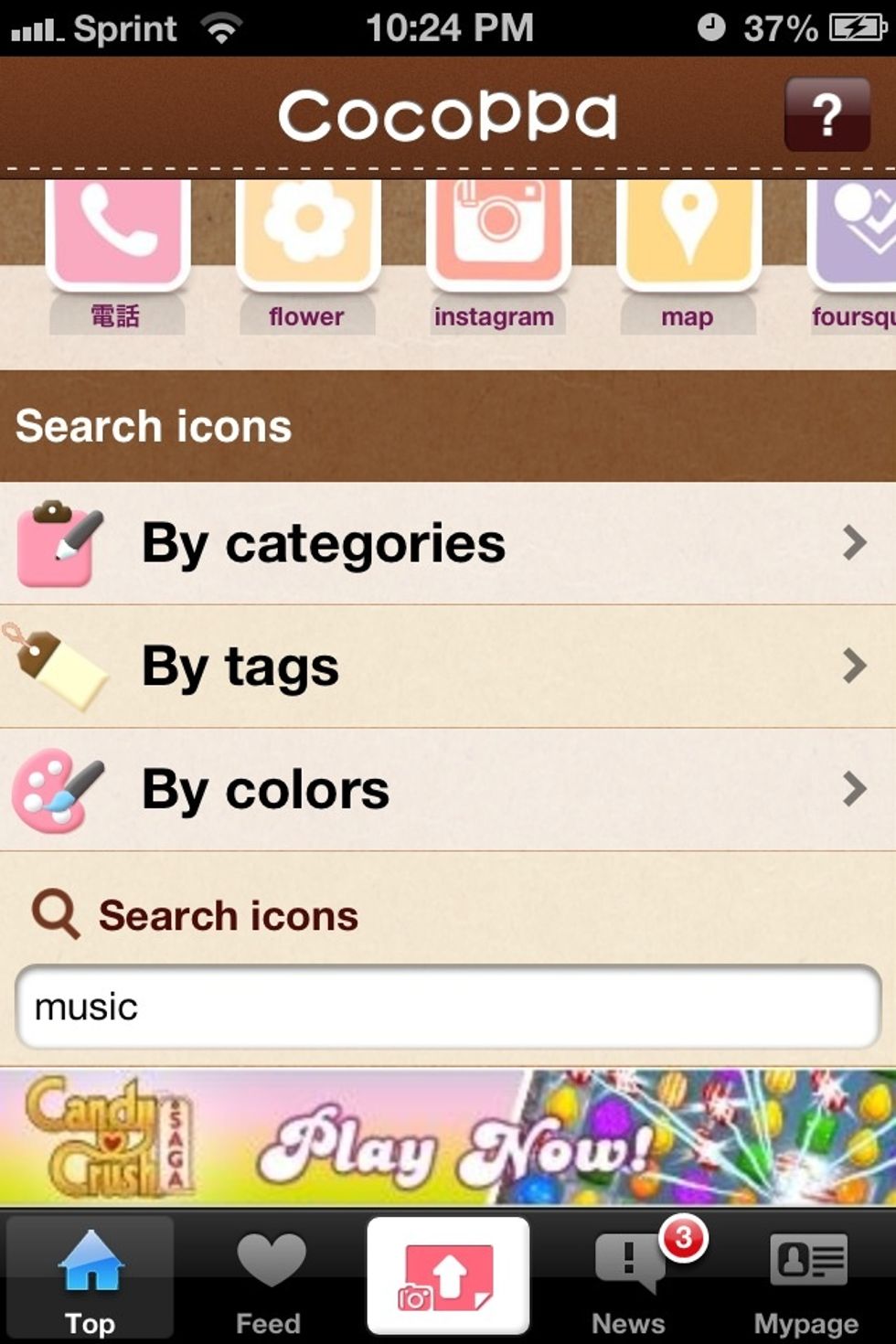
Search music

Search music

Browse and pick the icon you want and tap on it
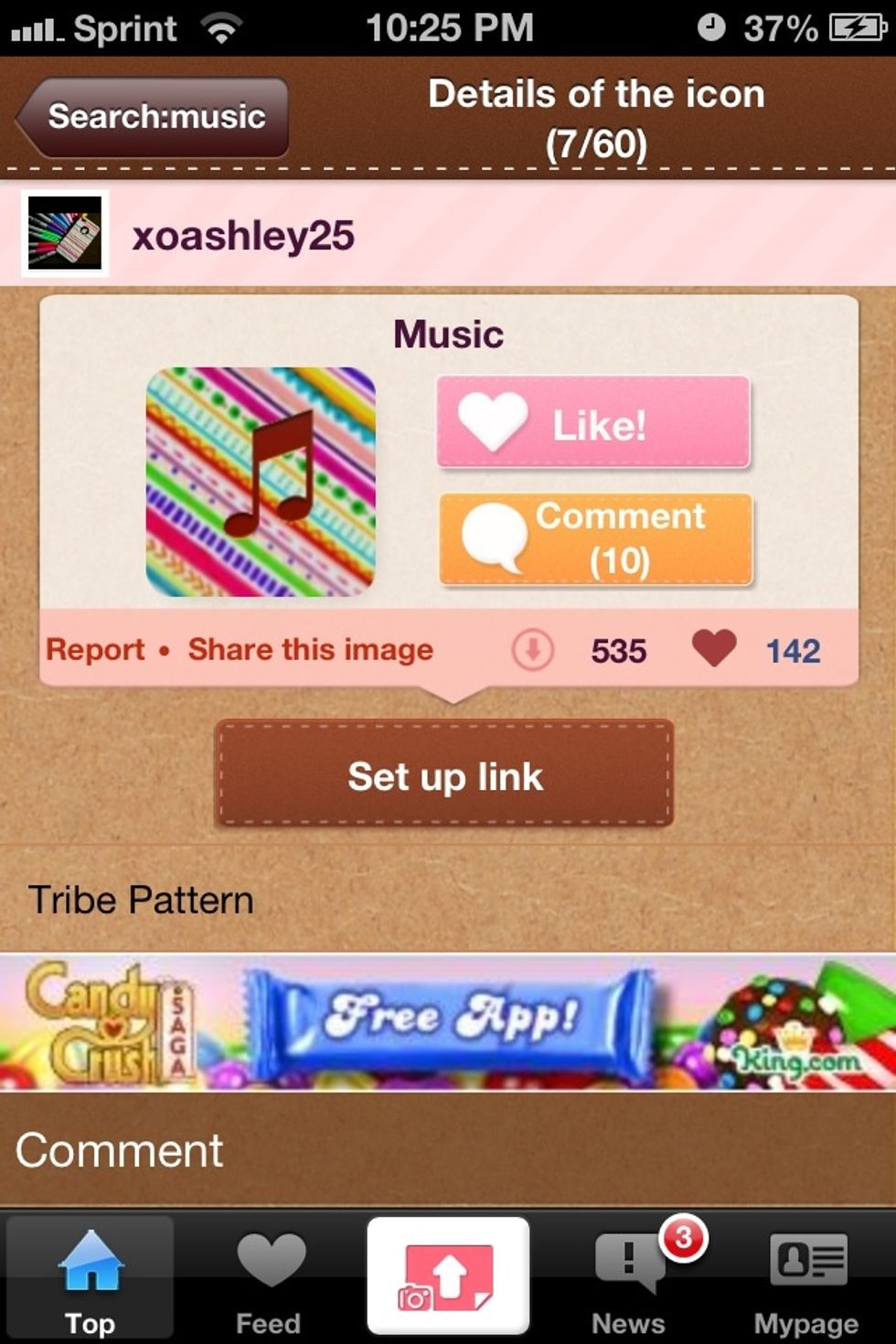
Browse and pick the icon you want and tap on it

Click set up link
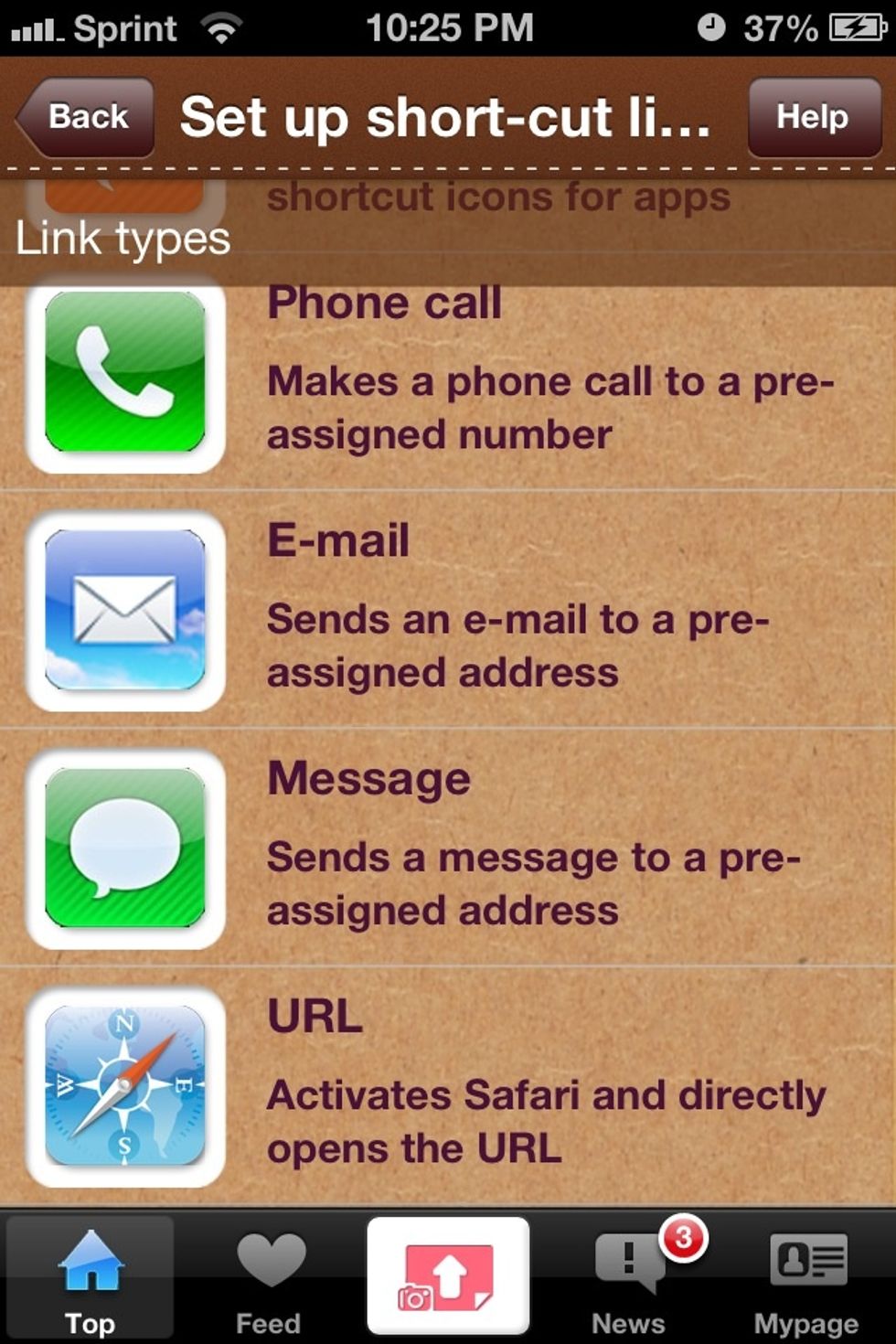
Click set up link

Scroll down until you see URL
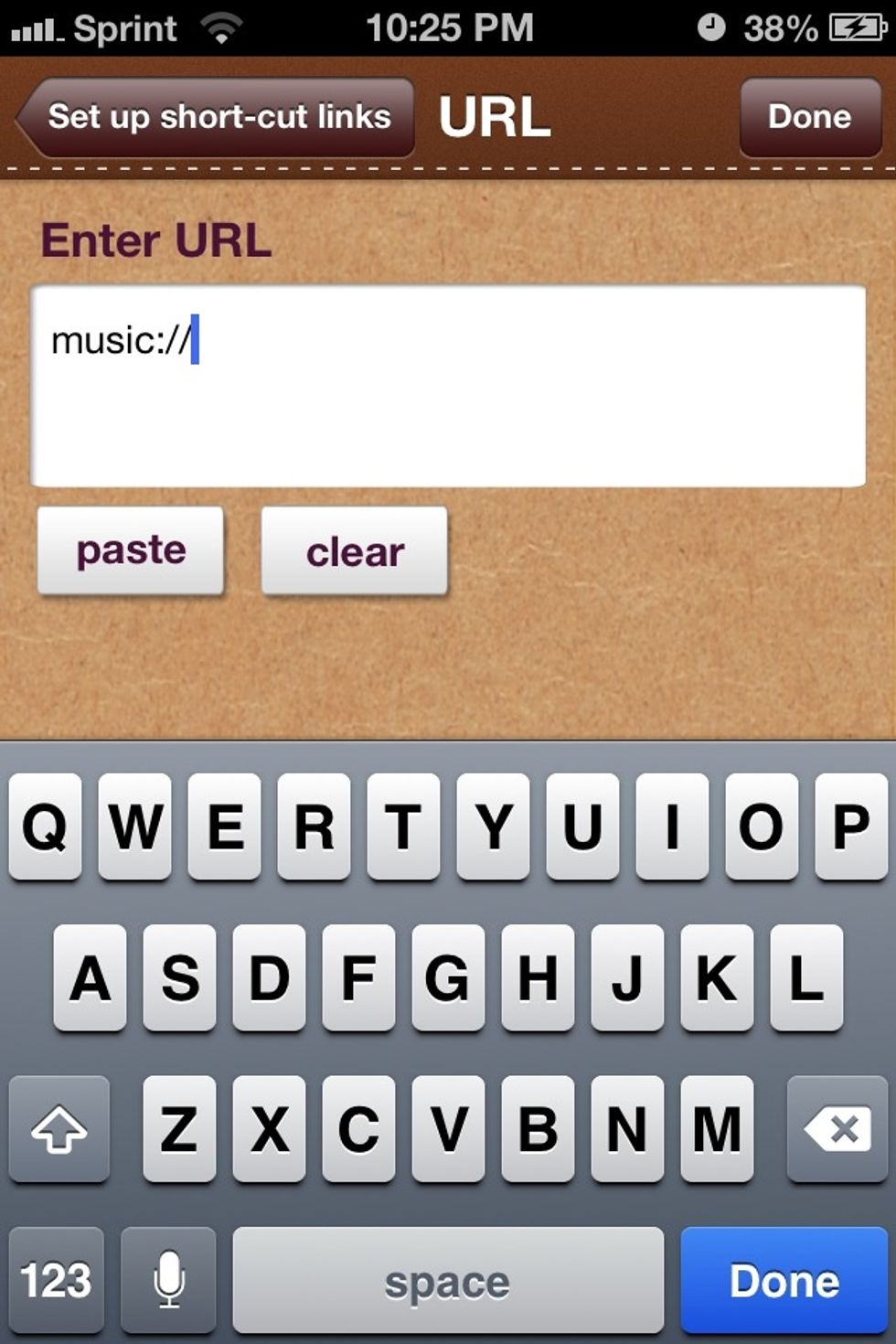
Scroll down until you see URL

Enter   Music://
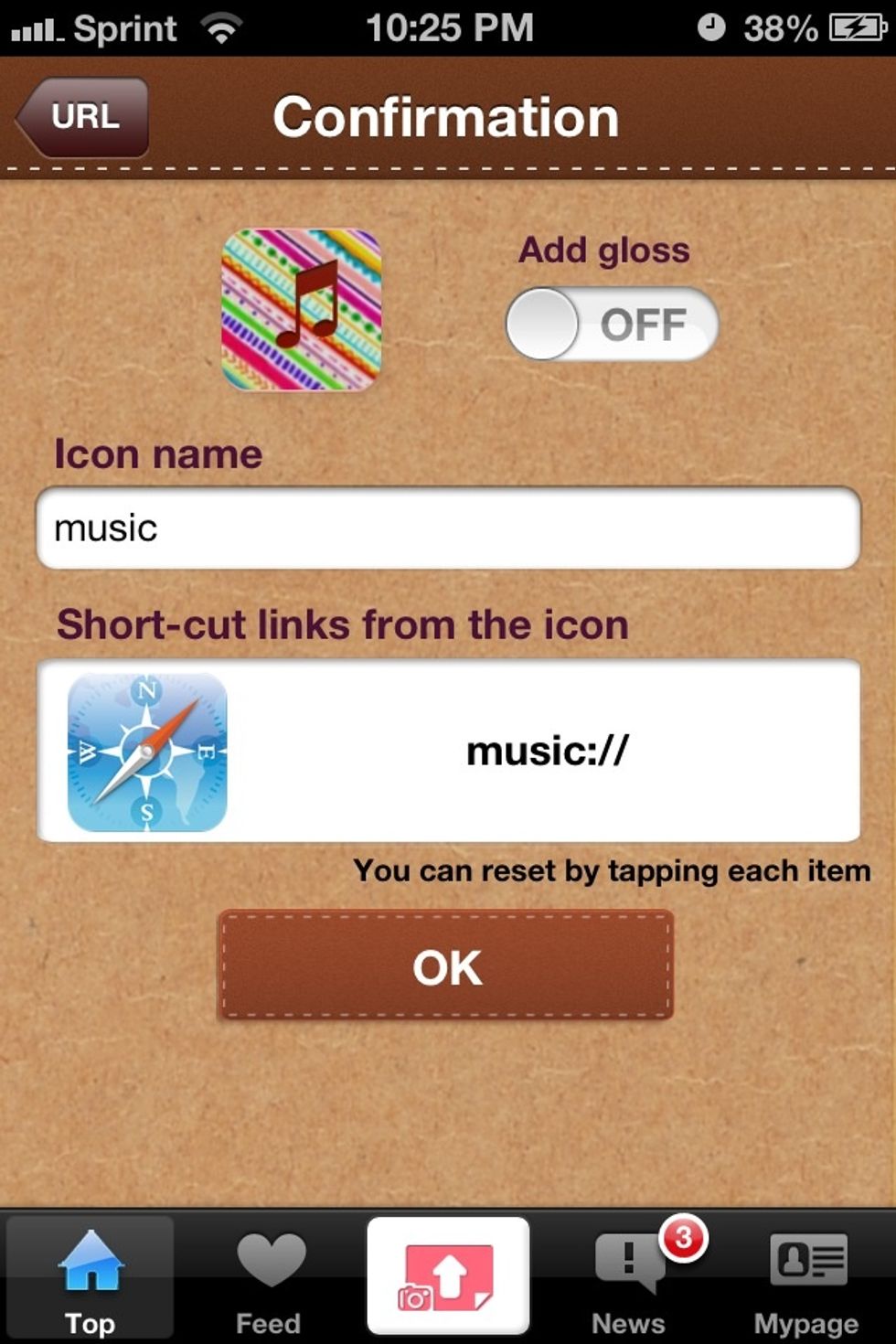
Enter Music://

Create name as select ok
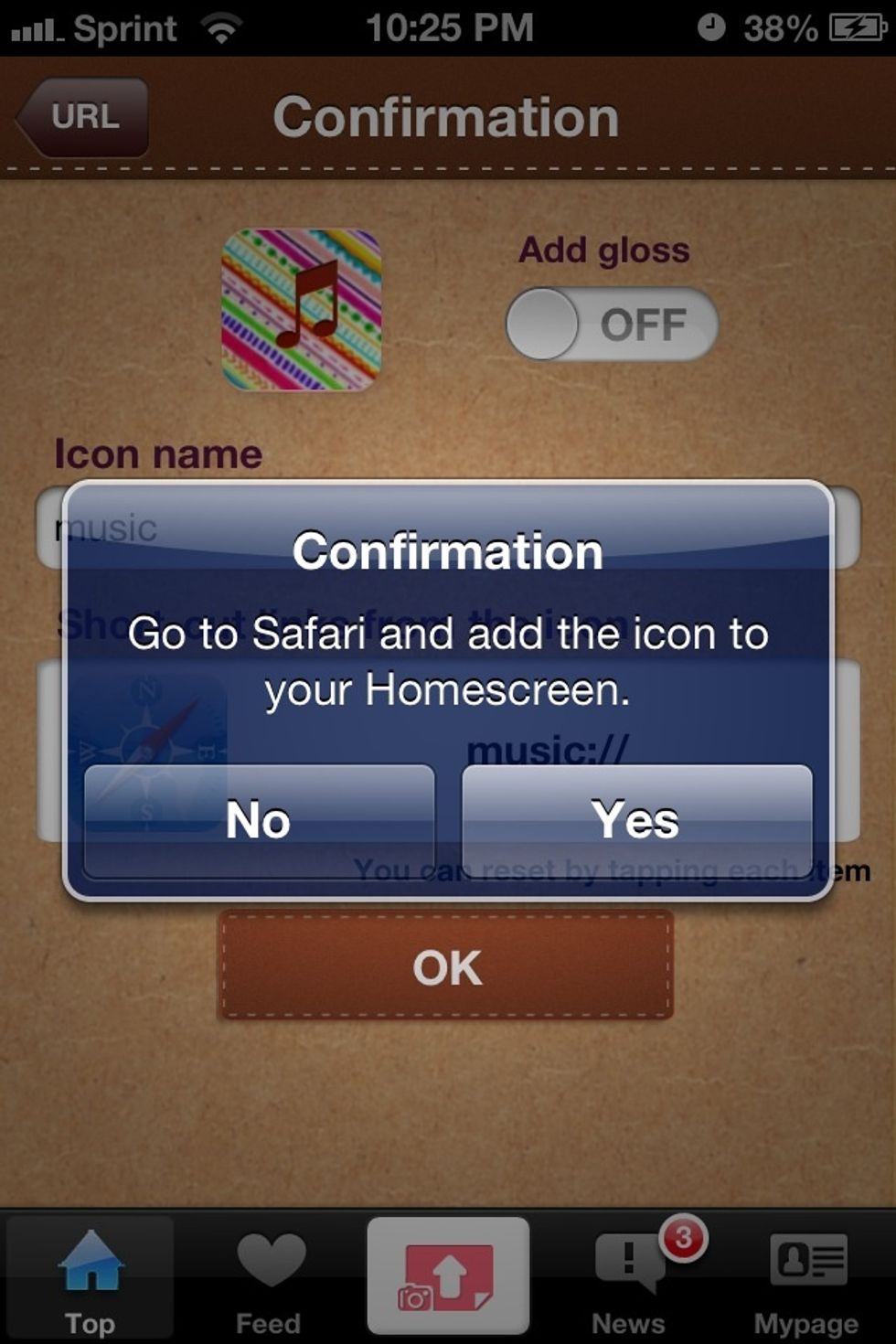
Create name as select ok

Press yes and you will be directed to safari
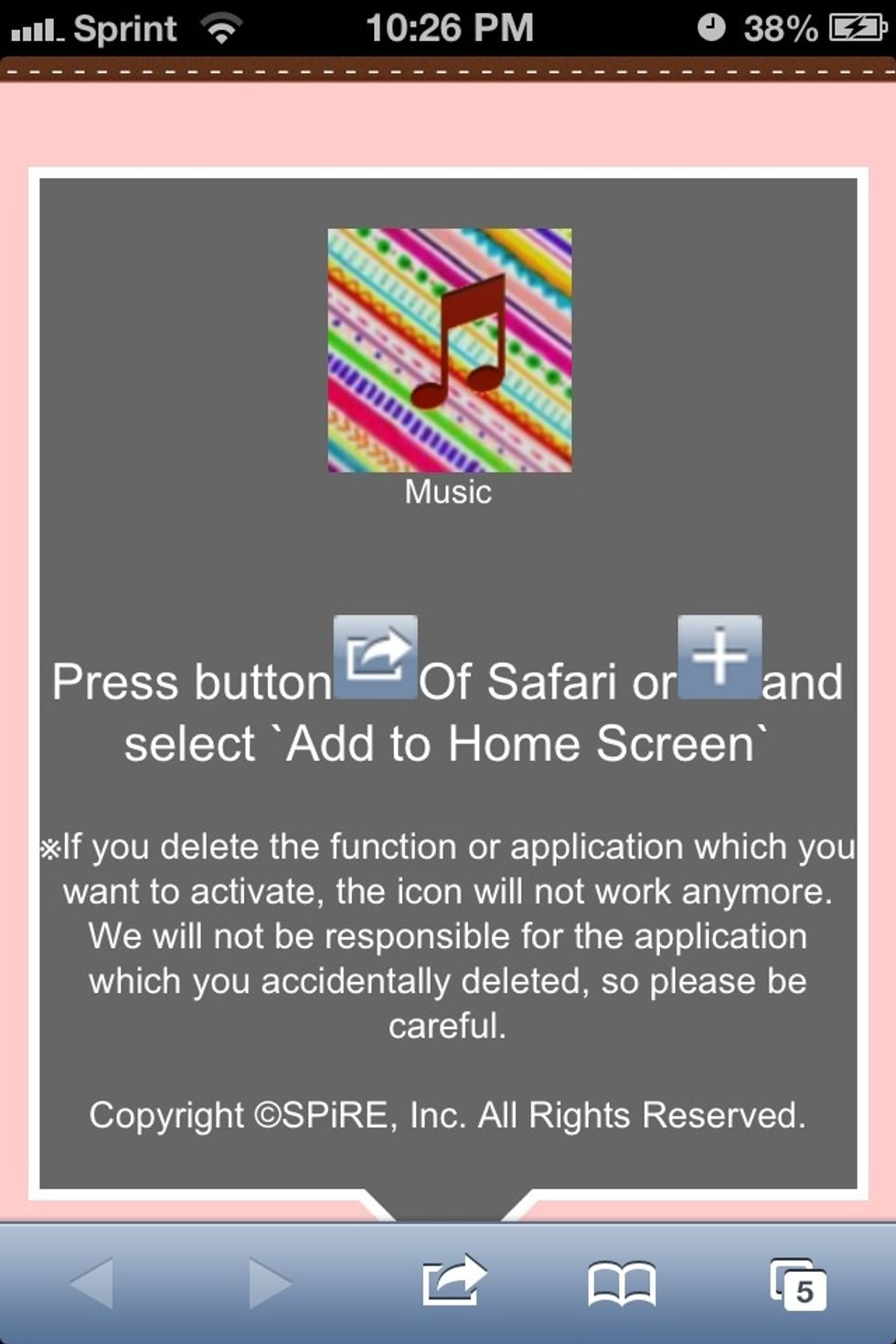
Press yes and you will be directed to safari

Press the buttons shown
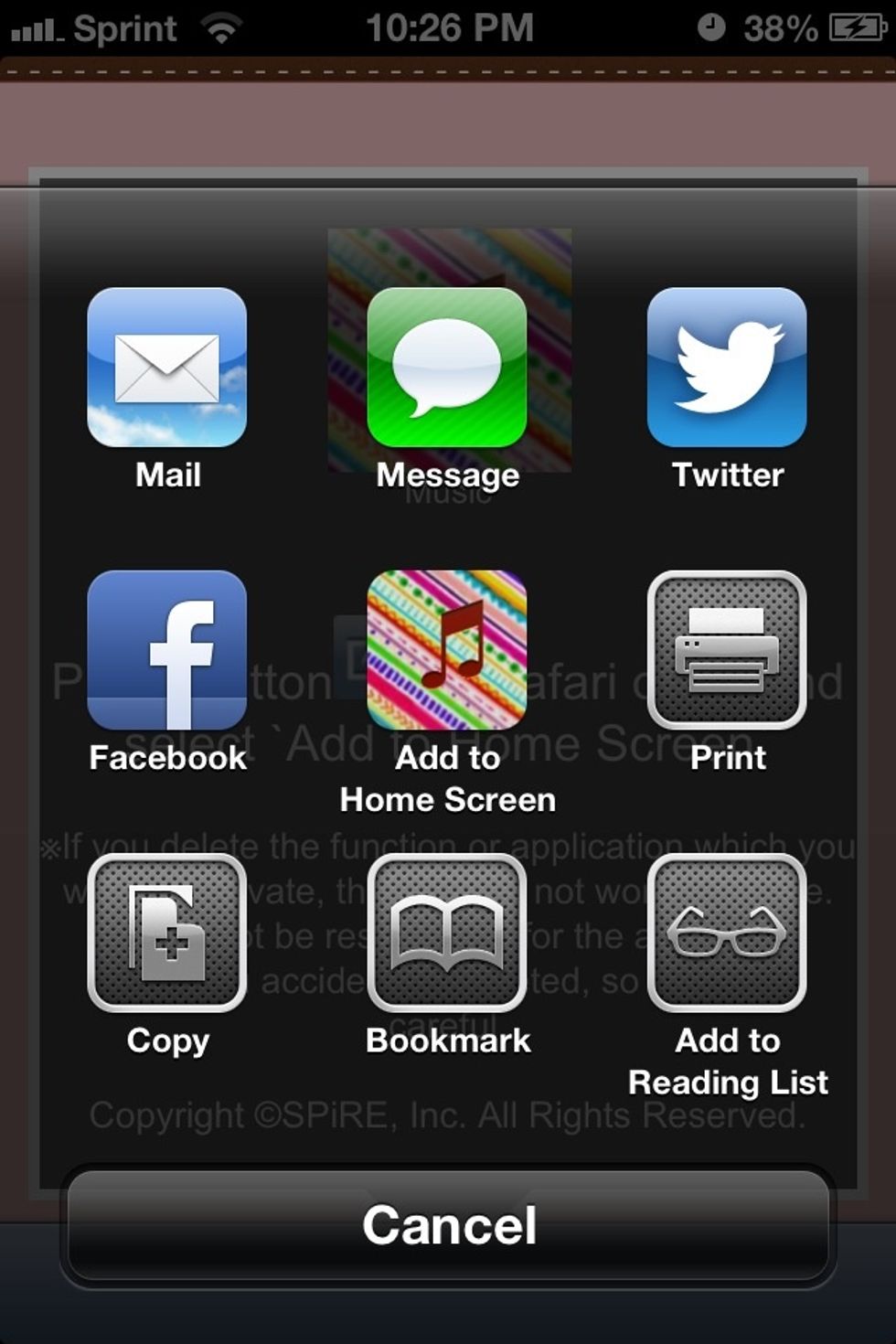
Press the buttons shown

Tap add to home screen
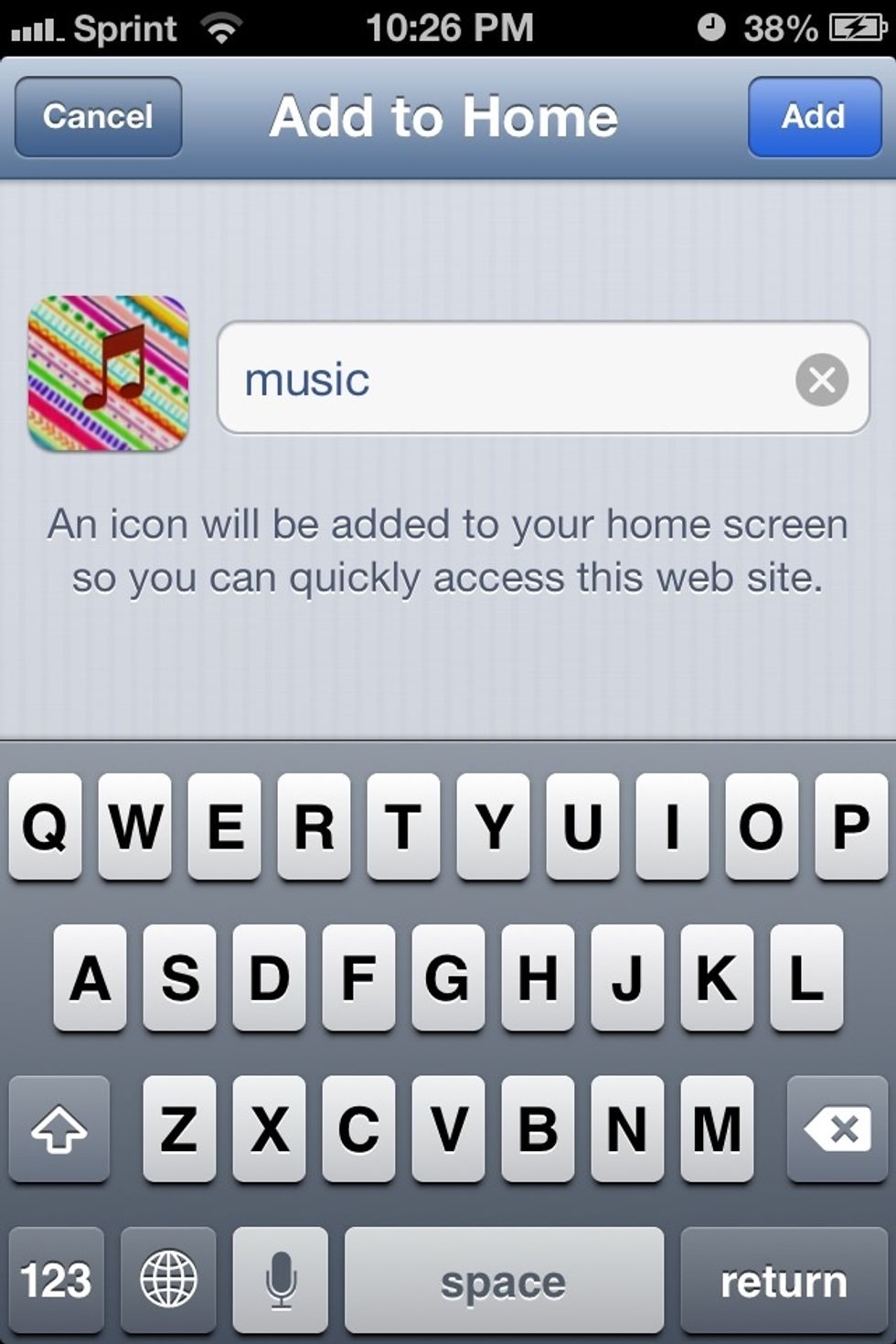
Tap add to home screen

Select name

Select name

Done!

Done!

Play your music!

Play your music!

  • iPhone
  • App: cocoppa