
How to instagram

Instagram

16
STEPS
TOOLS

HOME (house icon): Where you view posts made by you and your followers, like and comment.

HOME (house icon): Where you view posts made by you and your followers, like and comment.

EXPLORE (compass icon), Part 1: These are random pictures by random people that are very popular and Instagram highlights them here.

EXPLORE (compass icon), Part 1: These are random pictures by random people that are very popular and Instagram highlights them here.

USERS (compass icon), Part 2: Where you search for people, places and things. Note: don't use spaces when searching, susikenna not susi kenna.

USERS (compass icon), Part 2: Where you search for people, places and things. Note: don't use spaces when searching, susikenna not susi kenna.

HASHTAGS (compass icon), Part 3: Do hashtags searches and find all photos that share that hashtag.
HASHTAGS (compass icon), Part 3: Do hashtags searches and find all photos that share that hashtag.

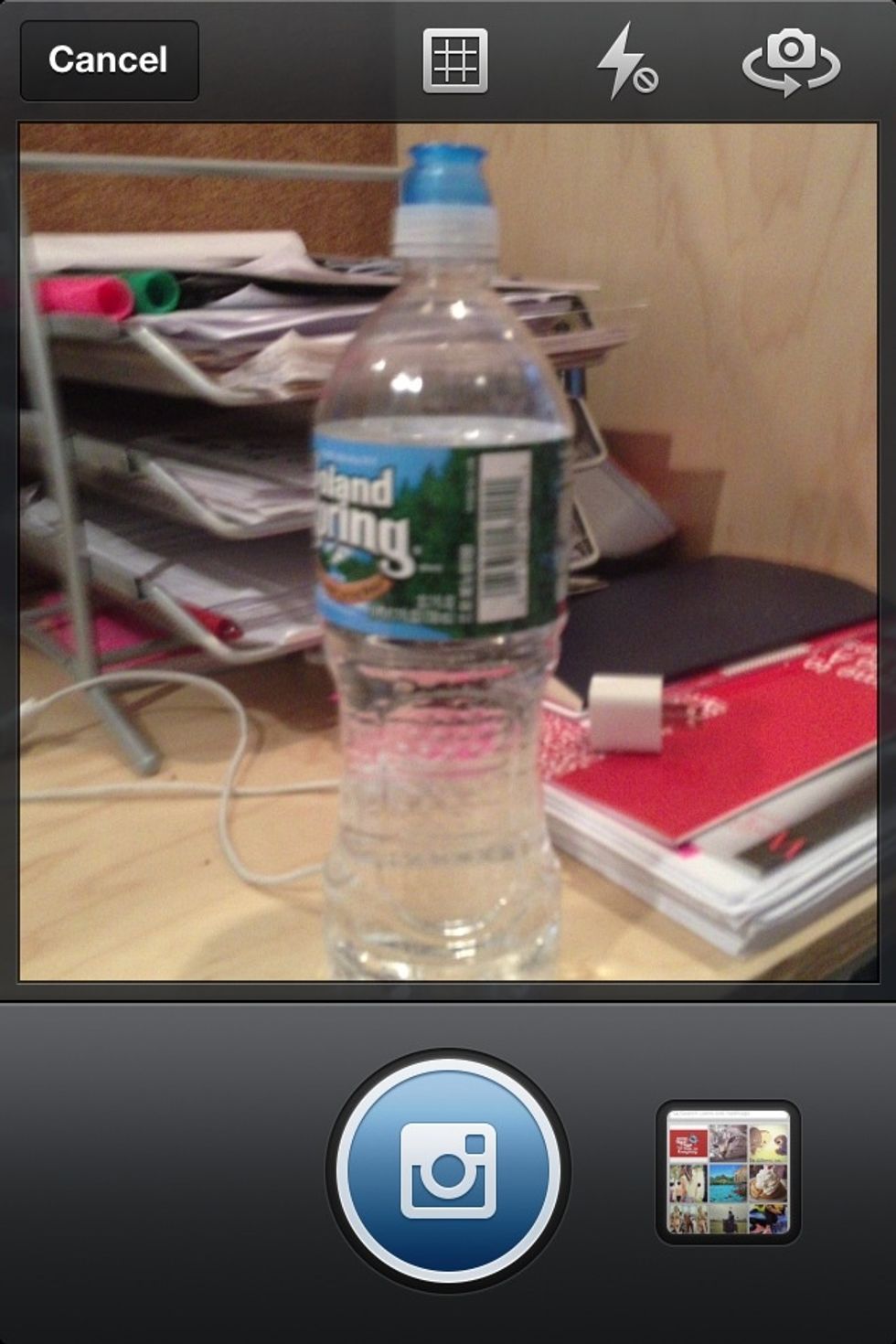
CAMERA: Take a photo or select from your library.

CAMERA: Take a photo or select from your library.

FOLLOWING (speech bubble icon), Part 1: See what the people you follow are up to.

FOLLOWING (speech bubble icon), Part 1: See what the people you follow are up to.

NEWS (speech bubble icon), Part 2: A record of activity specific to your posts.

NEWS (speech bubble icon), Part 2: A record of activity specific to your posts.

PROFILE: How you edit your profile and manage your settings (top right corner).
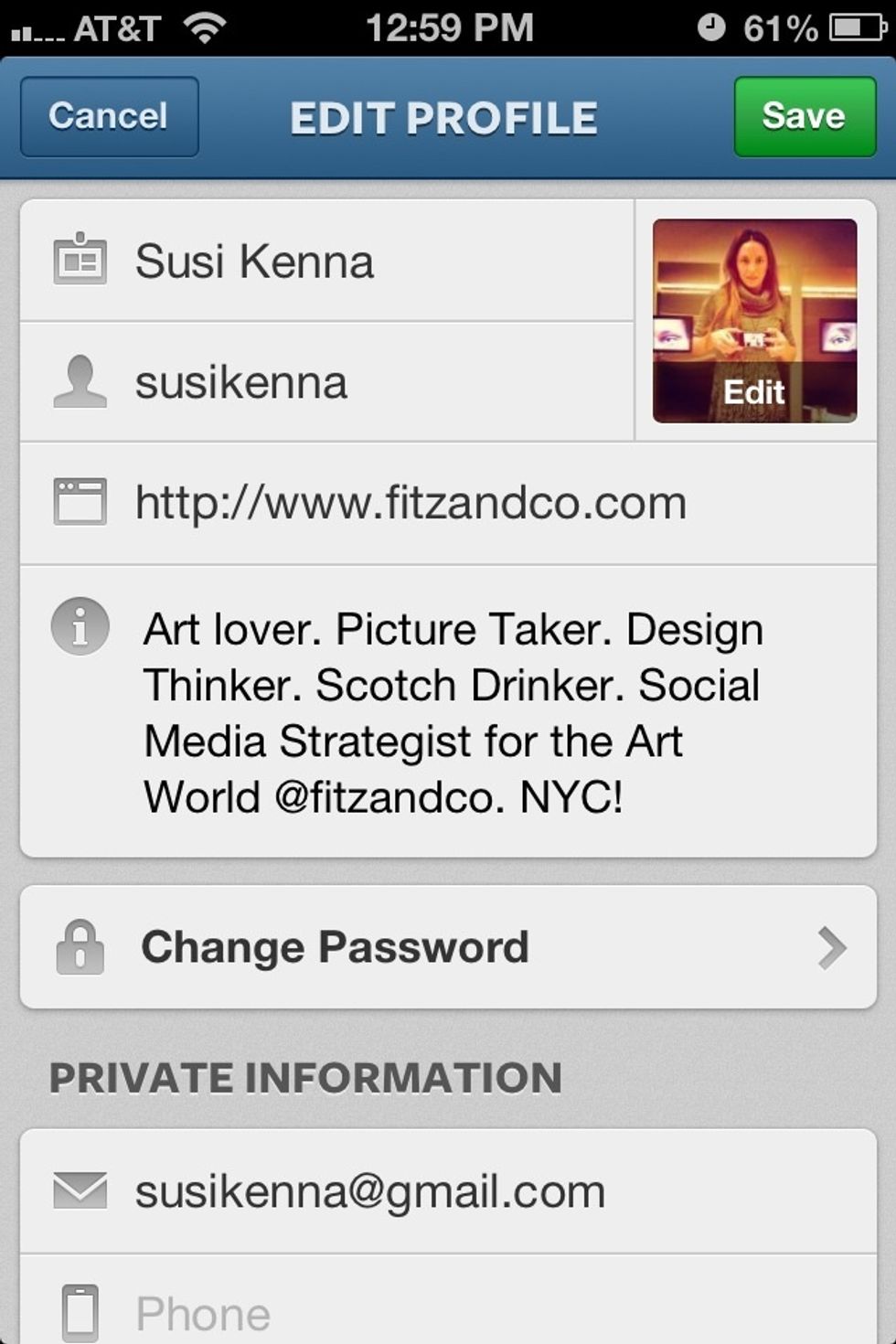
PROFILE: How you edit your profile and manage your settings (top right corner).

EDIT YOUR PROFILE
EDIT YOUR PROFILE

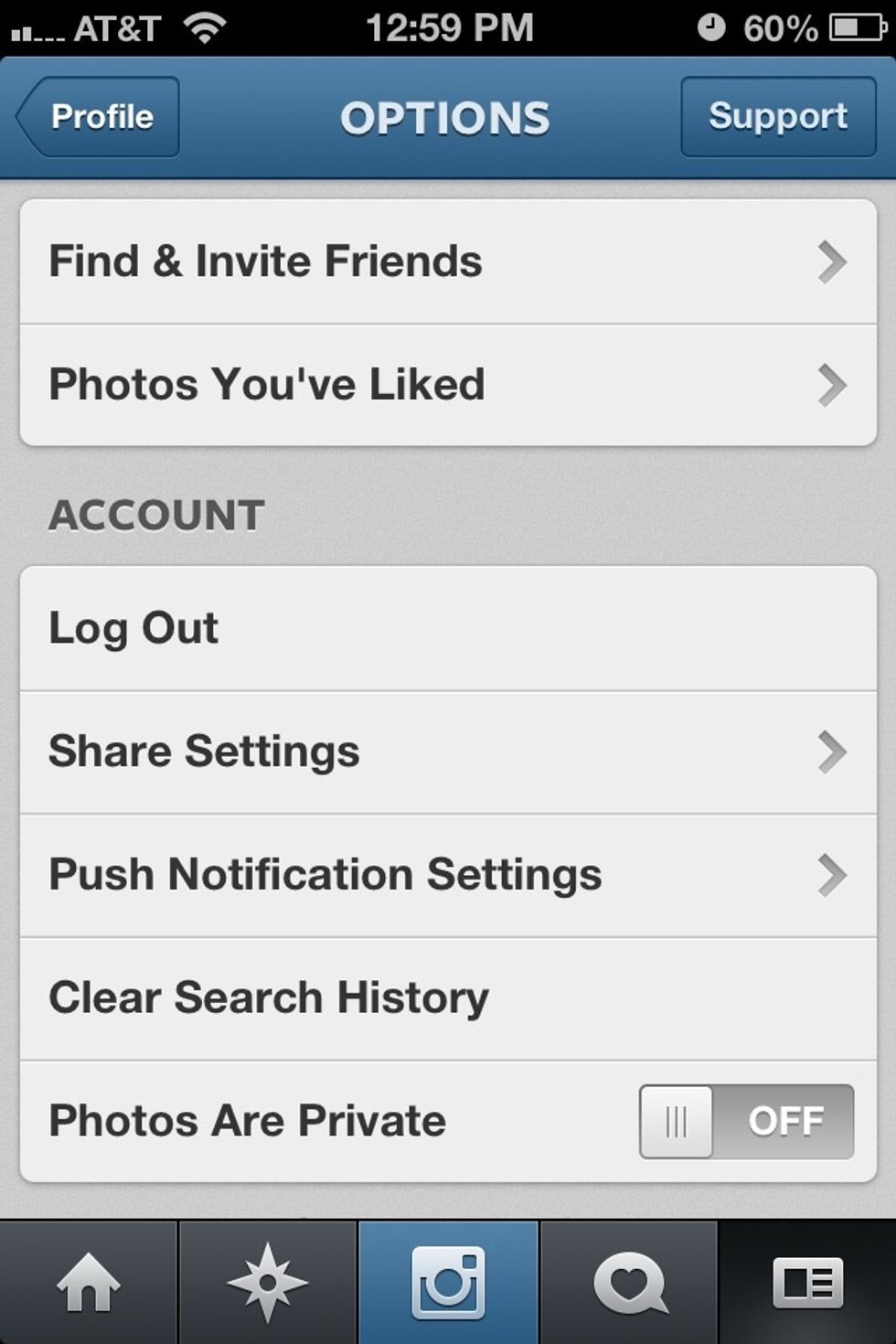
MANAGE SETTINGS: Find friends, link your Facebook and twitter, privacy and more.

MANAGE SETTINGS: Find friends, link your Facebook and twitter, privacy and more.

The creator of this guide has not included tools