
The Conversation (0)
Sign Up
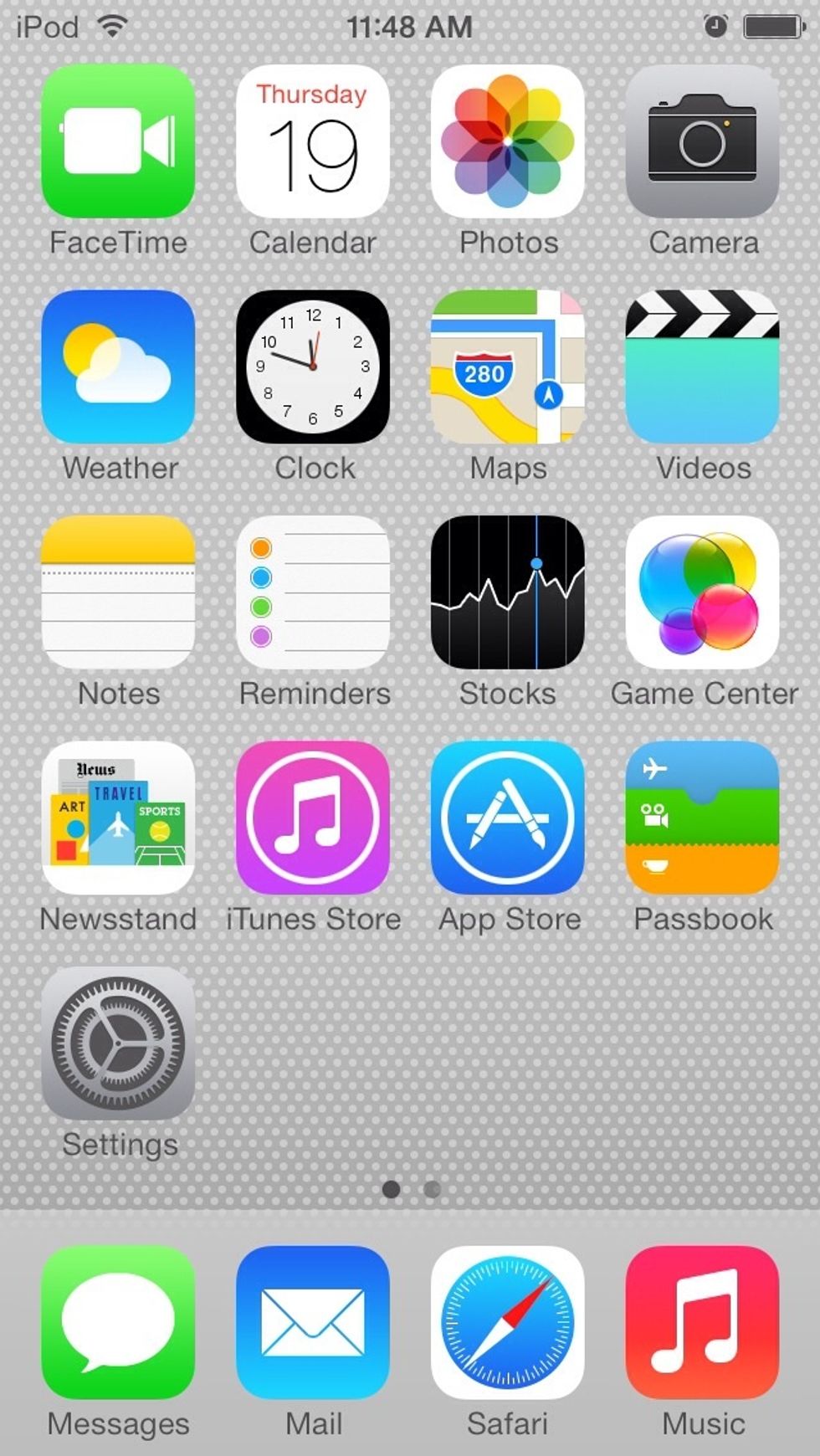
iOS 7 is here, so we'll need some tips to keep the ol' batteries from passing out.
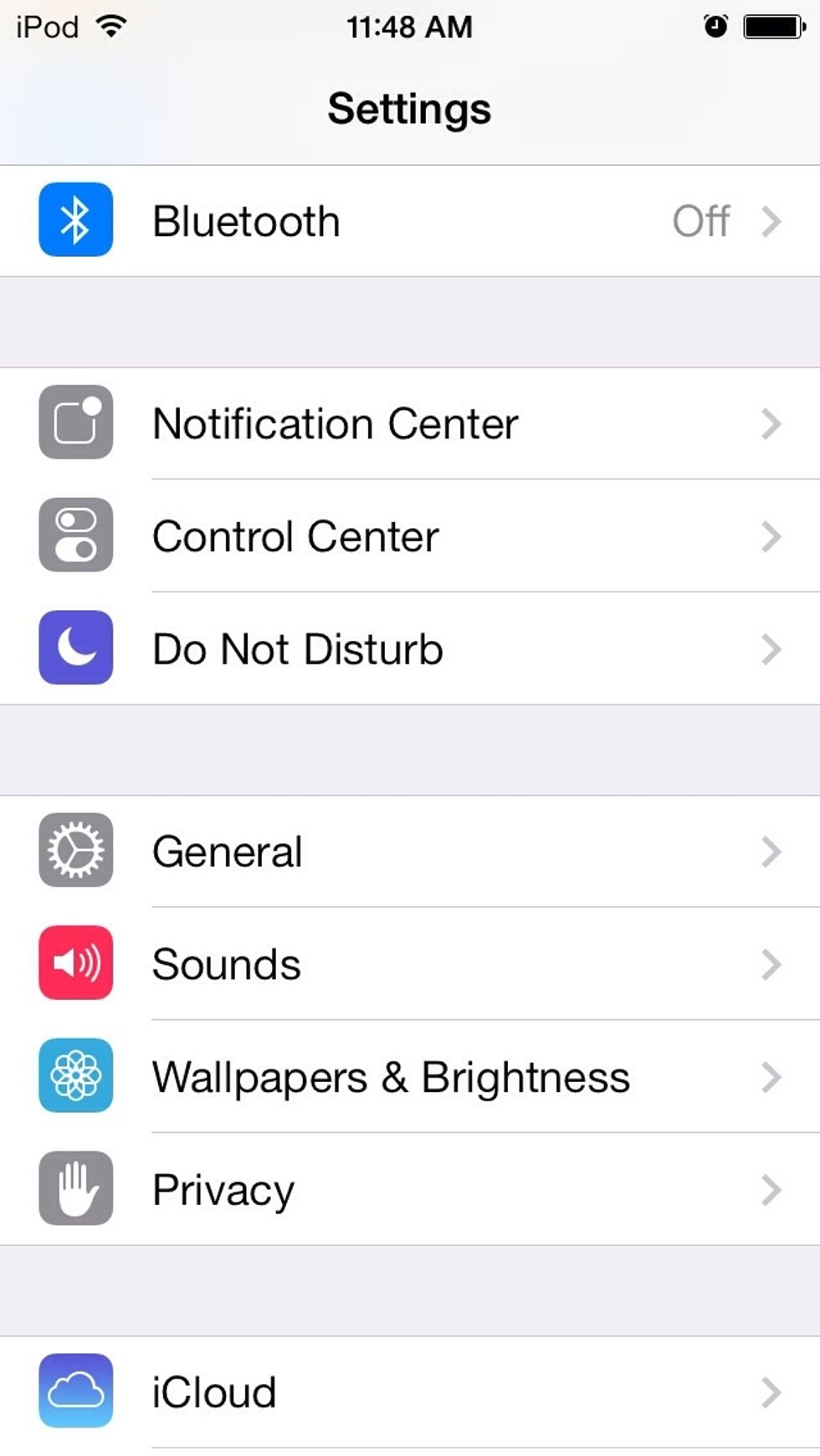
Turn Bluetooth off when it's not being used. That seems like a no-brainer, but a glitch seems to turn it back on sometimes.
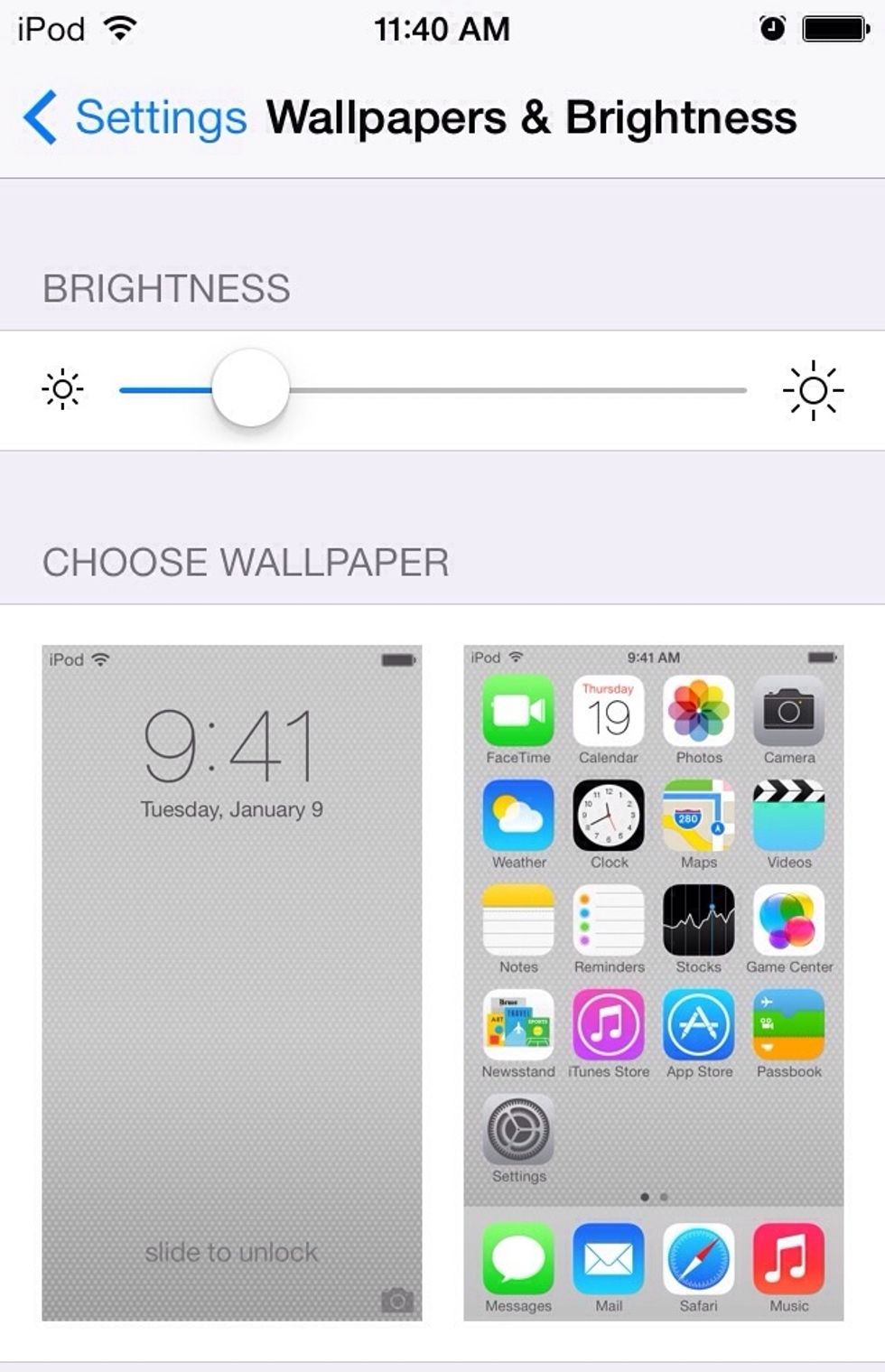
Lower that brightness. iOS 7 is a whole lot brighter than previous iOS versions, so the screen can be turned down. Eyes worldwide will thank us.

Yeah, parallax is cool, but it's not as noticeable as Apple made it seem. Plus, it's a major battery drain. The dynamic wallpapers still move, though.
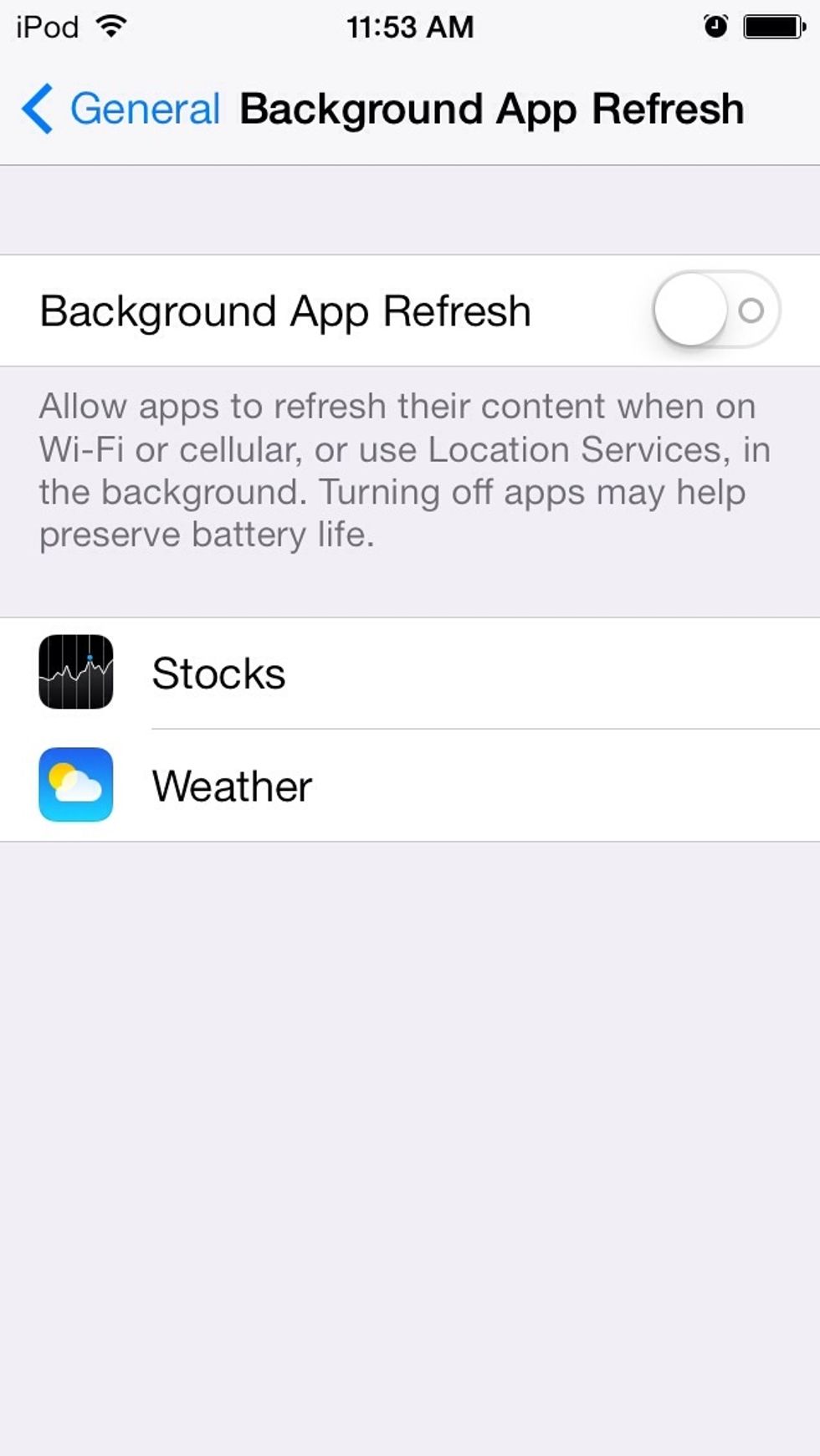
Follow Apple's instructions on this one: it really does drain some battery life. I don't have stocks, and I sit by a window all day...
Unrelated hint: A burst mode comes to iOS 7 for other iPhones besides the 5s, as well as the iPod touch 5G. Just hold the shutter button down, and pictures flow continuously.