
The Conversation (0)
Sign Up
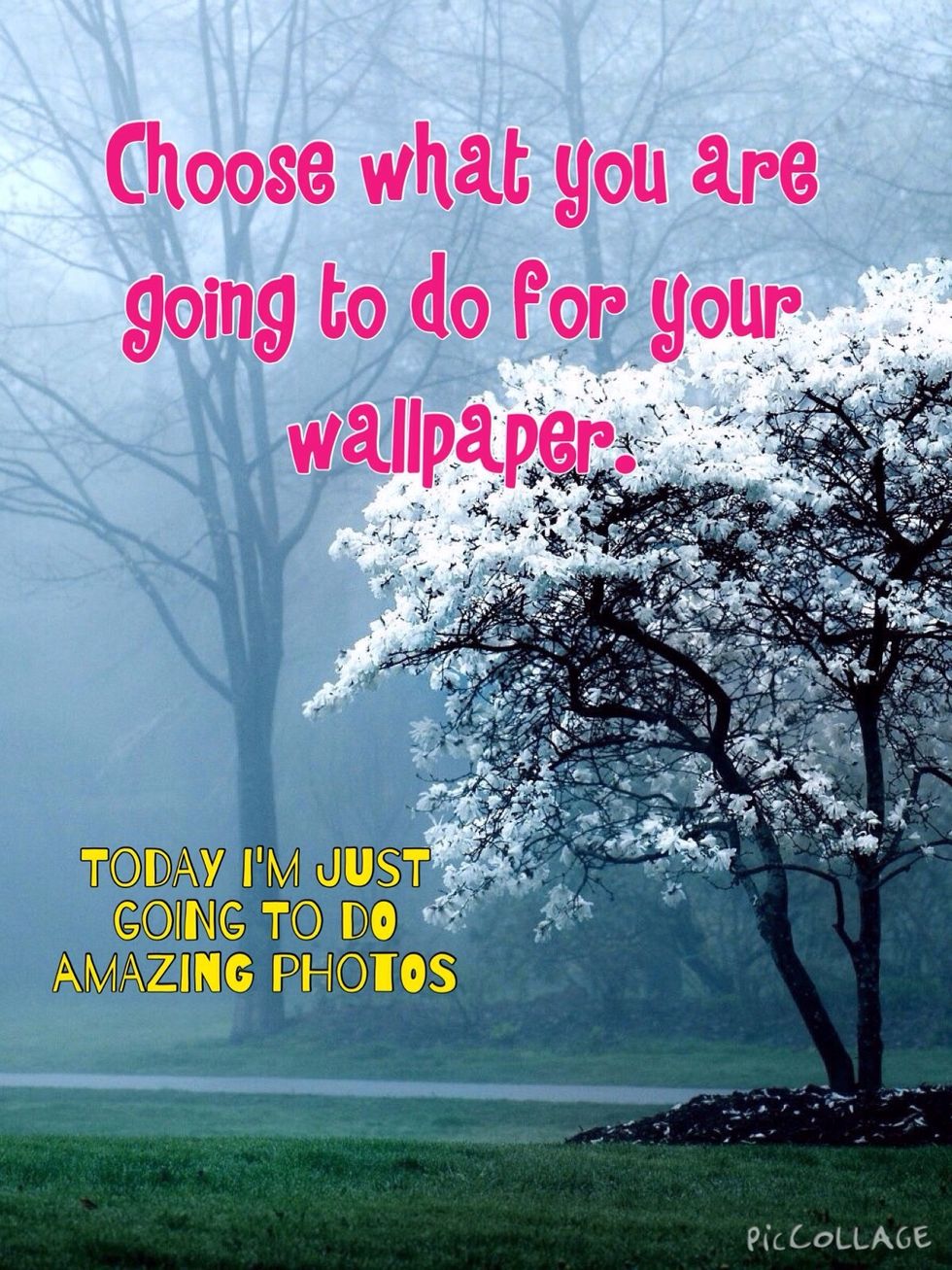
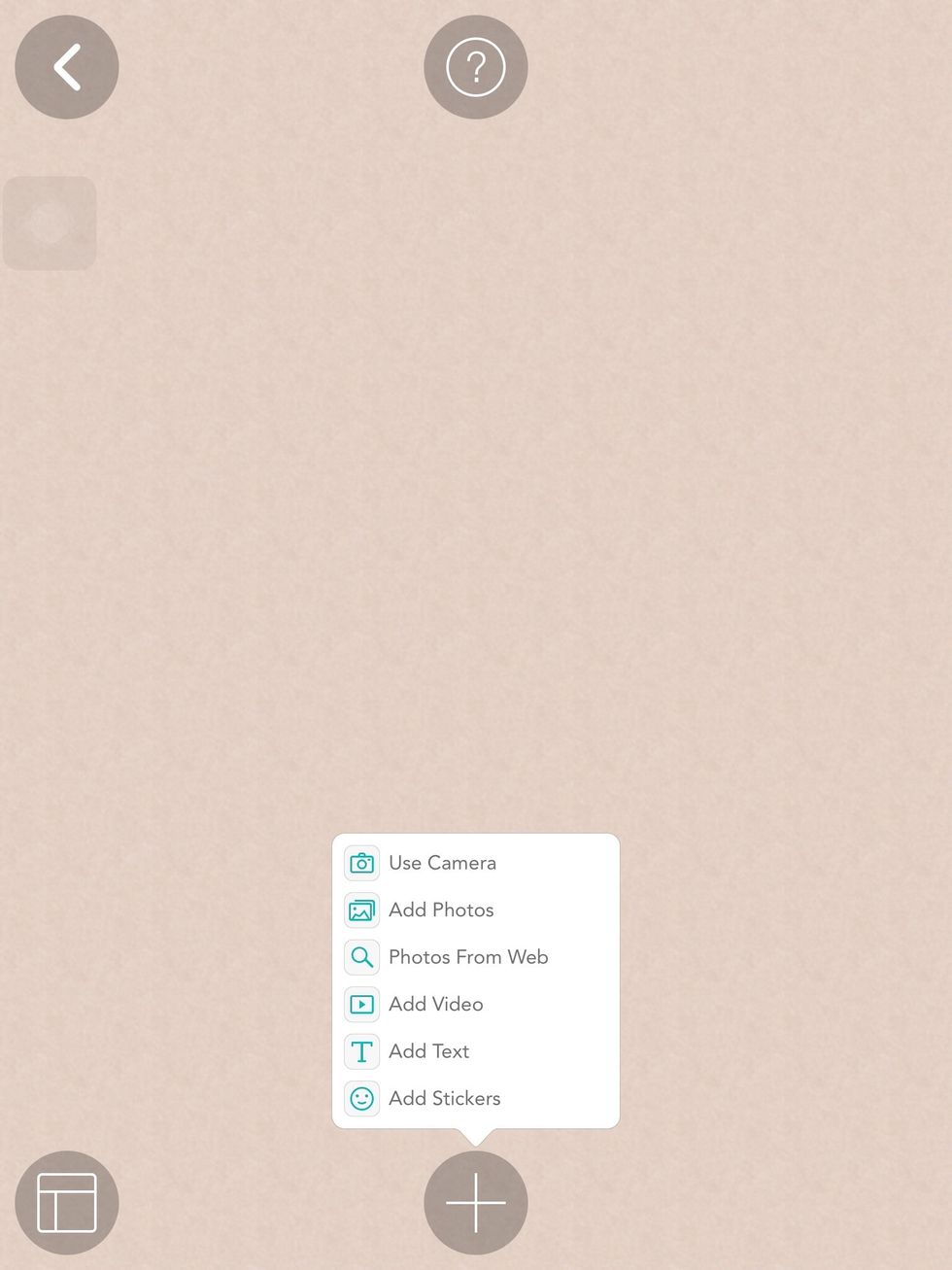
Open a new collage and click on the add button down on the bottom of the page. Or just click and where on the page.
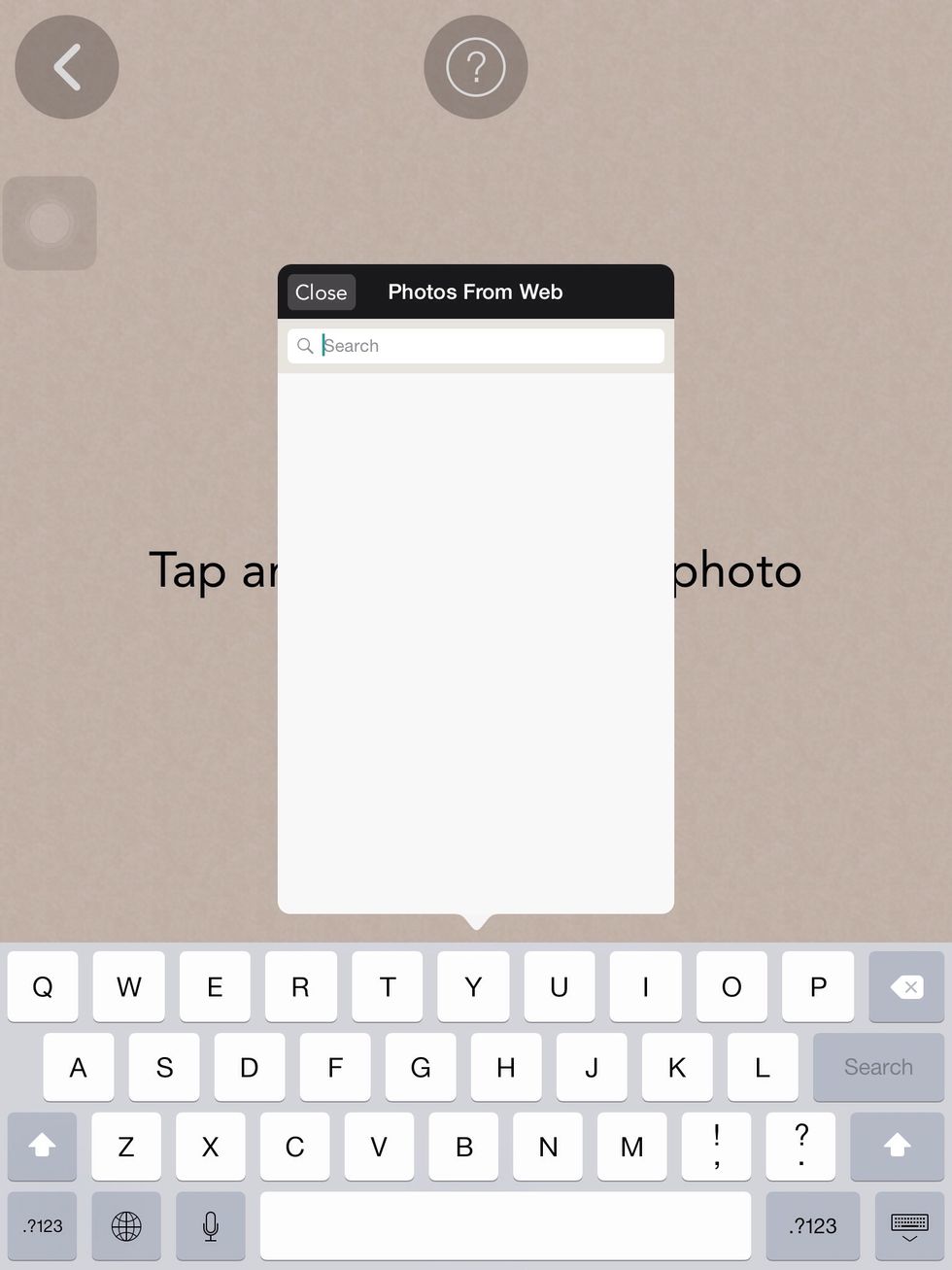
Click on photos from web or add photos.
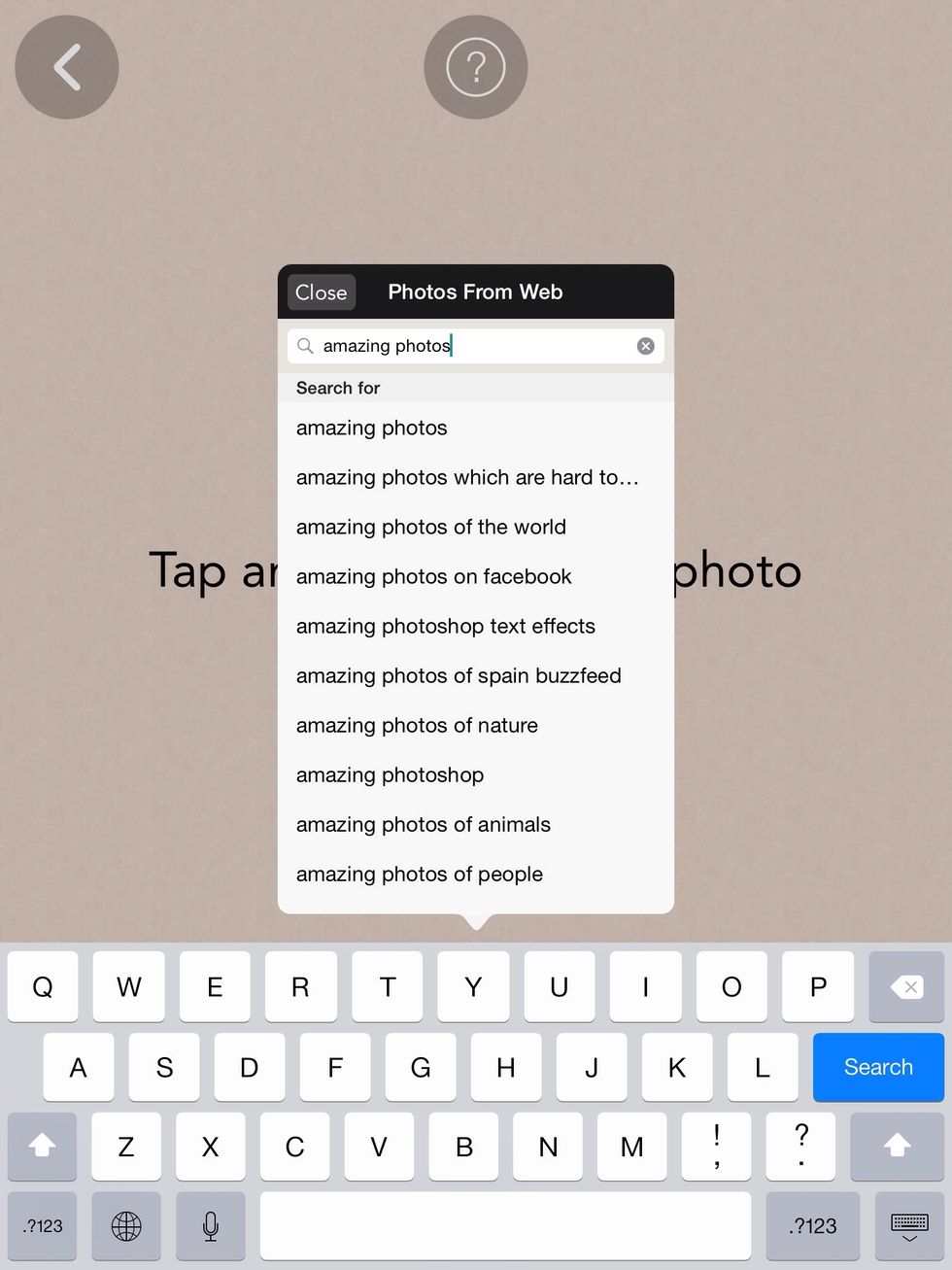
Type in what you want on your collage.
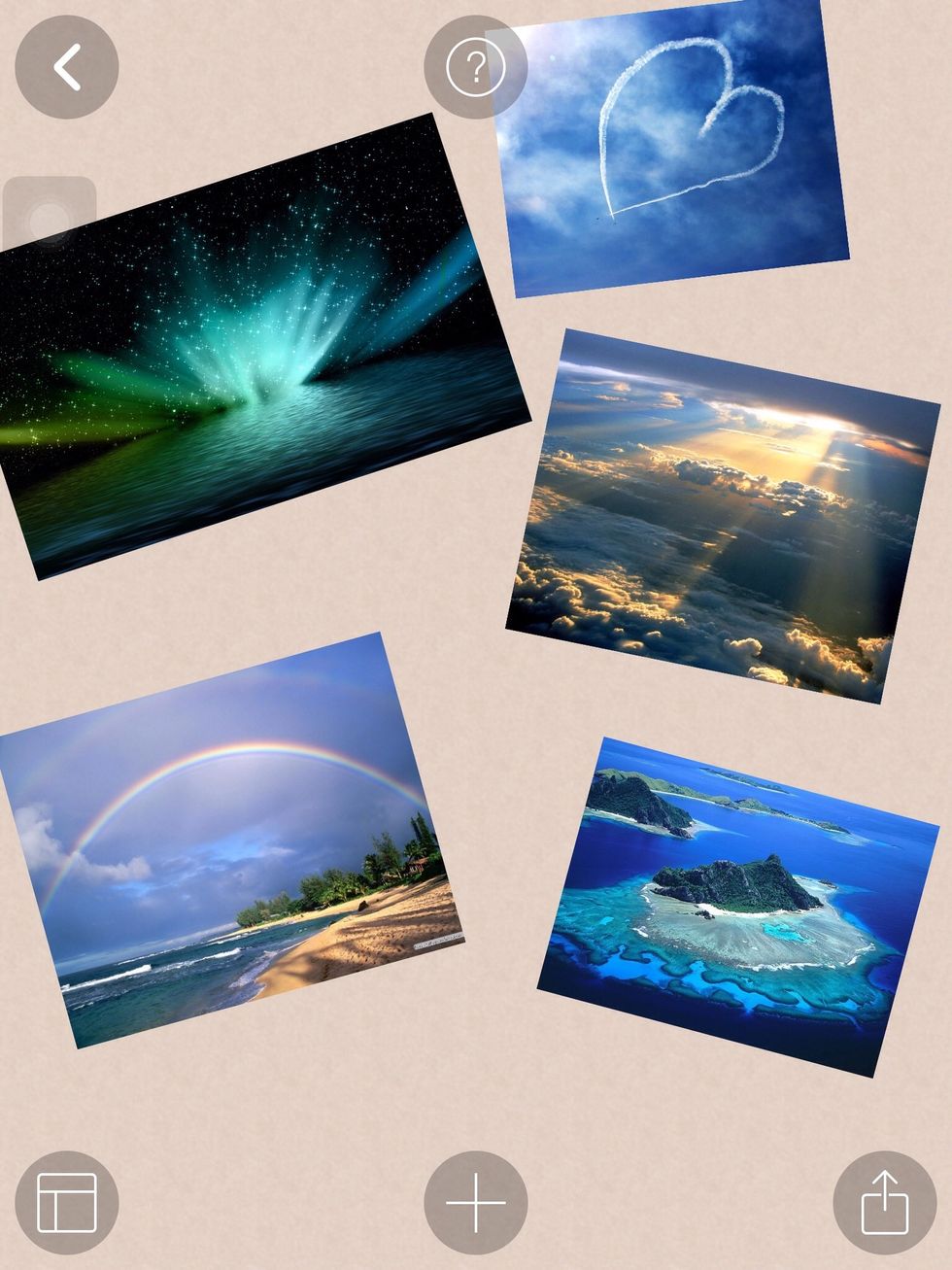
Choose the photos that you want.
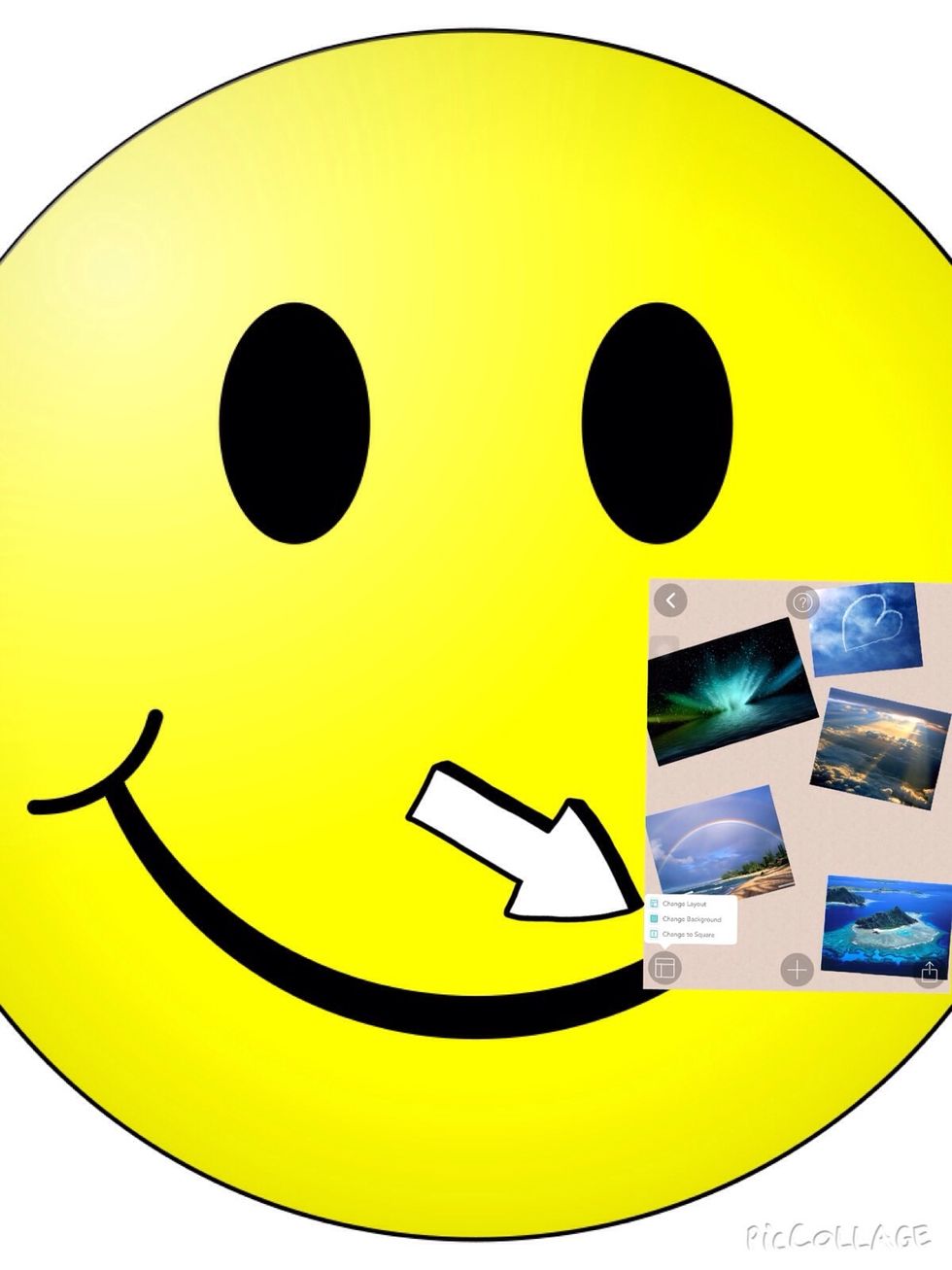
Once you are happy with your selection of photos click the layout button.
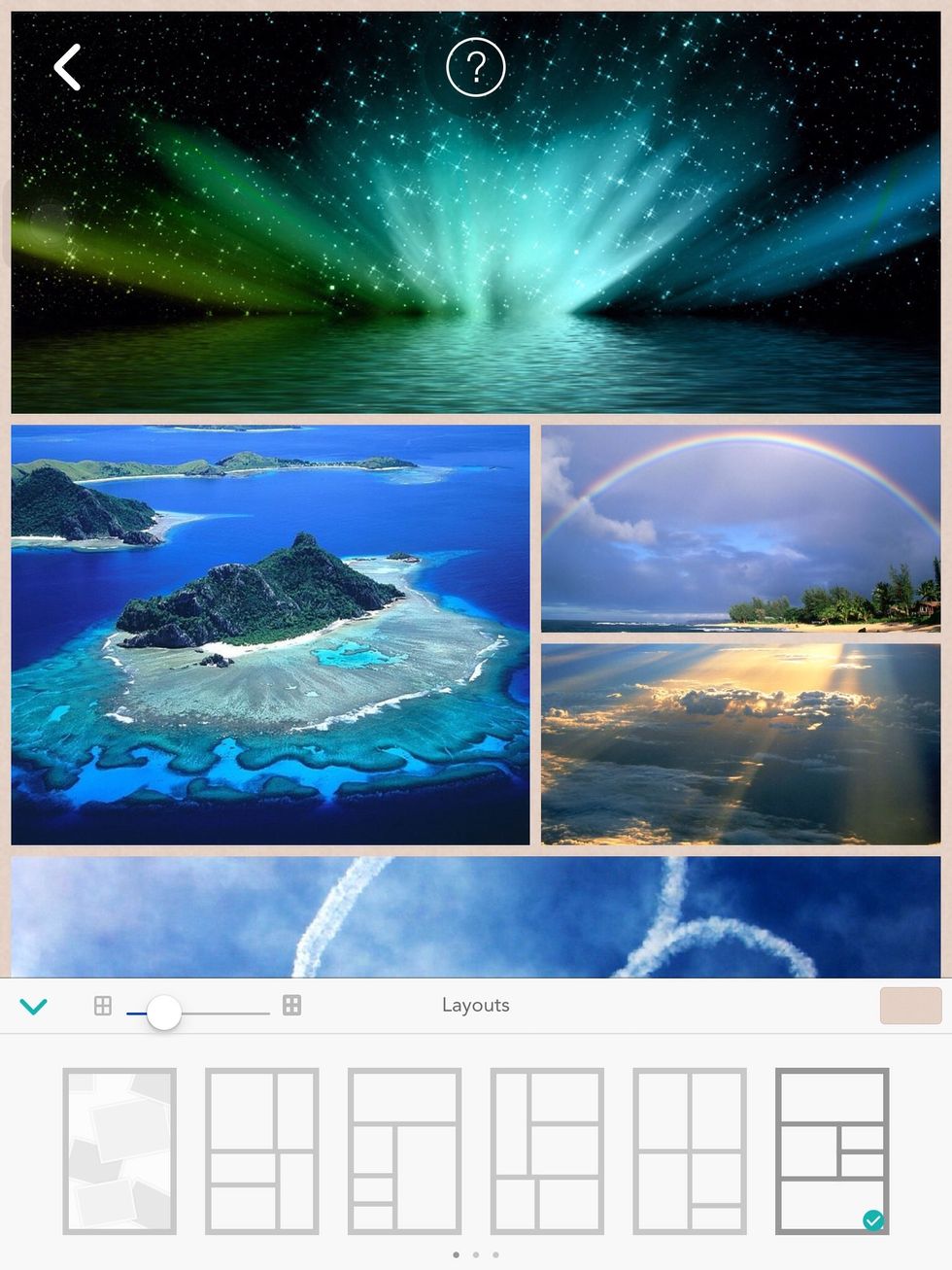
Choose the layout you want.

If you want a background click the background icon
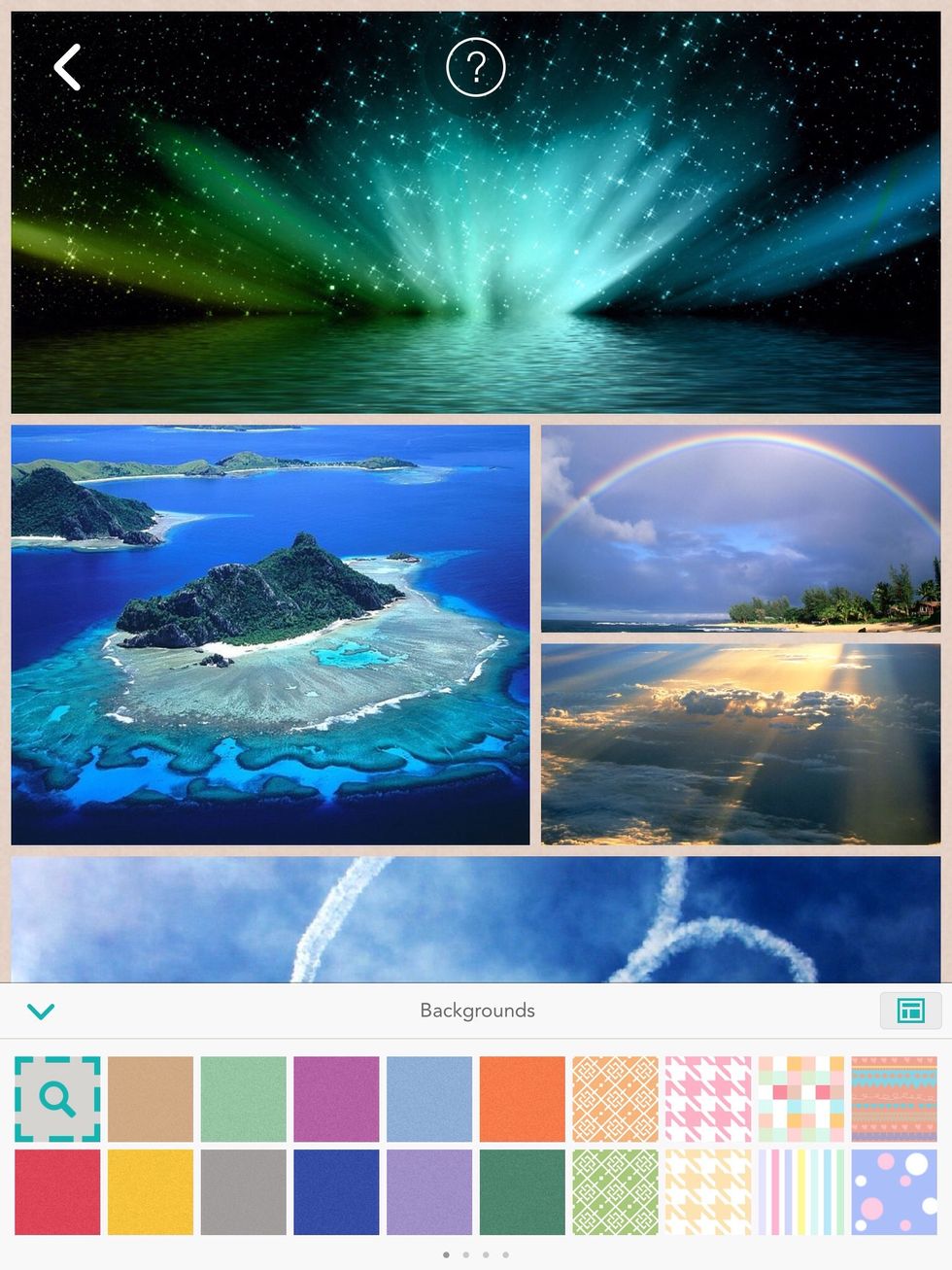
Choose the background you want or search from the Internet.
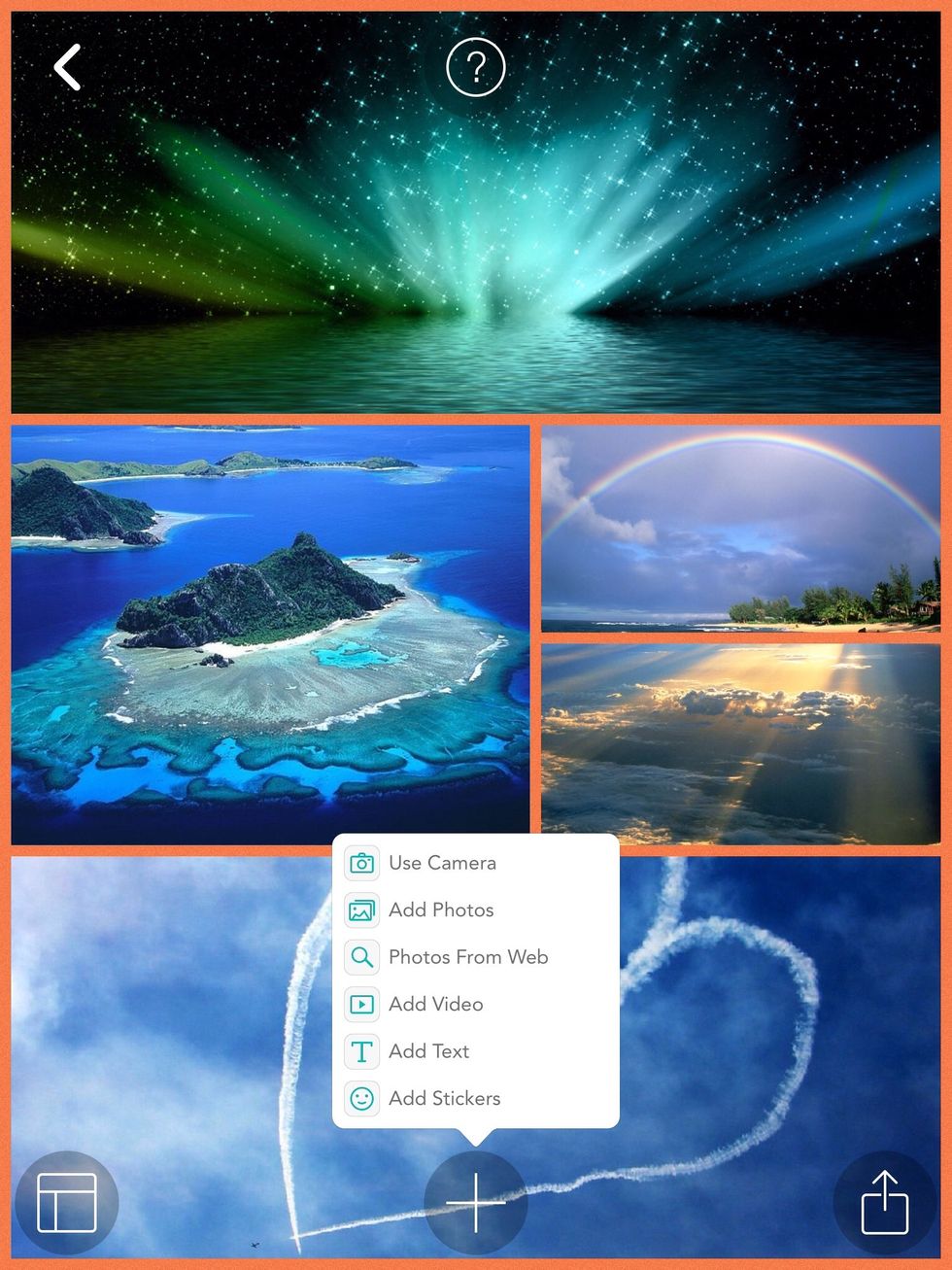
Once you have chosen your background if you want to add text click the text button. Also if you want stickers click the sticker button and choose the stickers you want.
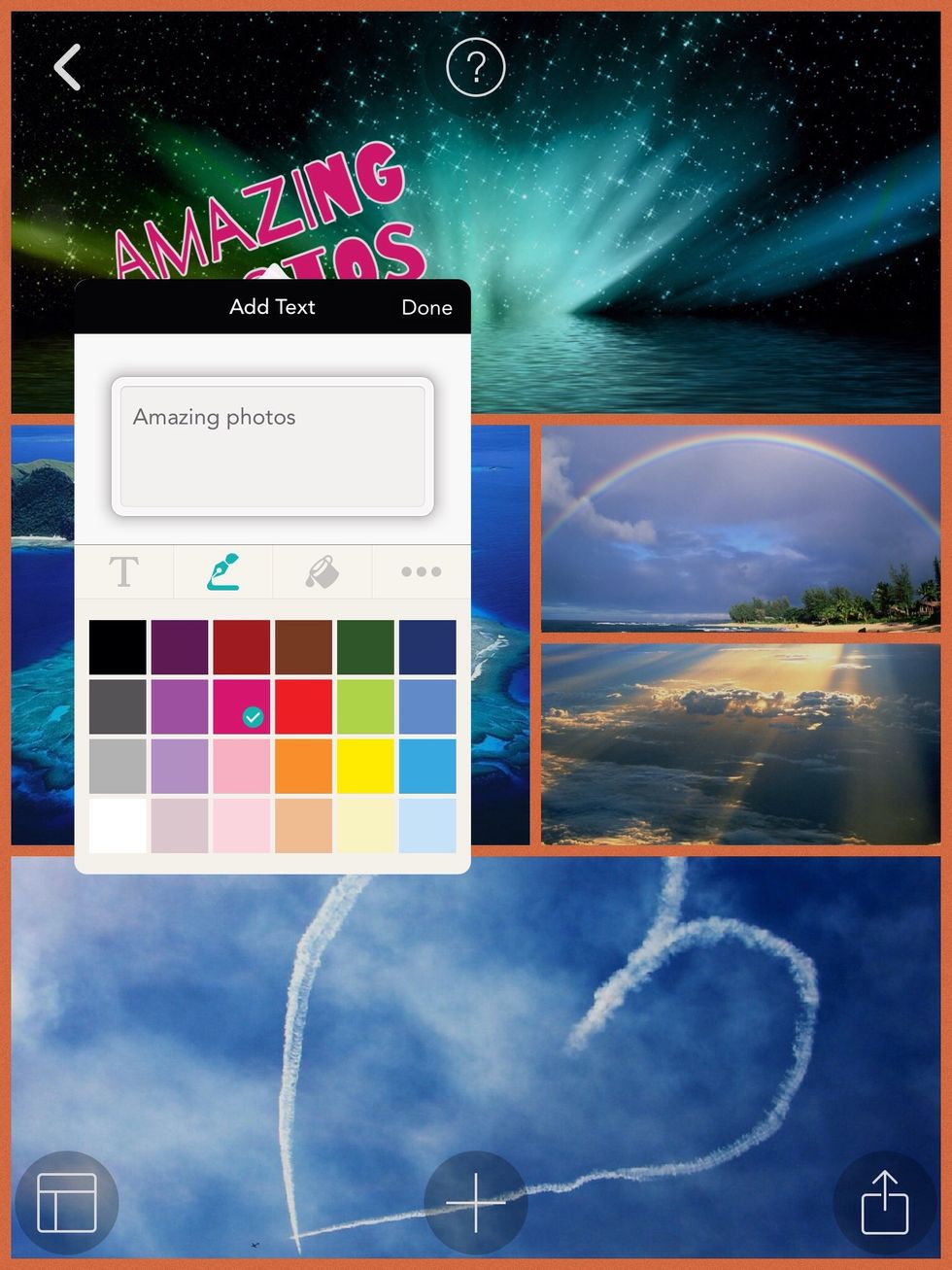
Type in the text you want and then choose the colour. The big T next to the pen is where you can choose the font you want.
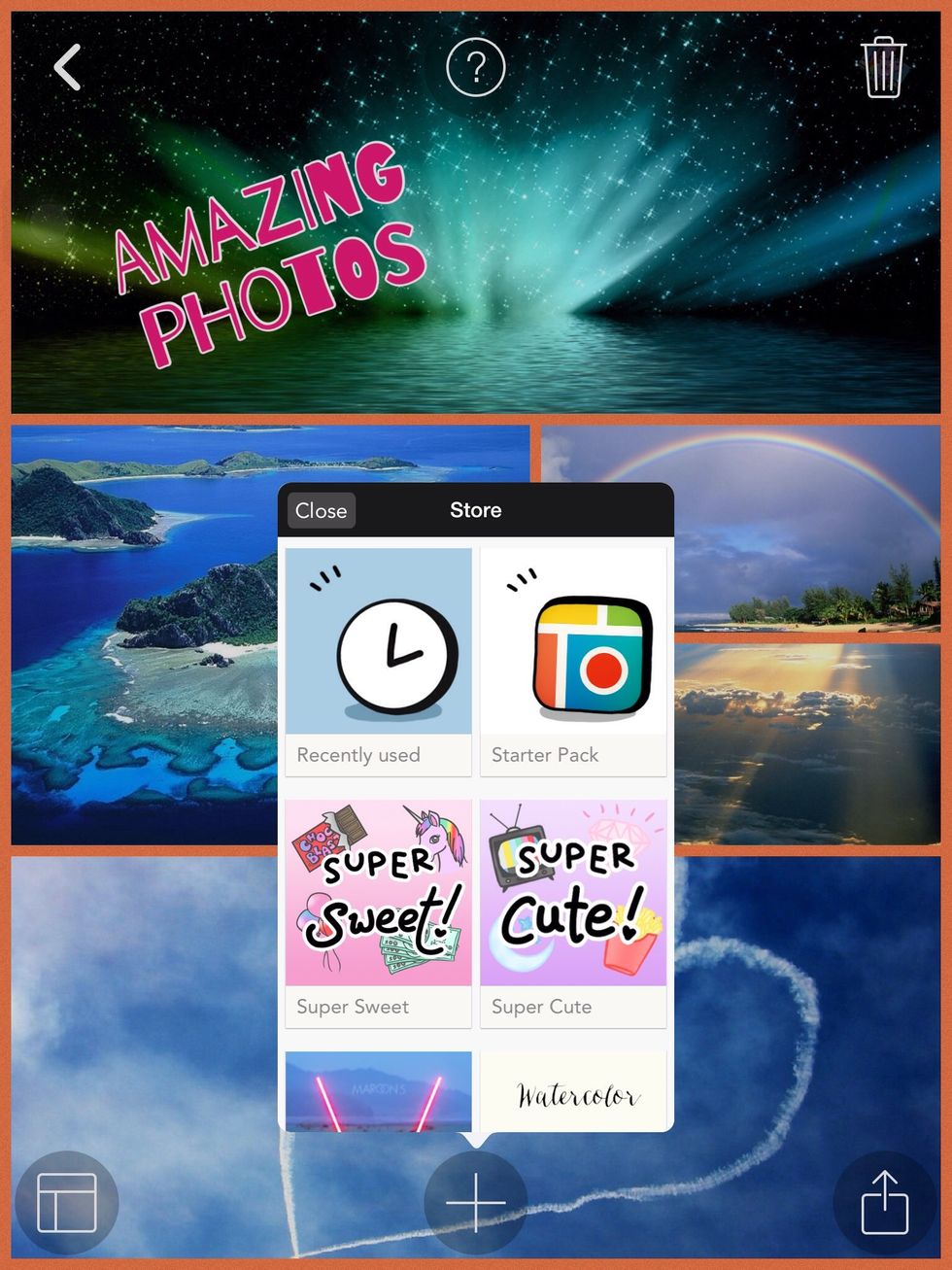
Choose the pack you want the stickers from.
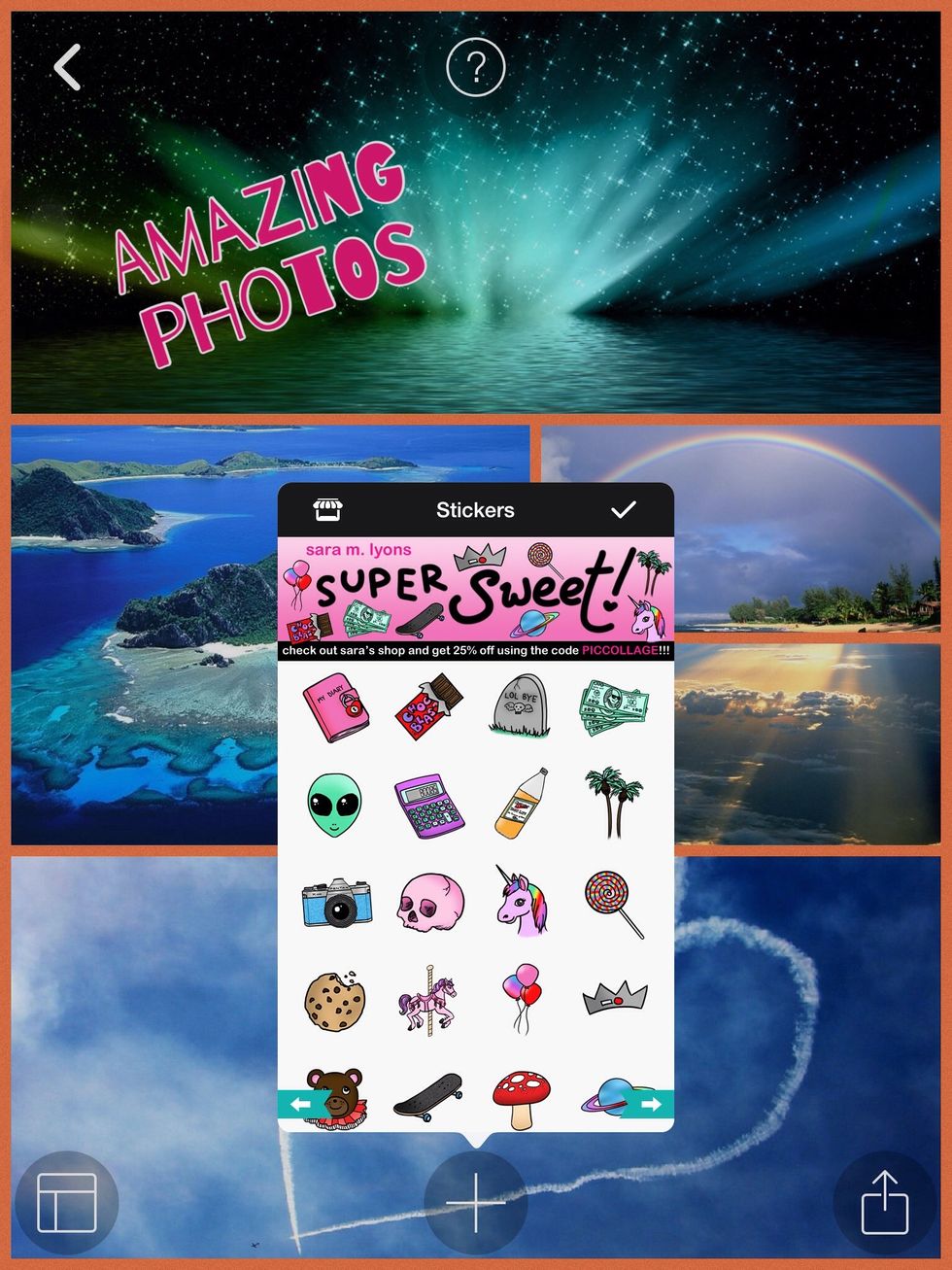
Once you've got your pack choose the stickers you want.
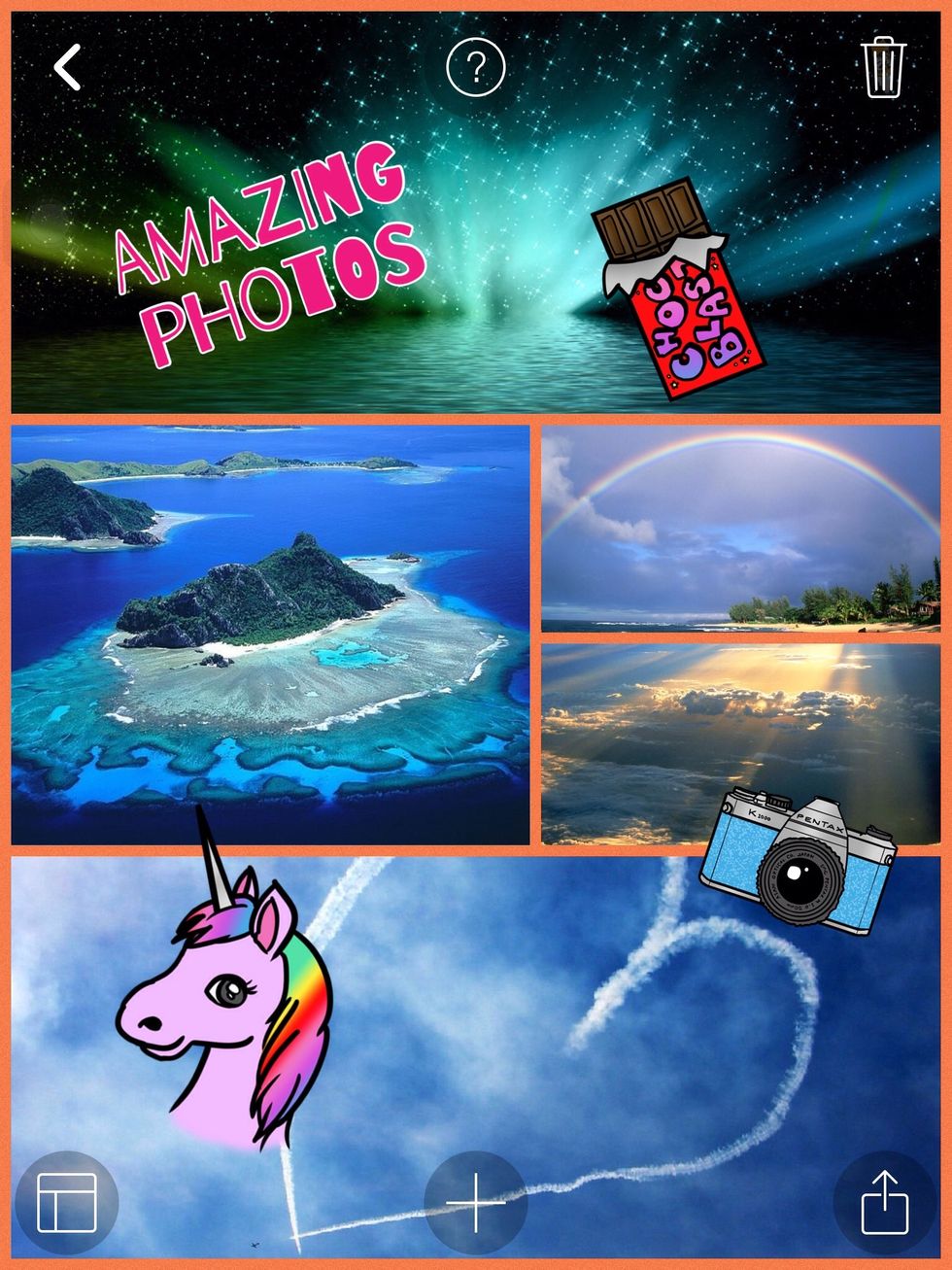
Place the stickers in the area you want them.
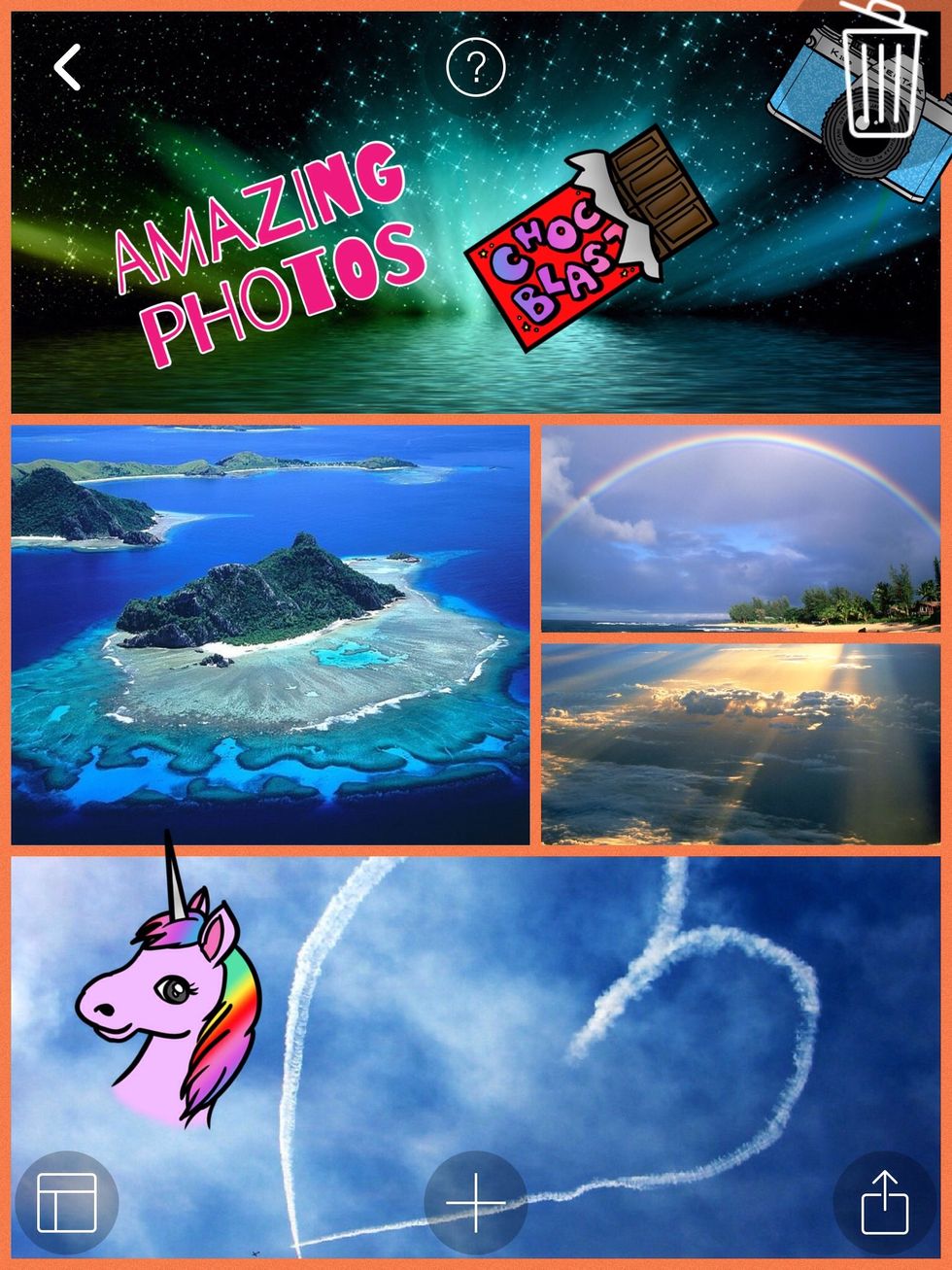
If you want to delete something drag the object to the bin located in the top right hand corner of the page. It will then disappear.

Once you have finished with your wallpaper click the icon located in the bottom right hand corner. To save your photo click the save button.