How to Make a Prezi

How to Make a Prezi

19
STEPS
TOOLS

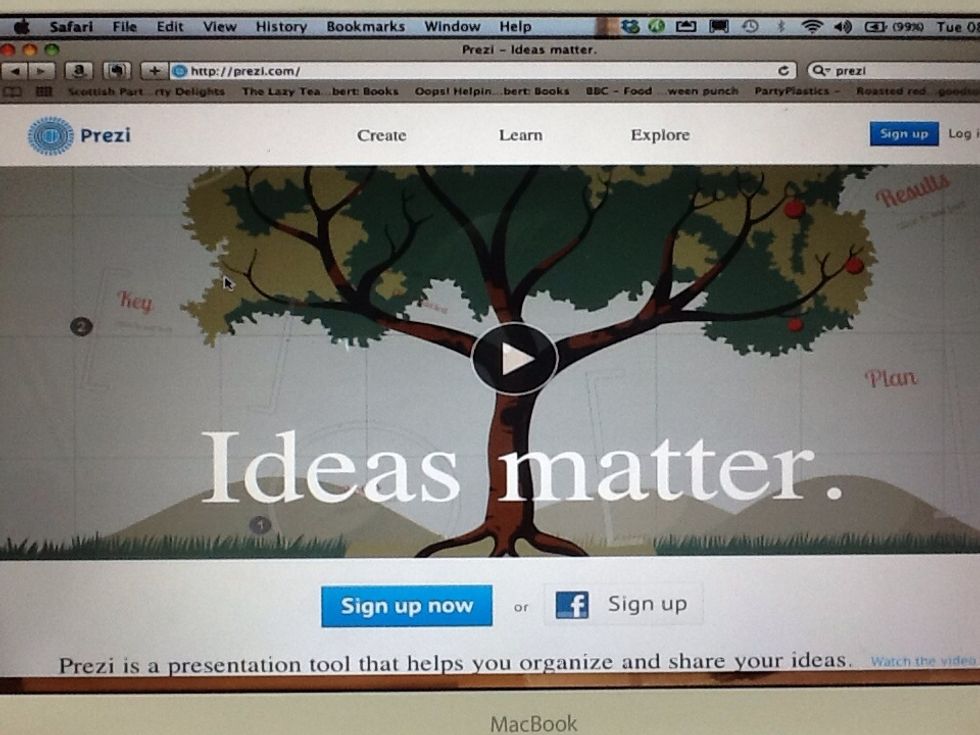
Go to http://prezi.com and click on sign up.
Go to http://prezi.com and click on sign up.

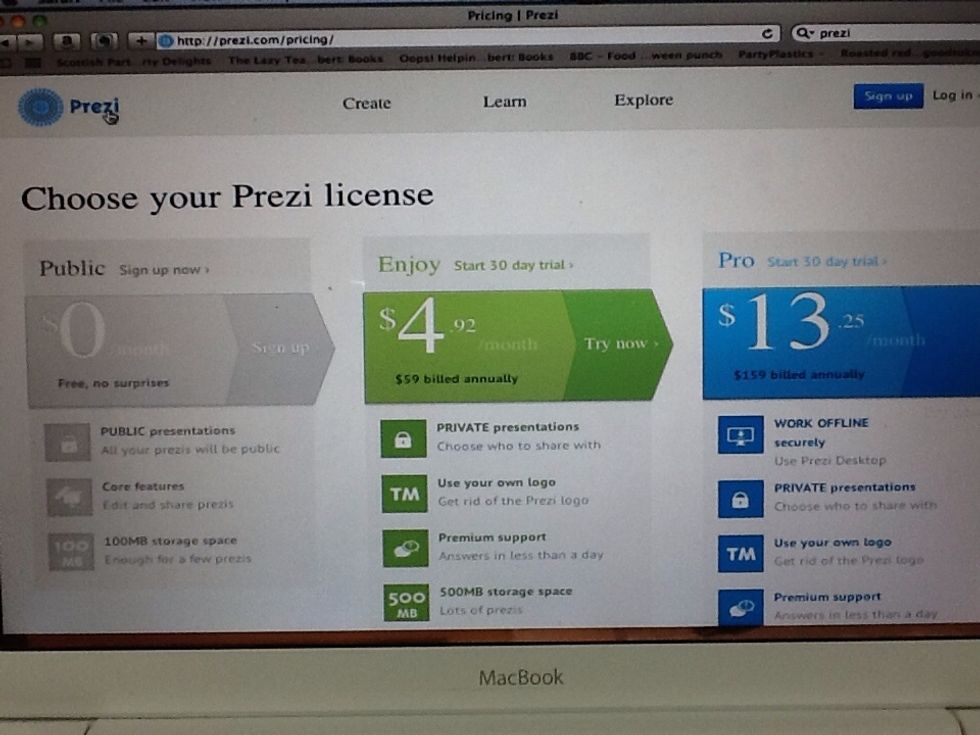
If you don't mind having your Prezi's public you can sign up for free!
If you don't mind having your Prezi's public you can sign up for free!

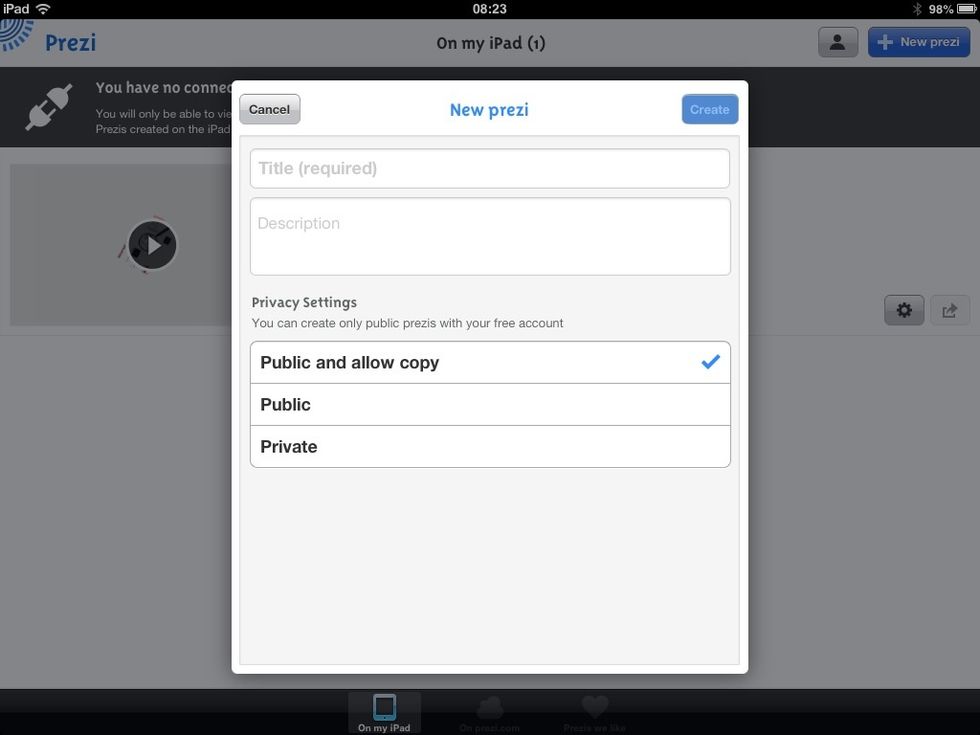
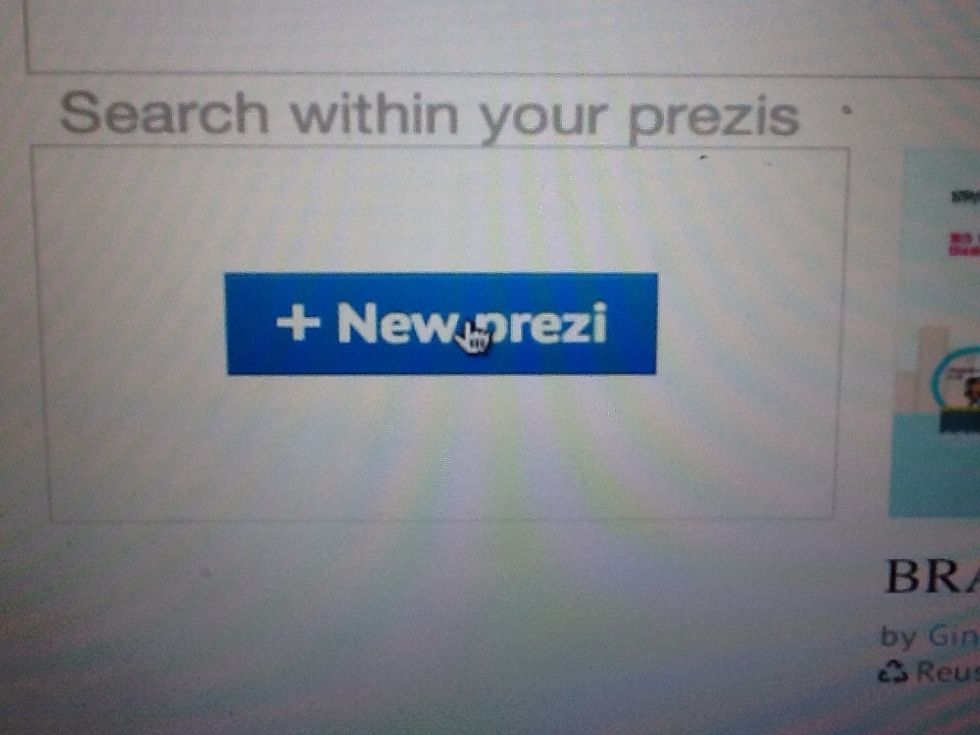
Click 'New Prezi'
Click 'New Prezi'

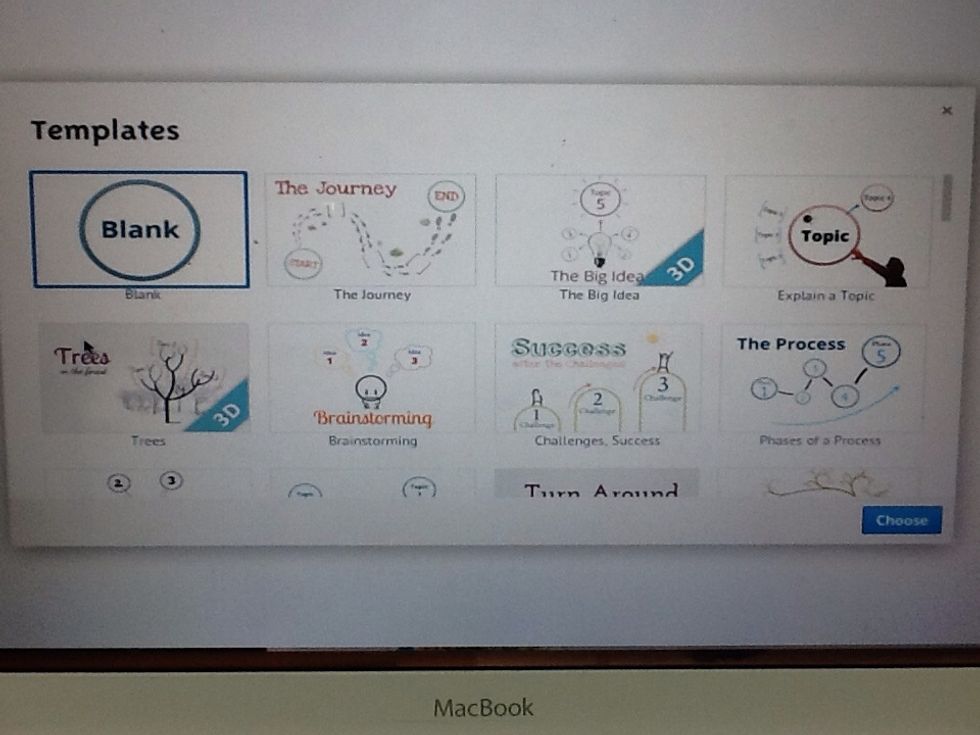
Choose your template.
Choose your template.

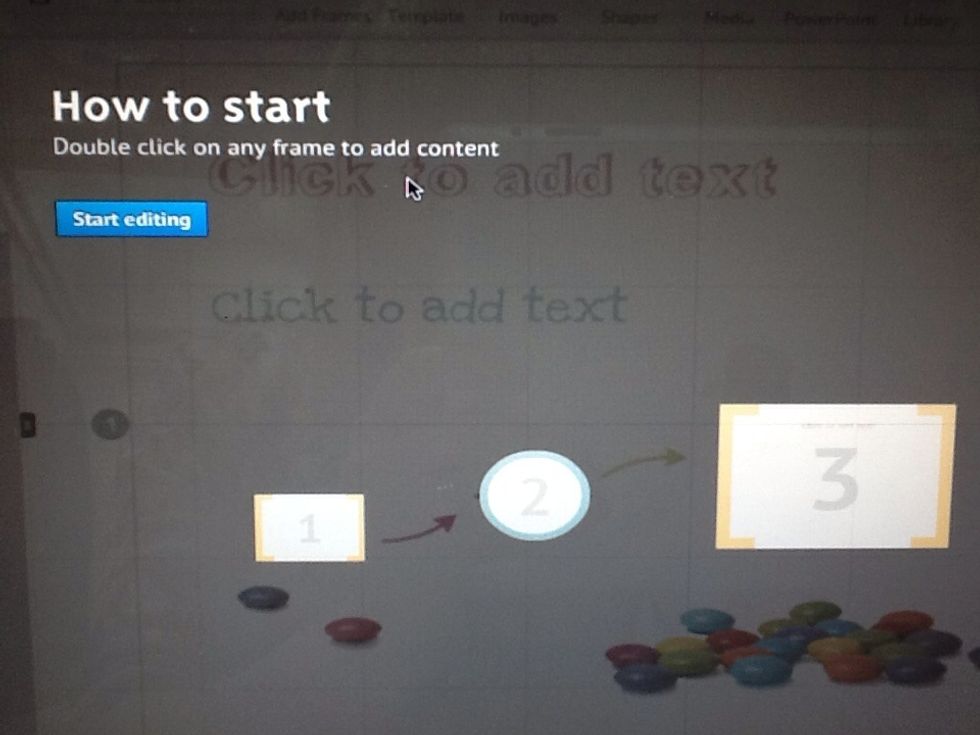
Click 'Start editing'
Click 'Start editing'

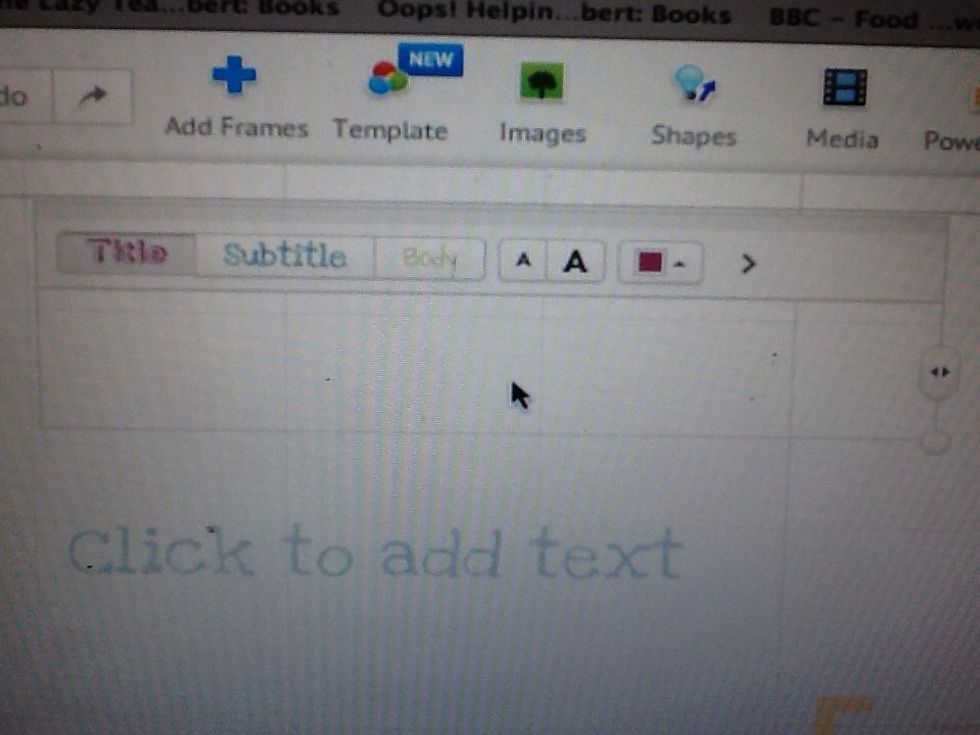
You have a choice to three fonts in every text box.
You have a choice to three fonts in every text box.

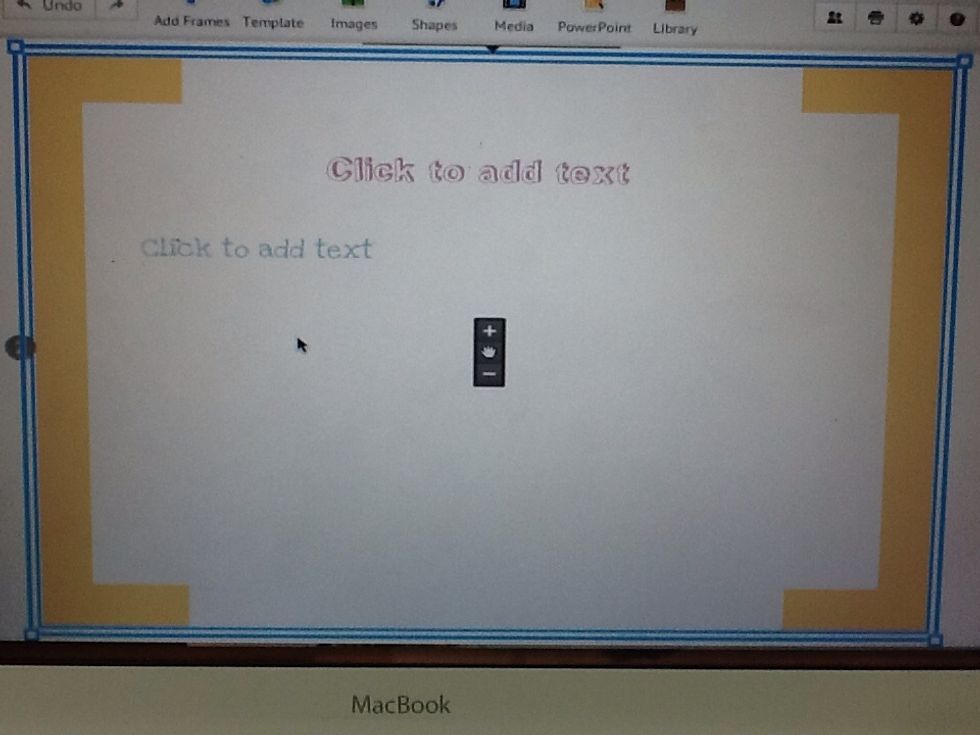
Click to add text.
Click to add text.

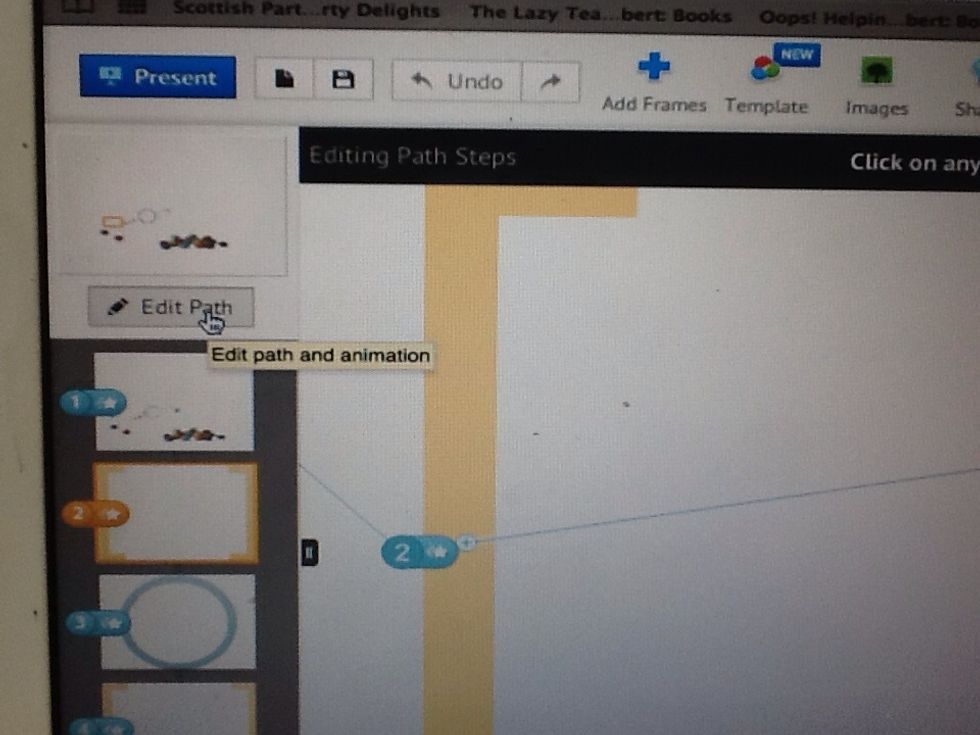
To set the order, click 'Edit Path'.
To set the order, click 'Edit Path'.

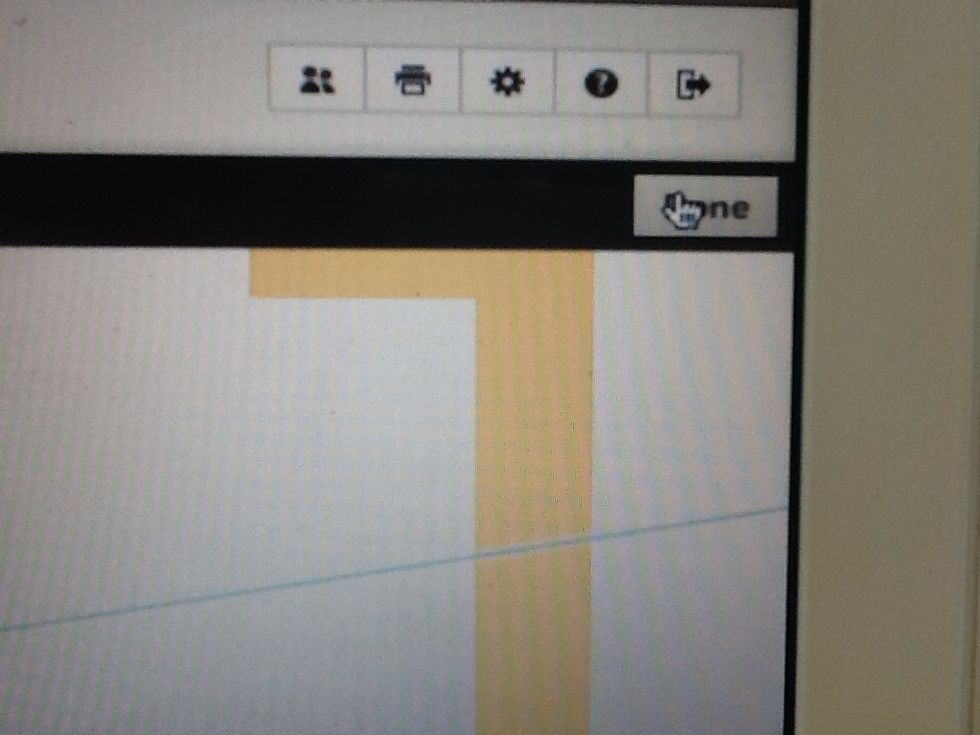
When you have finished, click 'Done.'
When you have finished, click 'Done.'

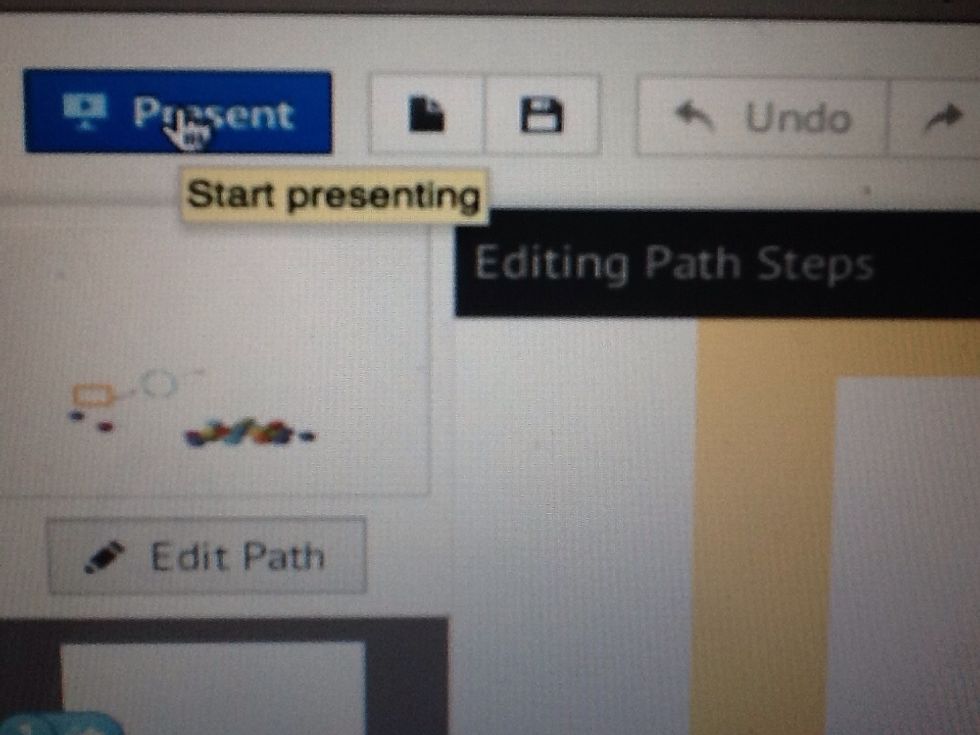
To test out your Prezi, click 'Present.'

To test out your Prezi, click 'Present.'

The creator of this guide has not included tools