
The Conversation (0)
Sign Up
Open pages on the iPad.
Press the documents button in the upper left.
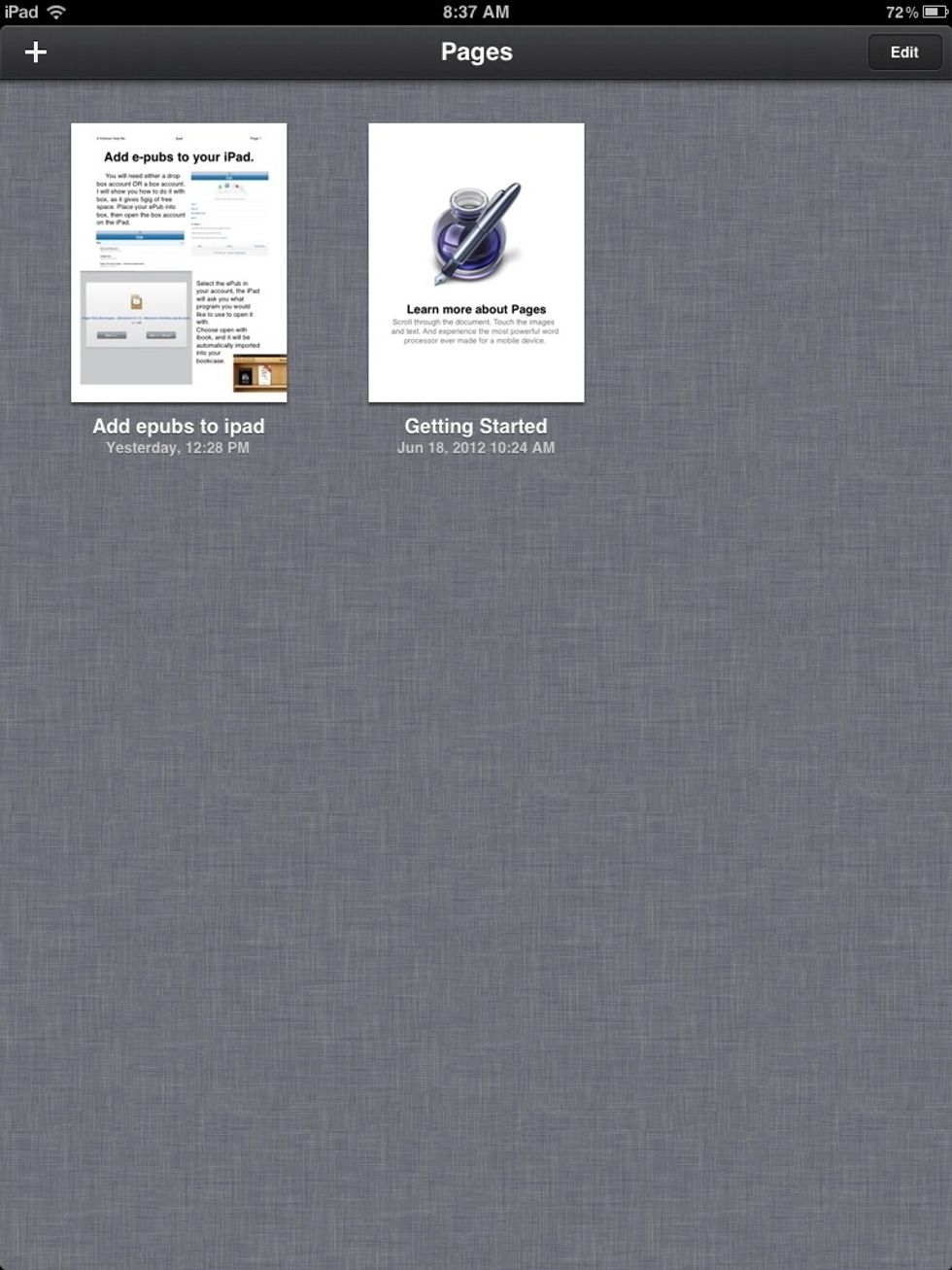
Select the +sign in the upper left corner.
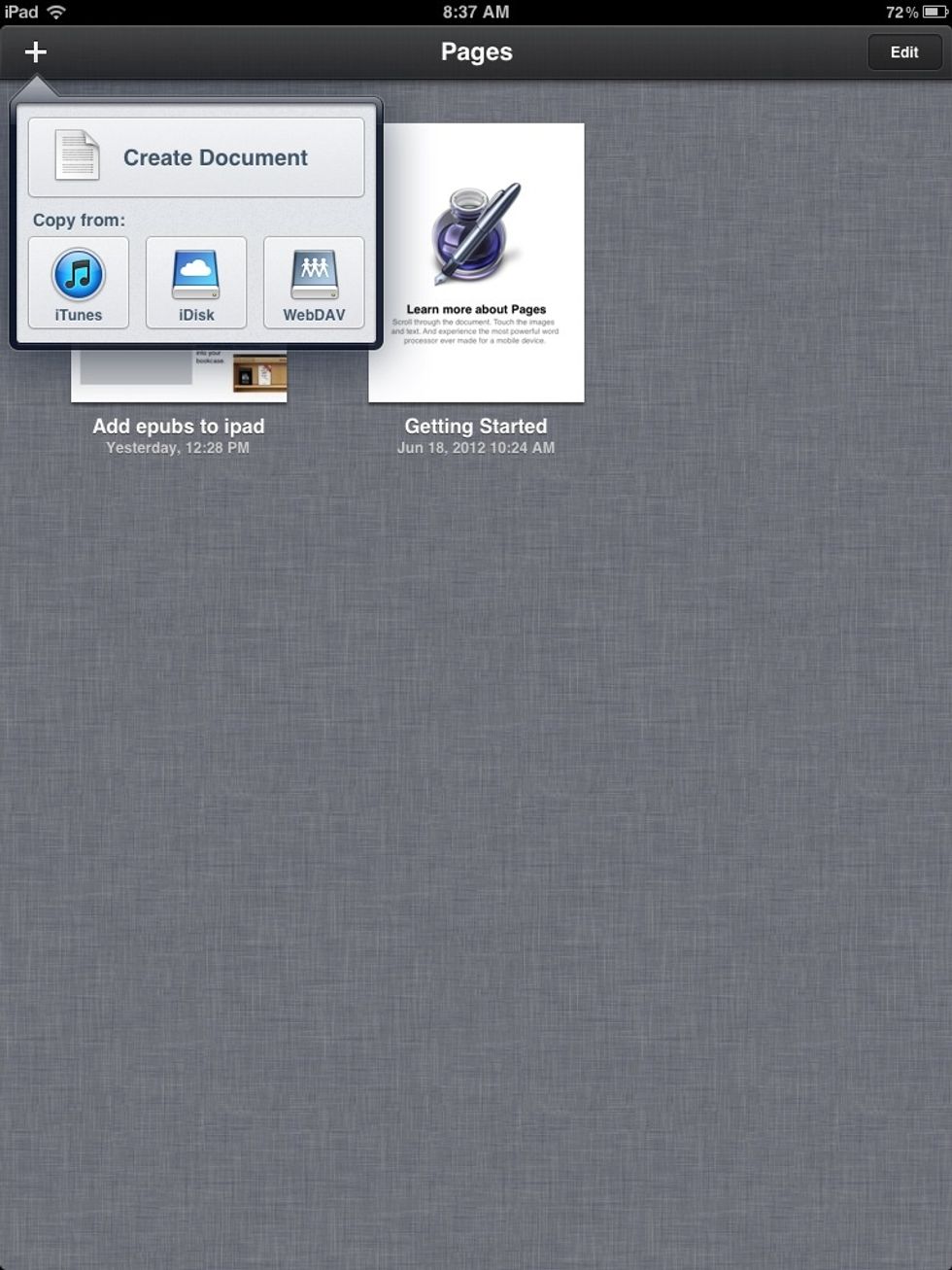
Choose WebDAV from the list of available options.
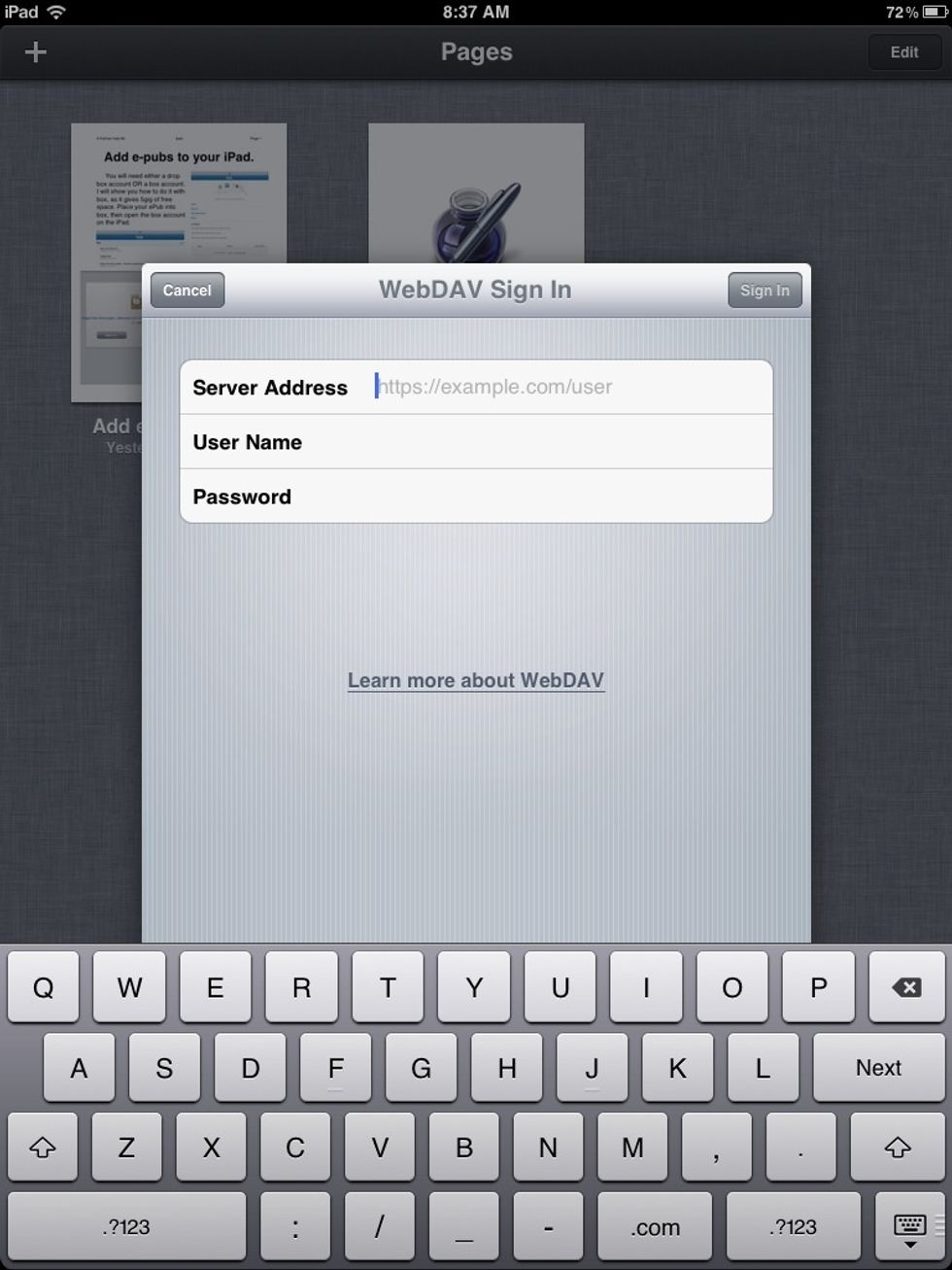
Enter box.com as the server. Your Box username and Password.
Navigate your box account to find any documents you would like to open in pages.
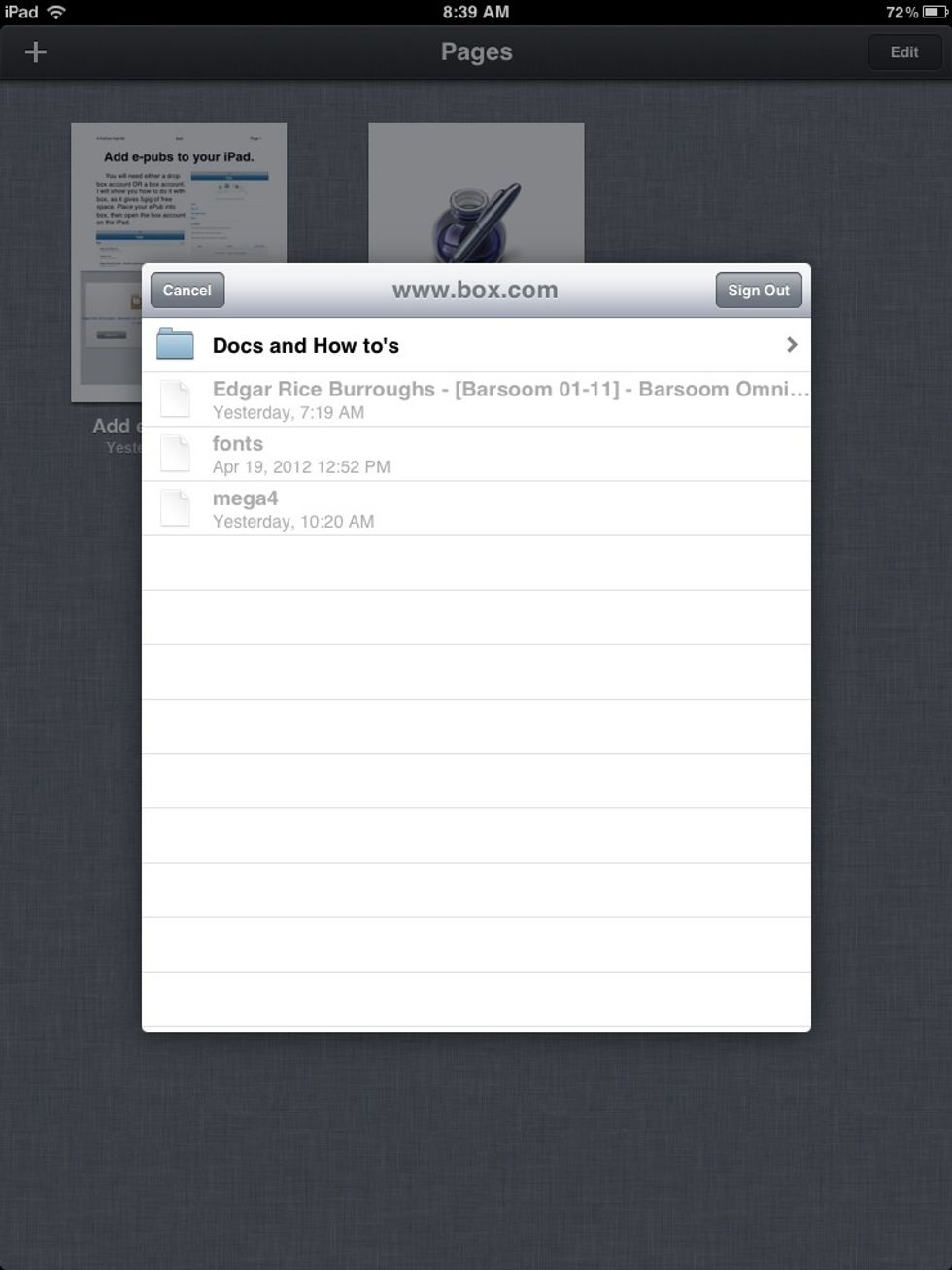
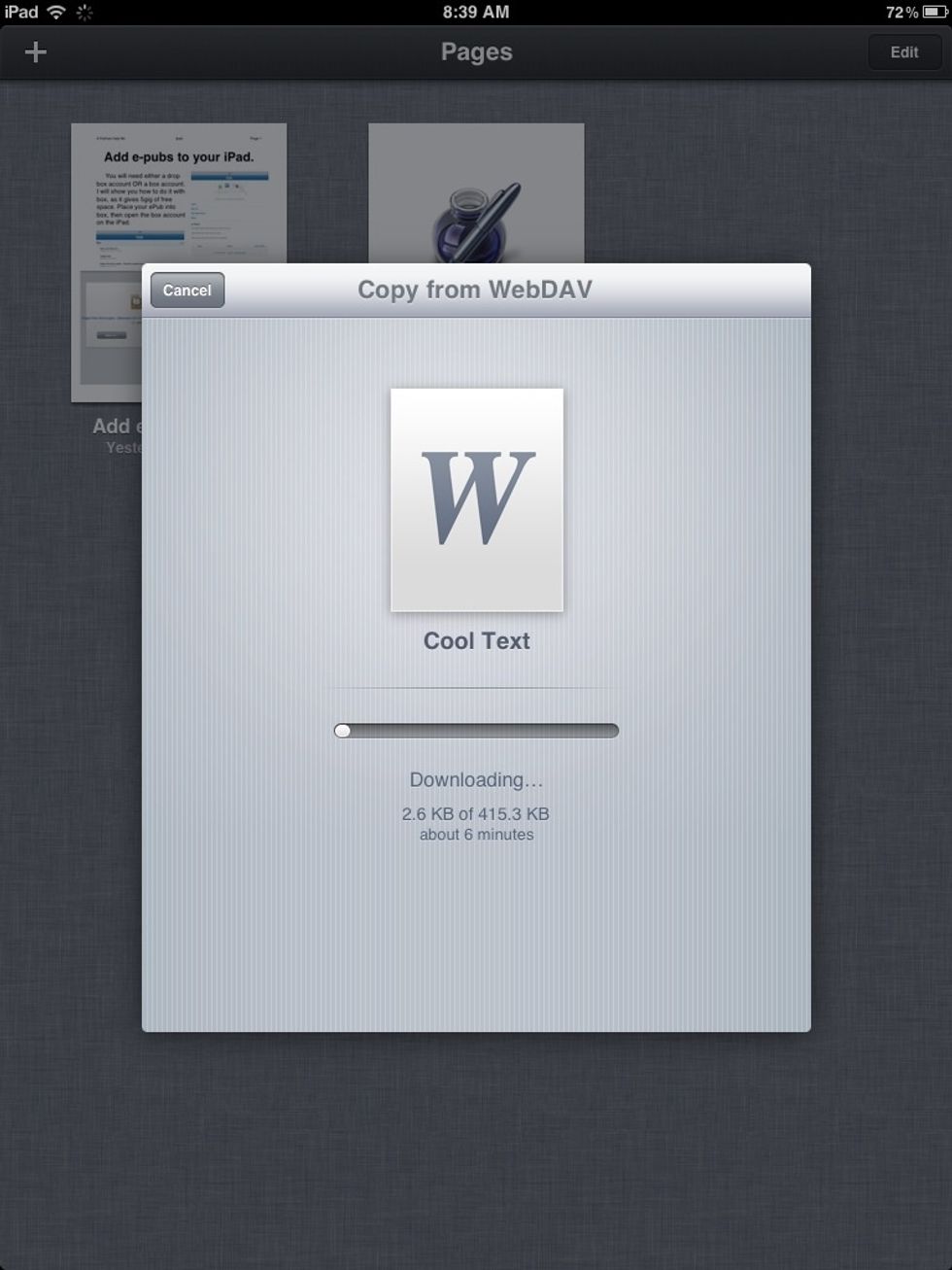
Select one and it will down load to the documents folder on your iPad, the one available to Pages.
Now you can select it to open it and edit it with Pages.