
The Conversation (0)
Sign Up
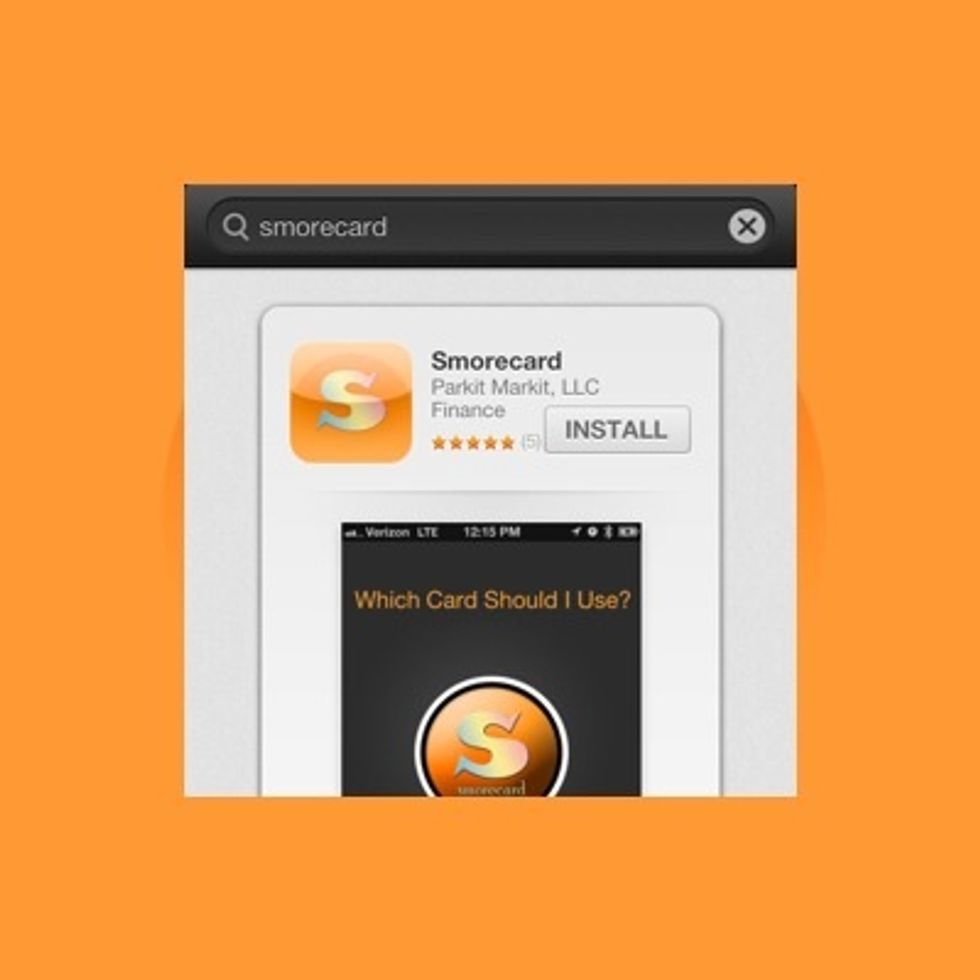
Download Smorecard for FREE from the App Store or Google Play!
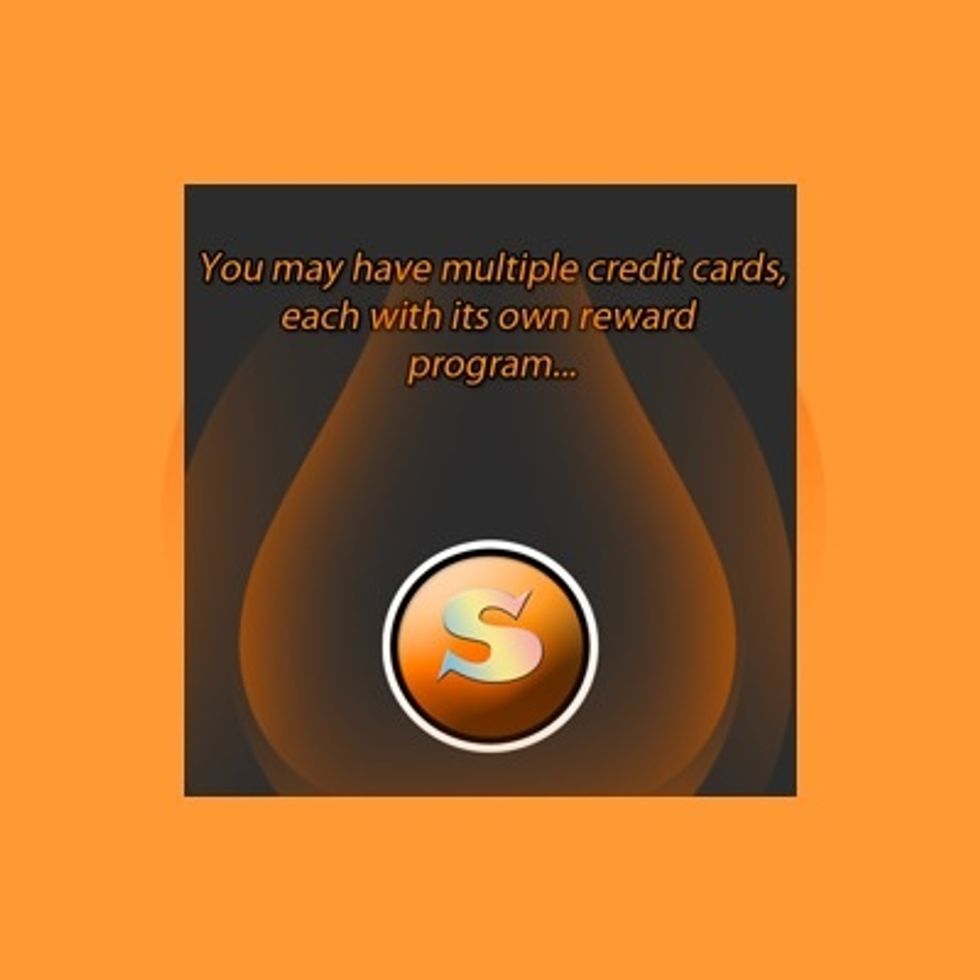
Work your way through our Welcome Screens.

Keep going :)

Click the "Start" button (not pictured) to get to the "Home" screen.
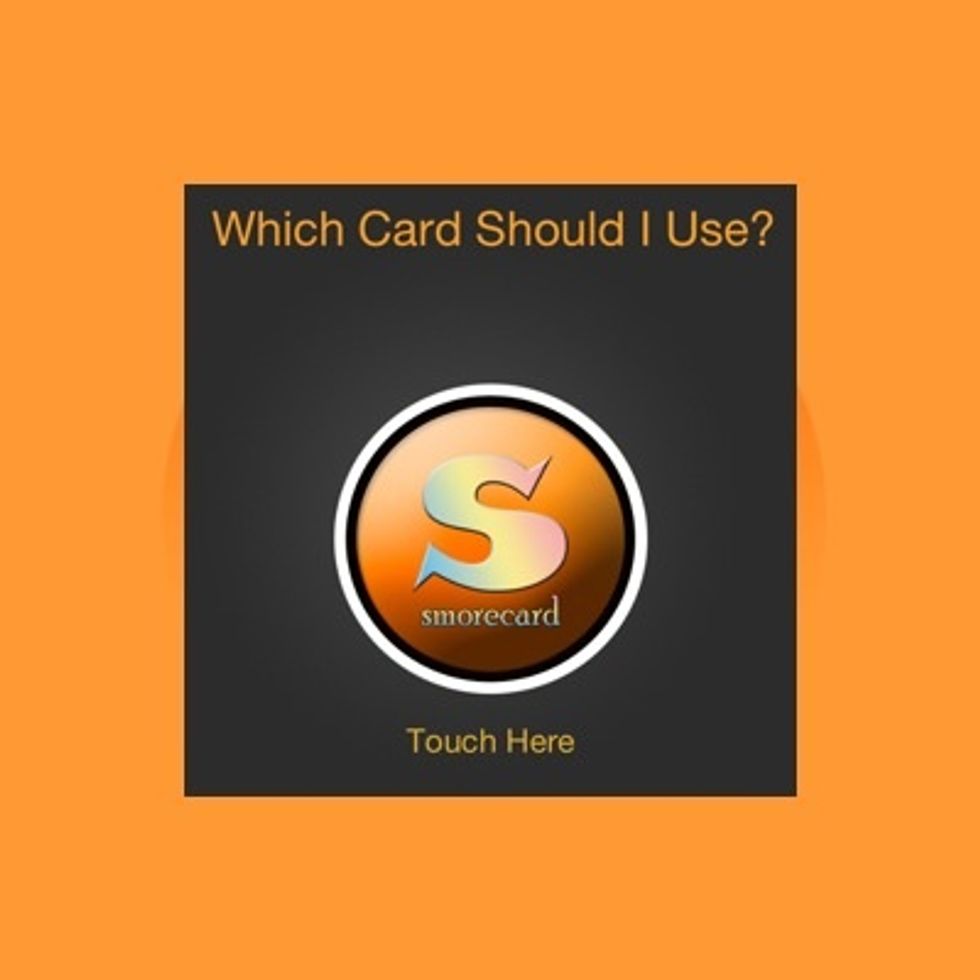
This is the "Home" screen. We need to add your credit cards! Hit the Smorecard button.

Remember, Smorecard is completely safe (does not require personal financial info), and it's incredibly accurate & effective. You're now ready to add your first card!

Click the "OK" button (not pictured) to add your first card.
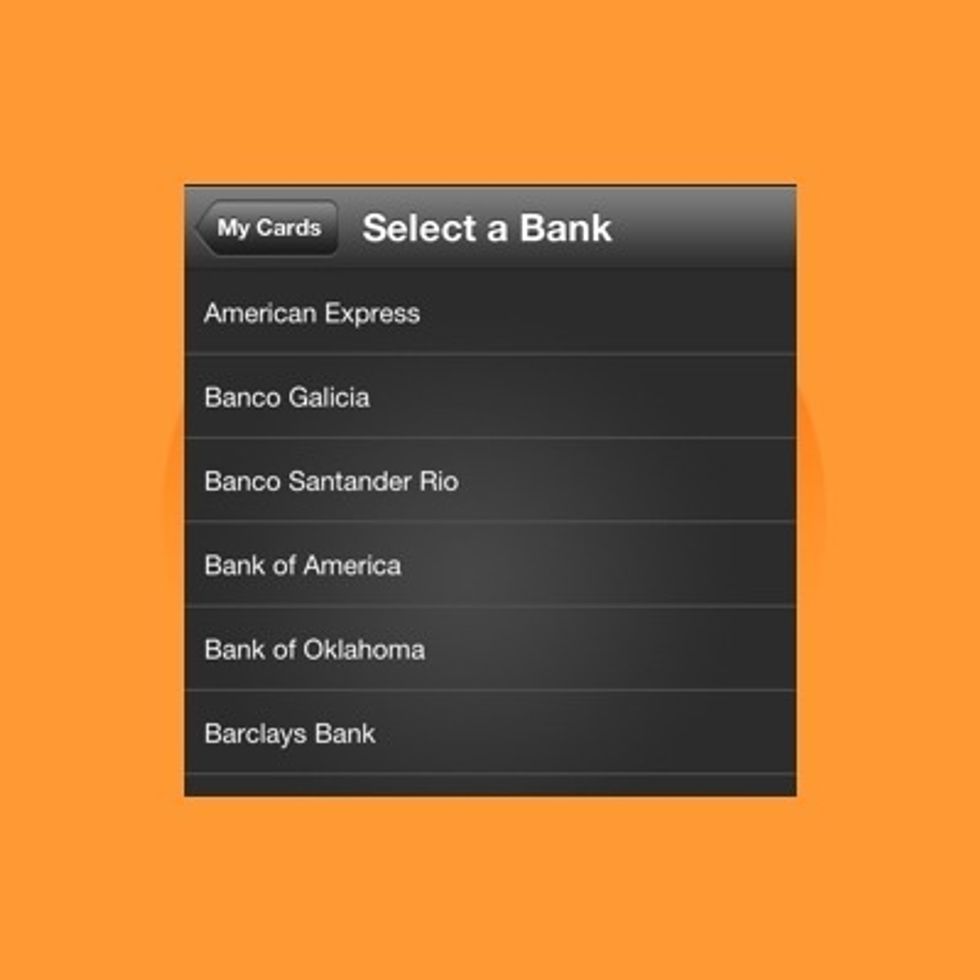
Scroll thru the "Select a Bank" screen to find the bank that issues your credit card.
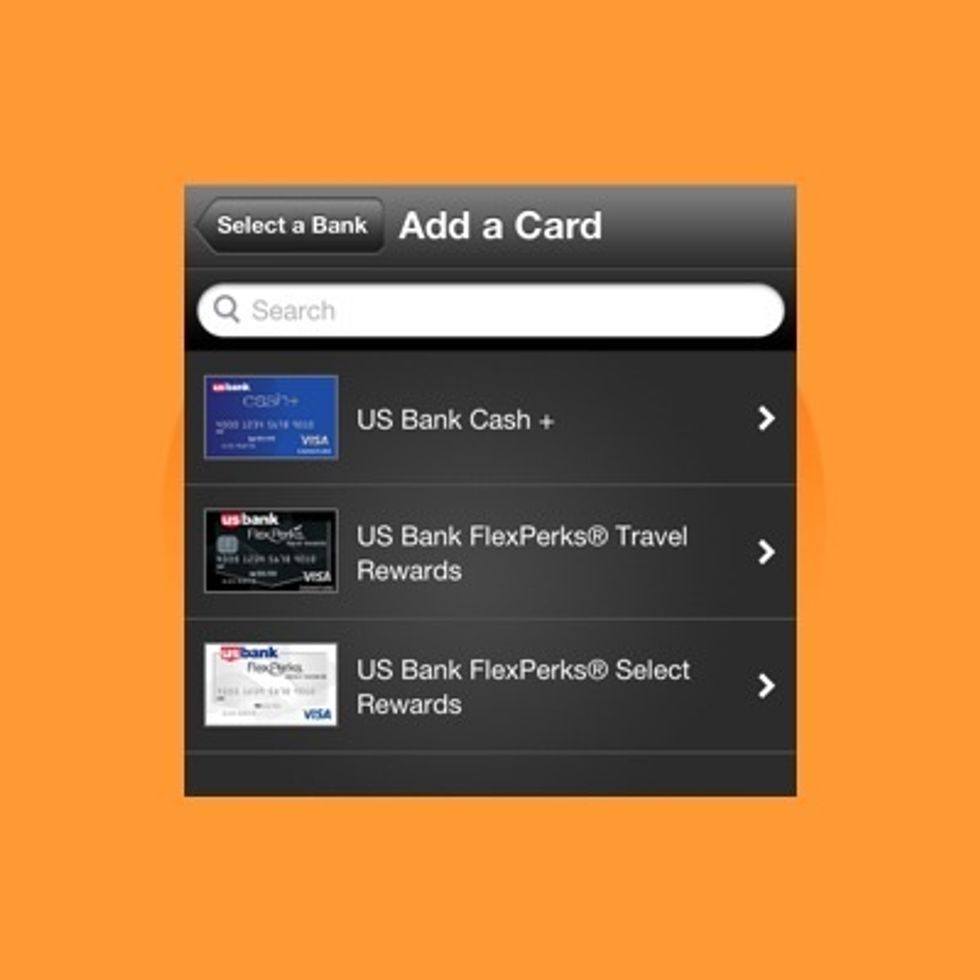
Once you've picked your card's bank, select your specific card.
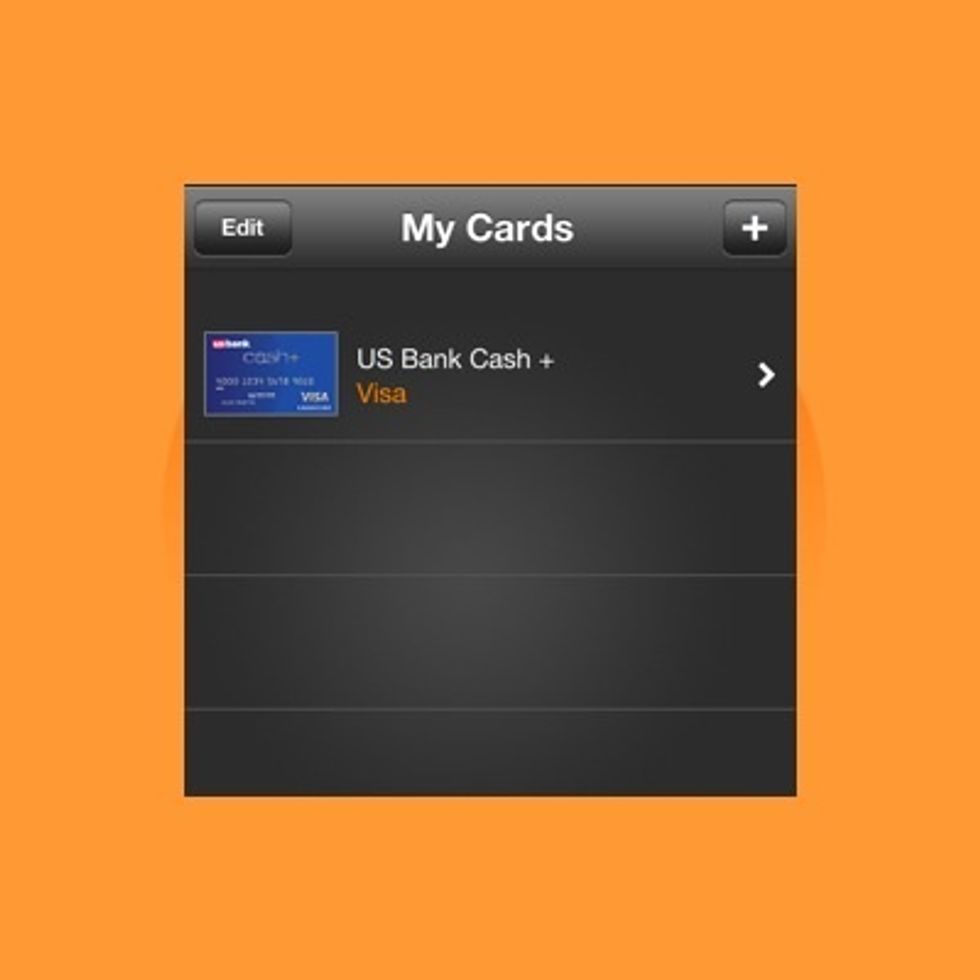
Your card is now added to "My Cards"

Note: If you do not find your bank or your specific credit card, message us directly at facebook.com/Smorecard and let us know. We will do our best to get it added quickly!

To add additional cards, use the + button in the top right corner of the "My Cards" screen & repeat steps 8-10.

Check us out on Facebook. Follow us on Twitter @SmorecardApp. Start getting s'more out of your rewards :)