
The Conversation (0)
Sign Up
Tip: Click on photos to enlarge.
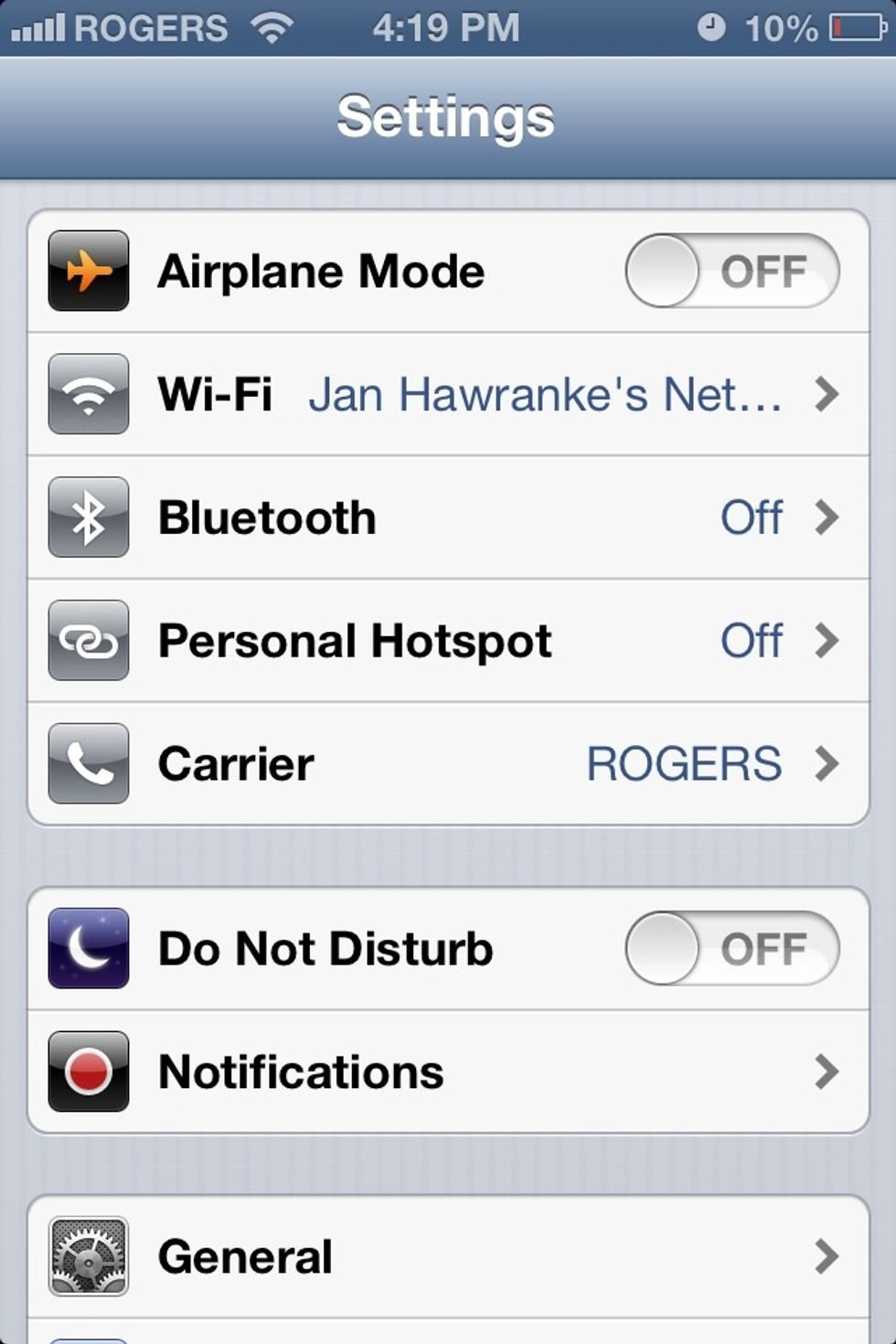
What you want to do to is go to the Settings app. After that you want to press "General".
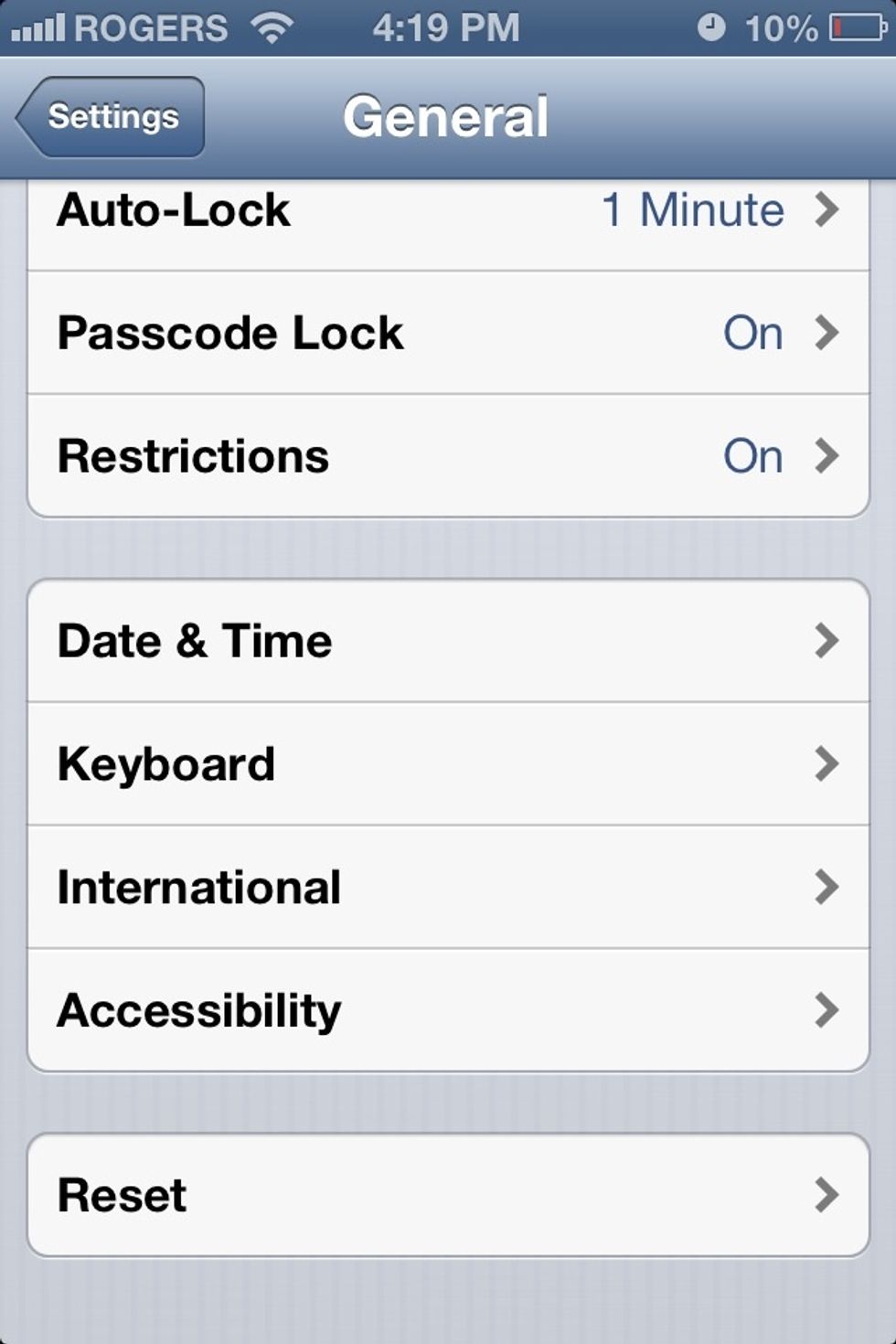
You then want to go to "Keyboard".
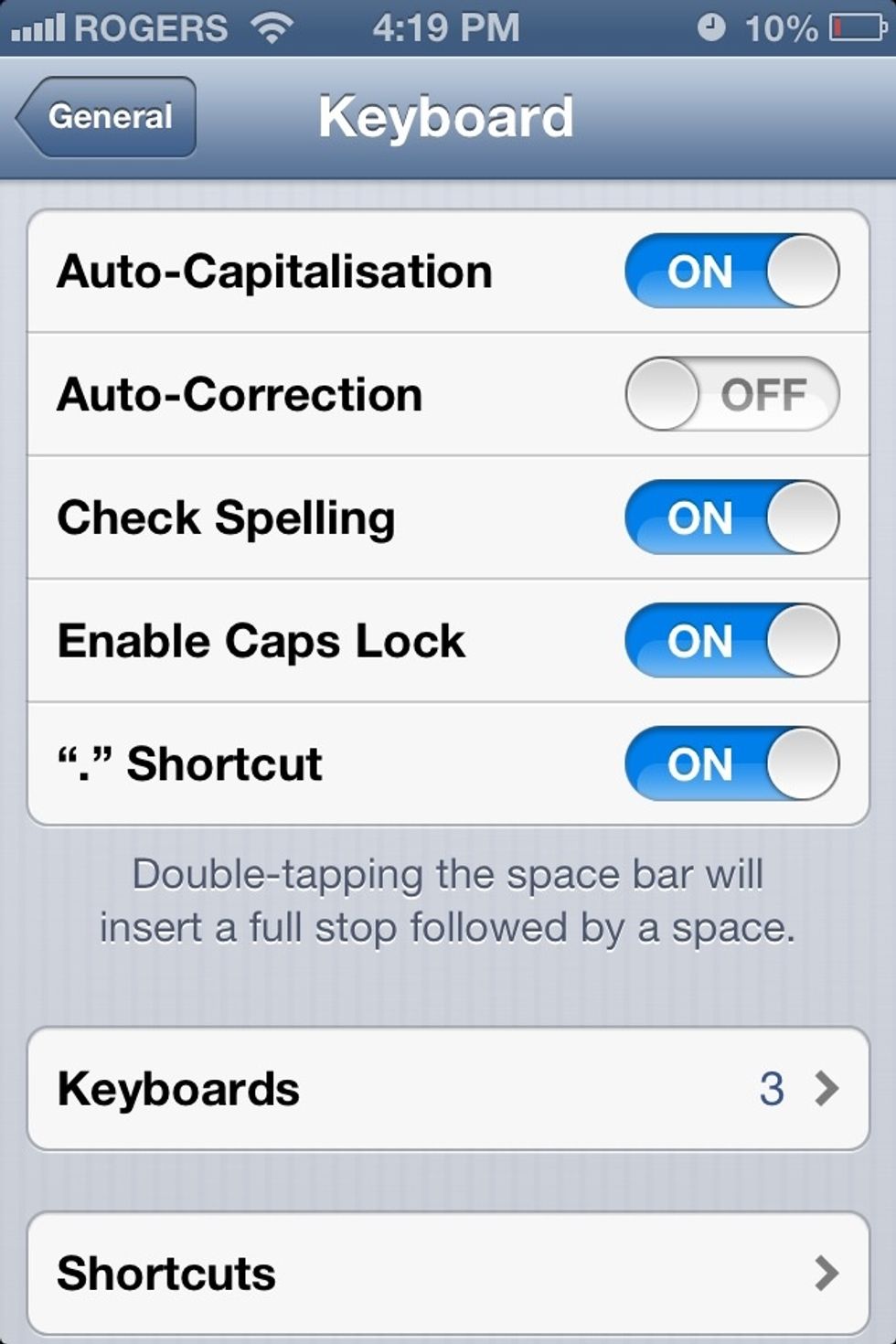
After that, select "Keyboards".
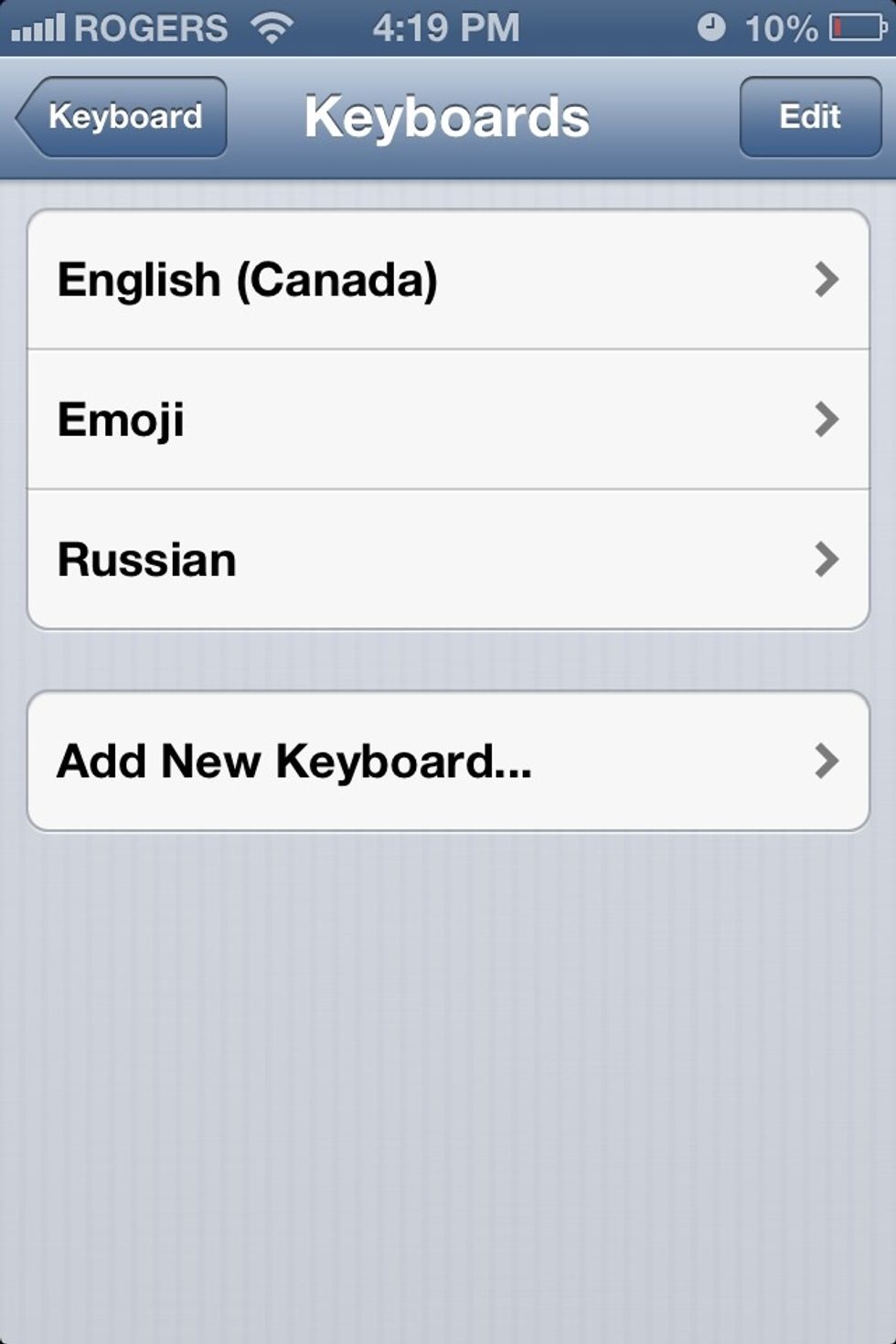
Select "Add New Keyboard...".
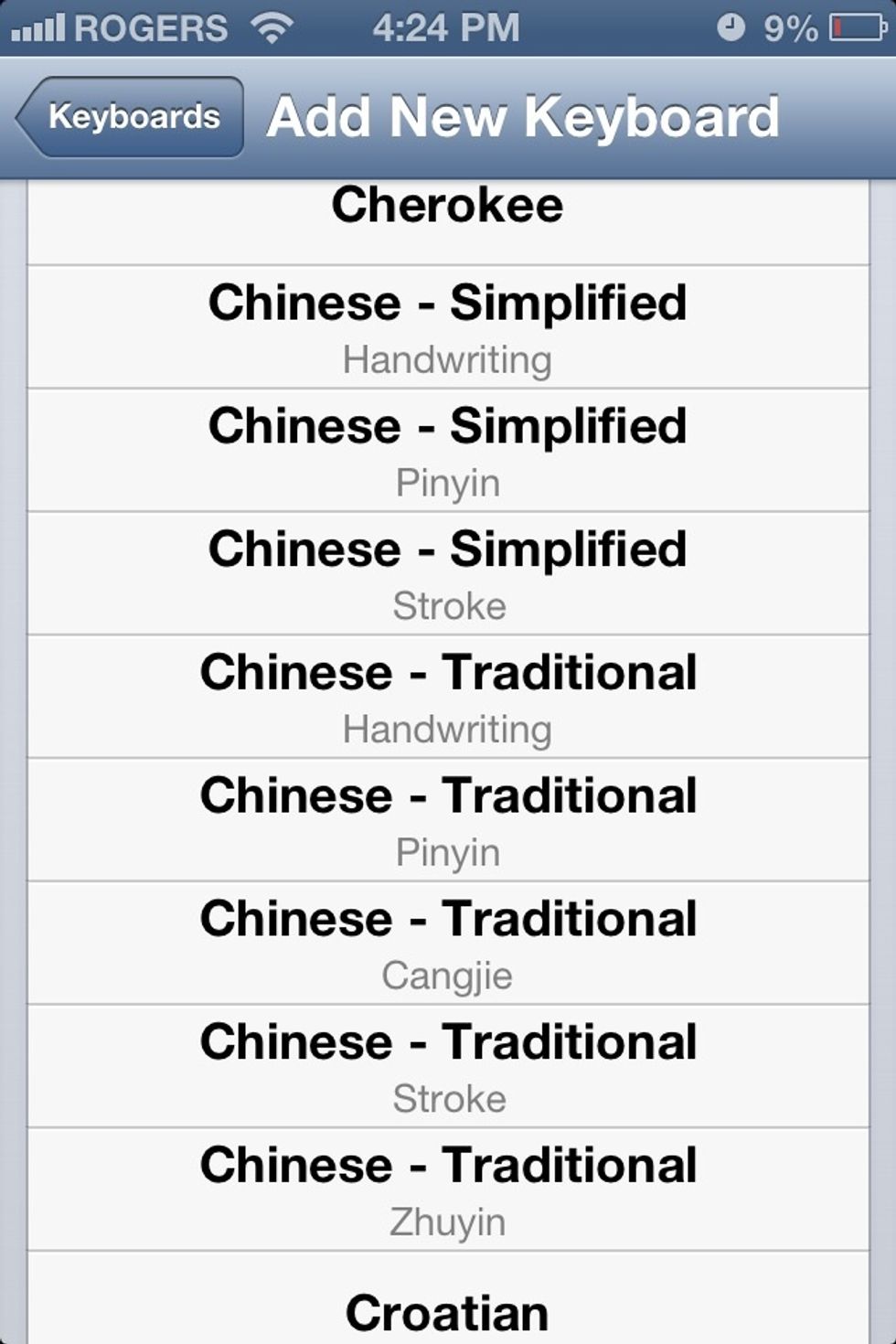
Choose "Chinese - Traditional (Stroke)"

Im testing this on the Notes app. To get to the new keyboard, select the globe like icon until you get to the keyboard, shown in the next photo (click photo to enlarge)..

Once you're here, you then want to click on the little face in the bottom-left corner (Click photo to enlarge)..

You may think you are done, but press the little arrow on the right.

You're done! There is alot more than in the photo, all you need to do is scroll down. Thanks for viewing my guide! Leave a comment and like, and don't forget to follow!!