
The Conversation (0)
Sign Up
This only works for the iphone/ipod 5 and up. If you liked this guide or found it helpful, please leave a like! :)
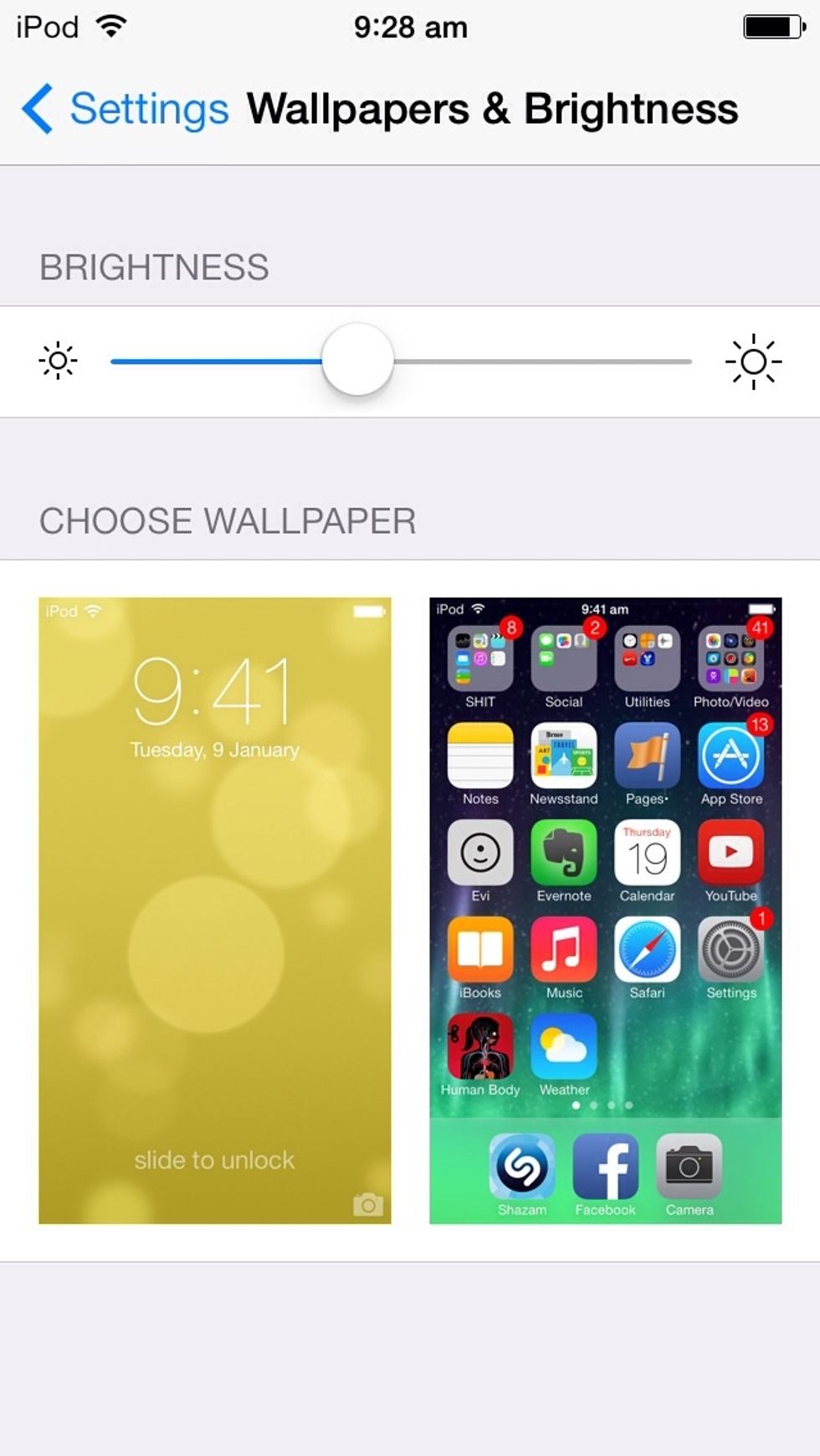
First go to settings, then wallpaper and brightness.
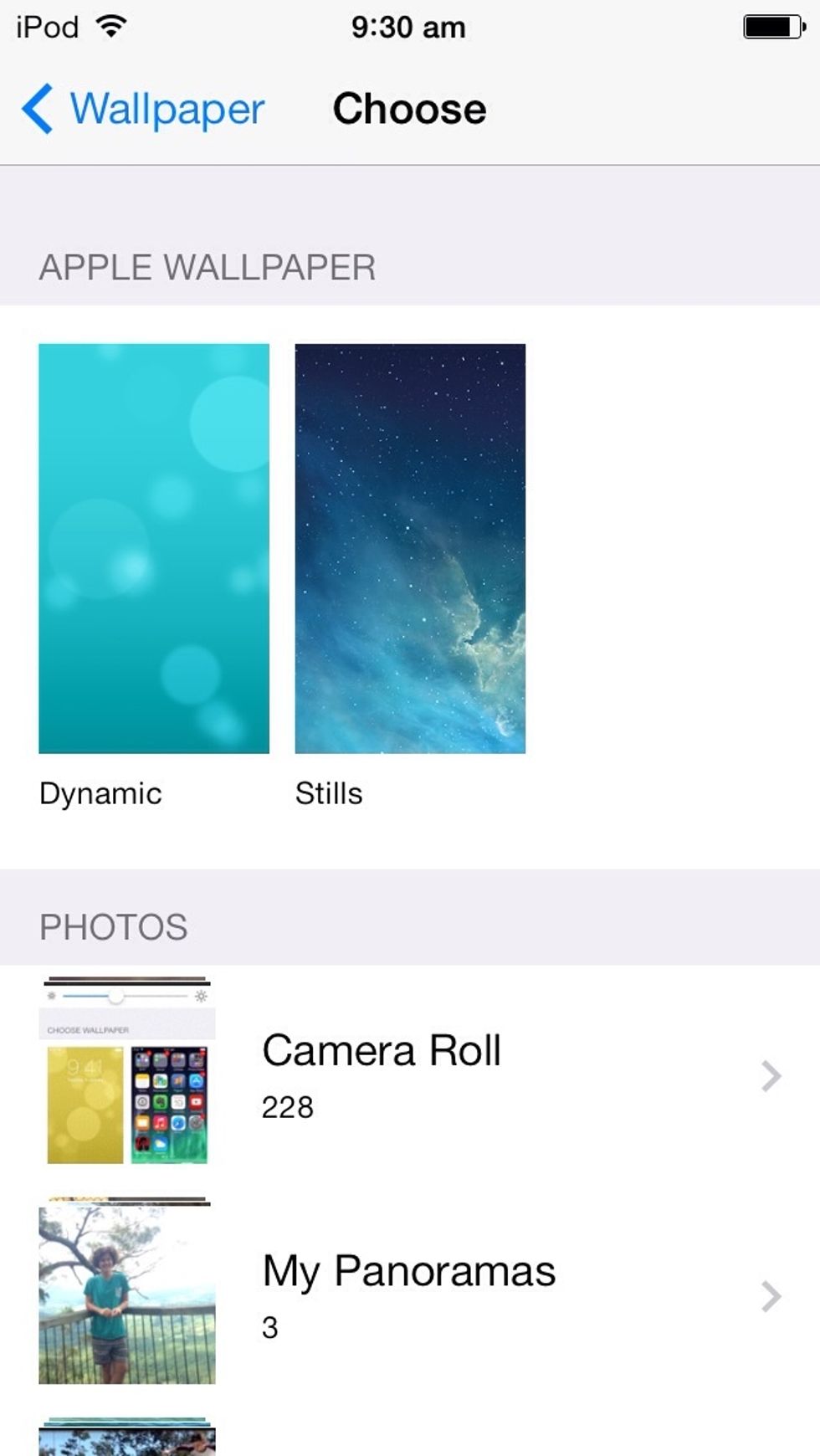
Choose wallpapers, then dynamic.
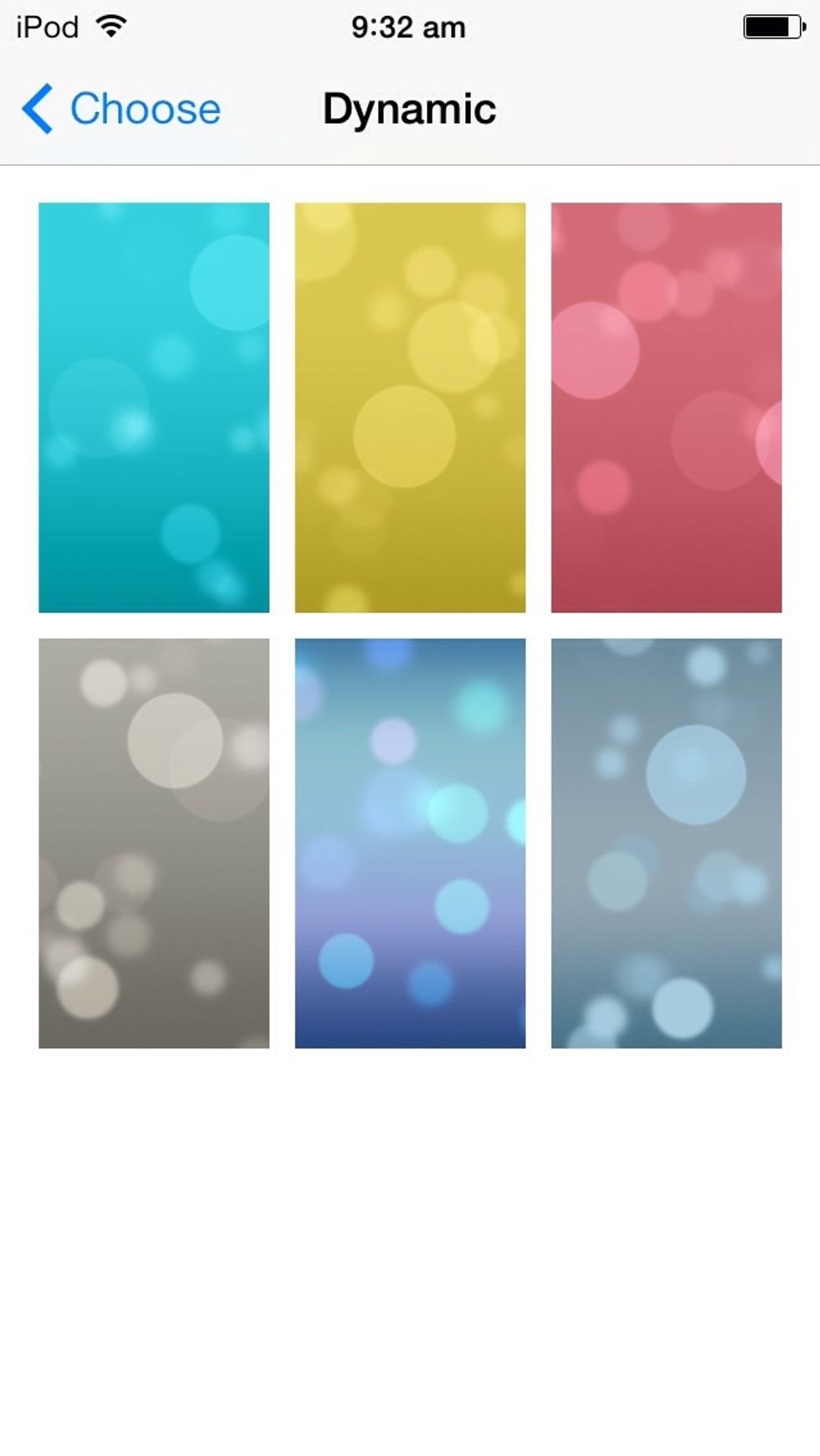
You should then find these, apple recently released the top 3 and bottom right. I believe that they are to match the colour of you iphone/ipod.
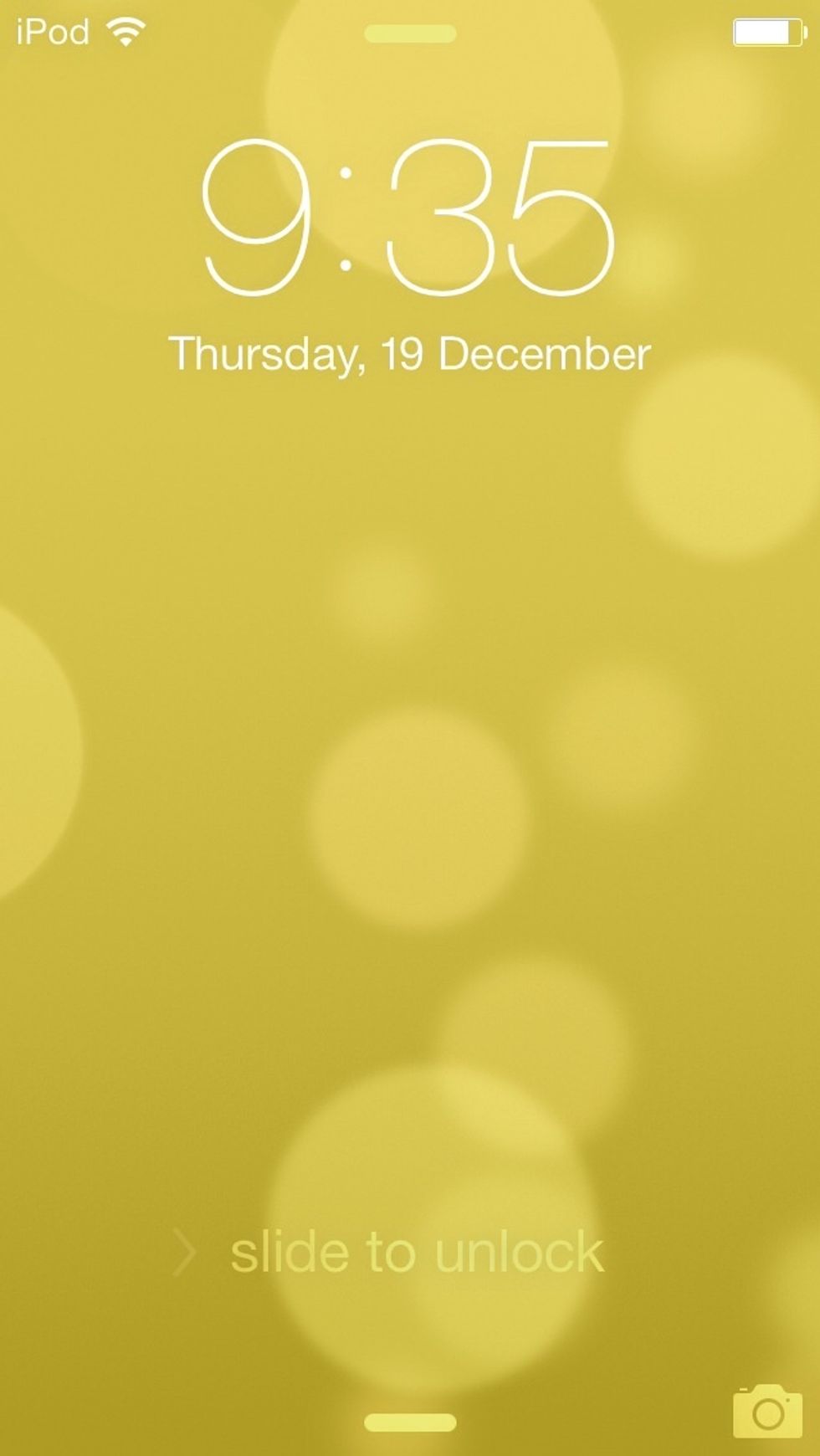
Set one as your lockscreen background or your home background! The bubbles will move across the screen as you tilt your device.