
The Conversation (0)
Sign Up
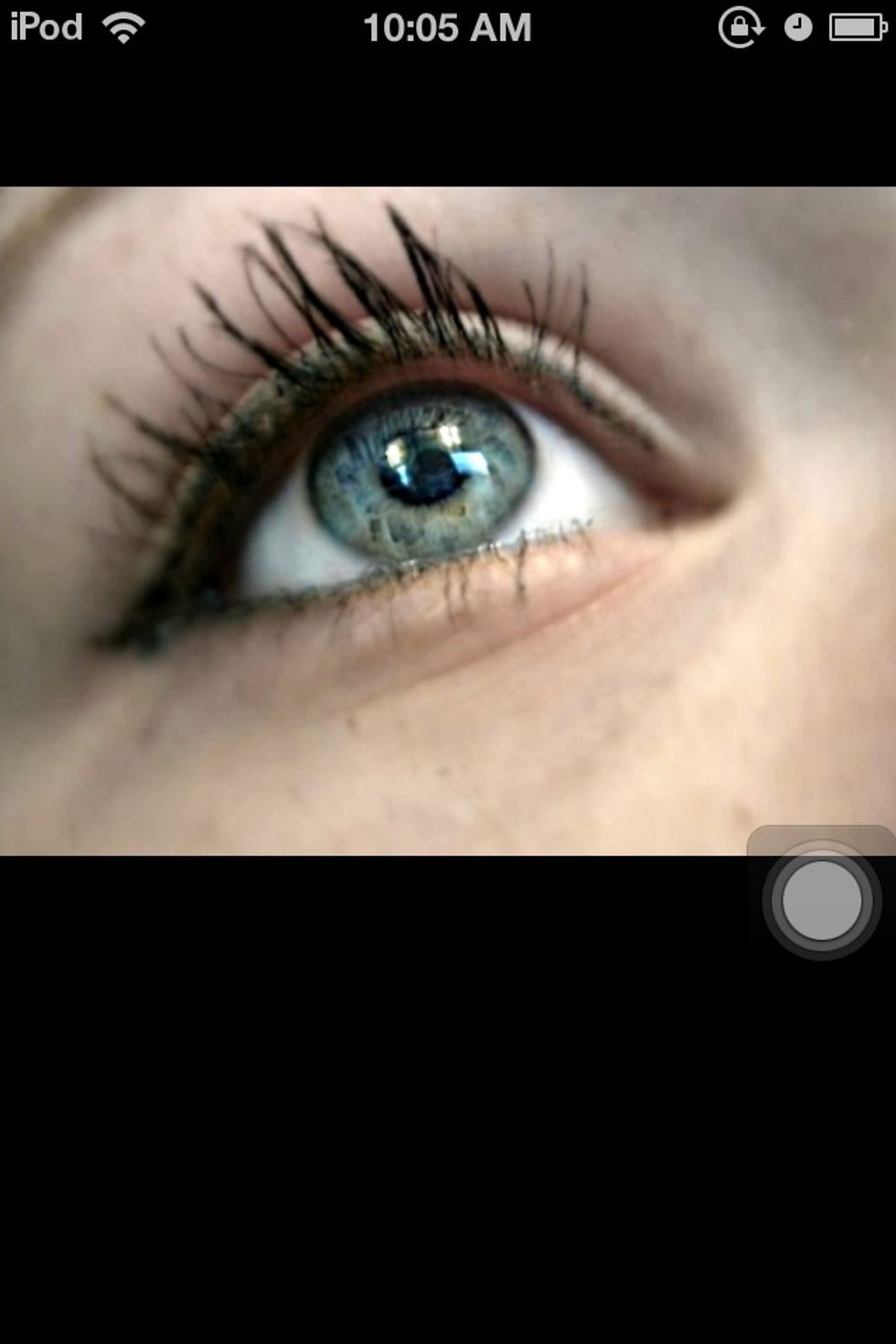
Start with a good photo. Mess with your camera settings and take as many shots as you can.
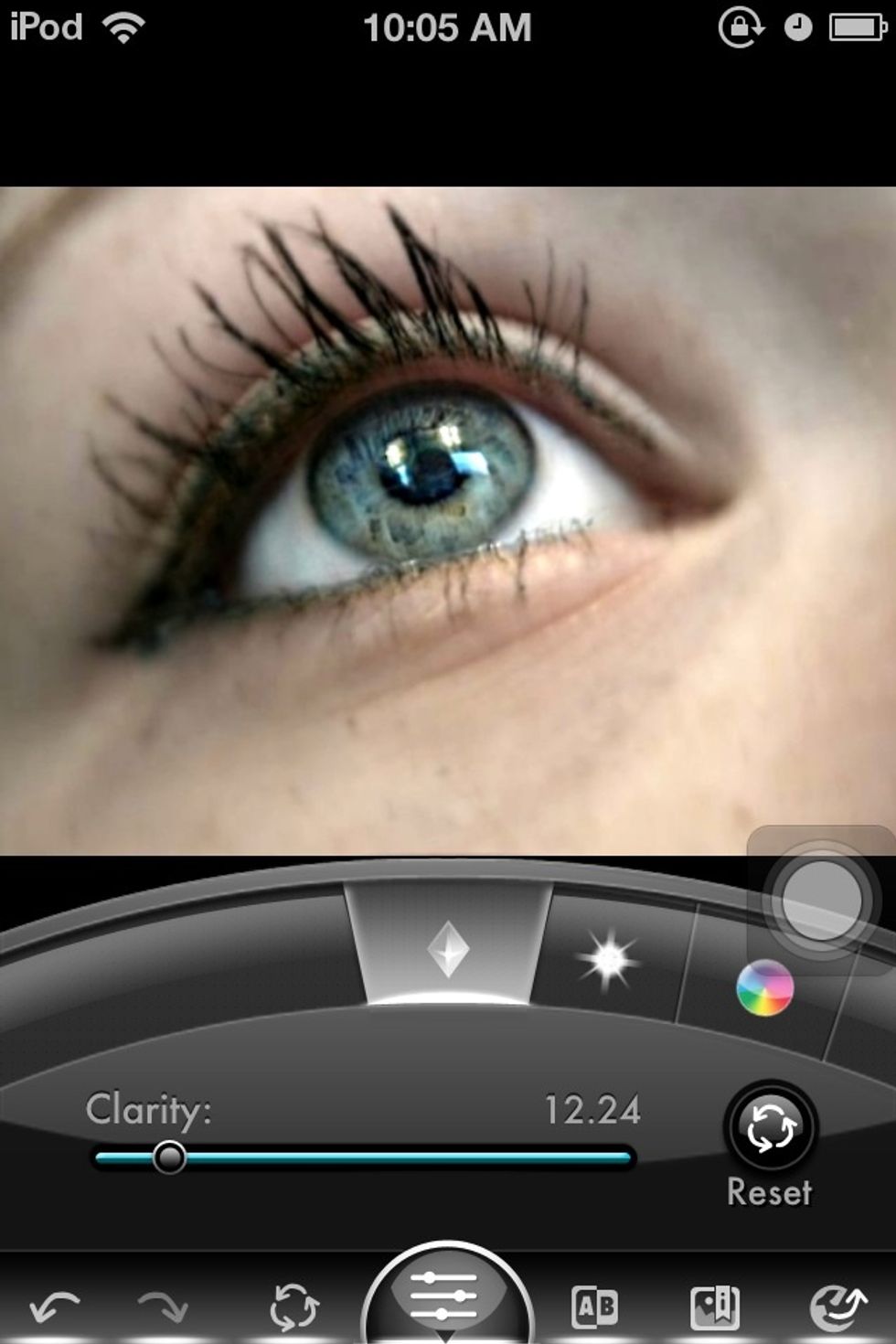
Start with the basic changes. Move each setting and see what you think looks best. I slightly increased the clarity here ^
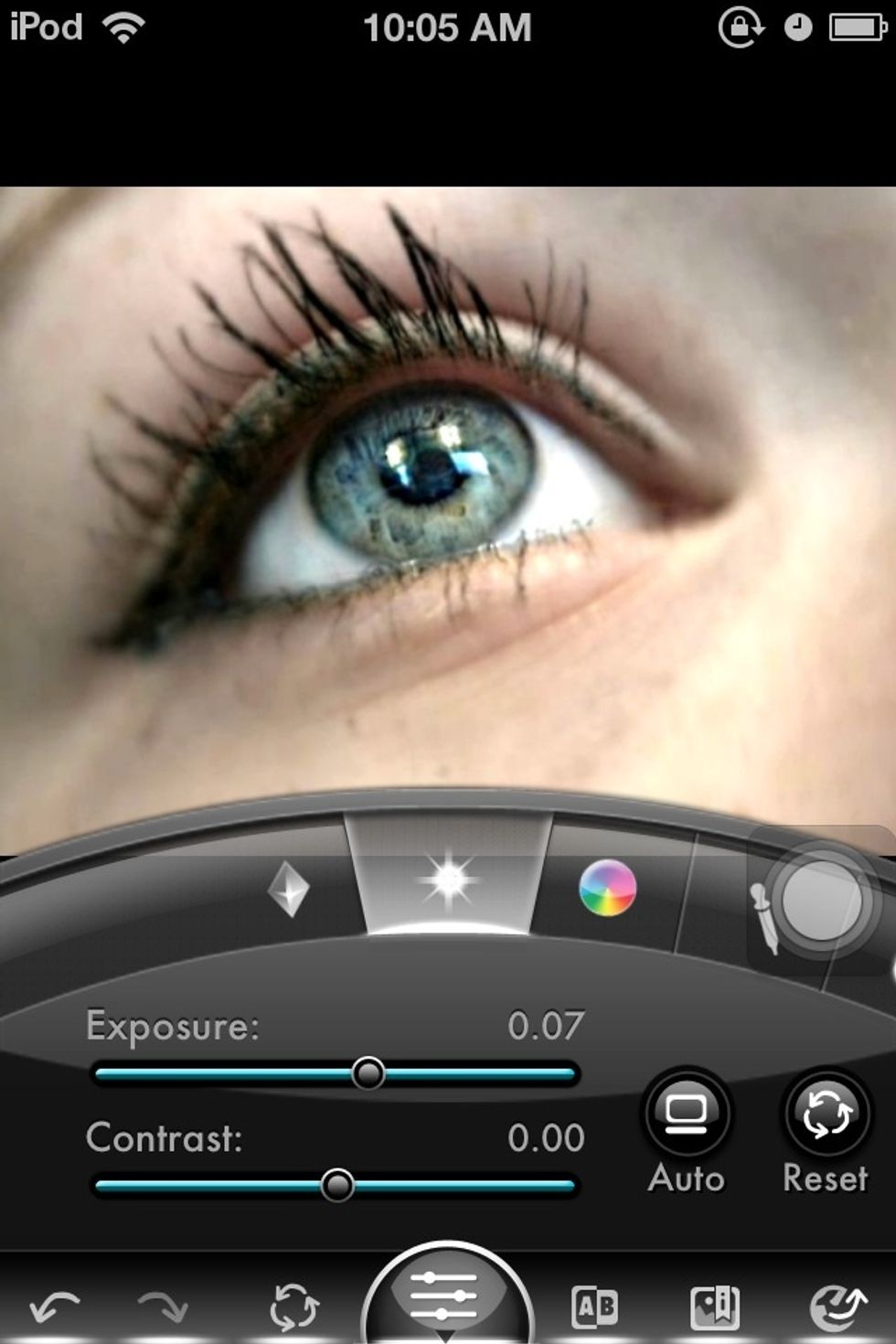
Exposure: I chose to keep it about the same, as with Contrast. But each photo will be different

Saturation: Brighten the colors, I used this to brighten the color in the eye
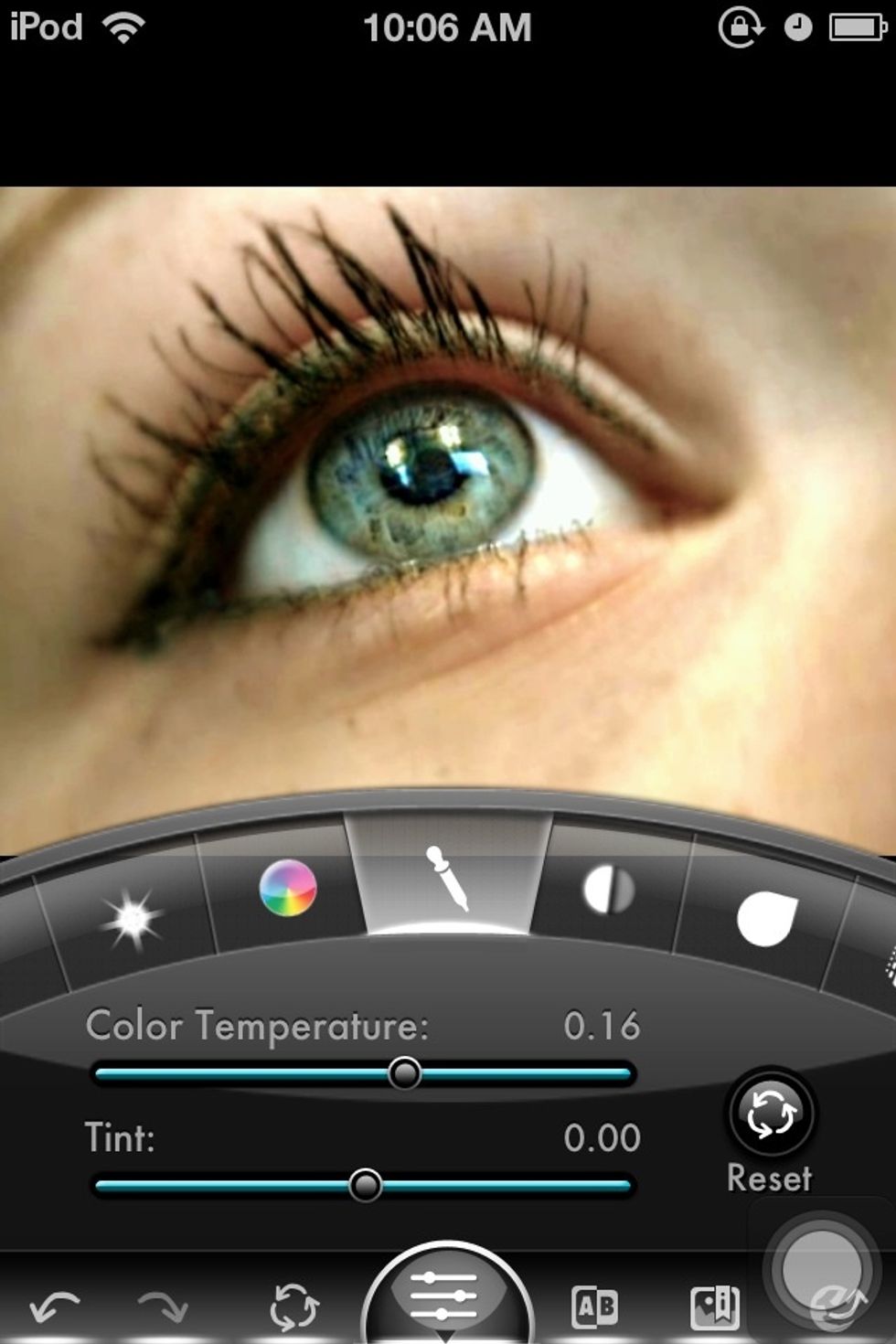
Color temperature: this is my favorite, it really changed the whole feel of the picture
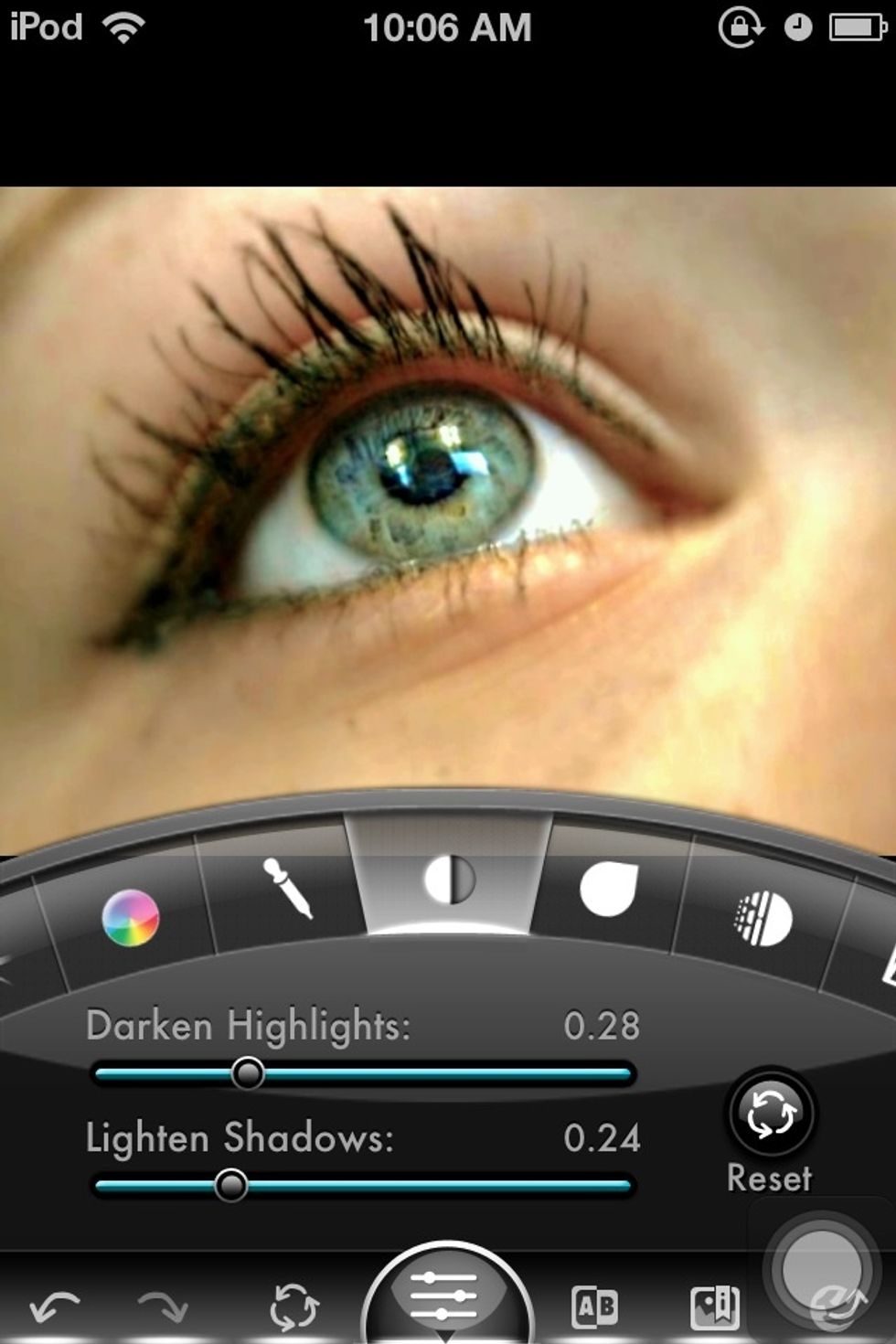
Darken high lights and lighten shadows: I used this to blend the colors a bit more, it sort of acts as a neutralizer
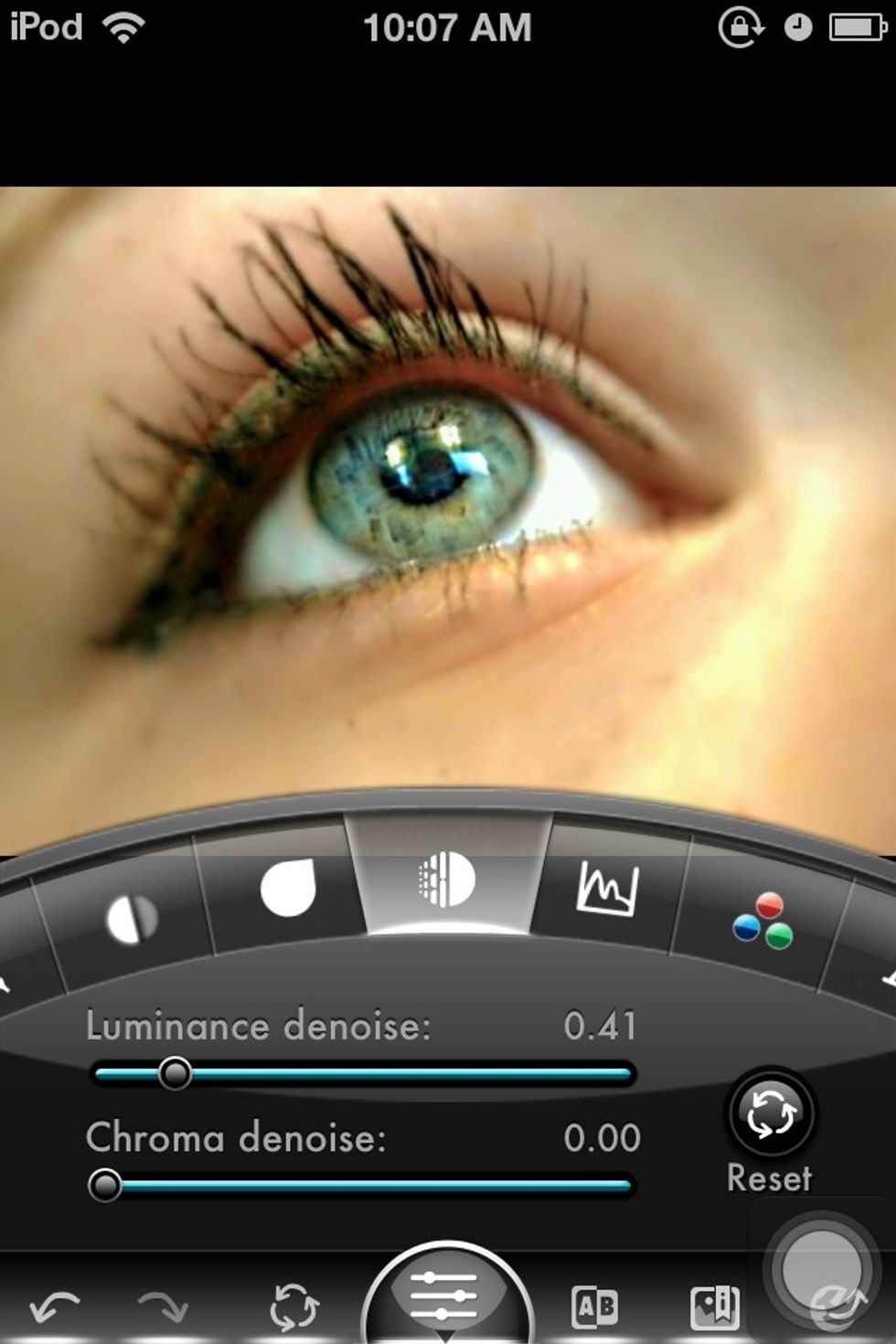
Denoise: More blending. Just try to keep all the edits low, overediting can ruin a picture.

The colors: Use these to increase or decrease red greens and blue amounts.

Use curves to brighten or darken a full photo
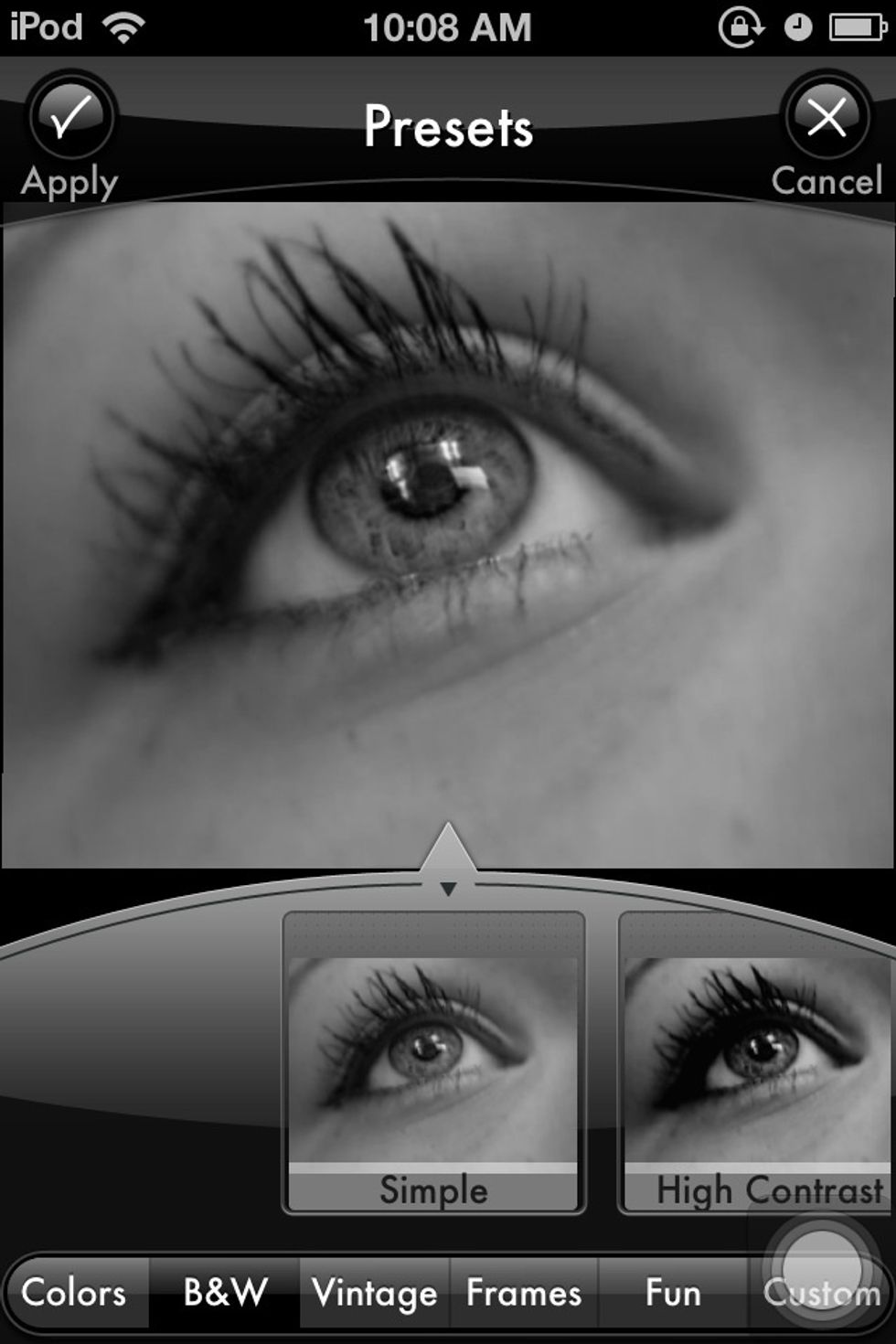
You can also use the presets or change it to B&W. Sometimes this improves photos, but I chose not to on this.

TA-Da(:

Before and After
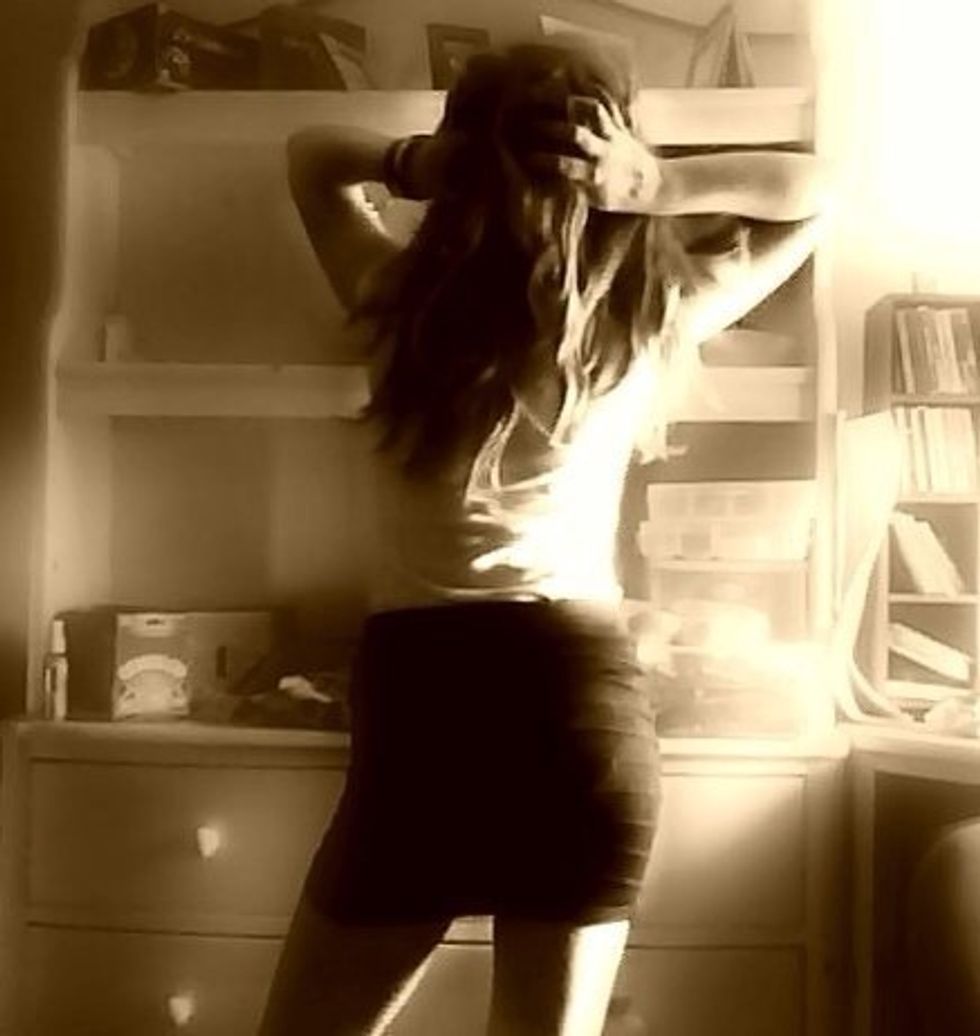
Use different cameras and techniques. This was taken with my laptop webcam

This one was taken with my camera

This one was taken with my iPod 4g