
The Conversation (0)
Sign Up
Im not trying to advertise or anything, i just thought i should share this app with everyone that wants to listen to free music!
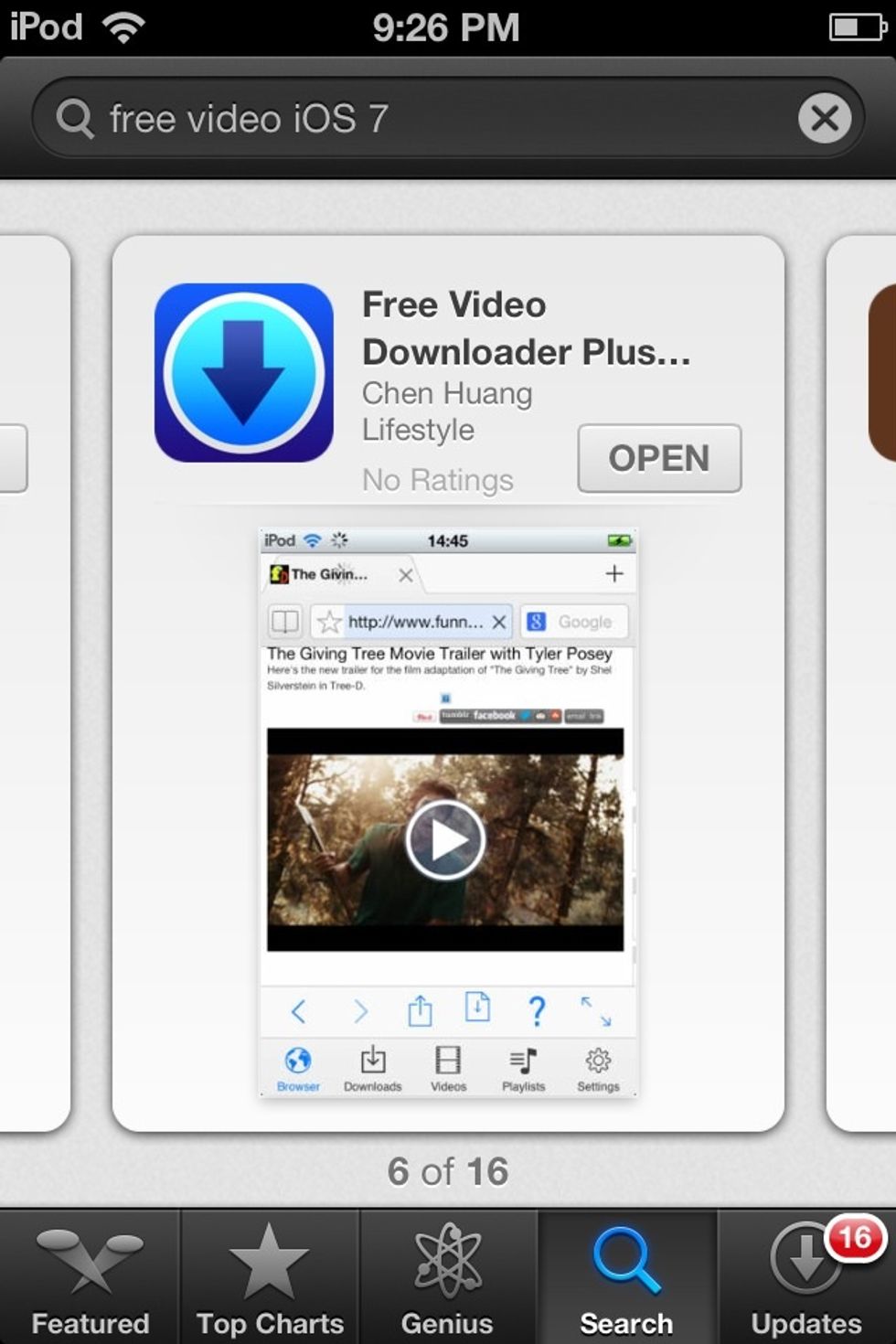
Search for free video iOS 7 in the App Store and download the 6th app you see or just download the app that looks like the one in the picture
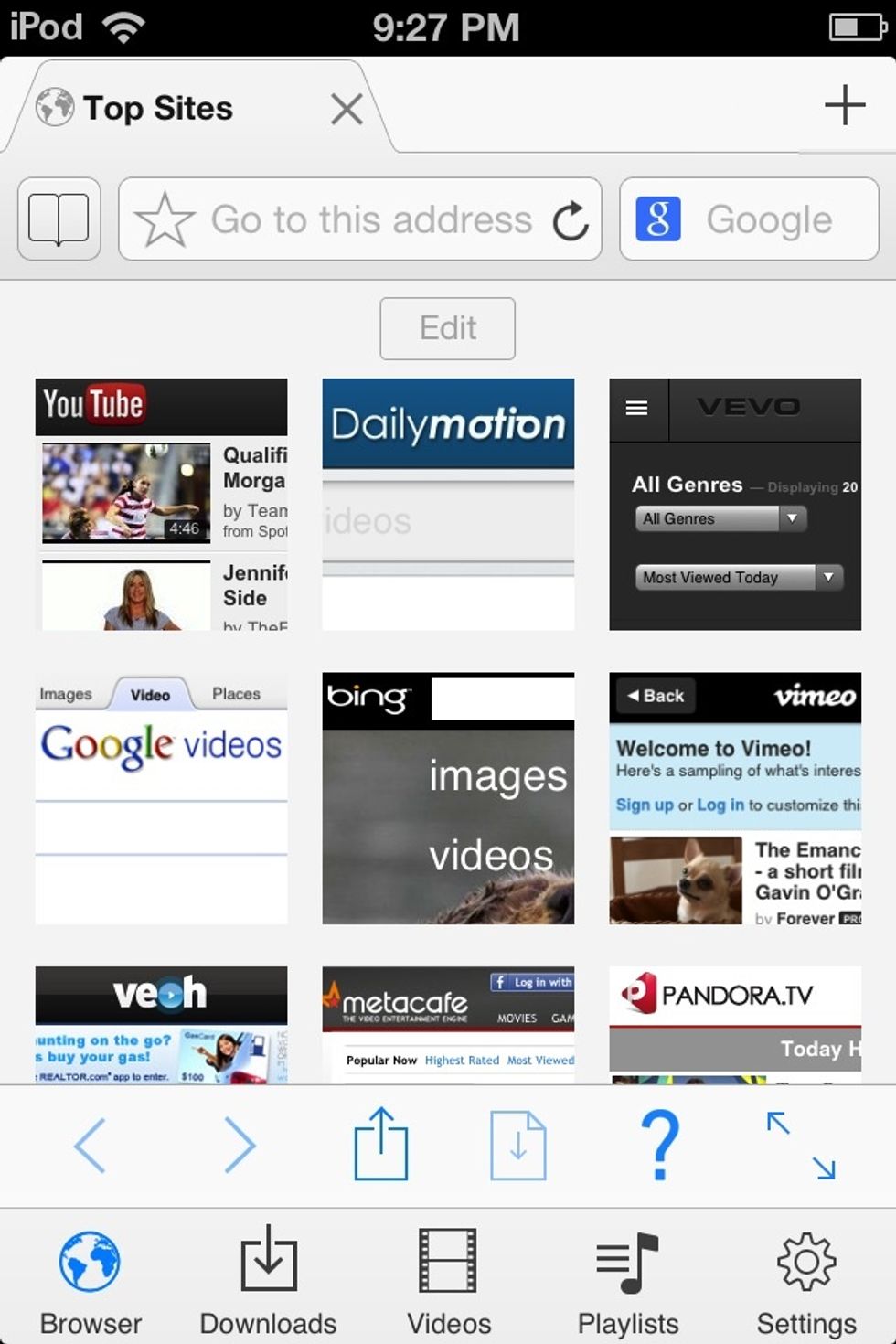
After its finished downloading, this will pop up as the home page. If its not follow the directions that is written on it. Press on the first icon(YouTube)
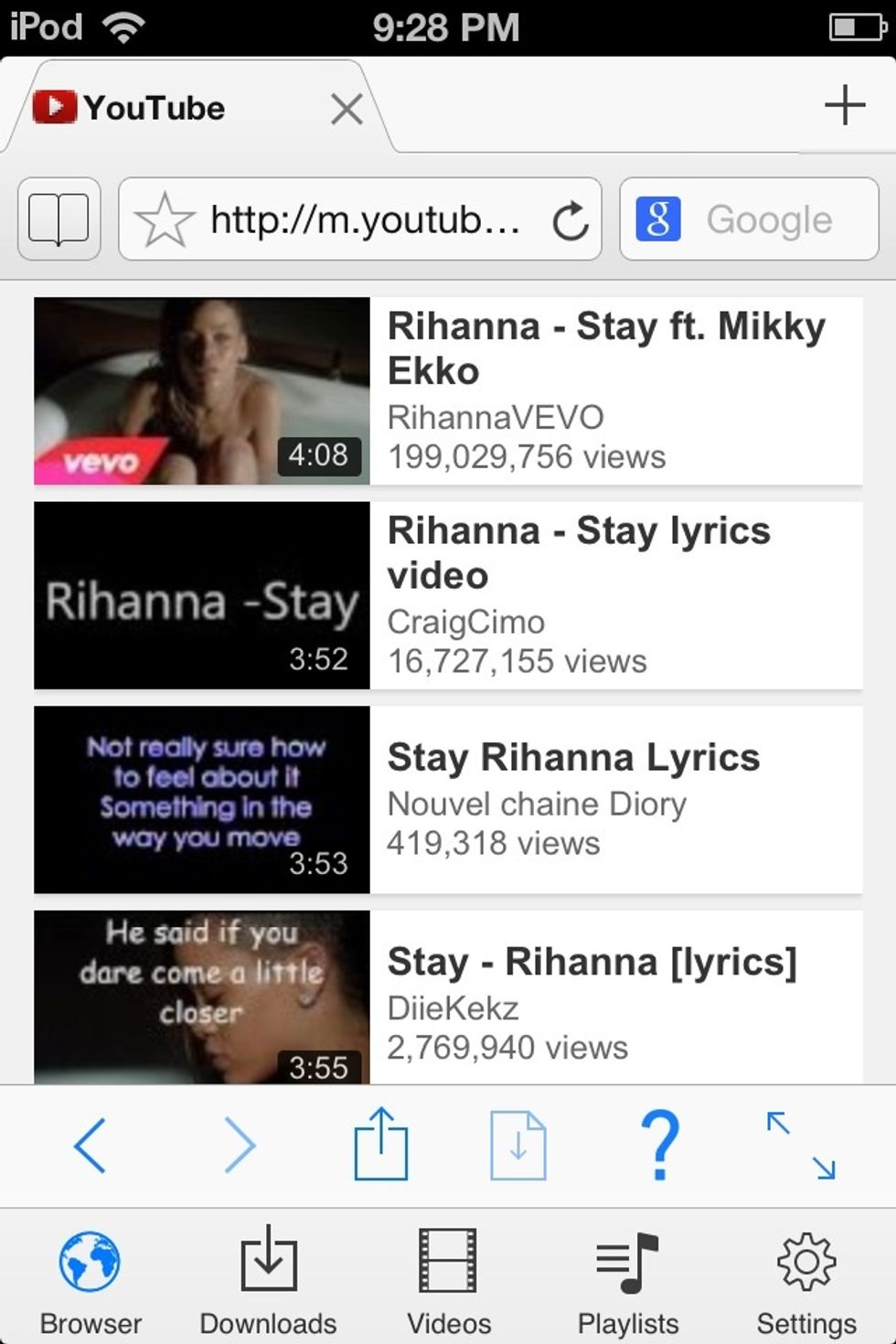
Search for a song or video. Click on the one you wanna download.

On the bottom corner you will see a little box that is shaking. Press on it
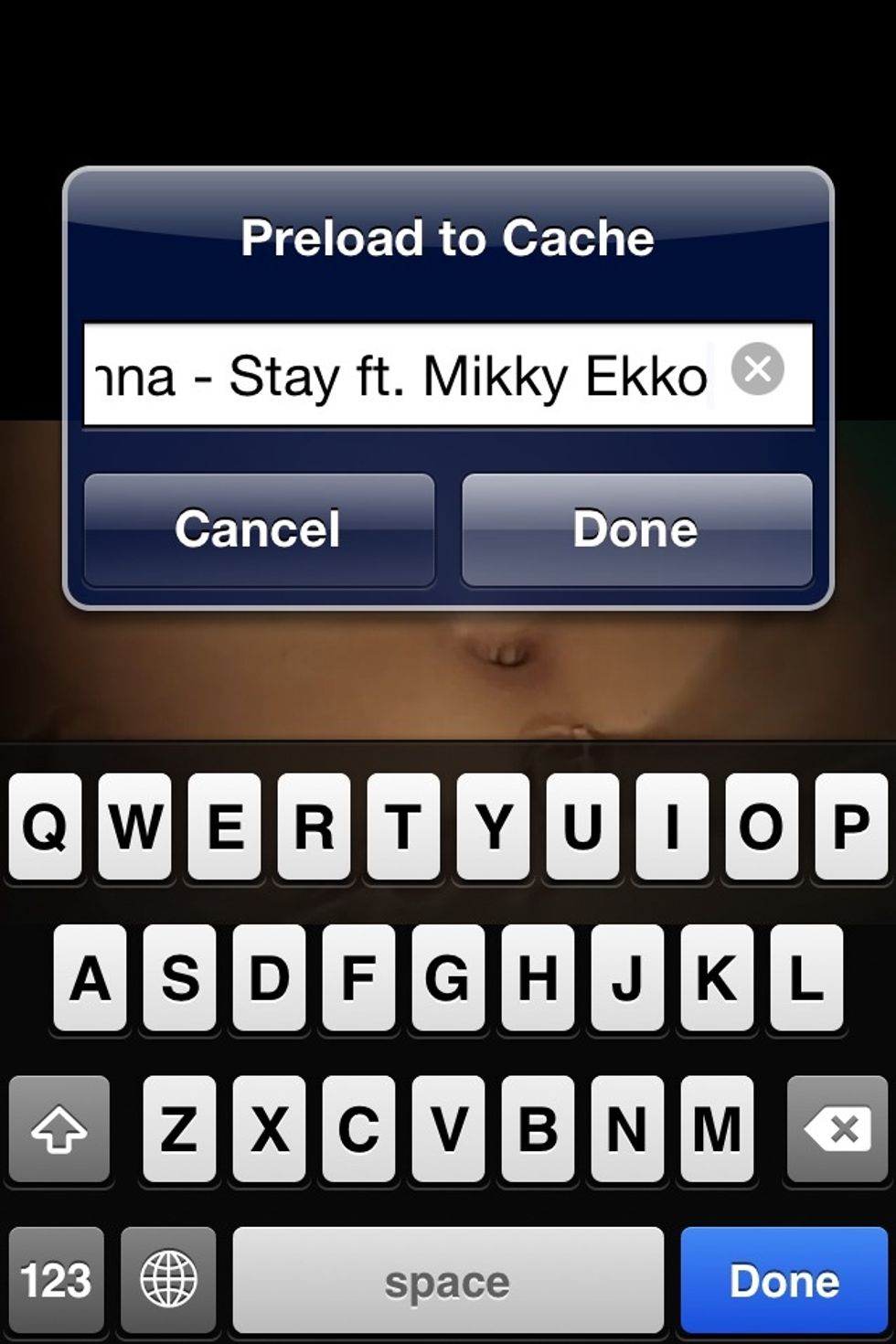
The name of the video will pop up like that in the picture. Press done. Or if you want to change the name press on the X and write the name you want, for the video
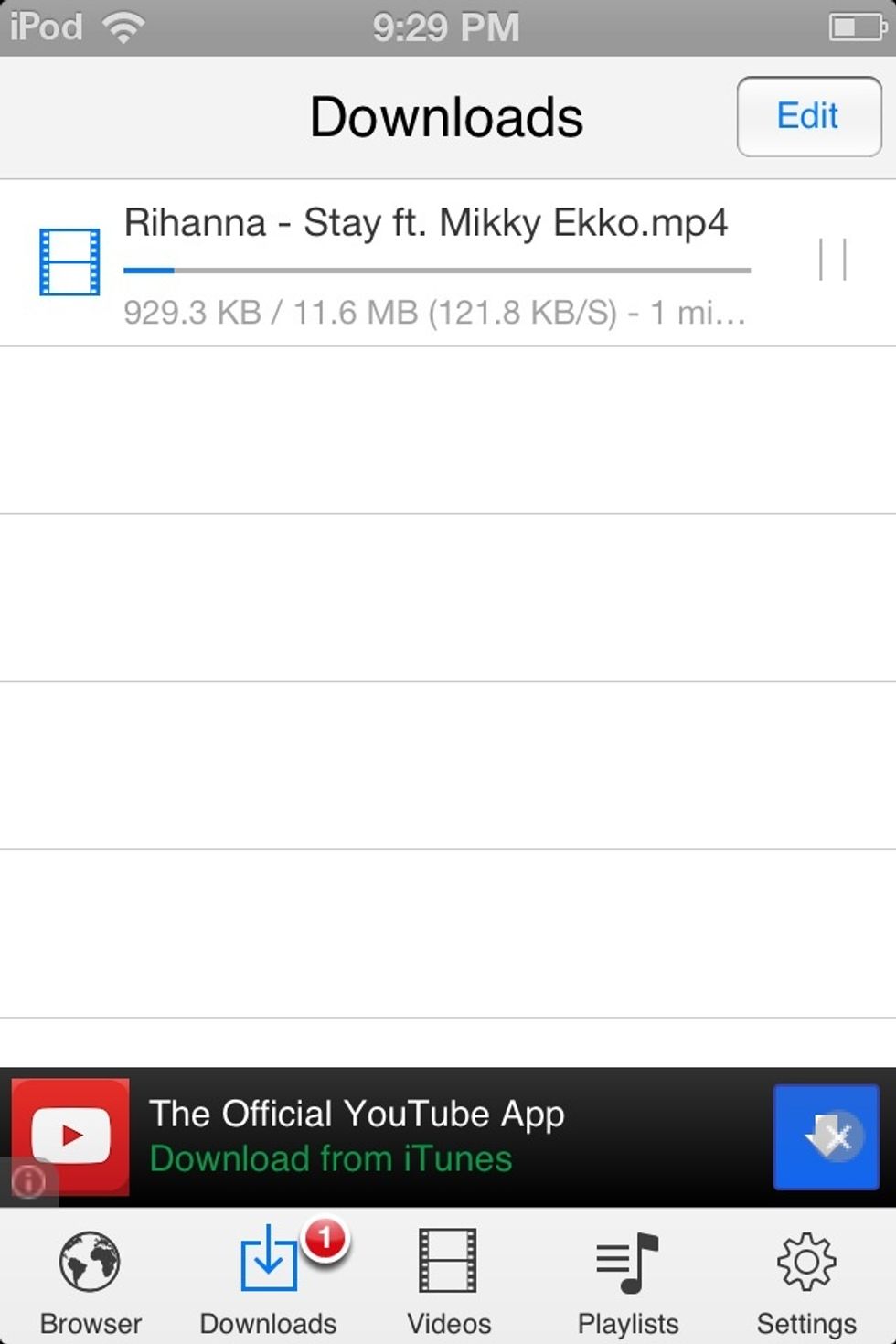
At the bottom you will see 5 boxes. Press on the second one if you want to see it download
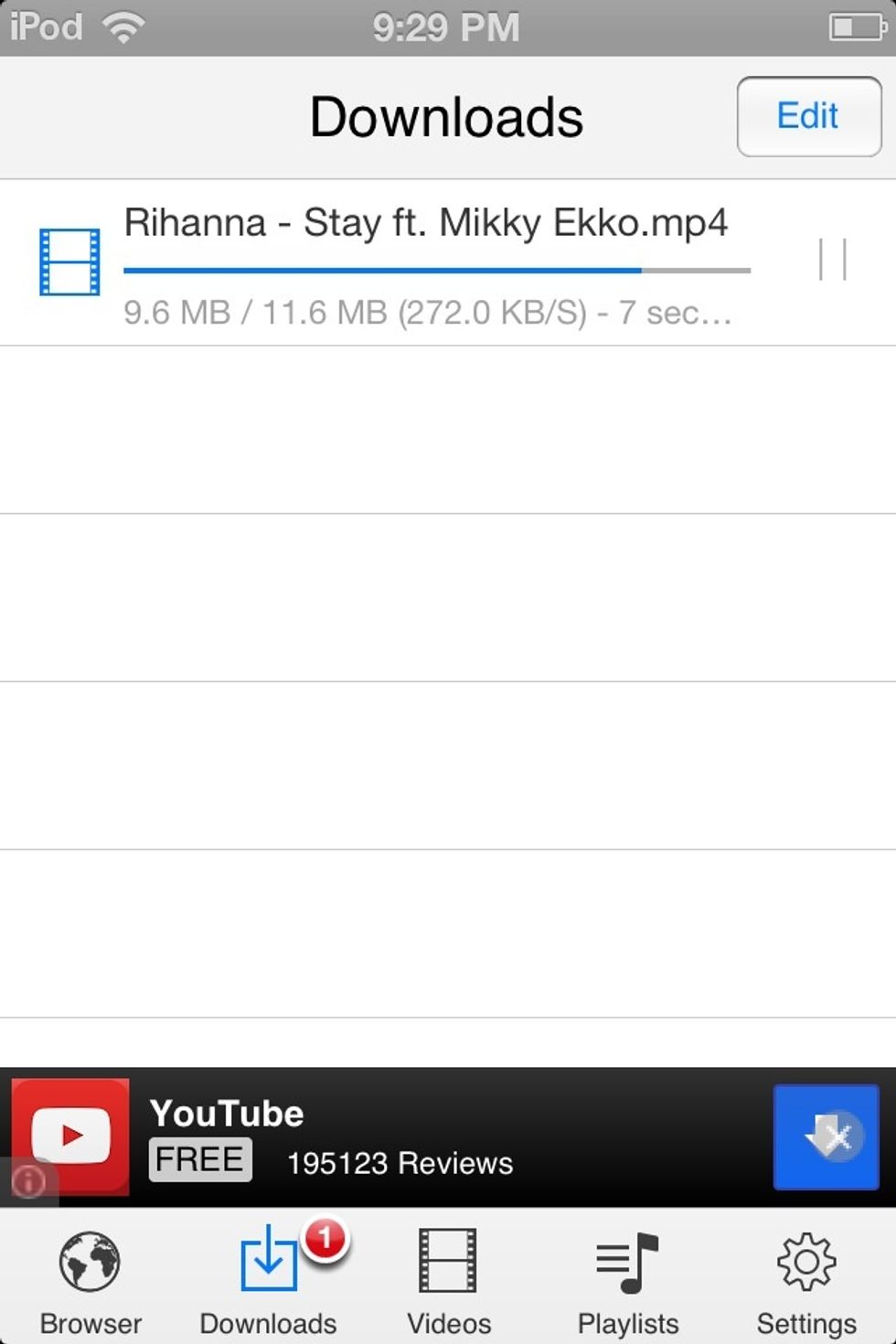
It took about 30 seconds to download this song. I once downloaded a full album and it took 1 minute
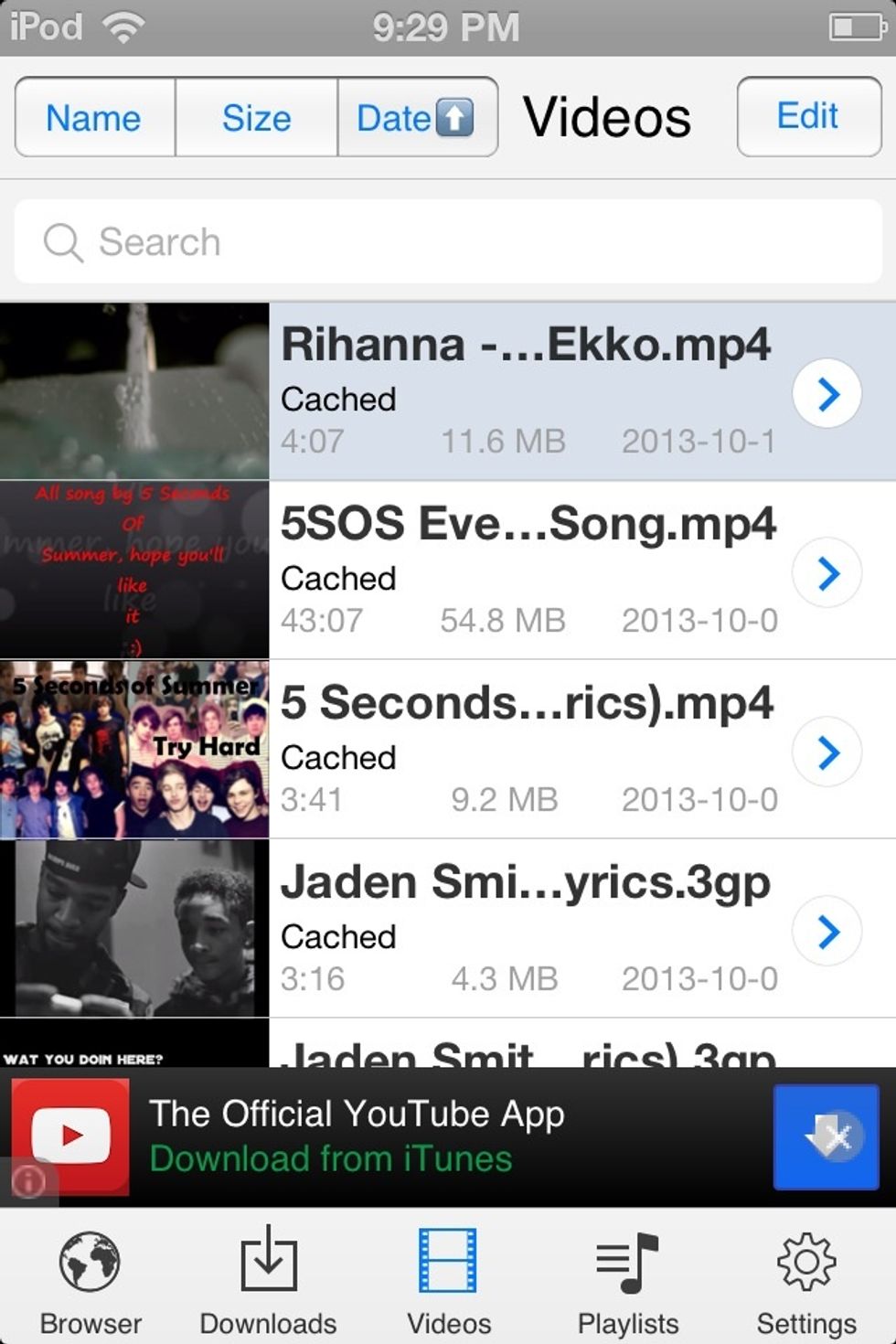
To listen to all your songs press the first one or if you want to listen to just 1 press the song you want to hear
Just so you guys know, you need Wifi to download songs, but you don't need Wifi to listen to them.