
The Conversation (0)
Sign Up
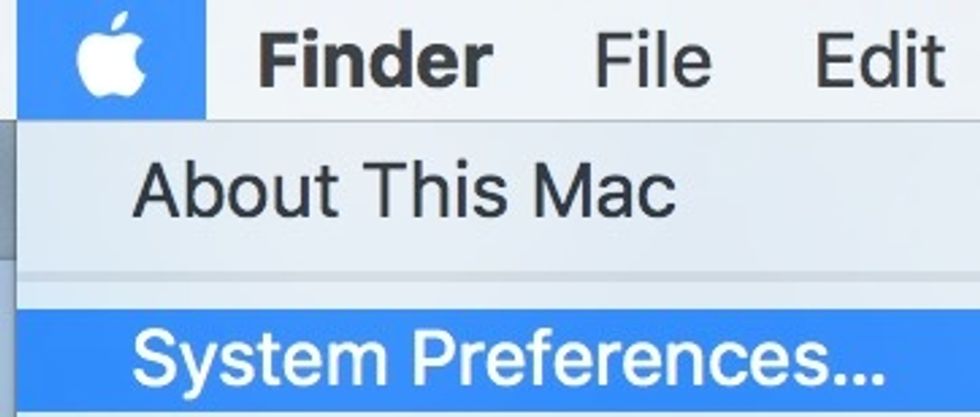
Go to the Apple Menu and select System Preferences from menu.
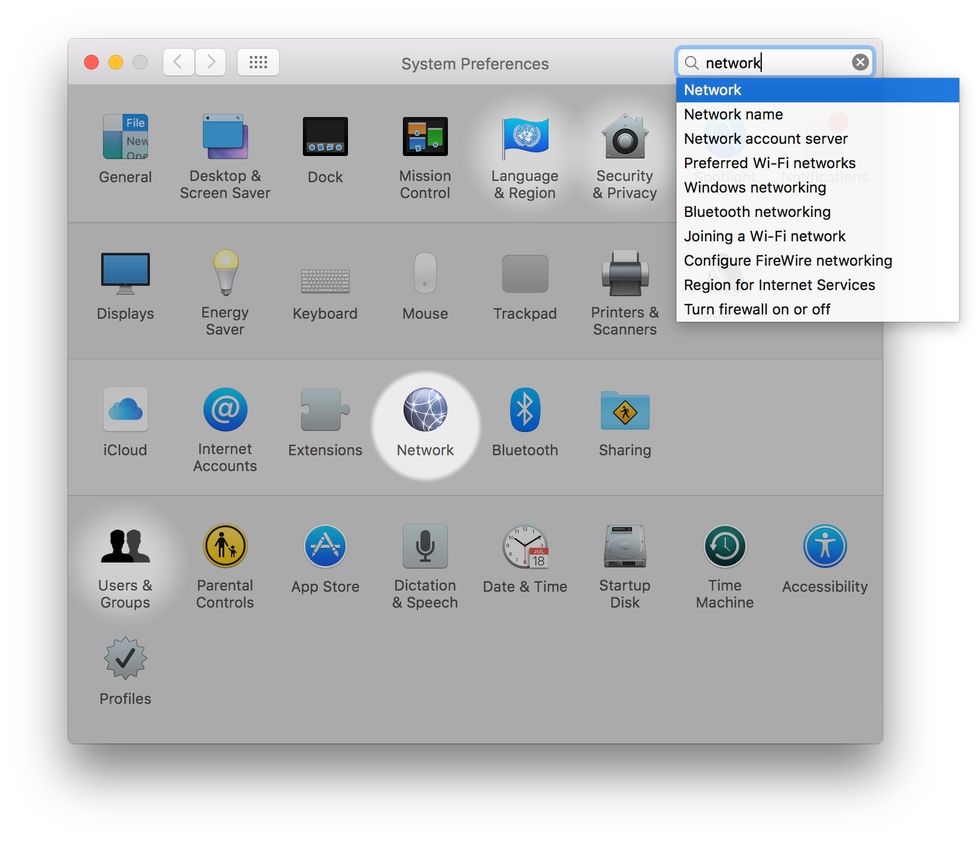
Click Network from the list preference panes.
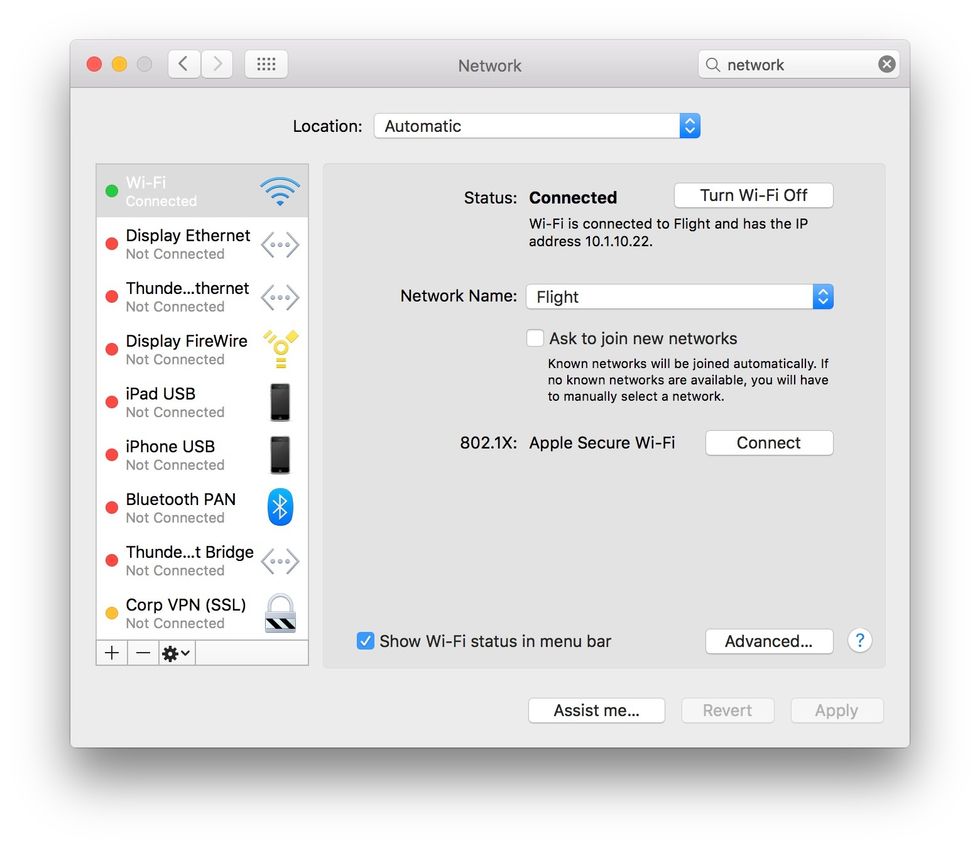
Click the Advanced button in the lower-right corner.
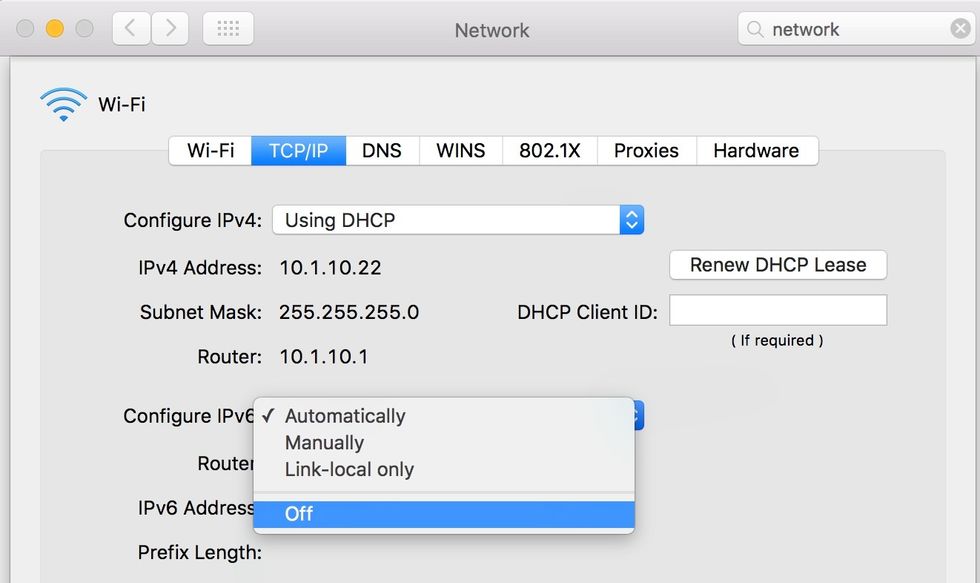
Switch to the TCP/IP tab, click the Configure IPv6 menu, and change the selection from Automatically to Off. Click OK to exit.
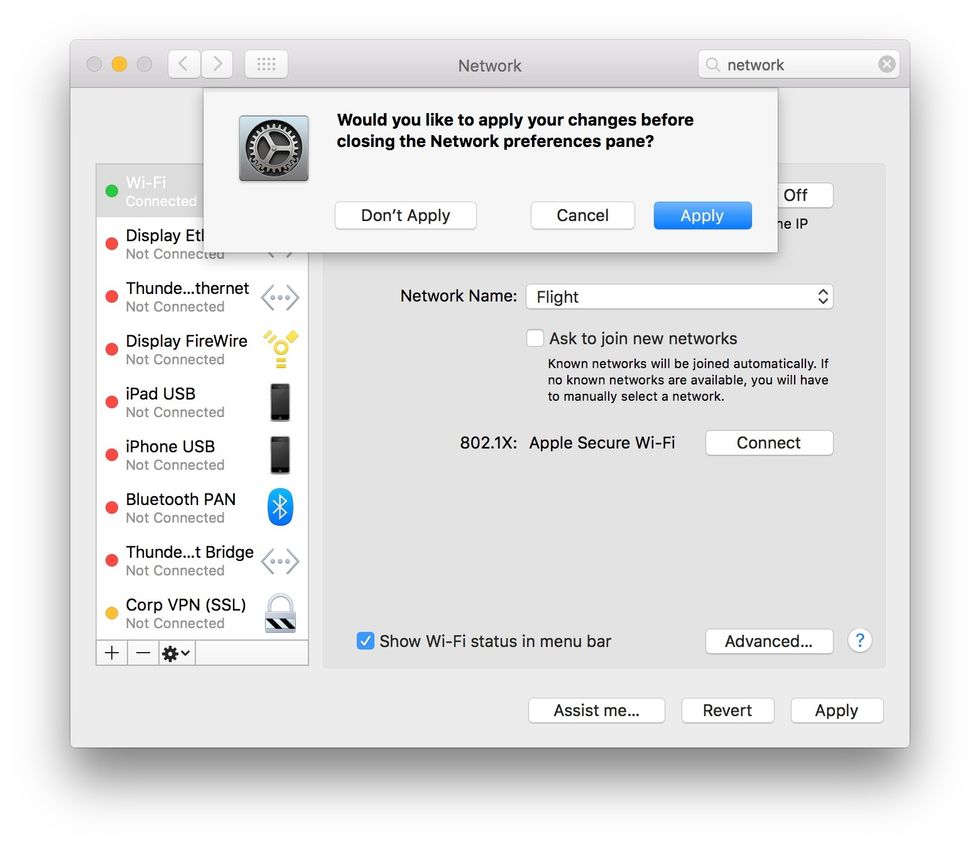
From the main Network pane click Apply to save settings.
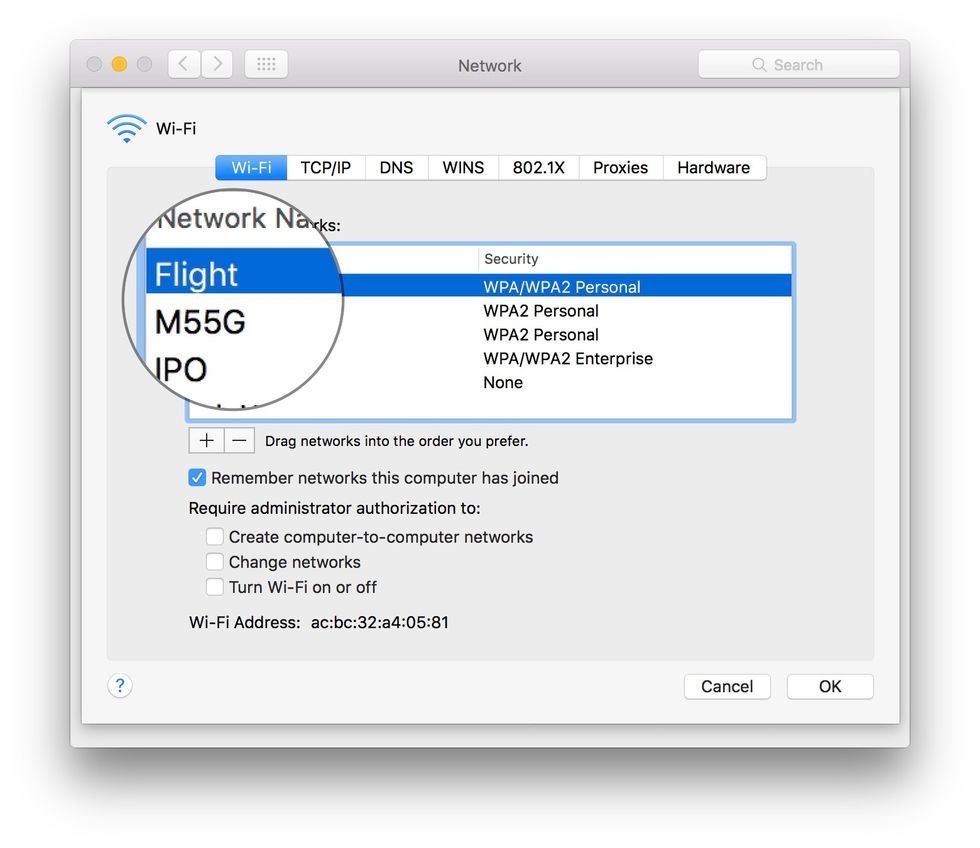
OPTIONAL: If you already failed to connect to a wi-fi network, you may have to delete & re-add it. Switch to the Wi-Fi tab and select it from the list saved networks.
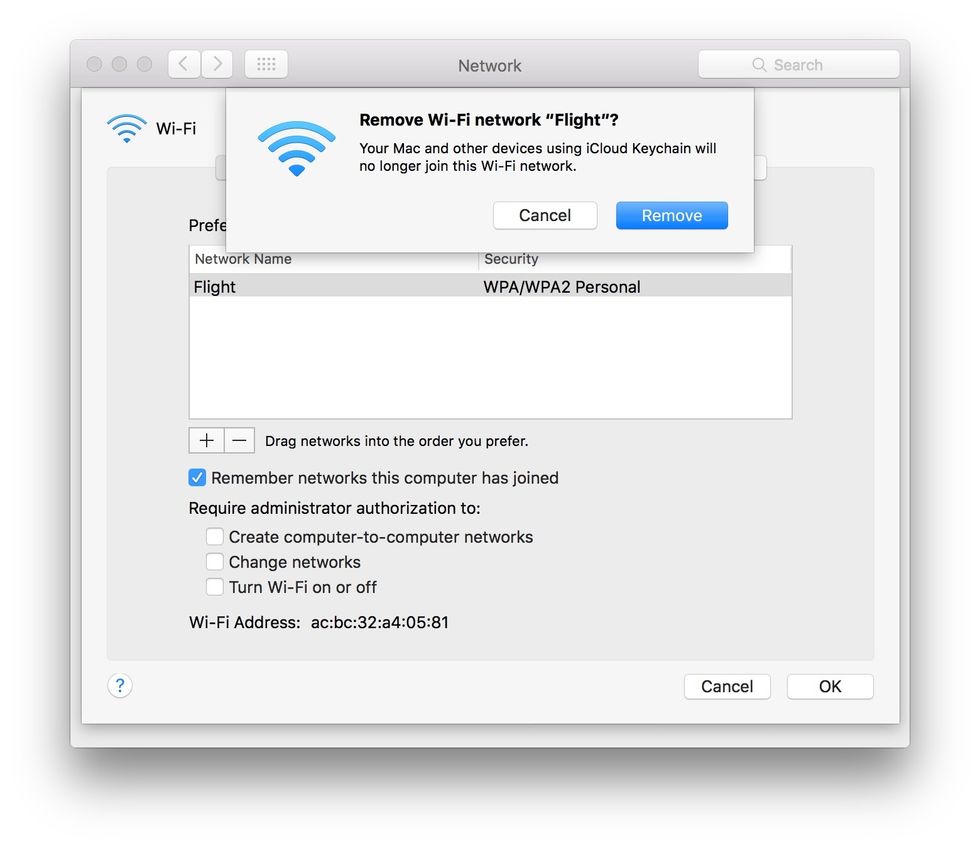
OPTIONAL: Click the "-" button below the network list, then click Remove to delete it.
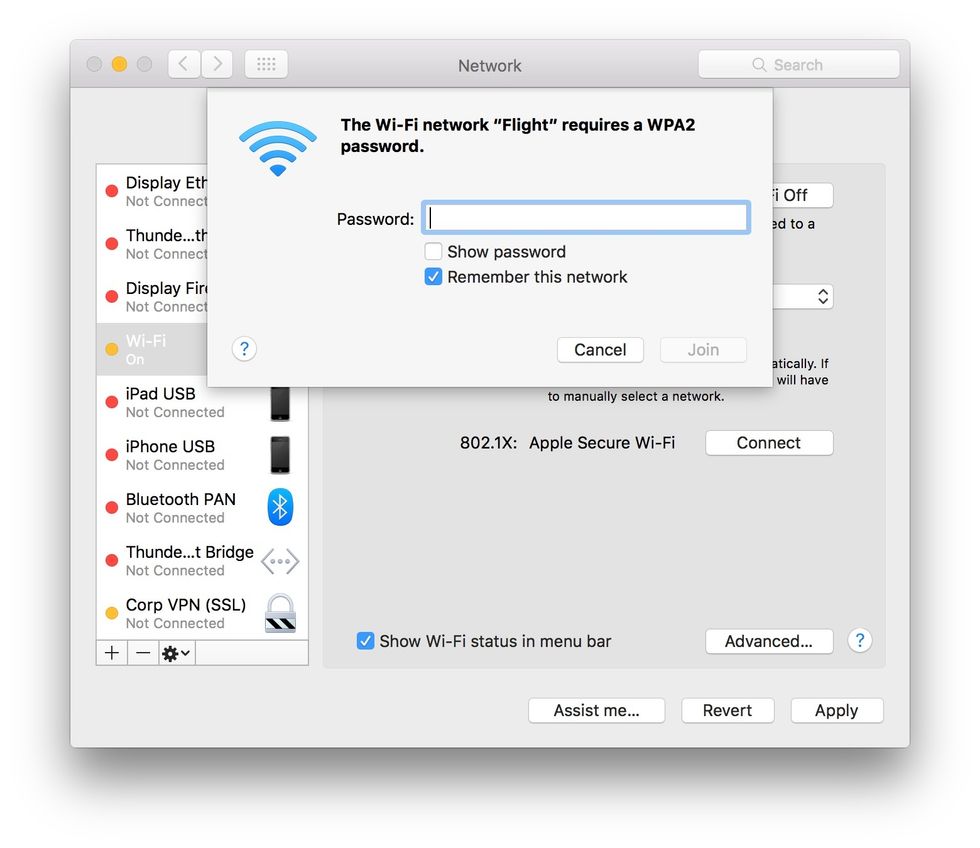
OPTIONAL: Re-select the network from the Network Names menu, entering any passwords needed when prompted.