
The Conversation (0)
Sign Up
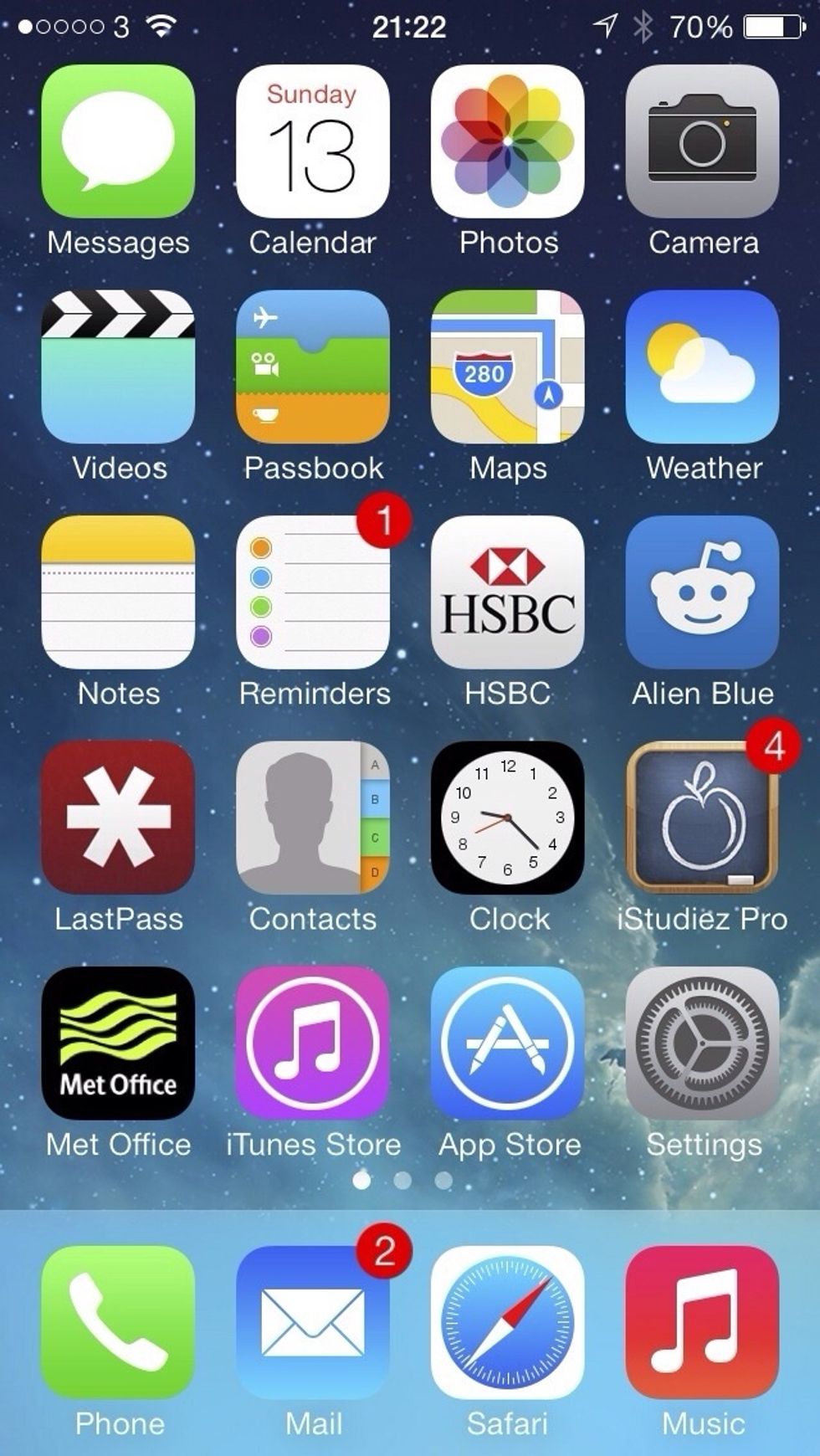
From your home screen, find Snapguide
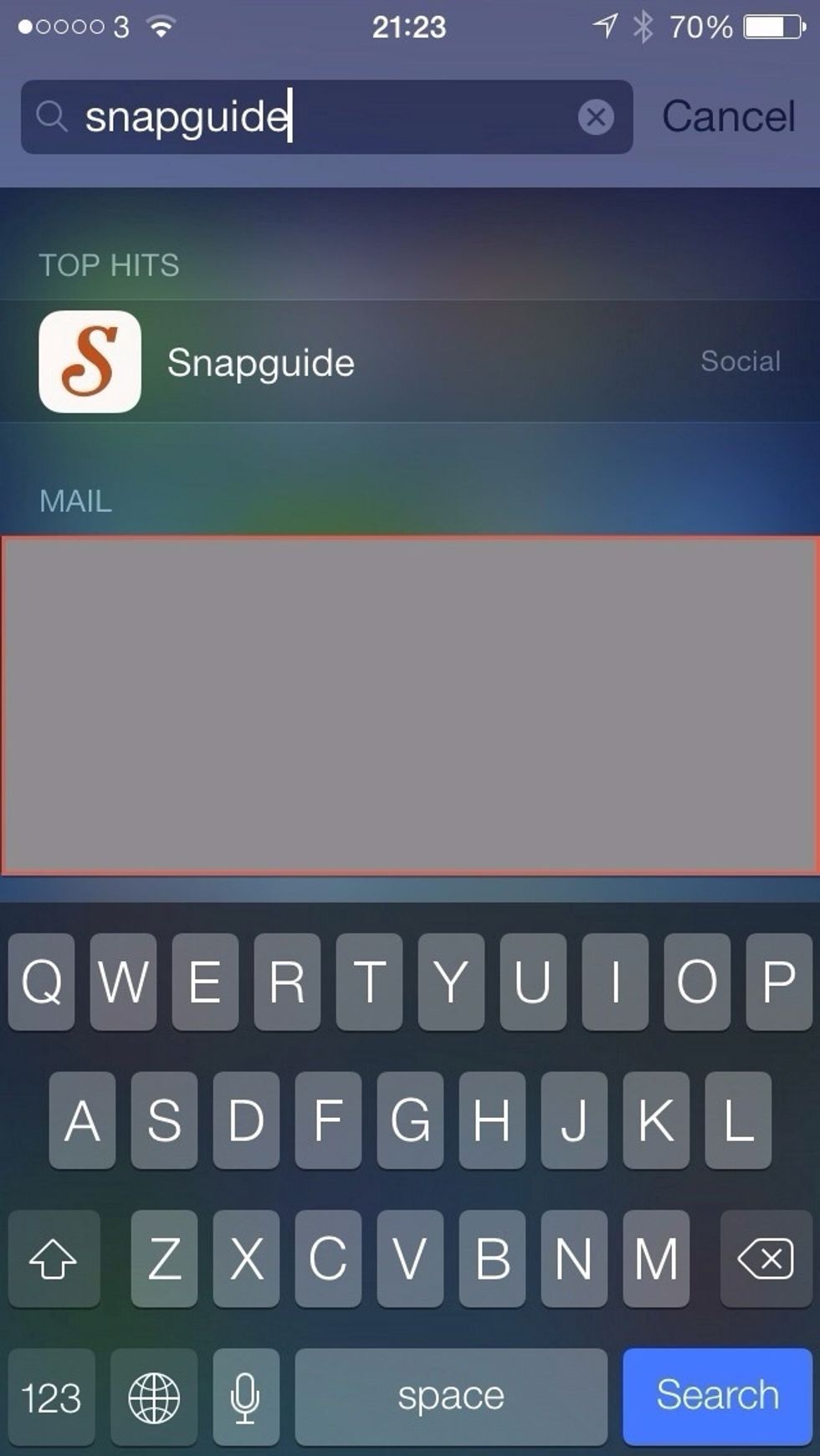
I use Spotlight because I have so many apps!
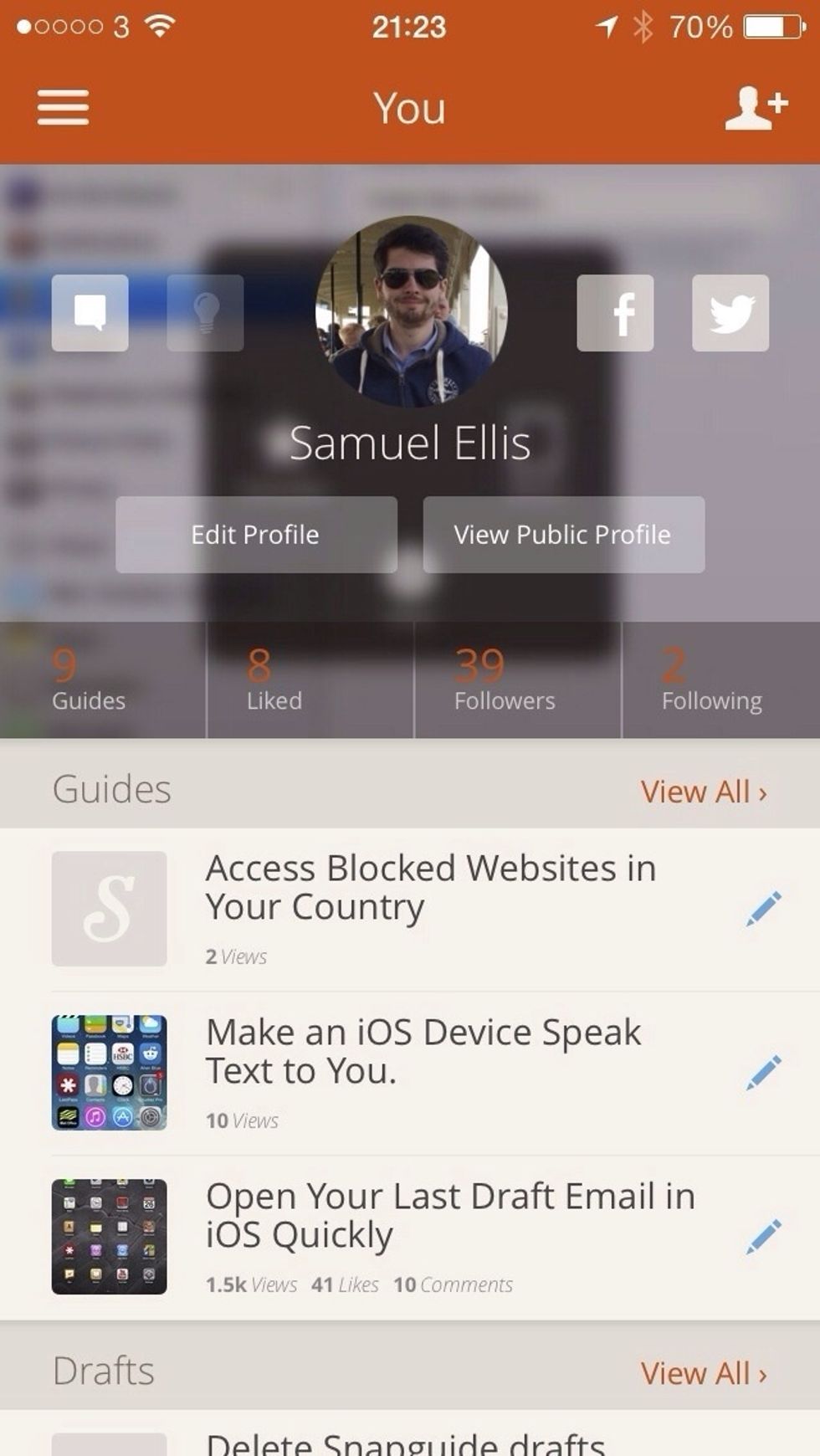
Go to your profile on Snapguide
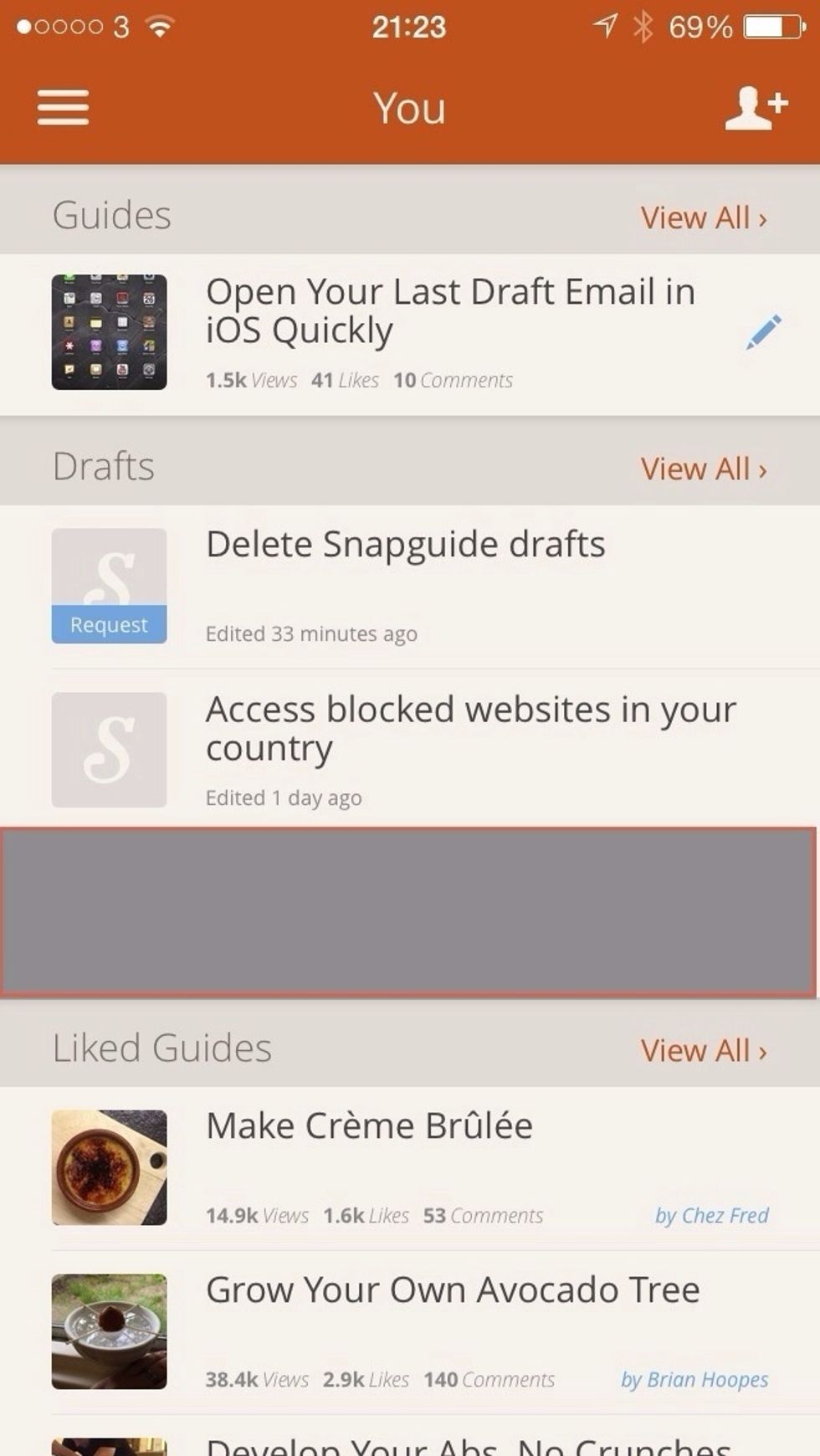
Scroll down to the drafts section
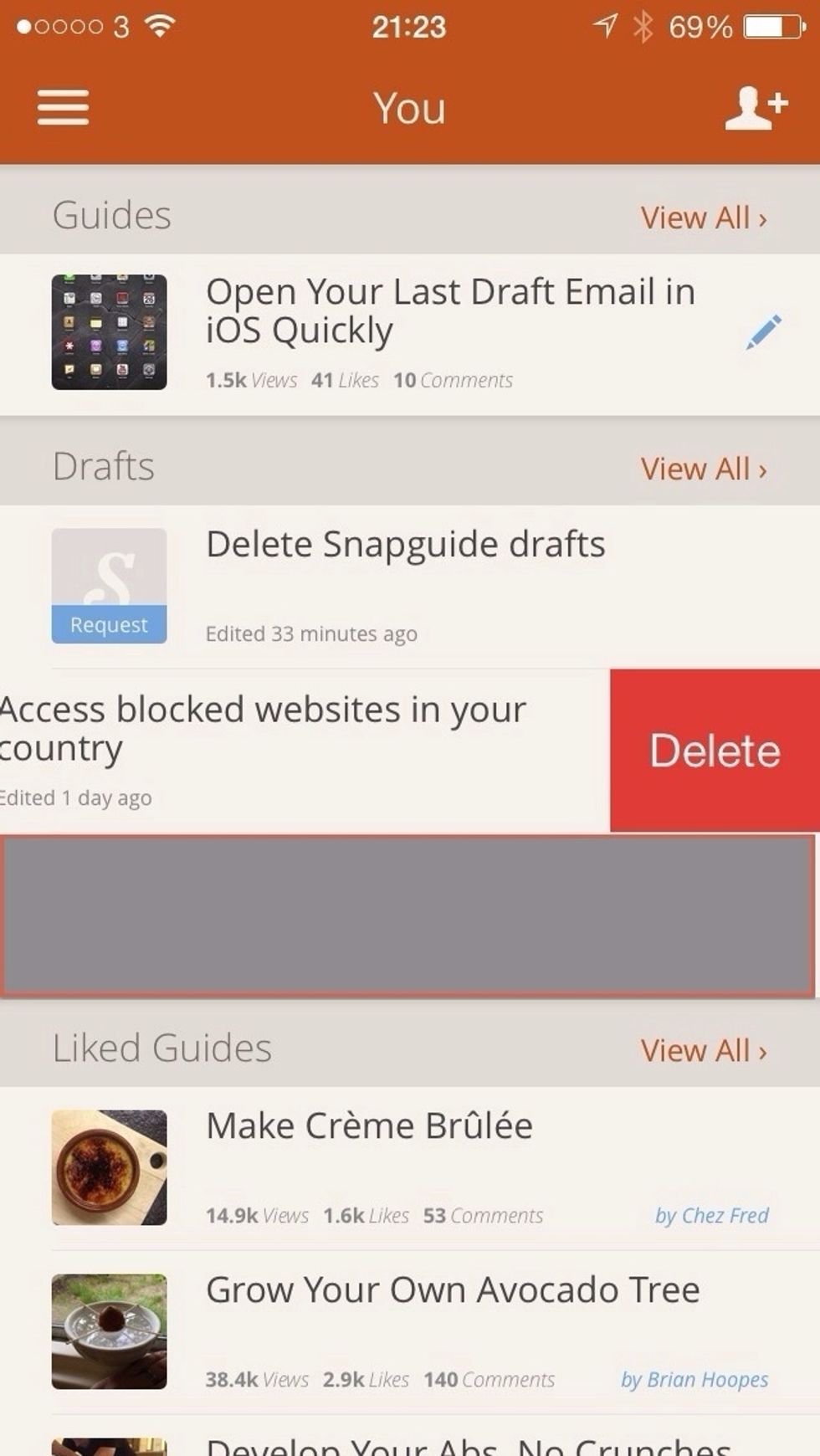
Find the guide you want to delete. Then swipe from the right to the left, tap delete
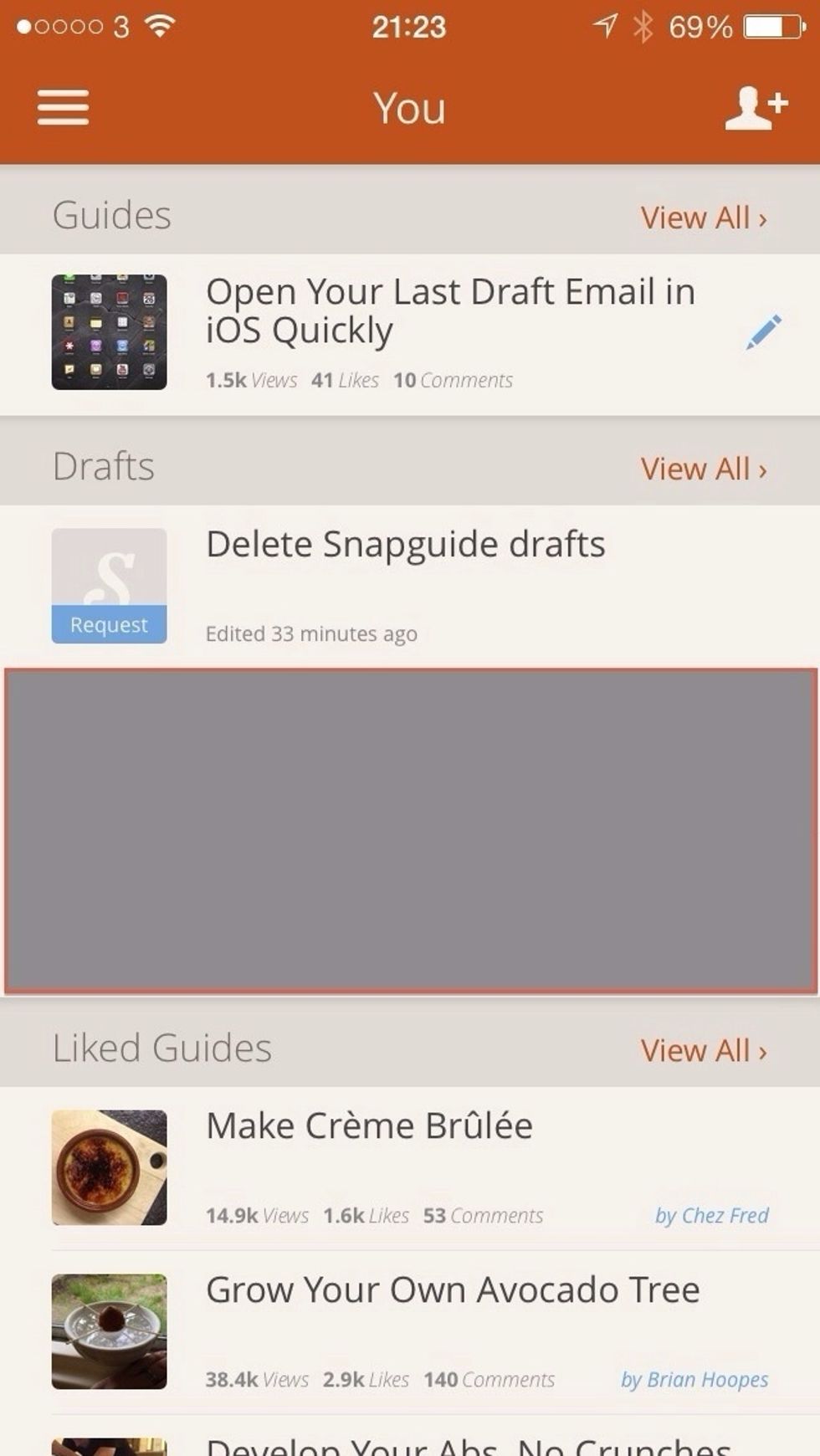
You can see that now the guide has been deleted
Hope this helped you 😃