
The Conversation (0)
Sign Up
Open your terminal or terminal program of choice.

Enter 'nano ~/.bash_profile' without quotes. This will bring up the contents of the file .bash_profile or open a new file with that name if it doesn't exist.
To make a shortcut for a frequently used command like cd ~/Sites enter the following on a new line: alias gotoroot="cd ~/Sites". Here we have named our shortcut gotoroot.
To save the files press ctrl+x. Nano will prompt you to save the file; answer with 'Y' and then nano will ask you what you want to name the file. It already has the name .bash_profile, so hit enter.

To reload the bash-profile file for usage enter 'source ~/.bash_profile' and hit enter.
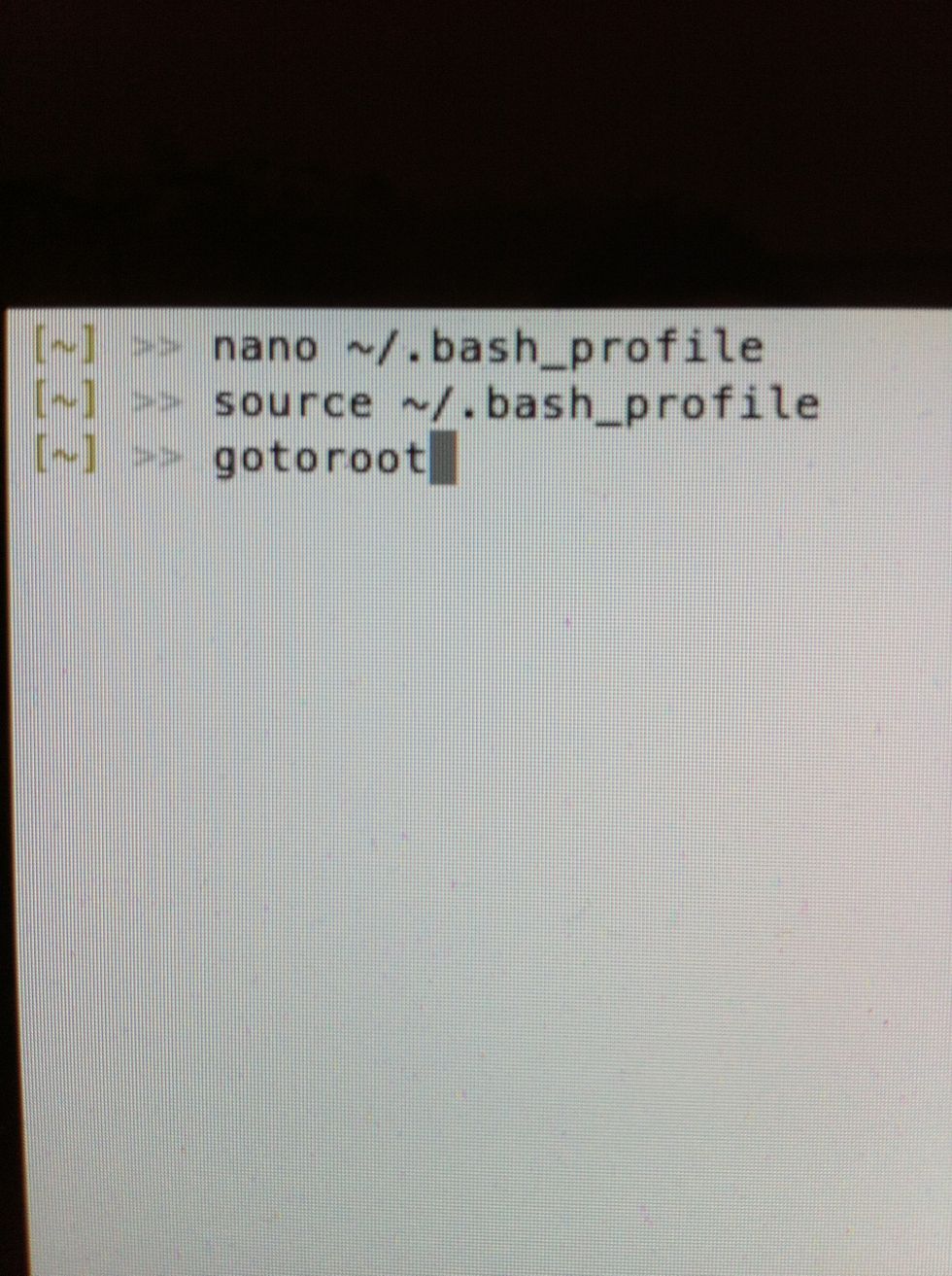
Enter your new shortcut and press enter.
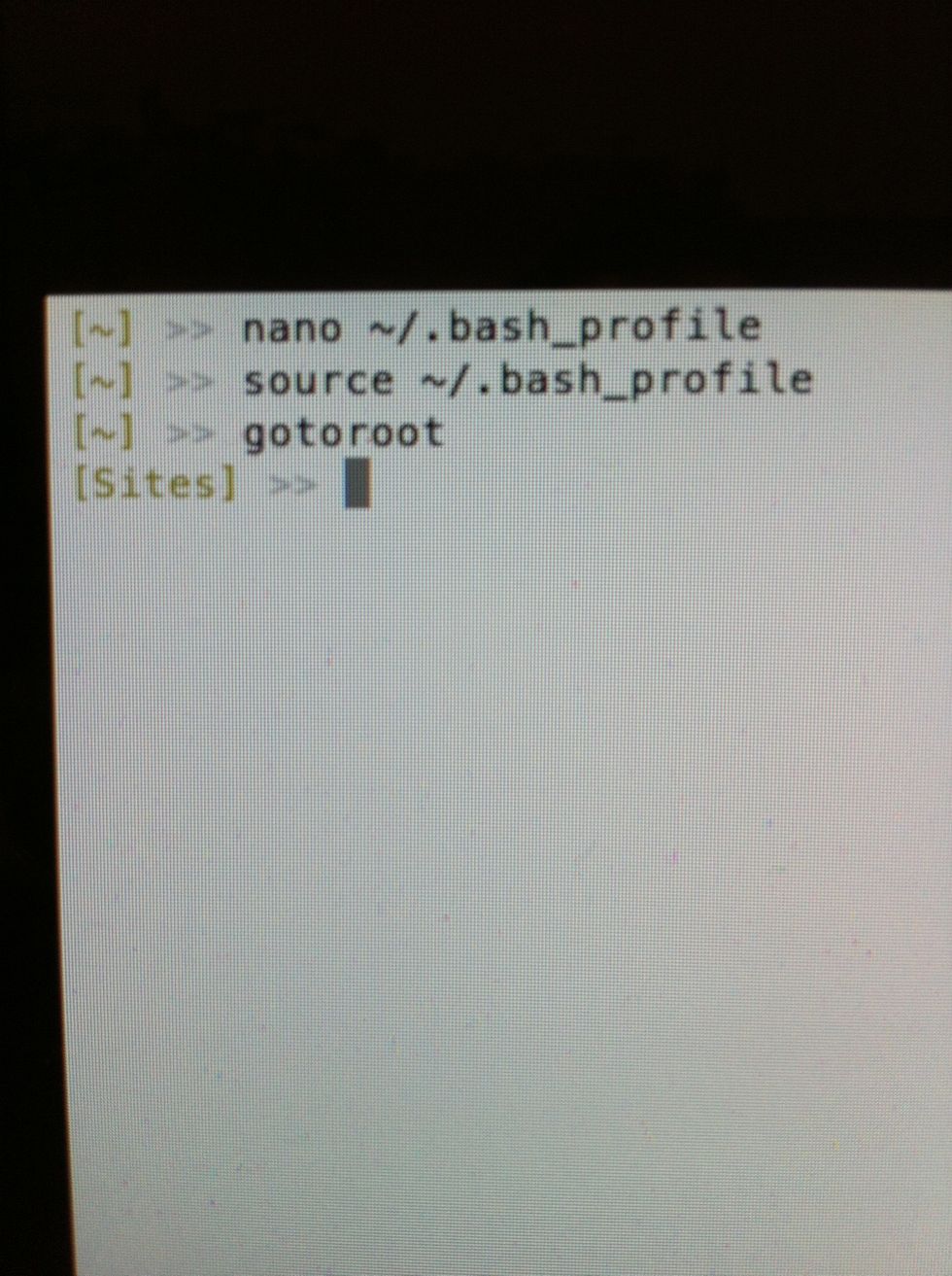
You have changed directories as indicated above by the working directory.
You can use this method to save frequently used commands that are too long to remember. Try this one: find . -type f | wc -l That will return the amount of file in a directory and it's subdirectories!