
The Conversation (0)
Sign Up
It has proven that it looks more interesting to the brain if the main object is in another place other than the middle or just turned in an odd way
What captures your attention more.....
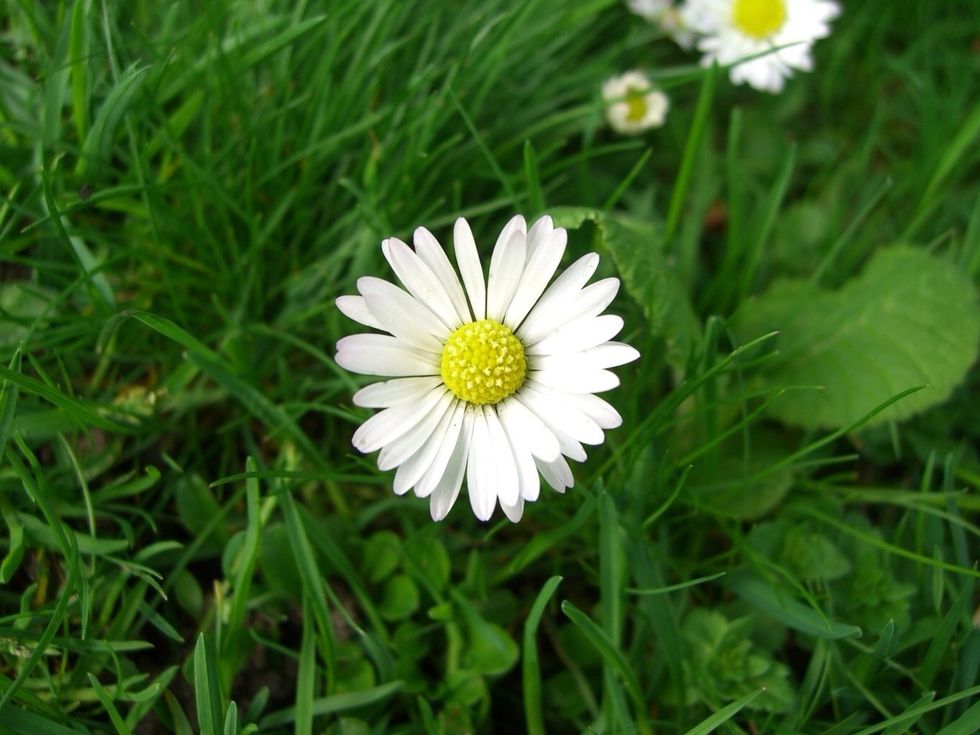
Something like this
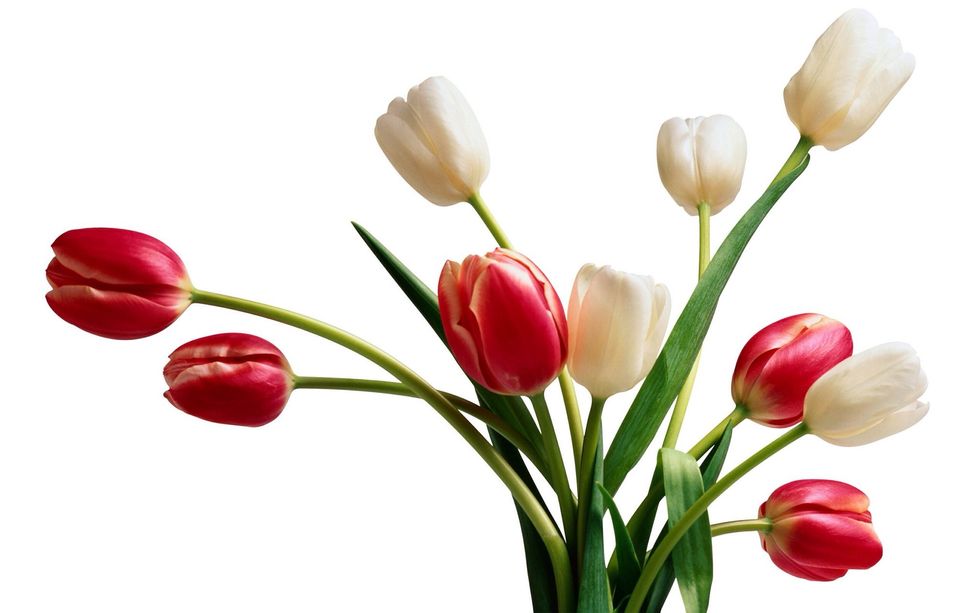
Or something like this
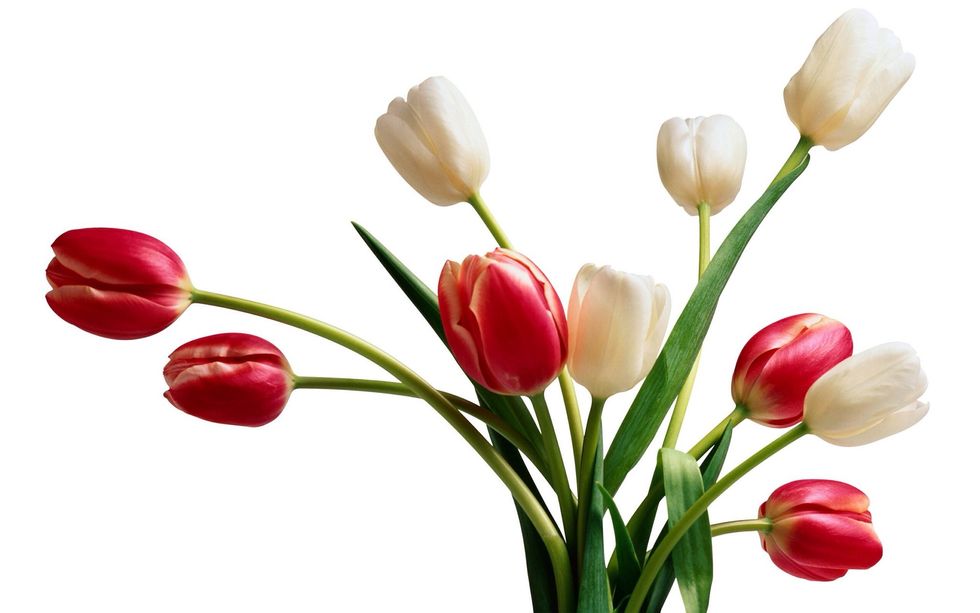
I liked this better because the flowers weren't in the exact middle nor the stem
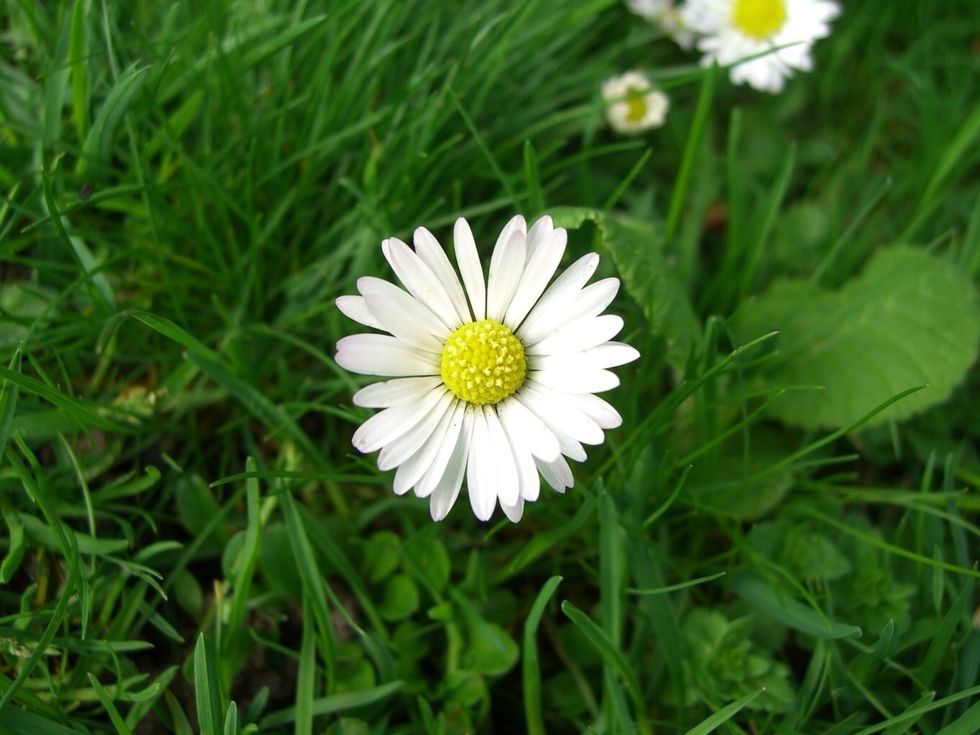
Unlike this one it's perfectly centered which didn't capture my atention that much. But it's still beautiful
If you agree with my opinions then you should continue reading this guide to find out how to make such an eye caputuring photo
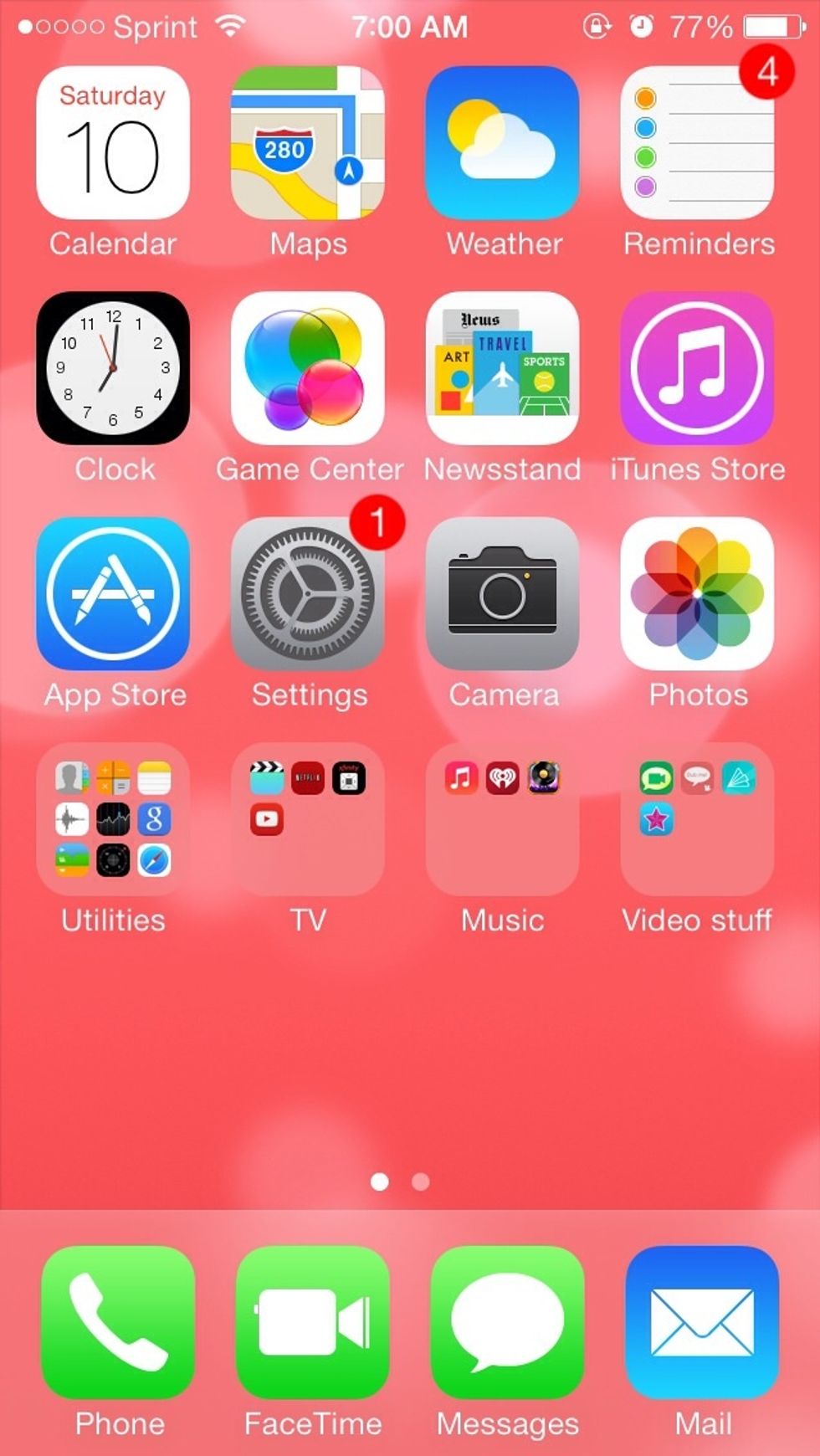
First open your settings
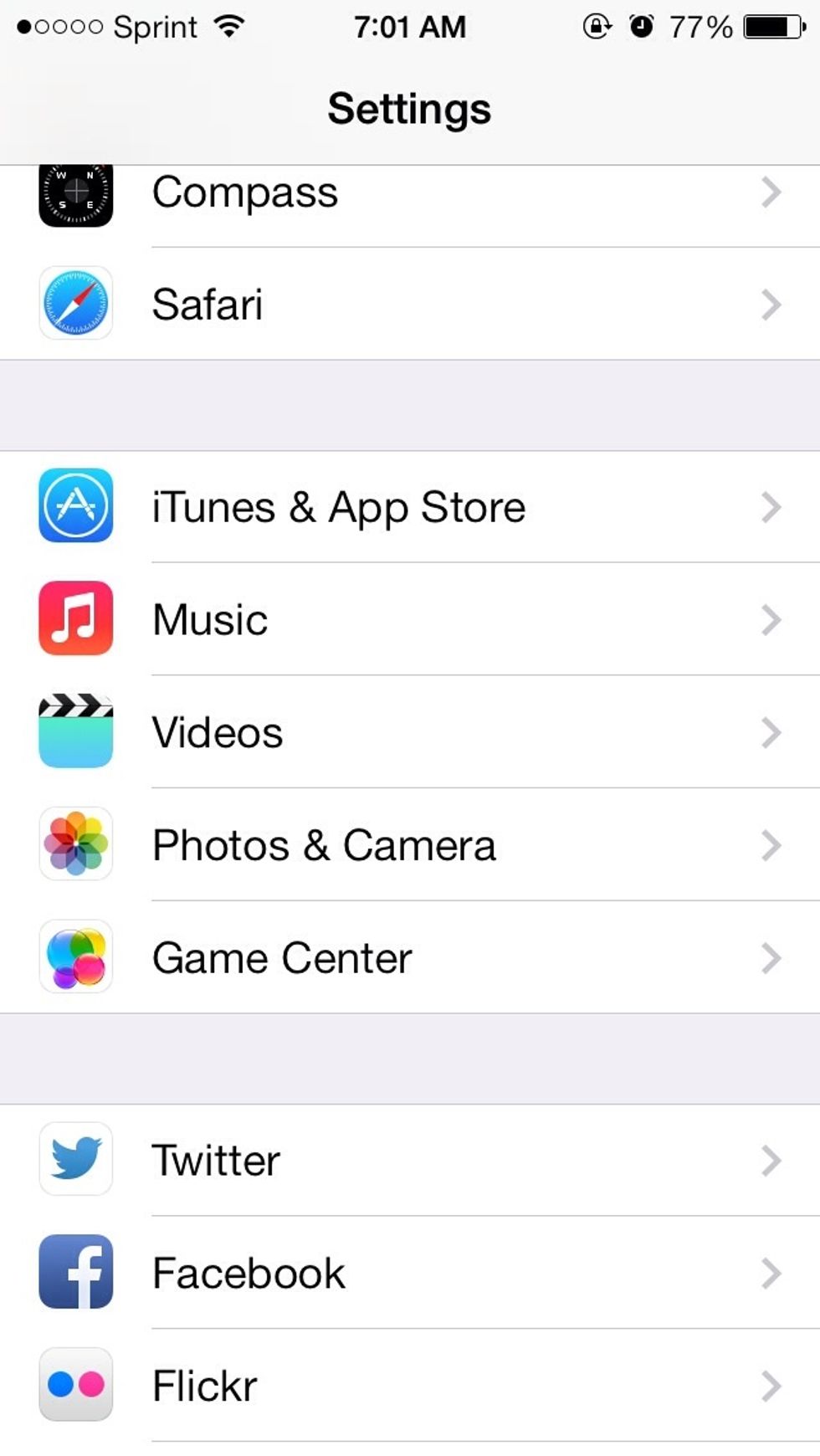
If you scroll down you will soon find an section like this. Click on the photos and camera section
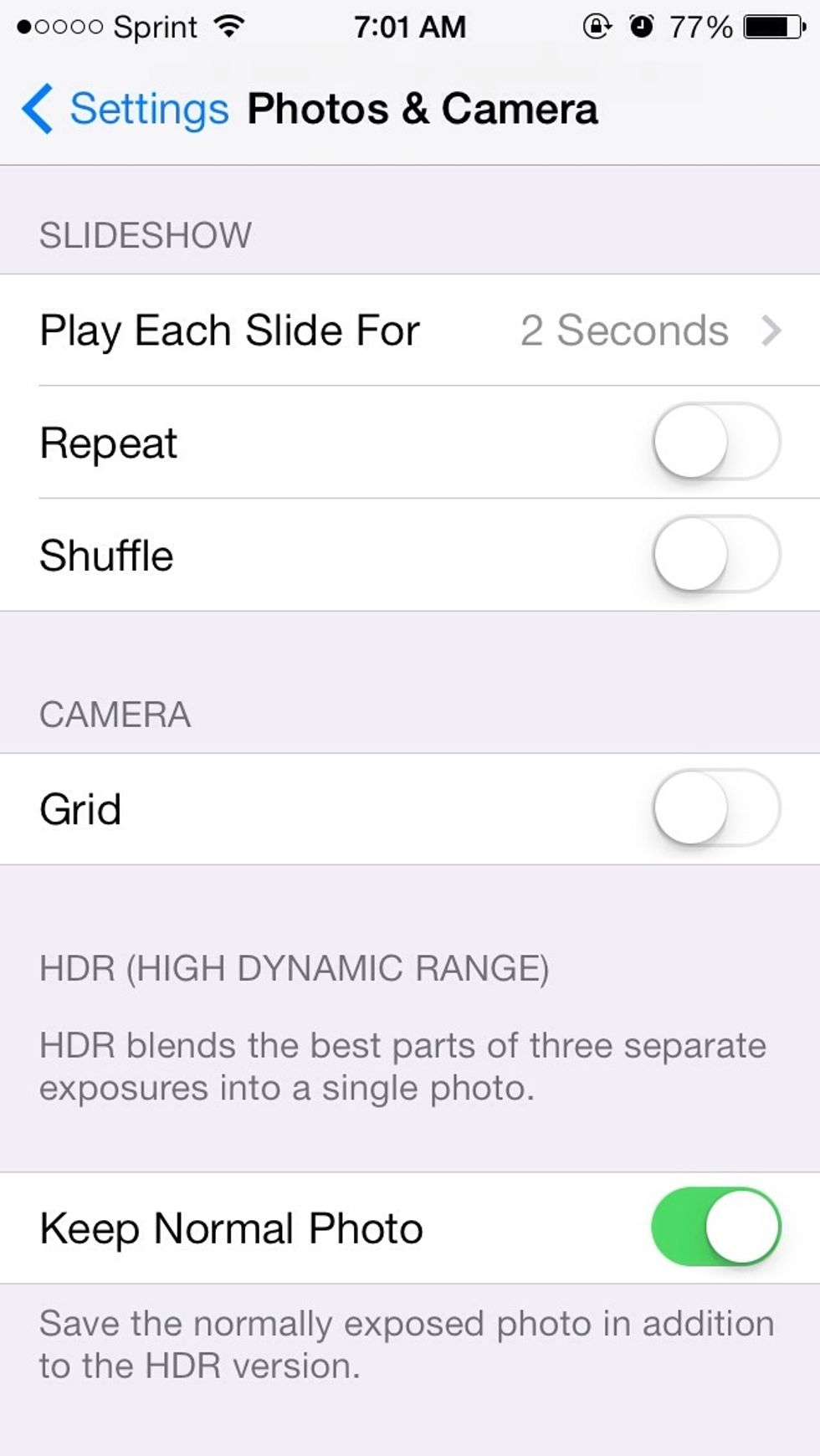
Scroll and you will find a bar like this
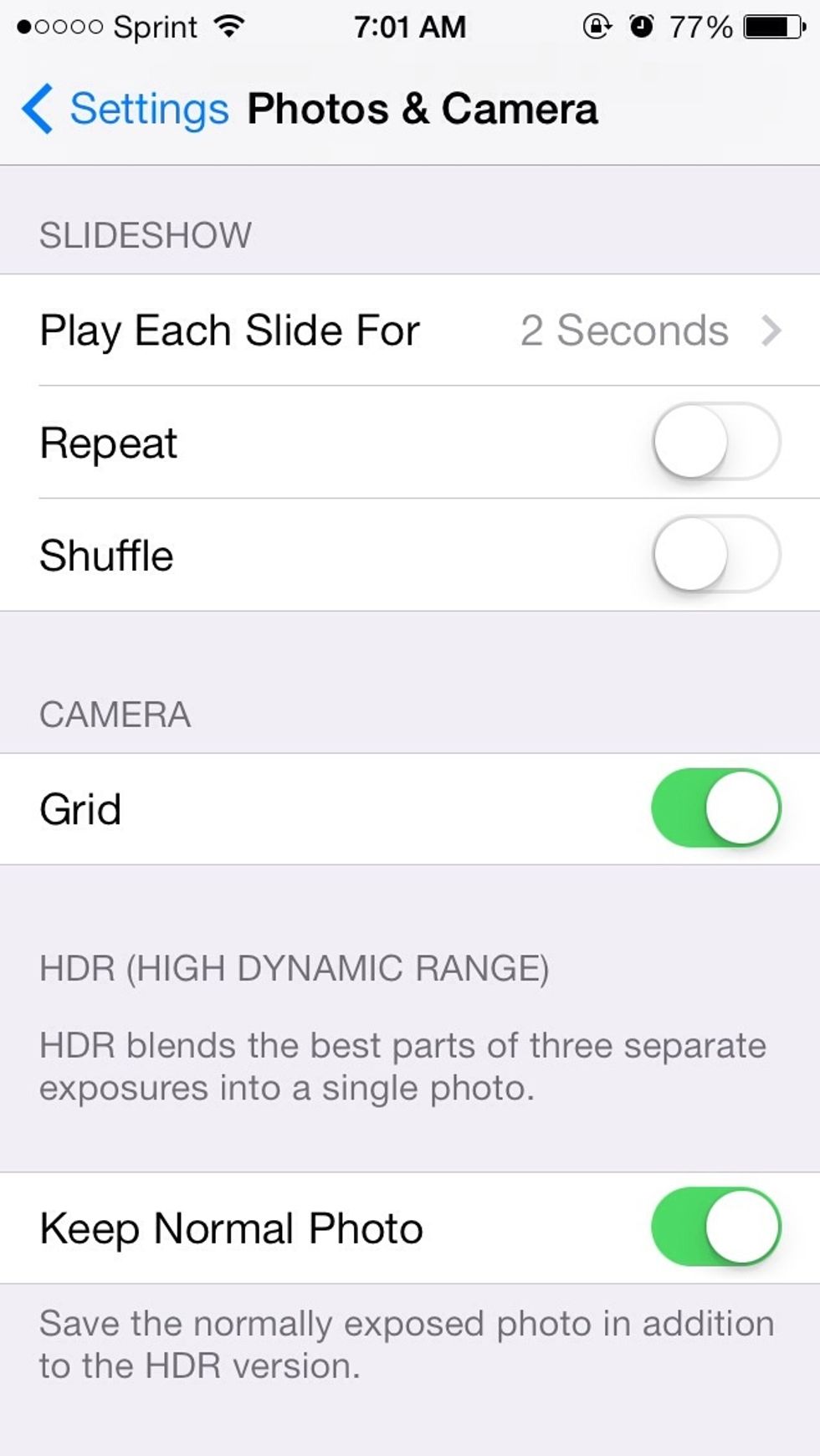
Turn the grid on
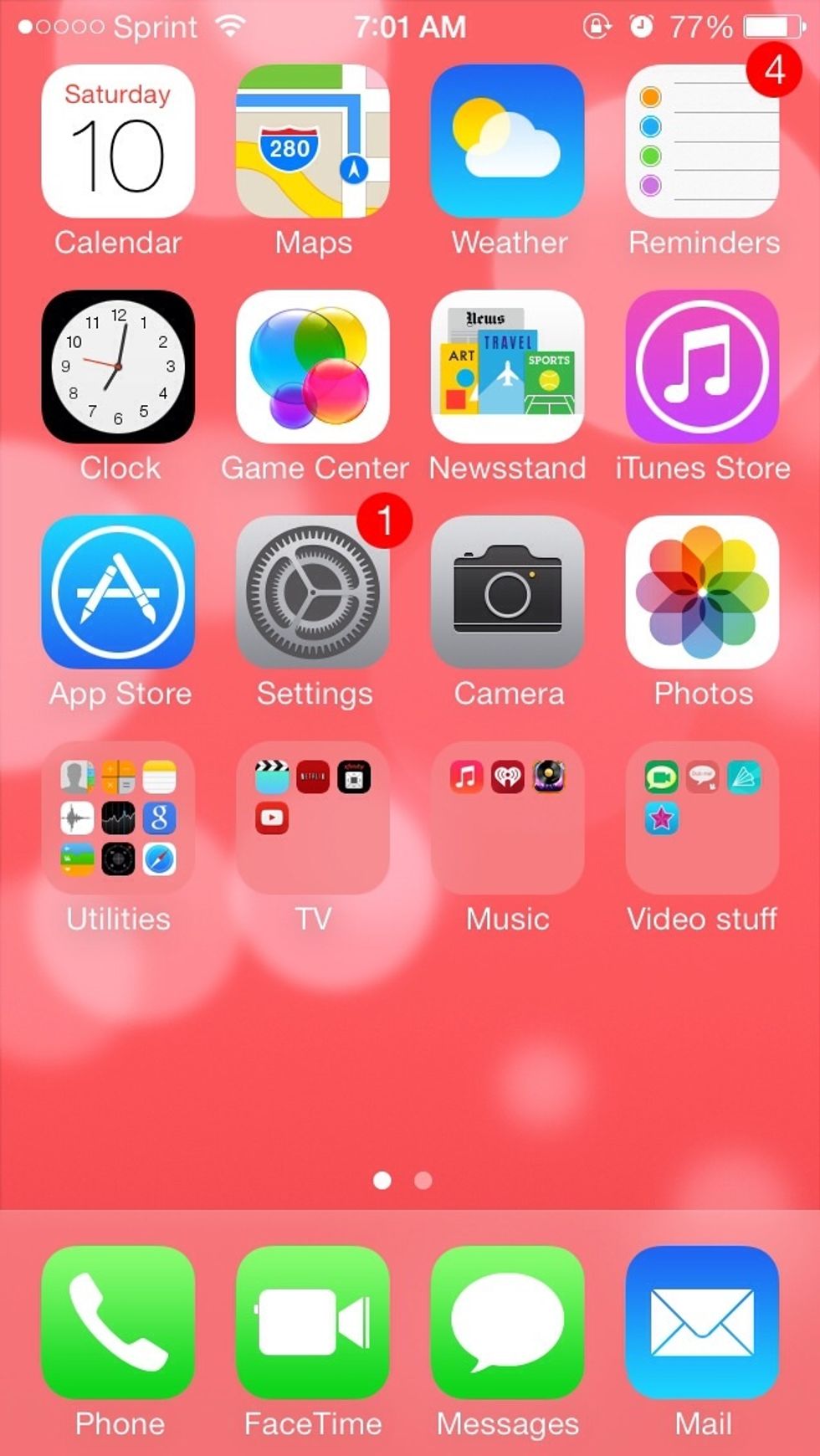
Open your camera app

Take your main object. I chose a tiny stuffed animal. It was the best prop I had
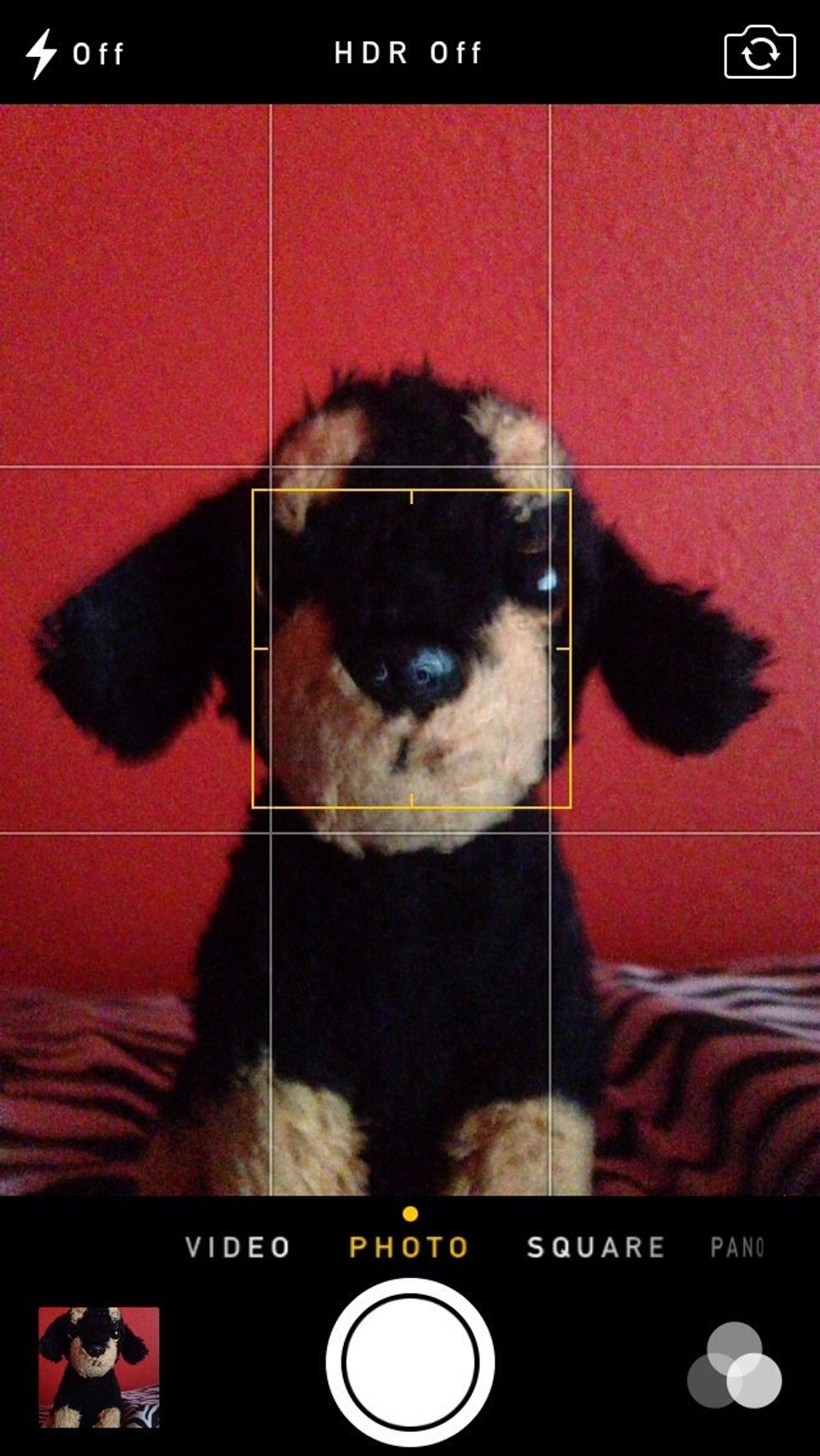
Centering is fine but not as great
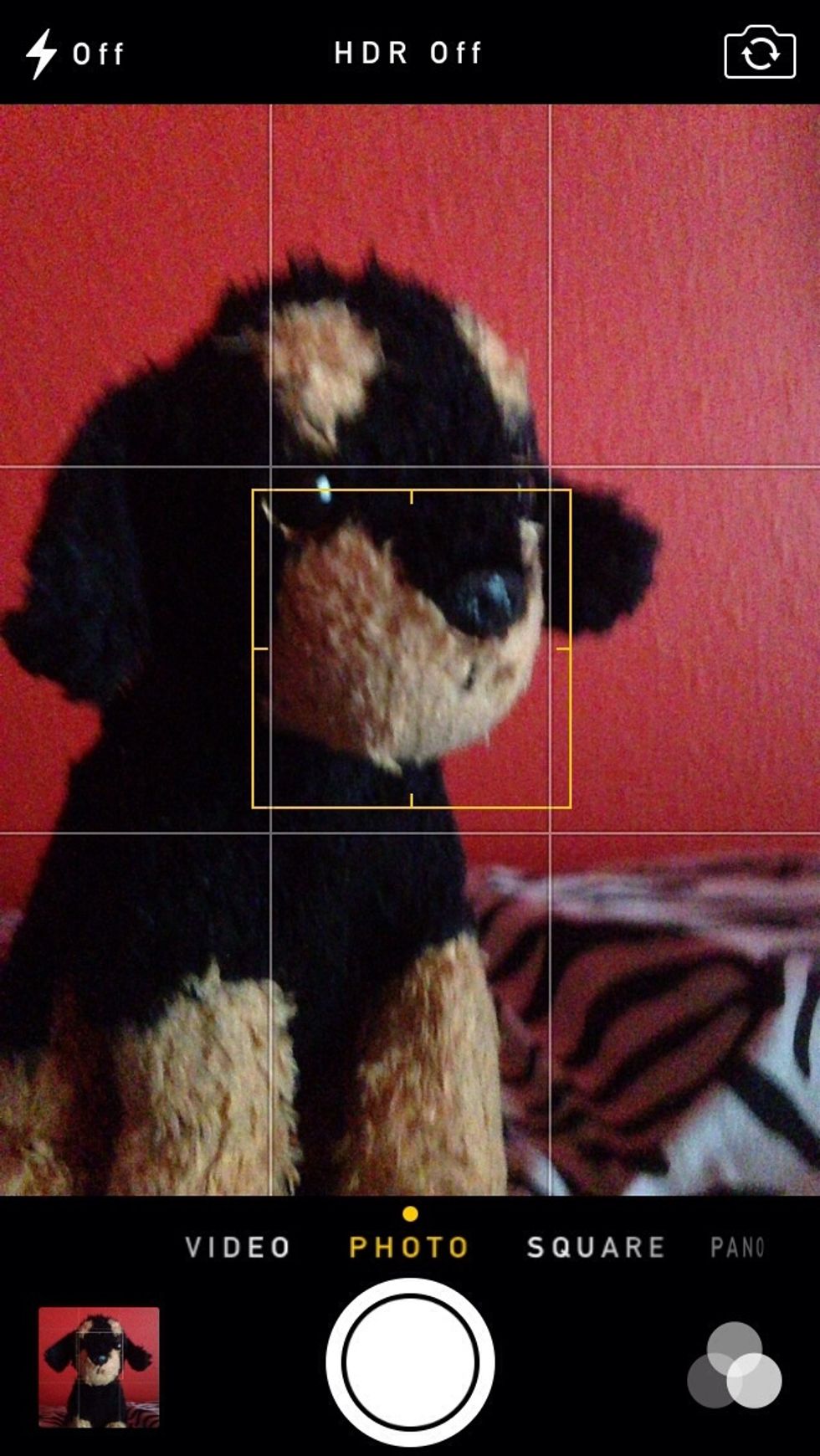
But if you do want to center it turn it to the side but keep its face in the center

Look at the wonderful result
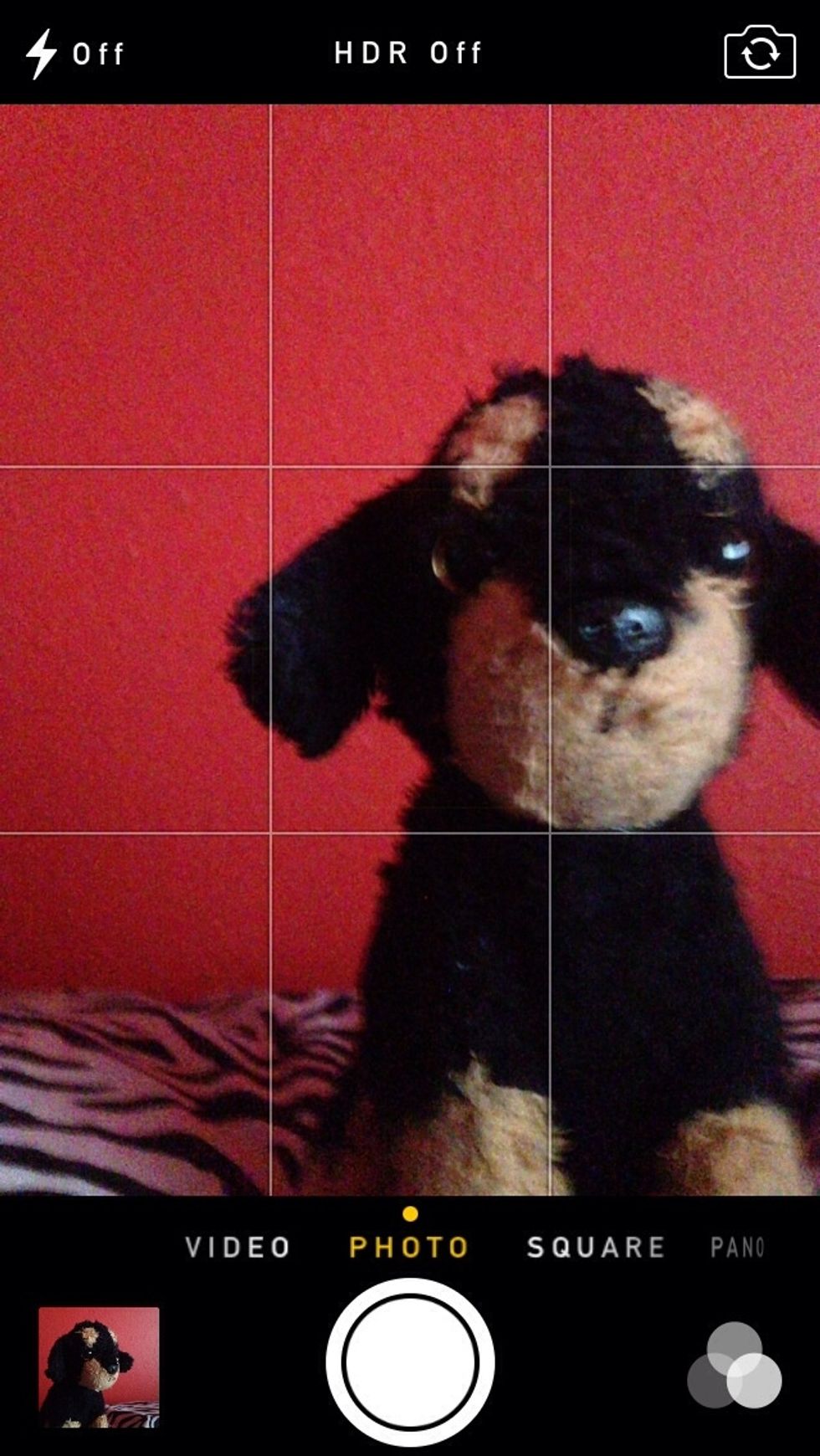
Or you could move the object to the side

Results

And if you wanna do the side thing try turning it side but keeping its face on one of the side squares

Play around and take amazing up close shots
I hoped you enjoyed this guide and will continue to make wonderful photos