
The Conversation (0)
Sign Up
This guide is best viewed on a PC or Mac web browser or in landscape mode on a mobile device.
YouTube is a quick and easy way to share videos.
YouTube is owned by Google. If you use Google Docs, Hangouts, Android Phone, you already have a YouTube Account.
If you don't have a Google Account and would like to use your own email address (and not a Gmail account), follow these steps.
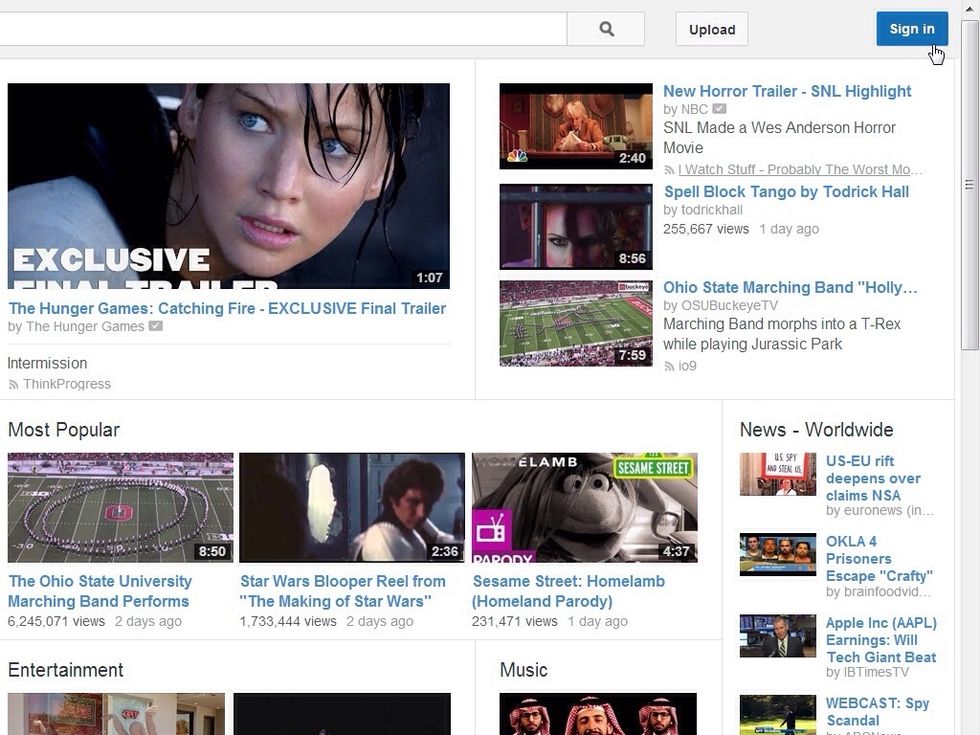
Visit www.youtube.com and click the blue Sign In Button (located in the upper right hand corner of the website).
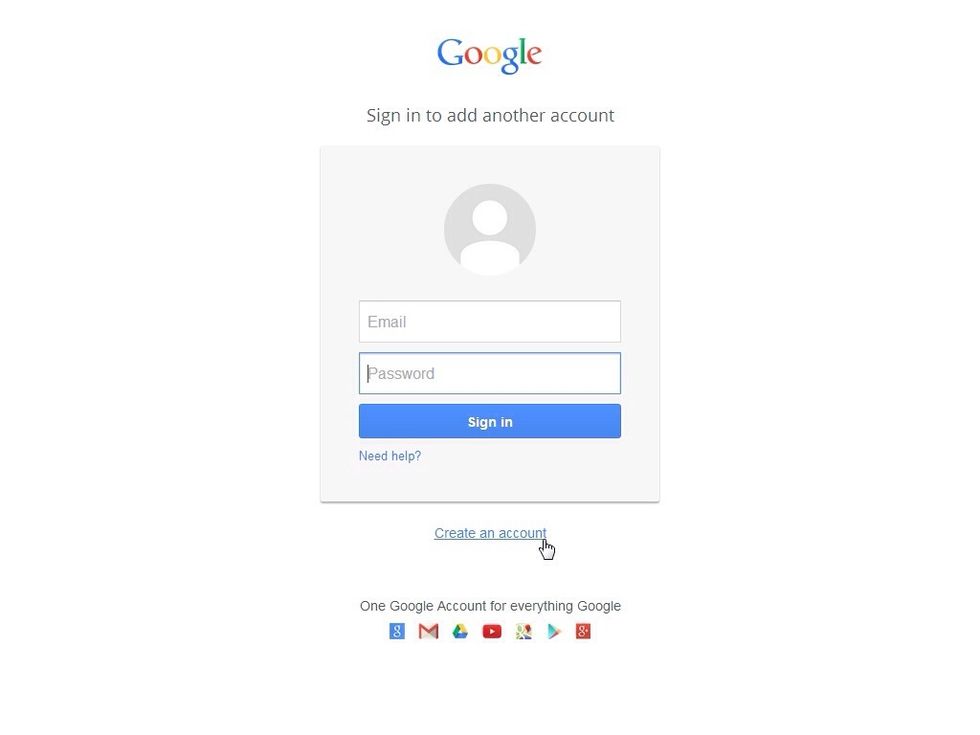
Click the "Create an account" link.
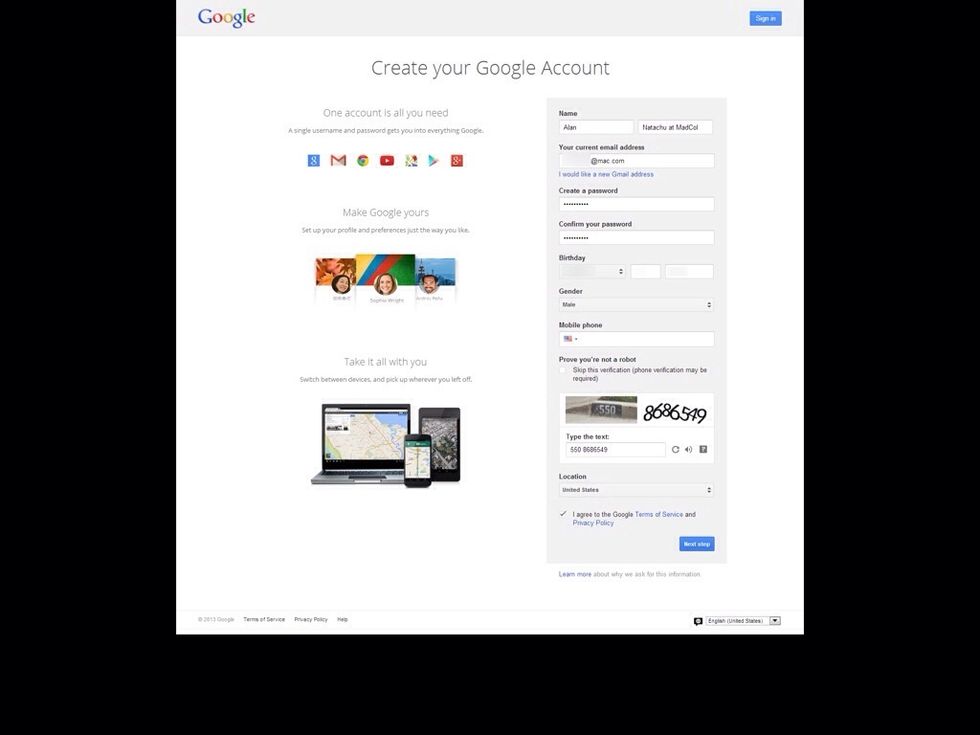
You don't need a gmail address. You can use your own email to sign into YouTube/Google. Fill in all the pertinent information. Click the blue "Next Step" button.
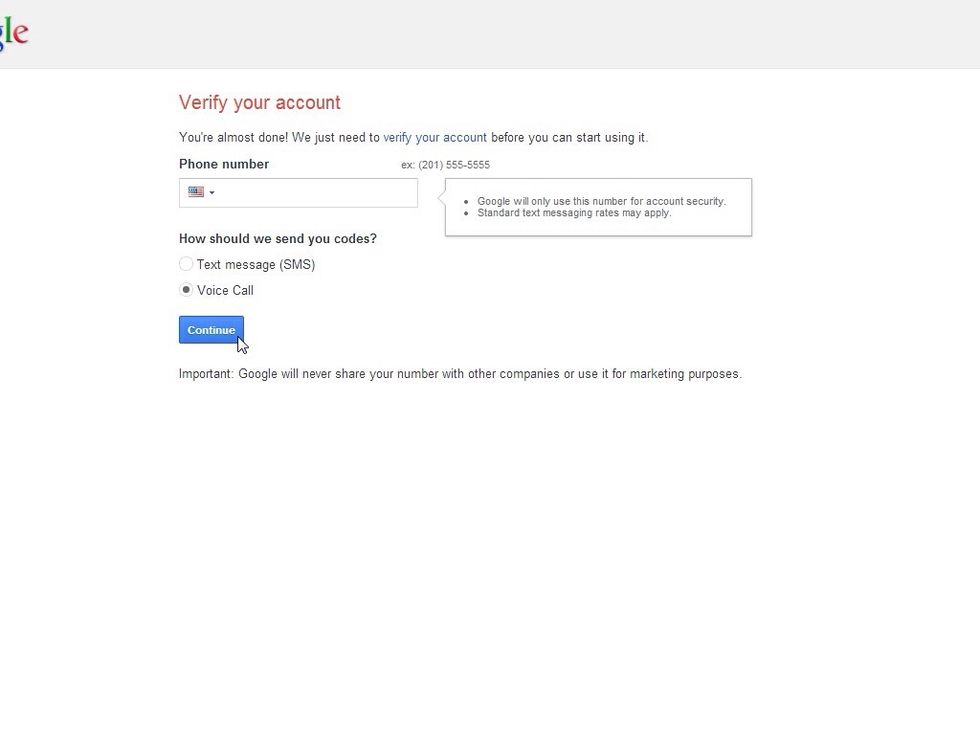
Google will need to call or text you with a verification code. Enter your phone number and way you want to be contacted. In a couple of moments, Google will ring you. DON'T IGNORE THE PHONE CALL.
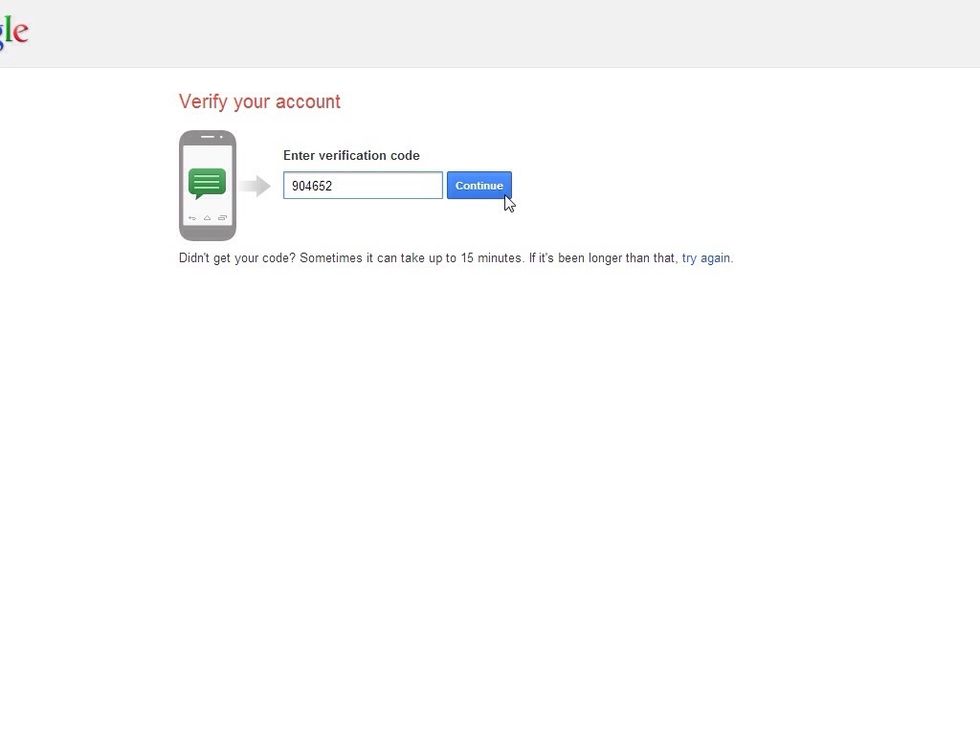
Google will give you a Verification Code via text message or phone call. Enter the number then click the Continue Button.
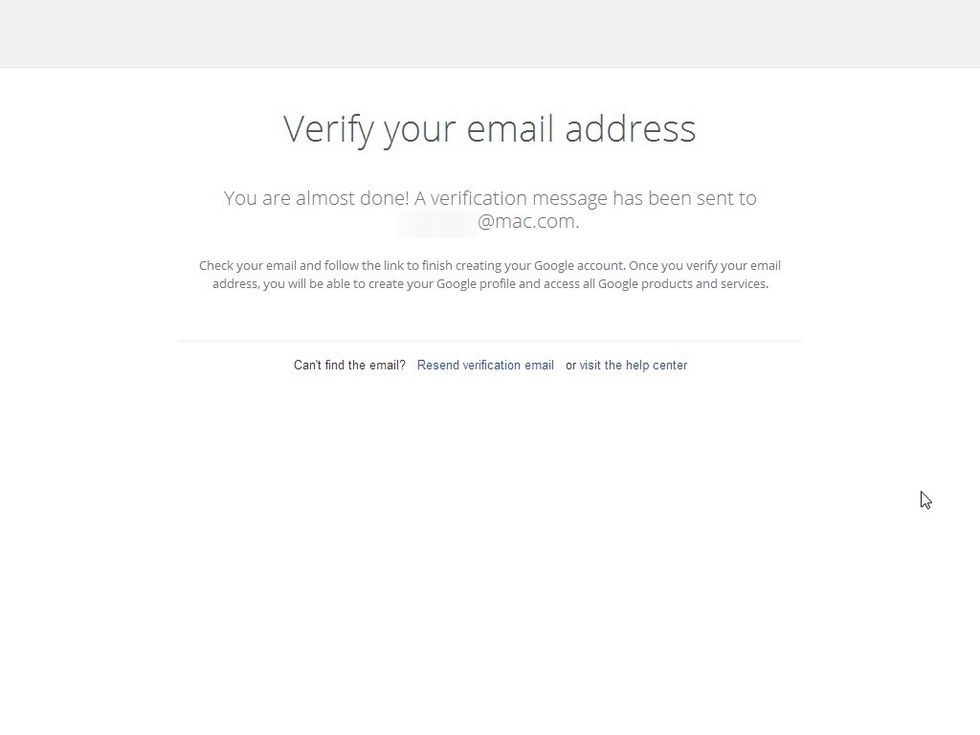
After you enter your verification code, you'll need to check your email to complete the process. Once you verify your email address with Google, log into www.youtube.com and enjoy!